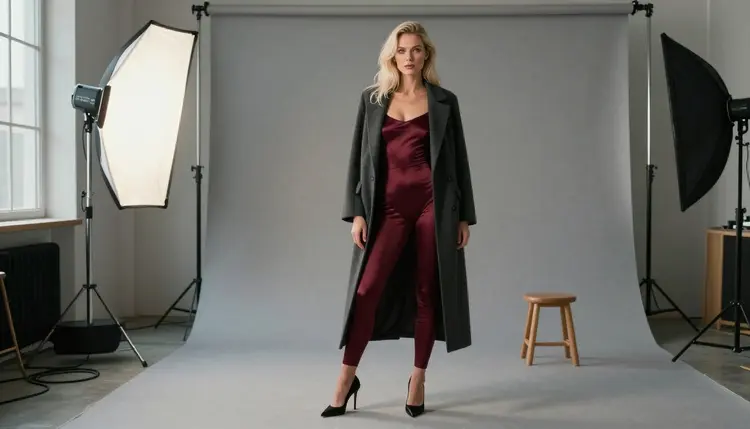
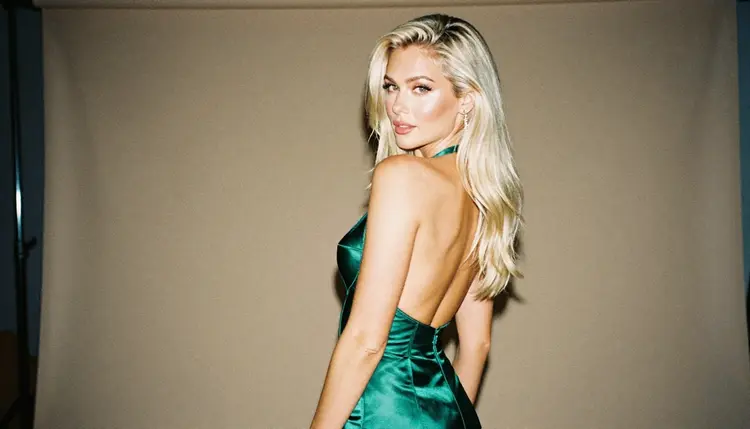
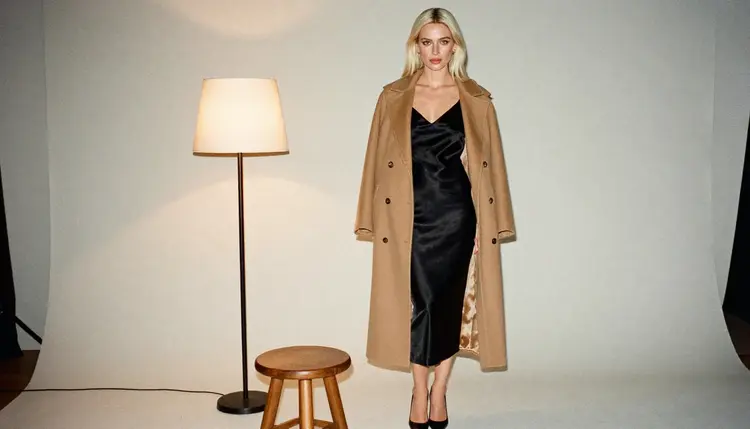
People ask whether GPT Image 2 will take an adult prompt: a boudoir portrait, a satin slip dress, a flirty studio frame with warm lamp light. The honest answer has two parts, and this page keeps them apart. One part is what happens inside Picasso IA. The other is what OpenAI says in its own published documentation.
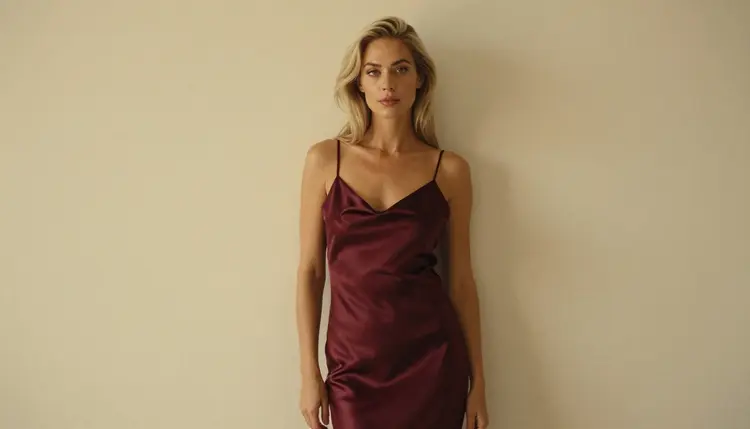
GPT Image 2 is in the Picasso IA catalog, and it is marked unlimited there. Its behavior with adult prompts is untested on our side, which means we have not confirmed it either way. Below you will find a clear way to try it, how to read a refusal, and which models to switch to when a prompt does not go through. Everything here is 18+, about fictional adults only.
Here, GPT Image 2 is untested. Picasso IA has not run adult prompts against it repeatedly, so we do not call it uncensored and we do not call it filtered. It sits in the catalog as a model worth a try, nothing more. You can open GPT Image 2 and test your own prompt in a minute.
On the provider side, OpenAI states in its image generation guide that all prompts and generated images are filtered according to its content policy. According to the same guide, the default moderation setting seeks to limit certain categories of potentially age-inappropriate content. The guide does not itemize what adult content is restricted, so we will not guess at it.
The developer documentation also describes a moderation parameter with two values: auto for standard filtering and low for less restrictive filtering. That is a setting of OpenAI's own API. It says nothing about how a model behaves inside another product, and Picasso IA is not affiliated with OpenAI. Rules like these can change, so check its current rules before you rely on them.
The practical reading is simple. If a prompt is suggestive but tasteful, try it on GPT Image 2 first and see what comes back. If the result is a refusal, you do not lose your work: Picasso IA carries your prompt over to a model that accepts adult prompts, and you keep going from the same text.
The catalog title for this model is "Turn Any Prompt into an Image with GPT Image 2". That describes the task: you type a prompt, you get an image. We will not add speeds, sizes or limits that the catalog does not state. The model is by OpenAI, and according to OpenAI's documentation the GPT Image family generates and edits images from text prompts and is available through its API and ChatGPT.
Because the catalog marks it with the infinity tag, GPT Image 2 does not spend credits on the plans that include unlimited generation. The details live on the pricing page. A small free trial on selected models also exists for new accounts, but GPT Image 2 is not on that trial list, so check the pricing page before you count on it.
What does "untested" mean in practice? Picasso IA labels a model confirmed only after adult prompts were tested against that exact model repeatedly and the model generated instead of rejecting. Every other model is untested. It is a neutral label, not a warning. The full explanation is in what confirmed means, and it is worth a read if you are comparing several models.
A model maker can change its settings at any time, and that is also why the label describes a test, not a promise. A prompt that passes today may be handled differently next month, on any model. Treat the confirmed list as the stable fallback and the untested models as a place to experiment.
Work through the same short routine every time. It takes a few minutes and tells you exactly where a prompt stands, without any guessing about what a model will or will not do.
- Try Your Prompt. Open the toolkit, choose GPT Image 2 and paste a prompt about a fictional adult: wardrobe, pose, light, lens. Keep it provocative and tasteful, never explicit.
- Read The Result. If an image arrives, check the details you asked for, such as the fabric, the light direction and the framing. Adjust one detail at a time so you know what changed the picture.
- Recognise The Refusal. When a model declines, Picasso IA shows a message titled "Content Not Supported by This Model". It is not an error in your account. It means that model did not accept the prompt.
- Switch To A Confirmed Model. The message recommends models that accept adult prompts and carries your prompt over, so you do not retype anything. Seedream 4.5 is the natural first choice for photoreal frames.
- Refine With Editor Pro. Take the image you like into Picasso Image Editor Pro and change one thing at a time: a color, a strap, the light. Editing an existing picture is often faster than starting over.
When GPT Image 2 does not take a prompt, these are the models Picasso IA has tested with adult prompts, repeatedly, and watched generate instead of reject. They are the fallback, and for many projects they are simply the better first stop.
A simple split works well. Use Seedream 4.5 when you want a photographic look with film grain and a real lens feel. Use Recraft V4.1 Pro when the goal is a designed, print-ready picture. Use the editor to fix a single detail on a frame you already like, and move to a video model when a still is not enough.
If you also use ChatGPT for images, the page on ChatGPT NSFW images covers that product by category, and GPT Image 1 covers the earlier model in the same family. Midjourney, Adobe Firefly and Nano Banana 2 each have their own page too: Midjourney, Adobe Firefly and Nano Banana 2.
Picasso IA is for adults only. You must be 18 or older to use the adult side of the toolkit, and nothing on this page is written for anyone else. If you are not an adult, this is not the place for you.
Every character you create must be a fictional adult. Never use a real or identifiable person, and never write a prompt that describes or hints at anyone who could read as a minor. A prompt that does either is outside the rules, whichever model you use.
Your generations are private by default. What you create is tied to your account and is not published or shown to other people. That also means you are the one responsible for what you do with the files afterward, so keep the same rules in mind when you share anything.
A new account can try a few generations for free on selected models: Picasso IA Image, Picasso IA Editor Pro, Picasso IA Video and Seedance 2.5 Lite. It is a small free trial on selected models, not on the whole catalog. The pricing page explains how credits work, because the cost of a generation varies with the model and with options such as resolution or duration.
Models carrying the infinity tag do not spend credits on the plans that include unlimited generation. In this page's context that means GPT Image 2, Picasso Image Editor Pro, Picasso IA Video and Seedance 2.5 Lite. Seedream 4.5, Recraft V4.1 Pro and LTX 2.3 Pro are not tagged that way.
Where is GPT Image 2 the better choice? When your prompt has no adult angle at all, such as a clean studio portrait with no styling that a filter would care about, or when you already work with OpenAI's own tools and want the same model in both places. Picasso IA is not affiliated with OpenAI, and we do not use its logos or interface text.
If you want to compare Picasso IA with the chat product more broadly, read Picasso IA versus ChatGPT. To browse beyond these models, open the full catalog; it holds hundreds of models, and most of them are untested, so they are worth a try but not confirmed either way.
Is GPT Image 2 NSFW on Picasso IA?
It is untested here. Picasso IA has not run adult prompts against it repeatedly, so it is neither confirmed nor ruled out. You can try your own prompt on it, and if the model declines, switch to a confirmed one with the prompt carried over.
What does OpenAI say about adult content for GPT Image 2?
According to its image generation guide, all prompts and generated images are filtered under its content policy, and the default setting seeks to limit certain categories of potentially age-inappropriate content. The guide gives no detailed list, so check its current rules.
What is the moderation parameter?
OpenAI's API documentation describes a moderation parameter with two values: auto for standard filtering and low for less restrictive filtering. It belongs to OpenAI's API and does not change how any model behaves inside Picasso IA.
Does GPT Image 2 cost credits?
The catalog marks it unlimited, so it does not spend credits on the plans that include unlimited generation. Details are on the pricing page. It is not one of the models in the small free trial, so check that page before you start.
What happens when a model refuses my prompt?
Picasso IA shows a message titled "Content Not Supported by This Model". It recommends models that accept adult prompts and carries your prompt over, so you can continue without retyping. Nothing else about the refusal is promised here.
Which model should I use if GPT Image 2 does not work?
For photoreal frames, start with Seedream 4.5. For print-ready design work, try Recraft V4.1 Pro. All confirmed models are listed in the table above.
Can I edit an image after it is generated?
Yes. Picasso Image Editor Pro edits an existing image and is marked unlimited in the catalog. It is also one of the confirmed models and part of the small free trial on selected models.
Can I make video instead of a still?
Yes. LTX 2.3 Pro makes 4K video from text, and Picasso IA Video works from text or an image. Seedance 2.5 Lite is listed up to 10 seconds.
Who can I create with these models?
Only fictional adults. Everything on Picasso IA's adult side is 18+, with no real or identifiable people and no one who could read as a minor. Your generations are private by default and tied to your account.
Is Picasso IA affiliated with OpenAI?
No. Picasso IA is not affiliated with OpenAI, and GPT Image 2 is simply one model in the catalog. OpenAI's rules can change at any time, so read its current rules for the authoritative answer. More related reading is in the Midjourney page.