A content creator rarely needs one picture. You need a set: a profile image, a wide banner, a handful of teasers, a short clip, all showing the same fictional adult character in a look that stays recognizable from the first frame to the last. This page shows how to plan and build that set with the NSFW AI generator in Picasso IA, using models that Picasso IA has tested against adult prompts and watched generate instead of reject.
The pictures are provocative, never explicit. Think satin robes, lace-lined lingerie under an open blazer, a slip dress with a cardigan, boudoir light and implied mood. Every character is a fictional adult, no one is a real person, and nothing you make is shown to anyone until you decide to publish it yourself. Everything runs in the browser, so there is nothing to install before you start.
Before you open the toolkit, decide what the finished set has to do. A creator set usually has four jobs. A square or tight portrait works as the avatar. A wide 16:9 frame works as a banner or a header. Two or three vertical or medium shots work as teasers. One short clip gives the feed some movement. Six to ten stills plus one or two clips is a realistic first target, and it is enough to feel like a real persona instead of a single lucky render.
The second need is consistency. Followers notice when the character changes between posts, so write down what stays fixed: age range (mid twenties or older, always an adult), skin tone, hair length and color, freckles or laugh lines, jewelry, and one or two signature garments. Then pick a small set of variables that are allowed to change: the pose, the angle, the time of day, the robe or the blazer.
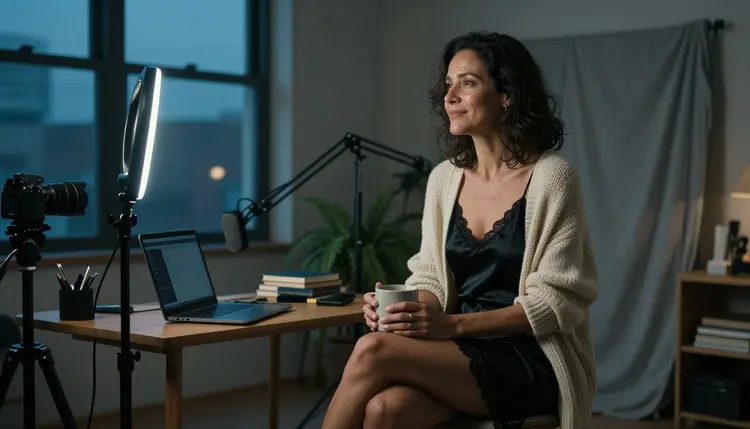
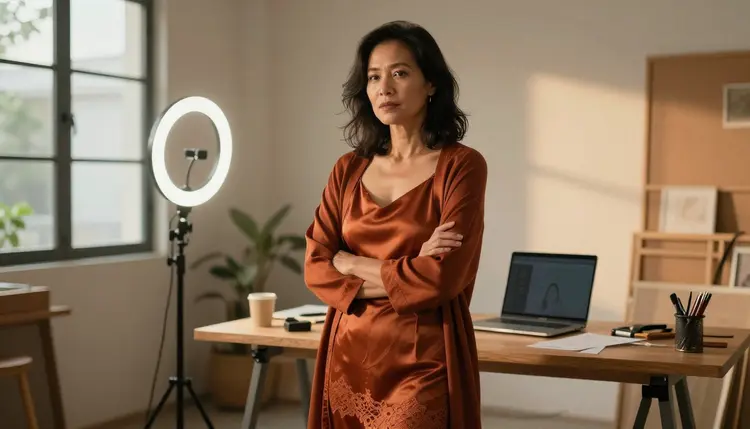
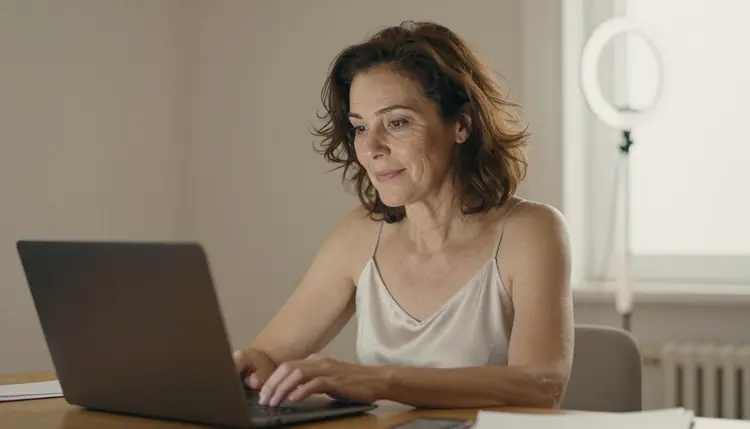
The third need is a world. A recognizable room does a lot of work. A compact home studio with a ring light, a tripod, a laptop, a grey linen backdrop and a fern gives every picture a shared background even when the wardrobe changes.
The last need is a plan for where the pictures will live. Each platform, store and print service has its own adult-content rules, and they change. Picasso IA does not decide for them. Build the set first, then check the rules of wherever you publish before you upload anything.
Picasso IA keeps a short list of models it has tested with adult prompts, repeatedly, and watched generate instead of reject. That is what "confirmed" means here. It is not a published setting of the model's maker, who can change it at any time, and this explainer on what confirmed means covers the details. Six models are on the list, three for images and three for video.
| Model | Best for | Format |
|---|
| Seedream 4.5 | Photoreal portraits and wide frames | Image, 4K from text |
| Recraft V4.1 Pro | Illustrated or designed variants, covers, banners | Image, 2K, print-ready |
| Picasso Image Editor Pro | Fixing and refining an existing image | Image edit, infinity tag |
| LTX 2.3 Pro | A cinematic teaser clip from a text description | Video, 4K from text |
| Picasso IA Video | Animating a still or writing a clip from text | Video, text or image, infinity tag |
| Seedance 2.5 Lite | Short loops for a feed | Video, up to 10 seconds, infinity tag |
For a creator persona, two image models do most of the work. Seedream 4.5 is the main camera: it turns a written description into a 4K photoreal frame, which is what you want for an avatar, a banner and the teaser stills. Picasso Image Editor Pro is the retouching desk. Once a frame is almost right, it lets you change a detail without starting over, and because it carries the infinity tag you can iterate without watching a credit meter on plans that include unlimited generation.
Recraft V4.1 Pro earns a place when the project needs a graphic look: a stylized header, a poster-like cover, a logo-adjacent image that has to hold up in print at 2K. It is strong on illustration and design, so use it when the set should read as artwork and not as a photograph.
For motion, Picasso IA Video is the easy first stop, since it takes a text description or an existing image and turns it into a clip. LTX 2.3 Pro is the one to pick when a clip should look like a short film shot in 4K. Seedance 2.5 Lite is listed up to 10 seconds, which suits a loop.
Everything else in the full catalog is untested. Seedream 5, Qwen Image 2, Picasso Video (Pruna P-Video) and many more are worth a try, but they are not confirmed either way, so do not assume they will accept or refuse a prompt. Seedance 2.5 is also a different model from Seedance 2.5 Lite.
The method is the same whether you are making a dozen teasers or a single banner. Plan first, describe once, generate one strong key image, copy what works into the rest of the set, then polish. Follow these five steps in order.
- Plan the set. Write the shot list: avatar, banner, two teasers, one detail shot, one clip. Note the aspect ratio of each and where it will be used, so nothing gets cropped badly later.
- Write the character and scene description. Put the fixed traits in one paragraph: adult age range, skin tone, hair, wardrobe, jewelry, the room, the light and the lens. Save it as a block you can paste into every prompt.
- Generate the key image. Open the toolkit, pick Seedream 4.5 and run the full description for your strongest frame. Run it a few times and keep the one that best matches your character notes.
- Build the rest of the set. Reuse the saved block and change only the pose, angle or time of day. Where the model accepts several inputs, attach the key image and refer to it with its @1 badge so the character carries over.
- Refine and export. Open the best frames in Picasso Image Editor Pro to fix a strap, a hand or a background detail, then export the finals and check each one against the rules of the place you will post it.
A good prompt reads like a call sheet. It says who is in the frame, what she wears, where she is, how the light falls and which lens is shooting. Here is one example for a hero banner: "Raw photograph, wide frame of a Brazilian adult woman in her mid thirties with visible laugh lines, sitting sideways on a low stool in a compact home studio at blue hour, black satin slip dress with lined lace trim under a loose cream knit cardigan, holding a ceramic mug, looking toward a tripod camera, ring light and laptop in the background, cool window light from the left, 70mm lens, film grain."
Notice what is in it. There is a specific age range and a specific detail of the face. The wardrobe is opaque and named: satin, lace trim, cardigan. The light has a direction. The camera has a focal length. That is the vocabulary that turns a vague idea into a repeatable result, and it keeps the picture on the glamour side of the line.
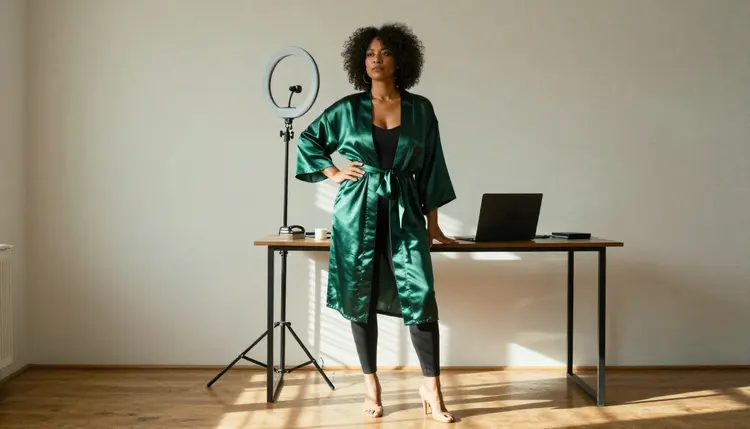
Wardrobe is the easiest lever. A satin robe over a lined black bodysuit, a navy lace bralette under an open grey blazer, a burgundy camisole with trousers, a rust slip dress with a long cardigan, a cream robe at a desk: each one gives the same character a different mood without changing her. Pair each with a setting that supports it, such as hard morning sun through blinds for the robe, blue-hour window light for the blazer and a warm desk lamp for the evening frame.
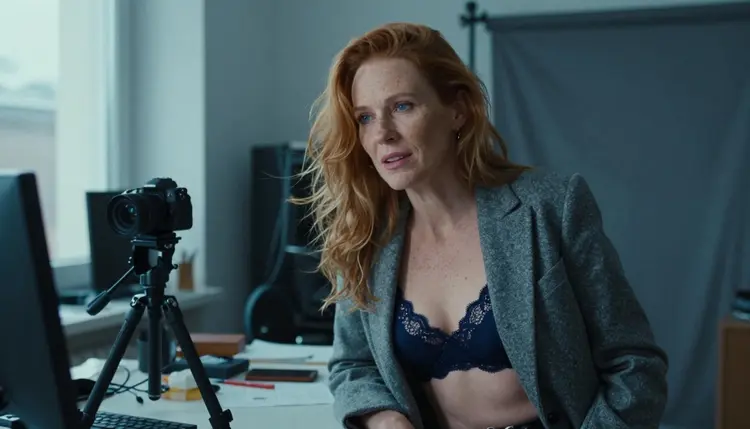
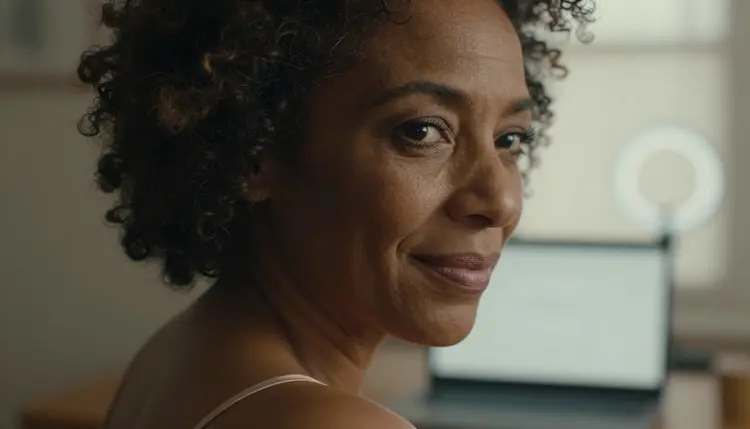
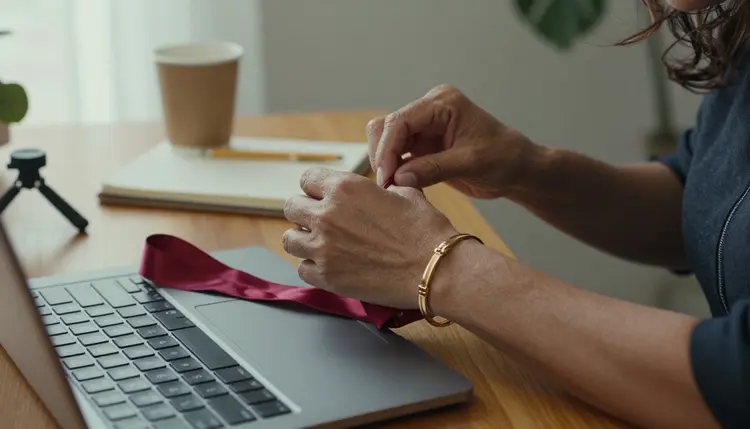
Angles give you variety without new wardrobe. A low-angle full-length frame at 35mm feels confident. A tight close-up at 85mm shows the face and one thin strap. A detail shot of hands adjusting a bracelet at 24mm shows texture. A mirror frame, an over-the-shoulder frame and an overhead shot of a desk with contact sheets all reuse the same room and character, and together they read as a photographer's day with one subject.
To keep the same fictional character across images, three habits help. Paste the same description block every time and only edit the lines that must change. Keep the lens and light language consistent inside a batch. And when a model accepts several inputs, attach your key image: in the toolkit each attached image gets an @1, @2 badge, you refer to it in the prompt, and Picasso IA translates that reference into the syntax the model expects. Only models that accept several inputs show those badges, so use them with a model that does.
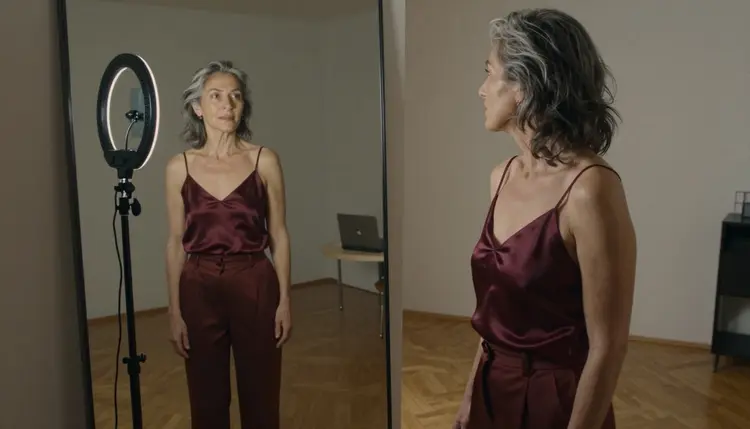
When one frame is nearly right, do not re-roll it. Send it to Picasso Image Editor Pro and ask for a single change, such as a different cardigan color or a cleaner background. Small, specific edits keep the face and the pose that you liked in the first place.
Stills can become clips when the project calls for movement. Feed a finished frame into Picasso IA Video and describe a slow motion: a hand reaching for the mug, a turn toward the camera, light shifting across the desk. Choose LTX 2.3 Pro when you want a cinematic 4K clip written from text, or Seedance 2.5 Lite for a short loop of up to 10 seconds. Keep each clip simple, one action per prompt.
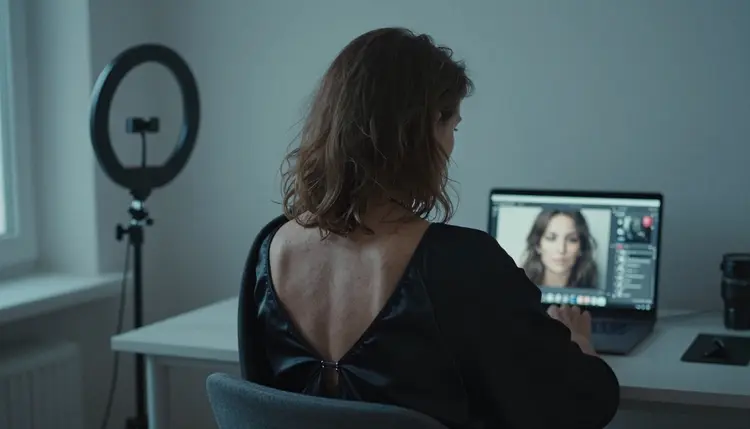
If you also need an eye-catching image for a video or a post, the page on creating NSFW images for a content thumbnail covers framing for small previews. For a persona that is entirely invented, the NSFW AI influencer generator with fictional models only goes deeper on building a consistent character. And if your project is sequential art, see the NSFW AI generator for comic creators.
Picasso IA is for adults only. You must be 18 or older to use the NSFW generator, and every prompt should describe adult subjects in adult settings.
Characters are fictional adults, always. Never use a real or identifiable person, never a celebrity, never a photo of someone you know, and never describe anyone who could read as a minor. A creator persona works best as an invented character with her own face, wardrobe and room, and that is also what keeps your project safe to publish.
Your generations are private by default. What you create is tied to your account and is not published or shown to other people. Sharing is your decision, and so is the choice of where it goes.

Publishing rules are a separate question. Platforms, stores, print services and payment providers each publish their own policies for adult material, and those policies can change. Read the current rules of the place where the set will live, keep the images provocative rather than explicit, and decide per image whether it belongs there. If you are weighing why creators move to a tool with fewer prompt refusals, this list of reasons creators switch to an uncensored NSFW AI generator is a useful companion.
A new account can try a few generations for free on selected models: Picasso IA Image, Picasso Image Editor Pro, Picasso IA Video and Seedance 2.5 Lite. It is a small free trial on selected models, not the whole catalog, so use it to test your character description before you plan a larger set. Plans, credits and the unlimited option are explained on the pricing page.
Credits vary by model and by options such as resolution or duration, so a 4K frame and a short clip do not cost the same. Models that carry the infinity tag do not spend credits on the plans that include unlimited generation, which makes them a good place to iterate on retouching and motion tests.
If a model stops a prompt, Picasso IA shows a message titled "Content Not Supported by This Model". It recommends models that accept adult prompts and carries your prompt over, so you do not have to type it again. Switching to one of the confirmed models is usually the fastest fix, and the best NSFW AI generator with no content filter shows how to compare options.
Beyond the six confirmed models, there is room to experiment. Seedream 5 and Qwen Image 2 are worth a try for image variations, and Picasso Video (Pruna P-Video) is worth a try for clips. They are untested for adult prompts, so treat the results as an experiment and keep the same adult, fictional and non-explicit rules.
What is an NSFW AI generator for content creators?
It is a browser tool that turns written descriptions into images and short clips of fictional adult characters, so a creator can build a consistent set of avatars, banners and teasers. In Picasso IA the results are provocative but not explicit, and everything stays private to your account until you publish it.
Which Picasso IA models are confirmed for adult prompts?
Six: Seedream 4.5, Recraft V4.1 Pro and Picasso Image Editor Pro for images, and LTX 2.3 Pro, Picasso IA Video and Seedance 2.5 Lite for video. Confirmed means Picasso IA tested adult prompts on that exact model repeatedly and watched it generate. Every other model is untested.
Can I keep the same character across a whole set?
Yes, with habits more than settings. Paste one saved description block into every prompt, change only the pose or angle, keep your lens and light wording steady, and attach your key image with its @1 badge when the model accepts several inputs. Then fix small details in Picasso Image Editor Pro.
Can I use a photo of a real person?
No. Characters must be fictional adults. Never use a real or identifiable person, a celebrity or someone you know, and never describe anyone who could read as a minor. Invent the face, the wardrobe and the room, and keep the set 18+ from start to finish.
Does Picasso IA publish what I create?
No. Generations are private by default and tied to your account. They are not published or shown to other people. If you post your images on a platform or share them elsewhere, that is your own choice, and the rules of that place apply.
What happens when a model refuses a prompt?
Picasso IA shows a message titled "Content Not Supported by This Model". It recommends models that accept adult prompts and carries your prompt over, so you do not retype it. You can switch to one of the confirmed models and run the same description again.
Can I turn my stills into short clips?
Yes. Picasso IA Video takes a text description or an existing image, LTX 2.3 Pro writes a 4K clip from text, and Seedance 2.5 Lite is listed up to 10 seconds. Keep each prompt to one simple action, such as a turn toward the camera or light moving across a desk.
Are the images explicit?
No. The pictures stay provocative and never explicit: lingerie, satin robes, boudoir light, a mood of implied intimacy. Write wardrobe, pose and light into your prompts, keep every character a fictional adult, and use the same approach when you check each platform's rules.
Can I try it before I pay?
A new account can try a few generations for free on selected models, including Picasso IA Image, Picasso Image Editor Pro, Picasso IA Video and Seedance 2.5 Lite. It is a small free trial, not the whole catalog. The pricing page explains plans, credits and the unlimited option.
Can I post the results on any platform?
Not automatically. Each platform, store and print service sets its own adult-content rules, and they can change. Check the current rules of the place where you publish before you upload, and review each image against them. For related ideas, see the top 7 NSFW AI character creators.