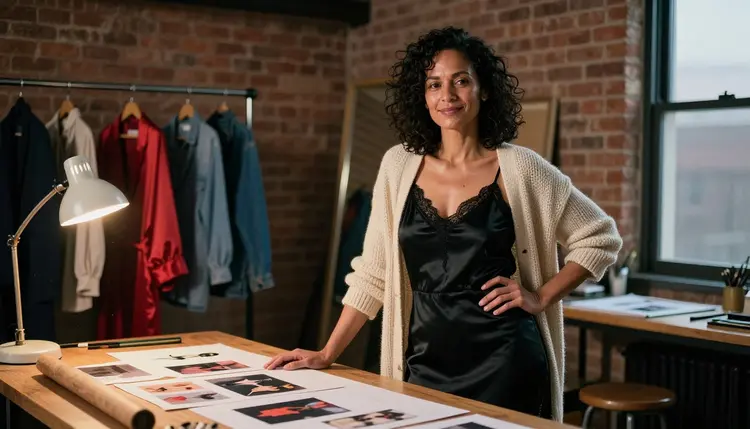
This list is for anyone who wants to design a fictional adult character and see her in more than one frame: a close portrait, a full-length look, a change of outfit, a different angle. Picasso IA does not hand you a character screen with sliders. It gives you the toolkit and a catalog of models, and each model below does one job in a character pipeline: the first image, the edit, the consistency pass, the style change, the variations.
The list starts with the confirmed models and then moves to the untested ones. "Confirmed" means Picasso IA ran adult prompts against that exact model repeatedly and watched it generate instead of reject. It is not a published setting of the model's maker, who can change it at any time. Every other model here is untested: worth a try, not confirmed either way.
Everything on this page is about fictional adult characters, written in the language of glamour, boudoir and flirty mood: lingerie, satin, lamp light, a look over the shoulder. It stays provocative and never explicit. If you want the longer workflow behind a character sheet, how to generate a character turnaround goes through it frame by frame.
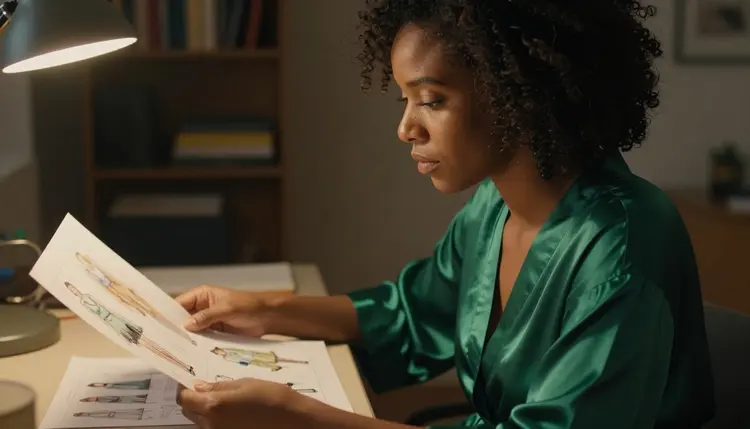
Think of a character sheet as one adult shown in several outfits and angles, with the same face, the same hair and the same build in every frame. The first three entries are confirmed for adult prompts, so they are where you should start. The fourth is the first untested model on the list, and it is here because its whole job is consistency.
1. Seedream 4.5. Seedream 4.5 creates 4K images from text, and it is confirmed for adult prompts. Use it for the master portrait of your character: write her age as an adult range such as mid thirties, name the wardrobe (a black satin slip dress under a cream cardigan), the light (a warm tungsten lamp) and the lens (50mm f/1.4), and ask for visible film grain. The result is the reference frame every later image is measured against.
2. Recraft V4.1 Pro. Recraft V4.1 Pro makes print-ready images at 2K and is strong on illustration and design, and it is confirmed for adult prompts. Pick it when your character is a drawn or designed one rather than a photographic one: a pin-up poster, a styled lingerie lookbook page, a flat color character plate with clean edges. Keep the same description block you used for the master portrait so the two styles still read as one person.
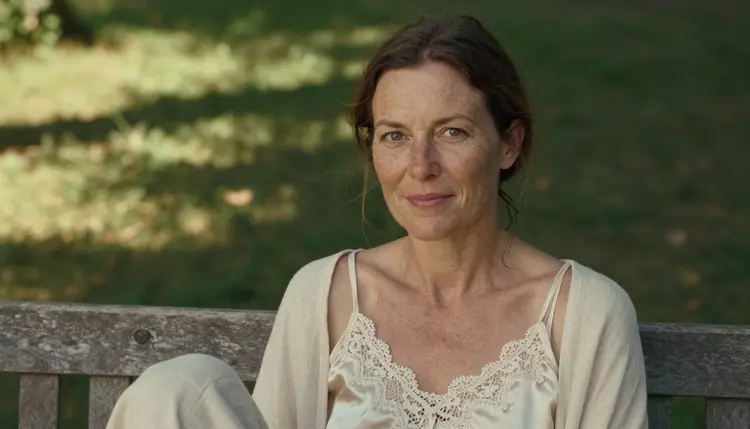
3. Picasso Image Editor Pro. Picasso Image Editor Pro edits an existing image, it carries the infinity tag in the catalog, and it is confirmed for adult prompts. This is the model that turns one portrait into a sheet: keep the face, change the robe to a lace bodysuit under a camel coat, move her from the studio to a terrace. Because it works on a picture you already like, you are changing one thing at a time instead of rolling the dice on a whole new image.
4. Ideogram Character. Ideogram Character is catalogued as a model that keeps characters consistent, and it is untested for adult prompts. Try it with a portrait of your own fictional character as the reference and a short outfit prompt. If it accepts the prompt, you have a second route to consistency; if it does not, Picasso IA shows you what to use next, and the confirmed models above are ready to take over.
The next three are untested. That does not mean filtered and it does not mean open: it means nobody has confirmed either way, so the honest approach is to run a short prompt and see what comes back. They earn their place because each one covers a step the first four do not: text-driven edits, custom styles and portrait variations.
5. Flux Kontext Pro. Flux Kontext Pro edits images with text prompts, and it is untested for adult prompts. The useful move is a small instruction on a finished frame: change the satin dress to a burgundy camisole, keep the pose, keep the face. Small instructions tend to leave the rest of a picture alone, which is what you want when the character has to stay recognizable.
6. P Image LoRA. P Image LoRA is catalogued for generating custom LoRA art, and it is untested for adult prompts. A LoRA is a small add-on that pushes a model toward one look, so this entry is for creators who already have a style they want to repeat, such as a certain illustration finish or a grain and color palette. Treat it as an experiment for the second week of a project, after the character itself is settled.
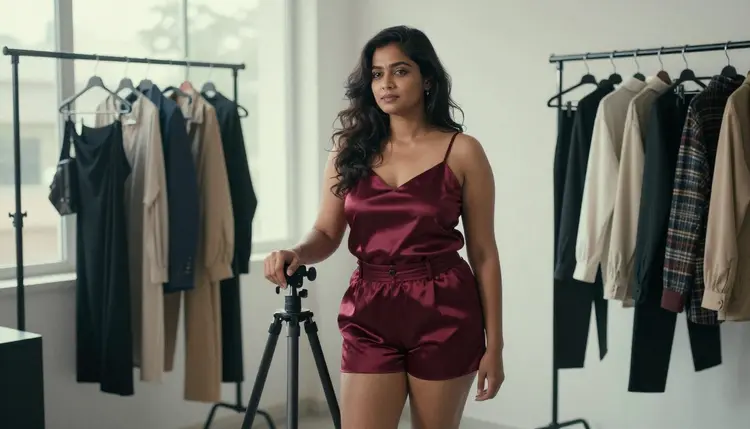
7. Face To Many Kontext. Face To Many Kontext turns portraits into art, and it is untested for adult prompts. Feed it the portrait of your fictional character and ask for other treatments of the same face: a painted version, a comic version, a graphic poster version. Use only portraits of characters you made yourself. A photo of a real person never belongs in this step.
Other platforms and apps exist for character creation too, and their rules differ from model to model and change over time, so check the current rules of any product before you rely on it. Picasso IA is not affiliated with them. Inside Picasso IA, the models above are the ones this page speaks about.
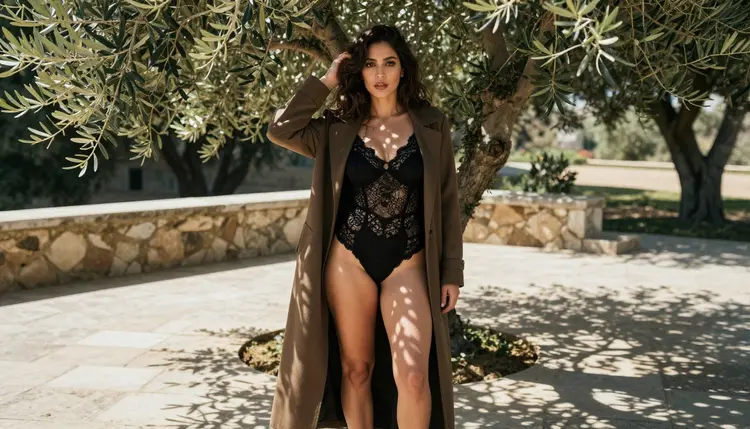
Here is a short routine that works with any model on the list. It keeps the character fixed and changes one variable at a time, so you can tell which prompt caused which result.
- Write the character brief. Describe one fictional adult in a few lines: age range (mid thirties, early forties), build, hair, skin tone, freckles or laugh lines, and one signature piece of wardrobe. Save it as a block of text you will paste at the start of every prompt.
- Start with a confirmed model. Open the toolkit, choose a confirmed text to image model such as Seedream 4.5 and generate the master portrait. Run three or four variations of the same prompt and keep the one that looks most like the person you have in mind.
- Attach the winner as a reference. In the toolkit each attached image gets an @1 or @2 badge, and you can point to it in your prompt. Picasso IA translates that reference to the syntax each model understands, and only models that accept several inputs show the badges.
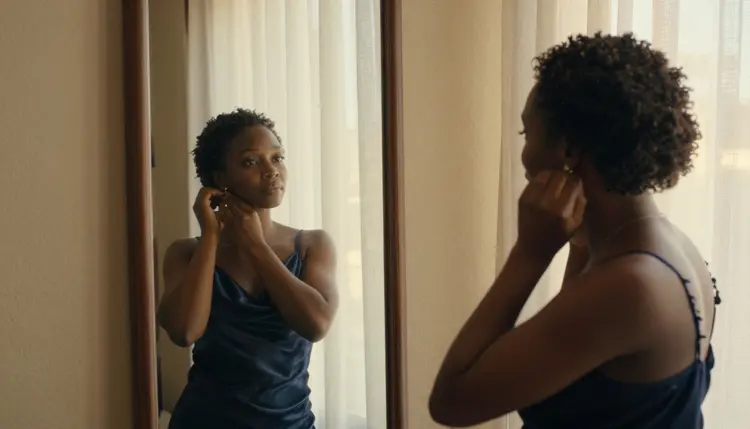
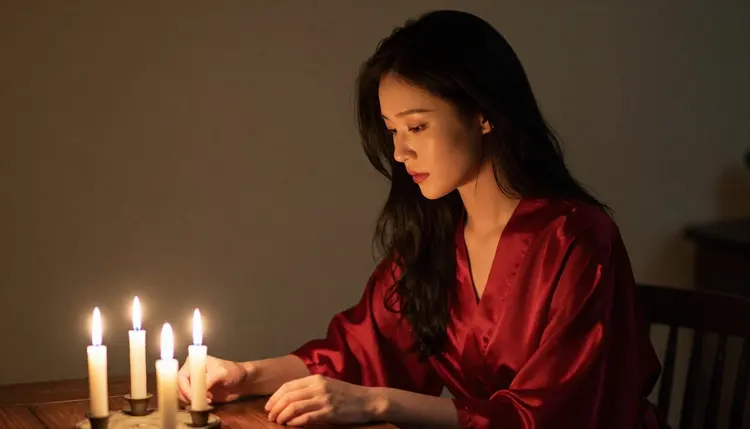
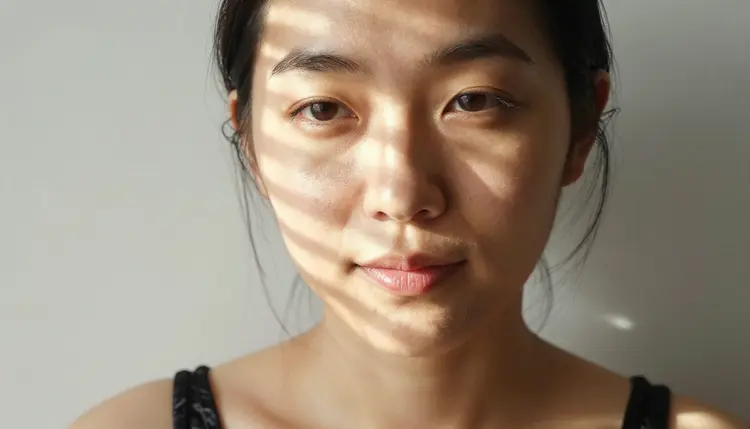
- Change one thing per frame. Keep the brief and change a single element: the outfit, the angle, the light or the setting. A mirror frame at golden hour, a profile in candlelight, a tight close-up in hard morning sun: each is a separate generation of the same character.
- Test the untested, then save. Run a short prompt on one untested model from the list. If it works, add it to your routine. If the app shows a message titled "Content Not Supported by This Model", switch back to a confirmed model and keep going.
This table covers the confirmed models that matter for character sheets, with what each one is best for and its format. The image models build and edit the character, and the video models bring finished characters to life.
| Model | Best for | Format |
|---|
| Seedream 4.5 | Master portrait from text | Image, 4K |
| Recraft V4.1 Pro | Illustration, pin-up and design plates | Image, print-ready at 2K |
| Picasso Image Editor Pro | Outfit and setting changes on an existing image | Image edit, infinity tag |
| LTX 2.3 Pro | A cinematic clip of the character from text | Video, 4K from text |
| Picasso IA Video | Animating a text prompt or a finished portrait | Video, text or image, infinity tag |
| Seedance 2.5 Lite | A short loop of a pose or a walk | Video, up to 10 seconds, infinity tag |
The untested models are the last entries of the list: Ideogram Character, Flux Kontext Pro, P Image LoRA and Face To Many Kontext, plus anything else in the full catalog that you want to try. For that group, run one short prompt before you commit a whole session to it.
Picasso IA is for adults only. You must be 18 or older to use the NSFW tools, and every character you create has to be an adult too, from the age range you write in the prompt to how the wardrobe, the pose and the setting read on screen.
Characters are fictional adults. Do not use a real or identifiable person, a celebrity or a photo of someone you know as the starting point, and do not create anyone who could read as a minor. If a prompt only works by blurring that line, the prompt is wrong and you should rewrite it.
What you generate is private by default: it is tied to your account and not published or shown to others. Keep that in mind when you share outputs yourself, and keep the same rules for anything you post elsewhere. The sibling guides on an original character generator and on character concept ideas follow the same limits.
A new account can try a small free trial on selected Picasso IA models: Picasso IA Image, Picasso IA Editor Pro, Picasso IA Video and Seedance 2.5 Lite. That is enough to build a first portrait, change its outfit and animate the result before you decide anything. The trial does not cover the whole catalog, so a model such as Seedream 4.5 or LTX 2.3 Pro runs on credits, and the amount varies by model and by options such as resolution or duration.
Models marked with the infinity tag in the catalog do not spend credits on the plans that include unlimited generation. In this list that means Picasso Image Editor Pro, Picasso IA Video and Seedance 2.5 Lite. The details of what each plan includes live on the pricing page, so read it before you plan a long editing session.
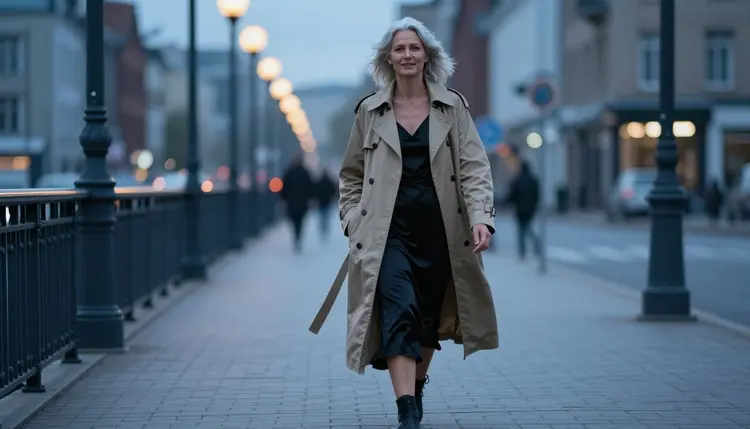
For your next step, open the toolkit and build the master portrait first. Then follow consistent character generation to lock the face, or how to build a character from scratch if you are still at the brief stage. Creators who plan to publish a series can read the generator for content creators as well.
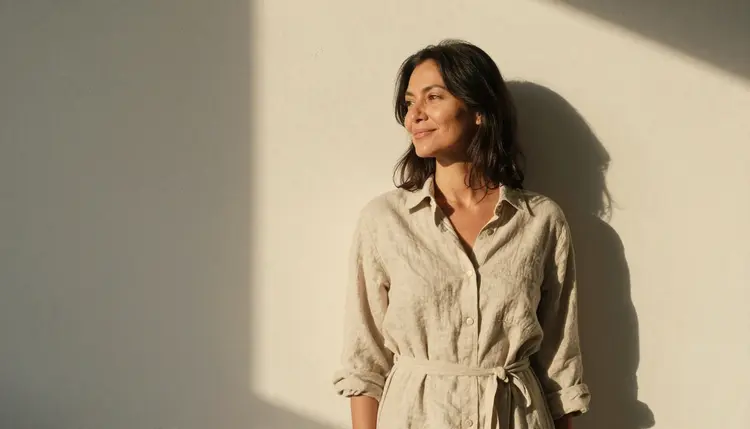
What is an NSFW AI character creator on Picasso IA?
It is a set of models in the toolkit that you combine to design a fictional adult character: one model makes the master portrait, another edits the outfit or the setting, and a third keeps the face consistent. It is not a single app with sliders, and everything stays provocative but never explicit.
Which models are confirmed for adult prompts?
For images, Seedream 4.5, Recraft V4.1 Pro and Picasso Image Editor Pro. For video, LTX 2.3 Pro, Picasso IA Video and Seedance 2.5 Lite. Confirmed means Picasso IA tested adult prompts against each model repeatedly and watched it generate, which is not a published setting of the maker, who can change it at any time.
How do I keep the same character across several images?
Generate one strong master portrait, then attach it as a reference and change one element per prompt. In the toolkit each attached image gets an @1 or @2 badge you can use in the text. Picasso Image Editor Pro is the easiest way to keep the face and change the rest.
Can I use a photo of a real person as a reference?
No. Characters on Picasso IA are fictional adults only, never a real or identifiable person and never anyone who could read as a minor. Use portraits of characters you generated yourself, and write the description from imagination rather than from someone's photo.
What happens if a model refuses my prompt?
The app shows a message titled "Content Not Supported by This Model". It recommends models that accept adult prompts and carries your prompt over, so you do not retype anything. From there, pick one of the confirmed models and run the same prompt again.
Are my characters and images private?
Yes, generations are private by default. What you create is tied to your account and is not published or shown to other people. If you choose to share a result somewhere else, that is your decision, and the same adults-only, fictional-only rules still apply to it.
Can I turn a character into a video?
Yes. LTX 2.3 Pro makes 4K video from text, Picasso IA Video works from text or from an image, and Seedance 2.5 Lite is listed up to 10 seconds. All three are confirmed for adult prompts.
Is there a free way to try this?
A new account can try a small free trial on selected models: Picasso IA Image, Picasso IA Editor Pro, Picasso IA Video and Seedance 2.5 Lite. Nothing needs installing, since everything runs in the browser. Other models run on credits, and the pricing page explains how plans and the infinity tag work.
Is it worth trying the untested models?
Yes, with a small prompt first. Untested means not confirmed either way, so none of them is described here as filtered or as filter-free. Ideogram Character, Flux Kontext Pro, P Image LoRA and Face To Many Kontext each cover a different step of a character sheet, and a single test prompt tells you whether they fit your routine.
Who can use these tools and which characters are allowed?
Only adults, 18 and older. Every character has to be a fictional adult: no real or identifiable person, no celebrity and no one who could read as a minor. Wardrobe, pose and mood can be flirty, spicy and suggestive, but the pictures stay provocative and never explicit.