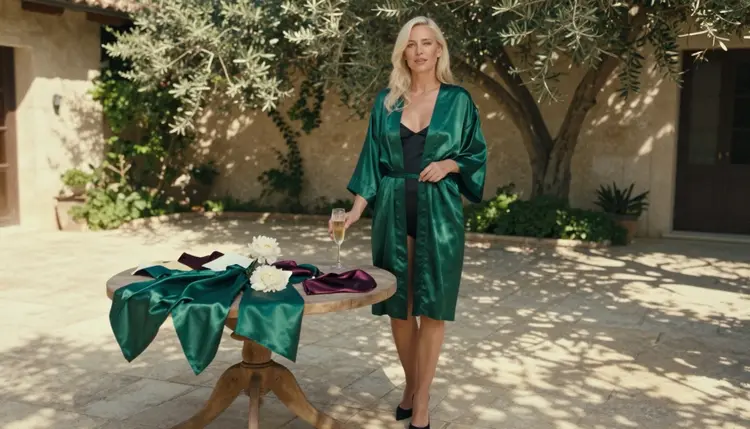
Comparing NSFW AI generators is mostly a question of two things: what each model can make, and how it reacts when a prompt turns adult. This page puts the models you can use in Picasso IA side by side so you can pick one in a few minutes instead of testing blindly. Every character in every example is a fictional adult, the mood is glamour, boudoir and swimwear, and nothing here goes explicit.
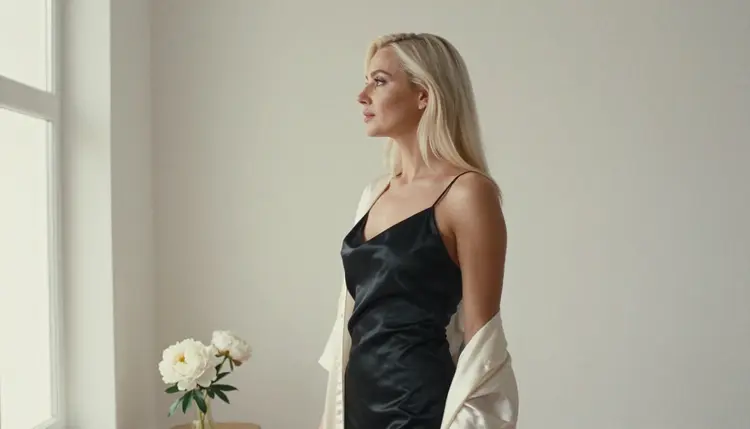
The comparison is built around one honest split. Some models are confirmed, meaning Picasso IA tested adult prompts against them over and over and watched them generate instead of reject. Everything else in the catalog is untested: worth a try, but not confirmed either way. You will find a table for each group below, plus a short method for testing a new model yourself, the rules of the section and the details of the free trial. If you want the longer ranked versions of this topic, the lists of NSFW AI image generators and NSFW AI video generators go deeper on each format.
Before content rules even come into play, generators differ in the job they do. Three differences matter most when you are choosing: image or video, generating from scratch or editing something you already have, and how much control you get over the final file.
Image models turn a written prompt into a still. Seedream 4.5 creates 4K images from text, which makes it the pick for photoreal work where detail in fabric, skin light and background matters. Recraft V4.1 Pro produces print-ready images at 2K and leans toward illustration and design, so it suits posters, stylized pin-up looks and anything that has to hold up on paper.
Editing is a different job. Picasso Image Editor Pro works on an image you already have: you attach it and describe the change, such as a new outfit color, a different background or a warmer light. It carries the infinity tag in the catalog, which matters for anyone who iterates a lot. If your first result is close but not right, editing is usually faster than rewriting the whole prompt.
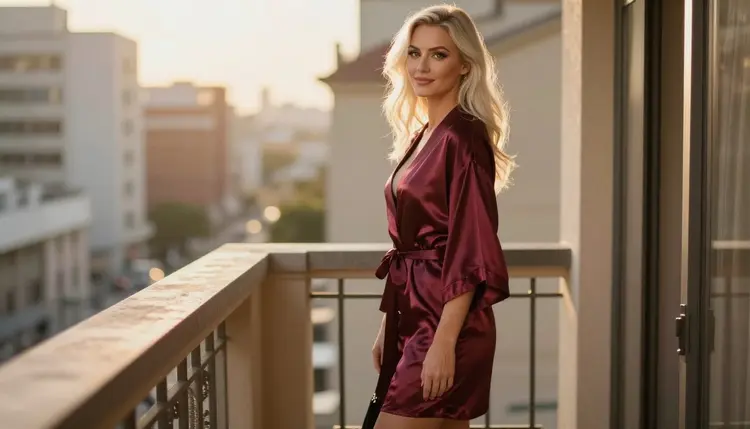
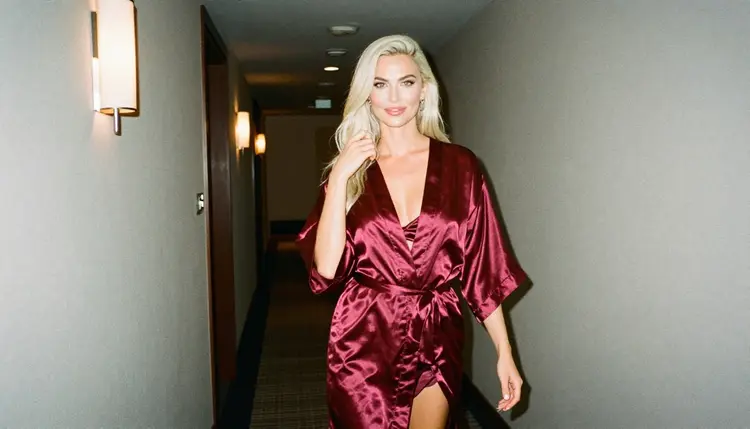
Video models add motion. LTX 2.3 Pro makes 4K video from text. Picasso IA Video turns text or an image into a clip and is listed as free and unlimited. Seedance 2.5 Lite is listed as free and unlimited too, with clips up to 10 seconds. A common routine is to build a still you like with an image model, then feed it to a video model as the starting frame and describe a small movement: a slow turn toward a window or a walk down a hotel corridor is plenty.
One more difference is easy to miss: the way you reference your own material. In the toolkit, each attached image gets an @1, @2 badge, and you can point to it inside the prompt. Picasso IA translates that reference into the syntax the chosen model understands. Only models that accept several inputs show the badges, so check for them when your plan involves a base photo plus a style reference.
Content Rules, Confirmed and Untested
When people say "content rules" about an AI generator, they usually mean one practical thing: will the model make the picture, or will it refuse? That is the axis this comparison uses, and it has two values.
Confirmed means Picasso IA ran adult prompts against that exact model repeatedly and saw it generate. It is a statement about what we observed, not a published setting from the model's maker, who can change behavior at any time. Seedream 4.5, Recraft V4.1 Pro, Picasso Image Editor Pro, LTX 2.3 Pro, Picasso IA Video and Seedance 2.5 Lite have that status. For image models in particular, the list of uncensored AI image generators is a good companion to this page.
Untested means exactly that. Hundreds of other models sit in the catalog, and none of them is called filtered or filter-free here, because nobody has checked. A model can be excellent and still be untested for adult prompts. Treat it as an experiment: try a flirty, suggestive prompt in swimwear or lingerie and see what comes back.
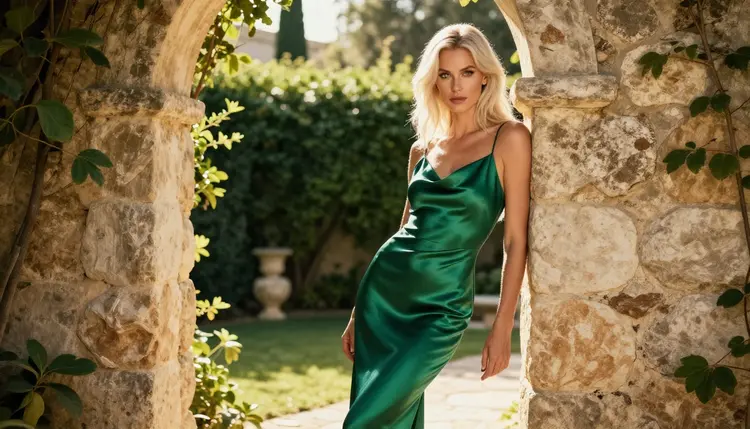
If a model does refuse, the app shows a message titled "Content Not Supported by This Model". It recommends models that accept adult prompts and carries your prompt over, so you do not retype anything. That behavior is the real content rule you will meet in daily use: not a wall, but a redirect to a model that handles the request. You will see it most often when you experiment with untested models.
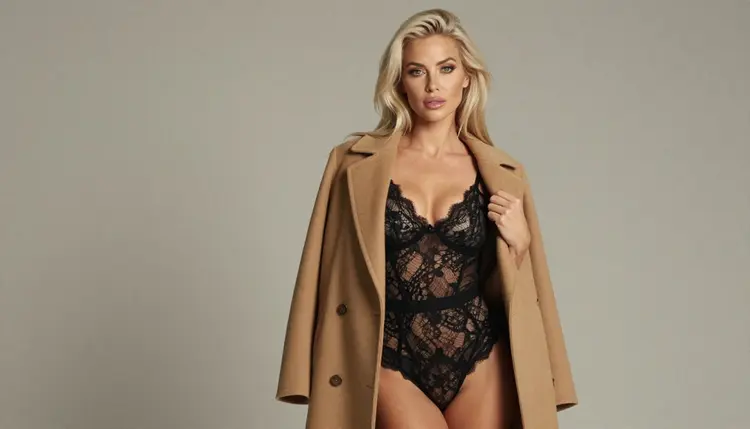
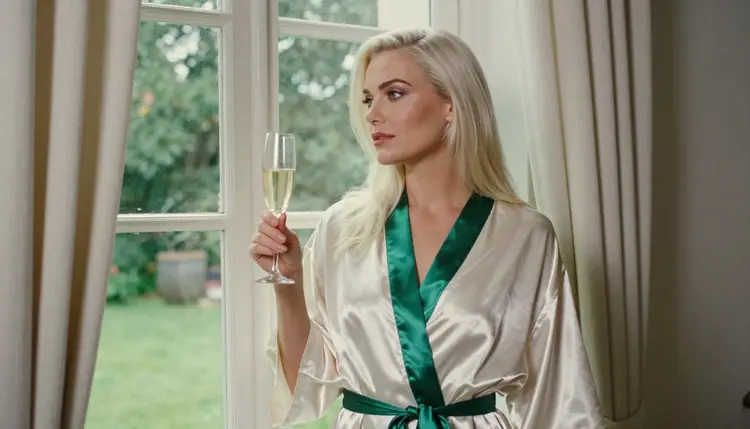
Two habits keep the comparison fair. First, test with the same prompt on every model, because wording changes results more than people expect. Second, keep prompts in the safe zone the section is built on: wardrobe, pose, light and mood. Describe a satin robe, a lace bodysuit under an open coat, a hotel corridor, golden hour backlight. That is what the confirmed models are tested with, and it is also what produces the best photographs.
Use this routine whenever you want to decide between two models or try a new one. It takes a handful of generations, and each step ends with something you can compare.
- Write one reference prompt. Pick a scene with a clear wardrobe, a setting, a light and a lens, for example an adult woman in a closed burgundy satin robe on a hotel balcony at golden hour, 70mm. Keep the text identical for every model you test.
- Start with the confirmed models. Open the toolkit, choose a confirmed image model and generate. Do the same with a second one. You now have a baseline of what a model that accepts adult prompts does with your words.
- Add one untested model. Run the same prompt on a model such as Flux 2 Pro or Nano Banana 2. If it generates, note it as a good result. If the app shows its not-supported message, take the recommended model and move on.
- Compare on one point at a time. Look at light, fabric detail, hands, faces and background separately. Writing a single line per model beats a vague overall impression.
- Move the winner to video or editing. Take the best still and use it as a starting frame in a video model, or run an edit on it to adjust color and background. Save the settings that worked for next time.
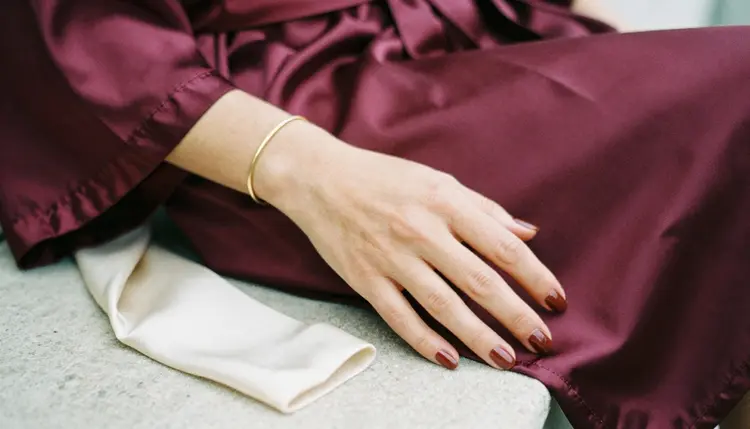
This table covers the models Picasso IA has confirmed for adult prompts. The free trial column refers to the small free trial on selected models, and the unlimited column refers to the infinity tag in the catalog.
A few reading notes. Seedream 4.5 is where you start for photoreal 4K stills, and Recraft V4.1 Pro is where you go when the picture should look designed, such as a retro pin-up or a poster layout. Picasso Image Editor Pro is the tool for polishing: you fix a color, swap a background or soften a light without regenerating from zero. For motion, LTX 2.3 Pro is the 4K option, while Picasso IA Video and Seedance 2.5 Lite are the ones that carry the infinity tag.

The untested models in the catalog that fit this topic are shown next. Their rows describe only what the catalog says they do, and the status is the same for both: not confirmed either way.
| Model | What it does | Format | Status |
|---|
| Flux 2 Pro | Generates images from text or photos | Image | Untested |
| Nano Banana 2 | Edits and fuses images, carries the infinity tag | Image, edit | Untested |
Untested does not mean worse. Flux 2 Pro accepts photos as input as well as text, which makes it interesting for reference-driven work, and Nano Banana 2 is built around fusing images. The only thing missing is a confirmed result with adult prompts. If you test one and it works for you, good; if it shows the not-supported message, the recommended model is one click away. The full list of options lives in the full catalog, where you can filter by image and video.
The section follows the same three rules on every page, and they apply to every model in the tables above, confirmed or not.
The first rule is 18+ only. This is adult material, meant for adults, and nothing in the section is aimed at anyone else. If you are not an adult, this is not the place for you.
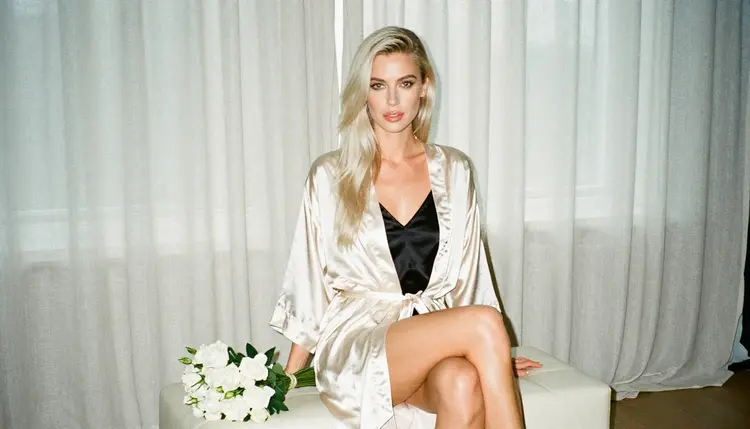
The second rule covers who can appear in a picture. Every character is a fictional adult, with no real or identifiable person, no celebrity and no one who could read as a minor. Do not upload a photo of a real person to edit into an adult scene, and do not write prompts that name one. The prompts on this page describe an adult woman in a robe or a bodysuit and nothing more specific than wardrobe, light and setting.
The third rule is privacy. Generations are private by default: what you create is tied to your account and is not published or shown to others. Keep it that way unless you decide otherwise, and keep the same discipline you would use with any personal files.
Provocative is the ceiling, explicit is not on the table. That means lingerie, swimwear, glamour, boudoir, implied intimacy and suggestive mood. It does not mean anything beyond that, and prompts that go there are outside what this section is for. Confirmed models tolerate adult wording, but that is a reason to write careful prompts, not careless ones.
You can test most of this comparison without paying anything up front. A new account gets a small free trial on selected models: Picasso IA Image, Picasso Image Editor Pro, Picasso IA Video and Seedance 2.5 Lite. That is not the whole catalog, so models outside that short list spend credits from the first generation. Credits vary by model and by options such as resolution or duration, and the details live on the pricing page.
Models with the infinity tag do not spend credits on the plans that include unlimited generation. In this comparison that covers Picasso Image Editor Pro, Picasso IA Video, Seedance 2.5 Lite and, among the untested models, Nano Banana 2. If you iterate a lot, that is the group to build your routine around: unlimited editing for polish, unlimited video for motion tests.
A practical path for a first session looks like this. Spend the free trial on Picasso IA Video or Seedance 2.5 Lite to see how a still behaves in motion. Use the editor to adjust a draft. When you want 4K stills or 4K video, switch to Seedream 4.5 or LTX 2.3 Pro and spend credits only on prompts you have already shaped with the cheaper steps.
For the next reading, the list of free NSFW AI prompt generators helps when you do not know how to word a scene, and the image and video lists linked above show each format in more depth. When you are ready to generate, open the toolkit, pick a model from the first table and run your reference prompt.
Which NSFW AI generator is best for realistic images?
For photoreal stills, Seedream 4.5 is the first model to try. It creates 4K images from text and is confirmed for adult prompts here. Use a prompt with wardrobe, light and lens, and keep the character a fictional adult.
What does confirmed mean in this comparison?
Confirmed means Picasso IA tested adult prompts against that exact model many times and saw it generate instead of reject. It is an observation, not a published setting from the model's maker, who can change it at any time.
Are untested models blocked?
No. Untested means nobody has confirmed the result either way, so it is not described as filtered or filter-free. Run your prompt and see. If the app shows the not-supported message, it recommends models that accept adult prompts.
Can I compare image and video models directly?
Not on output quality, since a still and a clip are different things. Compare them on role: image models make the base picture, editing models refine it, and video models add motion. Many sessions use all three in order.
Which models are free and unlimited?
Picasso Image Editor Pro, Picasso IA Video and Seedance 2.5 Lite carry the infinity tag, so they do not spend credits on plans that include unlimited generation. The pricing page explains how the plans work.
Is there a free trial?
Yes, a small free trial on selected models: Picasso IA Image, Picasso Image Editor Pro, Picasso IA Video and Seedance 2.5 Lite. Other models spend credits from the first generation, and the amount varies by model and options.
What happens when a model refuses my prompt?
The app shows a message titled "Content Not Supported by This Model", recommends models that accept adult prompts and carries your prompt over so you do not retype it. Pick one and generate again.
Can I use photos of real people?
No. Every character must be a fictional adult. Do not upload or describe a real or identifiable person, a celebrity or anyone who could read as a minor. The section is for adults only and for imagined characters.
Are my generations public?
No. They are private by default and tied to your account, so they are not published or shown to others. That holds for every model in the comparison, confirmed or untested.
How do I start testing?
Open the toolkit, choose a confirmed model, paste one reference prompt and generate. Then run the same prompt on a second model, and look through the full catalog for others to compare.