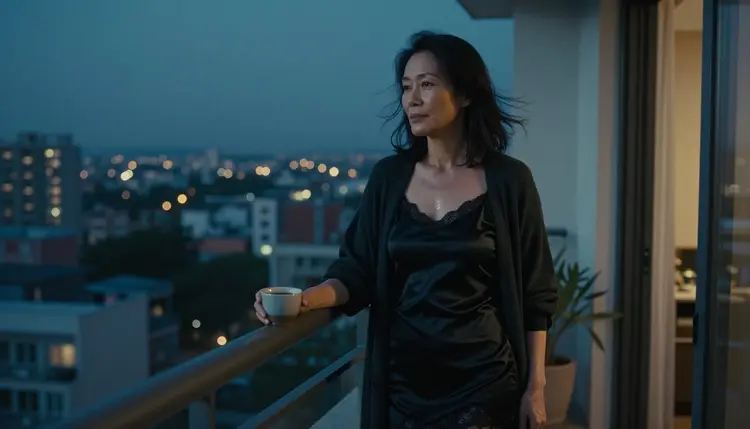
If you want a short NSFW clip of a fictional adult character, the video models in the Picasso IA catalog are the place to start. This list puts seven of them in order: first the ones we have tested again and again with adult prompts, then four that we have not tested yet and label that way. Every item says what the model does, what to type and when it fits.
Picasso IA runs in your browser, so there is nothing to install. You write a scene, pick a model in the toolkit, and the clip arrives in your account, private by default. Everything here is provocative but never explicit: lingerie, silk robes, swimwear, candlelight, implied intimacy, and adults only.
Video asks more of a prompt than a still image does. A picture needs a wardrobe, a light and a lens. A clip also needs one motion, one camera move and a mood that holds for a few seconds. The seven items below are written with that in mind, and the same habits carry over to the sound version of this list if you want audio later.
These three are the safe first choices, because "confirmed" means we tested adult prompts against that exact model several times and watched it generate the clip instead of rejecting the request. It is a result from our own testing, not a published setting of the model's maker, who can change it at any time.
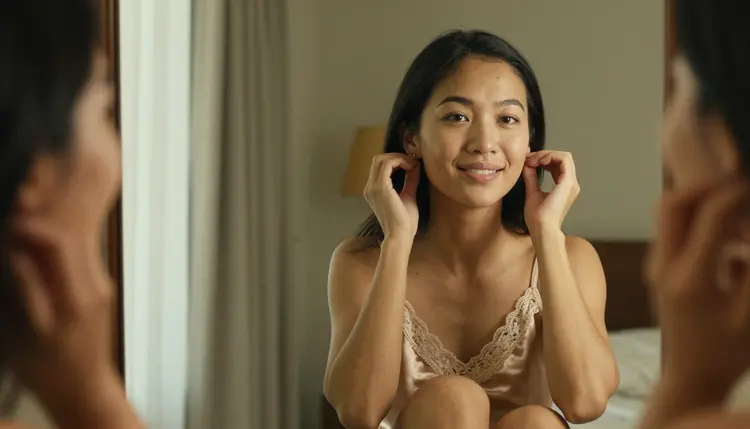
1. Picasso IA Video. The catalog describes Picasso IA Video as a free and unlimited video generator from text or image, and it carries the infinity tag. It is confirmed for adult prompts. Use it when you want a fast first draft: type a short scene such as a woman in a champagne satin camisole fastening an earring in a bedroom mirror, warm lamp light, slow push in, and see what the motion looks like before you spend credits elsewhere.
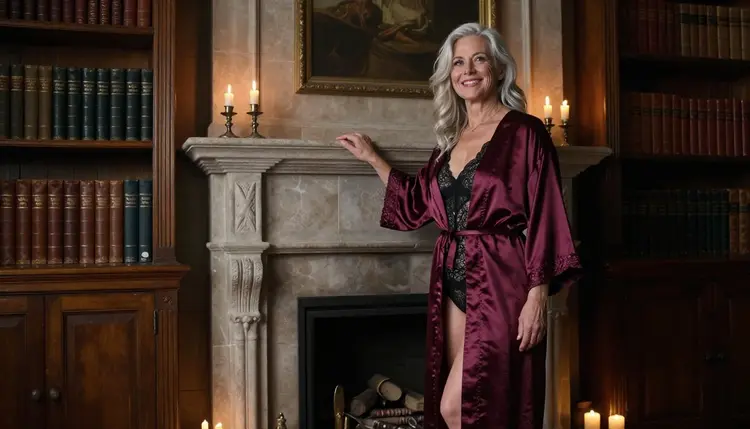
2. Seedance 2.5 Lite. Seedance 2.5 Lite is listed in the catalog as a free and unlimited generator for clips up to 10 seconds, also with the infinity tag. It is confirmed for adult prompts and it is part of the small free trial on selected models. A good fit for a slow, single-shot scene: a Nordic woman in a burgundy silk robe beside a candlelit fireplace in a library, camera low, one gentle turn of the head.
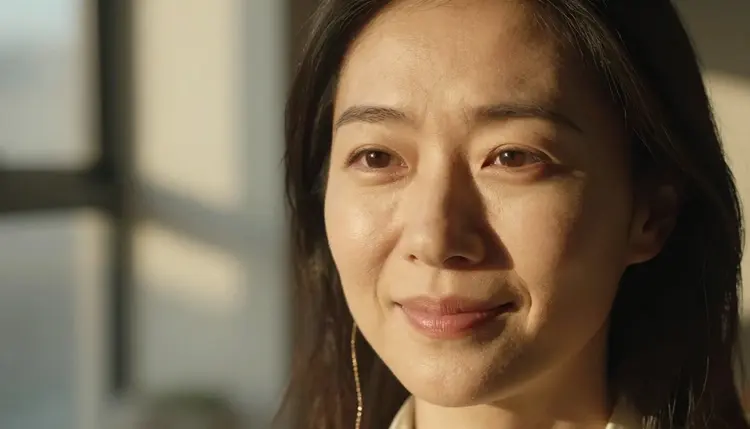
3. LTX 2.3 Pro. The catalog title is "Create 4K AI Videos from Text with LTX 2.3 Pro", and LTX 2.3 Pro is confirmed for adult prompts. Pick it when the clip is the final piece and not a draft: a glamour boudoir scene, an ivory silk top, side light from a late-afternoon window, a tight portrait that deserves the larger frame. Since it starts from text only, put the whole look into the prompt.
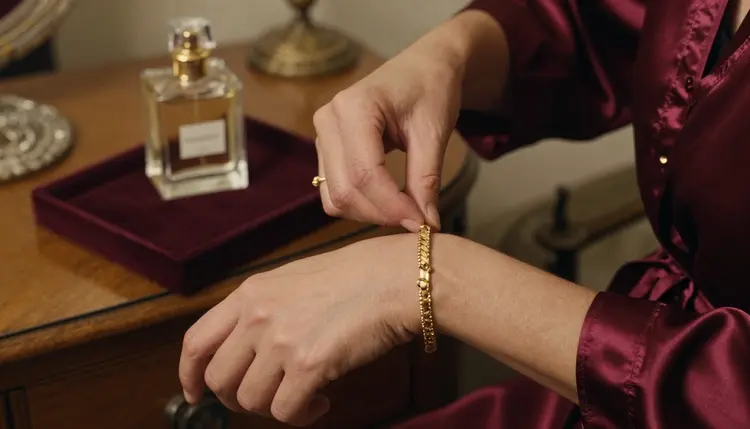
The three share a pattern that works well. Name the wardrobe, name the light, give the camera one instruction, and give the subject one small movement. Skip long action sequences, because the best clips are the quiet ones: a hand adjusting a bracelet, a robe settling on a shoulder, a slow walk down a corridor.
The next four are in the catalog but we have not run our adult prompt tests on them. They are untested, which is neither a yes nor a no. We do not call them filtered and we do not call them filter-free. If you want to try one, keep the prompt tasteful and expect that the result can vary from model to model.
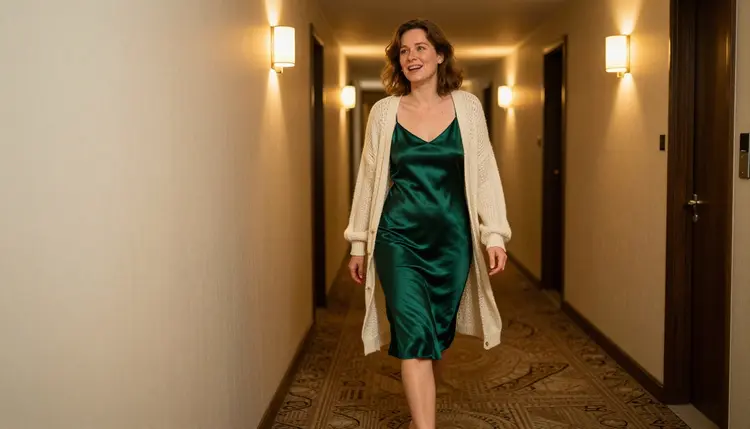
4. Wan 3. The catalog title is "Generate Cinematic Video with Wan 3", so Wan 3 is a general cinematic video model. It is untested for adult prompts here. Worth a try for a moody scene with a clear setting, for example a woman in an emerald slip dress and cardigan walking through a hotel corridor lit by tungsten sconces, camera following at a steady pace.
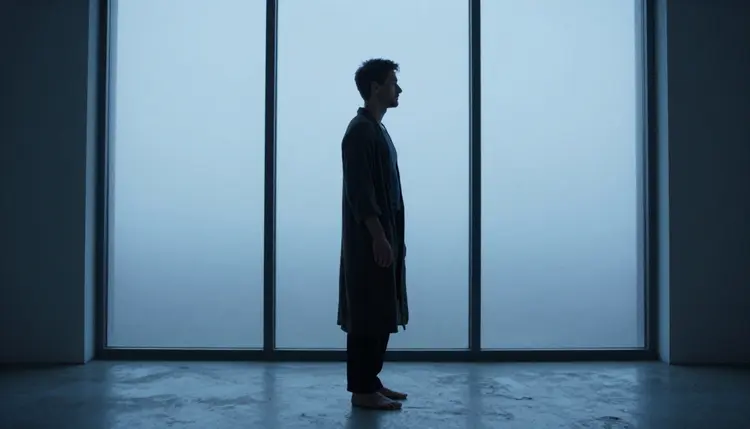
5. Kling v3 Video. Also listed as "Generate Cinematic Video with Kling v3 Video", Kling v3 Video is untested for adult prompts. Try it for scenes built around a single camera move: a slow orbit around a figure by a tall window at blue hour, a robe, a quiet profile against the glass. If the app refuses the prompt, it will tell you and point you to a confirmed model.
6. Seedance 2.5. The catalog title reads "Create 30-Second AI Videos with Seedance 2.5". Seedance 2.5 is the full ByteDance model and not the same thing as Seedance 2.5 Lite, which is confirmed and has its own page. It is untested, so treat it as an experiment. Its listing is built around longer clips, which suits a scene with a small beginning, middle and end, such as someone arriving at a hotel room door and setting down a bag.
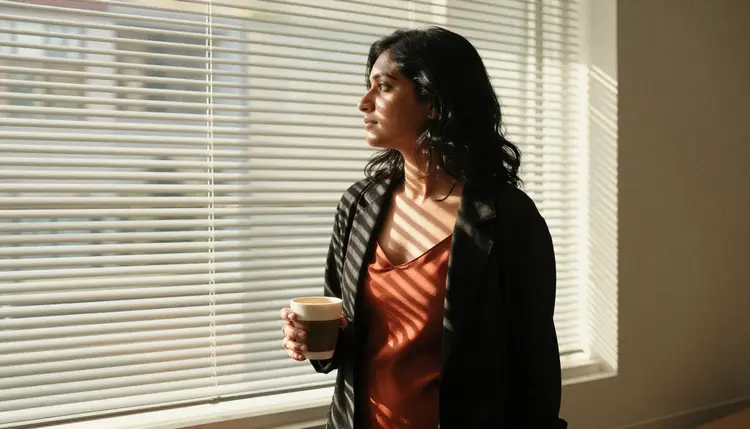
7. Happyhorse 1.1. Happyhorse 1.1 is listed as a text or image to video generator online. It is untested for adult prompts. Because it takes an image as well as text, it is a natural candidate for a still you already like: a woman in a rust slip and blazer with hard morning sun through blinds, brought to life with a slow turn toward the window.
Our advice for the untested group is simple. Test each one with a mild prompt first, then raise the mood step by step: swimwear on a terrace, then a silk robe, then lingerie in a dim bedroom. When one of them accepts your idea, you have learned something real about how it behaves, and you will find more looks to try in the NSFW video style ideas.
Use this short routine whenever you start a new video idea, whichever of the seven you choose.
- Start with a confirmed model. Run the idea on Picasso IA Video or Seedance 2.5 Lite first, so a refusal is not the thing you are debugging.
- Write the scene in one sentence. Wardrobe, setting, light and one movement, for example a satin robe, a candlelit library, a slow turn of the head.
- Add one camera instruction. Slow push in, low angle, over the shoulder or a steady follow shot. Only one, since two competing moves tend to blur the clip.
- Compare on two or three models. Keep the prompt identical and change only the model, so you can see what each one does with the same words.
- Move to a longer or sharper model. When the draft has the right feel, rerun it on LTX 2.3 Pro or on an untested model, and keep the version you like.
If you would rather begin from a picture, the image to video guide covers that route in detail.
The table lists every model Picasso IA has confirmed for adult prompts. Three make video and three make images, and the images are useful as the first frame of a clip or as a reference for the look you want.
A useful workflow is to make the still first, then animate it. Generate a portrait with Seedream 4.5, fix a detail with the editor, and send the result to a video model. For a deeper look at the still side, see the NSFW image generators list.
Everything else in the catalog, including the four untested video models above, remains worth a try but unconfirmed. If you want to browse beyond this list, the full catalog shows what else is available, and each model page tells you what the model does.
Picasso IA is for adults. This page and the whole NSFW section are 18+ only, and you should not use them if you are under the age of majority where you live.
Every character you create must be a fictional adult. Never use a real or identifiable person, never a celebrity, and never anyone who could read as a minor. Prompts that describe a real person or a figure who looks like a minor are outside the rules, however the request is worded.
What you generate is private by default. It is tied to your account and not published or shown to others. Keep that in mind when you decide what to share, because sharing is your choice and not something Picasso IA does for you.
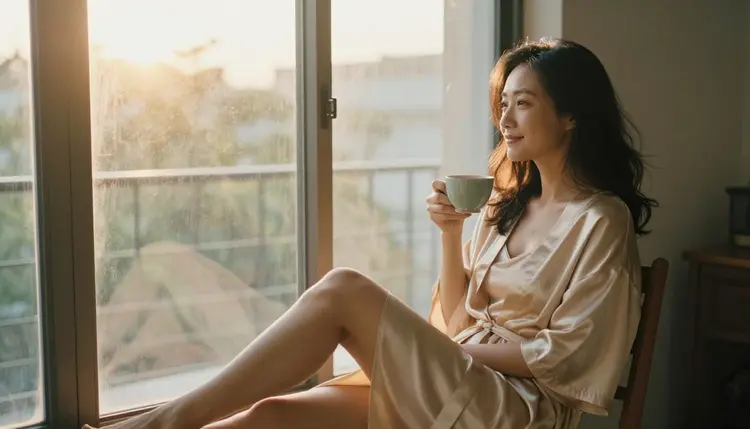
Provocative does not mean explicit. The scenes on this page stay with wardrobe, light and mood: silk, satin, lace, candlelight, a window at dawn. If you push a prompt past what a model accepts, the app shows a message titled "Content Not Supported by This Model". It recommends models that accept adult prompts and carries your prompt over, so you do not retype anything.
A new account can try a few generations for free on selected models. Among the models on this page, Picasso IA Video and Seedance 2.5 Lite are included in that small free trial, so you can see a clip before you decide anything. Details live on the pricing page.
Models with the infinity tag do not spend credits on the plans that include unlimited generation. In this list that is Picasso IA Video and Seedance 2.5 Lite for video, plus Picasso Image Editor Pro for images. Every other model spends credits, and the cost changes with the model and with options such as resolution or duration, so check before a long run.
Reference images work in the toolkit too. When you attach a picture, it gets an @1 badge, and you can point to it in the prompt. Picasso IA translates that reference into the syntax each model understands. Only models that accept several inputs show the badges.
For your next clip, try one idea on one confirmed model, then repeat it on an untested one. If you want ready-made scenes to copy, the NSFW video prompt ideas has five, and the guide to adding sound explains how to take a finished clip further.
What is the best NSFW AI video generator on Picasso IA?
It depends on the job. For a quick, free draft, start with Picasso IA Video. For a longer single shot, try Seedance 2.5 Lite, and for sharper output use LTX 2.3 Pro. All three are confirmed for adult prompts.
Which video models are confirmed for adult prompts?
Three video models: Picasso IA Video, Seedance 2.5 Lite and LTX 2.3 Pro. Three image models are confirmed as well: Seedream 4.5, Recraft V4.1 Pro and Picasso Image Editor Pro. Nothing else in the catalog carries that label.
What does confirmed mean here?
It means we tested adult prompts against that exact model repeatedly and watched it generate instead of reject. It is a result of our own testing, not a published setting of the model's maker, so it can change if the maker changes the model.
Are Wan 3, Kling v3 Video, Seedance 2.5 and Happyhorse 1.1 filtered?
We do not know, and we do not say either way. They are untested for adult prompts. They are worth a try with a tasteful prompt, but we never describe them as filtered or as filter-free, because we have not tested them.
What happens when a model refuses my prompt?
The app shows a message titled "Content Not Supported by This Model". It recommends models that accept adult prompts and carries your prompt over, so you can switch with one click and not retype the scene.
Can I turn a still image into a video?
Yes. Picasso IA Video accepts text or an image, and Happyhorse 1.1 is listed as text or image to video. Make the still first with a confirmed image model, then use it as the starting point. See the image to video list for more.
Can I use a photo of a real person?
No. Every character must be a fictional adult. Real or identifiable people, celebrities and anyone who could read as a minor are never allowed, in any prompt or reference image. Picasso IA is adults only and fictional only.
Are my videos private?
Yes. Generations are private by default: they are tied to your account and not published or shown to others. What you do with a finished clip afterwards is up to you.
Is there a free way to try these models?
A new account can try a few generations free on selected models, which include Picasso IA Video and Seedance 2.5 Lite. Models with the infinity tag do not spend credits on plans that include unlimited generation. See the pricing page for the details.
Which model should I pick for 4K video?
LTX 2.3 Pro, whose catalog title is "Create 4K AI Videos from Text with LTX 2.3 Pro", and it is confirmed for adult prompts. Draft the idea on a free model first, then run the final version on LTX 2.3 Pro from the toolkit.