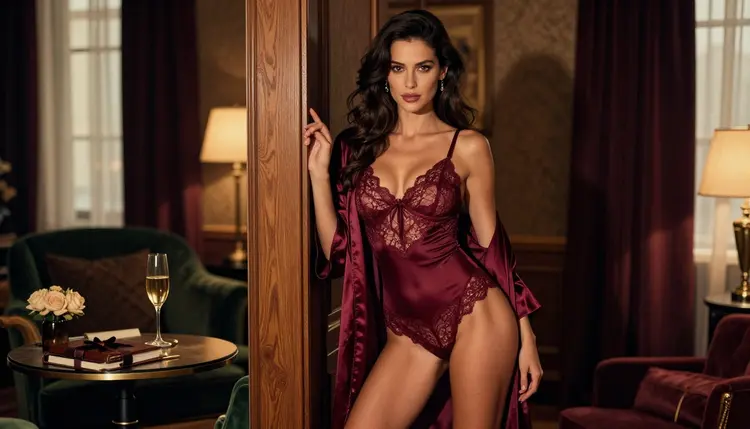
A prompt generator does one job: it turns a loose idea into a clear paragraph that an image model can follow. For adult glamour work that means wardrobe, light, pose and camera, written in the order a model reads them. This list is honest about what these tools are. They are prompt helpers, not NSFW generators. They write text, and the pictures come from the image and video models you send that text to. Everything here is for adults, about fictional characters, and stays suggestive rather than explicit.
The five helpers below are a reusable template, three chat models from the catalog and a manual word bank. All of them cost nothing to start with, and none of them needs an install. Read them in order, or jump to the one that fits how you like to work.
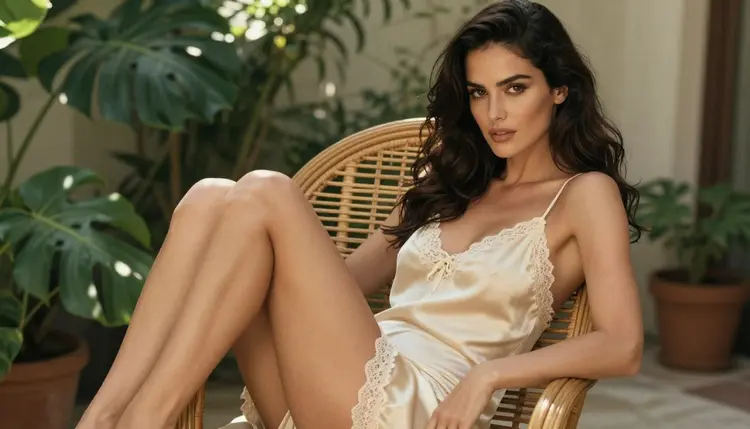
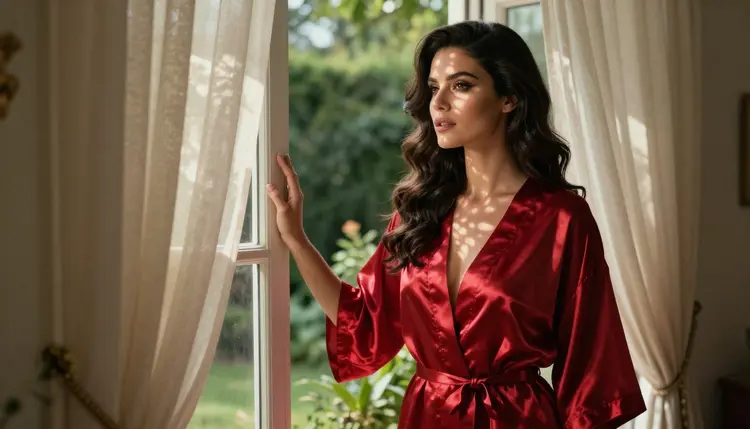
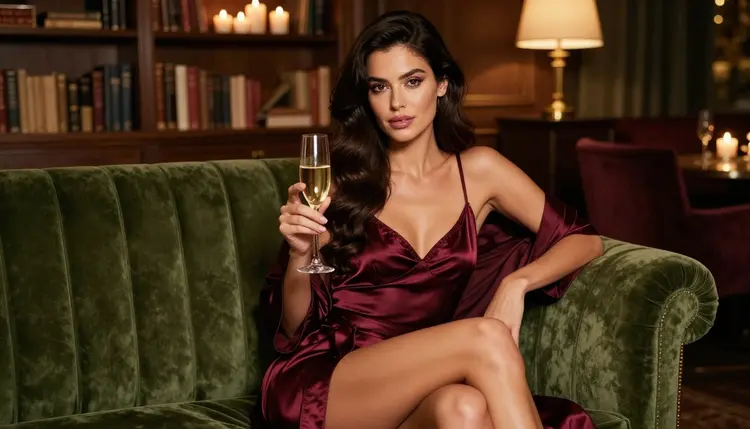
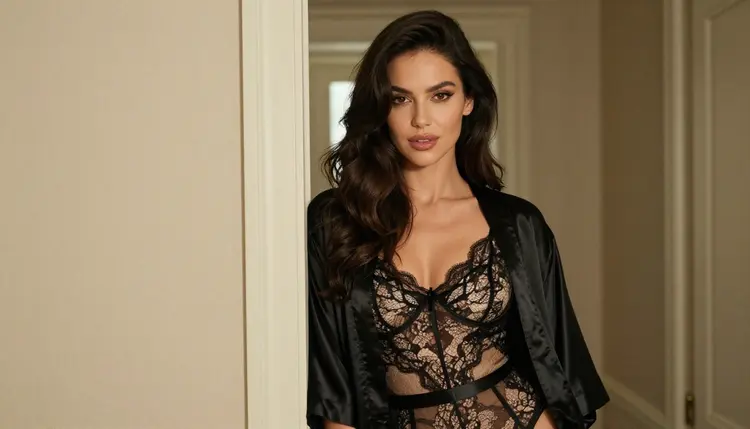
1. The Wardrobe, Light, Pose, Camera Template. This is the helper that never refuses and never goes offline, because it is just four lines you fill in yourself. Write the wardrobe first (a cream satin slip with lace trim, a fully lined bodysuit under a silk robe), then the light (warm tungsten lamp, late-afternoon side light), then the pose (seated upright, ankles crossed, glancing over the shoulder), then the camera (50mm, eye level, shallow depth of field). Join the four lines into one paragraph and you have a prompt that works in Seedream 4.5, which is confirmed here for adult prompts. Use it when you want full control and predictable results.
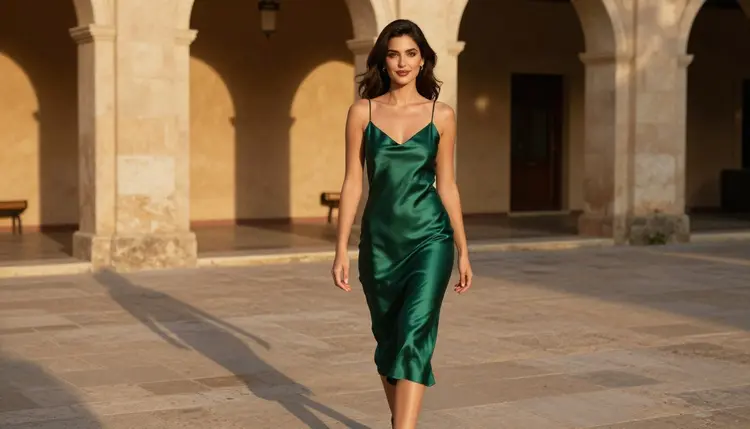
2. GPT-5 Mini. GPT-5 mini is a chat model in the catalog, and it carries the infinity tag, so it does not spend credits on the plans that include unlimited generation. Paste your rough idea, such as "woman in a green dress, hotel courtyard, evening", and ask it to return a prompt in four parts: wardrobe, light, pose, camera. It is good at tidying a messy idea into clean sentences. It is untested here for adult requests, and it may refuse them under its provider's rules. If it does, keep the neutral parts of its answer (light, lens, setting) and add the wardrobe yourself from the template.
3. GPT-4o Mini. GPT-4o mini is another chat model in the catalog marked unlimited. It suits the short, repeated jobs: rewrite this prompt in fewer words, give me five lighting options for a window scene, swap the setting from a terrace to a hotel corridor. Ask for one change at a time and it returns tidy variations you can compare. Like the others in this group it is untested for adult prompts and may decline some of them. Treat a refusal as a signal to move that part of the work back to the template, not as a reason to rephrase until something slips through.
4. GPT-OSS 20B. GPT-OSS 20B is the third chat model on this list, also marked unlimited. Its use here is structure. Give it a finished prompt and ask it to sort every phrase under four headings, then point out what is missing: no light, no lens, two outfits fighting each other. Because it may refuse adult requests, send it the safe skeleton of the idea (setting, light, camera) and add the wardrobe line yourself afterwards. It is a good second reader for a prompt you have already written.
5. A Manual Word Bank. The last helper is a plain text file or note that you keep and grow. Make five columns: fabrics (satin, lace, silk, velvet, cotton), garments (slip, robe, corset, bodysuit, one-piece swimsuit), light (tungsten lamp, golden hour backlight, overcast daylight, blue hour), poses (profile, over the shoulder, leaning on a doorframe, seated upright) and lenses (35mm, 50mm, 85mm, 100mm macro). When you start a new prompt, pick one entry from each column. The bank takes ten minutes to build, it works offline, and over a few weeks it becomes the most personal prompt generator you own.
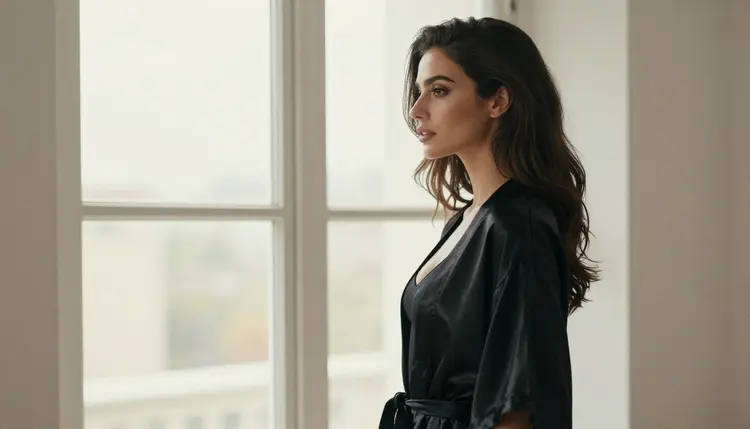
Whichever helper you pick, the path from idea to image is the same. These five steps keep the prompt short, specific and easy to adjust.
- Fill the template. Write one line each for wardrobe, light, pose and camera, with real details: fabric, time of day, where the model looks, the lens in millimetres.
- Let a chat helper tighten it. Paste the four lines into a chat model and ask for one paragraph with no repeated words. If it refuses part of the request, keep what it gives and restore the rest yourself.
- Check the wording. Read the paragraph for anything that could make the character read as a minor, anything that names a real person, and anything explicit. Remove it before you go on.
- Send it to an image model. Open the toolkit, choose a model, paste the paragraph and generate. Start with a model that is confirmed for adult prompts.
- Change one thing at a time. Swap the light, then the pose, then the lens. Changing one line per run shows you which line did the work.
The helpers above only write text. These are the models that turn that text into pictures and clips, and the ones Picasso IA has tested repeatedly with adult prompts. Confirmed means they generated instead of rejecting in those tests. It is not a published setting of the maker, who can change it at any time.
Every other model in the catalog is untested. That includes the chat helpers above. Untested does not mean filtered or filter-free: it means we have not confirmed it either way, so a try costs you little and tells you something. If you want a broader look at image tools, the top NSFW AI image generators and the top uncensored AI image generators compare the same catalog from two angles.
This page is for adults only. You need to be 18 or older to use anything described here, and every prompt you write should describe adult characters in adult settings.
Characters are fictional adults only. Never use a real or identifiable person, a celebrity or someone you know, and never write a prompt that could make a character read as a minor. If a description leaves any doubt about age, change it.
What you generate is private by default. It is tied to your account and not published or shown to others. Keep the same care when you save, share or post any image outside Picasso IA.
A new account gets a small free trial on selected models: Picasso IA Image, Picasso IA Editor Pro, Picasso IA Video and Seedance 2.5 Lite. That is enough to test one prompt from your template on an image model and one on a video model. The details live on the pricing page.
Models with the infinity tag in the catalog do not spend credits on the plans that include unlimited generation. Three of the chat helpers on this list carry it, which makes them cheap to use for drafting. Other generations cost credits that vary by model and by options such as resolution or duration, so check before you run a long batch.
If a model refuses a prompt, the app shows a message titled "Content Not Supported by This Model". It recommends models that accept adult prompts and carries your prompt over, so you do not retype it. From there, move the finished paragraph into the confirmed model of your choice. For more ways to start, read the free NSFW AI generator guide, try your prompt as a clip with the top NSFW AI video generators, or browse the full catalog.
What is an NSFW AI prompt generator?
It is a tool or method that turns a rough idea into a structured prompt for an image or video model. It writes the text only. The image comes from a separate model, so the quality of the picture depends on both the prompt and the model you choose.
Are the chat models on this list NSFW generators?
No. GPT-5 mini, GPT-4o mini and GPT-OSS 20B write text and do not make pictures. They are untested here for adult requests and may refuse them, so use them for structure and keep the wardrobe line in your own template.
Which helper should I start with?
Start with the template. It takes two minutes, it never refuses, and it teaches you which details a model reads. Add a chat helper once you want faster rewrites, and build the word bank as you go.
Why would a chat model refuse my prompt?
Chat models follow the rules of the company that makes them, and those rules can change. If one declines, do not argue with it. Keep the neutral parts of its answer and finish the wardrobe and pose lines yourself.
Which image models are confirmed for adult prompts?
Seedream 4.5, Recraft V4.1 Pro and Picasso Image Editor Pro for images, and LTX 2.3 Pro, Picasso IA Video and Seedance 2.5 Lite for video. Confirmed means repeated tests where they generated instead of rejecting. Every other model is untested.
Can I use a real person or a celebrity in a prompt?
No. Characters are fictional adults only. Never name or describe a real or identifiable person, and never write anyone who could read as a minor. Prompts that break this rule are not something this page supports.
Is what I write kept private?
Generations on Picasso IA are private by default, tied to your account and not published or shown to others. Prompts you write inside a chat helper are handled under that provider's rules, so check its current policy before you paste anything personal.
How long should a good prompt be?
One paragraph is enough, usually four or five sentences. Name the fabric, the light, the pose and the lens, then stop. Long lists of adjectives make a model guess, while concrete details such as a satin robe and late-afternoon side light make it follow.
Do I need to pay to try these helpers?
The template and the word bank cost nothing. The chat models in the catalog carry the infinity tag, and a new account has a small free trial on selected models. See the pricing page for how credits and unlimited generation work.
Where do I use the prompt once it is written?
Open the toolkit, pick a confirmed model, paste the paragraph and generate. For a related list built around a character, see the top AI girlfriend image generators or the top AI boyfriend image generators.