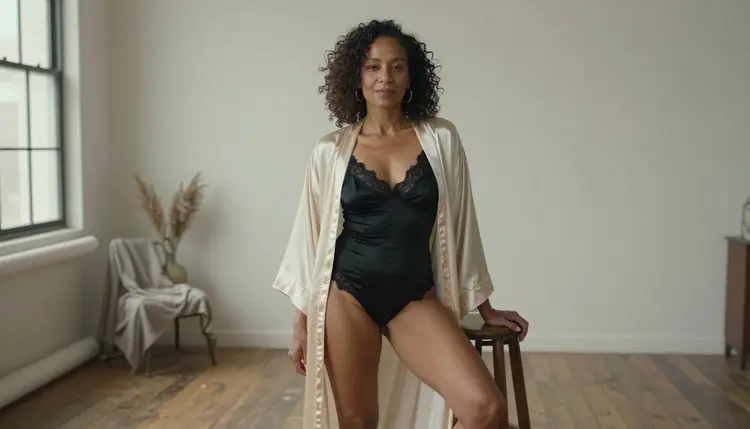
This list covers seven image models from the Picasso IA catalog for adult, glamour and boudoir pictures. The first three are confirmed: Picasso IA tested adult prompts against each one, repeatedly, and watched it generate instead of reject. The last four are untested, which means worth a try but not confirmed either way. Every entry says what the model does, what to type into it and what you get back.
Everything on this page is about fictional adults. You describe a character, a wardrobe, a place and a light, and the model draws a photograph or an illustration of someone who does not exist. The pictures you create are private to your account by default. The label confirmed is the result of Picasso IA's own test, not a published setting of the model's maker, and a maker can change a model at any time. The page on what confirmed means explains how the label works.
All seven models run in the toolkit, the browser tool where you write a prompt, pick a model and generate. There is nothing to install. If you want a wider view of options that accept adult prompts, the list of uncensored AI image generators looks at the same question from another angle.
Start with the first three entries when you want a result without testing a model first. Between them they cover photoreal portraits, illustration and design, and editing a picture you already have.
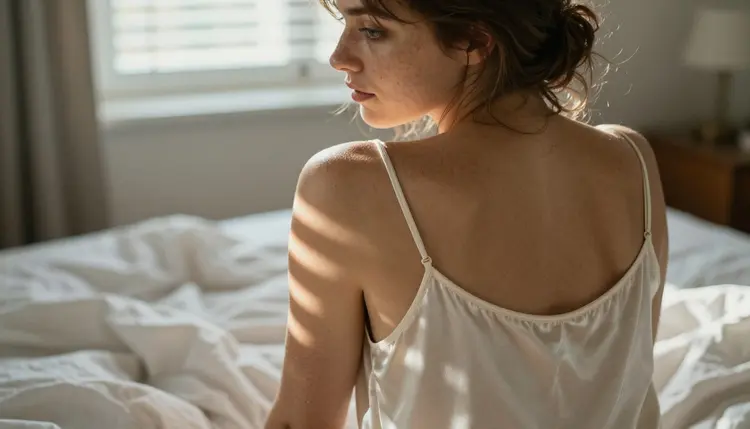
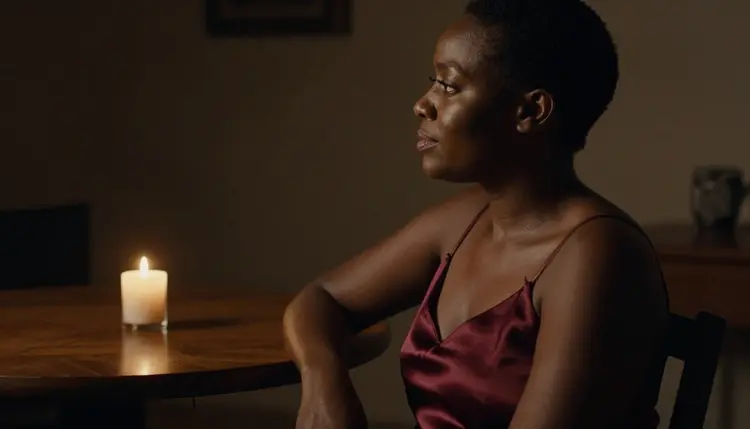
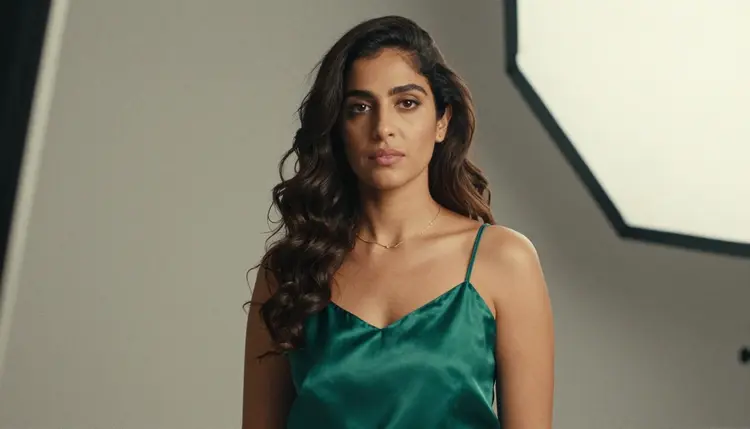
1. Seedream 4.5. Seedream 4.5 creates 4K images from text, and it is the confirmed choice for photoreal boudoir and glamour work. Fabric, skin, window light and lens details are all things you can name in the prompt, so a prompt can read like a shot list: a woman in her early thirties with freckles looks back over her shoulder, opaque ivory silk camisole, hard morning sun through blinds, 100mm macro lens at f/2.8. Use it for portraits, swimwear on a beach path, a robe at a window or a profile lit by one candle.
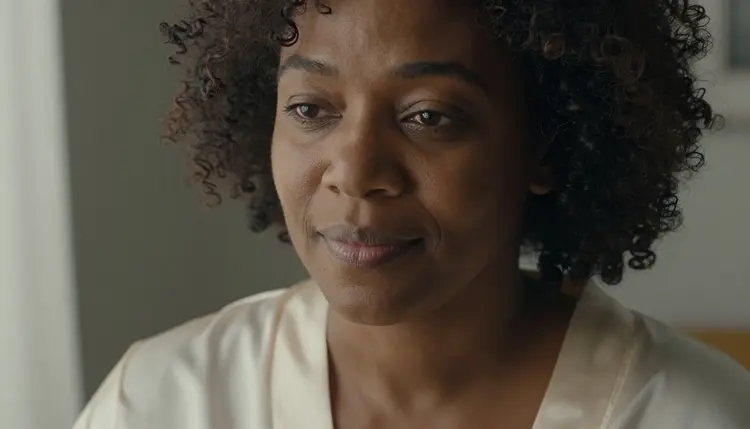
2. Recraft V4.1 Pro. Recraft V4.1 Pro makes print-ready images at 2K and is strong on illustration and design, and it is confirmed too. Pick it when you want an illustrated pin-up poster, a glamour cover layout or a stylized portrait instead of a photograph. Name the style, the palette and the composition: a woman in her mid thirties in a red satin robe, flat color shapes, a cream background, empty space at the top for a title.
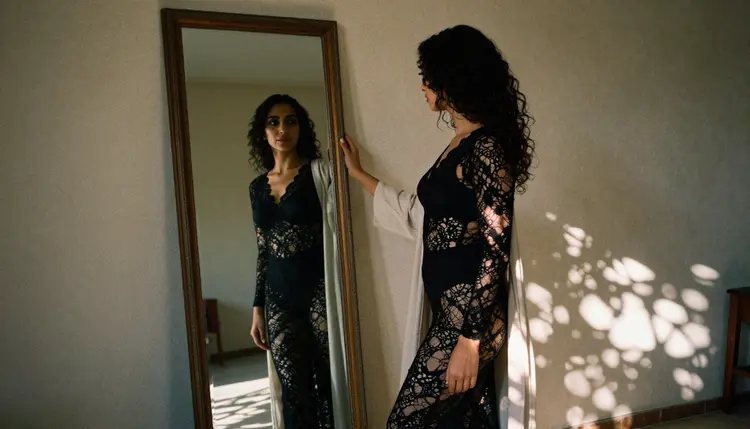
3. Picasso Image Editor Pro. Picasso Image Editor Pro edits a picture you already have, and it is confirmed as well. It carries the infinity tag in the catalog, and the free trial includes it. Use it to change a robe from white to black lace, to move a character from a studio to a rooftop, or to fix one detail without rebuilding the whole scene. Edit only images of fictional adult characters that you created yourself, never a photo of a real person.
The next four entries are untested. Picasso IA has not confirmed them either way, so a model may accept an adult prompt or it may not. Treat each one as an experiment: start with a mild prompt, look at the result, then add detail.
If a model does not support a prompt, the app shows a message titled "Content Not Supported by This Model". It recommends models that accept adult prompts and carries your prompt over, so you do not have to retype anything.
4. Flux 2 Pro. Flux 2 Pro generates images from text or from photos, according to its catalog title. It is untested for adult prompts. If you want to start from a picture of a fictional character you already made, attach it: when a model takes several inputs, each attached image gets an @1, @2 badge and you can refer to it in the prompt.
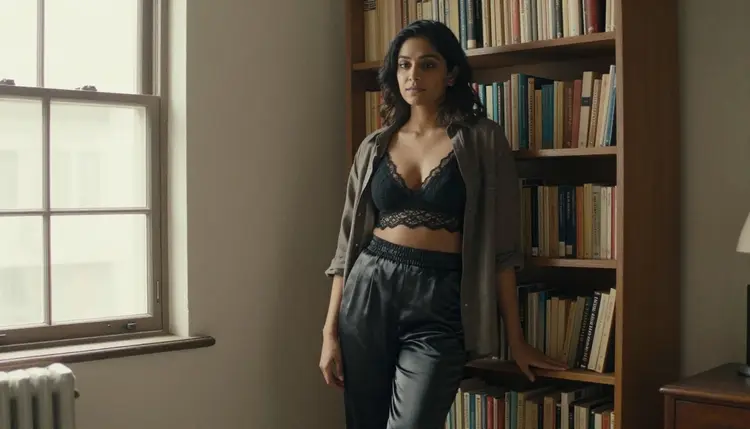
5. Nano Banana 2. Nano Banana 2 edits and fuses images, according to its catalog title, and it carries the infinity tag. It is untested. Try it when you want to combine two of your own pictures, for example a character from one frame and the lace bralette and open linen shirt from another, into a single scene.
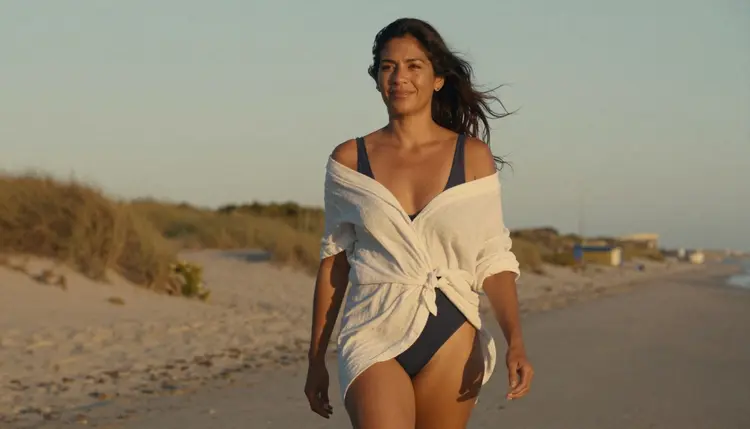
6. GPT Image 2. GPT Image 2 turns any prompt into an image, according to its title, and it also carries the infinity tag. It is untested. A plain, detailed prompt is the best way to learn what it accepts: who is in the frame, what she wears, where she stands and what light falls on her.
7. Z Image Turbo. Z Image Turbo creates sharp images in seconds, according to its catalog title. It is untested. That title makes it a natural model for rough drafts: try a wardrobe, a pose or a setting quickly, then take the best idea to a confirmed model for the final frame.
Other platforms offer image generators too, each with its own rules, so check their current guidelines before you rely on one.
This short routine works with any model on the list. It keeps your first attempts simple and gives you a fair comparison between models.
- Start with a confirmed model. Open the toolkit and choose Seedream 4.5 for photographs, Recraft V4.1 Pro for illustration or Picasso Image Editor Pro for edits.
- Describe a fictional adult. Write woman or man, an age in the thirties and one visible detail such as freckles, natural curls or a hair color. Never name a real person.
- Name wardrobe, place and light. Say what is worn (a lace bralette, a satin slip dress, a cream silk robe), where the scene happens (a loft, a rooftop, a window) and the light (candlelight, golden hour backlight, soft window light).
- Add the camera and generate one frame. Give a lens and a framing, such as 85mm f/1.8 and a low-angle full-length shot, then generate a single image. Change only one thing at a time so you can see what each change does.
- Rerun the prompt on an untested model. Paste the same prompt into one of the untested models. If it does not support the prompt, the app recommends other models and keeps your text.
This table lists every model Picasso IA has confirmed for adult prompts, with what each does best. The first three make images and the last three make video.
| Model | Best for | Format |
|---|
| Seedream 4.5 | Photoreal portraits and boudoir scenes | Text to image, 4K |
| Recraft V4.1 Pro | Illustration, pin-up posters, design | Image, 2K, print-ready |
| Picasso Image Editor Pro | Editing a picture you already made | Image editing, infinity tag |
| LTX 2.3 Pro | Cinematic clips from a text prompt | Text to video, 4K |
| Picasso IA Video | Animating a prompt or a still image | Text or image to video, infinity tag |
| Seedance 2.5 Lite | Short clips | Video, up to 10 seconds, infinity tag |
A simple way to choose: Seedream 4.5 when the picture should look like a photograph, Recraft V4.1 Pro when it should look designed, Picasso Image Editor Pro when the picture already exists. The three video models turn a scene into motion. The lists of NSFW AI video generators and NSFW image to video tools show how to prompt them.
Every other model in the catalog is untested for this use. That is not a warning and not a promise. It only means Picasso IA has no confirmed result to report, and the full catalog stays open for your own experiments.
These tools are for adults only: 18+ and nobody else. The pictures are provocative but never explicit, so think lingerie, swimwear, robes, boudoir light and implied intimacy.
Characters are fictional adults only. Never use a real or identifiable person, never a celebrity, and never a character who could read as a minor. Prompts say woman or man and give an adult age, mid twenties or older, and anyone who could read as a minor does not belong on this page.
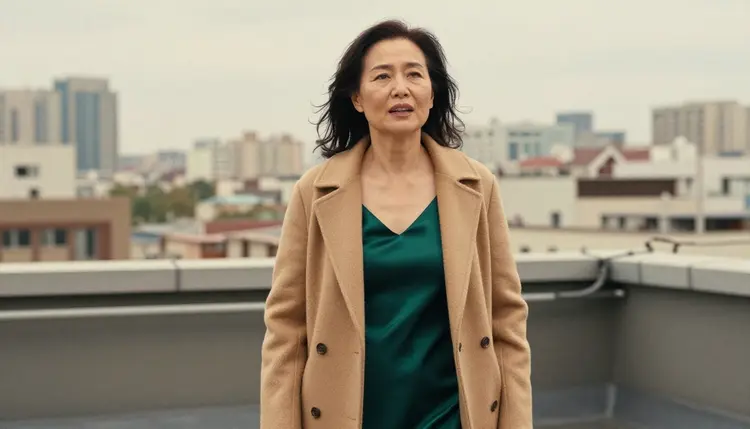
Generations are private by default: what you create is tied to your account and is not published or shown to others. What you do with a file after you download it is up to you, so keep to the same rules.
A new account can try a small free trial on selected models, among them Picasso Image Editor Pro, and the pricing page has the details. The trial does not cover the whole catalog, so check a model before you plan a session around it.
Models marked with the infinity tag in the catalog, such as Picasso Image Editor Pro, Nano Banana 2 and GPT Image 2 on this list, do not spend credits on the plans that include unlimited generation. Every other generation costs credits that vary by model and by options such as resolution or duration.
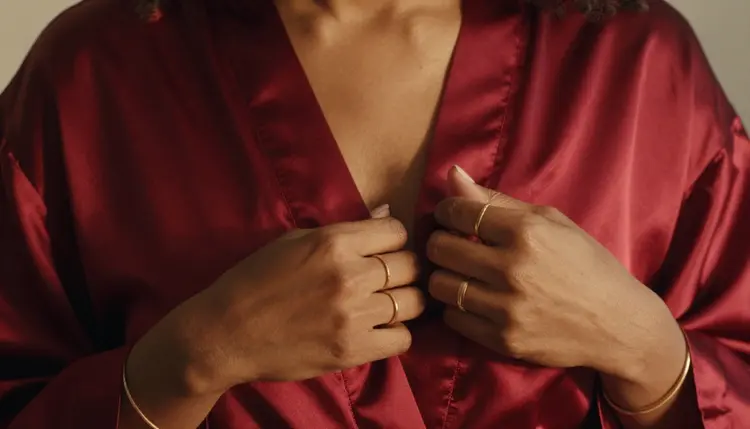
To keep going, open the toolkit and run the five steps above. For a broader look at this section, read NSFW image: best AI generator, the guide to editing NSFW images or the page on image and video generation together. If you are curious about companion-style portraits, the list of AI girlfriend image generators is the place to go.
Which is the best NSFW AI image generator on Picasso IA?
It depends on the look you want. Seedream 4.5 is the confirmed choice for photoreal portraits, Recraft V4.1 Pro for illustration and print-ready design, and Picasso Image Editor Pro for editing a picture you already made. Open the toolkit, try the one that fits your idea and compare the results.
What does confirmed mean for a model?
Confirmed means Picasso IA tested adult prompts against that exact model, repeatedly, and watched it generate instead of reject. It is the app's own test, not a published setting of the model's maker, and the maker can change the model at any time. The page on what confirmed means goes into detail.
What happens if a model does not accept my prompt?
The app shows a message titled "Content Not Supported by This Model". It recommends models that accept adult prompts and carries your prompt over, so you can switch without retyping. Untested models can behave either way, which is why they are labelled untested.
Can I create images of real people?
No. Every character must be a fictional adult. Do not use a real or identifiable person, a celebrity or anyone who could read as a minor. Describe a woman or a man with an adult age and invent the rest: hair, wardrobe, setting and light.
Is this section for adults only?
Yes. It is 18+ only, and the pictures are provocative but not explicit: lingerie, swimwear, robes, boudoir light and implied intimacy. Characters are fictional adults in their mid twenties or older, and nothing you create is published or shown to others.
Are my images private?
Generations are private by default. What you create is tied to your account and is not published or shown to others. What you do with a file after you download it is your decision, so keep to the same adult and fictional rules.
Can I edit an image I already made?
Yes. Picasso Image Editor Pro is the confirmed editor on this list. Upload one of your own fictional characters and ask for a change, such as a new robe color or another background. Nano Banana 2 also edits and fuses images, but it is untested for adult prompts.
Can I get 4K or print-ready results?
Seedream 4.5 creates 4K images from text, and Recraft V4.1 Pro makes print-ready images at 2K. Both are confirmed. Options such as resolution can change how many credits a generation costs, and the pricing page has the details.
Is there a free way to try these models?
A new account gets a small free trial on selected models, including Picasso Image Editor Pro. Models with the infinity tag, such as Picasso Image Editor Pro, Nano Banana 2 and GPT Image 2, do not spend credits on plans that include unlimited generation. See the pricing page for the details.
Can I turn these images into video?
Yes, with a video model. LTX 2.3 Pro, Picasso IA Video and Seedance 2.5 Lite are confirmed for adult prompts, and Picasso IA Video accepts text or an image. The list of NSFW image to video tools walks through the steps.