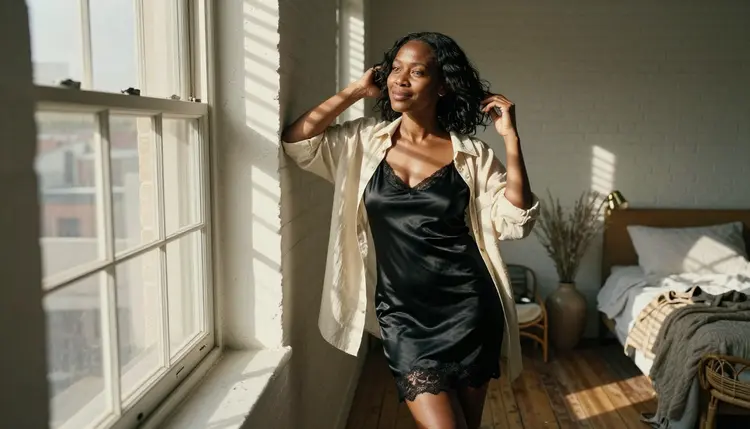
An uncensored AI image generator is a model that takes an adult prompt and returns a picture instead of a refusal. That sounds simple, but in practice it depends on the exact model, because each one reacts differently to words like lingerie, boudoir, bikini or silk robe. This list covers seven image models from the Picasso IA catalog, and it is plain about which ones have been tested for adult prompts and which ones have not.
Three of the seven are confirmed. Confirmed means Picasso IA ran adult prompts against that exact model again and again and watched it generate every time instead of rejecting the request. You can read the full explanation on the page about what confirmed means. It is our own testing, not a published setting of the model's maker, and a maker can change a model at any time. The other four are untested: good models that are worth a try, but we do not call them filtered and we do not call them filter-free.
Everything on this page is provocative, never explicit. The pictures show fictional adult characters in satin slips, silk robes and lace-trimmed loungewear, lit like film photographs. The prompt ideas below follow the same line, and the Rules and Limits section spells it out.
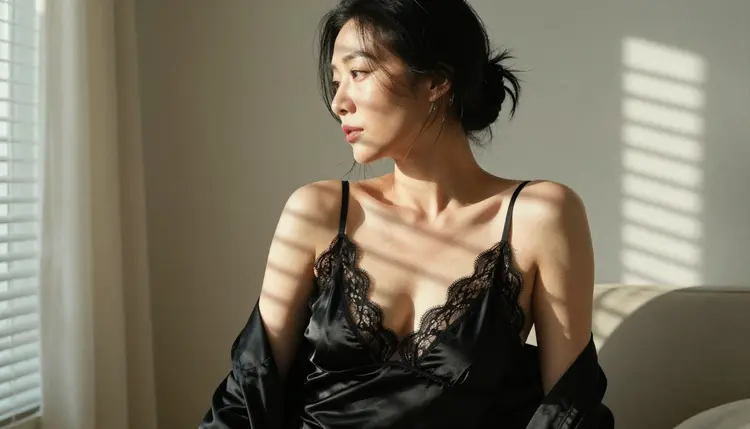
The first three items are the confirmed ones, so they are the safest place to start. Each covers a different job: a photoreal portrait, a stylized illustration and an edit of a picture you already have. Read them as a toolbox, not as a ranking of one against the other, because the right pick depends on what the picture needs to be.
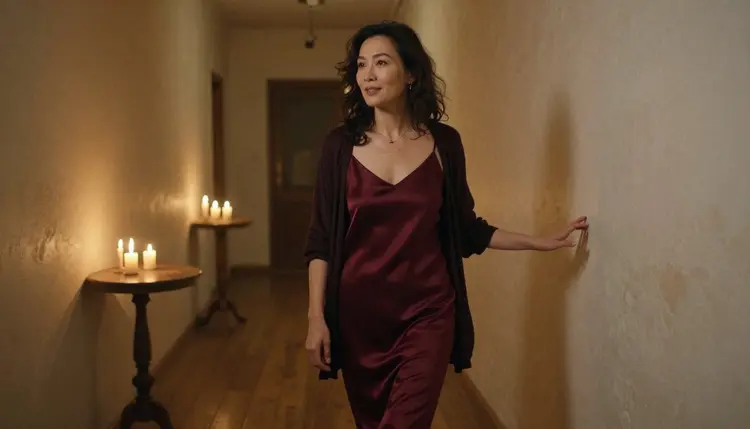
1. Seedream 4.5. Seedream 4.5 creates 4K images from text, and it is confirmed for adult prompts. It is the photoreal pick of the list. Write skin texture, fabric folds and a named lens into the prompt, because a photoreal model rewards that kind of detail. Use it for boudoir portraits, swimwear shots and glamour frames that should look like a film photograph. A prompt that works: "mature woman in an opaque burgundy silk slip walking down a candlelit hallway, 24mm lens, soft film grain, warm amber shadows".
2. Recraft V4.1 Pro. Recraft V4.1 Pro makes print-ready images at 2K and is strong on illustration and design. It is confirmed too. Reach for it when the result should be a pin-up illustration, a retro poster, a calendar page or a book cover with a clean, designed finish rather than a photograph. A prompt that works: "pin-up illustration of a woman in a 1950s striped swimsuit on a beach towel, flat warm palette, poster layout with empty space at the top for a title".
3. Picasso Image Editor Pro. Picasso Image Editor Pro edits an image you already have, and it is the third confirmed model. In the catalog it is an unlimited AI photo editor and it carries the infinity tag, and the free trial includes it. Use it to change one thing at a time: swap a black slip for a deep green satin one, move the scene from a bedroom to a rooftop at blue hour, or soften a hard window light. Describe the change in plain words and leave the rest of the picture alone.
You do not need all three. Many people begin with Seedream 4.5 for the base portrait, then send the best result to Picasso Image Editor Pro for wardrobe and light changes, and keep Recraft V4.1 Pro for the days when the idea is a drawing instead of a photo.
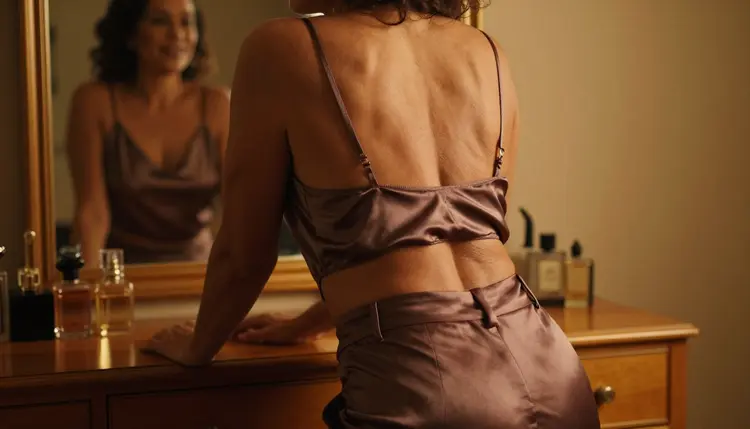
The next four are catalog models that Picasso IA has not confirmed either way for adult prompts. That is the honest label: untested. They are not described as filtered, and they are not described as filter-free. Each one is good at something specific, so a short test with a tasteful prompt tells you quickly whether it fits your idea.
4. Flux 2 Pro. The catalog title of Flux 2 Pro says it generates AI images from text or photos. That makes it a useful test when you want to start from a reference photo as well as a written prompt. It is untested for adult prompts, so begin with a light idea such as a woman in a silk robe at a sunlit window and see how it responds before you ask for anything more.
5. Nano Banana 2. Nano Banana 2 is listed to edit and fuse images, free, and it carries the infinity tag in the catalog. Fusing means combining pictures: a portrait with a new location, or an outfit reference with a pose. It is untested for adult prompts. On the plans that include unlimited generation, models with the infinity tag do not spend credits, which makes it easy to experiment with.
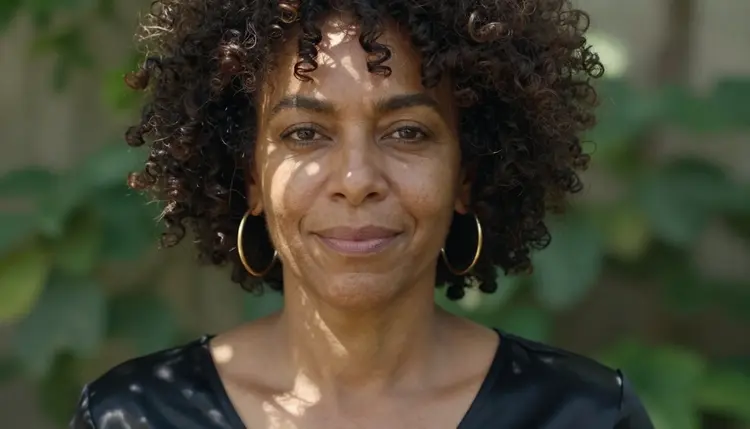
6. Hunyuan Image 3. Hunyuan Image 3 is listed to create sharp AI images, and it is untested here. Sharpness is what you want for close-ups where pores, hair strands and fabric weave carry the picture. It also works as a second opinion: run the prompt you liked in Seedream 4.5 and compare how Hunyuan Image 3 reads the same words.
7. Hidream L1 Full. Hidream L1 Full generates sharp images and is untested for adult prompts. Treat it like the other untested picks: try one tasteful prompt, look at the result, and keep it in your rotation only if it gives you what you asked for.
If a model does not accept a prompt, Picasso IA shows a message titled "Content Not Supported by This Model". It recommends models that accept adult prompts and carries your prompt over, so you do not retype anything. That is the whole point of keeping the confirmed models close: when an untested one stops, you move on without losing the idea. Other platforms for adult images exist as well, and their rules differ, so check their current rules before you rely on them. For a wider roundup of image tools, see Top 7 NSFW AI image generators, and for a model that sits outside this list read about Qwen Image 2 and uncensored art, which is untested as well.
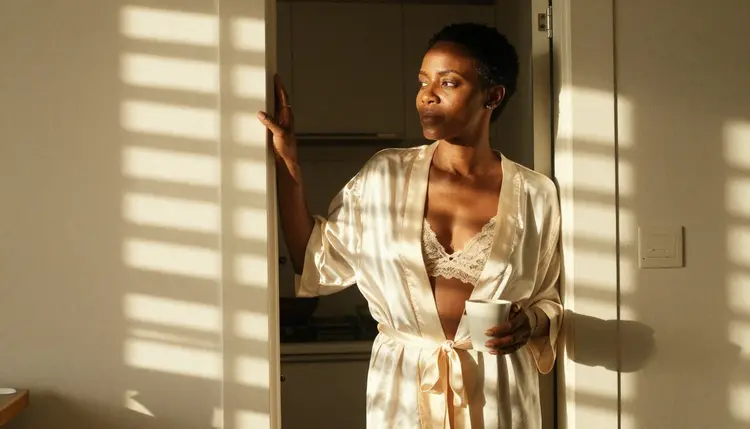
The list is a starting point. These five steps help you choose the model that fits your idea and test it quickly, without burning an afternoon on prompts that were never going to work.
- Decide the Look. Choose between a photoreal portrait, an illustration and an edit of an existing picture. That choice already points to Seedream 4.5, Recraft V4.1 Pro or Picasso Image Editor Pro.
- Open the Toolkit. Open the toolkit, pick one confirmed model for your first run and write a prompt with four parts: wardrobe, setting, light and lens.
- Keep the First Prompt Tasteful. Ask for lingerie, swimwear, a robe or a boudoir mood, say woman or man, and describe a fictional adult. Skip anything explicit, because the page and the models are built for suggestive, not graphic, results.
- Compare With the Same Prompt. Run the exact same prompt on a confirmed model and then on one or two untested models. Write down which ones produced a picture and which ones showed the message about unsupported content.
- Refine and Keep. Change one detail per run: the light, the lens, the color of the fabric. Keep the pictures you like in your account, where they stay private by default.
These are the confirmed models for adult prompts in the Picasso IA catalog, both image and video. The table lists all of them, so you can see where an image idea can continue as a clip.
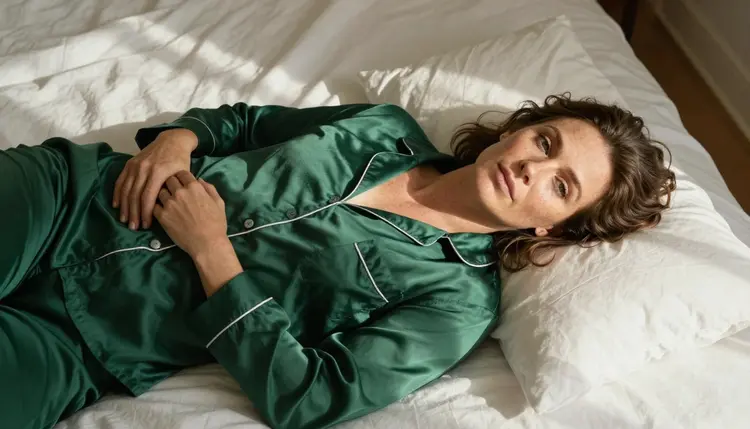
The four untested picks from the list above, Flux 2 Pro, Nano Banana 2, Hunyuan Image 3 and Hidream L1 Full, are not in the table on purpose. Untested means exactly that: you can try them, but nobody has confirmed what they do with adult prompts. If you want the video side of the story, the page on the Top 7 NSFW AI video generators goes deeper into those three video models and the ones around them.
A simple routine works well. Generate the still in a confirmed image model, pick the frame you like best, and only then decide whether it should move. A still that already has the right wardrobe, light and mood gives a video model much more to work with than a vague first idea.
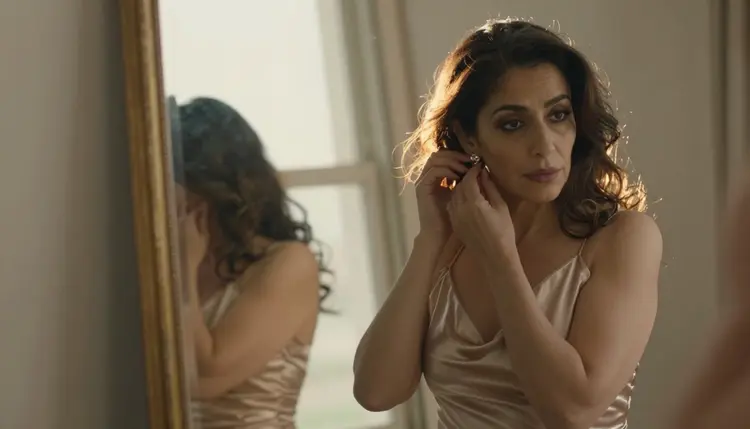
Picasso IA is for adults only. You must be 18 or older to use the adult side of the toolkit, and the same applies to everything on this page. The words NSFW, uncensored and spicy describe the kind of mood you can ask for, not a free pass.
Every character you create must be a fictional adult. Do not use the photo of a real person, a celebrity or anyone you could identify, and never write a prompt about anyone who could read as a minor. Use the words woman or man and describe an adult face, adult proportions and an adult setting. The pictures on this page follow that rule, and your prompts should too.
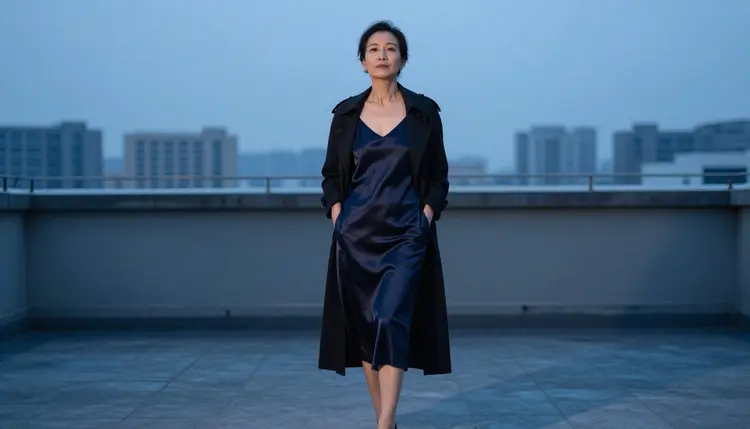
Your generations are private by default. What you create is tied to your account and is not published or shown to other people. Keeping a picture private is your choice to keep: do not share anything that breaks these rules, and remember that the models and their makers have their own limits that can change.
A new account can try a few generations for free on selected models, and it is a small free trial, not a free pass across the whole catalog. Picasso IA Image, Picasso Image Editor Pro, Picasso IA Video and Seedance 2.5 Lite are among those selected models. The details of how it works, and the plans behind it, live on the pricing page.
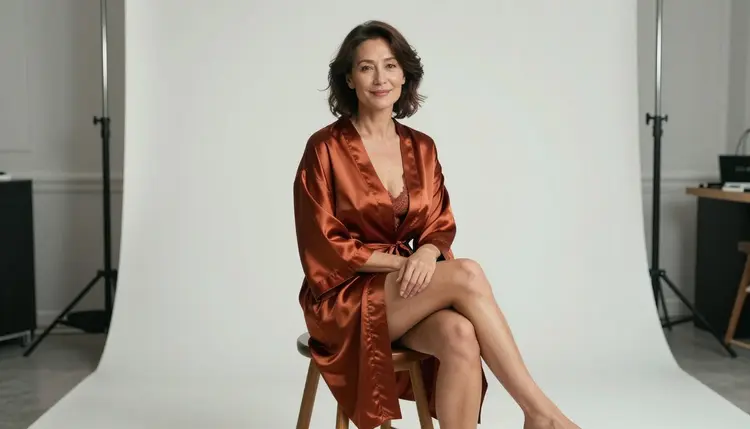
Credits are the other half of the picture. Each generation costs credits that vary by model and by options such as resolution or duration. Models marked with the infinity tag in the catalog, like Picasso Image Editor Pro, Picasso IA Video and Seedance 2.5 Lite, do not spend credits on the plans that include unlimited generation. That is an easy way to experiment with prompts and wardrobe changes.
When you are ready, open the toolkit and start with one confirmed model and one tasteful prompt. If you want to keep exploring, browse the full catalog for more models to test, or read the guide to the best AI generator for NSFW images for a different angle on picking one.
What is an uncensored AI image generator?
It is a model that generates a picture from an adult prompt instead of rejecting it. How a model reacts depends on the model itself, not on the website you use, so the label only makes sense for a specific model that has been tested.
Which models on this list are confirmed for adult prompts?
Seedream 4.5, Recraft V4.1 Pro and Picasso Image Editor Pro. Picasso IA tested adult prompts against each of them repeatedly and saw them generate. The meaning of the word is explained on the page about what confirmed means.
Why are Flux 2 Pro, Nano Banana 2, Hunyuan Image 3 and Hidream L1 Full untested?
Because they have not been put through the repeated testing that confirmation needs. They are worth a try, but they are not called filtered and not called filter-free. Run a tasteful prompt and see what you get.
What happens when a model refuses my prompt?
Picasso IA shows a message titled "Content Not Supported by This Model". It recommends models that accept adult prompts and carries your prompt over, so you can continue right away without typing it again.
Can I use a photo of a real person or a celebrity?
No. Characters must be fictional adults, never a real or identifiable person and never anyone who could read as a minor. Describe an invented adult from scratch with wardrobe, setting, light and lens.
Are my pictures private?
Yes, by default. What you generate is tied to your account and is not published or shown to others. You decide what happens with it after that, within the rules of the site.
Is there a free way to try these models?
A new account gets a small free trial on selected models, which include Picasso IA Image, Picasso Image Editor Pro, Picasso IA Video and Seedance 2.5 Lite. It does not cover the whole catalog. Plans and details are on the pricing page.
Which model is best for photoreal portraits?
Seedream 4.5 is the photoreal pick on this list, with 4K images from text, and it is confirmed. Recraft V4.1 Pro suits illustration and print-ready design, and Picasso Image Editor Pro suits edits to a picture you already have.
Can I turn these images into video?
Yes. The confirmed video models are LTX 2.3 Pro, Picasso IA Video and Seedance 2.5 Lite. Picasso IA Video works from text or from an image, so a finished still can become a short clip.
Is this only for adults?
Yes. It is 18+ only, and every character must be a fictional adult. No real people, no celebrities and no one who could read as a minor, and what you create stays private by default.