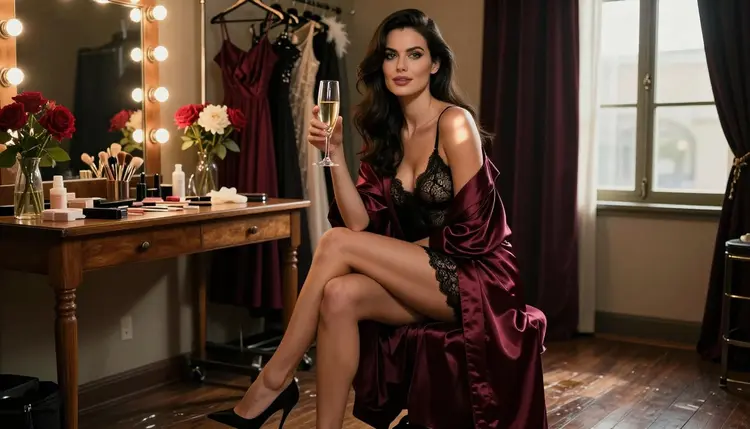
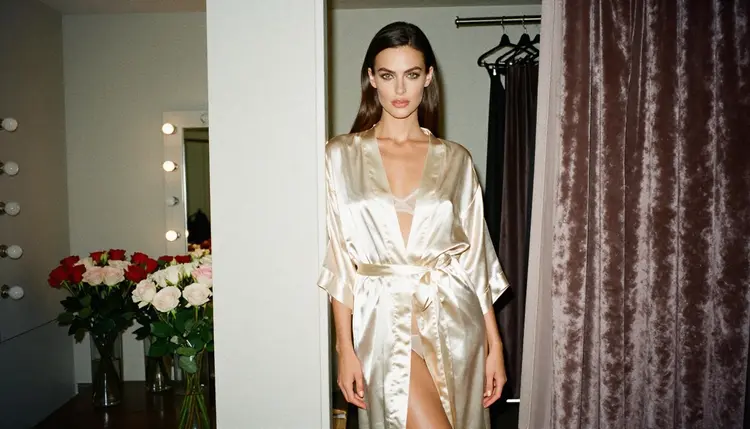
The backstage dressing room is one of the few sets where glamour and routine share the same mirror. A silk robe hangs open on a costume rack, bulbs frame the vanity, roses sit in a vase that someone sent after the show. Nothing here needs to be explicit to feel intimate, because the room itself does the work: warm light, fabric, flowers and a woman who is about to step on stage or has just left it.
This page shows you how to build that look with an NSFW AI generator. You will use Seedream 4.5 as the main model, write prompts around robes, lace, vanity bulbs and candlelight, and finish the frame in the toolkit. Everything is for adults and every character is fictional.
The look has a clear grammar, which is why it suits a text-to-image model. You have a mirror with a row of round bulbs, a velvet stool, a costume rack, a few flowers and a robe in satin. Add a performer in a robe over lace and you have a frame that reads as theater before you type the word. The mood is suggestive rather than graphic: the viewer sees preparation, a pause between two scenes, a private moment in a public building.
Light carries most of the effect. Vanity bulbs give a warm tungsten glow that sits on the cheekbones and the satin collar. A window at blue hour gives a cooler second source that outlines a profile. Candlelight on a side table adds small reflections in a champagne glass. When you name the light in the prompt, the model has something concrete to build the rest of the picture on.
Seedream 4.5 is a good fit because it creates 4K images from text and handles fabric, skin tones and small props such as peonies, bulbs and glassware. It is one of the models Picasso IA has tested repeatedly with adult prompts, and it generated instead of rejecting them. That is what "confirmed" means here, and it is not a published setting from the maker, who can change it at any time. You can read the full explanation on the confirmed models page.
Keep the wardrobe opaque and styled: a closed belted robe, a bodysuit under it, a corset top, heels, a silk scarf. That is the glamour and boudoir end of the look, and it is also where the model gives you the cleanest fabric and the most believable folds.
Picasso IA keeps a short list of models it has tested with adult prompts. For backstage photos the image models do the main job, and the video models are there when you want the frame to move. Each name below links to its page.
Every other model in the catalog is untested. That does not mean it is filtered and it does not mean it is open. It means Picasso IA has not checked it, so a prompt may work or may not. If you want to experiment, browse the full catalog and treat each model as worth a try, with the confirmed ones as your fallback.
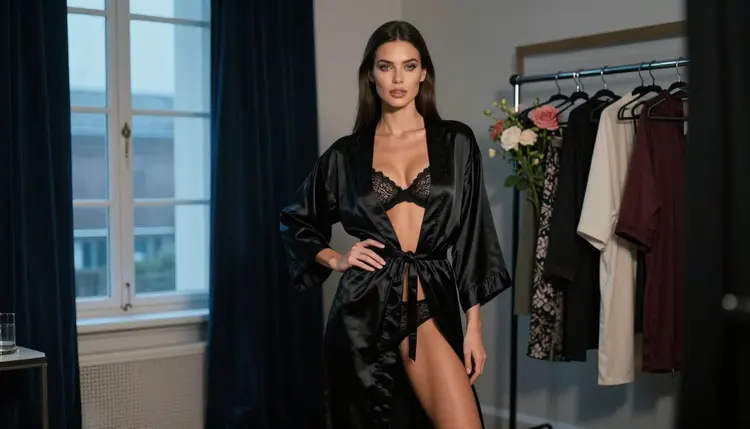
The photo above shows what a standing frame in a black satin robe looks like when the light comes from a cool window instead of the bulbs. It is a useful second setup once you have a warm hero frame, because the two images feel like one shoot at different hours.
The process is the same for every setup on this page. Start with the hero frame, then vary one thing at a time so you can see which words changed the picture.
- Open the toolkit and pick the model. Go to the toolkit and choose Seedream 4.5 for a photoreal dressing room, or Recraft V4.1 Pro if you want an illustrated poster look.
- Describe wardrobe and setting. Name the robe color and fabric, what is under it, the shoes, the vanity, the costume rack and the flowers. One sentence is enough.
- Set the light and mood. Pick one source: vanity bulbs, candlelight, hard morning sun through blinds or blue hour from a window. Add the lens, for example 85mm f/1.8.
- Generate and review. Look at hands, the knot of the belt, the fabric folds, the reflection in the mirror and the eyes. If one thing is off, change only that part of the prompt.
- Refine or switch. Send the frame to Picasso Image Editor Pro for a single fix, or try another model with the same prompt.
When a model refuses, Picasso IA shows a message titled "Content Not Supported by This Model". It recommends models that accept adult prompts and carries your prompt over, so you do not retype it.
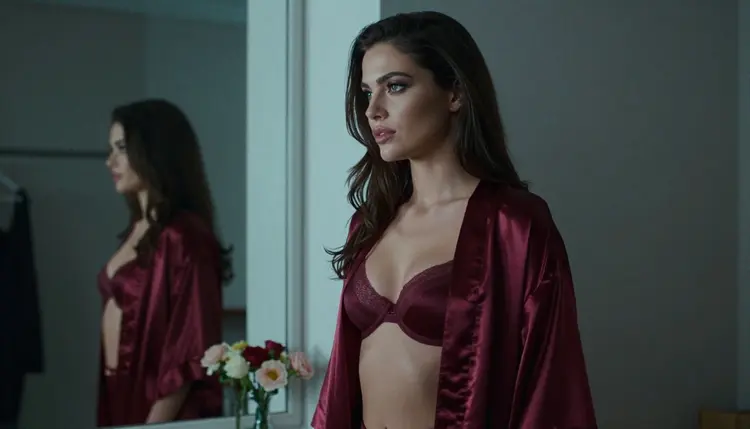
These ideas are written as starting points. Copy the structure, change the details and keep the wardrobe styled and opaque. Each one names wardrobe, setting, light and angle.
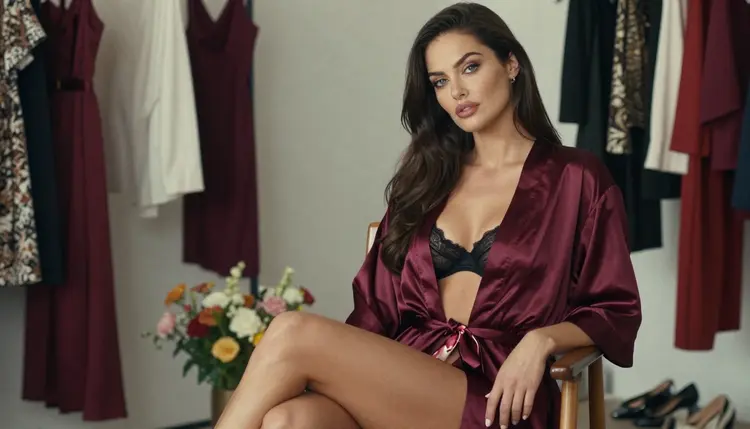
Hero frame at the vanity. A woman in her early thirties with long dark-brown hair sits upright on a velvet stool in a burgundy satin robe over a black lace bodysuit, heels crossed, a champagne glass in one hand. Vanity bulbs glow behind her, roses and peonies on the counter, a costume rack to the left. Late-afternoon side light, 135mm f/2, film grain.
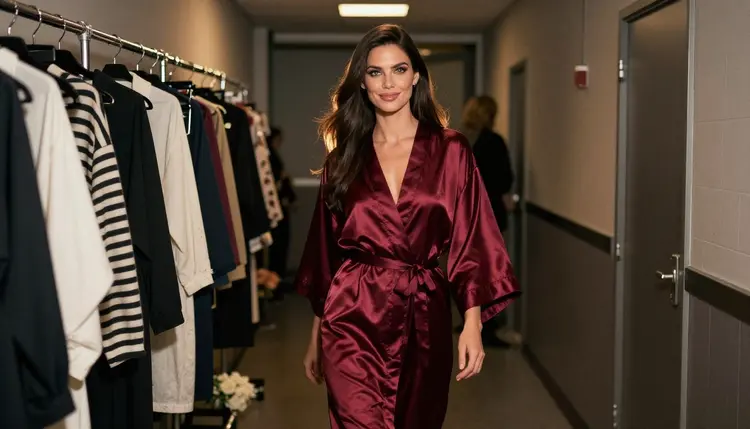
Corridor walk. The same woman walks away from the camera down a backstage corridor in a closed, belted burgundy robe, costume racks on both sides, golden hour backlight coming through a door at the end. Three-quarter view, 70mm f/2.8, slight motion in the hem of the robe.
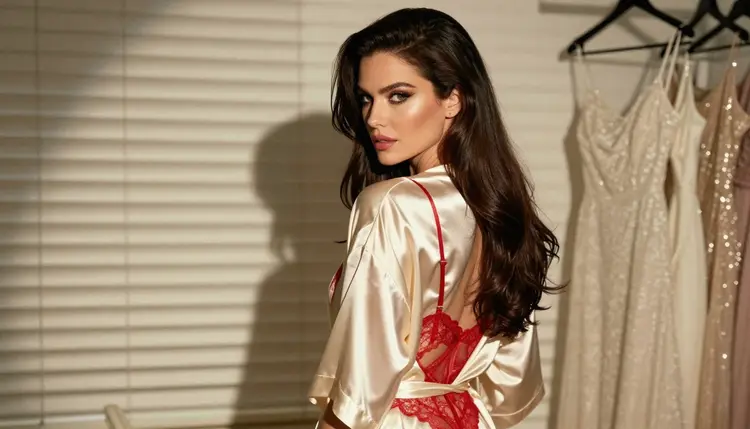
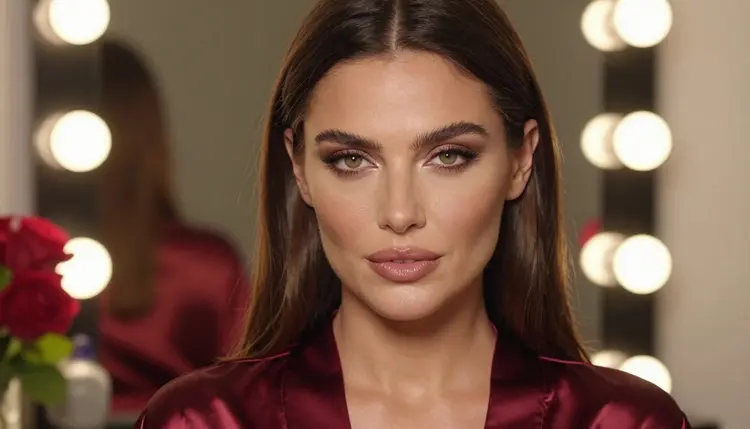
Close-up at the mirror. Tight portrait, the satin collar framing her jaw, bulbs blurred into soft circles behind her, a few rose petals on the counter. Warm tungsten light, 85mm f/1.8, a calm and direct gaze at the camera. This is the frame that tests skin texture and eye detail, so run it early.
Blue hour silhouette. Profile of the woman beside a dressing room window, burgundy robe, a thin line of cool light along the cheek and shoulder, the rest of the room dark. 100mm macro f/2.8. The silhouette hides detail on purpose, which makes it forgiving and very graphic.
Over the shoulder. An ivory satin robe over a red lace bodysuit, hard morning sun through blinds drawing stripes across the wall, she glances back at the lens. 135mm f/2. Ask for the stripes by name, since the model will use them to build the shape of the picture.
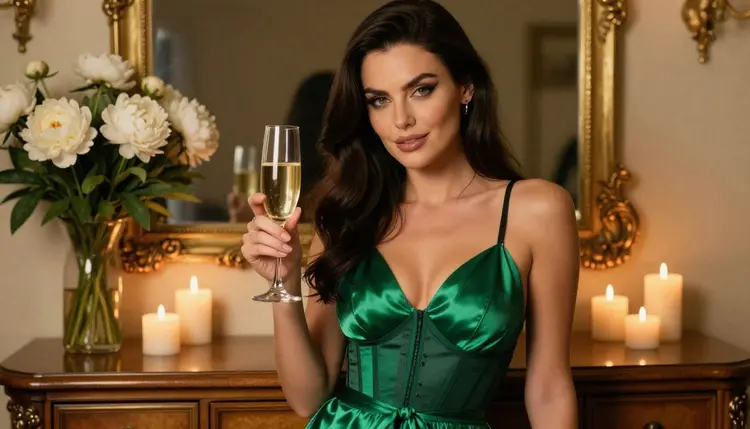
Candlelit champagne. Waist-up shot in an emerald satin robe over a black corset top, a flute of champagne, white peonies and a lit candle on the table. 85mm f/1.8, warm candlelight, shallow depth of field. Candlelight gives small highlights on the glass, so mention it once and let the model place them.
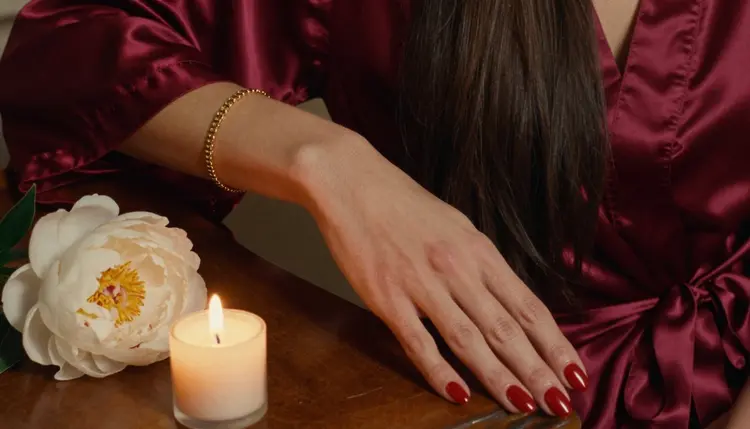
The hand detail. One manicured hand resting on burgundy satin beside a white peony and a candle. 100mm macro f/2.8. Say "exactly one hand" in the prompt, because hands are where most generations slip, and a single hand is easier to get right than two.
This page is for adults. Picasso IA is an 18+ service, and the pictures you make with these prompts are meant for adult viewers only. If you are not an adult, close the page.
Every character is a fictional adult. Write woman or man in your prompts, give a grown-up age in the thirties if you want to specify one, and never describe someone who could read as a minor. Do not use a real or identifiable person, and do not ask for a celebrity look. If a result looks like a real person or a younger one, delete it and rewrite the prompt.
What you create is private by default. It is tied to your account and not published or shown to others. Sharing is your choice, and the usual rules about consent and fair use apply to anything you post elsewhere.
A new account can try a few generations for free on selected Picasso IA models: Picasso IA Image, Picasso Image Editor Pro, Picasso IA Video and Seedance 2.5 Lite. It is a small free trial on selected models, not on the whole catalog. Details on credits, unlimited models and plans are on the pricing page.
Models marked with the infinity tag do not spend credits on the plans that include unlimited generation. Picasso Image Editor Pro, Picasso IA Video and Seedance 2.5 Lite carry that tag, which makes them practical for the second half of this workflow: editing a small detail, then moving the frame.
For the same kind of set in other rooms, try the hotel room photos page, the corset photos page or the polaroid style photos page. If you want a longer guide to wardrobe prompts with the same model, read the lingerie photos with Seedream 4.5 guide and the boudoir photos with Seedream 4.5 guide.
Every model outside the confirmed list is untested. Try it with one prompt, compare the result to Seedream 4.5, and keep the one that gives you the cleaner fabric and light.
Which models are confirmed for backstage dressing room photos?
Seedream 4.5, Recraft V4.1 Pro and Picasso Image Editor Pro cover images, and LTX 2.3 Pro, Picasso IA Video and Seedance 2.5 Lite cover video. Confirmed means Picasso IA tested adult prompts against that exact model repeatedly and saw it generate. The confirmed models page explains it.
Why use Seedream 4.5 for this look?
It creates 4K images from text and handles satin, lace, glassware and flowers well, which is most of what a dressing room contains. Seedream 4.5 is also confirmed, so adult prompts generate instead of being rejected, though a maker can change a model at any time.
How should I word the prompt?
Start with the subject and wardrobe, then the set, then the light and the lens. For example: woman in a burgundy satin robe over black lace, seated at a vanity with round bulbs, roses, late-afternoon side light, 135mm f/2, film grain. Change one phrase at a time.
Can I put two characters in one scene?
Yes, but keep it simple: name each person, their wardrobe and their position in the frame. A second performer at the next mirror, in a different robe, works well. For a couple setup, see the hotel room photos page.
What happens when a model refuses my prompt?
Picasso IA shows a message titled "Content Not Supported by This Model". It recommends models that accept adult prompts and carries your prompt over, so you can switch models and nothing needs retyping.
Are the characters adults and fictional?
Yes. Picasso IA is 18+ only. Characters are fictional adults, never a real or identifiable person and never anyone who could read as a minor. Prompts should say woman or man and keep the age in the thirties or older.
Are my images private?
Yes. What you generate is private by default, tied to your account and not published or shown to others. You decide whether to share anything outside Picasso IA.
Can I turn a dressing room photo into a video?
Yes. Use Picasso IA Video to animate a finished image or a text prompt, LTX 2.3 Pro for 4K video from text, or Seedance 2.5 Lite for clips up to 10 seconds. A robe hem or curtain moving is a good first shot.
How do I fix one detail, like a hand or a belt?
Open Picasso Image Editor Pro and describe the change in plain words, for example "fix the belt knot" or "remove the extra glass". It edits the existing image, so the rest of the frame stays as it was.
Can I try it before paying?
Yes. A new account gets a small free trial on selected models: Picasso IA Image, Picasso Image Editor Pro, Picasso IA Video and Seedance 2.5 Lite. Seedream 4.5 is not in that list, so check the pricing page for how credits work.