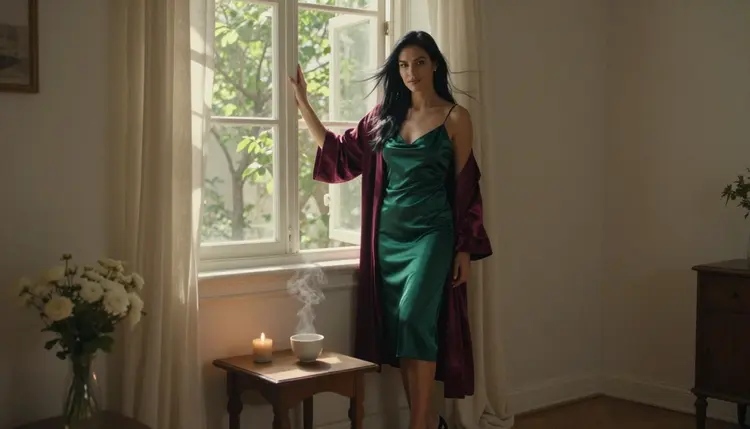
A cinemagraph is a photograph with one moving element that repeats. Everything else in the frame stays frozen: the room, the robe, the woman's pose. Only a thread of steam, a candle flame or a few strands of hair keeps moving. The effect is quiet, a little hypnotic, and it suits an adult theme very well, because the mood does the work and nothing needs to be shown.
This page explains how to build a flirty, suggestive cinemagraph with Picasso IA. You make the still photo first, then turn it into a short clip with Picasso IA Video, and you tell the model to move one thing only. Every character is a fictional adult, and the content stays glamour and boudoir, never explicit.
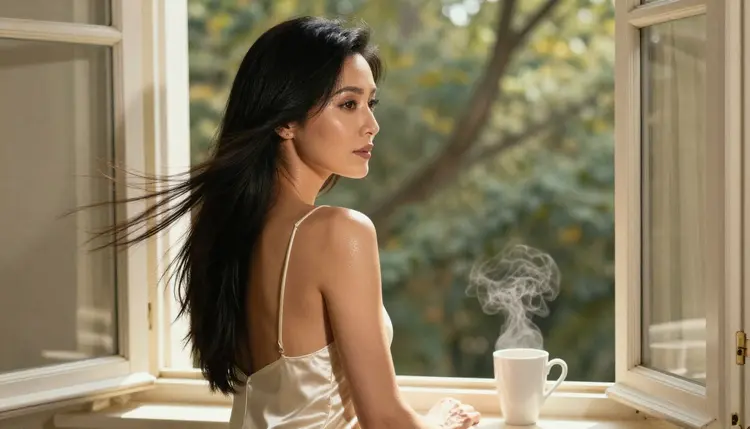
Most video clips ask the viewer to follow action. A cinemagraph asks the opposite: look at one spot and stay there. That is why the format works for adult glamour. A woman in a satin slip by a tall window is already a complete picture. Add a thread of steam rising from a cup on the sill and the picture starts to breathe, without a story, without a cut, without any motion you did not choose.
The look depends on contrast between stillness and movement, so the still has to be strong before you animate it. Pick a frame with clear window light, a simple background and one obvious candidate for motion. A candle is a good candidate because a flame already flickers in real life. Steam is another, because it rises and fades by itself. Hair in a light breeze works if the face and shoulders are calm. Avoid frames with five possible moving things, because the video model will try to move several of them.
The model matters too. Picasso IA Video turns a text description or a single image into a clip, and it is one of the confirmed models of the app. That means adult prompts were tested against it repeatedly and it generated instead of rejecting them. It is not a published setting of the model's maker, so treat it as a tested result, not a promise. For the still itself, Seedream 4.5 gives you photoreal frames, and that is the first step of the workflow below.
A last point on style: a cinemagraph reads best with a locked camera. If the camera drifts, the whole frame moves and the loop effect is lost. Say in the prompt that the camera does not move, and keep the lens choice simple, such as 85mm for portraits or 35mm for a woman in a room.
Picasso IA keeps a short list of models it has tested with adult prompts. For this look the video models do the animation and the image models make or fix the starting frame. All six are listed here with what each is best at.
| Model | Best for | Format |
|---|
| Picasso IA Video | Turning a still into a clip, or writing a clip from text | Video from text or image |
| Seedance 2.5 Lite | Short clips when you want to try several loops quickly | Video up to 10 seconds |
| LTX 2.3 Pro | A sharper clip written from text alone | 4K video from text |
| Seedream 4.5 | The starting photo, with window light and satin texture | Photoreal image, 4K |
| Recraft V4.1 Pro | A graphic or illustrated version of the same scene | Print-ready image, 2K |
| Picasso Image Editor Pro | Fixing one detail of the still before you animate it | Edit an existing image |
The practical split is simple. Make the photo with Seedream 4.5, fix anything wrong with Picasso Image Editor Pro, then animate with Picasso IA Video. If you prefer to write the whole clip from text, LTX 2.3 Pro does that at 4K, although you lose the exact still you had in mind because the frame is generated fresh.
The rest of the catalog holds many more video models. Seedance 2.5 (the full version, from ByteDance) and Picasso Video (Pruna P-Video) are untested for adult prompts. They are worth a try, but nothing is confirmed either way, so keep one of the confirmed models as your fallback. You can browse the options in the full catalog.
The method is the same every time: a good still, a short motion prompt, and a review of the result. The five steps below take you from an empty prompt box to a clip with one repeating movement.
- Open the toolkit and pick the still model. Go to the toolkit and choose Seedream 4.5 for the photo. You can also start from an image you already have and attach it as a reference.
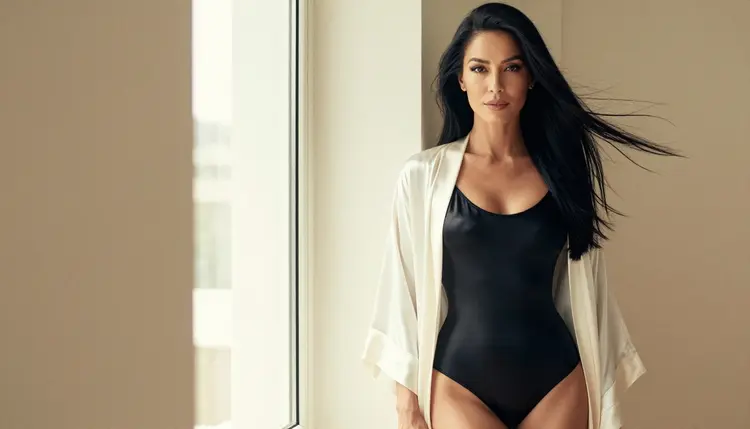
- Describe the woman, the wardrobe and the window. Write the outfit, the room and the one element that will move later. For example, an ivory satin robe over a black bodysuit, a tall window, a cup of tea on the sill.
- Set the light and the camera. Name the light (warm window light from the left, dappled shade) and the lens. Generate the still and check hands, fabric folds and the face before going on.
- Switch to the video model and move one thing. Pick Picasso IA Video, attach the still, and write a prompt that names the single moving element and says the camera and everything else stay fixed.
- Review the clip and refine. Watch whether only the chosen element moves. If something else drifts, fix the still with Picasso Image Editor Pro or try another model, and carry the same prompt over.
The review step is where most of the quality comes from. Play the clip several times in a row, because a cinemagraph is meant to be watched on repeat. If the movement stutters at the end, shorten your motion description or try Seedance 2.5 Lite, which is quick to rerun.
Each idea below names wardrobe, setting, light and the one element that moves. Use them as a start, then change the details. For each one, write the still prompt first and the motion prompt second.
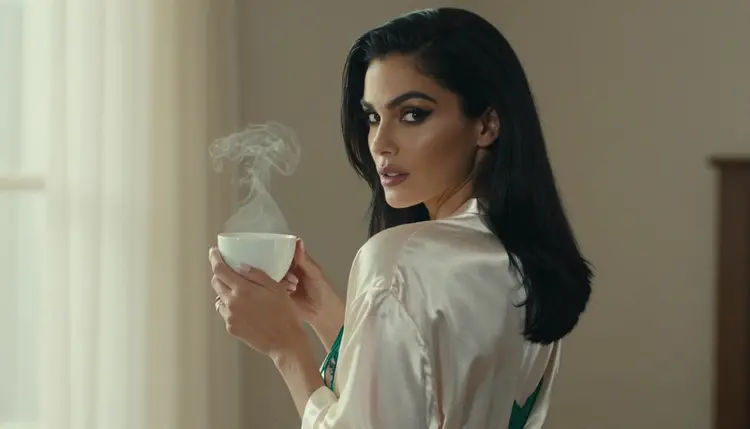
Steam from a cup. A woman in an ivory satin robe stands beside a tall window holding a steaming cup, soft window light from the left, 50mm lens. Motion prompt: only the steam rises and curls, the woman and the room stay still, camera locked.

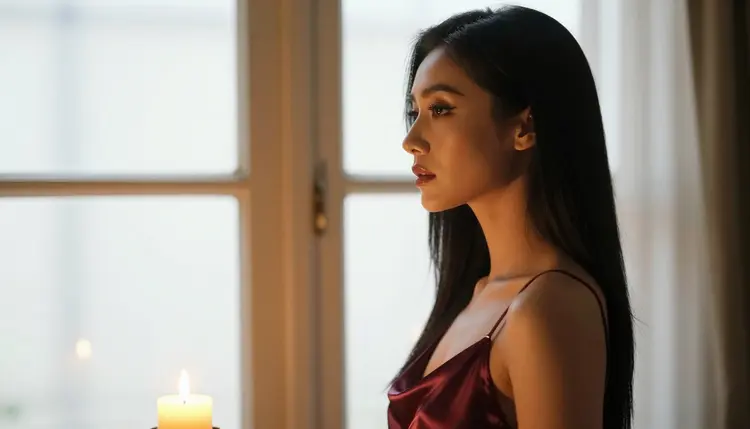
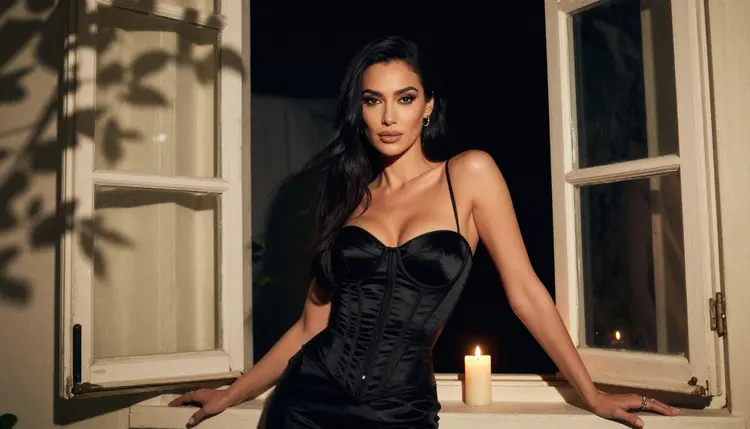
A candle on the sill. A woman leans on a window in a black satin corset top, a lit candle beside her, dappled shade light, 24mm lens. Motion prompt: only the candle flame flickers, nothing else moves.
Hair in a breeze. A close-up portrait with a red satin strap, soft studio daylight, 85mm lens, a few strands of black hair lifted by air. Motion prompt: only the loose strands move slowly, the face stays calm and the eyes stay on the camera.
A curtain beside a profile. A woman in a burgundy satin slip seen in profile against bright light, warm tungsten lamp, 50mm lens. Motion prompt: the sheer curtain behind her sways, the silhouette holds its pose.
Rain on glass. A woman in a silk robe looks out of a window while rain runs down the pane, overcast soft daylight, 35mm lens. Motion prompt: only the raindrops slide down the glass, the woman is still.
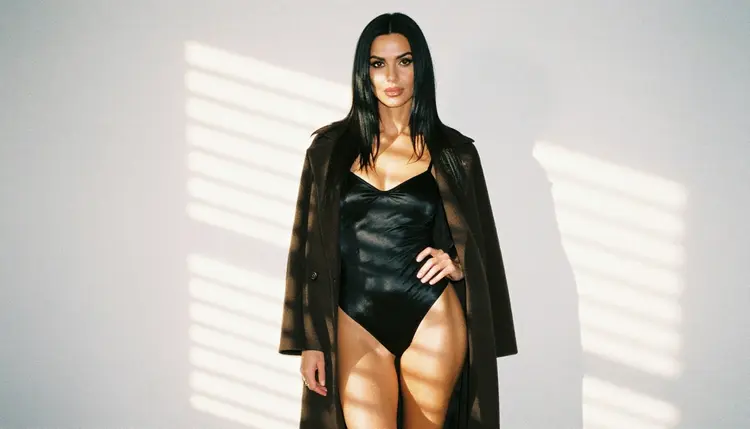
Blinds and sun stripes. A woman in a black bodysuit under an open camel coat, standing in a room with hard morning sun through blinds, 35mm lens. Motion prompt: only the light stripes shift slowly across the wall.
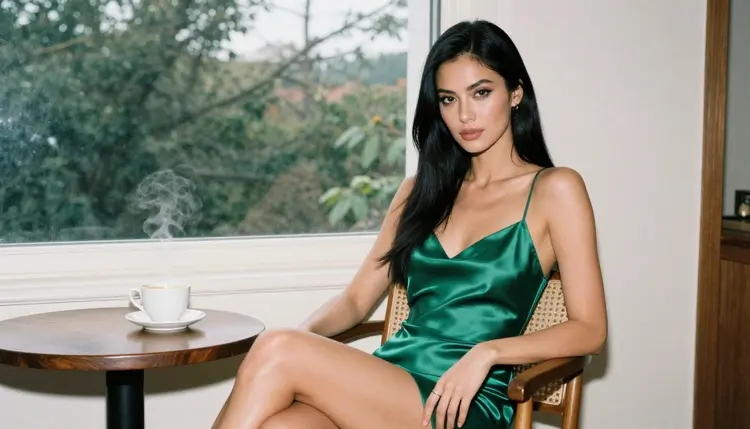
Smoke from an incense stick. A woman in an emerald satin slip sits on a wooden chair by a large window, an incense stick burning on a small table, overcast daylight, 24mm lens. Motion prompt: only the thin smoke drifts upward.
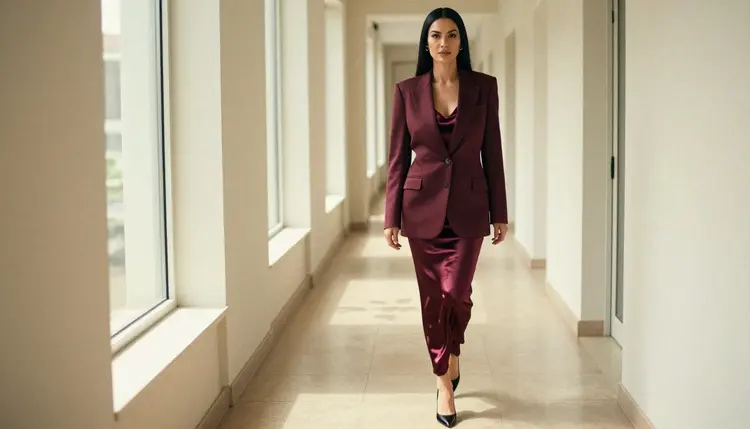
A walk in a corridor. A woman in a burgundy blazer over a satin slip walks along a sunlit hallway, dappled light, 85mm lens. This one is harder, because the movement is the whole subject. Treat it as a test: ask for a slow walk toward the camera and keep the background fixed.
Picasso IA is for adults. This whole section of the site is 18+ only, and the pages are written for people who are of age to see mature material. If you are not an adult, this is not the place for you.
Every character you create must be a fictional adult. Do not write prompts about real people, public figures or anyone who could be identified, and do not describe anyone who could read as a minor. The examples on this page all use one fictional woman in her thirties, in glamour and boudoir wardrobe such as satin slips, robes and bodysuits.
What you make is private by default. Your generations are tied to your account and are not published or shown to other people. What you do with a clip after you download it is your decision, and it should respect the same adult and fictional rules.
The style is suggestive, not explicit. Think wardrobe, window light, a candle and a look to the camera. Prompts that go beyond that may be refused by a model, and the app will show a message and suggest other models. See the last section for how that works.
A new account can try a few generations for free on selected models: Picasso IA Image, Picasso Image Editor Pro, Picasso IA Video and Seedance 2.5 Lite. That is a small free trial on selected models, not on the whole catalog. It is enough to test the still-to-clip flow once. Plans, prices and the unlimited tag are explained on the pricing page.
Picasso IA Video, Seedance 2.5 Lite and Picasso Image Editor Pro carry the infinity tag in the catalog, which means they do not spend credits on the plans that include unlimited generation. Seedream 4.5 and LTX 2.3 Pro spend credits that vary by model and by options such as resolution or duration.
If you want to explore beyond the confirmed list, the models below are untested for adult prompts. They may work or they may refuse, and the app will not hide either result from you.
Seedance 2.5 and Picasso Video (Pruna P-Video) are the two video models closest to this look. Try them with the same motion prompt you used on Picasso IA Video, and compare how much of the frame moves. For the still, Picasso Image Editor Pro can adjust an existing photo before you animate it. If you like the film grain of an analog photo in your cinemagraph, see the film photo look, and for more stills in one outfit story read the Seedream 4.5 photo set.
Which models can make an NSFW cinemagraph?
Picasso IA Video, Seedance 2.5 Lite and LTX 2.3 Pro are the confirmed video models, and Seedream 4.5, Recraft V4.1 Pro and Picasso Image Editor Pro are the confirmed image models. Confirmed means adult prompts were tested against them repeatedly and they generated instead of rejecting. All other models are untested.
Why start with Picasso IA Video?
It turns a single image into a clip, so the still you made stays the same photo and only the motion is added. It also carries the infinity tag, so on plans with unlimited generation you can rerun the clip as often as you need. See Picasso IA Video for its catalog page.
How do I word the prompt so only one thing moves?
Name the moving element first, then lock the rest. For example: only the steam rises, the woman and the room stay still, the camera does not move. Short, concrete instructions work better than long scenes. If a second element starts to drift, remove it from the still or from the prompt.
Can I put two people in one looping scene?
You can try, but a cinemagraph works best with one subject and one moving detail. Two people double the chances that something drifts. If you want a consistent character across frames, the reference photo guide shows how to attach an image and refer to it in the prompt.
What happens when a model refuses my prompt?
The app shows a message titled "Content Not Supported by This Model". It recommends models that accept adult prompts and carries your prompt over, so you do not retype anything. Pick one of the suggestions and generate again with the same text.
Are the characters adults and fictional?
Yes, always. This section is 18+ only. Every character is a fictional adult, never a real or identifiable person, and never anyone who could read as a minor. Write your prompts to the same standard, and keep the wardrobe in the glamour and boudoir range.
Is what I create private?
Generations are private by default. They are tied to your account and are not published or shown to others. Nothing on this page asks you to share a clip, and any sharing you do later is your own choice.
How do I turn a still into a video clip?
Open the toolkit, choose Picasso IA Video, attach your still and describe the one movement. If you would rather write the whole clip from text, LTX 2.3 Pro makes 4K video from text. Seedance 2.5 Lite is listed up to 10 seconds if you want a short, fast test.
Can I fix one detail in the still before I animate it?
Yes. Picasso Image Editor Pro edits an existing image, so you can correct a hand, a strap or a fold of fabric and keep the rest. Editing the still first is usually faster than rerunning the video many times. The guide on editing a photo without losing detail covers this in depth.
Can I try this before paying?
A new account gets a small free trial on selected models, including Picasso IA Video and Seedance 2.5 Lite, so you can test one still-to-clip run. The rest of the catalog uses credits that vary by model and options. Read the pricing page for the details, and compare models in the full catalog.