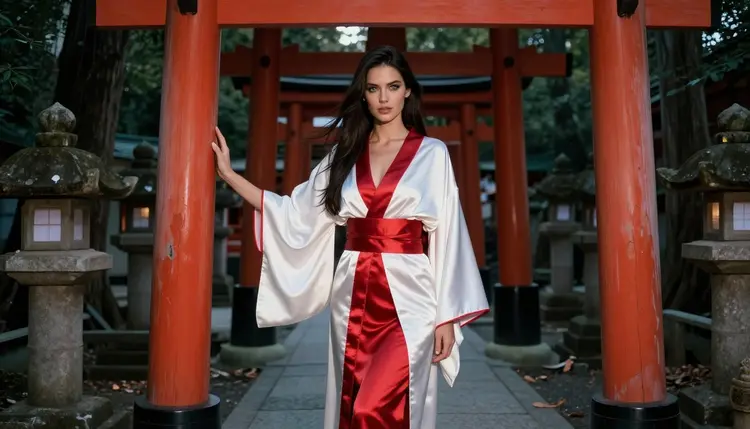
A kitsune is the fox spirit of Japanese folklore, a shrine messenger who can take a human shape and keeps a few giveaways: pointed ears, a bushy tail or several, and a quiet, knowing look. In pictures, the idea works best when it is built from costume and place rather than from fantasy effects. A white-and-red kimono robe, a fox-ear headband, a sash in lacquer red and a vermilion torii gate at dusk are enough to tell the story.
This page shows you how to make that look in Picasso IA with Qwen Image 2, an image model from the catalog that is still untested for adult prompts, so we treat it as worth a try and keep two confirmed models ready as a fallback. Everything here is for adults, about fictional adult characters, and it stays provocative without ever becoming explicit: silk, light, pose and mood do the work.
The kitsune look has a strict visual grammar, and that is what makes it easy to prompt. You have a limited palette (white, red, a little gold), a recognizable set of props (fox ears, tails, a paper lantern, a sash), and a setting that carries mood on its own: stone steps, a row of torii gates, a tea house window, a courtyard raked in neat lines. When the prompt names those pieces, the picture reads as kitsune at first glance.
Qwen Image 2 is listed in the catalog as a model to create images and edit photos. For this style, that gives you two ways in. You can write a full scene from text, or you can bring a photo and ask for changes to the outfit or the setting. It is the model this page is built around, and it has not been confirmed for adult prompts, so the honest advice is to try it, read what comes back, and move to a confirmed model if it declines. You can open its page from Qwen Image 2.
What reads well in this look is contrast. White silk against red lacquer, a pale collar against dark hair, warm dusk light against the cooler shadow under a gate. Fabric detail matters too: the sheen of a satin sash, the way a robe folds at the shoulder, the soft edge of a fox-ear headband. If you describe those details, the model has something concrete to draw. If you only write "kitsune", you get a generic cartoon, so describe an adult woman in a kimono robe, the setting, the lens and the light.
The same character can also sit next to other fantasy looks on the site. If you like shrine guardians and warrior imagery, the page on NSFW Valkyrie Art with Qwen Image 2 uses the same method with armor and feathers instead of silk and fox ears.
Picasso IA keeps a short list of models it has tested repeatedly with adult prompts and watched generate instead of reject. Confirmed does not mean the maker promises it forever: model makers can change their settings at any time, so the label describes what was observed, not a guarantee. For a kitsune scene, these are the six you can lean on.
Beyond that list, the catalog holds hundreds of models, and every one of them that is not on it is simply untested. That includes Qwen Image 2. Untested does not mean filtered and it does not mean open. It means nobody at Picasso IA has run the check yet, so a short trial prompt is the way to find out. Browse the full catalog when you want to try something else for the same scene.
The flow is short. Keep the first prompt simple, check the result, then add detail in the next round. The lead-in below covers the whole loop, and the list gives you the order.
- Open the toolkit and pick the model. Go to the toolkit, choose Qwen Image 2 for text to image, or Seedream 4.5 if you want a confirmed model from the first try.
- Describe wardrobe and setting. Write the white-and-red kimono robe, the fox-ear headband, the tails, the shrine gate and the time of day, and name the character as an adult woman.
- Set the light and mood. Pick golden hour backlight, soft window light or blue-hour ambient light, then add a lens such as 85mm f/1.8 for a portrait or 35mm f/2 for a wider scene.
- Generate and review. Look at the hands, the folds of the fabric, the ears and the face. Check that the kimono sits the way you described it and that the tail count matches your prompt.
- Refine or switch. Fix a single detail with Picasso Image Editor Pro, or send the same prompt to Seedream 4.5 or Recraft V4.1 Pro if Qwen Image 2 does not give you what you want.
If a model declines a prompt, the app shows a message titled "Content Not Supported by This Model" and suggests models that accept adult prompts. Your prompt is carried over, so you do not retype it.
Each idea below names wardrobe, setting, light and angle. Copy the structure, then change the details to match your own character. Keep every character an adult and keep the mood suggestive rather than explicit.
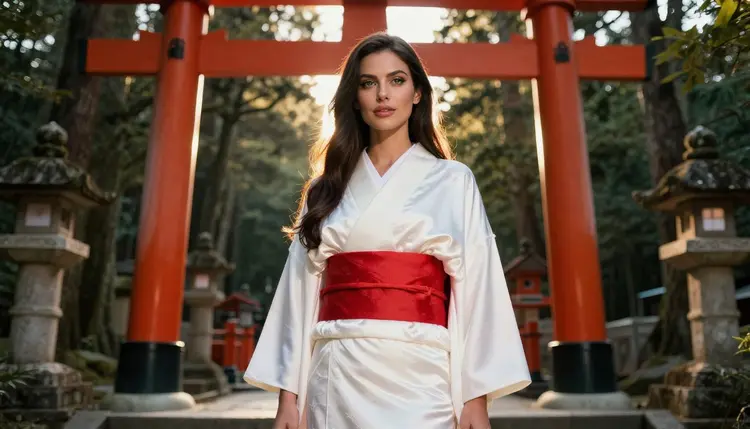
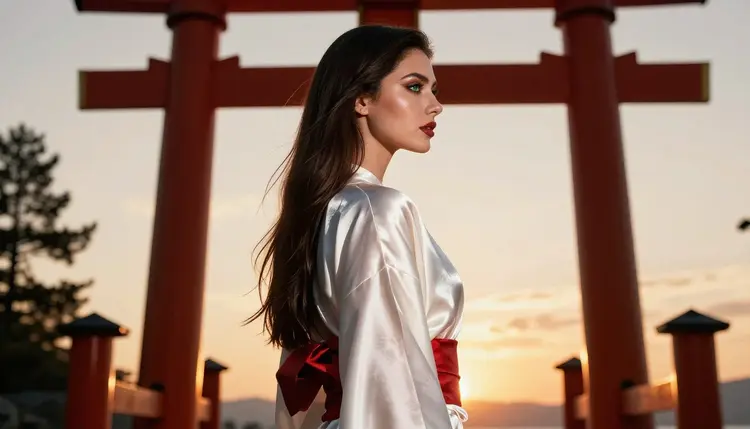
Shrine gate at dusk. A woman in a white-and-red silk kimono robe stands beneath a vermilion torii gate, fox-ear headband in place, three soft tails behind her. Golden hour backlight, 35mm f/2, wide environmental frame with stone steps leading up.
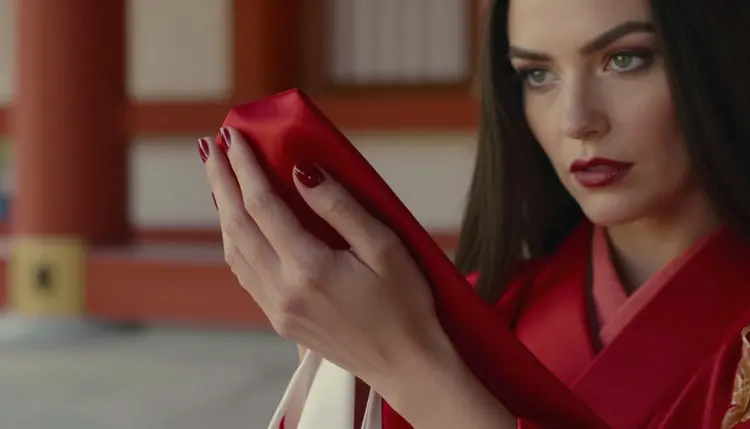
The sash in close detail. One manicured hand holds a red satin sash against white silk. Late-afternoon side light, 70mm f/2.8, shallow depth of field. Only one hand in the frame, which also helps avoid the finger mistakes that image models sometimes make.
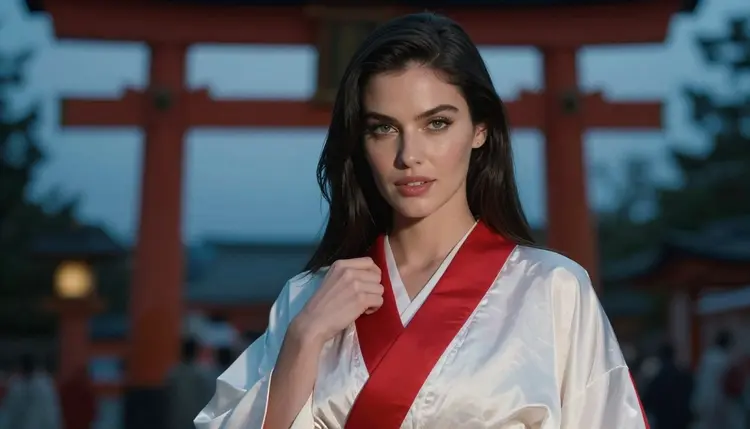
Blue-hour portrait. Waist-up shot of a woman in a closed kimono robe, long dark hair, green eyes, red lipstick, cool blue-hour light from the sky and a warm paper lantern glow on her left cheek. 85mm f/1.8.
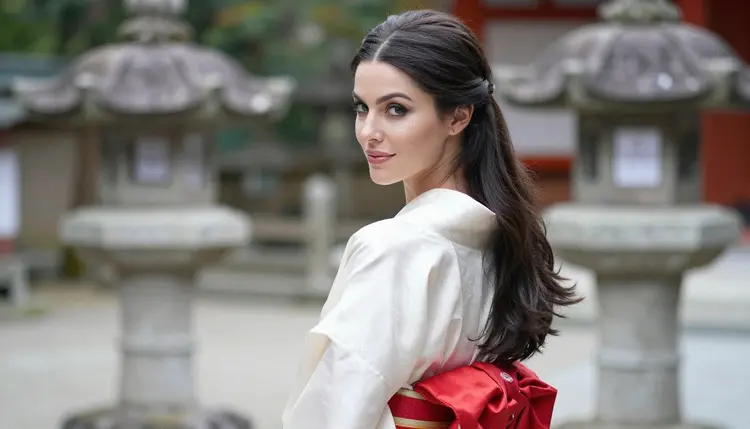
Glance over the shoulder. In a shrine courtyard, the woman looks back over her shoulder at the camera, collar slipping a little at the neck, soft diffused daylight, 35mm f/2. This is a gentle, flirty pose and it shows the back of the robe and the bow of the sash.
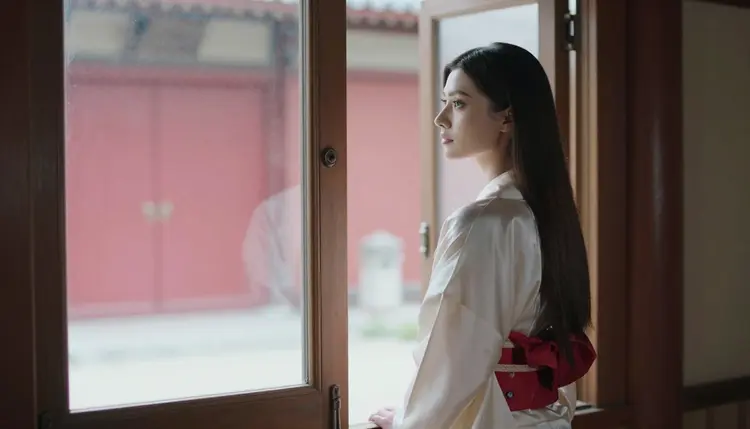
Tea house window. She leans on the sill of a wooden tea house and looks out toward a distant torii gate. Late-afternoon side light comes through paper screens. Mention the steam from a cup on the sill and the warm wood tones.
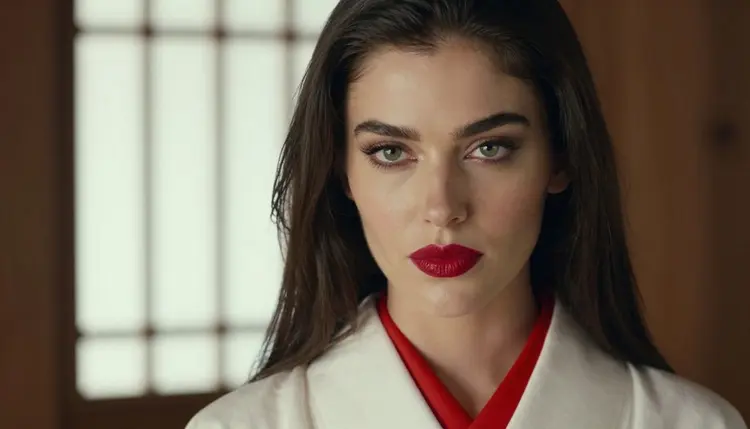
Close-up with red lips. Tight portrait, window light from the left, 35mm f/2, a white silk collar framing the face, a fox-ear headband just visible at the top of the frame. This one tests how well the model renders skin and lipstick.
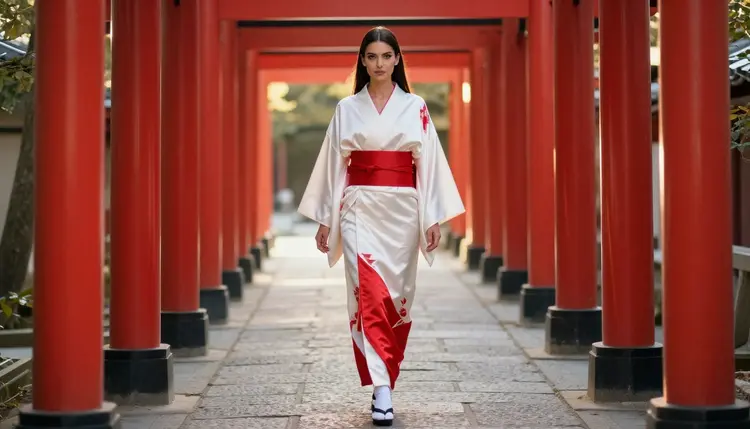
Walk through the gates. Full-length frame on a path lined with vermilion gates, golden hour backlight, the robe flowing slightly as she walks away from the camera and turns her head. Use a lens of 35mm f/2 to keep the whole row of gates in view.
Champagne on the steps. Seated three-quarter view on shrine steps, robe closed, a glass of champagne in one hand, 50mm f/1.4, late-afternoon side light. The glass adds a prop and a highlight, and it keeps the pose relaxed.
If you want a second character in the scene, say so clearly, and read the page on NSFW Fallen Angel Art with Qwen Image 2 for how to keep two figures separate in a prompt.
This section is the short version of what stays true on every page. Picasso IA is for adults. You must be 18 or older to use the adult side of the app, and that is not negotiable. If you are under that age, close this page.
Every character you create here is a fictional adult. No real or identifiable person, no celebrity, no one who could read as a minor. Prompts that describe a woman or a man of adult age and a clear fantasy costume stay inside that line, and anything that does not is refused or deleted. Keep the kimono closed and the mood suggestive: lingerie, swimwear and glamour are allowed, explicit content is not.
What you make is private by default. It is tied to your account and it is not published or shown to others. You decide whether to share an image afterward, and nothing is posted for you.
A new account can run a few generations for free on selected Picasso IA models: Picasso IA Image, Picasso IA Editor Pro, Picasso IA Video and Seedance 2.5 Lite. It is a small free trial, not a free pass across the catalog, so check the pricing page for how credits work and which models are marked with the infinity tag.
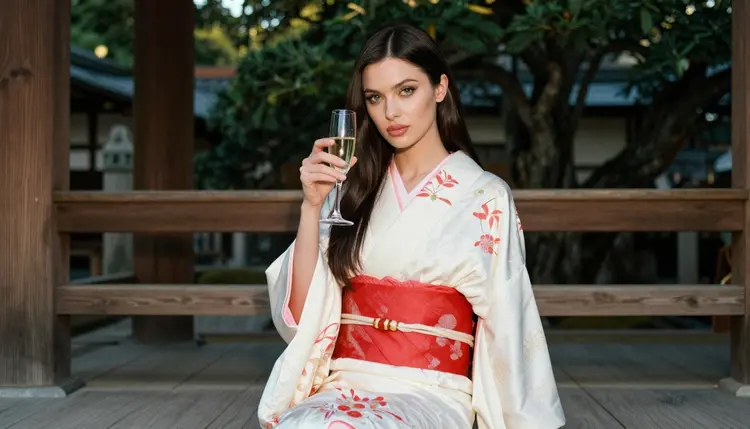
For kitsune art, Qwen Image 2 is the model on trial in this article, so spend a prompt or two to see how it handles the kimono, the ears and the tails. If you want to compare, send the same prompt to Seedream 4.5, which is confirmed, and look at the difference in skin, fabric and light. When you are happy with a still, move it to Picasso IA Video or LTX 2.3 Pro and ask for a slow camera move or a gust of wind through the robe.
Other looks pair well with this one. The page on NSFW Visual Novel Art with Qwen Image 2 shows how to plan a set of related images, which is useful if you want a kitsune character across several scenes.
Which models are confirmed for adult prompts?
Six models are confirmed in Picasso IA: Seedream 4.5, Recraft V4.1 Pro and Picasso Image Editor Pro for images, and LTX 2.3 Pro, Picasso IA Video and Seedance 2.5 Lite for video. Confirmed means they were tested repeatedly with adult prompts and generated instead of rejecting. See Seedream 4.5 for a photoreal start.
Why use Qwen Image 2 for kitsune art?
It is a catalog model that creates images and edits photos, and it follows a detailed description of costume and setting. It is untested for adult prompts, so treat it as worth a try. If it declines, move the same prompt to a confirmed model.
How should I word a kitsune prompt?
Name an adult woman, the white-and-red kimono robe, the fox-ear headband, the tails, the setting, the light and a lens. Short, concrete phrases work better than long adjectives. Keep the mood suggestive and leave out any explicit words.
Can I put two characters in one scene?
Yes. Say who stands where, what each wears and who looks at whom, and keep the count to two. Both must be fictional adults. The page on NSFW Valkyrie Art with Qwen Image 2 has a similar two-figure approach.
What happens when a model refuses my prompt?
The app shows a message titled "Content Not Supported by This Model" and recommends models that accept adult prompts. Your prompt is carried over, so you can pick one and continue without retyping.
Is the content adults only and fictional?
Yes. The adult side of Picasso IA is for people who are 18 or older, and every character is a fictional adult. No real or identifiable person, and no one who could read as a minor.
Are my images private?
Generations are private by default. What you create is tied to your account and is not published or shown to others.
Can I turn a kitsune image into a video?
Yes. Use Picasso IA Video for text or image to video, or LTX 2.3 Pro for 4K video from text. Seedance 2.5 Lite is listed for clips up to 10 seconds. Open Picasso IA Video to see the options.
Can I fix one detail without starting over?
Yes. Picasso Image Editor Pro edits an existing image, so you can change a sash color, adjust a collar or add a headband while keeping the rest. Find it in the toolkit or on its model page.
Can I try it before paying?
A new account gets a small free trial on selected models. Read the pricing page for the details of credits and unlimited models, and check which ones the trial includes.