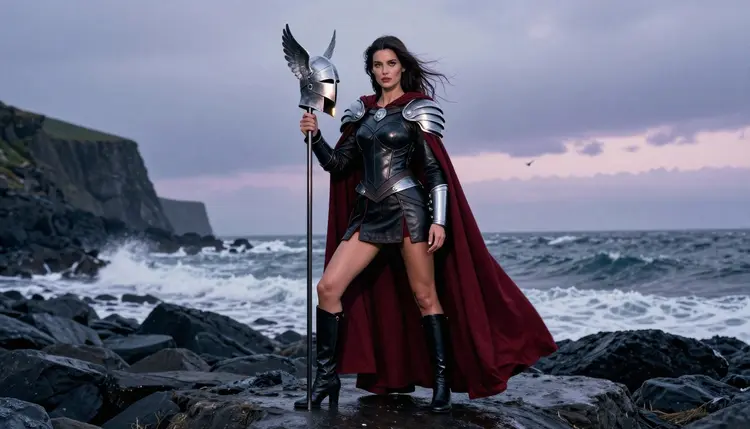
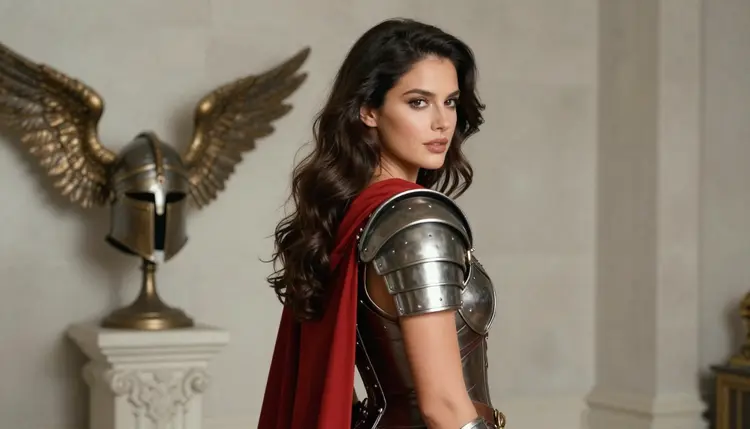
A Valkyrie is a good subject for adult glamour art because the costume does half of the work before you write a single mood word. Fitted leather, brushed steel, a long wool cloak and a winged helm give you structure, contrast and a clear story: a mature woman who looks like she walked off a Nordic shore at dusk. This page shows how to build that look with Qwen Image 2 and with the confirmed models of Picasso IA, with prompts you can copy and adjust.
Everything here is provocative, never explicit. The armor is opaque, the pose is confident, the light does the flirting. All characters are fictional adults, and the page is written for readers who are 18 or older.
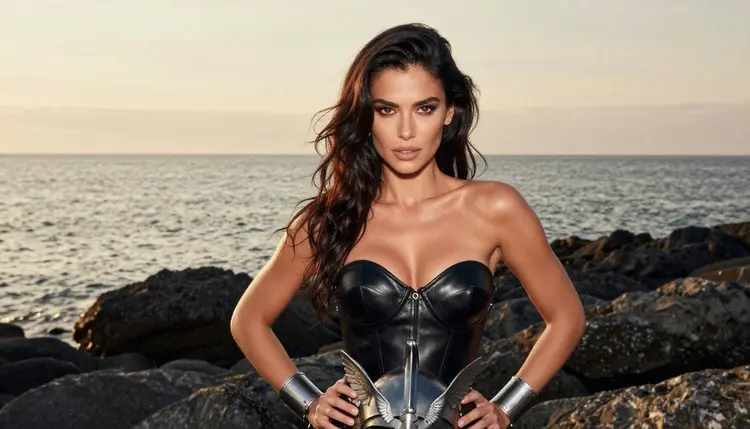
The Valkyrie look works in a picture for a simple reason: it is made of materials that photograph well. Black leather has a soft sheen, steel catches a hard highlight, and a deep red cloak gives you one strong color against a gray sea. When you prompt for it, you are really prompting for a fashion shoot with a fantasy costume, which is exactly what image models handle best.
Qwen Image 2 is listed in the catalog as a model to create images and edit photos. It is untested for adult prompts on Picasso IA, which means it is worth a try, not a promise. If you open Qwen Image 2 and it generates what you asked for, good. If its filters stop the prompt, the app tells you and carries the prompt to a model that accepts it, so you do not retype anything.
What makes a Valkyrie frame read well is a short list of specifics. Name the materials (black leather bodice, brushed steel bracers, wool cloak). Name the prop (a silver winged helm held at the hip or under one arm). Name the place (wet dark stone, a Nordic coastline, a stone longhouse door). Then add one light and one lens. A prompt with those five parts almost always beats a long paragraph of adjectives.
The mood is also easy to steer. A cold blue hour makes the character look distant and severe. Golden backlight makes the same costume warm and romantic. Tungsten lamp light inside a longhouse turns it into a boudoir scene with a fantasy wardrobe. You can stay with one woman across all of these, which keeps a series consistent.
Because Qwen Image 2 is untested, the safest way to work on this look is to know which models Picasso IA has confirmed. Confirmed means the team ran adult prompts against that exact model repeatedly and watched it generate instead of reject. It is not a setting published by the model's maker, who can change things at any time. You can read the full explanation on the page about what confirmed means.
For a Valkyrie, the image models do the main work and the video models bring the cloak and the sea to life afterwards. Here is where each one fits.
| Model | Best for | Format |
|---|
| Seedream 4.5 | Photoreal armor, skin light and leather texture | Image, 4K from text |
| Recraft V4.1 Pro | Painted or poster-style Valkyrie illustration | Image, print-ready at 2K |
| Picasso Image Editor Pro | Fixing one detail: a bracer, a cloak edge, a hand | Photo edit, unlimited tag |
| LTX 2.3 Pro | Wind in the cloak, waves behind the character | Video, 4K from text |
| Picasso IA Video | Turning a finished still into a short clip | Video, text or image, unlimited tag |
| Seedance 2.5 Lite | Quick motion tests of the same scene | Video, up to 10 seconds, unlimited tag |
Beyond that list, the catalog holds hundreds of models. Qwen Image 2, Picasso Video (Pruna P-Video), Seedance 2.5, Seedream 5, Flux, Wan and many others are untested: not confirmed either way, and worth a try if you like to experiment. Nobody should assume they are filtered, and nobody should assume they are not. If a model refuses, the confirmed list above is your fallback. You can browse everything in the full catalog.
The flow below takes about as long as writing the prompt. It assumes you start with Qwen Image 2 and fall back to Seedream 4.5 if needed, but the same steps work for any image model in the toolkit.
- Open the toolkit and pick the model. Choose Qwen Image 2 from the image models, or start on Seedream 4.5 if you want a confirmed model from the first try.
- Describe wardrobe and setting. Write the bodice, the bracers, the cloak color, the winged helm prop and the place, such as a wet stone shoreline at the edge of a fjord.
- Set the light and mood. Pick one light (blue hour, golden backlight, lamp light) and one lens, for example 85mm f/1.8 for a portrait, and say the expression: confident, calm, a little amused.
- Generate and review. Check the hands, the fabric folds, the metal edges and the face before you keep a frame. Generate a few variations and keep the cleanest one.
- Refine or switch model. Fix a single detail with Picasso Image Editor Pro, or move the same prompt to a confirmed model if the first one refuses it.
If you attach a reference image, the toolkit gives it an @1 badge and you can mention it in the prompt. Picasso IA translates that reference to the syntax each model understands, and only models that accept several inputs show the badges. This is useful when you want the same woman in every frame.
These ideas are written as starting points. Swap the colors, the place or the lens, and keep the structure: wardrobe, prop, set, light, angle. Each one assumes a fictional adult woman and opaque costume pieces.
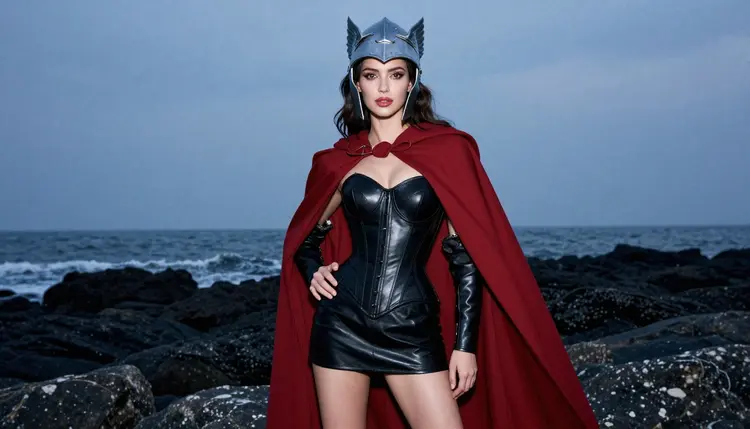
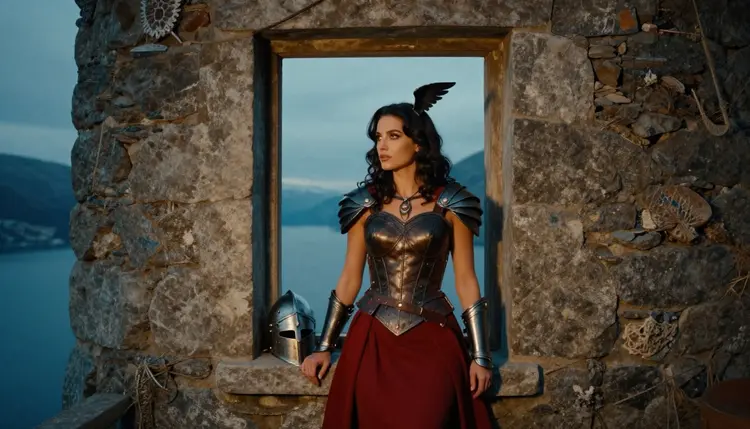
The shoreline hero shot. A woman in a fitted black leather armor bodice with brushed steel shoulder plates, a short dark leather skirt, tall boots and a long deep red cloak, holding a silver winged helm, standing on wet dark stone at the edge of a Nordic coast. Cool blue hour light, 50mm f/1.4, eye level, a confident and sultry look. This is the frame that sets the tone for a whole series.
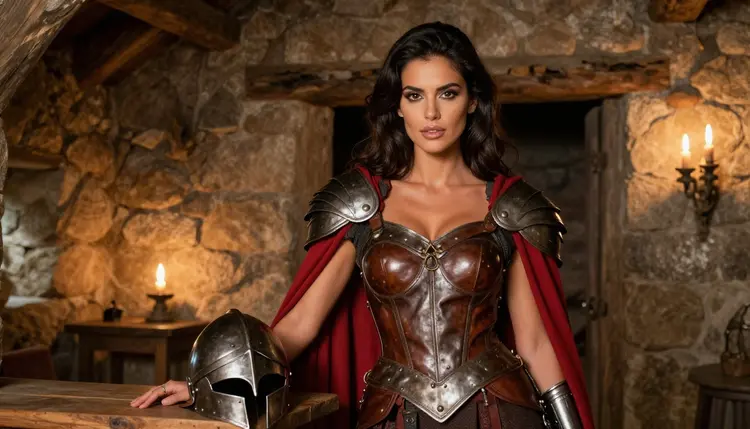
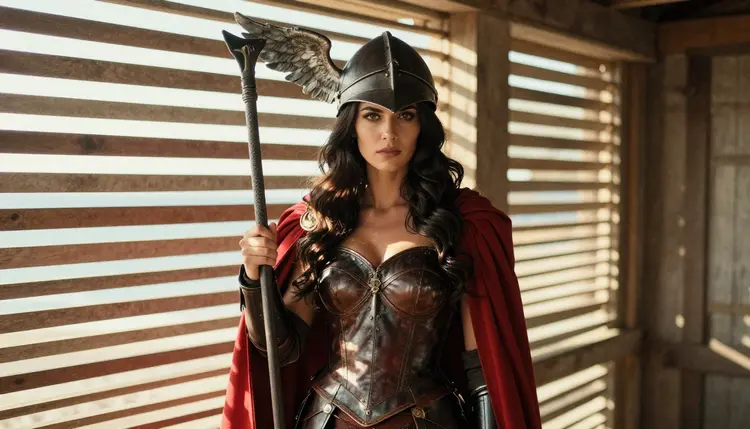
The longhouse doorway. The same woman standing in a wide environmental portrait inside a stone longhouse door, leather bodice with steel pauldrons, warm tungsten lamp light spilling from behind, 70mm f/2.8. The warm interior against the cold outside gives you a romantic, slightly mysterious scene without any need for more skin.
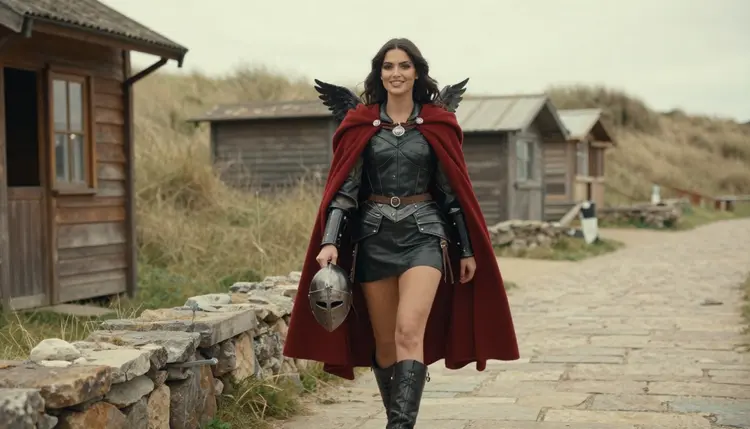
The walking shot. A candid three-quarter frame of the woman walking along a stone path past a fishing hut, cloak flowing, helm swinging from one hand, soft window-like daylight, 24mm f/2.8. Motion in the cloth is the selling point, so ask for the cloak to be mid-movement.
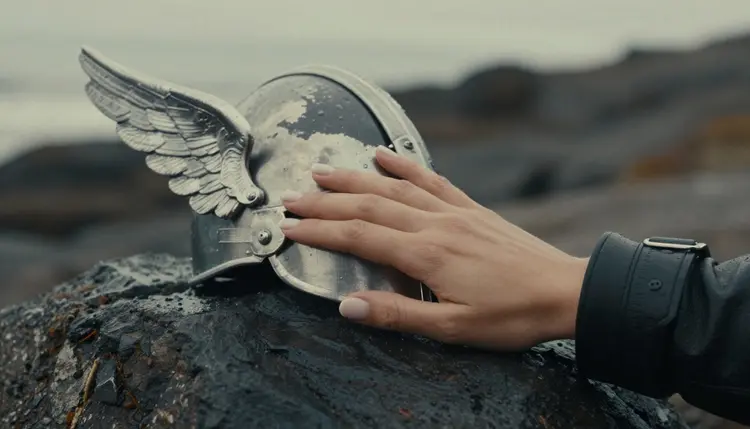
The armor detail. One hand resting on a brushed steel bracer over black leather, beside the silver wing of a helm prop on wet dark rock, overcast soft daylight, 100mm macro f/2.8. Specify exactly one hand, because extra fingers are the most common failure in detail shots.
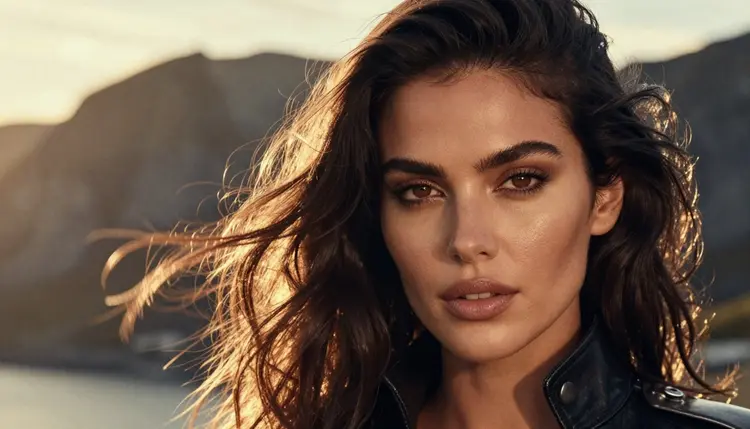
The close-up portrait. A tight 85mm f/1.8 portrait with golden backlight, a steel shoulder plate, a leather collar and wind in her long dark chestnut waves. Polished glamour makeup and a calm look into the lens. Backlight gives a rim of gold on the hair that sells the hour of the day.
The silhouette. A profile against hard morning sun coming through the slats of a boathouse, leather bodice and red cloak reduced to shape. This one is about outline: ask for a clean edge on the helm wing and let the rest fall into shadow.
The window at blue hour. The woman looking out of a rough stone tower window at a fjord, cloak over one shoulder, cool light on her face, 85mm f/1.8. For a lighter mood, move the same scene to a studio with soft diffused daylight and an over-the-shoulder look back at the camera, 24mm f/2.8.
This page and every image idea on it are for adults. You must be 18 or older to use the NSFW section of Picasso IA, and the prompts here are written for readers who are.
Every character is a fictional adult. Never prompt for a real or identifiable person, a celebrity or a public figure, and never for anyone who could read as a minor. If a prompt could be read that way, rewrite it with clear adult details: mature styling, an adult woman, a grown-up setting.
What you create is private by default. It is tied to your account and not published or shown to other people. You decide what to do with it. Keep the content provocative rather than explicit, and respect the rules of any place where you share it.
A new account can try a small free trial on selected models: Picasso IA Image, Picasso Image Editor Pro, Picasso IA Video and Seedance 2.5 Lite. That is enough to test a Valkyrie prompt, turn it into a short clip and fix one detail. The trial does not cover the whole catalog, so check the pricing page for what each model needs. Models with the infinity tag in the catalog do not spend credits on the plans that include unlimited generation.
If you want to keep the same fantasy feel with a different character type, these sibling pages explore nearby looks: dark romantasy art for moody gothic wardrobe, fallen angel art for wings and dark silk, and tabletop RPG art for adventurer portraits.
Among the untested models, Qwen Image 2 is the first to try for this look, because its catalog entry says it creates images and edits photos, so one model can cover both the first picture and a tweak. Treat the others in the catalog the same way: try, look at the result, and fall back to a confirmed model if the app asks you to. For a dedicated look at the model itself, see Qwen Image 2 and adult art.
Which models are confirmed for Valkyrie art?
Seedream 4.5, Recraft V4.1 Pro and Picasso Image Editor Pro for images, and LTX 2.3 Pro, Picasso IA Video and Seedance 2.5 Lite for video. Confirmed means Picasso IA tested adult prompts on them repeatedly and watched them generate. Every other model is untested.
Why use Qwen Image 2 for this look?
Its catalog entry says it creates images and edits photos, so one model can handle the first frame and later changes. It is untested for adult prompts, so treat it as worth a try. If it refuses, move to Seedream 4.5.
How should I word a Valkyrie prompt?
Name five things: the materials (black leather, steel, wool cloak), the prop (a silver winged helm), the place (a Nordic shore), one light and one lens. Add a short expression. Plain concrete words work better than a long list of adjectives.
Can I put two characters in one scene?
Yes, describe both with their wardrobe and their position in the frame. Keep both as fictional adults. For a duo built around fantasy wardrobe, the page on visual novel art shows how to place two people in a composition.
What happens when a model refuses my prompt?
Picasso IA shows a message titled Content Not Supported by This Model. It recommends models that accept adult prompts and carries your prompt over, so you do not retype it. You can then pick one and generate again.
Are the characters adults and fictional?
Always. Picasso IA is for adults aged 18 or older, every character is a fictional adult, and you should never prompt for a real or identifiable person or for anyone who could read as a minor. The armor in these ideas is opaque and the tone is provocative, never explicit.
Is what I generate private?
Yes. Generations are private by default: they are tied to your account and not published or shown to others. You choose whether to download or share any picture afterwards.
Can I animate a Valkyrie picture afterwards?
Yes. Take the finished still to Picasso IA Video for image to video, or describe the scene to LTX 2.3 Pro for 4K video from text. Ask for wind in the cloak and slow waves, and keep the camera move simple.
How do I fix one detail, like a bracer or a hand?
Open the picture in Picasso Image Editor Pro and describe only the change: a clean steel edge on the bracer, one hand, a smoother cloak fold. Editing one detail keeps the rest of the frame as it is.
Can I try this before paying?
A new account gets a small free trial on selected models, including Picasso IA Image, Picasso Image Editor Pro, Picasso IA Video and Seedance 2.5 Lite. Open the toolkit to start, and see the pricing page for how credits and unlimited models work.