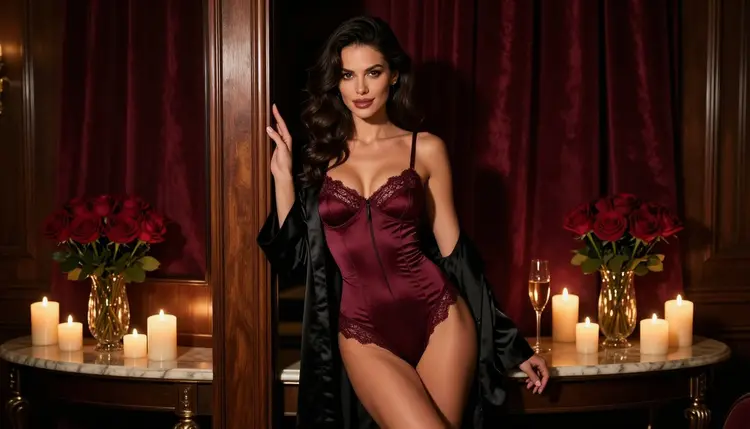
A LoRA is one of those words that sounds like it needs a graphics card, a Python folder and an evening of fixing errors. It does not have to. If your goal is a consistent look for adult, fictional portraits (satin, candlelight, a particular lens feel, a recurring wardrobe), you can get most of the way in a browser tab. This guide explains what a LoRA is, what the catalog offers when you cannot install anything, and how to steer a result with wording, reference images and the right model.
Everything here is 18+, about fictional adults only, and stays provocative without ever becoming explicit. You will work in the toolkit, which runs in your browser, so there is nothing to download, no drivers and no model files to store.
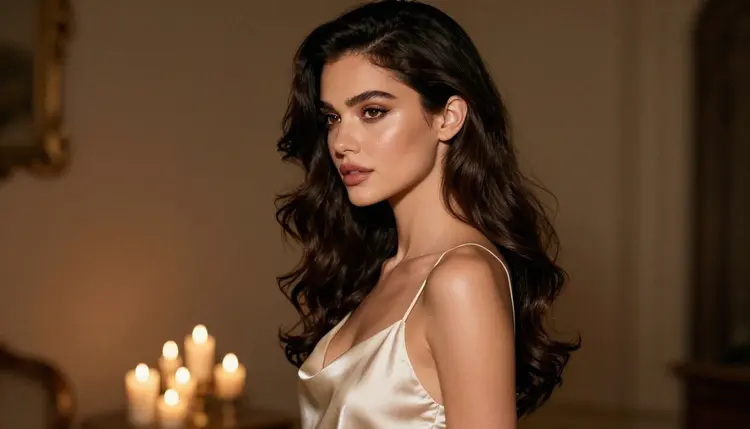
A LoRA (low-rank adaptation) is a small add-on file that nudges a large image model toward something specific. The base model knows how to draw almost anything in a general way. The add-on pulls it toward one style, one outfit family, one lighting habit or one invented character. Think of the base model as a studio photographer and the LoRA as a brief taped to the wall: same photographer, narrower look.
Running one on your own computer means installing a model, installing an interface, matching versions and keeping enough memory free. That setup is exactly what "no install needed" removes. A hosted model skips all of it. You open a page, type, press generate, and the work happens on someone else's hardware.
The catalog contains hosted models that take LoRA inputs, and they are worth knowing about: P Image LoRA and Flux Dev LoRA. Both are untested for adult prompts. That means we have not confirmed them either way, so treat them as worth a try, not as a promise. If one of them returns a refusal, nothing is lost: you switch model and keep your prompt.
The honest summary is that a LoRA is a means, not a goal. What you want is repeatable style. There are several ways to get repeatable style online, and a LoRA input is only one of them. The rest of this page covers the other routes first, because they work today on models that have already been tested against adult prompts.
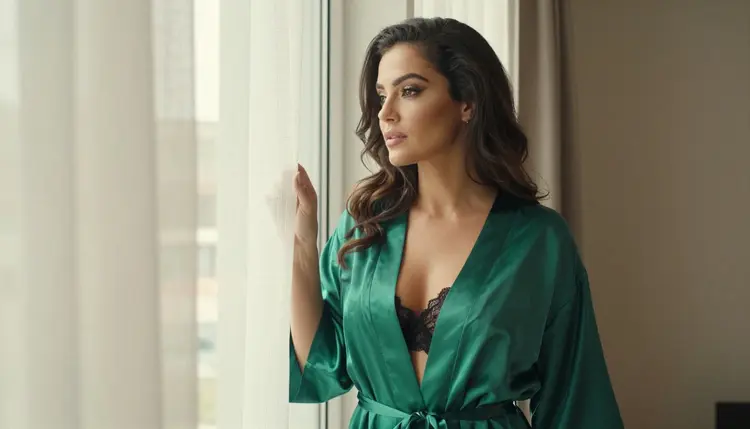
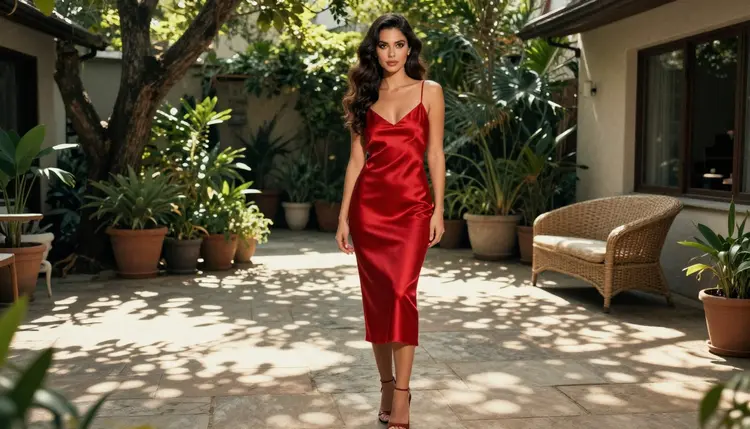
Picasso IA keeps a short list of models it calls confirmed. Confirmed means adult prompts were tested against that exact model repeatedly and the model generated instead of rejecting. It is not a published setting of the model's maker, who can change it at any time, so it describes what we saw, not a guarantee. For a deeper explanation, the sibling guide NSFW AI Generator, No Install Needed walks through the same browser workflow from the start.
For still images, three confirmed models cover most needs. Pick by the job, not by the name.
Seedream 4.5 is the one to start with when you want a photographic glamour look: satin, window light, a defined lens. Recraft V4.1 Pro suits you when the "style" you were hoping a LoRA would deliver is graphic, such as a poster feel, flat colour or a stylised pin-up. Picasso Image Editor Pro is the closest thing to a style transfer by hand: you bring a picture, describe the change, and it edits what is there.
Then there are the untested models named at the top: P Image LoRA and Flux Dev LoRA. Use them as experiments. Write a prompt that stays inside the lines of this guide (wardrobe, light, mood), generate once, and see what happens. If the app shows "Content Not Supported by This Model", that is the model telling you it will not take that prompt. The app recommends models that accept adult prompts and carries your prompt over, so you do not retype anything.
The full list of options is in the full catalog. Models marked with the infinity tag do not spend credits on the plans that include unlimited generation, and the details are on the pricing page.
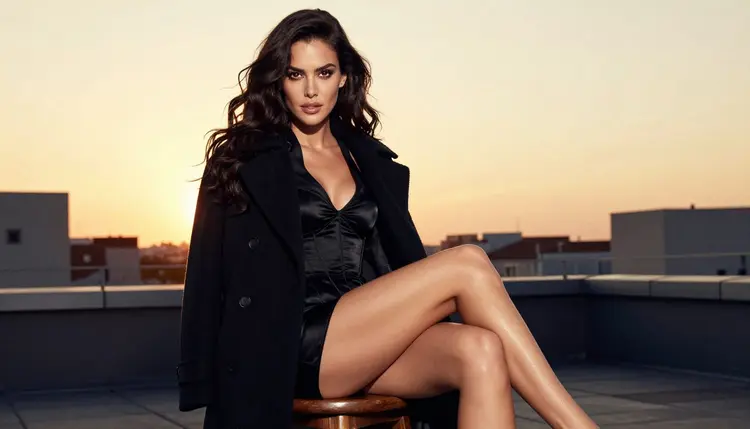
The steps below give you a repeatable loop. Run it once with a confirmed model, then run it again with a LoRA-capable model if you want to compare.
- Open the toolkit. Go to the toolkit in your browser, sign in and choose an image model. Nothing is installed at any point.
- Pick a base model. Start with Seedream 4.5 for photoreal work or Recraft V4.1 Pro for design looks. Both are confirmed, so you are testing your wording and not the model.
- Write the look into the prompt. Name the wardrobe, the fabric, the light source, the lens and the setting in one or two sentences. A short, specific prompt beats a long list of adjectives.
- Attach a reference when you have one. If the model accepts several inputs, each attached image gets an @1 or @2 badge, and you can point at it in the prompt: "keep the outfit from @1". Picasso IA translates that into the syntax the model understands.
- Compare, then keep the winner. Run the same prompt on a second model, put the results side by side and carry the better wording forward. If a model refuses, accept the suggested alternative and continue.
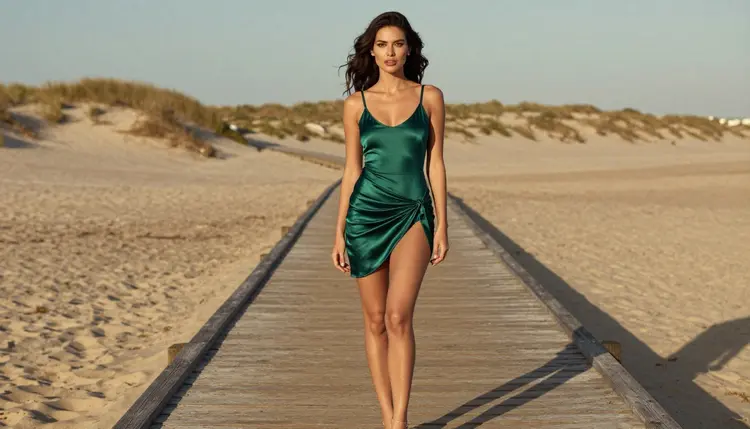
A LoRA changes what the model leans toward. Wording does a surprising share of the same job, so it pays to be exact. These are the choices that move a result the most.
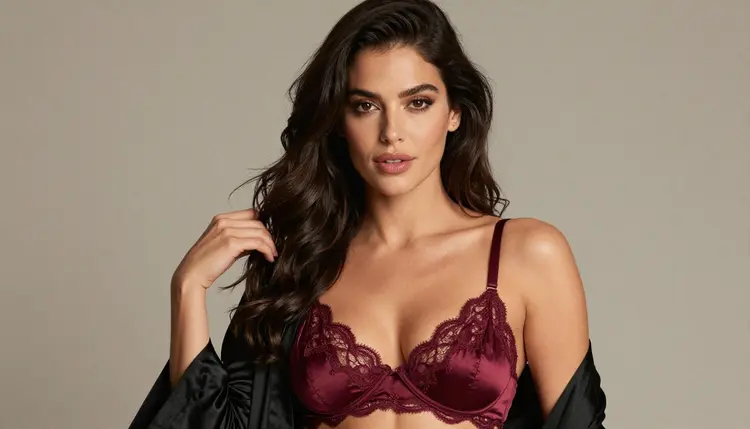
Name the fabric, not just the colour. "Burgundy satin" produces a different surface from "burgundy". Satin catches light along folds, lace shows the skin or the wall behind it, silk drapes. Fabric words are the cheapest style control you have.
Name the light. Candlelight gives warm, low contrast and deep shadow. Soft window light from one side gives gentle modelling on the face. Golden hour backlight gives a bright edge around hair and shoulders. Overcast daylight is flat and calm. If you change only the light line and keep everything else, you will see how much of a "look" lives in that one line.
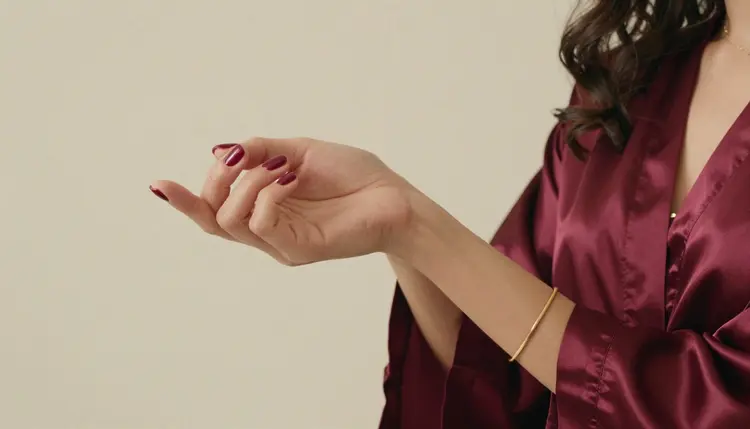
Name the lens. Phrases like 85mm f/1.8 push toward a flattering portrait with a soft background, while 24mm f/2.8 pulls the camera closer and shows more of the room. A 100mm macro is for detail frames such as a hand on a robe edge. Models read these as photographic hints, and they respond consistently.
Describe the person once and keep the description fixed. If you want the same woman across a set, copy the same description every time: age (mid twenties or older), hair, eye colour, make-up, build. Change only the setting and the outfit between runs. That habit is what a character LoRA tries to automate, and it is the practical substitute online. For the training side of the story, see How to Train a LoRA for a Fictional NSFW Character.
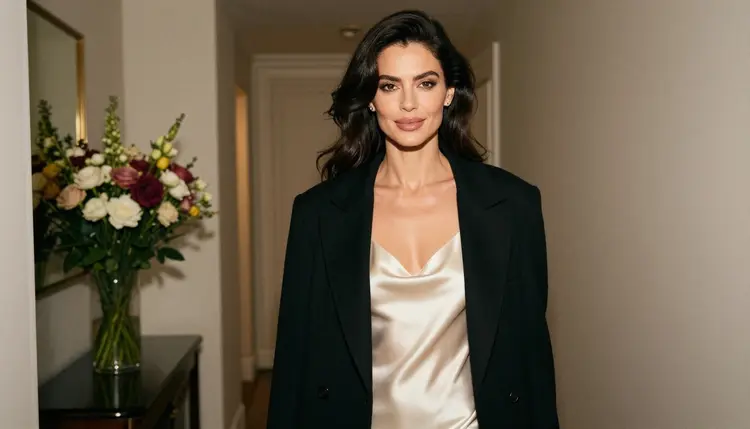
Before and after, in prose. A first attempt reads: "beautiful woman in lingerie, cinematic". The result is generic, because every word is a mood and nothing is a fact. The second attempt reads: "a woman in her late twenties in an ivory satin slip and a black coat, standing in a hallway, overcast light, 24mm lens, film grain". The result has a place, a fabric, a light and a camera, and it lands much closer to what you pictured. Same model, same settings, better brief.
Use the editor for the last mile. If a picture is nearly right but the outfit colour is off, or the background is busy, open it in Picasso Image Editor Pro and describe the single change. Editing keeps the parts you liked and avoids a full rerun.
Use a LoRA input only after the basics work. When a LoRA-capable model such as Flux Dev LoRA or P Image LoRA is open, read the model page for what its LoRA field accepts, and keep your prompt as clean as the one you used on the confirmed model. If the result drifts, remove the LoRA and compare. That tells you whether the add-on or the wording is responsible. When you want to move a project between models without losing your place, How to Switch Between NSFW AI Models Mid-Project covers the handover.
Mistake: expecting a LoRA to fix a vague prompt. An add-on shifts style, it does not invent a scene. If the prompt has no setting, no light and no outfit, the result stays generic with or without it. Fix: write the scene first, then experiment with extras.
Mistake: changing five things between runs. If you switch model, light, outfit, lens and wording together, you cannot tell what caused the difference. Fix: change one line per run and keep notes. Two or three runs are enough to learn what a given model responds to.
Mistake: assuming a model is filtered, or not filtered, without testing. Only the six models on the confirmed list have been tested repeatedly. Everything else is untested, and that includes the two LoRA models. Fix: try a small prompt first. If you see the message "Content Not Supported by This Model", accept the recommended alternative and move on.
Mistake: using real names or a recognisable face. People sometimes type a famous name to anchor a look. Do not. Characters here are invented adults, and a real person is never an acceptable subject. Fix: describe the invented person by hair, make-up, build and wardrobe.
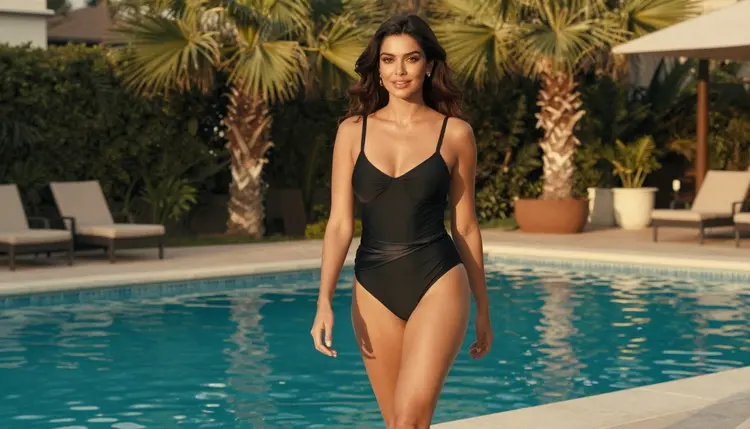
Mistake: describing an age that is too vague or too low. Always write mid twenties or older, and never use wording that could make anyone read as a minor. Fix: state an adult age and an adult setting, such as a hotel suite, a poolside or a studio.
Mistake: forgetting the editor. Many people rerun a prompt ten times to get a small change, such as a different robe colour. Fix: open the picture in the editor and ask for that one change.
Mistake: stretching one prompt across video. A prompt written for a still image does not always suit motion. Fix: if you want movement, move to a video model such as Picasso IA Video and rewrite the prompt around what changes: a turn of the head, fabric moving, a slow walk. The guide How to Make NSFW AI Videos From Text shows that workflow.
Adults only. This page and the tools it points to are for people aged 18 or older. If you are not an adult, close the page.
Fictional adults only. Every character you generate must be an invented adult. No real or identifiable person, no celebrity and no one who could read as a minor. Prompts should say woman or man, state a mature age and avoid any wording that suggests youth.
Private by default. What you create is tied to your account and is not published or shown to others. A small free trial on selected models lets you test the workflow before you decide anything, and the details live on the pricing page.
What is a LoRA in simple terms?
A LoRA is a small add-on that nudges a large image model toward a specific style, outfit family or invented character. The base model stays the same and the add-on narrows its habits, a bit like a style brief for a photographer.
Can I use a LoRA online without installing anything?
Yes, if the model is hosted. The catalog lists P Image LoRA and Flux Dev LoRA, which take LoRA inputs and run in the browser through the toolkit. Check each model page for what its input accepts before you start.
Are P Image LoRA and Flux Dev LoRA confirmed for adult prompts?
No. Both are untested for adult prompts, so they are worth a try but not confirmed either way. If one refuses, the app shows "Content Not Supported by This Model" and suggests models that accept adult prompts.
Which models are confirmed for adult prompts?
For images, Seedream 4.5, Recraft V4.1 Pro and Picasso Image Editor Pro. For video, LTX 2.3 Pro, Picasso IA Video and Seedance 2.5 Lite. Confirmed means tested repeatedly, not a published setting of the maker.
Do I need a LoRA to keep the same woman across a set?
Not necessarily. Copy the same description of the person into every prompt and change only the setting and the outfit. Attaching a reference image in the toolkit also helps on models that accept several inputs.
What happens if a model refuses my prompt?
The app shows a message titled "Content Not Supported by This Model". It recommends models that accept adult prompts and carries your prompt over, so you do not need to type it again.
Can I train my own LoRA in the browser?
This guide covers using models, not training. If training is your goal, read How to Train a LoRA for a Fictional NSFW Character, which explains the process for invented characters.
Is it free to try?
A new account can try a few generations for free on selected Picasso IA models, including Picasso IA Image, Picasso IA Editor Pro, Picasso IA Video and Seedance 2.5 Lite. Other models spend credits that vary by model and options. See the pricing page.
Are my images public?
No. Generations are private by default. What you create is tied to your account and is not published or shown to others.
Can I use a real person's name or photo as a style reference?
No. Only fictional adults are allowed: no real or identifiable person, no celebrity and no one who could read as a minor. Describe an invented person by hair, make-up, build and wardrobe, and keep every prompt 18+.