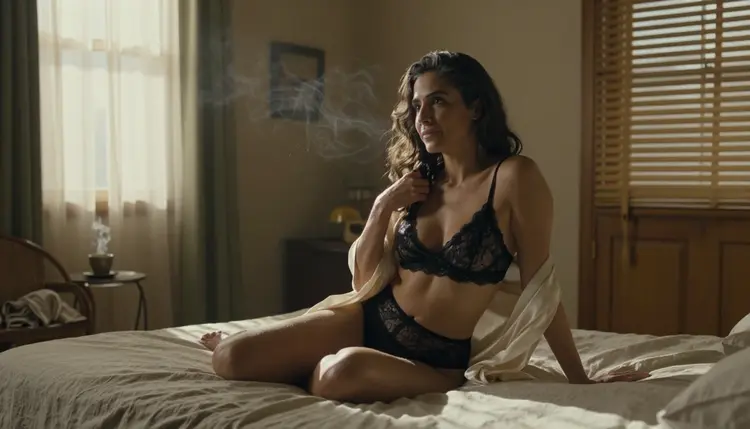
A text prompt is a short script for a clip that does not exist yet. You describe one person, one place, one kind of light and one slow movement, and a video model turns that into a few seconds of moving picture. This guide shows how to write that script for adult clips that are provocative but never explicit: boudoir mornings, candlelit rooms, curtains lifting in a breeze, silk catching the light.
It uses the three video models that Picasso IA has tested with adult prompts: Picasso IA Video, Seedance 2.5 Lite and LTX 2.3 Pro. Everything below is about fictional adults, for viewers who are 18+, and what you make stays private by default.
Why Text to Video Needs Its Own Wording
A still image prompt describes a single instant. A video prompt describes a short stretch of time, and the model has to decide what changes inside it. If you give it only a look, such as "woman in black lace, bedroom", it invents the movement on its own, and the invention is usually a generic head turn or a camera that drifts nowhere in particular. If you give it the look plus one movement, one camera behavior and one light, it has far less to guess.
Three things change when you move from pictures to clips. The first is time: a clip needs a starting state and a slightly different ending state, even a small one, like a curtain at rest that begins to lift, or a candle flame that steadies. The second is the camera: a photo has framing, but a clip also has motion, so you say whether the camera holds still, pushes in slowly or slides sideways. The third is restraint: every extra action is one more thing the model can get wrong, so a good clip prompt is usually shorter on action than a good image prompt is on detail.
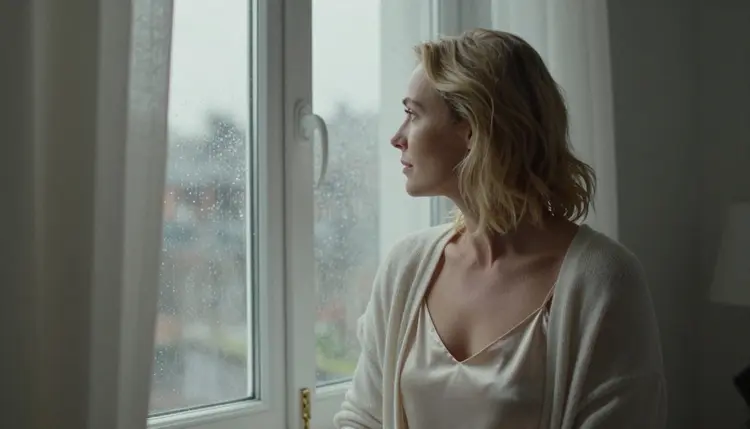
The target is a sequence that feels like a few seconds cut from a quiet short film. Picture a woman in a silk robe at a window while rain runs down the glass, steam drifting through a bathroom doorway, candlelight moving across a plaster wall. Nothing has to happen fast. Slow, small movement reads as expensive on screen, and in practice it holds together better than big movement.
Wardrobe, light and setting work exactly as they do in photo prompts, so if you already write those, you keep the habit and add time and camera on top. The guide on turning a text prompt into an NSFW image covers the still-image side of the same craft, and it pairs well with this one.
Confirmed Video Models for Text Prompts
"Confirmed" has a narrow meaning here. Picasso IA tested adult prompts against that exact model repeatedly and watched it generate instead of reject. It is not a published setting of the model's maker, who can change it at any time. The page on what confirmed means explains how the label is used. For text to video there are three confirmed models:
| Model | Best for | Format |
|---|
| Picasso IA Video | Trying many takes of one idea, from text or from an image | Text or image to video, unlimited tag |
| Seedance 2.5 Lite | Short clips with a little more room to move | Listed up to 10 seconds, unlimited tag |
| LTX 2.3 Pro | The sharpest picture when the clip is the final result | 4K video from text |
Picasso IA Video is the easiest place to begin. It takes a text prompt or a starting image, and it carries the infinity tag in the catalog, which means it does not spend credits on the plans that include unlimited generation. Seedance 2.5 Lite carries the same tag and is listed up to 10 seconds, so it suits a scene that needs a beat longer to breathe. LTX 2.3 Pro is the choice when you want 4K from text and are happy to spend more care on the prompt before you press generate.
A new account gets a small free trial on selected models, and Picasso IA Video and Seedance 2.5 Lite are among them. Credits otherwise vary by model and by options such as resolution or duration, and the details live on the pricing page. You open any of these models from the toolkit.
Every other model in the full catalog is untested for adult prompts. Untested means worth a try and not confirmed either way: it is not described as filtered and not described as filter-free. Seedance 2.5, which is a different model from Seedance 2.5 Lite, sits in that group, and so do Wan, Kling and Veo. If an untested model does not accept a prompt, the app tells you so and points you to models that do.
Open the toolkit, choose a video model and work through these five steps. Keep the first clip simple, because details are easier to add on the second and third takes than to untangle from a crowded first one.
- Pick the Model. Choose Picasso IA Video for quick takes from text or from an image, Seedance 2.5 Lite when the scene needs a longer clip, and LTX 2.3 Pro when you want 4K from text.
- Write One Scene. Name one fictional adult, an age range, the wardrobe and one setting in a single sentence, for example "a woman in her mid thirties in a black satin slip at a rain-streaked bedroom window".
- Add Light and Lens. Say where the light comes from and how it feels (hard morning sun through blinds, candlelight, soft overcast daylight) and give a shot type or lens such as 35mm wide or 85mm close.
- Add One Movement and One Camera Move. Describe a single action, like sheer curtains lifting in a breeze, and a single camera behavior, like a very slow push in.
- Generate, Compare and Adjust. Watch the whole clip, then change one thing at a time. If a model declines the prompt, use the recommended models the app shows and keep your text as it is.
Good clip prompts follow a fixed order. The model reads from the start, so the most important information goes first and the finishing touches go last. The order that works well is subject, wardrobe, setting, light, movement, camera and finish. Each part has its own habits.
Subject. Say that the person is an adult and give an age range in words, such as mid thirties or early forties. Add a detail that makes a face look real, like laugh lines or loose strands of hair. Never describe or hint at anyone who could read as a minor, and never name a real person. The character is always a fictional adult.
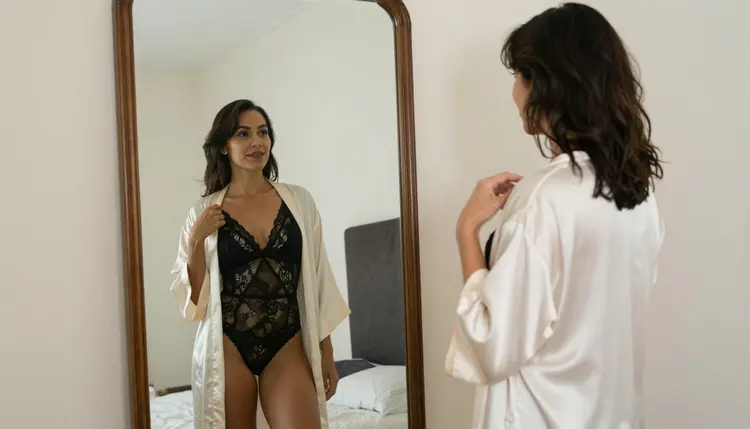
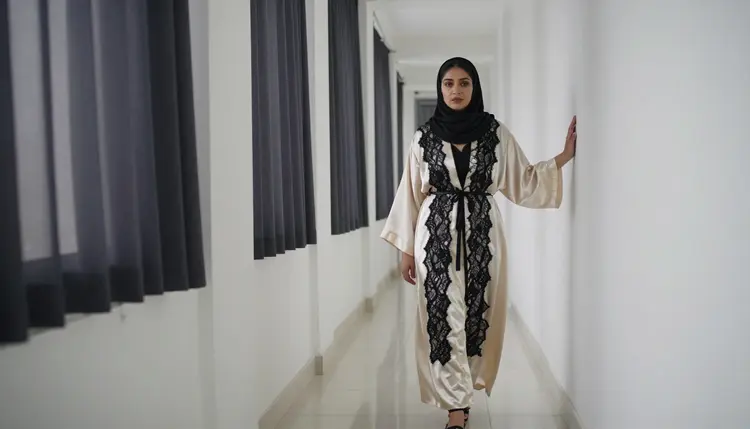
Wardrobe. Be specific about fabric and coverage: an opaque black lace bralette under an ivory silk robe that slips off one shoulder, a satin slip with a linen shirt open over it, a lined lace bodysuit under an open kimono. Fabric gives the model something to animate, because silk, lace and linen each move differently. Pick wardrobe that suggests rather than shows, since the whole point is mood.
Setting. One room or one place, with two or three physical objects: a rumpled linen bed and a steaming coffee cup, a villa courtyard with potted lemon trees, a tiled bathroom doorway with steam behind it. A lived-in setting reads as a film set. A blank studio reads as a catalog.
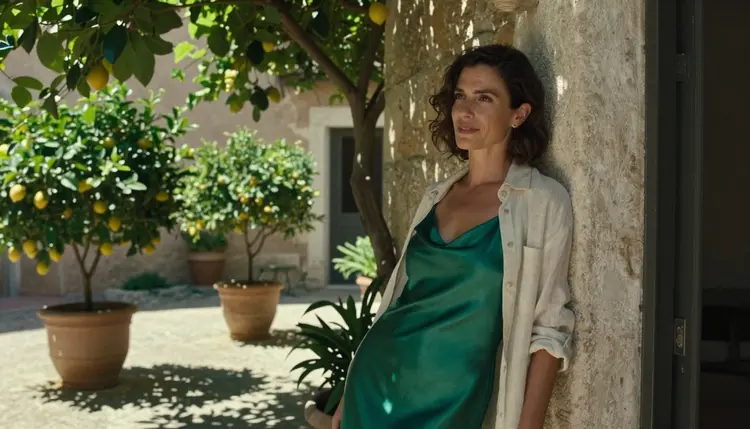
Light. Light carries most of the mood in a clip. Name one source and one quality: hard morning sun through wooden blinds that throws bars of gold across a bed, candlelight with a warm amber glow, dappled shade under vine leaves, overcast daylight from a window. Do not stack three light sources, because the model tends to average them into flat lighting.
Movement. One slow action that fits the room. Sheer curtains lifting, steam drifting through light, a hand tucking hair behind an ear, a robe settling as she turns. Verbs matter more than adjectives here: "lifts", "drifts", "turns slowly" and "settles" tell the model what the pixels should do, while "beautiful" or "alluring" tells it nothing.
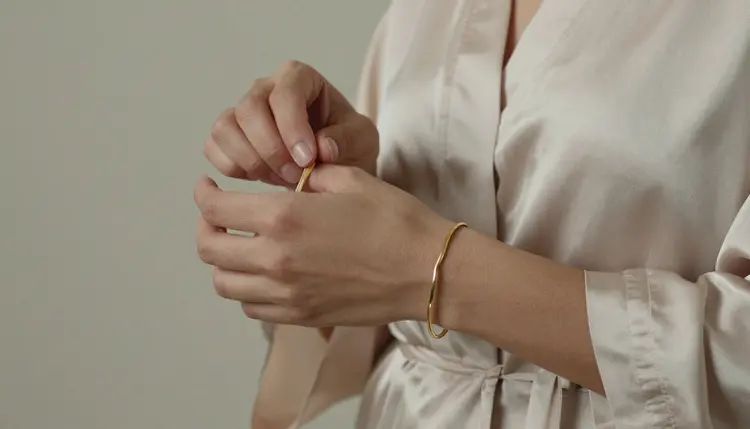
Camera. A clip prompt needs a camera sentence. The simplest ones are "the camera holds a steady wide frame", "slow push in toward her face" and "gentle sideways drift". Add a lens when it helps the look: 35mm for a room, 85mm for a portrait with soft background, a macro lens for hands and jewelry.
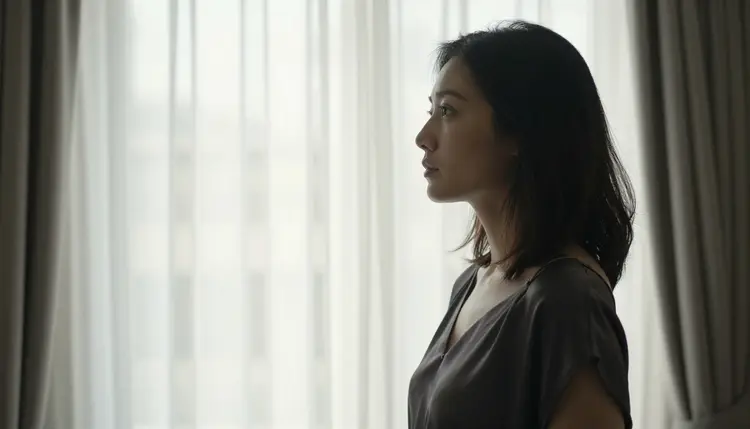
Finish. End with the photographic language you would use for a still: film grain, Kodak Portra 400 colors, natural skin texture, soft halation on the highlights. It keeps the clip from drifting toward a glossy, plastic look.
Here is the same idea written badly and then well. The weak version is "a woman in lingerie in a bedroom, cinematic". The stronger version reads: "A woman in her mid thirties with laugh lines, opaque black lace bralette under an ivory silk robe slipping off one shoulder, sitting on the edge of a rumpled linen bed. Hard morning sun through wooden blinds, a thread of steam rising from a coffee cup. Sheer curtains lift slowly in a breeze. The camera holds a wide 35mm frame, then pushes in very slowly. Kodak Portra 400, film grain, natural skin." Both describe the same person in the same room, but only the second tells the model what moves and where the camera goes.
There is also a second route that many people prefer: build a key frame first, then animate it. Generate the still with Seedream 4.5 for photoreal 4K images, or fix details in an existing picture with Picasso Image Editor Pro, then give that image to Picasso IA Video as the starting point and describe only the movement. Because the look is already settled in the picture, the prompt can be short: "sheer curtains lift slowly, the camera pushes in a little". Both image models are confirmed for adult prompts too, so the whole chain stays on tested ground.
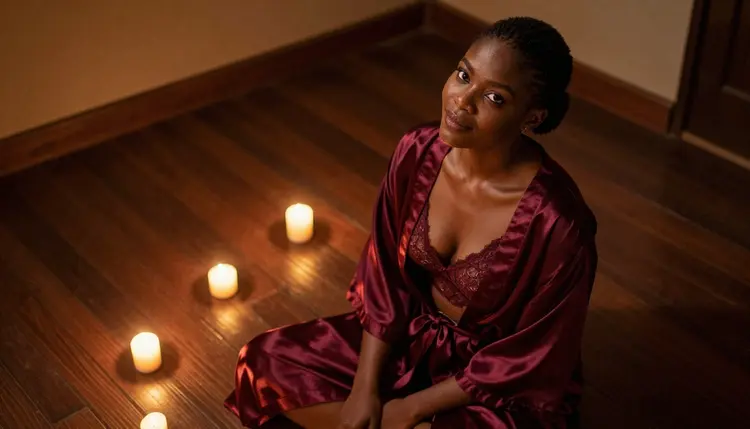
When you want several clips of the same scene, copy the subject, wardrobe and setting lines word for word and change only the movement and camera lines. Changing everything at once makes it impossible to tell what caused a difference. For the full craft of keeping one face across many pictures, read the guide on an AI girlfriend image with a consistent face, and for ready wording to adapt, see 25 prompt examples to copy and the step by step prompt generator.
Most weak clips come from a small set of habits. Each one has a short fix.
Too many actions. A prompt like "she walks to the window, opens the curtains, turns, smiles and lies down" asks for a story, and a few seconds cannot hold one. Keep one action per clip. If you need the sequence, make several clips and cut them together later.
No camera instruction. Without one, the model chooses, and its choice is often a slow zoom that does nothing for the scene. Add a sentence: "the camera holds a wide frame" or "slow push in". A held camera is also the safest way to let the light and fabric do the work.
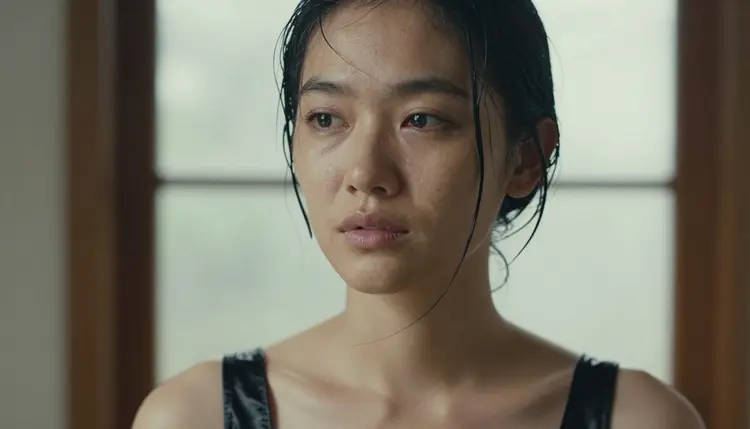
Vague mood words. "Seductive, beautiful, alluring" are labels, not pictures. Replace them with things the camera can see: a half smile, a gaze toward the window, one shoulder bare under a slipping robe, damp strands of hair across a cheek. Specific details are also how you stay inside the line of provocative but never explicit.
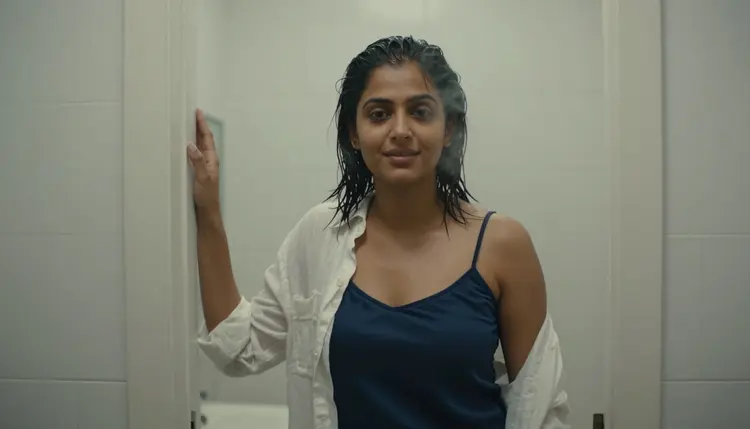
Fighting light. "Candlelight, hard noon sun and neon" gives the model three answers to one question. Choose one. If the scene needs a second source, say which is the main one and which is only a faint fill.
Fast movement. Running, dancing and quick turns tend to smear fabric and hands. Slow verbs work better: "turns slowly", "drifts", "lifts gently". If you want energy, get it from the camera, with a slow push in, and not from the person.
Close shots with no detail. A tight close-up shows every flaw, so it needs natural texture in the prompt: pores, flyaway hairs, faint expression lines, a damp strand across a cheek. Without those words the face can look polished and flat.
Retyping a refused prompt. When a model shows "Content Not Supported by This Model", the app recommends models that accept adult prompts and carries your prompt over, so you do not retype anything. Switching to a recommended model is faster than rewording the same text again and again.
Judging by one clip. A single take proves little. Run two or three, keep the subject lines fixed and move only one variable. On Picasso IA Video, which carries the unlimited tag, that experiment costs no credits on the plans that include unlimited generation. If a clip needs a different look in the picture itself, the guide on making NSFW AI photos look less like AI lists the texture words to borrow, and the guide on negative prompts helps with what to leave out.
This page is for adults only. Picasso IA is an 18+ product, and the adult models in the catalog are meant for people who are of legal age where they live. If you are under 18, close this page.
Every person in every clip must be a fictional adult. Do not use a photo or likeness of a real or identifiable person, and never create anyone who could read as a minor, whether through age words, wardrobe, setting or styling. Prompts say woman or man and give an adult age range, and the clips stay provocative, never explicit.
What you generate is private by default: it is tied to your account and is not published or shown to others. A new account can try a few generations on selected models during the free trial, and the plans, unlimited tags and options are laid out on the pricing page. If you want a broader look at video tools before you commit, the best AI generator for NSFW videos looks at the options for adult video.
Can I make NSFW AI videos from text on Picasso IA?
Yes, with the three confirmed video models: Picasso IA Video, Seedance 2.5 Lite and LTX 2.3 Pro. Clips stay provocative and never explicit, the characters are fictional adults, and everything is 18+ only. You write the prompt in the toolkit and pick the model.
Which model should I try first?
Start with Picasso IA Video. It takes a text prompt or an image, it carries the unlimited tag, and a small free trial on selected models includes it. Move to Seedance 2.5 Lite for a longer scene, or to LTX 2.3 Pro when you want 4K video from text.
How long can a clip be?
Seedance 2.5 Lite is listed up to 10 seconds. For the other models, check the options on each model page, because length and resolution can differ by model and affect the credits a generation uses. Short, single-action clips tend to look best anyway.
Do I need a starting image?
No. All three models accept a text prompt. A starting image helps when you want the exact look of a person or a room, and Picasso IA Video accepts one. Make the still with Seedream 4.5 or edit it with Picasso Image Editor Pro, then describe only the movement.
What happens if a model refuses my prompt?
The app shows a message titled "Content Not Supported by This Model". It recommends models that accept adult prompts and carries your prompt over, so you do not retype it. Any model outside the confirmed list is untested, so a refusal there is not unusual.
How do I keep the same character across several clips?
Reuse the subject, wardrobe and setting lines word for word, and change only the movement and camera lines. For a still that anchors the face, follow the guide on a consistent face, then animate that picture with Picasso IA Video.
Can I add sound to a clip?
Sound is its own topic, and the guide on making an NSFW AI video with sound covers it. Check each model page to see what that model supports, since not every video model offers the same options. This guide only deals with the picture.
Can I use a photo of a real person?
No. Characters must be fictional adults, and Picasso IA does not allow real or identifiable people, celebrities included. Nobody who could read as a minor may appear either. Describe an invented adult in your own words and keep the prompt to wardrobe, light and mood.
Are my videos private?
Yes. Generations are private by default: they are tied to your account and are not published or shown to others. If you ever use a clip elsewhere, keep to the same rules: adults only, fictional characters only.
Is it free?
A new account gets a small free trial on selected models, including Picasso IA Video and Seedance 2.5 Lite. Models with the infinity tag do not spend credits on the plans that include unlimited generation. Other models spend credits that vary with options such as resolution or duration. See the pricing page.