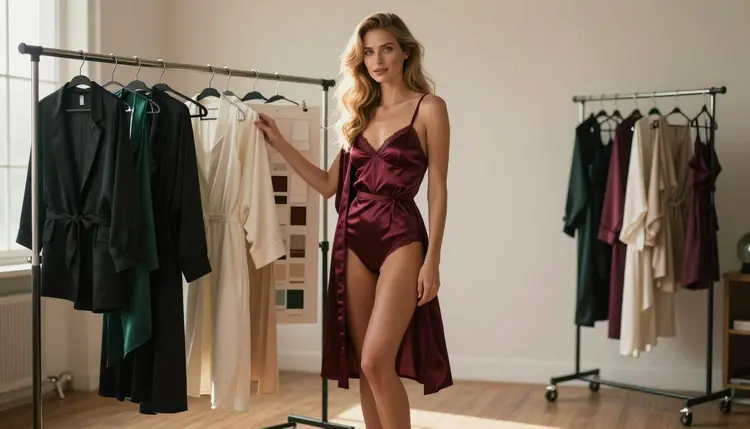
A LoRA is a small add-on file that teaches an image model what one specific character looks like. You show it a set of pictures of the same fictional adult, it learns the face, the hair, the build and the styling habits, and afterwards a short trigger word in a prompt brings her back. This guide covers the whole path for a glamour character: how to design her, how to make a clean training set, how to caption it, where to train and how to test the result.
Everything here is about a fictional adult woman or man that you invent. Nobody real, nobody who could read as a minor, and the wardrobe stays at lingerie, swimwear and robes: provocative, never explicit.
A plain text prompt describes a character every time from scratch. Even with the same words, the model fills the gaps differently: the jaw changes, the eye color drifts, the hair part flips sides. For a one-off picture that does not matter. For a character you want to use in a series, a set of posters or a long run of clips, it matters a lot.
A LoRA moves the description out of the prompt and into the model. Instead of writing "honey-blonde waves, blue eyes, polished glamour makeup" in every prompt and hoping, you train on examples and let the file carry those traits. The prompt then only has to say where she is, what she wears and what the light does.
There are three things a LoRA is good at. It holds a face and a body type steady across angles. It holds a styling signature, such as the same hairstyle and the same makeup. And it holds a recurring wardrobe feel, like satin robes and lace bodysuits, without you retyping it. What it does not do is invent facts you never showed it: if every training picture is front-facing, the profile view will still be a guess.
For lighter needs, you can skip training. The consistent character generator guide shows how far reference images and a fixed description can go on their own. A LoRA earns its time when you need the same character dozens of times, across many scenes, with little drift.
The training set has to come from somewhere, and for a fictional character it comes from images you generate. The tools below are confirmed by Picasso IA for adult prompts: the team tested adult prompts against each of them repeatedly and watched them generate instead of reject. That is Picasso IA's own testing, not a published setting of the model makers, and it can change.
Seedream 4.5 is the main workhorse for photoreal sets. Seedream 4.5 creates 4K images from text, so each training picture has detail to spare. Recraft V4.1 Pro is the choice when your character is an illustration or a design piece rather than a photo. Picasso Image Editor Pro edits an existing image, which makes it the quickest way to produce outfit and hair variations of one master picture while the face stays put.
| Model | Best for | Format |
|---|
| Seedream 4.5 | Photoreal master images and angle variations | Text to image, 4K |
| Recraft V4.1 Pro | Illustrated or designed characters | Print-ready images, 2K |
| Picasso Image Editor Pro | Outfit, hair and background changes on one image | Image editing, unlimited tag |
Two catalog models cover the training side, and both are untested for adult prompts, which means worth a try, not confirmed either way. P Image Trainer is listed as a way to train a custom LoRA. Flux Dev LoRA is listed for generating custom art with a LoRA. Open each page and read the form: it shows what the trainer asks for, and that is the only thing to follow, since inputs can differ between models. If you want to compare other options, the full catalog lists everything else.
You do all of this in the toolkit, which keeps your attachments, prompts and results in one place. A new account gets a small free trial on selected models, and the pricing page explains how credits work for the rest.
Take the steps in order. Each one produces something the next one needs, and skipping the character sheet or the cleanup is the usual reason a LoRA comes out muddy.
- Define the Character. Write one fixed paragraph: adult age, hair, eye color, makeup, build and two or three signature wardrobe pieces. This paragraph is your identity block and you will reuse it word for word.
- Generate Master Images. In the toolkit, create a handful of strong pictures of her with Seedream 4.5 using the identity block, then pick the two or three where the face looks most like your idea.
- Build the Reference Set. Use the best master as a reference and make variations: other angles, other light, other outfits. Throw out every image where the face drifts, because the trainer will learn the drift.
- Caption and Train. Write a short caption for each image, add a unique trigger word, then open P Image Trainer and fill its form with the set. Follow what the form asks for.
- Test and Refine. Generate new scenes with the trigger word, check face, hair and body across them, and retrain with a better set if one trait slips.
The rest of this guide expands steps two to five, because that is where results are won or lost.
Start with the identity block. A good one is concrete: "a woman in her thirties with long honey-blonde beach waves, blue eyes, polished glamour makeup and a slim fashion-model figure". Avoid vague words like beautiful or perfect, which describe nothing the model can repeat. State the age as an adult age every time, so the whole set reads as the same grown woman.
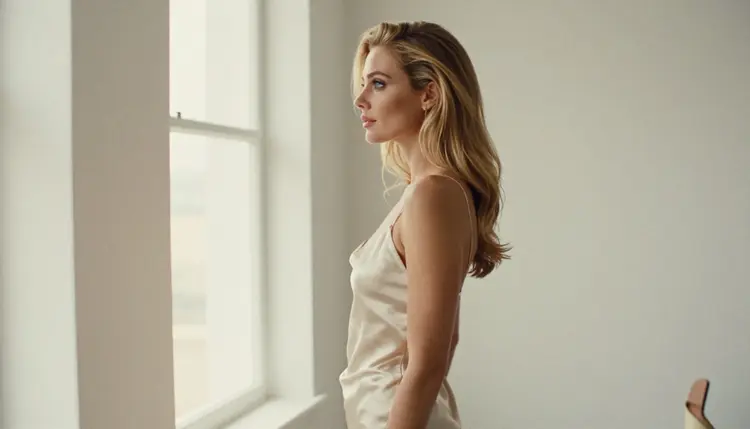
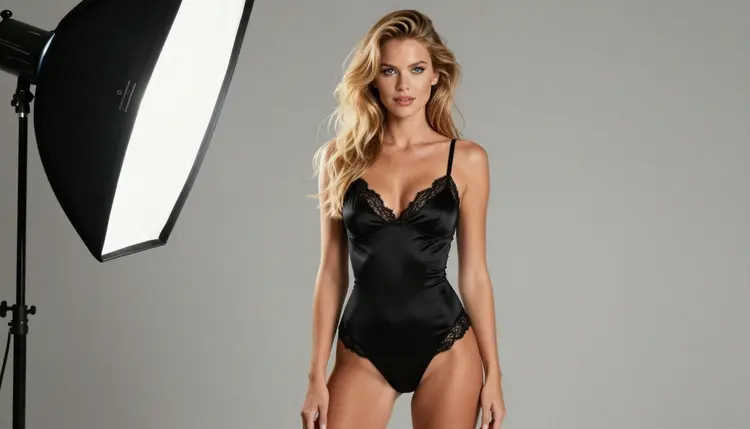
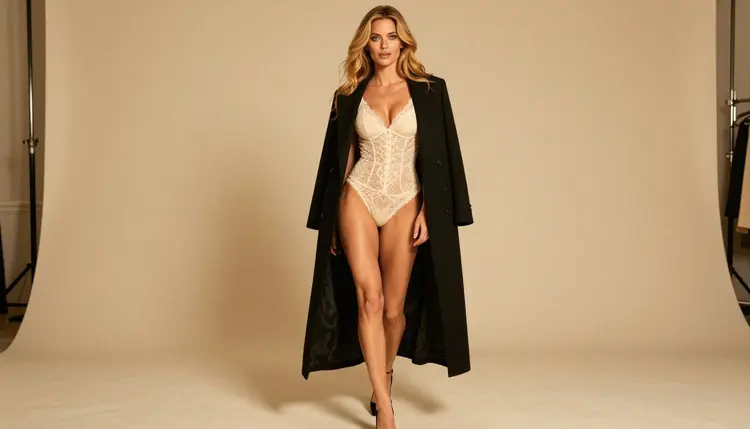
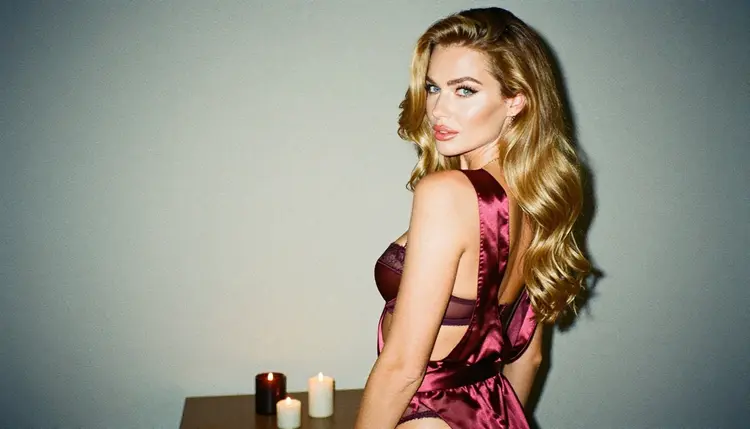
For the master images, keep the setting simple: a plain grey studio backdrop, soft diffused light from a softbox, an eye-level camera, an 85mm look. A calm background means the trainer sees the character and not the room. Wardrobe can be an opaque black satin bodysuit with lace trim, an ivory slip or a burgundy robe. Fully covered and glamorous is the line.
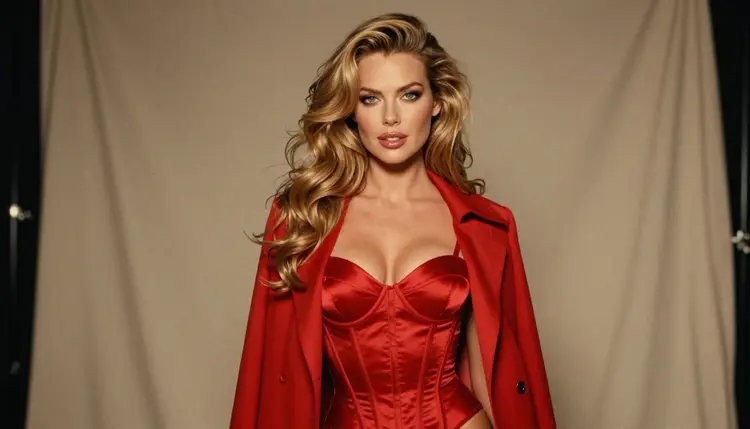
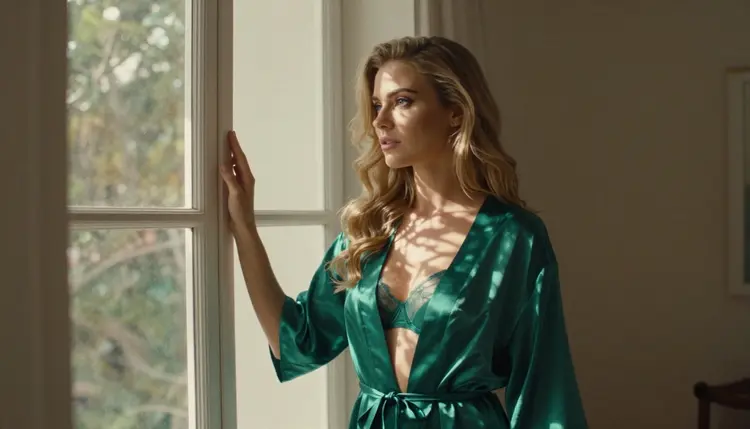
Vary the set on purpose. Cover a close-up portrait, a waist-up frame, a three-quarter view, a full-length standing frame and a profile. Change the light between pictures: window light, warm lamp light, morning sun through blinds. Change the clothes too, so the trainer learns that the face is the constant and the satin is not. If every picture shows the same burgundy robe, the LoRA will treat the robe as part of her.
When you need an outfit change that keeps the face intact, edit rather than regenerate. Attach the master image in the toolkit, where it gets an @1 badge on models that accept several inputs, and write the change with Picasso Image Editor Pro: new robe, new hair length, same woman. The guide on how to change hair and outfit on an NSFW AI character walks through that kind of edit. For a multi-angle sheet, the character turnaround guide covers front, side and back views.
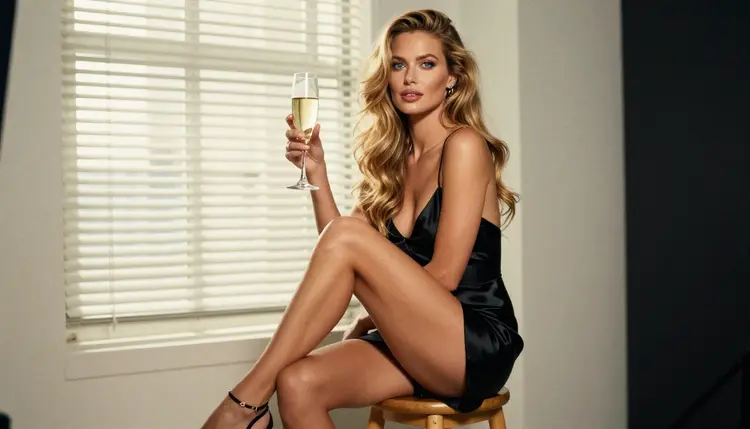
Captions come next. Each image gets one plain sentence that describes what changes in that picture and leaves out what never changes. If the face and the hair are always hers, do not describe them in every caption, because the trigger word is supposed to carry them. Describe the pose, the wardrobe, the light and the camera framing instead. Pick a trigger word that no real word or real person shares, like a short invented name made of letters, so the prompt cannot confuse it with anything else.
Then the trainer. Open P Image Trainer in the toolkit and read its form before you prepare files: that is where you see what it accepts and what it asks you to set. Do not copy settings from other guides for other tools, and do not assume a number you have seen elsewhere applies here. When the run finishes, test it in Flux Dev LoRA, whose page shows how it takes a LoRA.
If you plan to give your character a backstory, a voice or a personality in text before you train, the backstory prompt template helps you pin down the details that go into the identity block. If you are starting from nothing, how to build an NSFW character from scratch comes first.
The most common mistake is a mixed set. If some images show a face with heavy makeup and others with none, a different hair part or a different age feel, the LoRA averages them and the result looks like a cousin of your character. Fix it by cutting the set down to the pictures that agree, not by adding more that disagree.
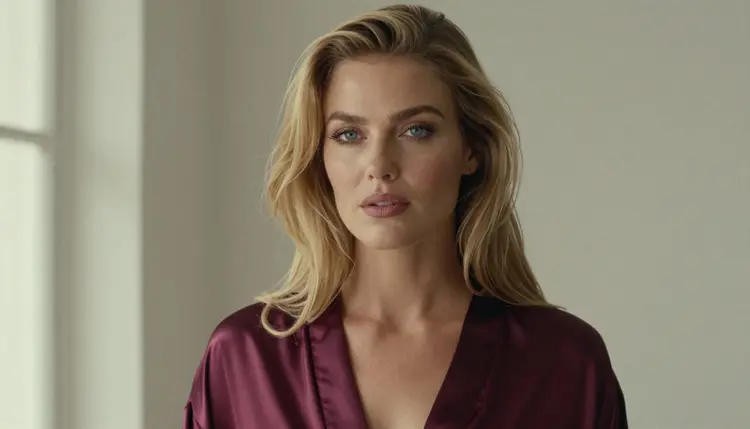
The second mistake is an outfit that never changes. A LoRA trained on one robe will put the robe on her every time, even when you ask for a swimsuit. Fix it by adding images of her in other wardrobe, with the same face, and caption the clothes so the trainer treats them as separate from her.
The third is a busy background. A cluttered room shows up in outputs as stray props and strange furniture. Fix it by regenerating those pictures on a plain backdrop or by editing the background out with Picasso Image Editor Pro before you train.
A fourth is a trigger word that collides with a real word. If the word means something to the base model, the LoRA fights with it. Choose a made-up word and use it only for this character.
A fifth is judging the result with one prompt. A LoRA that looks right in one pose can fall apart in profile or from behind. Test with a set of prompts: close-up, full-length, profile, over-the-shoulder, different light. If one view breaks, add pictures of that view to the set and train again.
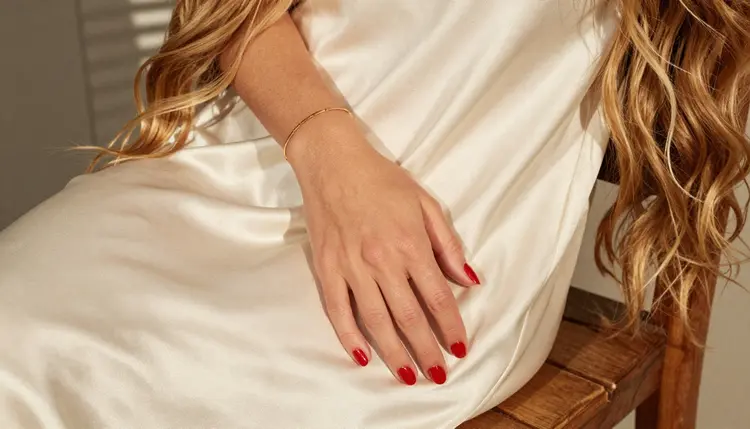
The last mistake is training before the set is clean. Training takes time and credits, and a bad set cannot be repaired by the trainer. Look at every image at full size first. Check the hands, the jewelry and the fabric edges, because small errors are learned too. If you plan to animate the character afterwards, the reference video animation guide shows what to do with the finished look.
Adults only. This section and every picture it makes are for readers aged 18 or older, and the content is provocative, never explicit: lingerie, swimwear, robes, glamour light and implied intimacy.
Fictional adults only. Train on a character you invented and on images you generated yourself. Never upload photos of a real or identifiable person, never a celebrity, and never anyone who could read as a minor. A LoRA of a real person is a different thing and it is not what this page covers.
Private by default. What you create in Picasso IA is tied to your account and is not published or shown to others. If a model declines a prompt, the app shows a message titled "Content Not Supported by This Model", recommends models that accept adult prompts and carries your prompt over, so nothing needs retyping. A new account can try a small free trial on selected models, and the pricing page explains how credits work for the rest.
What is a LoRA in simple terms?
A LoRA is a small file trained on a set of pictures of one subject. Loaded with a base image model, it makes that subject appear when you use its trigger word. For a fictional character it means the same face and styling without rewriting the description every time.
Can I train a LoRA on a real person?
No. This guide is only for a fictional adult character that you invented and built from images you generated. Never upload photos of a real or identifiable person, and never anyone who could read as a minor. Picasso IA is for adults and fictional characters only.
Which Picasso IA models make good training images?
Seedream 4.5 is the main choice for photoreal sets, Recraft V4.1 Pro suits illustrated characters, and Picasso Image Editor Pro handles outfit and hair edits on one picture. All three are confirmed by Picasso IA's own tests for adult prompts, which is a separate matter from the model makers' published settings.
Is P Image Trainer confirmed for adult prompts?
No. It is untested, which means worth a try and not confirmed either way. Open its page in the catalog, read what its form asks for and run a small test first. The catalog title says it trains a custom LoRA, and that is all this guide claims about it.
Do I need to train at all for a consistent character?
Not always. Reference images and a fixed description can hold a character steady for a short series. A LoRA pays off when you need the same character across many scenes. The consistent character guide shows the lighter route first.
How do I keep the face the same when I change the outfit?
Edit the image instead of regenerating it. Attach the master picture in the toolkit and ask Picasso Image Editor Pro for the new robe or the new hair length. The face is left alone because you changed one thing and not the whole picture.
What should a good trigger word look like?
A short invented word that is not a real word, a name or a brand. If it already means something to the base model, it competes with your character. Use it only for this one character and put it in every caption and every test prompt.
Why does my LoRA always put the same outfit on her?
The set showed one outfit too often, so the trainer learned the clothes as part of her. Add pictures in other wardrobe with the same face, caption the clothes, and train again. Variety in the set is what breaks the habit.
What happens if a model refuses my prompt?
Picasso IA shows a message titled "Content Not Supported by This Model" and recommends models that accept adult prompts, carrying your prompt over so you do not retype it. Keep the content provocative and never explicit, with fictional adults only.
Are my training images and results private?
Generations are private by default: what you create is tied to your account and not published or shown to others. This guide is for readers aged 18 or older, for fictional adult characters only, and never for real people or anyone who could read as a minor.