Copper hair is one of the hardest things to get right in an AI portrait. The colour drifts toward orange or brown, freckles turn into noise, and the skin loses the warm undertone that makes a redhead look real. This page is a practical guide to getting it right with Seedream 4.5, one of the models Picasso IA has tested repeatedly with adult prompts.
The look here is a glamour portrait of one fictional adult woman: long copper-red hair, green eyes, a light dusting of freckles and emerald silk. The mood is flirty and suggestive, never explicit. You will see which prompts to type, which light flatters red hair, and how to fix small problems without starting over.
Red hair is a test of colour control. Under warm candlelight it can go brick, under cool daylight it can go dull, and in backlight it can glow like copper wire. A model that handles this well gives you strands with highlights, a believable hairline and skin that keeps its freckles instead of smoothing them away. Seedream 4.5 is a text to image model that works at 4K, and that resolution matters for this subject because freckles and individual hairs are small details.
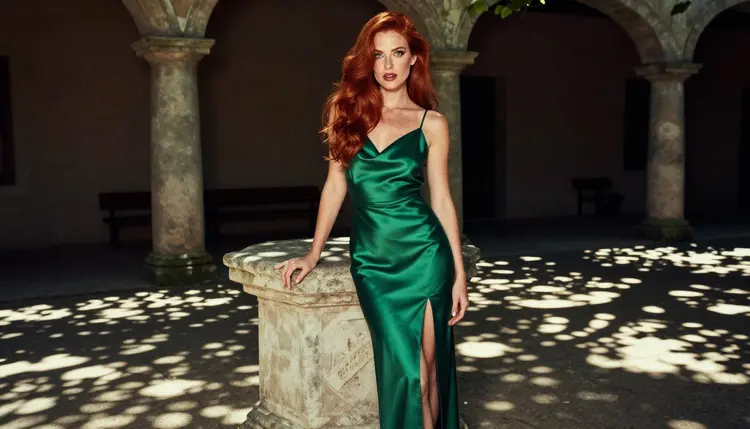
Emerald is the colour that makes the whole look work. Green sits opposite red on the colour wheel, so an emerald silk slip dress, a satin camisole or a long evening gown pushes the hair forward without any extra effort from you. Add a gold or amber light source and the palette locks together: copper, green, gold, warm skin.
The model also follows wardrobe wording closely. If you write "emerald silk slip dress with thin straps" you get that, not a generic green outfit. Fabric words help a lot: silk, satin, velvet and chiffon all catch light differently, and Seedream 4.5 renders those differences. For a redhead portrait, silk and satin are the safest choices because their highlights echo the shine in the hair.
Picasso IA marks Seedream 4.5 as confirmed. That means adult prompts were tested against this exact model repeatedly and it generated instead of rejecting them. It is not a published setting of the model's maker, who can change it at any time, and you can read what the label covers on the page about what confirmed means. If you prefer other looks with the same model, the sibling pages on realistic portraits and oil painting portraits use the same method with different styling.
Six models in the catalog are confirmed for adult prompts. For a redhead portrait you will mostly use the three image models, and then move to video if you want the same woman to move. Everything below is a plain description of what each model does according to its catalog entry.
| Model | Best for | Format |
|---|
| Seedream 4.5 | Photoreal redhead portraits with fine freckles and hair detail | Text to image, 4K |
| Recraft V4.1 Pro | Illustrated or design-led versions of the same look | Print-ready images, 2K |
| Picasso Image Editor Pro | Changing one detail of an existing portrait | Image editing, unlimited tag |
| LTX 2.3 Pro | Turning a scene into a short film from text | Text to video, 4K |
| Picasso IA Video | Animating a portrait or writing a clip from text | Text or image to video, unlimited tag |
| Seedance 2.5 Lite | Quick clips of a candlelit or window-lit scene | Video, up to 10 seconds, unlimited tag |
Seedream 4.5 is the main tool for this page. Recraft V4.1 Pro is useful when you want the redhead as a poster-style illustration, for example a flat colour fashion plate with emerald and gold only. Picasso Image Editor Pro is the repair tool, and we come back to it in the steps below.
The rest of the catalog is untested. That is not a warning, only a fact: models such as Qwen Image 2 or Seedream 5 may or may not accept a given adult prompt, and Picasso IA has not confirmed either way. They are worth a try if you want to compare how each one draws copper hair, and the full catalog shows every option. If you want a direct comparison between two image models, the page on Seedream 4.5 vs Qwen Image 2 does it for portraits.
The flow is short. You pick a model, write what she wears and where she is, set the light, generate, and fix what is off.
- Open the toolkit and pick Seedream 4.5. Go to the toolkit, choose text to image and select Seedream 4.5 from the model list. Keep the highest resolution it offers, since freckles need pixels.
- Describe the woman, the wardrobe and the set. Write her hair, eyes and freckles first, then the emerald garment and the place: a hotel suite, a stone terrace, a studio. One clear setting works better than three.
- Set the light and the mood. Name the light source and the time of day, such as candlelight, golden hour backlight or soft window light. Add a lens, for example 85mm f/1.8, and mention film grain for a photographic feel.
- Generate and review. Look at the hair colour, the freckles, the hands and the way the fabric falls. Hands and straps are where small errors hide, so zoom in before you decide.
- Refine or switch. Fix a single detail with Picasso Image Editor Pro, or rewrite the prompt and try again. If a model declines a prompt, the app suggests alternatives and keeps your text.
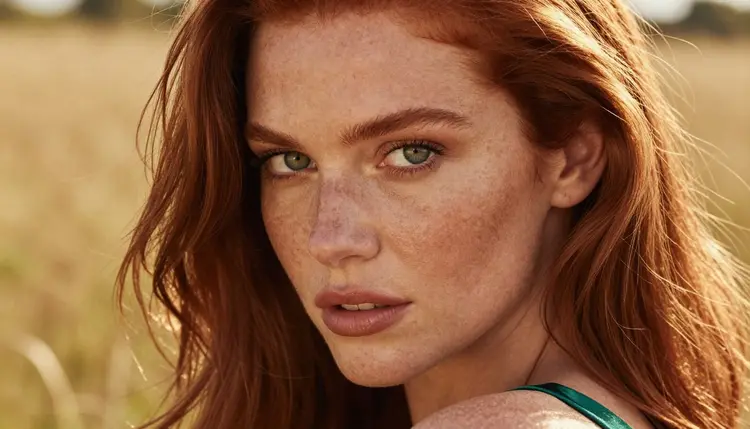
A tip on step two: describe the freckles directly. "A light dusting of freckles across the nose and cheeks" gives you a natural pattern. If you leave freckles out, the model often smooths the skin, and the redhead look weakens.
These ideas are written as starting points. Copy one, change the setting, and keep the structure: subject, wardrobe, place, light, lens.
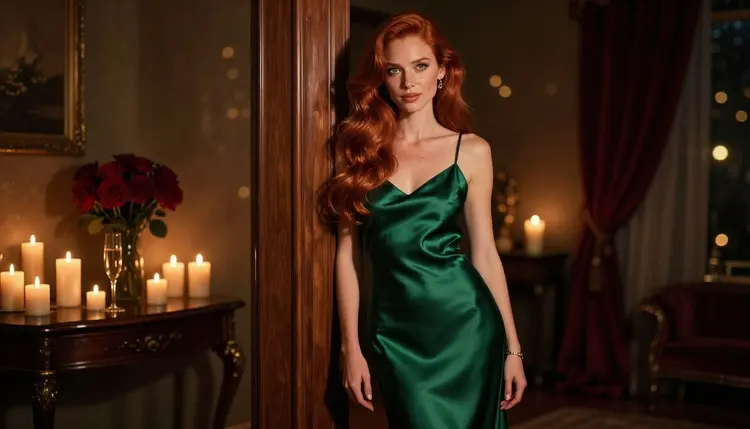
Candlelit hotel suite. A glamour portrait of an adult woman with long glossy copper-red hair, green eyes and light freckles, leaning on a doorframe in an emerald silk slip dress. The room is a quiet hotel suite lit by candles, shot at 70mm f/2.8 with soft film grain. This works as a wide, mood-setting frame because the candle glow warms the hair without flattening it.
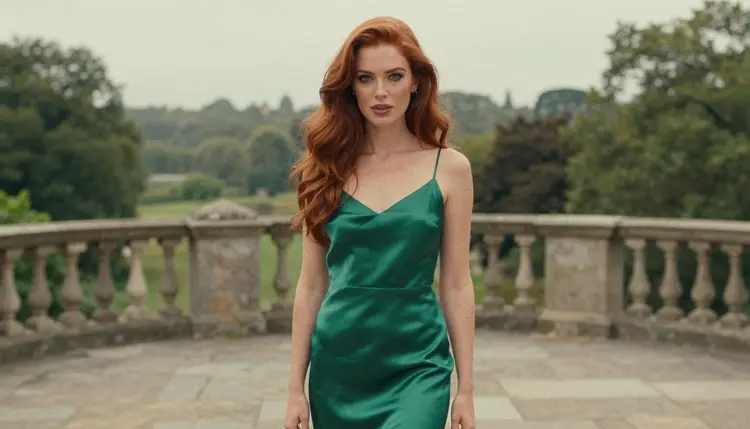
Misty stone terrace. The same woman standing on a stone terrace in overcast soft daylight, wearing the emerald slip with a thin cardigan over her shoulders. Use a long lens such as 135mm f/2 so the background melts. Overcast light is kind to freckles and keeps the copper tone from turning orange.
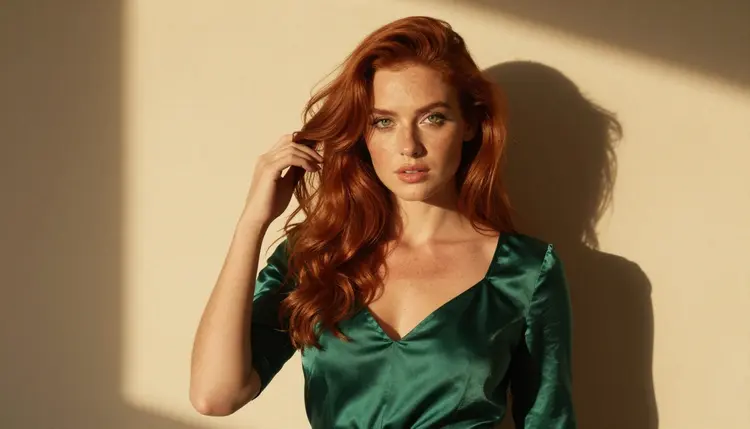
Golden side light, waist up. A medium shot of the woman in an emerald satin camisole, lifting her hair with one hand in late-afternoon side light. A macro-style 100mm lens at f/2.8 gives you texture in the satin and in the skin. This is the frame to use if you want to check how well the model draws freckles.
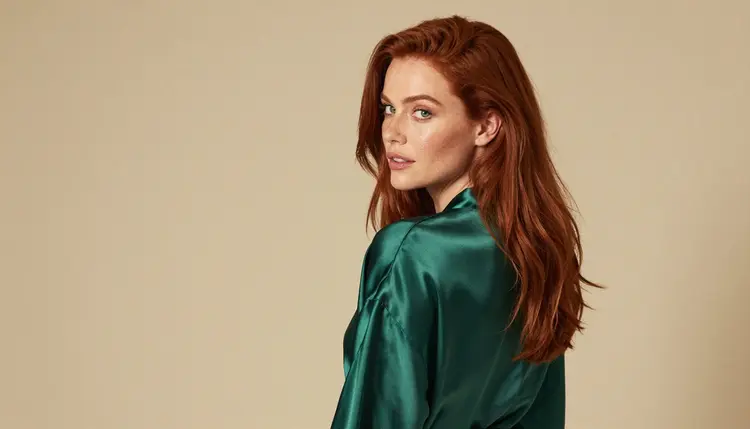
Over the shoulder in a studio. She glances back over her shoulder in an emerald silk robe, in a bright studio with soft diffused daylight. A 35mm f/2 lens keeps the frame natural. The robe gives you a loose, relaxed shape and the silk picks up reflections from the studio window.
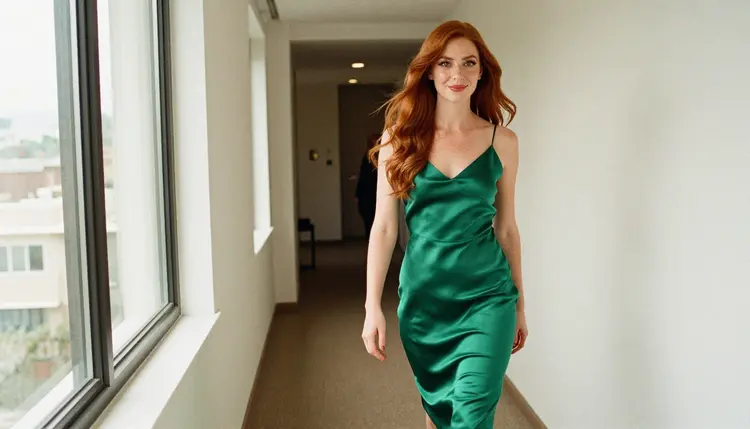
Hotel corridor, walking. A candid three-quarter shot of her walking along a bright hotel corridor in an emerald satin slip dress, with soft window light from the left. Candid frames feel less posed, and they are a good way to test how the model handles motion in the fabric.
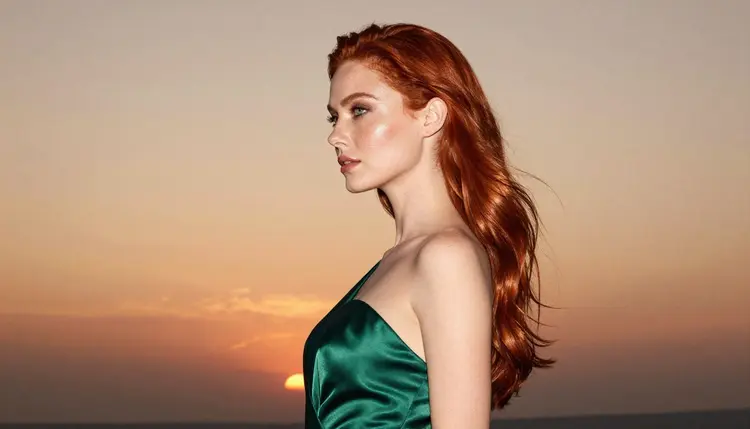
Profile against the sun. A silhouette in profile at golden hour, in a long emerald gown, backlit so the hair becomes a rim of copper. Use 135mm f/2. Silhouettes hide small errors, which makes this an easy first prompt if you are new to the model.
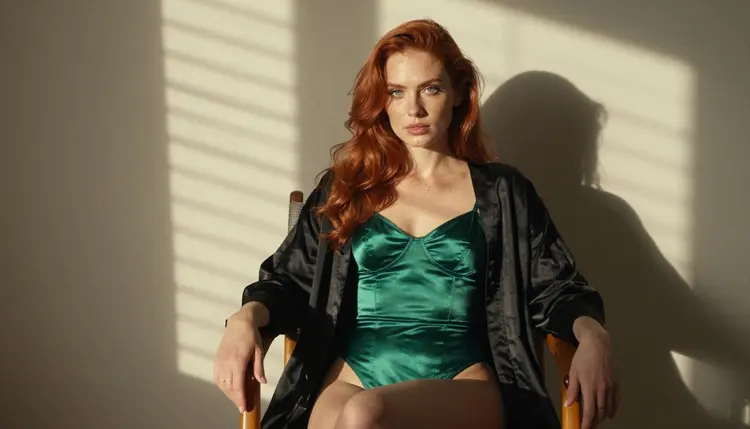
Seated in morning blinds. She sits upright on a wooden chair in an emerald bodysuit, knees crossed, with hard morning sun cutting through window blinds in stripes. A 24mm f/2.8 lens gives a wider, editorial frame. The stripes of light add contrast, so name them in the prompt.
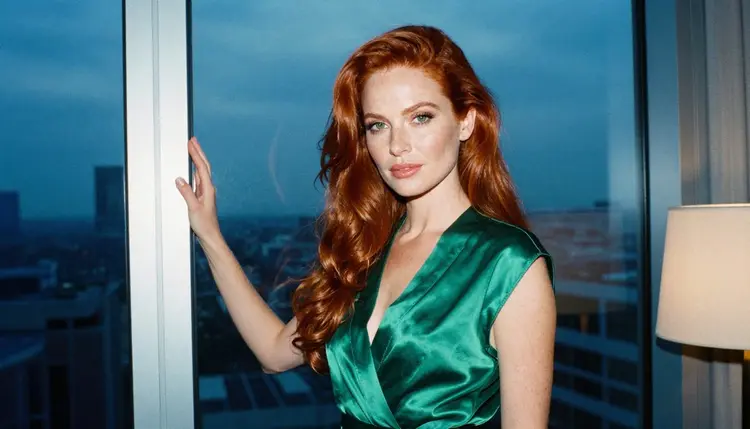
Blue hour at the window. She looks out of a hotel window in an emerald satin robe in cool blue-hour ambient light, shot at 50mm f/1.4. The cool light against the warm hair is the opposite of the candlelit frame, and it shows how much the light changes the same subject. Do not add a mirror, since reflections are an easy place for the model to make mistakes.
This page is for adults only. Picasso IA is an 18+ service, and the pictures you make here are meant for adult viewers. If you are not an adult, do not use these tools.
Every character you create must be a fictional adult. Do not use the name or likeness of a real person, and do not write prompts for anyone who could read as a minor. Stay with ages and descriptions that are clearly adult, and with wardrobe that is glamorous or suggestive rather than explicit. The pages in this section are built on that line, and your own prompts should follow it too.
What you generate is private by default. It is tied to your account and not published or shown to other people. What you do with an image after you download it is your responsibility, so keep it within the rules of wherever you share it.
A new account can try a few generations for free on selected models: Picasso IA Image, Picasso Image Editor Pro, Picasso IA Video and Seedance 2.5 Lite. It is a small free trial on selected models, not the whole catalog. Plans, credit costs and the details of the unlimited tag live on the pricing page, and generation costs vary by model and by options such as resolution.
If you want to go further, the untested models in the catalog are worth a look. Qwen Image 2 is a text to image option you can compare against Seedream 4.5 for hair and skin tones. Picasso Video (Pruna P-Video) is another video option beside the confirmed ones. Both are untested for adult prompts, so treat them as experiments. If one of them refuses a prompt, your text is carried over to a model that accepts it.
For related looks with the same model, try the watercolor portraits page, the selfie page or the boudoir page. For wardrobe-led ideas that match the emerald silk theme, see lingerie photos.
Which models are confirmed for adult prompts?
Six: Seedream 4.5, Recraft V4.1 Pro and Picasso Image Editor Pro for images, and LTX 2.3 Pro, Picasso IA Video and Seedance 2.5 Lite for video. Confirmed means Picasso IA tested adult prompts against each one repeatedly. See what confirmed means for the full explanation.
Why use Seedream 4.5 for redhead portraits?
It is a text to image model that works at 4K, so freckles, hair strands and fabric texture stay readable. It also follows wardrobe and light wording closely, which matters when the whole look depends on copper hair, emerald silk and golden light. Try Seedream 4.5 first.
How do I keep the hair copper and not orange?
Name the colour as copper-red, add glossy, and choose soft light. Overcast daylight and golden hour backlight keep the tone accurate, while strong orange lamps push it too warm. If the first result drifts, change the light in the prompt before you change anything else.
How do I get natural freckles?
Describe them: "a light dusting of freckles across the nose and cheeks". Without that line, the model tends to smooth the skin. A tighter close-up at 50mm f/1.4 shows them best, and the 4K output keeps them sharp.
Can I put two characters in one scene?
You can describe two adults in one prompt, but results are most consistent with one person per frame. For couple scenes and how to word them, the page on boudoir photos is a good starting point. Both characters must be fictional adults.
What happens when a model refuses my prompt?
The app shows a message titled "Content Not Supported by This Model". It recommends models that accept adult prompts and carries your prompt over, so you do not retype anything. Pick one of the suggestions and generate again.
Is this content adults only and fictional?
Yes. Picasso IA is 18+ only, and every character must be a fictional adult. No real or identifiable people, and no one who could read as a minor. Prompts that break that rule do not belong on this site.
Is what I generate private?
Generations are private by default. They are tied to your account and are not published or shown to others. You decide what to download and where to share it.
Can I turn a portrait into a video?
Yes. Use Picasso IA Video for image to video, or LTX 2.3 Pro for text to video at 4K. Seedance 2.5 Lite is listed up to 10 seconds. Describe slow movement such as hair moving in a breeze or a head turning toward the window.
How can I fix one detail, like a strap or a hand?
Open the image in Picasso Image Editor Pro and describe only the change, for example "straighten the left strap". It is marked unlimited, and the free trial includes it. You can try it before paying, and the pricing page has the details.