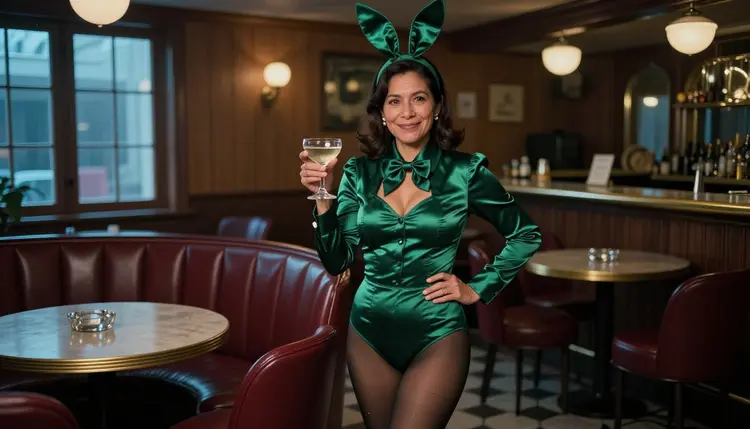
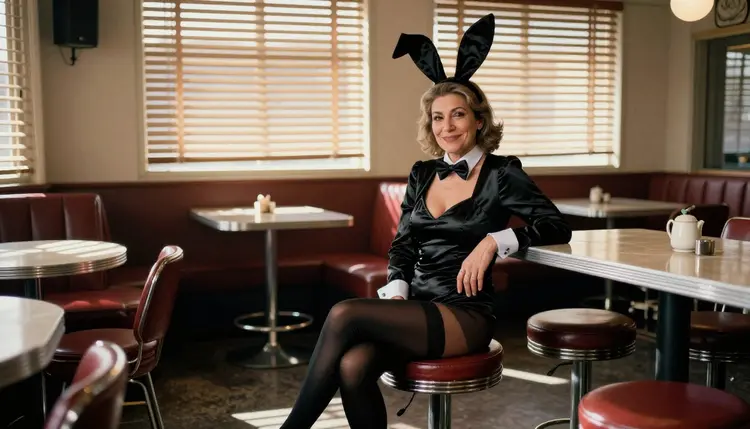
The bunny costume is a retro lounge look built from a few clear parts: a fitted satin bodice, a pair of tall ears, dark tights, a small bow tie and a cocktail bar that belongs to another decade. It is flirty and suggestive without needing anything explicit, which is why it works so well for glamour portraits. On Picasso IA you can generate it with Seedream 4.5, one of the confirmed uncensored models in the catalog, and everything you make stays private to your account.
This page is a practical guide to the NSFW Bunny Costume Art AI Generator workflow. It covers which model to pick, how to write the wardrobe and the light, five steps from first prompt to finished image, and a set of prompt ideas you can paste straight into the toolkit. The tone stays adult and playful, and every character is a fictional adult.
The look has a strong silhouette. Tall ears add height and a clean line above the head, the satin bodice catches light in a single smooth highlight, and dark opaque tights give the lower half of the frame a calm, graphic contrast. Because the costume is a uniform of sorts, you do not have to invent anything: the shapes are already iconic, and the image succeeds or fails on the details you describe around them.
Color does most of the work. Deep emerald, burgundy, ruby, plum, navy and black satin all read as rich under low light, while pale pastels tend to wash out in a dim lounge. Ask for opaque fabric and a bow tie or cuffs in a contrasting tone, and say whether the ears stand upright or bend slightly. A bent ear looks lived in, and it gives the portrait a touch of humor that keeps the mood playful instead of stiff.
Skin and faces are where a render can look plastic, so write the character as a real adult: a Latin American woman in her mid thirties with laugh lines, a Mediterranean woman in her late thirties with visible pores, a Northern European woman with freckles. Naming an age range, a region and one or two honest details gives the model something specific to draw, and the result looks like a person you could meet at a bar, not a catalog doll. Always keep the characters adult and fictional.
Seedream 4.5 suits this job because its catalog title describes 4K images from text, and a bunny costume has exactly the fine detail that benefits from resolution: the weave of satin, the stitching on a bodice, the grain of a walnut bar top, the glint on a brass stool. Picasso IA tested adult prompts against this exact model repeatedly and watched it generate instead of reject, which is what the app means by confirmed. It is not a published setting of the model's maker, who can change it at any time. The page about what confirmed means explains how that label is earned.
Light is the second half of the look. Cool blue-hour light from tall windows gives a lounge its mood. Soft window light from one side shapes the face and the fabric. Golden backlight outlines the ears and makes a close-up glow, and hard morning sun through blinds draws stripes across a bar in a way that feels like a film still. You can name the light the way a photographer would, and the model follows.
You do not have to guess which models will accept adult prompts. The models below are the ones Picasso IA has tested and confirmed, and each one covers a different part of a bunny costume project, from the first still to a short clip.
| Model | Best for | Format |
|---|
| Seedream 4.5 | Photoreal lounge portraits with fine fabric detail | Image, 4K from text |
| Recraft V4.1 Pro | Illustrated or poster-style bunny art and design work | Image, 2K, print-ready |
| Picasso Image Editor Pro | Changing one detail of a render you already have | Image editing |
| LTX 2.3 Pro | Turning a lounge scene into a moving shot | Video, 4K from text |
| Picasso IA Video | Animating a still or writing a clip from text | Video, text or image |
| Seedance 2.5 Lite | Quick motion tests of a finished look | Video, up to 10 seconds |
For a photoreal portrait, start with Seedream 4.5. If you want the same costume as a flat illustration, a retro poster or a design you can print, Recraft V4.1 Pro is the better fit, since its catalog title is about print-ready images at 2K. Picasso Image Editor Pro is the tool you reach for after generating, when the render is almost right and one thing needs to change.
Every other model in the catalog is untested, which means nobody has confirmed it either way. That is not a warning, just an honest label. Many of them are worth a try for a bunny costume scene, and if one refuses a prompt, the app tells you and carries your text over to a confirmed model so nothing has to be typed again. You can browse the full catalog and try them at your own pace.
The workflow is short, and you can repeat it with a new costume color or a new setting in a couple of minutes. These steps use Seedream 4.5 as the starting point.
- Open the toolkit and pick Seedream 4.5. Go to the toolkit and select the model from the list. Describe a wide lounge scene if you want room around the character.
- Describe the costume and the room. Write the satin color, the ears, the tights, the bow tie and the setting in one or two sentences, and name the adult as a woman or a man with an age range and a region.
- Set the light and the mood. Add the light source, the time of day, the lens and the camera height, for example blue-hour window light, 85mm f/1.8, camera at waist height, film grain.
- Generate and review. Check the hands, the fabric folds, the symmetry of the ears and the face before you keep an image, and compare two or three renders instead of settling on the first.
- Refine or switch. Fix a single detail with Picasso Image Editor Pro, or run the same prompt on Recraft V4.1 Pro if you want an illustrated version.
A good habit is to change one thing per run. If you swap the color, the light and the lens at the same time, you cannot tell which change helped. Keep the winning prompt in a note and reuse it as a base for the next scene.
Each idea below names the wardrobe, the setting, the light and the angle, so you can paste it and adjust. All of them describe a fictional adult and an opaque costume, and you can swap the satin color freely.
Blue-hour lounge. A Latin American woman in her mid thirties with laugh lines, wearing an opaque emerald satin bunny-style lounge costume with tall ears, standing between velvet booths in a vintage cocktail lounge. Cool blue-hour ambient light from tall windows, 135mm f/2, wide hero frame, Kodak Portra 400 look, film grain.
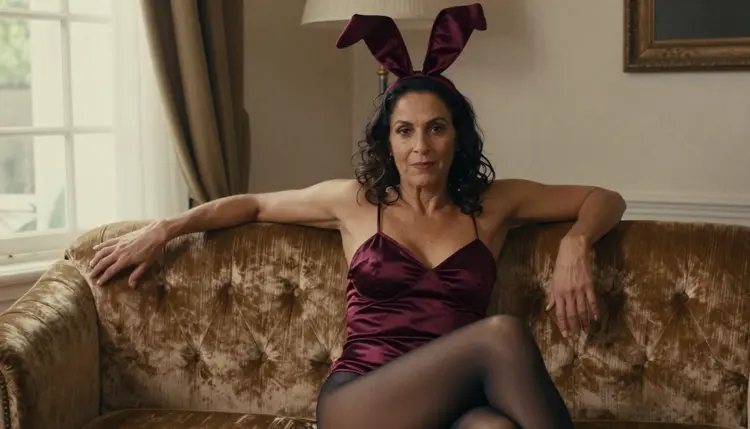
Velvet sofa. A Brazilian woman in her mid thirties with visible pores, opaque deep burgundy satin costume and dark tights, seated three-quarter on a velvet sofa with one ear slightly bent. Window daylight from the left, camera at waist height, 85mm f/1.8.
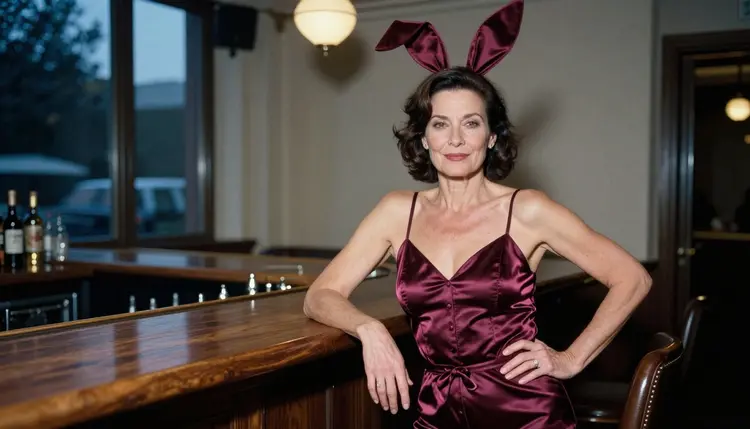
Walnut bar. A Mediterranean woman in her late thirties in a burgundy satin costume, leaning one elbow on a walnut bar with the other hand on her hip and a small smile. Blue-hour window light from the left, camera at chest height, 70mm f/2.8, waist-up three-quarter portrait.
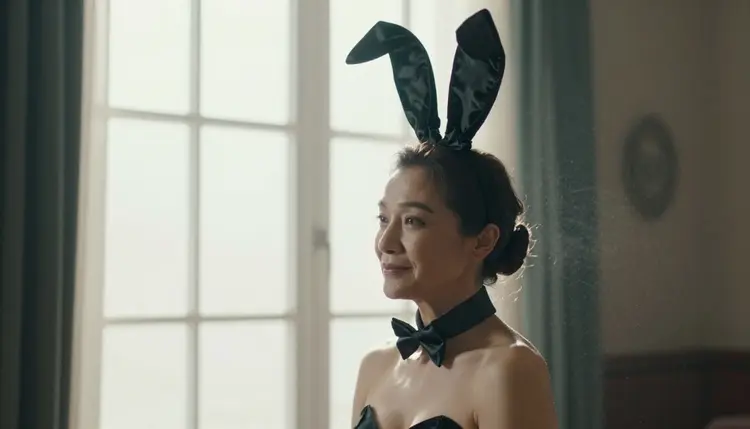
Window silhouette. A Central Asian woman in her early thirties in a black satin costume, shown in profile against a bright lounge window, the ears forming a clean outline. Soft light from the left, 70mm f/2.8. This one is about shape, so keep the prompt short and let the light carry it.
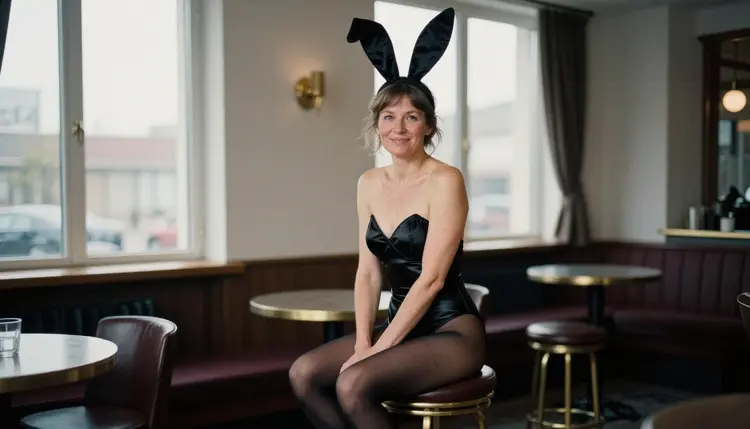
Brass stool. A Northern European woman in her late thirties with freckles and laugh lines, black satin costume and opaque dark tights, seated sideways on a brass bar stool in a hotel lounge. Overcast window daylight, eye level, 85mm f/1.8, grain.
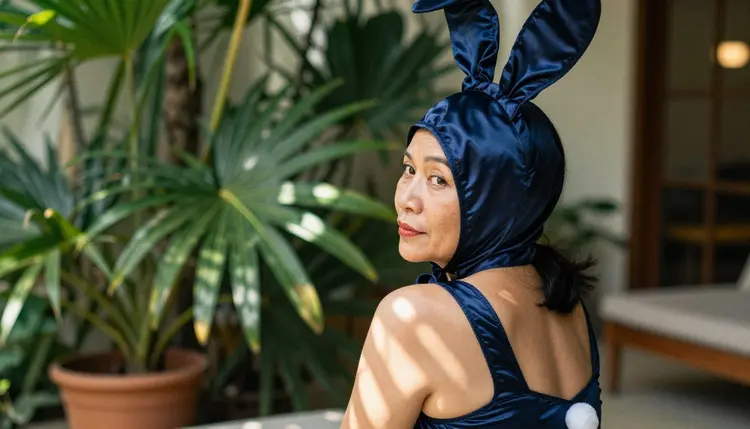
Terrace look back. A Southeast Asian woman in her early thirties in a navy satin costume on a terrace, glancing over her shoulder toward the camera. Dappled shade, 100mm macro f/2.8, shallow focus on the ear and the bow tie.
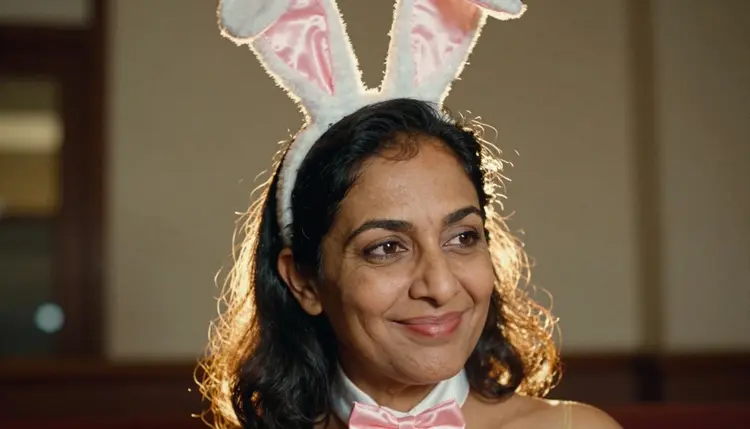
Golden close-up. A South Asian woman in her mid thirties, smiling, wearing satin bunny-style ears that are slightly bent, tight close-up portrait. Golden hour backlight, 35mm f/2, warm rim light on the hair and the ears.
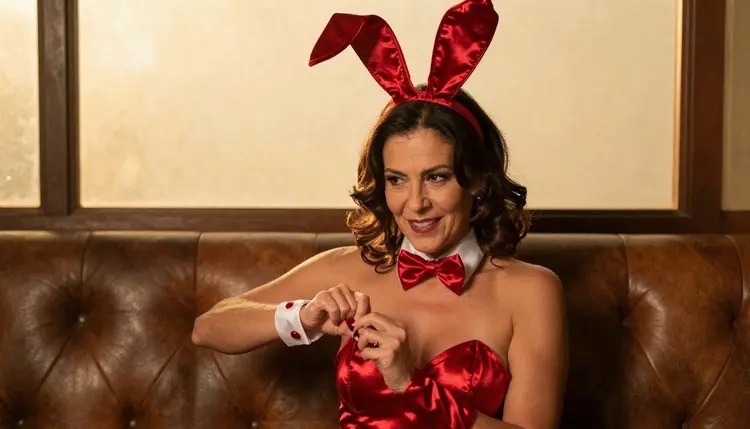
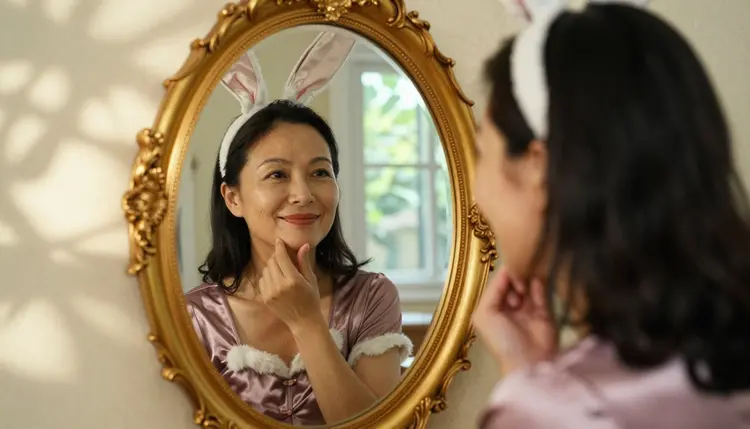
Gilded mirror. An East Asian woman in her early thirties in a plum satin costume, fixing one ear in a gilded mirror, with both her face and the reflection in frame. Dappled shade, 85mm f/1.8. For a second take, switch to a Middle Eastern woman in a black costume on a bar stool with hard morning sun through blinds, 135mm f/2, in a wide environmental portrait.
This section is about adults only. Picasso IA is for people who are 18 or older, and the NSFW models are meant for adult audiences. If you are not yet an adult, this page and these tools are not for you.
Every character you create must be a fictional adult. Do not use the name, face or likeness of a real person, and do not describe anyone who could read as a minor. State an adult age range in the prompt, such as mid thirties, and keep the costume opaque and styled as a glamour or lounge outfit. The look on this page is flirty and suggestive, never explicit.
What you generate is private by default. It is tied to your account and not published or shown to others. You decide whether to keep an image, share it or delete it, and that choice belongs to you alone. If you share a render anywhere, check the rules of the place where you post it.
A new account can try a small free trial on selected models, which include Picasso Image Editor Pro, Picasso IA Video and Seedance 2.5 Lite. It is a good way to test the video side of a bunny costume scene before you decide how to continue. The details of plans and costs live on the pricing page, and credits vary by model and by options such as resolution or duration.
Models marked with the infinity tag in the catalog do not spend credits on the plans that include unlimited generation, and Picasso IA Video and Seedance 2.5 Lite are among them. The pricing page lists what each plan includes.
Beyond the confirmed list, the full catalog holds hundreds of models for image and video. They are untested for adult prompts, so treat them as worth a try rather than a promise. If you like the lounge and costume angle, the same wardrobe thinking carries over to the Halloween costume page, the maid costume page, the nurse costume page and the superhero costume page. If you are planning a real outfit, the cosplay concept art guide shows how to use renders as a design reference.
Which models are confirmed for bunny costume art?
The confirmed image models are Seedream 4.5, Recraft V4.1 Pro and Picasso Image Editor Pro, and the confirmed video models are LTX 2.3 Pro, Picasso IA Video and Seedance 2.5 Lite. Every other model in the catalog is untested, not confirmed either way.
Why start with Seedream 4.5?
It is a confirmed model, its catalog title describes 4K images from text, and a bunny costume needs that resolution for satin, stitching and bar details. It handles photoreal lounge portraits with natural light well.
How should I word a bunny costume prompt?
Write the costume color, the ears, the tights and the bow tie, then the room, the light, the lens and the camera height. Name the person as an adult woman or man with an age range and a region, and mention one honest detail such as laugh lines or freckles.
Can I put two characters in one scene?
Yes, describe both people, their positions and their costumes in the same prompt, and keep both fictional adults. Two characters take more careful wording, and the cosplay concept art guide has tips on planning a scene before you generate it.
What happens when a model refuses my prompt?
The app shows a message titled "Content Not Supported by This Model". It recommends models that accept adult prompts and carries your prompt over, so you do not retype anything. Pick one of the confirmed models and run it again.
Are the characters always adults and fictional?
Yes. Picasso IA is for 18+ only, and every character must be a fictional adult. Never use a real or identifiable person, and never describe anyone who could read as a minor. Keep the costume opaque and the mood suggestive, not explicit.
Are my images private?
Generations are private by default. What you create is tied to your account and is not published or shown to others. Anything you choose to share outside the app is your own decision.
Can I turn a still into a video?
Yes. Open the finished image in Picasso IA Video, which takes text or an image, or write a text prompt for LTX 2.3 Pro, which creates 4K video from text. Describe a slow movement such as a glance toward the camera or a hand adjusting an ear.
How do I change one detail, like the color of the ears?
Use Picasso Image Editor Pro. Load the render, say what to change, for example make the ears and the bodice ruby satin, and leave the rest of the scene alone.
Can I try it before paying?
A new account can try a few generations for free on selected models: Picasso IA Image, Picasso Image Editor Pro, Picasso IA Video and Seedance 2.5 Lite. Seedream 4.5 is not part of that trial. See the pricing page for how plans and credits work.