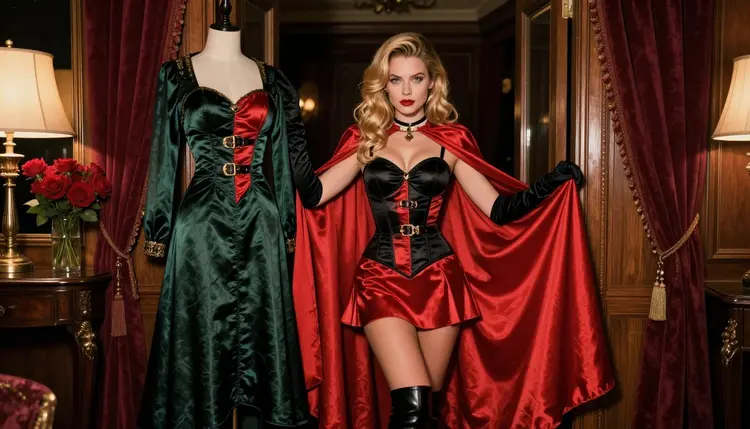
If you are choosing between SeaArt and PixAI for flirty, adults-only anime-inspired art, you are really asking two questions. Which site has the tools and community you like, and what happens when a prompt gets suggestive? The first question is about taste. The second one changes with each platform's rules, and those rules can change at any time. This page keeps the two apart, says plainly what is known and what is not, and gives you a third route that does not depend on guessing.
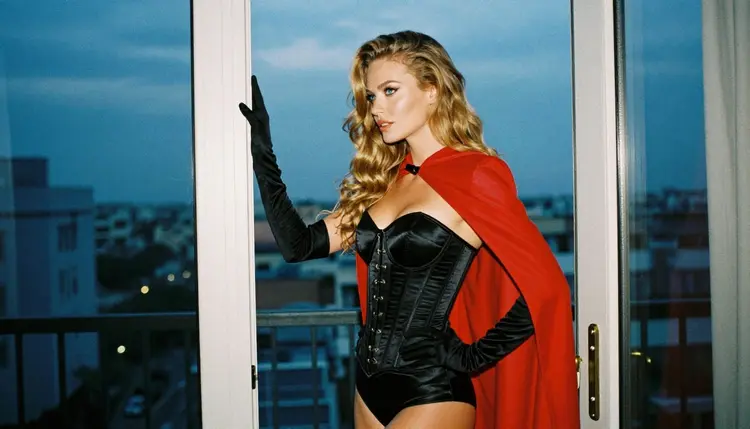
The route is Picasso IA. Its toolkit runs hundreds of models in the browser, and a short list of them has been tested repeatedly with adult prompts. Everything on this page is about fictional adults in costume: cosplay looks, satin, capes, boudoir light. Nothing explicit, and no real people. Picasso IA is not affiliated with SeaArt or PixAI.
Both SeaArt and PixAI are image platforms you reach through a website. SeaArt is described as an AI art platform that generates images from text prompts and has a community gallery. PixAI is described as an anime-focused generator with community-made models and LoRAs, character tools such as an OC Maker and a VTuber Maker, and a community where people share and discover artwork. If your goal is anime-style art, PixAI states that focus up front. SeaArt presents itself more broadly.
On adult content, the honest answer is that it depends on the current rules of each site, and you should check them before you build a workflow around either one. PixAI publishes content guidelines and terms that talk about adult material, which is covered further down. For SeaArt, this page does not state any rule about adult prompts, because there is nothing solid to repeat. Check its current rules yourself.
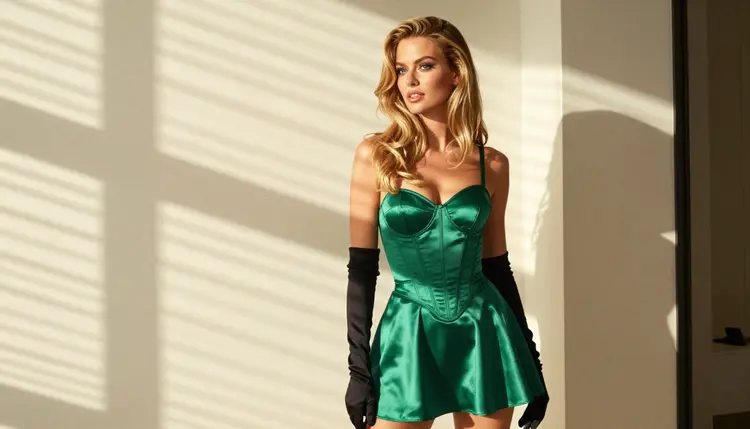
What is known on the Picasso IA side is narrower and firmer. Six models in the catalog are confirmed for adult prompts, meaning Picasso IA tested adult prompts against each one repeatedly and watched it generate instead of reject. Three of them make images: Seedream 4.5, Recraft V4.1 Pro and Picasso Image Editor Pro. Confirmed is not a published setting of the model's maker, who can change it at any time. It is a test result from here.
So the short answer has three parts. SeaArt: general AI art with a community gallery, adult rules to be checked at the source. PixAI: anime focus, with published rules that separate normal from sensitive content. Picasso IA: confirmed image models you can use for anime-inspired looks, and a clear message when a model declines a prompt.
SeaArt, according to how it describes itself, is a place to turn text prompts into images and to browse what other people made in a community gallery. That is all this page claims about it. It does not cover tools, model lists, formats or limits, because none of that is something to state without a source in front of you. If a detail matters for your project, read it on the site.
PixAI is the more specific of the two. Its positioning is anime: an image generator built around anime-style creation, with models and LoRAs made by its community, an OC Maker for original characters, a VTuber Maker, and a space to generate, share and discover artwork. If you already think in terms of character sheets, costumes and a recognizable anime look, that toolset is the point of the site.
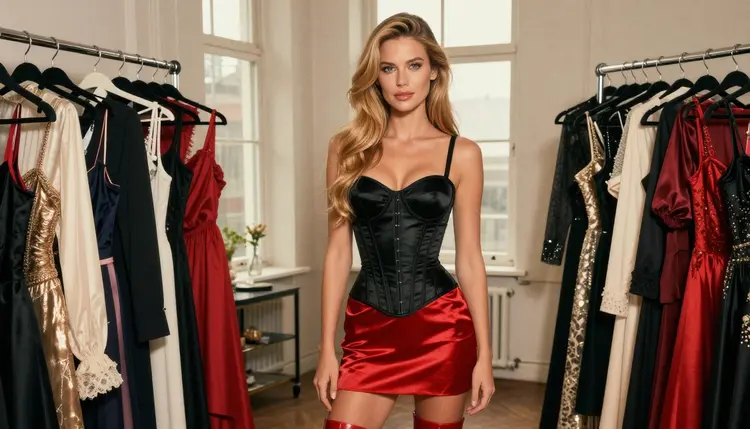
According to its published guidelines, PixAI sorts content into Normal and Sensitive. Sensitive covers suggestive and mature material and falls under stricter moderation. The guidelines also say that Sensitive content made with realistic models is not allowed, and that realistic explicit images are removed. Its terms ask users to label graphic or lewd content with the NSFW tag system. Sensitive content is limited to the uploader and not shown to others, and there is a Blur Sensitive Content setting. These are rules as published, and they can change, so check its current rules before relying on them.
Picasso IA is the third option and a different kind of tool. It is not an anime community. It is a browser app with a catalog of image and video models, where you pick the model per prompt. For adult costume art, the useful models are the confirmed ones. Seedream 4.5 is listed as a text to image model with 4K output, and it is the one to start with for a photoreal cosplay look. Recraft V4.1 Pro is listed for print-ready images at 2K and is strong on illustration and design, which suits flat, stylized anime-inspired frames. Picasso Image Editor Pro edits an image you already have.
The fairest comparison is one prompt, one subject, run on each option. You do not need to trust a review, including this one. Here is a simple routine, and it works the same whether you test two sites or two models.
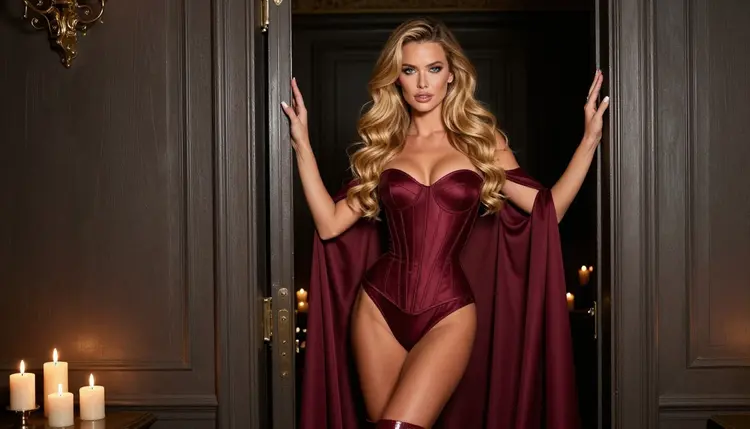
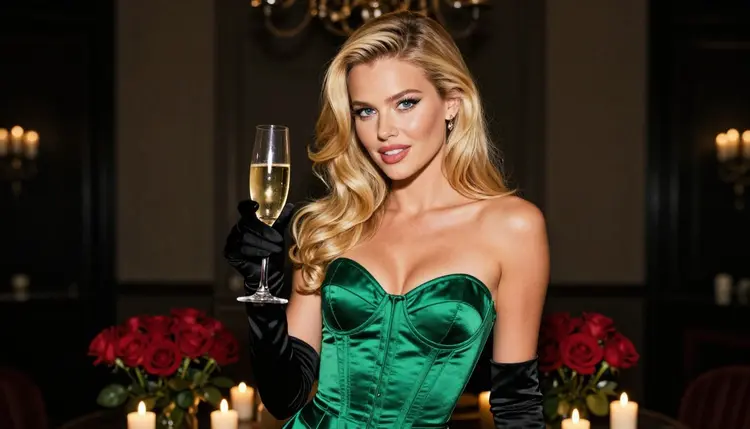
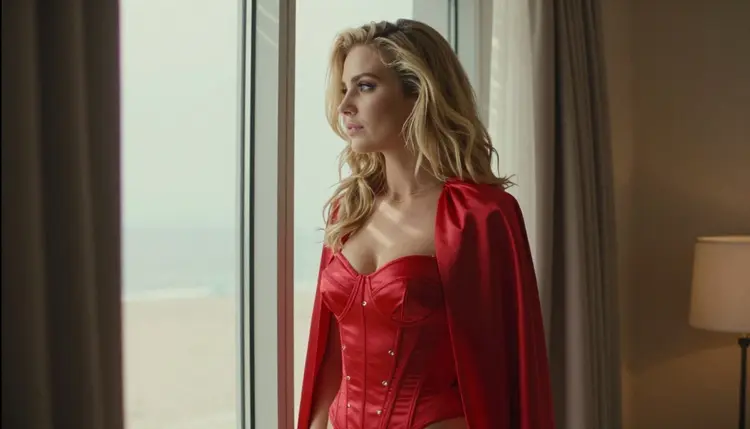
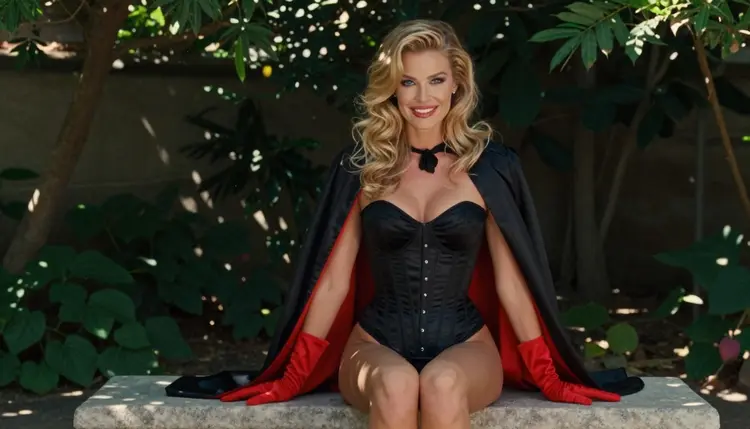
- Write one portable prompt. Describe a fictional adult woman in an anime-inspired costume: satin corset, short cape, gloves, one location, one light source, one lens. Keep it suggestive at most, never explicit, and keep the wording plain so any engine can read it.
- Run it on the first platform. Use its default settings, one generation, no extra tags. Save the result and note anything the platform changed or refused. If it shows a message instead of an image, copy the wording.
- Run the same text on the second platform. Change nothing, not even the punctuation. Save the result and the notes in the same format as before, so you compare like with like.
- Run it on Picasso IA. Open the toolkit, pick Seedream 4.5 and paste the prompt unchanged. If you want a flatter illustrated look, repeat with Recraft V4.1 Pro. A new account has a small free trial on selected models, see the pricing page.
- Judge the three sets together. Put the images in a row. Ask what you actually wanted: a recognizable anime look, a costume that matches your description, clean hands and fabric, a pose that fits the prompt. Score for your own goal, not for a general ranking.
Judging fairly means separating three things that are easy to blur. Style: does the output look like anime-inspired art or like a photo? Obedience: did the engine follow the costume and the setting? Access: did the platform let the prompt through at all? A site can win on style and lose on access, or the other way around, and only your own test shows which one matters for you.
If one engine declines your prompt, do not rewrite it to dodge a filter. Rephrase toward what you want to see: wardrobe, light, mood. Then run it again on every option, so the test stays equal.
The table below keeps to attributes that can be stated without numbers, and marks what is not covered here as not stated. For the two other platforms, the entries come from how each describes itself and from PixAI's published guidelines. For Picasso IA, they come from the catalog.
| SeaArt | PixAI | Picasso IA |
|---|
| Main task | Images from text prompts | Anime-style image creation | Images and video from many models |
| Focus | General AI art | Anime | You choose per prompt |
| Community | Community gallery | Share and discover artwork | Private by default |
| Character tools | Not covered here | OC Maker, VTuber Maker | Reference images with @1, @2 badges |
| Adult rules | Check its current rules | Published Normal and Sensitive split | Six confirmed models, others untested |
| Status for this test | Untested here | Untested here | Confirmed models available |
Reading the table, note what "untested here" means. It means Picasso IA has not run adult prompts against SeaArt or PixAI and offers no verdict on either. It is not a polite way of saying blocked or open. The Picasso IA column is different because the confirmed list comes from repeated tests on those exact models.
In the Picasso IA column, the image models to open are Seedream 4.5, Recraft V4.1 Pro and Picasso Image Editor Pro. For motion, Picasso IA Video turns text or an image into video, and Seedance 2.5 Lite is listed up to 10 seconds. LTX 2.3 Pro makes 4K video from text. All three video models are confirmed.
This section is the same on every page of the NSFW area, because it is not negotiable. Picasso IA's adult features are for people aged 18 and over. If you are under that age, close the page. Nothing here is aimed at you.
Every character you create must be a fictional adult. Do not use real or identifiable people, public figures or celebrities, and do not describe anyone who could read as a minor. Cosplay is fine as a theme only when the person in the picture is clearly an adult character. The same rule applies when you move a prompt from one platform to another: it travels with you.
Generations on Picasso IA are private by default. What you create is tied to your account and is not published or shown to other people. That is different from a community gallery, where sharing is part of the design, so look at each tool's visibility settings before you generate. On PixAI, according to its published guidelines, Sensitive content is limited to the uploader. For SeaArt, check its current rules.
Pick the platform that matches the job. If you want a community that revolves around anime characters, shared models and LoRAs, and character-creation tools like an OC Maker, PixAI is the better choice for that part of the work. It is built around that focus and says so. If you want a general AI art site with a community gallery to browse, SeaArt is described that way. Neither description tells you how either site handles an adult prompt today, so test with the five steps above.
Picasso IA is the better choice when you want a result you can repeat. You choose the model, you see which models are confirmed, and if a model declines a prompt the app shows a message titled "Content Not Supported by This Model". It recommends models that accept adult prompts and carries your prompt over, so nothing is retyped. For anime-inspired costume art, start with Recraft V4.1 Pro for illustration, or Seedream 4.5 for a photoreal cosplay frame, and refine the result with Picasso Image Editor Pro. To go beyond a still, send the image to Picasso IA Video.
A new account can try a small free trial on selected models, and the details of plans and generation costs live on the pricing page. The full list of models is in the full catalog. Models outside the confirmed six are untested: worth a try, not confirmed either way.
For deeper side-by-side reading, see Picasso IA vs SeaArt and Picasso IA vs PixAI. If you are leaving one of them, PixAI Alternative for NSFW Anime Art and SeaArt Alternative for NSFW Art go further, and NovelAI Alternative for NSFW Anime Art covers a third name. For the lighter, flirtier end of the style, read Ecchi Anime Art: NSFW AI Generator.
Is SeaArt or PixAI better for NSFW anime art?
It depends on what you value. PixAI states an anime focus with community models and character tools, while SeaArt describes itself as general AI art with a community gallery. Neither is tested here for adult prompts, so run the same prompt on both and compare.
Does Picasso IA say which of the two lets adult prompts through?
No. Both are untested here, and their rules can change. Picasso IA only gives a verdict on its own six confirmed models. For the other two, check each site's current rules and test with one identical prompt.
What does PixAI's published guidance say about adult content?
According to its published guidelines, content is sorted into Normal and Sensitive, with stricter moderation for Sensitive. Realistic models are not allowed for Sensitive content, and its terms ask users to label graphic or lewd work with the NSFW tag. Check its current rules.
What is known about SeaArt's rules for adult prompts?
This page states nothing about them, because there is no solid published wording to repeat. SeaArt describes itself as an AI art platform with text to image generation and a community gallery. Read its current rules on the site before you rely on it.
Which Picasso IA models are confirmed for adult prompts?
Six: Seedream 4.5, Recraft V4.1 Pro and Picasso Image Editor Pro for images, and LTX 2.3 Pro, Picasso IA Video and Seedance 2.5 Lite for video. Confirmed means tested repeatedly with adult prompts here, not a setting published by the model's maker.
Can I make anime-style art with Picasso IA?
Yes, as an adult, fictional, anime-inspired look. Recraft V4.1 Pro is listed as strong on illustration and design, and Seedream 4.5 makes 4K images from text. Describe costume, light and setting in plain words, and keep it suggestive, never explicit.
What happens if a Picasso IA model declines my prompt?
The app shows a message titled "Content Not Supported by This Model". It recommends models that accept adult prompts and carries your prompt over, so you do not have to type it again. Pick one of the confirmed models and run it.
Are my images private on Picasso IA?
Yes, generations are private by default. What you create is tied to your account and is not published or shown to others. That differs from sites built around a community gallery, so check the visibility options of any other tool you use.
Can I try Picasso IA before paying?
A new account can try a small free trial on selected models, which include Picasso IA Image, Picasso IA Editor Pro, Picasso IA Video and Seedance 2.5 Lite. It does not cover the whole catalog. Plans and costs are on the pricing page.
Is this content for adults and fictional characters only?
Yes. It is 18+ only, and every character is a fictional adult. No real or identifiable people, and no one who could read as a minor. Prompts that break that rule are not something Picasso IA wants to help with, on any model.