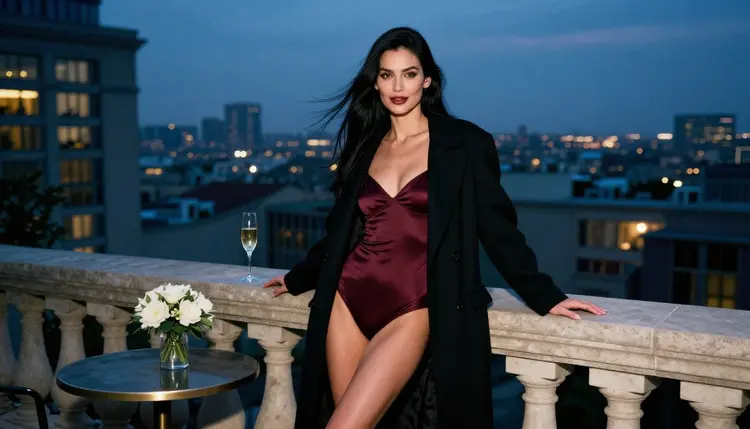
An avatar is a face that has to work at a small size. It sits in a round frame on a profile, a chat window, a creator page or a game lobby, so the picture needs a clear head and shoulders, a readable expression and light that holds up when it shrinks. For adult avatars you also want the freedom to dress the character in satin, lace or swimwear and to keep the mood flirty and suggestive without running into a refusal on the first prompt.
This list covers five ways to make that kind of avatar inside Picasso IA: three image models, one video model that brings a still portrait to life, and one avatar-specific video model that is still untested for adult prompts. Every character you create is a fictional adult, and every result stays private to your account by default.
The order puts confirmed models first. "Confirmed" means Picasso IA tested adult prompts against that exact model repeatedly and watched it generate instead of reject. It is not a published setting of the model's maker, who can change it at any time. If you want the full explanation, read what confirmed means. Models marked untested are worth a try, but nobody here claims they will accept or refuse a given prompt.
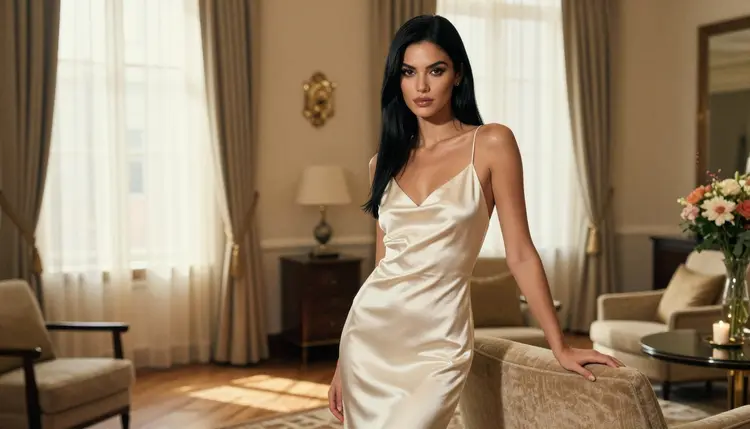
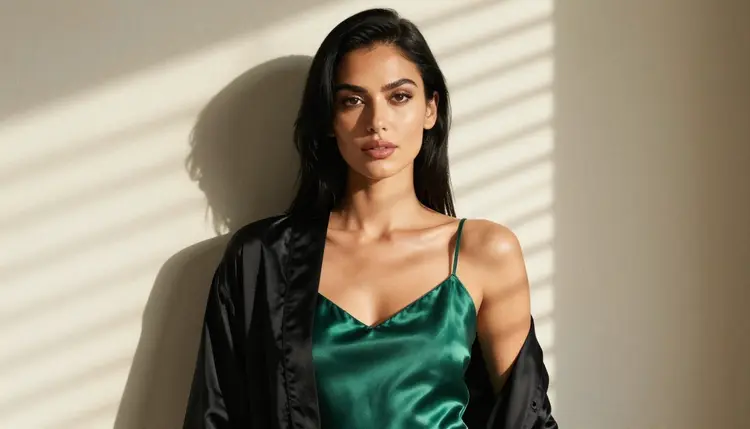
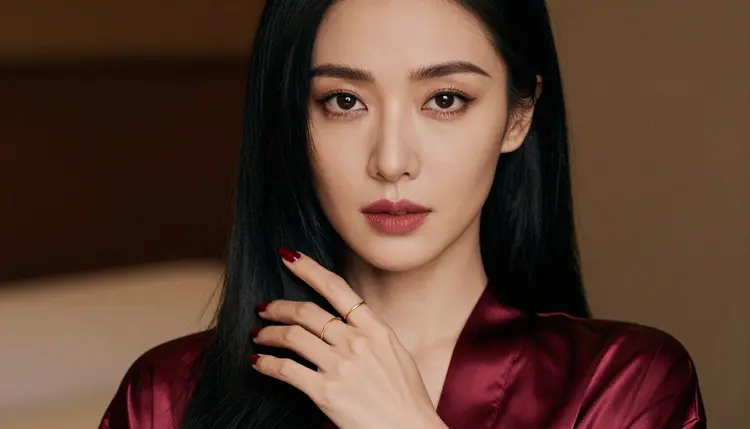
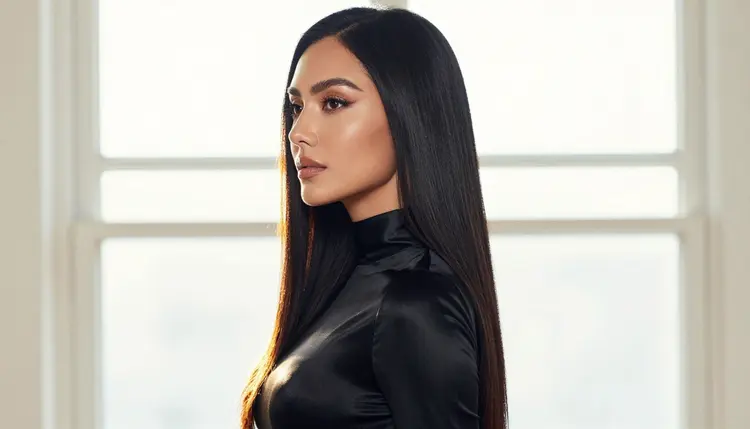
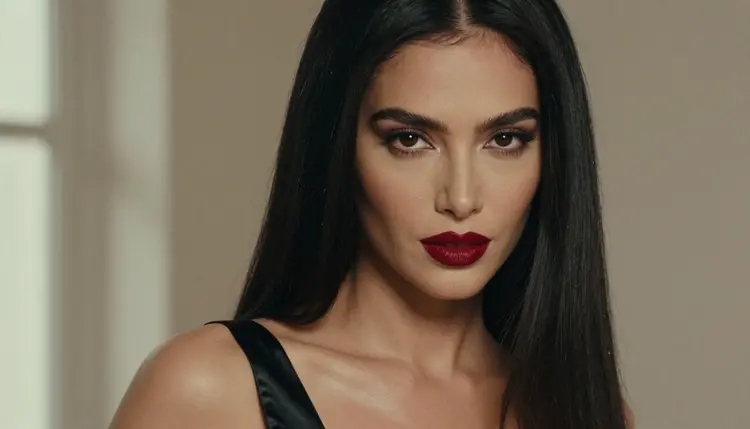
1. Seedream 4.5. Seedream 4.5 creates 4K images from text, and it is confirmed for adult prompts in Picasso IA. It is the one to open first when you want a photoreal avatar: a woman in an ivory satin slip dress by a window, a close-up with deep red lips, a waist-up frame in an emerald camisole. Describe the crop in the prompt ("head and shoulders, centered, eye contact") and the light ("soft window light from the left"), then crop the square or circle later. Because the file is large, you can cut a tight avatar out of a wider frame and still keep the detail in the eyes and the fabric.
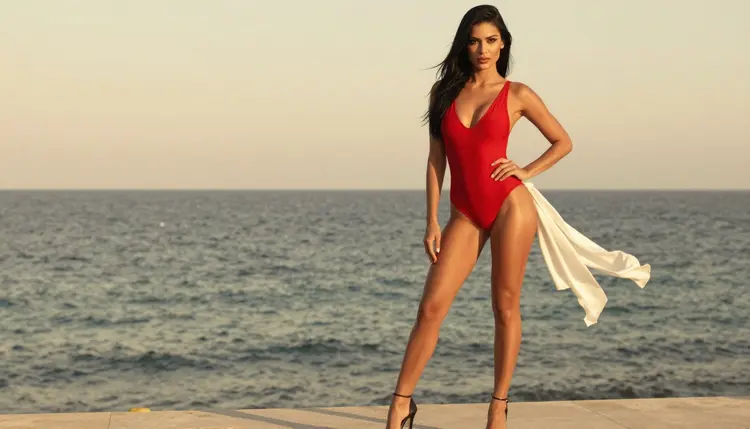
2. Recraft V4.1 Pro. Recraft V4.1 Pro makes print-ready images at 2K and is strong on illustration and design. It is also confirmed. Pick it when your avatar should look drawn rather than photographed: a clean vector-style portrait, a stylized pin-up in a red swimsuit, a bold flat-color character for a banner or a channel icon. Name the style in the first words of the prompt, keep the background a single color if the avatar will sit on a colored tile, and ask for strong outlines so the face survives at thumbnail size.
3. Picasso Image Editor Pro. Picasso Image Editor Pro edits an existing image and is marked unlimited with the infinity tag. It is confirmed too, and a small free trial on selected models includes it. This is the avatar maker for people who already have a portrait: change the outfit to a burgundy satin robe, move the character to a candlelit hallway, soften the background, fix the lighting on the face. It also keeps a character consistent across a set, because you start every new version from the same picture instead of from a blank prompt. Attach the portrait in the toolkit and write the change in one plain sentence.
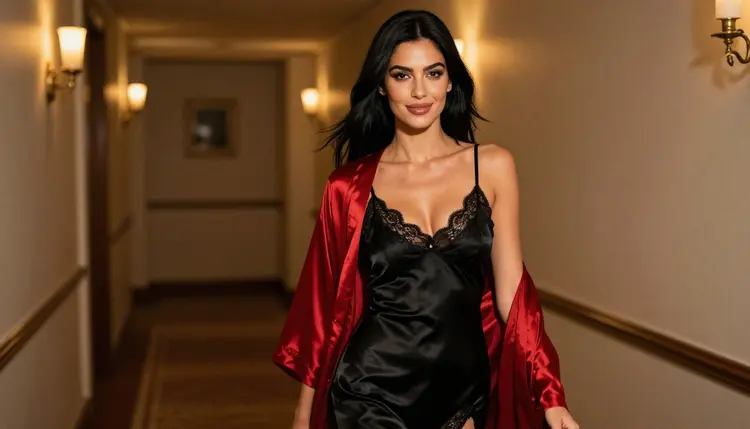
4. Picasso IA Video. Picasso IA Video is a free and unlimited text or image to video generator, marked with the infinity tag, and it is confirmed for adult prompts. For avatars it means a still portrait can become a short loop: the hair moves, the light shifts across a satin robe, the model turns her head toward the window. Start from one of your image results, attach it, and ask for small motion only ("slow head turn, soft blink, candle flicker"). Short, calm instructions give a clip you can use as an animated profile picture.
5. Kling Avatar v2. Kling Avatar v2 animates any face into video, according to its catalog title. It is untested for adult prompts in Picasso IA, so treat it as an experiment: worth trying with a flirty, clothed portrait, not a promise. If it refuses, the app shows a message titled "Content Not Supported by This Model" and recommends models that accept adult prompts, with your prompt carried over. Use it when the goal is a talking or expressive head built from a face you already made with one of the confirmed image models.
Other platforms for avatars exist, and their rules differ and change, so check their current rules before you rely on them. Picasso IA is not affiliated with any of them, and nothing in this list says how they behave.
Choosing between the five comes down to what you already have and what the avatar will do. The five steps below take you from an idea to a finished file that works at a small size.
- Decide the format. Choose a still photo, a drawn portrait or a short animated loop. Photo points to Seedream 4.5, drawn points to Recraft V4.1 Pro, and motion points to Picasso IA Video.
- Write the portrait prompt. Name the framing (head and shoulders), the wardrobe (burgundy satin robe), the light (soft window light) and the lens (85mm). Keep the character a clearly fictional adult.
- Generate a small batch. Make a few versions of the same prompt in the toolkit and keep the one where the eyes are sharp and the face sits near the center of the frame.
- Refine with the editor. Send the best result to Picasso Image Editor Pro to change the outfit, the background or the light without starting over.
- Animate and crop. Turn the final still into a short clip with Picasso IA Video, then crop a square or circle and check it at the real display size.
These are the confirmed models, with what each one is best for in an avatar workflow. Each was tested by Picasso IA with adult prompts, and the list can change if a model's maker changes it.
Models outside this table are untested. That includes Kling Avatar v2 from the list above and everything else in the full catalog. Untested does not mean filtered, and it does not mean filter-free. It means the app has no confirmation either way, so run a cheap test prompt first and read the result before you build a whole set around it.
Everything here is for adults only. You must be 18 or older to use these models for adult prompts, and the pages in this section are written for that audience.
Every character is a fictional adult. Do not use a real or identifiable person, a celebrity, an ex or a coworker as the face of an avatar, and never describe or imply anyone who could read as a minor. If a prompt could be read that way, rewrite it.
What you create is private by default. It is tied to your account and not published or shown to others. If you decide to use an avatar on a public profile, that choice is yours, and the platform you post it on has its own rules, so check its current rules first.
A new account can try a few generations for free on selected models: Picasso IA Image, Picasso Image Editor Pro, Picasso IA Video and Seedance 2.5 Lite. That is a small free trial on selected models, not on the whole catalog, so check the pricing page for how it works.
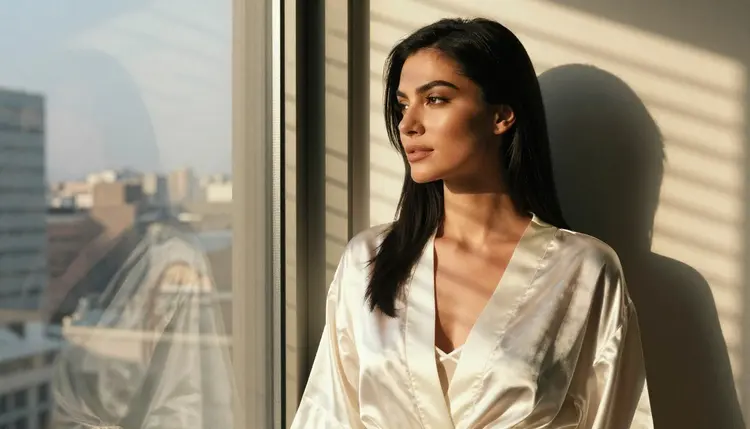
Models marked with the infinity tag in the catalog do not spend credits on the plans that include unlimited generation. Picasso Image Editor Pro, Picasso IA Video and Seedance 2.5 Lite carry that tag, which makes them practical for avatar sets where you want many versions of the same face. Other models spend credits that vary with the model and with options such as resolution or duration.
For next steps, read Create NSFW Images for a Chat App Avatar to build a character for an app, or Top 5 NSFW Image to Video AI Tools to see more ways to animate a portrait. If your avatar is a male character, Top 5 AI Boyfriend Image Generators covers that case, and Top 7 NSFW AI Image Generators compares more image models.
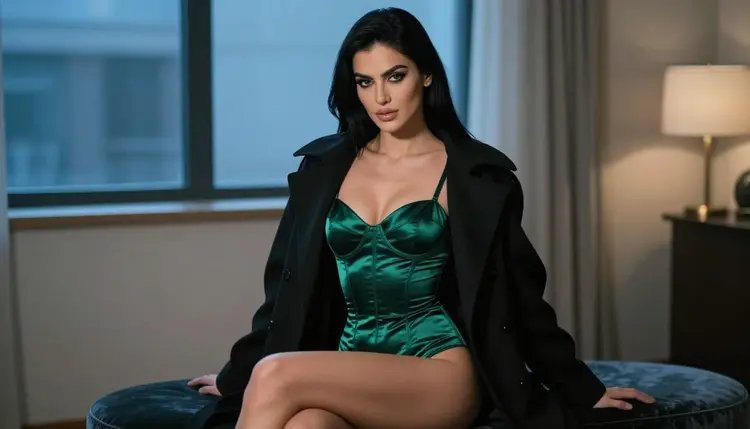
What is an NSFW AI avatar maker?
It is a tool that creates a profile picture or character portrait for adult use: glamour, lingerie, swimwear and flirty moods. In Picasso IA you build one with an image model, then edit or animate it. Every character is a fictional adult.
Which model should I try first?
Try Seedream 4.5 for a photoreal portrait or Recraft V4.1 Pro for an illustrated one. Both are confirmed for adult prompts, which means Picasso IA tested them repeatedly and watched them generate. Open the toolkit and pick one.
Is Kling Avatar v2 safe to use for adult prompts?
It is untested, so Picasso IA cannot say how it will respond. Try it with a clothed, flirty portrait. If it refuses, the app shows "Content Not Supported by This Model" and suggests models that accept adult prompts, keeping your prompt.
Can I animate my avatar?
Yes. Picasso IA Video turns a still image into a short clip, and it is confirmed and marked unlimited. Attach your portrait and ask for small motion such as a slow head turn or a soft blink. Seedance 2.5 Lite also makes clips up to 10 seconds.
How do I keep the same face across several avatars?
Start each new version from the same image in Picasso Image Editor Pro instead of writing a fresh prompt. You can also attach the portrait as a reference in the toolkit, where each attached image gets an @1 or @2 badge you can mention in the prompt.
What size should an avatar be?
Most avatars display as a small square or circle, so frame the face large and centered. Seedream 4.5 creates 4K images, which gives you room to crop tightly. Check the crop at the real display size before you save it.
Can I use a real person or a celebrity as the face?
No. Characters must be fictional adults. Never use a real or identifiable person, and never create anyone who could read as a minor. Picasso IA pages and prompts in this section are written for adults aged 18 and older only.
Are my avatars private?
Yes, by default. What you create is tied to your account and is not published or shown to others. If you post an avatar on another platform, that platform's rules apply, so check its current rules before you upload it.
Is there a free way to try this?
A new account gets a small free trial on selected models, including Picasso IA Image, Picasso Image Editor Pro, Picasso IA Video and Seedance 2.5 Lite. Models with the infinity tag do not spend credits on plans that include unlimited generation. See the pricing page.
What if a model refuses my prompt?
The app shows a message titled "Content Not Supported by This Model" and recommends models that accept adult prompts, with your prompt carried over so you do not retype it. You can also rephrase toward wardrobe, light and mood, or try another confirmed model.