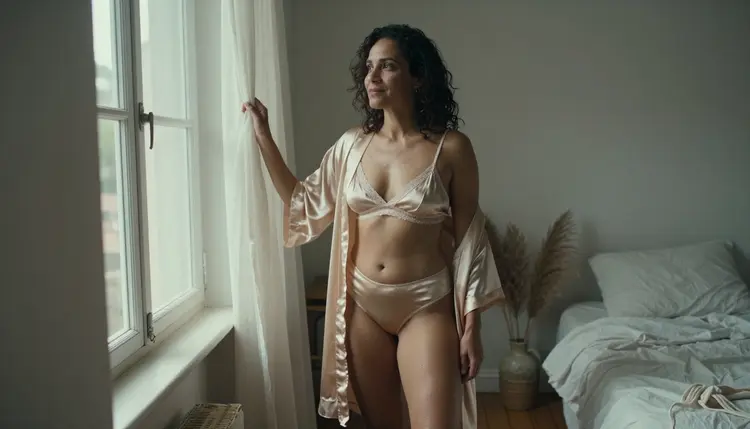
A still photo holds one frame. Image to video AI takes that frame and writes the moment after it: a satin robe settling on a shoulder, a curtain lifting in the window light, a slow turn toward the lens. This page lists five tools from the Picasso IA catalog for that job. The ones tested with adult prompts come first, and the ones still untested come last.
Everything here is made for adults and about fictional adults. The scenes stay on the glamour side: boudoir, lingerie, swimwear, flirty and suggestive, never explicit. If you want the full workflow with one model, Turn a NSFW Image Into Video walks through it, and NSFW Dance Video from One Image shows how a single still becomes a moving clip.
Two labels matter before you read the list. "Confirmed" means Picasso IA tested adult prompts against that exact model repeatedly and watched it generate instead of reject. It is not a published setting of the model's maker, who can change it at any time. "Untested" means nobody here has confirmed it either way, so it is worth a try, but it is not promised.
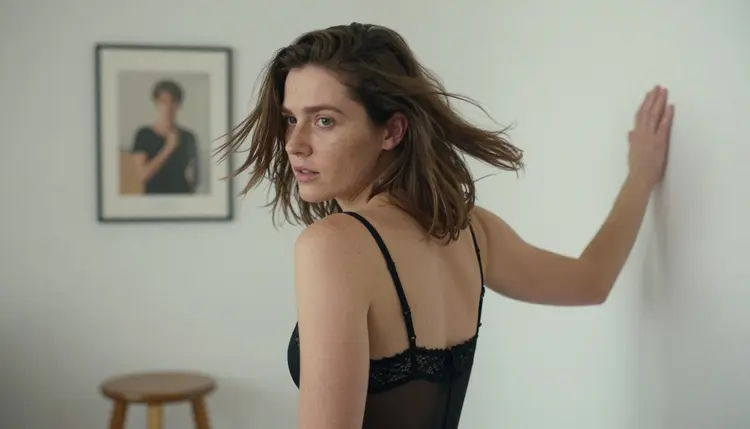
The first three tools are the ones Picasso IA has tested with adult prompts. They cover the three things you usually want from a moving still: an easy start from a photo, a short loop-like clip, and a high-resolution scene.
1. Picasso IA Video. This is the easiest place to begin. The catalog lists Picasso IA Video as a free and unlimited video generator that works from text or from an image, and it carries the infinity tag. That means it does not spend credits on the plans that include unlimited generation, and the small free trial for new accounts covers it. Upload your still, write one sentence about the movement you want, and run it. Because a test costs nothing on those plans, it is a good model for learning how much motion a prompt can ask for.
2. Seedance 2.5 Lite. Seedance 2.5 Lite is listed as a free and unlimited video generator for clips up to 10 seconds, also with the infinity tag and also part of the free trial. It is confirmed for adult prompts, and it is the pick when you want a slightly longer shot than a quick flicker of motion: a walk across a room, a head turn that finishes, a hand brushing hair back. Note that it is a different model from the standard Seedance 2.5, which is untested here.
3. LTX 2.3 Pro. LTX 2.3 Pro is confirmed too, and its catalog title describes it as a 4K video generator working from text. So treat it as the high-resolution option: describe the scene of your still in words, including the wardrobe, the light and the lens feel, and let it build the shot. If you want an exact match to one photo, start with the first two models and use this one when resolution matters most.
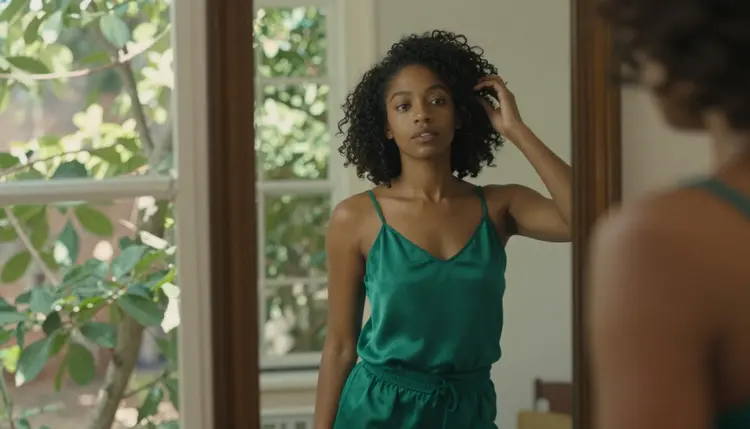
A simple habit helps with all three. Write the prompt as a short film direction, not as a description of the photo. The photo already shows the woman in the champagne robe by the window, so the prompt only needs the change: "she turns her head toward the window, the curtain moves slightly, the light shifts warm." Short, concrete motion tends to read better than a long list of effects. The sibling page 15 NSFW Image to Video Prompts That Work has a larger bank of lines to borrow.
The last two entries are in the catalog but have not been tested with adult prompts. They are worth a try if you want a different look or motion style, and they are not described as filtered or filter-free, because nobody here has confirmed either.
4. Wan 2.7 I2V. The catalog title for Wan 2.7 I2V reads "Animate Any Image into Video", which makes it the most direct match for this page's topic. It is untested for adult prompts. Use it when you already have a finished still and only want it to move. Keep the first prompt mild, such as a slow camera push or a gentle turn, and see what comes back before you ask for anything bolder.
5. Kling v3 Video. Kling v3 Video is described in the catalog as a generator of cinematic video. It is untested for adult prompts, so approach it as an experiment. Open its model page in the toolkit to see which inputs it offers before you plan a workflow around an uploaded photo. It suits scenes where you want the camera to feel directed: a slow dolly, a rack of focus, a steady follow shot.
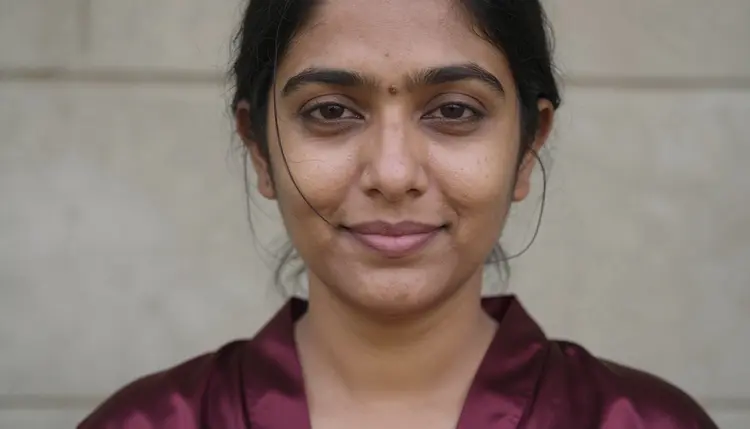
Testing an untested model is cheap if you plan it. Run the same still and the same short prompt through two models and compare. If one of them shows the app's refusal message, you lose nothing but a minute, and the app points you to models that accept adult prompts. When you want a wider survey of video tools beyond these five, Top 7 NSFW AI Video Generators covers more of the catalog.
This is the routine that works for any model on the list. It keeps the first test small and tells you early which model fits the frame you chose.
- Start From a Clean Still. Pick or make a frame with one clear subject, readable light and room around her to move. Seedream 4.5 and Picasso Image Editor Pro are both confirmed for adult prompts if you need to build or fix the photo first.
- Pick the Model That Fits the Clip. Use Picasso IA Video for an easy start, Seedance 2.5 Lite for a clip up to 10 seconds, LTX 2.3 Pro for a 4K scene, and the untested pair when you want to compare styles.
- Describe Only the Motion. Write one or two sentences about what changes: the turn, the fabric, the camera, the light. Do not repeat what the photo already shows.
- Run a Short Test First. Generate one clip and watch it twice, once for the movement and once for the edges of the frame, where odd details tend to show up.
- Compare, Adjust and Keep the Best. Change one thing per run, the prompt or the model, never both, so you know what caused the difference. Keep the clip that matches the mood of the still.
Open the toolkit to run these steps. When a model accepts several inputs, each attached image gets an @1, @2 badge and you can refer to it in the prompt, and Picasso IA translates that reference to the syntax the model understands.
Six models are confirmed for adult prompts in the whole catalog. Three of them make video and three make or edit the still you start from, so together they cover the full path from first frame to finished clip.
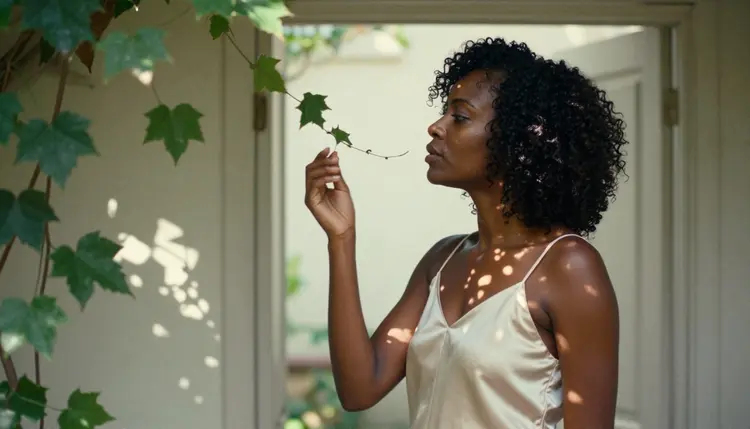
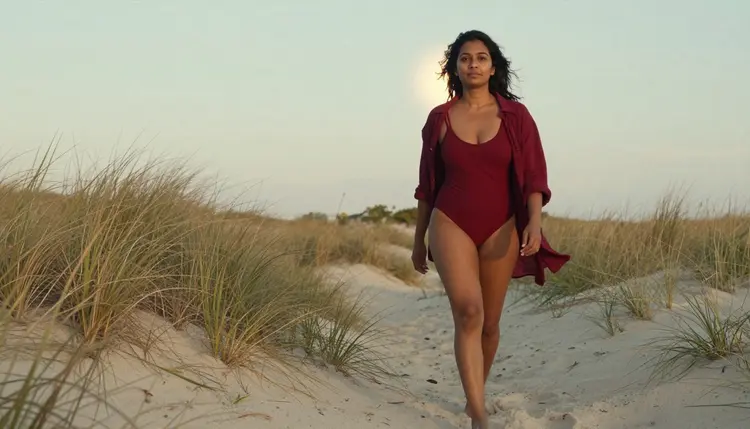
The image models matter more than they look. A clean first frame is half of a good clip: even light, no cut-off hands, a pose that suggests where the movement could go. A boudoir frame by a window, a swimsuit on a dune path or a profile on a shaded veranda all give a video model something clear to continue. For a broader look at the still side, NSFW Image: Best AI Generator compares approaches to making the first frame.
Everything outside this table, including Wan 2.7 I2V, Kling v3 Video, Qwen Image 2, Picasso Video (Pruna P-Video) and the rest of the catalog, is untested. That is not a warning. It means Picasso IA has not run adult prompts against it enough to say anything either way, so you find out by trying a small, mild prompt first.
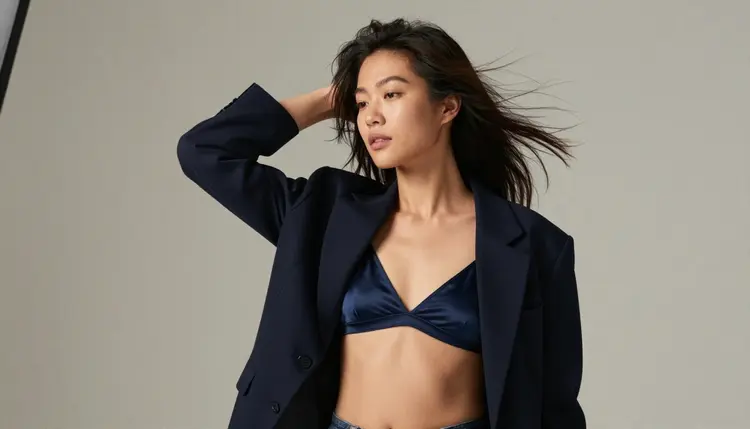
Picasso IA is for adults only. Use it if you are 18 or older, and only for content meant for adult audiences. The adult tag on this section is a promise about the viewer as much as about the pictures.
Every character is a fictional adult. Do not upload a photo of a real person, and do not try to recreate a celebrity or anyone you could name. Nothing on this page, and no prompt you write, should describe or hint at someone who could read as a minor. The scenes here stay suggestive, not explicit.
What you create is private by default. Generations are tied to your account and are not published or shown to other people. When a model does not accept a prompt, the app shows a message titled "Content Not Supported by This Model", recommends models that accept adult prompts and carries your prompt over, so you do not retype anything.
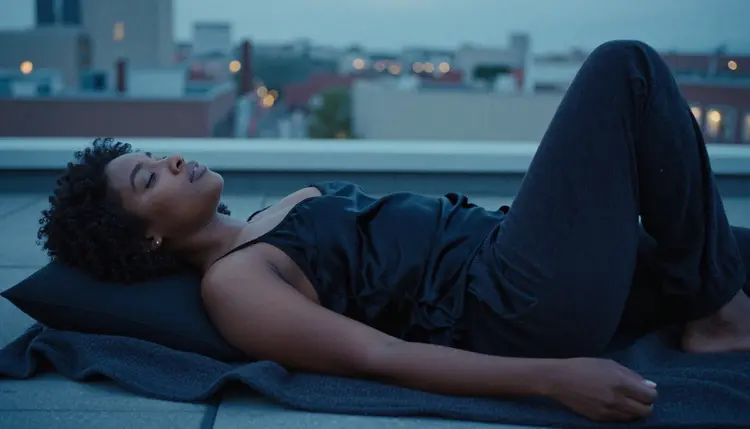
A new account can try a small free trial on selected models: Picasso IA Image, Picasso IA Editor Pro, Picasso IA Video and Seedance 2.5 Lite. Two of the video models on this list are in that group, so you can run a first still-to-video test without spending credits. The trial does not extend to the rest of the catalog.
Outside the trial, each generation costs credits that vary by model and by options such as resolution or duration. Models with the infinity tag do not spend credits on the plans that include unlimited generation. Picasso IA Video, Seedance 2.5 Lite and Picasso Image Editor Pro carry that tag. Plans and details live on the pricing page.
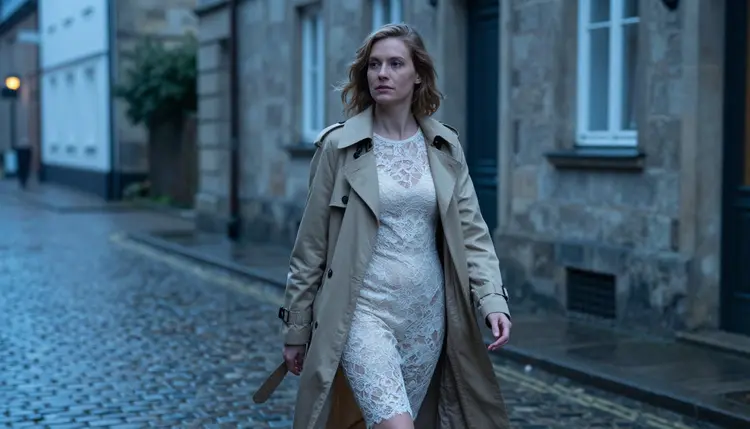
A sensible path looks like this. Make or fix a still with Picasso Image Editor Pro, animate it with Picasso IA Video, then try Seedance 2.5 Lite for a longer take. When you want 4K, move to LTX 2.3 Pro. When you want to compare styles, run the same frame through Wan 2.7 I2V and Kling v3 Video. The full catalog lists every other model if you want to keep exploring, and NSFW AI Image and Video Generator gives the wider picture of how images and clips fit together.
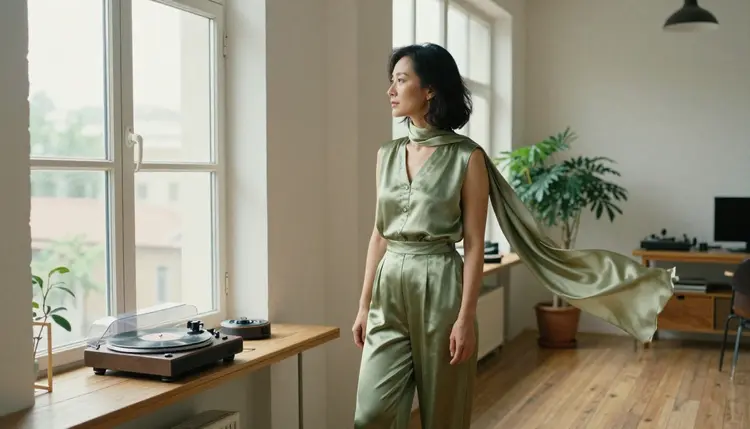
What is NSFW image to video AI?
It is a tool that takes one still picture and generates a short clip that continues it, so a pose becomes a turn, a walk or a shift of light. Here the content stays adult but not explicit: boudoir, lingerie, swimwear and glamour, always with fictional adult characters.
Which tool on this list should I try first?
Start with Picasso IA Video. It works from text or an image, it is confirmed for adult prompts, it carries the infinity tag and it is part of the small free trial. If you need a longer shot, move to Seedance 2.5 Lite.
Can I animate a photo of a real person?
No. Picasso IA is for adults only and for fictional characters only. Do not upload photos of real or identifiable people, and never use the tools for anyone who could read as a minor. Use a still you generated or an invented character instead.
Does every model here accept an image as input?
Not necessarily. The catalog titles differ: Picasso IA Video works from text or image, Wan 2.7 I2V is about animating an image, and LTX 2.3 Pro is described as video from text. Open each model in the toolkit to see which inputs it offers before you plan around an uploaded photo.
What does confirmed mean on this page?
It means Picasso IA tested adult prompts against that exact model repeatedly and watched it generate instead of reject. It is not a published setting from the model's maker, who can change it at any time. Models marked untested have simply not been confirmed either way.
What happens when a model refuses my prompt?
The app shows a message titled "Content Not Supported by This Model". It recommends models that accept adult prompts and carries your prompt over, so you can switch models without retyping. If you used one of the untested models, trying a confirmed one is the natural next step.
How long can a clip be?
Seedance 2.5 Lite is listed for clips up to 10 seconds. For the other models, open the model page and read the options it shows, since lengths and resolutions depend on the model and can change. Start with a short test clip anyway, because it is the quickest way to check the motion.
Are my videos private?
Yes. Generations are private by default: they are tied to your account and are not published or shown to others. The same rules still apply to what you make: 18+ only, fictional adults only, no real people and no one who could read as a minor.
How much does it cost to try?
A new account gets a small free trial on selected models, including Picasso IA Video and Seedance 2.5 Lite. After that, credits vary by model and by options such as resolution and duration, and models with the infinity tag do not spend credits on plans that include unlimited generation. See the pricing page for details.
Can I use more than one image as a reference?
On models that accept several inputs, yes. Each attached image gets an @1, @2 badge in the toolkit, and you can refer to it in your prompt. Picasso IA translates the reference to the syntax each model understands. Models that take a single input do not show the badges.