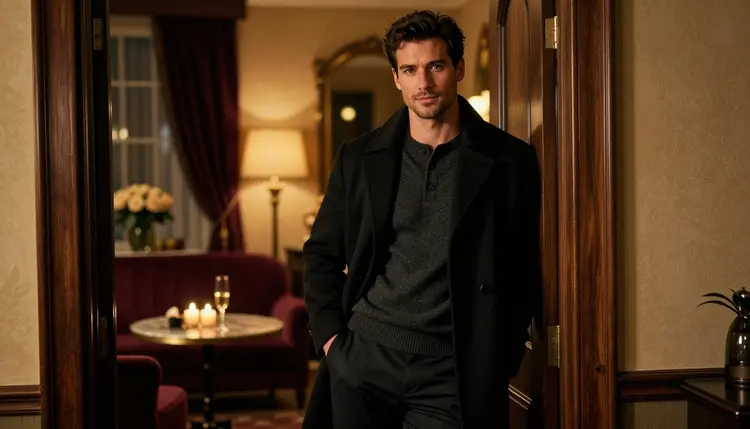
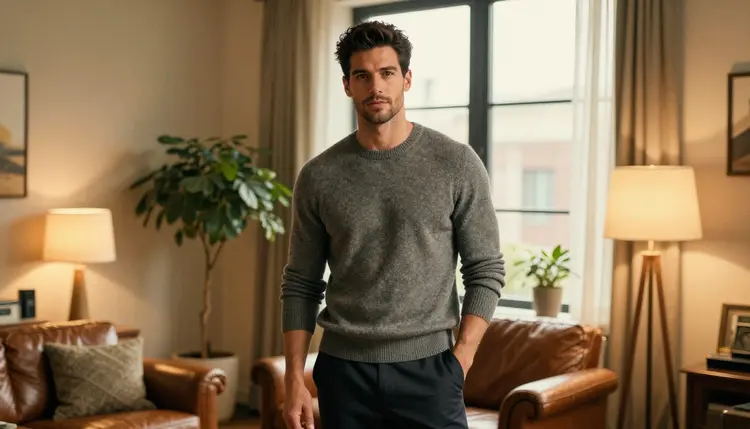
An AI boyfriend image generator turns a written description into a picture of a fictional man: his face, his build, his sweater, the lamp in the room. The hard part is not getting one nice picture. The hard part is getting the same man in the next scene, and the one after that, without the face drifting every time you change the setting. This list ranks five Picasso IA models that handle that job, in the order we would try them, and tells you honestly which ones are confirmed for adult prompts and which ones are still untested.
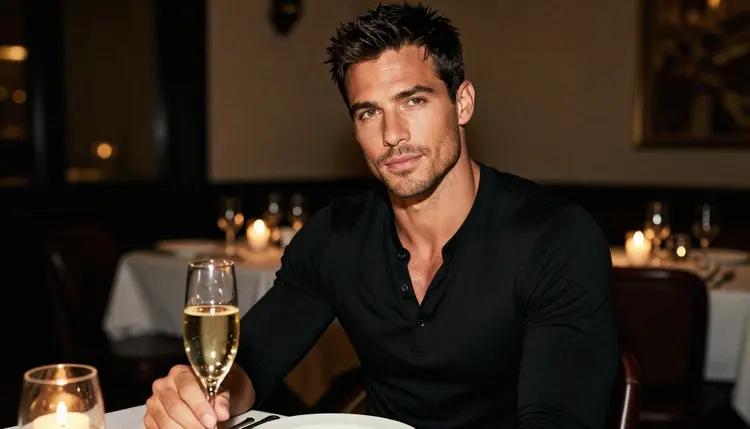
Everything here is about a fictional adult man, mature and glamorous, shown in a flirty and romantic way: a fitted henley, a candlelit table, a cashmere sweater, an open overcoat. Nothing explicit, no real people and no one who could read as a minor. If you want the same idea for a female character, the page on AI girlfriend image generators covers it. If you want the wider picture of adult image tools, start with the page on NSFW AI image generators.
The first three picks are the ones to open first. All three are confirmed: Picasso IA tested adult prompts against each of them repeatedly and watched them generate instead of reject. Confirmed is the app's own result and not a published setting of the model's maker, who can change it at any time.
1. Seedream 4.5. Seedream 4.5 creates 4K images from text, and it is the model to try first when you want photographic realism. It is confirmed for adult prompts here. Describe the man like a photo caption: age in the thirties, short styled dark hair, light stubble, a lean athletic build, a black henley, a candlelit table with champagne. Name a lens and a light (35mm, candlelight) and the result reads like a film still. Use it for hero pictures, profile images and any scene where the face has to look real.
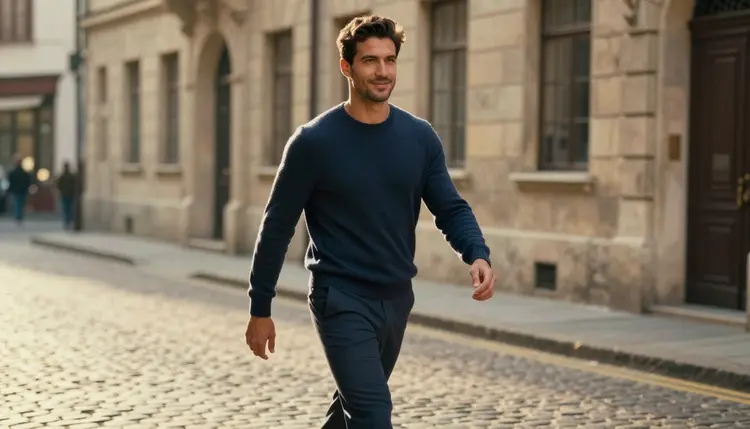
2. Recraft V4.1 Pro. Recraft V4.1 Pro makes print-ready images at 2K and is strong on illustration and design. It is confirmed for adult prompts here. For a boyfriend character it is the pick when you want a styled, graphic look instead of a camera look: a poster-like portrait, a book cover character, a stylized sketch of the same man in a navy sweater. Keep the wardrobe and the face description identical to your Seedream prompt and you can compare the two looks side by side.
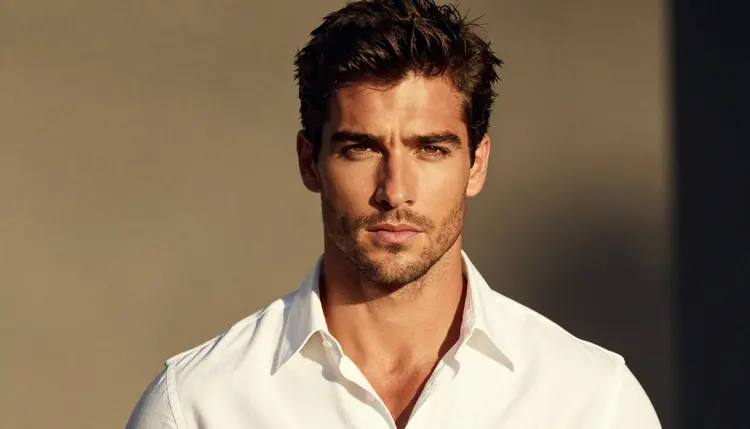
3. Picasso Image Editor Pro. Picasso Image Editor Pro is an unlimited AI photo editor online, marked with the infinity tag in the catalog, and it is confirmed for adult prompts here. This is the model that keeps a character consistent, because you do not start from scratch. You attach the picture of the man you already like and ask for a change: the same man in a white collared shirt, the same man by a window, a warmer light. Edits are where a boyfriend character stops being a single image and becomes a set.
The last two picks widen the toolbox. One adds movement, the other is a second editing option that you should test yourself before you rely on it.
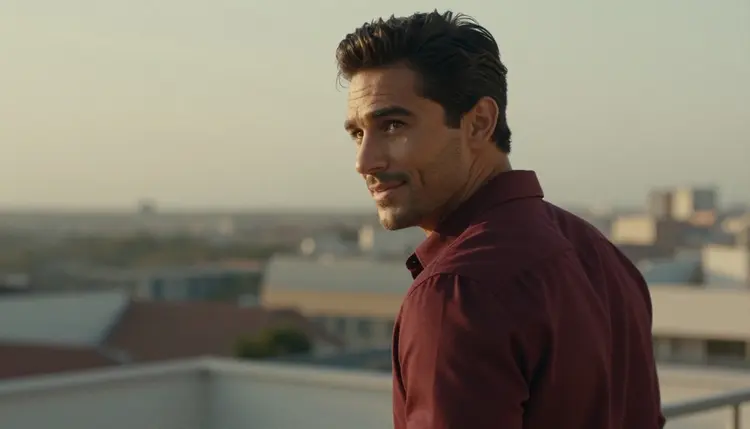
4. Picasso IA Video. Picasso IA Video is a free and unlimited AI video generator from text or image, marked with the infinity tag, and it is confirmed for adult prompts here. Feed it a still of your man, for example the over-the-shoulder frame on a terrace, and describe a small motion: he turns his head, the light shifts, a hand adjusts a cuff. It works from text too. For a longer look at this approach, the page on NSFW image to video AI tools goes deeper.
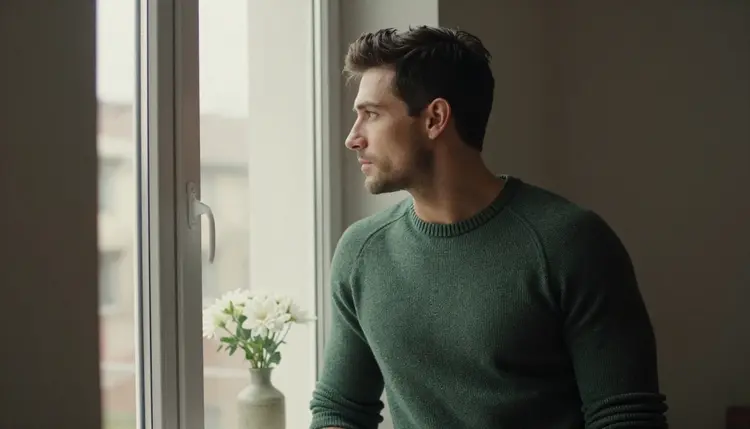
5. Flux Kontext Pro. Flux Kontext Pro edits images with text prompts, and it is untested for adult prompts on Picasso IA. Untested means we have not confirmed it either way: it is worth a try, but we do not call it filtered and we do not call it filter-free. Its job in this list is the same as the Editor Pro: take an existing picture of the man and change one thing at a time. If a prompt does not work, the app shows a message titled "Content Not Supported by This Model", recommends models that accept adult prompts and carries your prompt over.
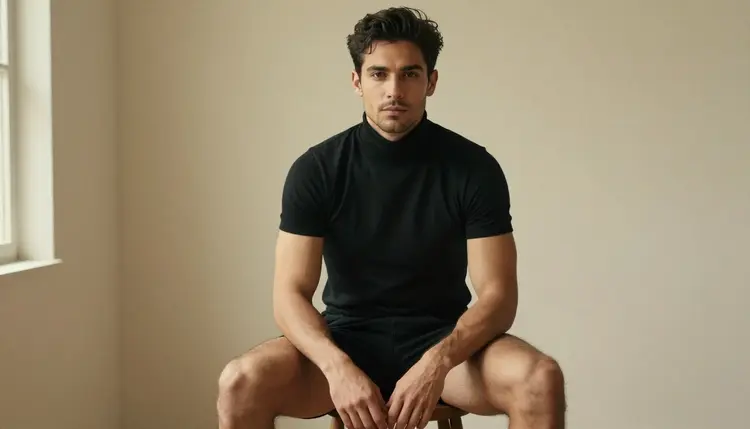
You do not need to learn five tools at once. This is a short routine that gets you from an idea to a small set of consistent pictures, and it works the same whichever model you start with. Open the toolkit and follow it in order.
- Write the man once. Compose a fixed description of age, hair, stubble, build and expression, and save it as a block of text you can paste into every prompt.
- Start with a confirmed model. Run that description in Seedream 4.5 with one wardrobe item, one light and one lens, for example a black henley, candlelight and 35mm.
- Keep the best frame. Pick the picture where the face looks right and attach it as a reference. In the toolkit each attached image gets an @1 badge you can mention in the prompt.
- Change one thing per edit. Ask the Editor Pro for a new sweater, a new window, a new angle. One change per request keeps the face stable.
- Add motion last. When the set of stills is done, send your favorite frame to Picasso IA Video and describe a small movement.
The table below lists the six models Picasso IA has confirmed for adult prompts, with what each one is best for in a boyfriend character project. The page on uncensored AI image generators explains the same models from the angle of filters.
Every other model in the catalog is untested for adult prompts: worth a try, not confirmed either way. Flux Kontext Pro from this list is one of them. Qwen Image 2, Seedream 5 and Nano Banana are untested too. When you test one, run the same prompt you used on a confirmed model so the comparison is fair, and browse the full catalog to see what else fits. The page with the best NSFW image generator also helps you choose.
This is an 18+ page. Adult prompts are for adults, and the pictures on this page show a mature man in glamour wardrobe, flirty and suggestive at most, never explicit. If you are under 18, this section of Picasso IA is not for you.
Every character is a fictional adult. Do not use the name, face or likeness of a real person, including a celebrity, an ex or a coworker, and do not describe anyone who could read as a minor. A boyfriend character is an invented man, and prompts should keep him that way.
What you create is private by default. It is tied to your account and not published or shown to others. Policies of image models can change, and so can what a model accepts, which is why the confirmed list reflects repeated tests and not a promise.
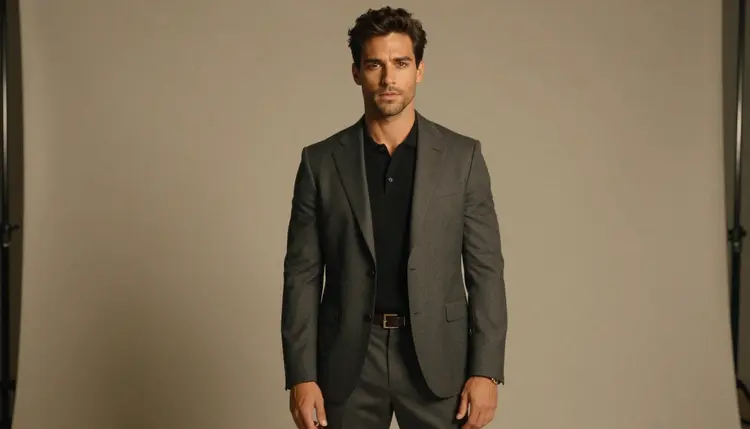
A new account can try a few generations for free on selected models: Picasso IA Image, Picasso IA Editor Pro, Picasso IA Video and Seedance 2.5 Lite. It is a small free trial on selected models, not on the whole catalog, so check the model before you rely on it. Plans and what each generation costs live on the pricing page.
Models with the infinity tag, such as Picasso Image Editor Pro, Picasso IA Video and Seedance 2.5 Lite, do not spend credits on the plans that include unlimited generation. That makes them good for the repetitive part of a character project, the many small edits and the test clips. Models without the tag, like Seedream 4.5, Recraft V4.1 Pro and LTX 2.3 Pro, spend credits that vary by model and options such as resolution.
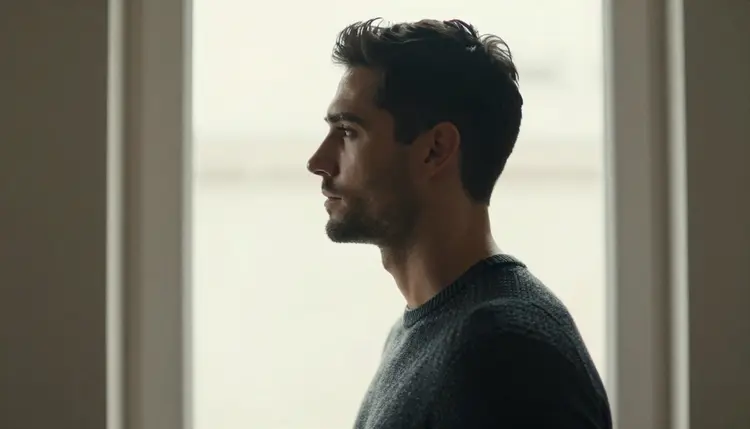
A sensible plan: make the hero frames with Seedream 4.5, run the edits and clips on the unlimited models, then bring in a costlier model only for the scenes that matter. Open the toolkit when you are ready.
What is an AI boyfriend image generator?
It is an image model that creates pictures of a fictional man from a text description, and sometimes from a reference picture. On Picasso IA you describe his face, build, wardrobe, light and setting, and the model returns a photo-style or illustrated result you can edit or animate.
Which model should I try first?
Try Seedream 4.5 first for photographic portraits. It makes 4K images from text and is confirmed for adult prompts on Picasso IA. If you already have a picture you like, start from Picasso Image Editor Pro instead and edit that picture.
How do I keep the same face in every picture?
Reuse one fixed description of the man in every prompt, and attach the best frame as a reference in the toolkit, where it gets an @1 badge. Ask the editor for one change at a time: wardrobe, window, angle. Large changes in one request tend to move the face.
What does confirmed mean?
It means Picasso IA tested adult prompts against that exact model repeatedly and watched it generate instead of reject. It is not a published setting of the model's maker, who can change it at any time, so the list reflects tests and not a guarantee.
Is Flux Kontext Pro safe to use for adult prompts?
It is untested here. That means it is worth a try, but we do not confirm it either way and we do not describe it as filtered or filter-free. If it refuses, the app shows a message titled "Content Not Supported by This Model" and offers models that accept adult prompts.
Can I turn my boyfriend pictures into video?
Yes. Picasso IA Video turns a text description or an image into a clip, and it is confirmed for adult prompts. Seedance 2.5 Lite and LTX 2.3 Pro are also confirmed video models, with clips up to 10 seconds and 4K from text respectively.
Can I use a real person as the reference?
No. Characters on Picasso IA are fictional adults only. Never use the face or name of a real or identifiable person, and never describe anyone who could read as a minor. The pictures here show an invented man, and your prompts should do the same.
Are the pictures I create public?
No. Generations are private by default: they are tied to your account and not published or shown to others. You decide what to download or share outside the app.
Do I have to pay to try this?
A new account can try a few generations for free on selected models, and models with the infinity tag do not spend credits on plans that include unlimited generation. Details are on the pricing page, and costs vary by model and options.
Where can I find more models and similar lists?
Browse the full catalog for other image and video models, all untested until confirmed. For a related list with a female character, read the page on AI girlfriend image generators.