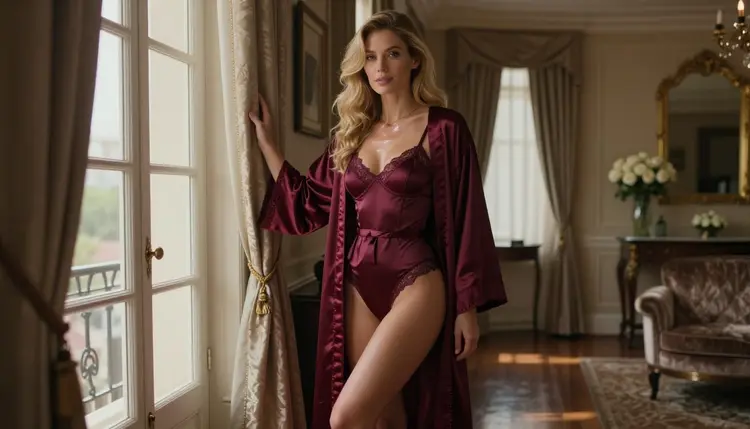
Resolution is the first thing most people check when they choose a video generator, and for a good reason. A clip with fine satin texture, sharp lashes and clean edges on a gold bracelet holds up on a large screen. A soft clip does not. This list covers the models in the Picasso IA catalog that point to 4K output for adult glamour video: lingerie, swimwear, boudoir light and slow, flirty camera moves.
Five items, confirmed ones first. Confirmed means Picasso IA ran adult prompts against that exact model again and again and watched it generate instead of reject. Everything else here is untested: worth a try, but not confirmed either way. Every character you create stays a fictional adult, and everything is private by default.
The first three items are the 4K video models from the LTX family, starting with the only one that is confirmed. They all work from text, so the quality of your written shot description decides most of the result.
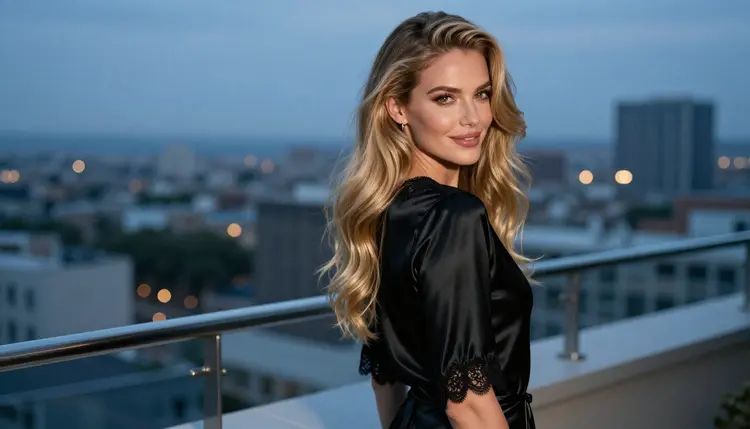
1. LTX 2.3 Pro. The catalog describes LTX 2.3 Pro as a model that creates 4K AI videos from text, and it is the only 4K video model on this list that is confirmed for adult prompts. Use it when the final clip matters: a hotel suite at blue hour, a woman in a black satin slip glancing back over her shoulder, a slow push toward her face. Write the wardrobe, the light and the camera move in plain words, and keep each prompt to one shot.
2. LTX 2.3 Fast. The catalog title for LTX 2.3 Fast is "Turn Text into 4K Video", and this one is untested for adult prompts. It is a sensible second stop when you want to try an idea before you commit it to the confirmed model. Describe the same shot, compare what comes back, and keep whichever clip holds its detail better. If it declines a prompt, the app tells you and points you to models that accept adult prompts.
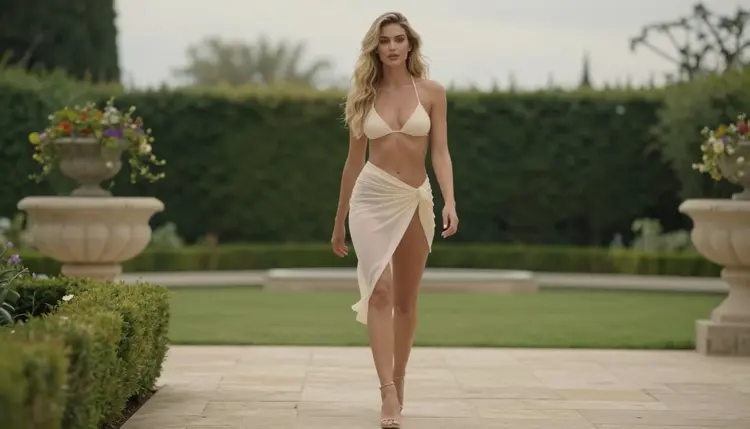
3. LTX 2.5 Fast. The catalog describes LTX 2.5 Fast as a way to generate 4K videos in seconds. It is untested here, so treat it as an experiment. It suits quick drafts: three or four variations of a balcony walk or a candlelit mirror shot, so you can pick the framing before you spend time on a final render elsewhere in the list.
The last two items are a little different. One is an older member of the LTX family, and the other is a route rather than a single model.
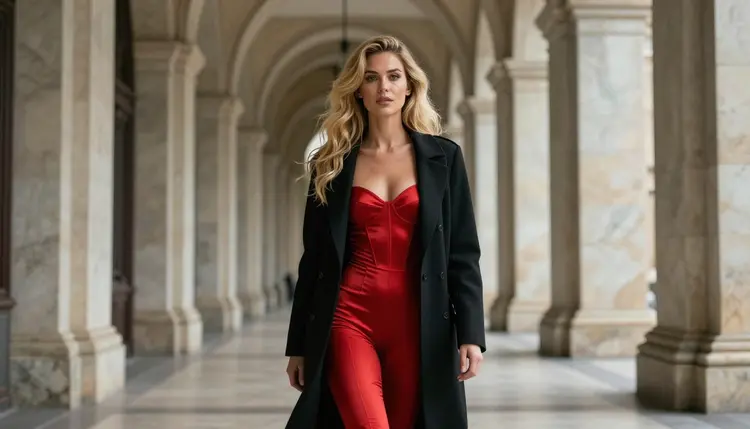
4. LTX 2 Pro. The catalog lists LTX 2 Pro with the title "Generate 4K Videos from Text with LTX 2 Pro". It is untested for adult prompts. If you like to compare versions of the same family, run one wide shot, such as a woman in a red satin bodysuit and black coat standing in a long marble hallway, through this model and through the confirmed one, then look at the textures side by side.
5. A clip from another model, upscaled. The fifth path to 4K does not start with a 4K model. You make a clip with a model you like, for example Picasso IA Video, which is confirmed and turns text or an image into video, or Seedance 2.5 Lite, which is also confirmed. Then you run that clip through an upscaler from the full catalog to raise its resolution. The upscalers are untested for adult material, so try one on a short clip first. The advantage is control: you choose the look in one model and the resolution in another.
Picking from this list is mostly a matter of testing in a sensible order. The steps below keep the number of wasted generations low.
- Write one shot. Describe a single scene: the woman, the wardrobe, the room, the light and one camera move. Short and concrete beats long and vague.
- Start with the confirmed model. Run the shot through LTX 2.3 Pro first, so you have a reference clip that is known to generate adult prompts.
- Try the untested ones. Send the same text to the Fast models and to LTX 2 Pro. Keep the wording identical so the comparison is fair.
- Judge the frames. Pause on fabric, lashes, jewelry and the edges of the window light. Sharp detail that stays stable from frame to frame is what you want.
- Upscale only the winner. If the clip you like was made at a lower resolution, run that one through an upscaler from the catalog instead of upscaling everything.
Video is only half of a 4K workflow. A strong first frame helps, and the confirmed image models give you one. The table lists the confirmed models and what each one is best for.
A practical order: make a still with Seedream 4.5, correct small details in the editor, then give that image to Picasso IA Video as the starting frame. Reference images in the toolkit get an @1 badge, and you can point to them in the prompt. The models outside this table, including LTX 2.3 Fast, LTX 2.5 Fast and LTX 2 Pro, are untested. That is not a warning. It only means nobody here has checked how they treat adult prompts, so you find out by trying a short one.
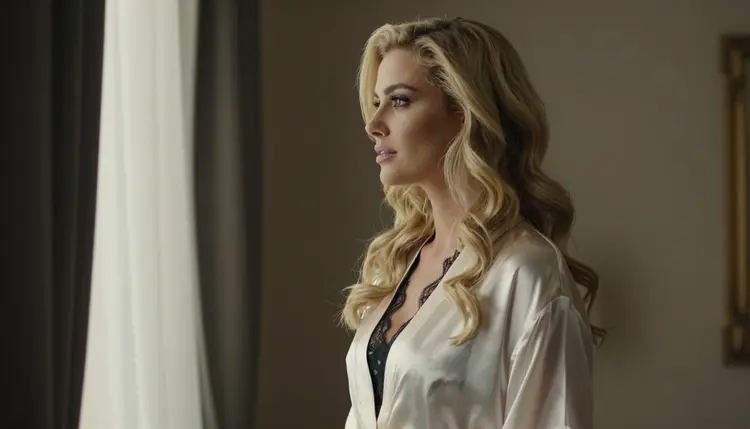
This section is about adults only. Picasso IA is for people who are 18 or older, and the adult prompts on this page are not meant for anyone else.
Every character is a fictional adult. Do not create a real or identifiable person, and do not create anyone who could read as a minor. That covers celebrities, people you know and any likeness of them. If a result looks like it could break that rule, discard it and change the prompt.
What you generate is private by default. It is tied to your account and not published or shown to others. Even so, keep the clips within the line this site draws: provocative, glamorous and suggestive, never explicit.
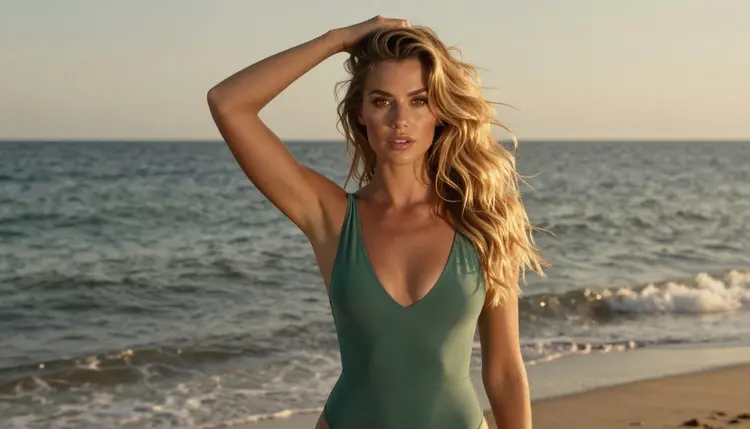
A new account can try a few generations for free on selected models: Picasso IA Image, Picasso Image Editor Pro, Picasso IA Video and Seedance 2.5 Lite. It is a small free trial on selected models, not the whole catalog. The LTX models are not part of it, so plan to use credits there. Credits vary by model and by options such as resolution or duration, and the details are on the pricing page.
Models with the infinity tag in the catalog do not spend credits on the plans that include unlimited generation. Picasso IA Video, Seedance 2.5 Lite and Picasso Image Editor Pro carry that tag, which makes them good places to run the early, cheap tests of a shot before you move to LTX 2.3 Pro for the final clip.
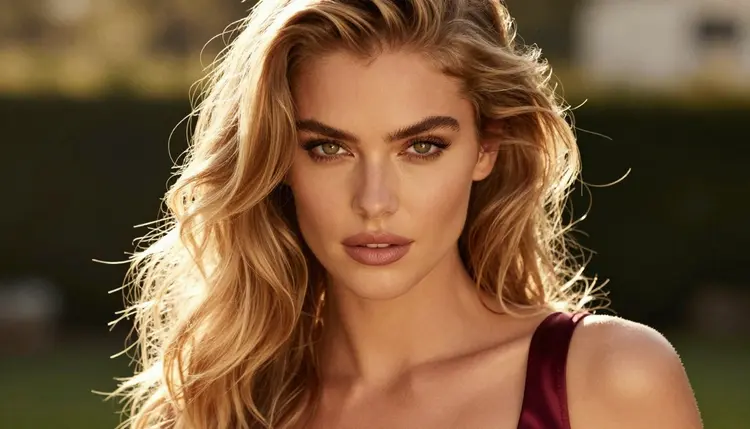
When a model refuses a prompt, the app shows a message titled "Content Not Supported by This Model", recommends models that accept adult prompts and carries your prompt over, so nothing is retyped. For more lists, see the best NSFW AI video generators, image to video tools and video generators with sound.
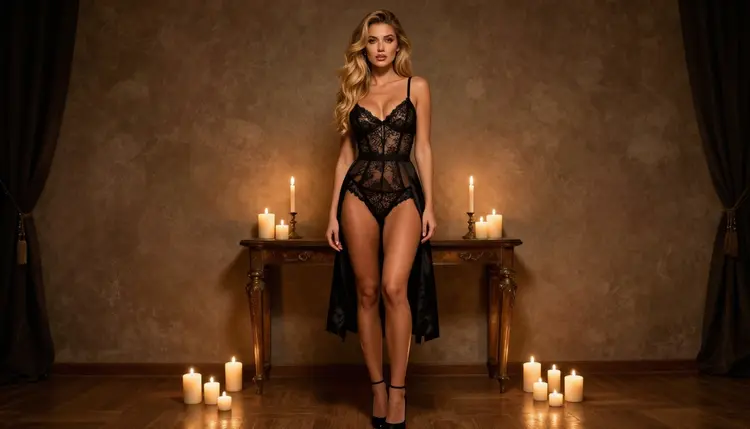
For a still-first workflow, the list of NSFW AI image generators covers the image side in more detail. Open the toolkit when you are ready to run your first shot, and browse the full catalog if you want to look at upscalers or other video models.
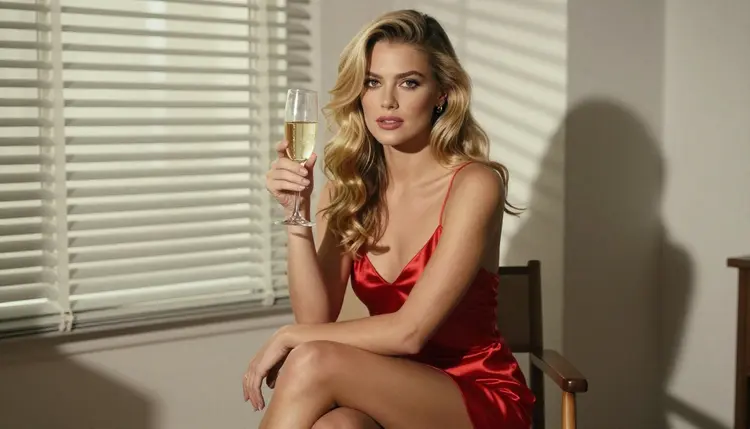
A last habit worth keeping: save the prompt that gave you a good clip. A prompt with a clear wardrobe, one light source and one camera move is easy to reuse, and a small change to the setting gives you a new scene in the same look.

Which model on this list is confirmed for 4K video?
LTX 2.3 Pro is the one. The catalog describes it as creating 4K AI videos from text, and Picasso IA tested adult prompts against it repeatedly and watched it generate. The other three LTX models are untested, which means worth trying but not confirmed either way.
What does confirmed mean here?
It means Picasso IA tested adult prompts against that exact model many times and saw it generate instead of reject. It is not a published setting from the model's maker, who can change it at any time, so a confirmed model can still behave differently later.
Are the untested LTX models filtered?
Nobody can say yet. They are untested, so they are neither confirmed nor ruled out. Try a short prompt first. If a prompt is declined, the app shows a message and recommends models that accept adult prompts, with your prompt carried over.
How do I get a 4K clip from a model that is not listed as 4K?
Generate the clip with a model you like, then run it through an upscaler from the full catalog. The upscalers are untested for adult material, so test one on a short clip before you use it on a longer one.
Can I start from an image instead of text?
Yes, with models that accept an image. Picasso IA Video is listed for text or image to video. Make a sharp still first with Seedream 4.5, then animate it with a short prompt that names one camera move.
What should I write in a video prompt?
Name the wardrobe, the setting, the light and one camera move. For example: a woman in a black satin slip on a balcony at blue hour, slow push-in, soft ambient light. One shot per prompt gives cleaner clips than a whole story.
Can I make videos of real people?
No. Every character must be a fictional adult. Real or identifiable people are not allowed, and neither is anyone who could read as a minor. If a result looks like a real person, delete it and rewrite the prompt with different details.
Is my work visible to other users?
No. What you create is private by default and tied to your account. It is not published or shown to others unless you decide to share it yourself somewhere else.
Is there a free way to try video?
A new account gets a small free trial on selected models, which include Picasso IA Video and Seedance 2.5 Lite. Models with the infinity tag do not spend credits on plans that include unlimited generation. See the pricing page for the details.
Where do I run these models?
In the toolkit, in your browser, with nothing to install. Pick a model, write the shot, attach reference images if the model accepts them, and generate. Picasso IA is for adults 18 and over, and all characters are fictional adults.