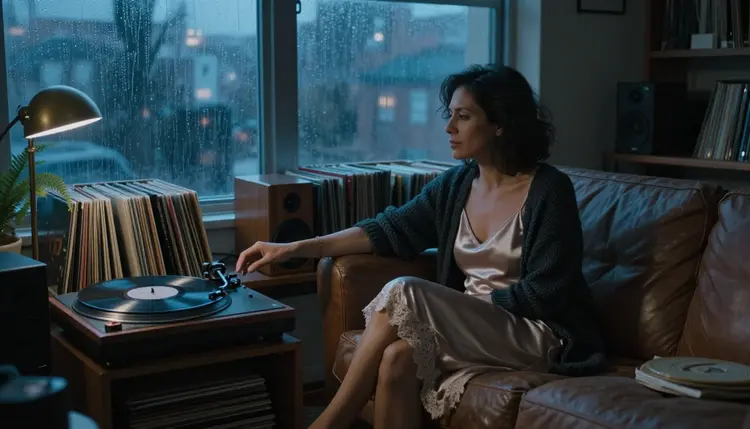
Sound changes how a flirty scene feels. Rain on a window, a needle dropping into a groove, the rustle of satin when someone turns toward the lamp: none of it is visible, yet it carries half of the mood. This page lists the video models in the catalog whose titles mention audio, and shows how to write NSFW prompts for scenes that suggest sound, such as a record player, a rain-streaked window or a vinyl room at blue hour.
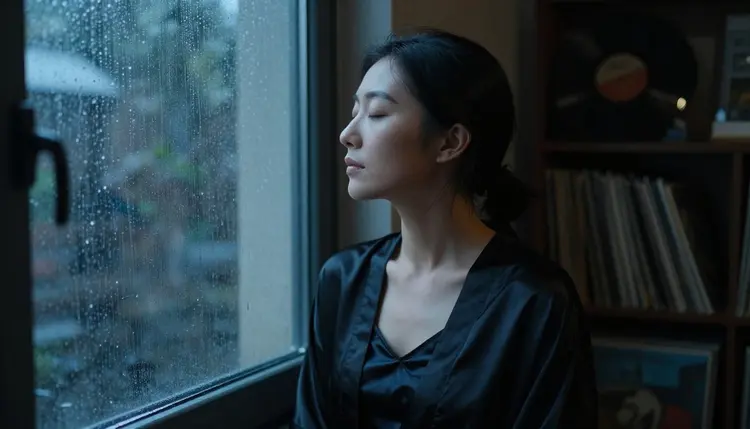
One thing first, so there are no surprises. Every model below is untested for adult prompts on Picasso IA. None of them is on the confirmed list, and no confirmed model is documented with native audio in the catalog. Untested means worth a try: it is not a promise that a model accepts a spicy prompt, and it is not a claim that it refuses one. The order is simply the order of the list, not a ranking. If you want to know what the word confirmed stands for, the policy page explains it.
Everything here is 18+, about fictional adults, and private by default. For the wider picture of video tools, Top 7 NSFW AI Video Generators covers the catalog without the sound filter, and How to Make an NSFW AI Video With Sound walks through one full clip from the first prompt to the last export.
Each entry below repeats what the catalog title says about the model, tells you whether it has been tested for adult prompts here, and gives a scene to try. The scenes are built around sound you can hear in your head, because a model with audio has more to work with when the prompt names the room.
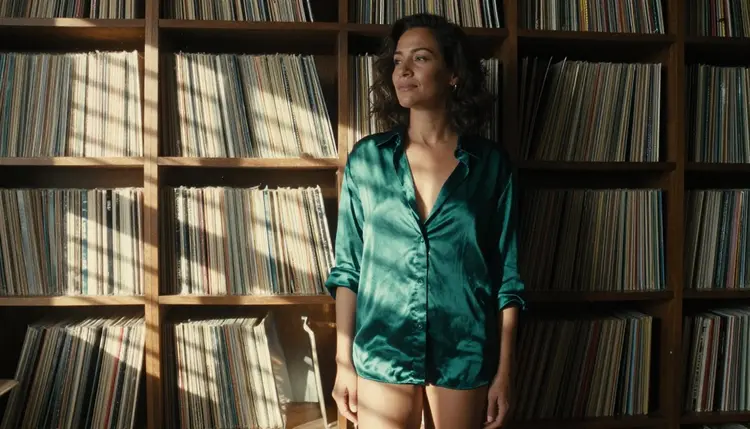
1. Seedance 2.0. Seedance 2.0 is listed in the catalog as text to video with built-in audio. It is untested for adult prompts, so run a short scene first and see what comes back. It suits a single continuous shot where the sound belongs to the room.
Try a low-angle full-length frame of a woman in her mid thirties wearing an emerald satin slip, standing against a wall of vinyl records, hard morning sun cutting through blinds in stripes, slow tilt up, the soft hum of a turntable somewhere off screen. The stripes of light give the model something clear to animate, and the hum gives the audio a job.
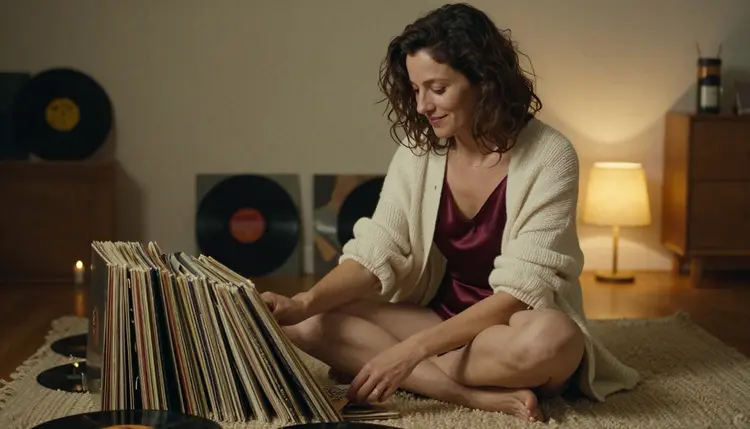
2. Veo 3.1 Lite. Veo 3.1 Lite is described in the catalog as a way to create videos with native audio. Its status here is untested for adult prompts. Use it for quiet, close scenes where small sounds matter: paper, fabric, a lamp switch.
Try a Mediterranean woman in her late thirties, burgundy satin camisole under a cream cardigan, sitting cross-legged on a wool rug and sorting vinyl sleeves by candlelight and warm lamp glow, a 50mm look, shallow depth of field, the dry slide of sleeves and a faint crackle from a record already playing. Keep the camera still, so the sound is the only thing that moves besides her hands.
3. Sora 2. Sora 2 is listed as text-to-video with synced audio. It is untested for adult prompts on Picasso IA, which means you should treat the first generation as a probe. It is a good fit for scenes with rhythm, where steps or gestures can line up with sound.
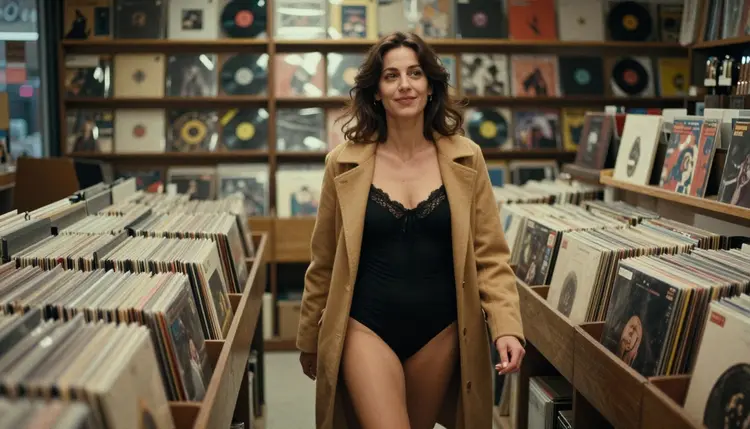
Try a candid three-quarter walking shot in a record store, black bodysuit under a camel coat, late-afternoon side light, a 35mm look, fingertips brushing the tops of the record bins as she passes, footsteps on a wooden floor and a muffled song from the shop speakers. Walking gives the sound a beat to follow.
4. Gemini Omni 1.1. Gemini Omni 1.1 is described in the catalog as a way to generate video with audio. It is untested for adult prompts here. Reach for it when the mood comes from weather and distance more than from action.
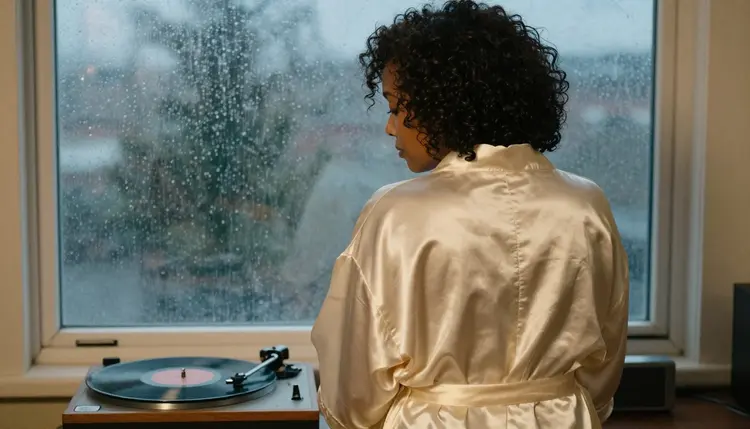
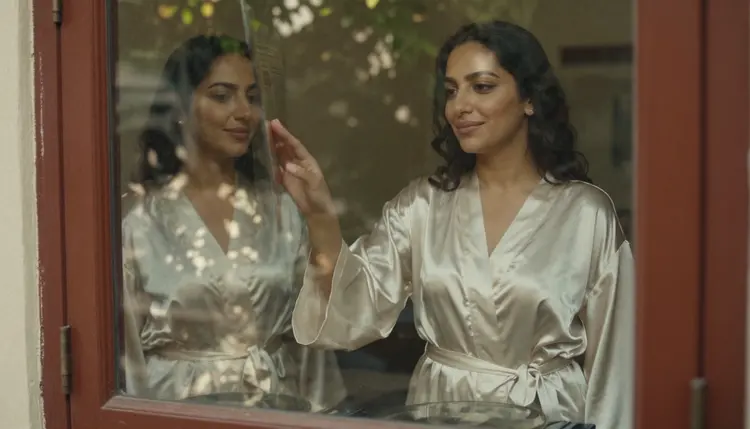
Try an over-the-shoulder view from behind of a woman in her late thirties with natural curly hair, a closed, belted cream satin robe, standing beside a turntable and a rain-streaked window, overcast blue-grey light with a warm lamp glow, steady rain on the glass and a slow piano passage from the speaker. The robe stays closed and the mood stays quiet, which is the point.
The second group works the same way. All three carry audio in their catalog titles, all three are untested for adult prompts, and none of them is a replacement for the confirmed models you will find further down the page.
5. Flux 3. Flux 3 is listed as a model that generates synced-audio video. It is untested for adult prompts. Detail shots are where a synced sound is easiest to judge, because one small action and one small noise are enough to tell whether they agree.
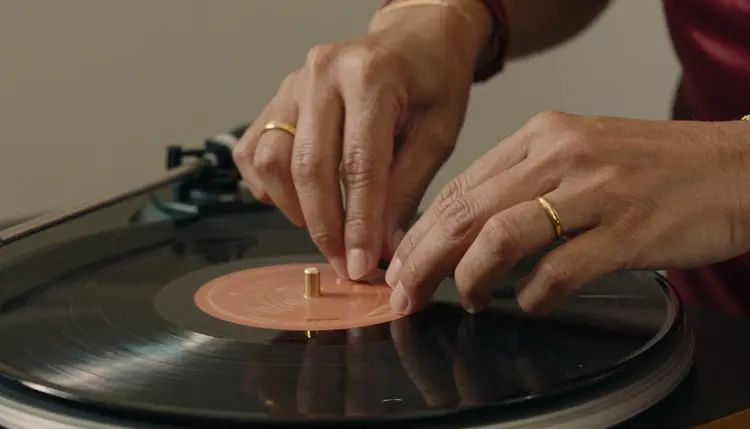
Try a macro-style detail shot of a hand lowering a tonearm onto a spinning record, a satin cuff, a gold bracelet, warm tungsten lamp light, a 135mm look, the soft thud of the needle and the first crackle of the groove. If the thud lands on the contact, the pairing works. If it does not, change the sentence, not the whole scene.
6. Grok Imagine Video 1.5. Grok Imagine Video 1.5 is described in the catalog as image to video with audio. It is untested for adult prompts on Picasso IA. Because it starts from a picture, it pairs naturally with a still you made on a confirmed image model.
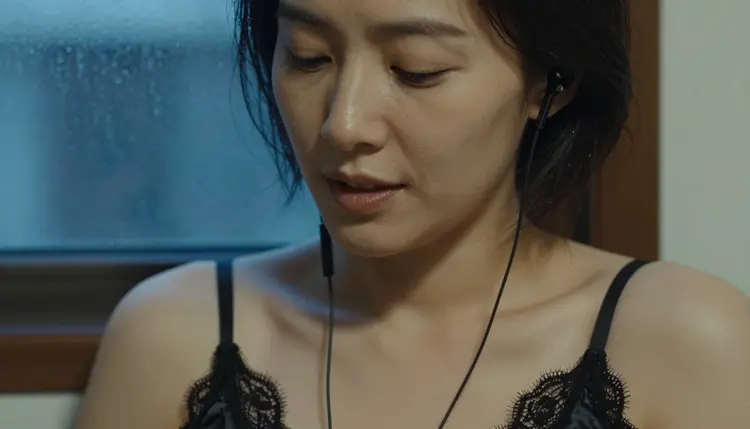
Make the still first, for example a tight close-up portrait of a woman in her early thirties, black satin strap top, one earphone in, eyes half closed, blue-hour window light, a 70mm look. Attach it, then describe only what changes: a slow breath, a small turn of the head, the faint leak of music from the earphone, rain on the glass behind her.
7. PixVerse v6. PixVerse v6 is listed as cinematic video with AI audio. It is untested for adult prompts here. It is the one on this list to try when you want a wide, environmental shot with a cinematic feel and room tone to match.
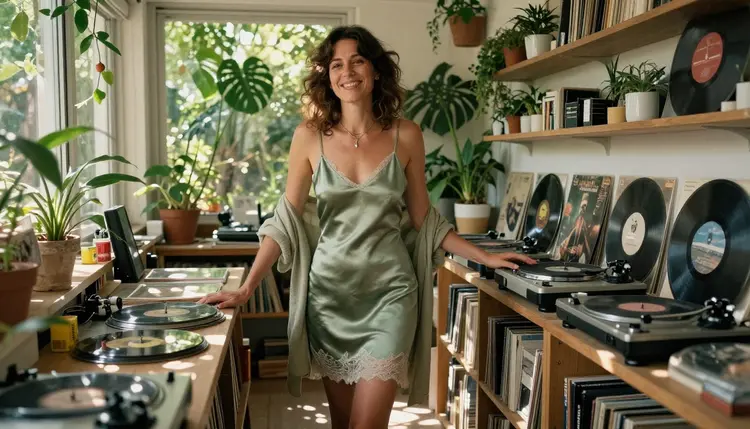
Try a wide environmental portrait of a Mediterranean woman in her late thirties, sage satin slip, in a sunroom full of vinyl shelves and leafy plants, dappled shade moving across the floor, a 50mm look, birdsong outside and a record turning softly inside. Slow camera moves suit this kind of room; fast ones tend to fight it.
Other platforms also offer video with sound, and their rules differ from ours, so check their current rules before you rely on them. This page only covers what is in the Picasso IA catalog.
A short routine saves time. The point is to learn quickly which model gives you the picture and the sound you want, without rewriting the scene on every run. Follow the steps in order the first time, then skip around once you know your favourites.
- Choose One Scene. Pick a single moment with an obvious sound: a needle on a record, rain on a window, steps in an aisle. One scene per generation keeps the prompt readable and the result easy to judge.
- Pick a Model. Open the toolkit, choose a video model from this page, and read its catalog title so you know what it promises. Start with one model, not all of them at once.
- Write Picture and Sound. Describe the wardrobe, the light, the lens and one camera move, then add one short line for the sound. Attached images get @1 and @2 badges on models that accept several inputs, and you can refer to them in the prompt.
- Read the Result. If the app shows "Content Not Supported by This Model", it recommends models that accept adult prompts and carries your prompt over, so you do not retype anything. Take the suggestion or try another model from the list.
- Change One Thing. Adjust either the picture or the sound, never both in the same run. When a model does not deliver, move to the next model with the same prompt and compare the two clips.
None of the confirmed models is documented with native audio, so they do not replace the models above for sound. What they do well is the picture: a clean first frame, a careful edit, or a silent clip you can score afterwards in a video editor you already use. Confirmed means that Picasso IA tested adult prompts against that exact model repeatedly and watched it generate instead of reject. It is not a published setting of the model's maker, who can change it at any time.
| Model | Best for | Format |
|---|
| Seedream 4.5 | Photoreal first frames for a scene | Image, text to image, 4K |
| Recraft V4.1 Pro | Illustration and design looks, print-ready | Image, 2K |
| Picasso Image Editor Pro | Editing an image you already have | Image edit, unlimited tag |
| LTX 2.3 Pro | High-resolution clips from text | Video, text to 4K |
| Picasso IA Video | Animating a still or a text prompt | Video, text or image to video, unlimited tag |
| Seedance 2.5 Lite | Short clips | Video, up to 10 seconds, unlimited tag |
A practical way to combine both groups: build the key frame with Seedream 4.5, adjust wardrobe or light with Picasso Image Editor Pro, then animate it. Picasso IA Video takes an image and turns it into a clip, and Grok Imagine Video 1.5 from the list above takes an image and adds audio, although it remains untested for adult prompts. If you need a pure picture-first workflow, Top 5 NSFW Image to Video AI Tools goes deeper into that route.
The untested models deserve the same patience. They are in the catalog, they may or may not accept your prompt, and the only way to know is to try a short scene. Nothing on this page labels any of them as filtered or as filter-free, because that has not been established.
This section is the same on every page of the NSFW area, and it is not optional. Picasso IA is for adults only. You must be 18 or older to use these models, and every scene on this page assumes adult characters in adult settings.
The characters are fictional adults only. Do not use a real person, a celebrity or anyone who could be identified from a photo, and never write a prompt that describes or suggests anyone who could read as a minor. Prompts say woman or man, with an age that is clearly adult, such as mid thirties or late thirties.
What you create is private by default: it is tied to your account and not published or shown to other people. The tone stays provocative, never explicit. Wardrobe, pose, light and mood do the work: satin, lamplight, a half-open window, an implied quiet moment.
A new account can try a small free trial on selected models: Picasso IA Image, Picasso Image Editor Pro, Picasso IA Video and Seedance 2.5 Lite. The free trial does not cover the whole catalog, so check the pricing page to see what is included before you plan a test around one of the audio models above.
Credits vary by model and by options such as resolution or duration. Models marked with the infinity tag in the catalog do not spend credits on the plans that include unlimited generation, and the pricing page has the details. In this article, Picasso Image Editor Pro, Picasso IA Video and Seedance 2.5 Lite carry that tag.
For the next step, open the toolkit, pick one scene from this page and try it on one model. If you want to see more of what exists, browse the full catalog. For prompt wording, Top 5 NSFW AI Video Prompt Ideas and Top 6 NSFW AI Video Style Ideas give you more scenes to adapt.
Which NSFW AI video generators have sound?
In the Picasso IA catalog, the models whose titles mention audio are Seedance 2.0, Veo 3.1 Lite, Sora 2, Gemini Omni 1.1, Flux 3, Grok Imagine Video 1.5 and PixVerse v6. All of them are untested for adult prompts, so a short first generation is the way to find out how each one behaves.
Is any confirmed model documented with native audio?
No. The confirmed video models are LTX 2.3 Pro, Picasso IA Video and Seedance 2.5 Lite, and none of their catalog titles mentions native audio. If you need sound with a confirmed model, plan to add it afterwards in a video editor you already use.
What does untested mean for these models?
It means Picasso IA has not confirmed what each model does with adult prompts, either way. It is not a warning and not a green light. Read the policy page to see how confirmed is defined, then try a short scene.
How do I write a prompt for a scene that suggests sound?
Describe the picture first: wardrobe, light, lens and one camera move. Then add one short line for the sound, for example rain on the glass, a needle crackle or footsteps on wood. Keep it to one scene and one sound so you can tell what the model did with it.
What happens if a model does not accept my prompt?
The app shows a message titled "Content Not Supported by This Model". It recommends models that accept adult prompts and carries your prompt over, so you do not retype it. You can switch to one of those or try another model from this page.
Can I use the confirmed models to make the first frame?
Yes. Seedream 4.5 makes photoreal images from text at 4K, and Picasso Image Editor Pro edits an image you already have. Once the frame looks right, you can animate it with Picasso IA Video, or try an image to video model with audio from the list.
Are the characters real people?
No. Every character is a fictional adult. Do not use real people or celebrities, and never describe anyone who could read as a minor. Picasso IA is 18+ only, and prompts should state clearly adult ages and adult settings.
Is what I create private?
Yes. Generations are private by default: they are tied to your account and are not published or shown to other people. You decide what to do with a clip after you download it.
Is there a free trial for video with sound?
A new account can try a small free trial on selected models, which are Picasso IA Image, Picasso Image Editor Pro, Picasso IA Video and Seedance 2.5 Lite. None of those is documented with native audio, and the audio models on this page are not part of the trial. See the pricing page for details.
Where can I see more models and ideas?
Browse the full catalog for the models, and read Top 7 NSFW AI Image Generators if you want to start from a still. Both are 18+ and about fictional adults only, like everything in this section.