A spicy romance cover sells a mood before a reader sees a single word. A figure against the light, a satin sleeve, one red rose, rain on a window: these are the images that make someone pick up the book. With AI you can build those scenes yourself, as photographs with room left in the frame for whatever you add later. This page gives you nine cover ideas, each with the wardrobe, the setting and the light spelled out so you can copy the idea into a prompt and run it. Everything here is for adults, about fictional adult characters, and stays suggestive rather than explicit.
The images are made in the toolkit on Picasso IA. For the stills we lean on Seedream 4.5, which creates 4K images from text and is on the app's confirmed list for adult prompts. One rule applies to every idea below: ask for the picture only, with empty space where a title would go, and never ask the model to draw lettering. Add the type afterwards in your own layout tool, where it will be sharp.
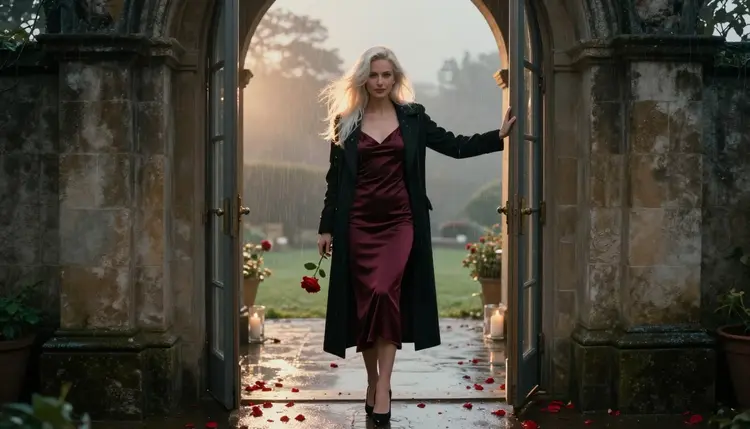
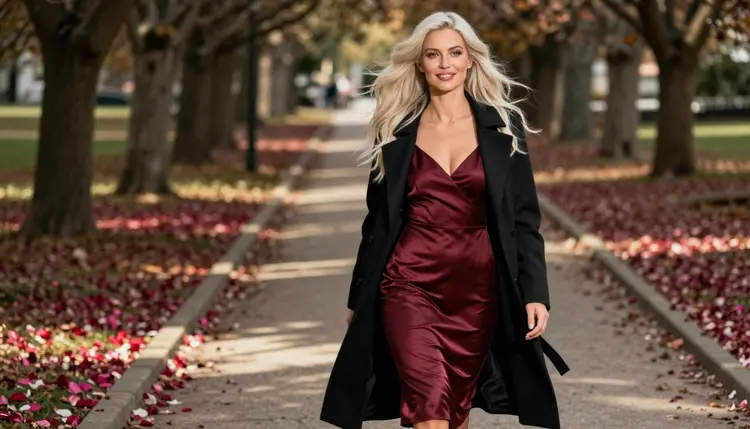
1. The Doorway at Golden Hour. The model stands in an old terrace doorway in a burgundy satin slip dress under an open long black wool coat, holding one red rose. Backlight from a low sun rims her hair, and a few rose petals sit on the stone at her feet. Ask for a wide frame with a 70mm look so the doorway stays readable and the top third of the picture stays dark and empty.
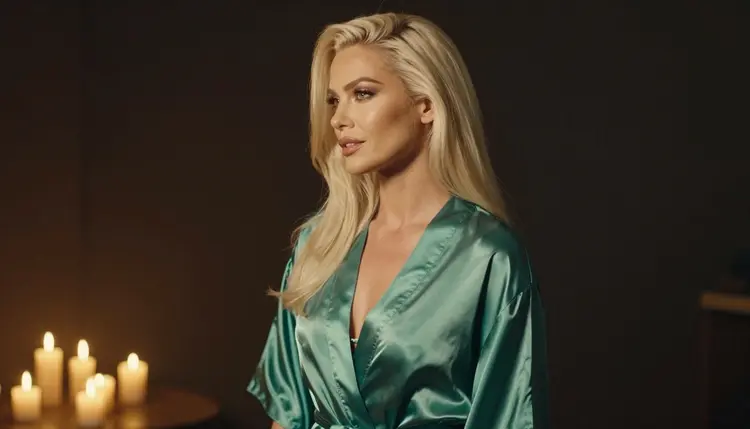
2. The Candlelit Silhouette. A profile view, shot from the side, with the model in an ivory satin robe and a single candle or two out of frame. Prompt for warm candlelight, a dark background and a soft edge of light on the cheek, jaw and shoulder. The outline of the face does the work here, so ask for a clean profile and a wide lens with plenty of dark space around her.
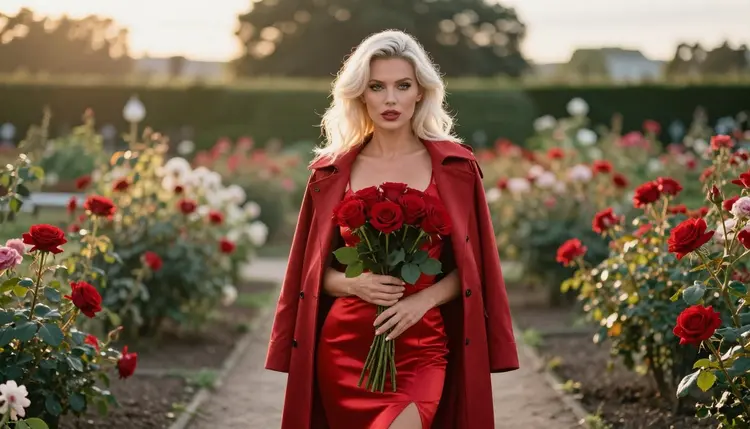
3. The Rose Garden Walk. A wide environmental portrait: the model in a red satin dress on a garden path between rose bushes, holding a bouquet low at her side. Golden hour light comes from behind and the flowers fall soft in the background. A long lens, around 135mm, compresses the garden into bands of green and red, which is a good base for a romantic cover.
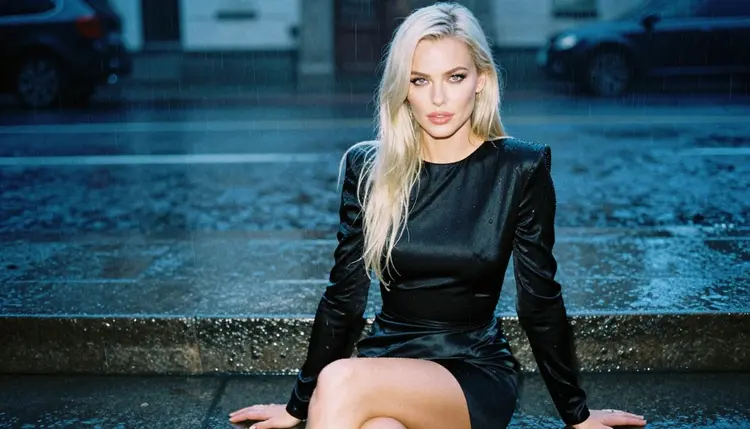
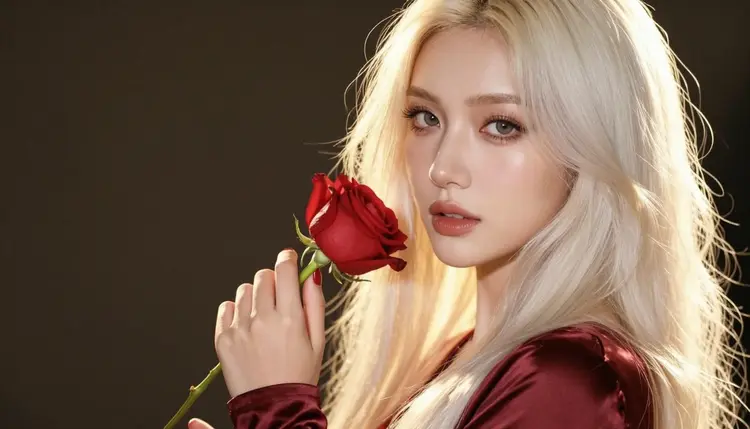
4. The Rain on the Stone Step. The model sits upright on a stone step in a black satin dress, at blue hour, with rain falling in the dark behind her. Prompt for cool ambient light, wet stone, a few visible drops and a calm three-quarter view. The mood is quiet and a little lonely, which suits a slow-burn story with a longing lead.
5. The Single Red Rose. A detail cover: one hand with a deep red manicure holding one red rose against a dark background, with golden hour light on the petals. Ask for exactly one hand in the frame and mention the number in the prompt, because hands are where image models slip first. This one works well as a series cover, since the same composition can change flower, color and nail shade from book to book.
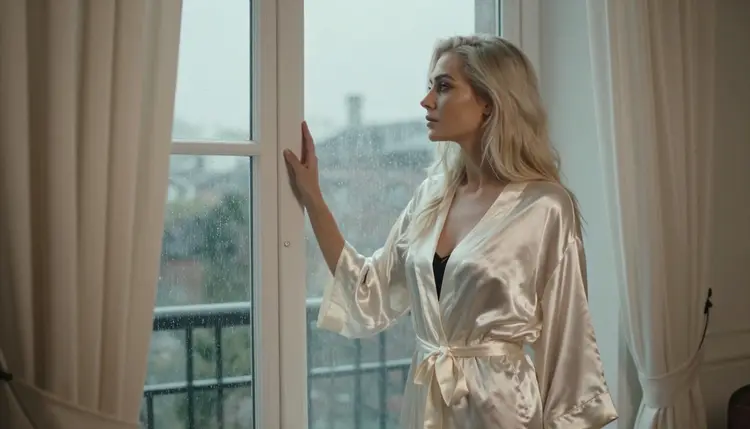
6. The Window and the Rain. The model in an ivory satin robe looks out of a tall window at the rain, with soft daylight falling across the room. Say that she looks out of the window and leave mirrors out of the prompt, since reflections tend to confuse the layout. A 24mm look keeps the window wide and gives you a large pane of pale grey for a title later.
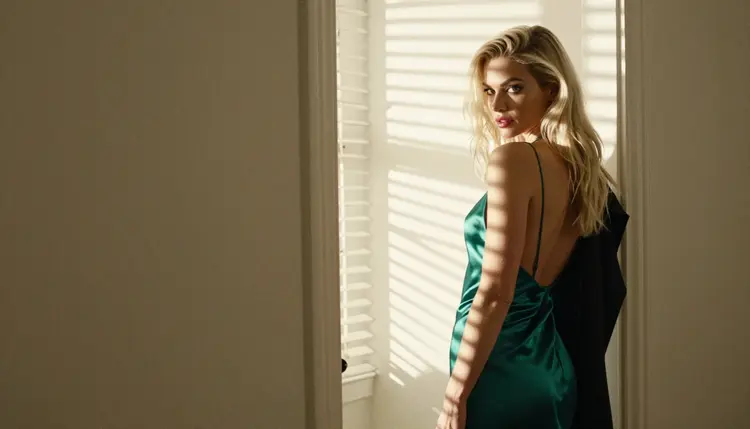
7. The Over-the-Shoulder Look. The model in an emerald slip dress glances back over her shoulder while hard morning sun comes through blinds and draws stripes of light across the wall. A 35mm frame keeps the room visible. The stripes add graphic rhythm to a cover and the glance gives the reader a character to follow.
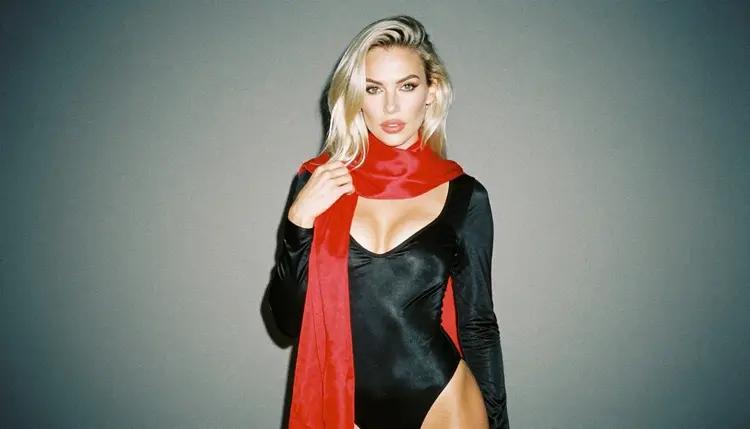
8. The Silk Scarf. A waist-up portrait of the model wrapped in a red silk scarf over a black bodysuit, in overcast, even daylight. The scarf carries the color and the black gives the cover a strong base. Ask for a 135mm look and a plain wall behind her, which leaves the whole upper area free.
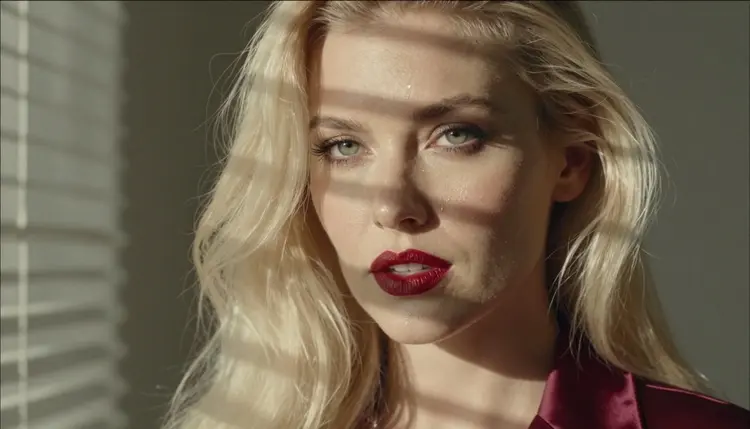
9. The Close-Up With Red Lips. A tight close-up of the model with red lips and a few rain drops on her cheek, lit by hard morning light through blinds. This is the most intimate frame in the list and the easiest to run as a first test, because there is little in it that can go wrong. Ask for sharp eyes, film grain and nothing else in the background.
Pick one idea and work it through a short routine. The same five steps fit every cover on this page.
- Choose the mood. Decide if the book is slow and rainy, warm and golden, or sharp and bright, then pick the idea from the list that matches.
- Write the prompt. Name the wardrobe, the place, the light, the lens and the framing, and finish with a line that asks for empty space and no text.
- Run a test image. Generate one image on Seedream 4.5 and check the hands, the fabric and the light before changing anything.
- Refine the frame. Adjust one thing per run, such as the dress color or the angle. If you need to fix a detail, Picasso Image Editor Pro edits an existing image.
- Add the type. Export the image, open it in your layout tool and set the title, author name and tagline there, so the lettering stays crisp.
If a model declines a prompt, the app shows a message titled "Content Not Supported by This Model". It recommends models that accept adult prompts and carries your prompt over, so you do not retype it. A related plan for the same idea lives in Create NSFW Images for a Spicy Romance Book Cover, which covers the whole process in more depth.
Picasso IA keeps a list of models that it has tested with adult prompts. "Confirmed" means that Picasso IA tried adult prompts against that exact model repeatedly and watched it generate instead of reject. It is not a published setting of the model's maker, who can change it at any time. The policy is explained in what confirmed means. These are the six confirmed models, with what each is best for on a cover project.
Every other model in the catalog is untested. That means it is worth a try if you want a different look, but it is not confirmed either way, and you should treat the result as an experiment. The full catalog lists everything, including image models with other styles. A cover needs one reliable photoreal model more than it needs variety, so start with the first row and widen only when you want a different feel.
For a book launch the video models are a bonus. A still from idea one or two can become a few seconds of rain or candle flicker for a social post. Use the image as the first frame and keep the movement small. The best-looking clips of this kind are slow, with a gentle push in or a small drift of hair.
This section is for adults only. You must be 18 or older to use these ideas, and the content is made for adult readers of romance fiction.
Every character you create must be a fictional adult. Do not use a real or identifiable person, a celebrity or anyone you know, and do not create anyone who could read as a minor. Cover art for a book is no exception to this rule.
What you generate is private by default. It is tied to your account and not published or shown to others. What you do with an image afterwards, such as printing it on a cover, is your decision, so make sure the final use follows the rules of the store or platform where you publish.
A new account can try a small free trial on selected models. Those are Picasso IA Image, Picasso IA Editor Pro, Picasso IA Video and Seedance 2.5 Lite, so you can test a cover idea before you decide anything. Details are on the pricing page.
Models marked with the infinity tag in the catalog do not spend credits on the plans that include unlimited generation. Picasso Image Editor Pro, Picasso IA Video and Seedance 2.5 Lite carry that tag, which makes them a good place to iterate on small changes. Other models spend credits that vary with the model and with options such as resolution or duration, and the pricing page explains how.
To go further, read the ideas for Top 9 NSFW AI Outfit Ideas for Portraits when you want more wardrobe options, or Top 7 NSFW AI Background and Setting Ideas for places to put your characters. If you want motion, Top 5 NSFW AI Video Prompt Ideas shows how to write for the video models. Then open the toolkit and run your first cover.
Can I generate a spicy romance cover with AI?
Yes. You describe a fictional adult character, the wardrobe, the setting and the light, and the model creates a photograph. Keep it suggestive rather than explicit and ask for empty space in the frame where your title will sit.
Which model is best for a romance cover?
For a photoreal cover, start with Seedream 4.5, which creates 4K images from text and is on the confirmed list. For an illustrated or designed look, try Recraft V4.1 Pro, which makes print-ready images at 2K.
Why should I keep text out of the picture?
Image models often draw letters that are misspelled or warped, and fixing them later is hard. It is faster to ask for a clean image with empty space and add the title, the author name and the tagline in your layout tool, where the type stays sharp.
Can the model put a title on the cover?
You can try, but it is not the approach this page recommends. Treat the generated image as the background art and set the lettering yourself. That way the type matches your series and you can change it without generating the scene again.
How do I keep the same woman across several covers?
Attach a finished image as a reference in the toolkit. Each attached image gets an @1 or @2 badge and you can refer to it in your prompt, and Picasso IA translates the reference to the syntax the model understands. Only models that accept several inputs show the badges.
Can I turn a cover into a short video?
Yes. Picasso IA Video creates video from text or from an image, and Seedance 2.5 Lite is listed for clips up to 10 seconds. Start from your cover still and ask for small movement such as rain or candle flicker.
Are the characters real people?
No. Every character is a fictional adult. Do not use a real or identifiable person, a celebrity or anyone who could read as a minor. This is part of the adults-only rule that applies to everything on this page.
Is the content on this page explicit?
No. The ideas are provocative but never explicit. They talk about satin, silk, roses, rain, candlelight and mood. The page is for adults only, and the characters are fictional adults.
Are my images private?
Yes. Generations are private by default. They are tied to your account and are not published or shown to others, and you choose what to do with an image once it is made.
What happens if a model refuses my prompt?
The app shows a message titled "Content Not Supported by This Model". It recommends models that accept adult prompts and carries your prompt over, so you do not need to retype it. Reading what confirmed means helps you choose a model from the start.