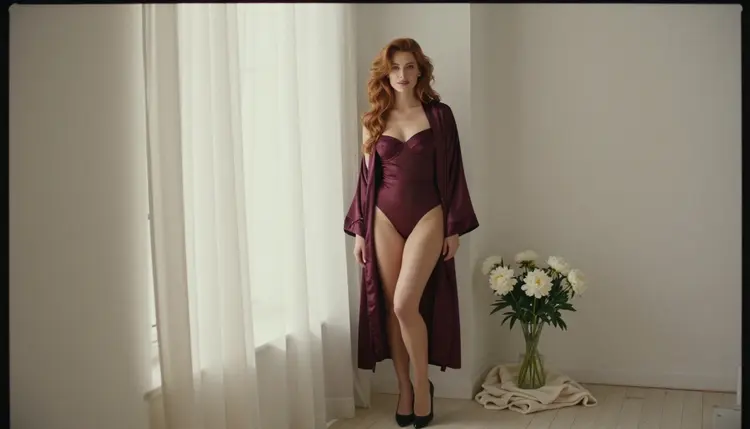
Z-Image Turbo is a text to image model in the Picasso IA catalog, and its catalog title promises sharp images in seconds. Whether it accepts adult prompts is something nobody here has tested, so this page treats it honestly: it is a model worth a try for fast, photoreal adult portraits, with a clear way out if it refuses.
You will read what the model is, what "untested" means on Picasso IA, how to try it in five steps, which confirmed models to switch to if a prompt is rejected, and the rules every page in this section follows. Everything here is for adults, and every character is a fictional adult.
In the catalog the model is listed as Z-Image Turbo, under text to image, with the title "Create Sharp Images in Seconds with Z Image Turbo". That title tells you the three things worth knowing: you describe a picture in words, the model returns an image, and the pitch is sharpness and a short wait. This page says nothing more about it than that, because the catalog says nothing more.
On Picasso IA its status is untested. That is a different word from filtered and a different word from filter-free. It means that no one here has run adult prompts against it repeatedly and recorded what happens, so there is no verdict to report. It may generate your prompt. It may refuse it. The only way to find out is to try, and trying costs you one prompt and a few moments of reading the result.
Why try it at all? Speed changes how you work. A model that returns an image quickly lets you iterate on wardrobe, pose and light in a loop: change one detail, generate again, compare. For glamour and boudoir portraits that loop matters more than a single perfect attempt, because the difference between a flat frame and a good one is often a small change, such as moving the subject closer to the window or swapping a robe for a slip.
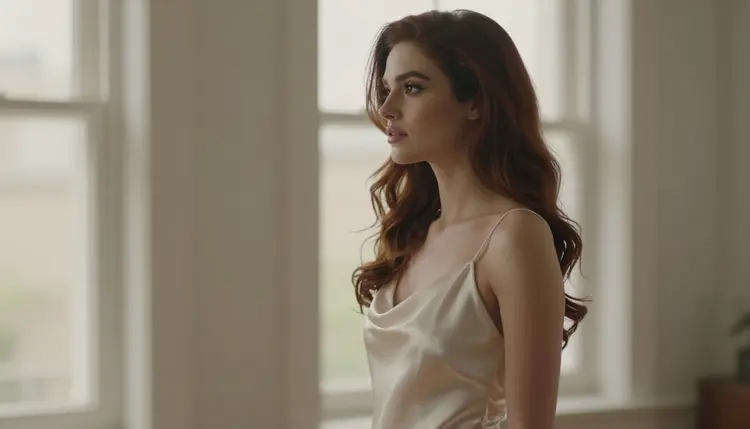
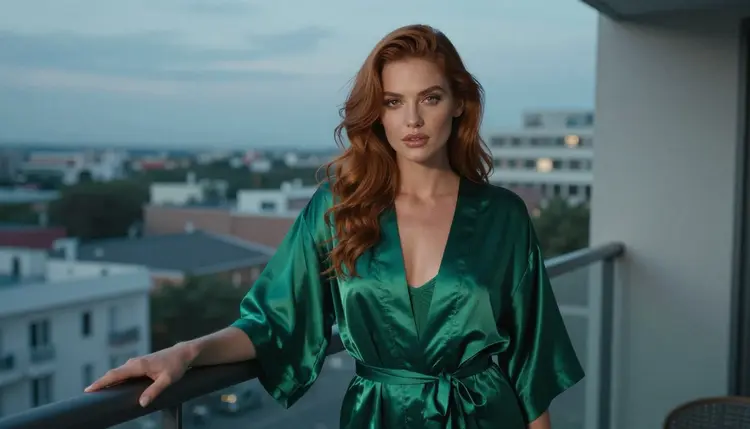
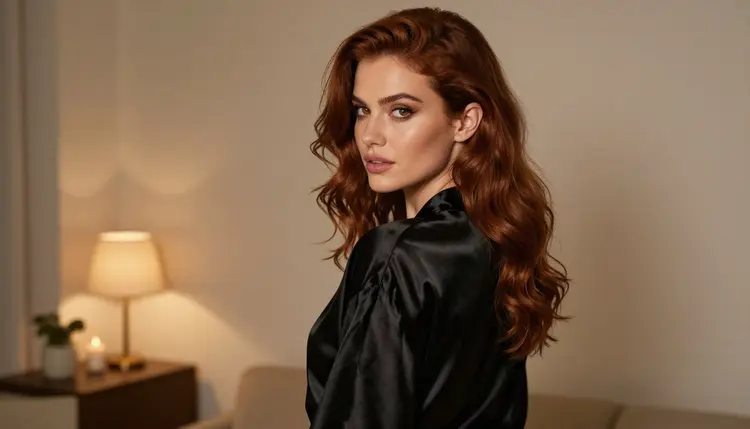
The kind of image that suits a fast photoreal model is a portrait with a clear subject and one light source. Think of a woman in an ivory satin slip in profile against a bright window, or the same woman in an emerald robe on a hotel balcony at blue hour. These are simple compositions with a strong mood, and a prompt that names the wardrobe, the setting and the light gives a model the least room to wander.
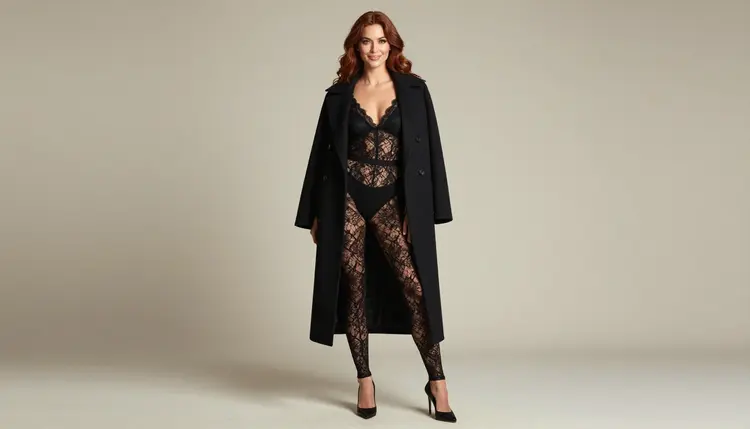
A good first prompt for this model reads like a photographer's brief. Name the subject (an adult woman in her late twenties), the wardrobe (black lace bodysuit under an open camel coat), the framing (full-length, standing, eye level), the light (soft diffused daylight in a studio) and the lens (135mm, f/2). Keep it to a few clear sentences. If the model follows it, you will see it in the first result; if it does not, adding more words rarely helps, and a different model usually does.
You open the model from the toolkit, where you pick it, type the prompt and generate. The same screen lets you move to another model without leaving the page, which is what makes an untested model cheap to try. Other untested image models in the catalog follow the same pattern, for example Hunyuan Image 3 and Qwen Image 3, and each has its own page.
Picasso IA keeps a short list of confirmed models. A model is confirmed when adult prompts have been run against that exact model repeatedly and it generated each time instead of rejecting. That is a result Picasso IA observed. It is not a published setting of the model's maker, who can change the behavior at any time, so even a confirmed model is a model that worked when it was tested.
Untested is everything else. It is the honest label for a model that has not gone through that process. It does not say the model blocks adult prompts, and it does not say it allows them. A page that told you either would be guessing, and this section does not guess. If you want the longer explanation of how the confirmed label is earned, read what confirmed means.
Treat an untested model as an experiment with a cheap failure mode. You write a clean prompt, you generate, you read what comes back. If an image arrives, you have your answer for that prompt. If a refusal arrives, you have your answer too, and you move on without having lost anything but a minute. One result is not a rule, either way: a prompt that passes today might be rejected tomorrow with different wording, and a model's behavior can change when its maker updates it.
This is also why the page does not recommend Z-Image Turbo over the confirmed models. It recommends trying it when speed or its look appeals to you, and keeping a confirmed model one tap away for the prompts that matter. Think of the confirmed list as your safety net and the untested catalog as the place you explore.
A few habits make the experiment more useful. Keep your test prompt short and specific so a refusal or a poor result is easy to interpret. Change one thing at a time when you compare models, so you know what caused a difference. And save the prompt text outside the app if it is one you like, even though Picasso IA carries it over when you switch models.
The process is the same for any untested model in the catalog. It takes a few minutes and needs no setup, because Picasso IA runs in the browser and there is nothing to install. Start with a prompt you would be comfortable describing to a photographer: wardrobe, pose, light, mood.
- Open the model in the toolkit. Go to the toolkit and choose Z-Image Turbo from the text to image models.
- Write a clean adult prompt. Describe one fictional adult woman or man, the wardrobe, the pose, the light and the lens. Keep it glamorous and suggestive, never explicit.
- Generate and read the result. Look at the image for wardrobe, light and sharpness. If it matches your brief, you are done; if not, change one detail and run it again.
- Recognise a refusal. If the model does not accept the prompt, the app shows a message titled "Content Not Supported by This Model" and recommends models that accept adult prompts.
- Switch to a confirmed model. Pick one of the recommended models with one tap. Your prompt is carried over, so nothing has to be retyped.
That last step is the reason this approach is low risk. The refusal message is not a dead end: it points you to the models Picasso IA has confirmed, and the prompt you already wrote goes with you. Nothing about the order of the steps is strict, but the habit of reading the result before changing anything saves time.
When Z-Image Turbo does not accept a prompt, or gives a result you do not like, these are the models Picasso IA has confirmed. They are the same list that appears across the whole section, and each one is described here only with what the catalog says about it.
How do you choose? Since Z-Image Turbo makes still photoreal images, the closest replacement is Seedream 4.5, which is also text to image and photoreal, with 4K output in its catalog title. If you wanted a glamour portrait with window light, start there with the prompt you already wrote. Recraft V4.1 Pro suits a different look: illustration and design work with print-ready output at 2K, so it is the pick when you want a graphic poster style rather than a photograph.
If you already have a picture and want to change its wardrobe, background or mood, Picasso IA Image Editor Pro edits an existing image, and it carries the infinity tag, which marks models that do not spend credits on plans that include unlimited generation. The pricing page has the details.
Video follows images naturally. A still portrait can become a short clip with Picasso IA Video, which turns text or an image into video, or with Seedance 2.5 Lite, listed at up to 10 seconds. LTX 2.3 Pro is the choice when you want video generated from text at 4K. Keep in mind that these are confirmed for adult prompts as images or clips of fictional adults, and the same rules apply to them as to every page here.
A practical workflow looks like this. Try the fast model first for composition ideas. When one frame works, move to a confirmed model to produce the final version, then optionally animate it. You do not have to commit to one model for a whole project, and the prompt travels with you each time.
Everything in this section is for people aged 18 or older. If you are not an adult, this is not a page for you, and the tools behind it are not for you either. The adult content here is provocative but never explicit: lingerie, swimwear, satin robes, boudoir light, implied intimacy.
Every character you generate must be a fictional adult. Do not use a real or identifiable person, a celebrity or someone you know, and do not describe anyone who could read as a minor. Prompts that say woman or man and give an adult look, such as a late-twenties glamour model, keep you on the right side of that line. A model refusing a prompt that breaks it is the system working as intended.
What you create is private by default. Generations are tied to your account and are not published or shown to other people. Sharing anything is your decision and your responsibility, and the same adult-only and fictional-only rules apply wherever the image goes next.
A new account can try a few generations for free on selected models, and the pricing page explains what is included. Z-Image Turbo is not one of the models named for the free trial, so for this page the trial is most useful on the fallback side: Picasso IA Image Editor Pro, Picasso IA Video and Seedance 2.5 Lite are among the selected models. Check the pricing page for the current terms rather than relying on this summary.
Credits vary by model and by options such as resolution or duration, which means the cost of a Z-Image Turbo generation is shown in the app before you run it. Models with the infinity tag do not spend credits on the plans that include unlimited generation. In the table above that applies to Picasso IA Image Editor Pro, Picasso IA Video and Seedance 2.5 Lite.
If you enjoy exploring untested models, there are more pages like this one. HiDream and Qwen Image Edit are two other catalog models with their own untested pages, and the full catalog lets you browse everything else. Each of those pages uses the same method: try it, read the result, fall back to a confirmed model if needed.

A last tip for portraits with this kind of model: keep the subject constant across your tests. If you describe the same woman, the same wardrobe and the same light each time, a change in the result tells you something about the model rather than about the prompt. That is the cheapest way to compare Z-Image Turbo with Seedream 4.5 side by side.
Does Z-Image Turbo work with NSFW prompts?
Nobody here can promise either answer. It is untested on Picasso IA, which means it has no verdict: it may generate a glamour prompt or it may refuse it. Try a clean prompt for a fictional adult and read the result. If it refuses, switch to a confirmed model.
What happens if the model refuses my prompt?
The app shows a message titled "Content Not Supported by This Model" and recommends models that accept adult prompts. Your prompt is carried over, so you do not retype it. Pick a confirmed model such as Seedream 4.5 and generate again.
Which models are confirmed?
The confirmed models are Seedream 4.5, Recraft V4.1 Pro, Picasso IA Image Editor Pro, LTX 2.3 Pro, Picasso IA Video and Seedance 2.5 Lite. Every other model in the catalog is untested. What confirmed means explains how the label is earned.
Can I use a real person or a celebrity?
No. Every character must be a fictional adult. Do not use a real or identifiable person, a celebrity or someone you know. Describe an invented woman or man instead, with the wardrobe, the pose and the light you want in the picture.
Are minors allowed in any form?
Never. The section is 18+ only, and no one who could read as a minor may appear in a prompt or an image. Describe adults only, such as a woman in her late twenties, and treat any refusal on this point as correct behavior.
How much does a generation cost?
Credits vary by model and by options such as resolution or duration, and the app shows the cost before you generate. Plans and prices are on the pricing page. Models with the infinity tag do not spend credits on the plans that include unlimited generation.
Can I make a video or edit the image afterwards?
Yes, with confirmed models. Picasso IA Video animates text or an image, Seedance 2.5 Lite makes clips up to 10 seconds, and Picasso IA Image Editor Pro edits an existing image.
What do I know about its resolution and options?
Only what the catalog title says: it creates sharp images in seconds from text. No resolution or option is promised on this page. Open the model in the toolkit to see the settings the app offers for it before you generate.
Are my generations private?
Yes. Generations are private by default, tied to your account and not published or shown to others. The adult-only and fictional-only rules still apply to everything you make, and sharing an image anywhere is your decision.
Is there a free trial?
A new account can try a few generations for free on selected models, and Z-Image Turbo is not named among them. Picasso IA Image Editor Pro, Picasso IA Video and Seedance 2.5 Lite are. See the pricing page for the current terms.