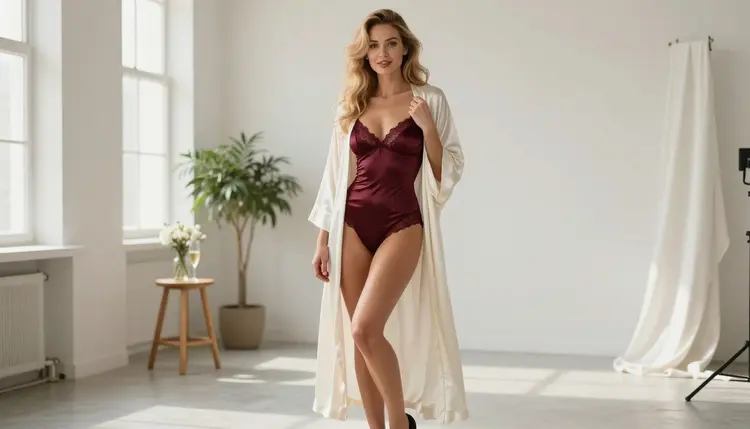
Dreamina is the name ByteDance uses for its creative AI tools, and people searching for "Dreamina NSFW" usually want one simple answer: can I make adult, flirty or lingerie-style pictures there, or not? This page gives you the honest version. What the platform allows is decided by the company that runs it, in its own content guidelines and terms, and those documents can change. We do not put words in its mouth. What we can do is explain how these filters work in general, show you what to do when a prompt gets stopped, and point you to models on Picasso IA that have been tested with adult prompts.
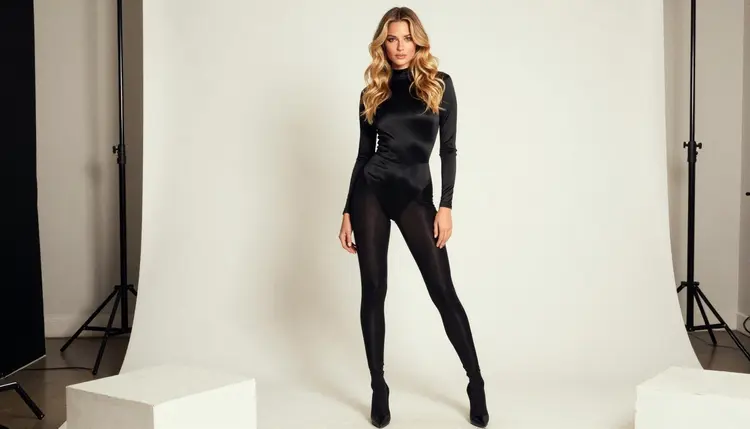
Everything here is about fictional adults, 18+ only, in glamour, boudoir, lingerie and swimwear territory. Provocative, never explicit. If that is the kind of image you want, read on: the five steps below take any prompt you already wrote and move it to a model that accepts it.
The Short Answer on Dreamina and Adult Content
The short answer is that the rules belong to the platform. Dreamina is run by ByteDance, and whether a given adult prompt goes through depends on the current content guidelines of that service, on how its filters read your wording, and on the specific model behind the tool at that moment. We have no verified summary of those guidelines to quote, so we will not describe them. If you want to know exactly what is permitted, open its current rules and read them directly. Do not rely on a forum post or on this page for that.
What we can say with certainty concerns Picasso IA. The catalog includes a Dreamina model from ByteDance, Dreamina 3.1, listed as a tool to create cinematic 4MP photos. Picasso IA has not tested it with adult prompts, so it sits in the untested group: worth a try, not confirmed either way. We make no claim that it accepts adult prompts and no claim that it refuses them.
That distinction matters. A model sold inside one service and the same model offered somewhere else can sit behind different rules, because the filters are set by whoever runs the service. So the name on the model does not tell you how a prompt will be treated. The platform, the model and the wording of your prompt all play a part.
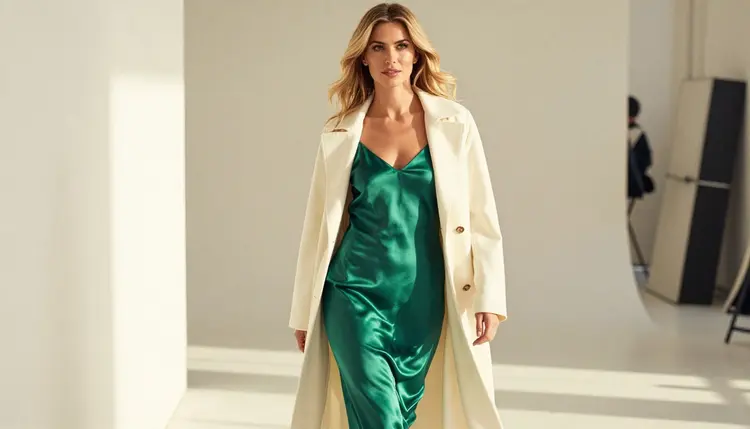
For an adult creator the practical question is rarely "what does Dreamina allow in theory". It is "what do I do when a prompt I care about does not go through". That is the part you control, and the rest of this page is built around it.
Most large AI image services are built for a very wide audience. They are used by students, by marketing teams, by people on phones in public places. To keep that audience safe, the companies that run them add safety layers. These layers usually work in two places. First, the prompt is checked before anything is generated: certain words or combinations of words are flagged. Second, in some services, the finished picture is checked too, and a result that looks too revealing can be dropped before you see it.
Because these checks are tuned for the widest possible audience, they tend to be cautious. A prompt that describes a woman in a satin robe in a studio might pass one day and be stopped the next, after the operator updates its rules. A prompt with one flagged word can fail even when the rest of the description is harmless. This is not a judgment about you. It is a product decision by the operator, and the operator is free to change it.
There is a second reason prompts fail: the model itself. Some models were trained or tuned to stay away from certain subjects. Others were left more open, and the filter sits in the service around them. When a model is used through several services, you can see different outcomes for the same text. This is why we separate two ideas in the catalog. A confirmed model is one that Picasso IA tested with adult prompts repeatedly and watched it generate instead of reject. It is not a published setting from the model's maker, who can change behavior at any time. You can read the full explanation on the page about what confirmed means.
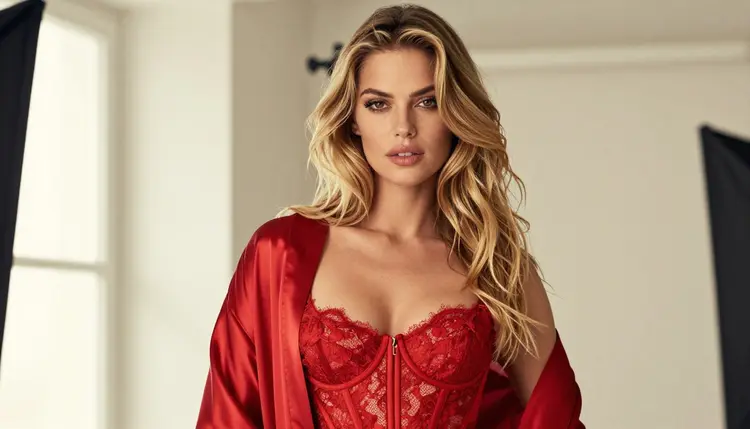
What does this mean for you? Two things. First, a refusal is information about the service, not proof that your idea is wrong. Second, the fix is usually to move the same idea to a place built for it, not to fight the filter with strange wording. Rewording a prompt until it slips past a safety layer is slow, and the result often looks worse than a clean prompt on a model that simply accepts the subject.
If you want a view of how other mainstream tools describe their own limits, the sibling pages on Midjourney, Adobe Firefly and GPT Image 2 follow the same format as this one.
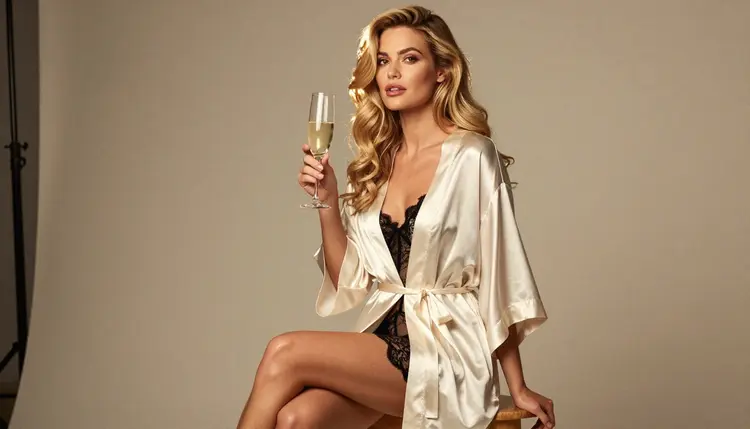
Here is the whole process, from a prompt that was stopped to a picture you can use. It takes a few minutes, and you do not need to rewrite the idea from scratch.
- Copy your prompt. Select the full text you wrote, including the wardrobe, the light and the setting, and keep it somewhere you can paste it back. Do not shorten it yet.
- Open the toolkit. Go to the toolkit in your browser. There is nothing to install, and the model picker is on the main screen.
- Pick a confirmed model. For photoreal stills choose Seedream 4.5. For illustration and design pick Recraft V4.1 Pro. For video choose one of the confirmed video models listed below.
- Adjust the wording. Paste the prompt, then tune the details that shape the picture: fabric (satin, lace, silk), light (window light, candlelight, golden hour), lens (50mm for walking shots, 135mm for close portraits) and pose. Keep the description concrete and the tone suggestive, never explicit.
- Generate and edit. Run the generation. If one detail is off, such as a robe color or a hand position, open the result in Picasso Image Editor Pro and change only that detail instead of regenerating everything.
That is the entire loop. Once you have done it once, the same five steps work for any prompt you carry over from another service.
Picasso IA does not pretend that every model accepts every subject. When you pick a model that does not support adult content and your prompt asks for it, the app shows a message titled "Content Not Supported by This Model". It recommends models that accept adult prompts and carries your prompt over, so nothing has to be retyped. You choose a suggested model and continue from the same text.
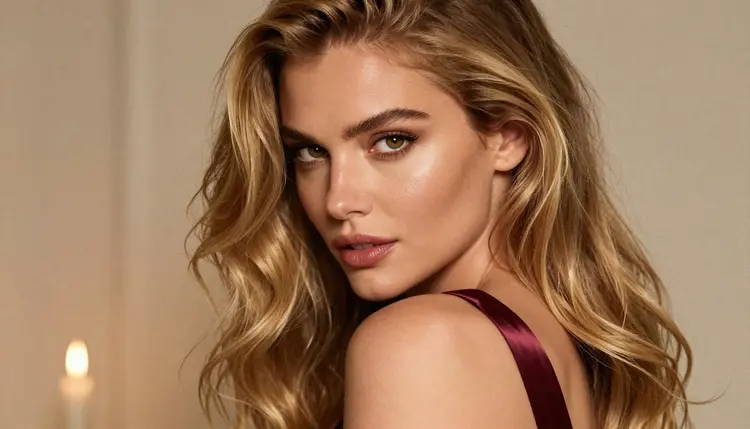
Some models in the catalog are confirmed. Picasso IA tested adult prompts against each one repeatedly and watched it generate. Here they are:
Seedream 4.5 is the usual first stop for photoreal work: text in, 4K picture out. Recraft V4.1 Pro suits a more graphic look, with clean shapes and print-ready output at 2K. Picasso Image Editor Pro is the one to keep open in a second tab, because most pictures need one small correction. It is marked unlimited with the infinity tag in the catalog, and a new account can use it in the small free trial on selected models.
For motion, LTX 2.3 Pro makes 4K video from text. Picasso IA Video accepts a text prompt or a starting image, and it is also marked unlimited. Seedance 2.5 Lite is listed up to 10 seconds. Seedance 2.5 Lite and the plain Seedance 2.5 from ByteDance are different models, so check the name before you pick.
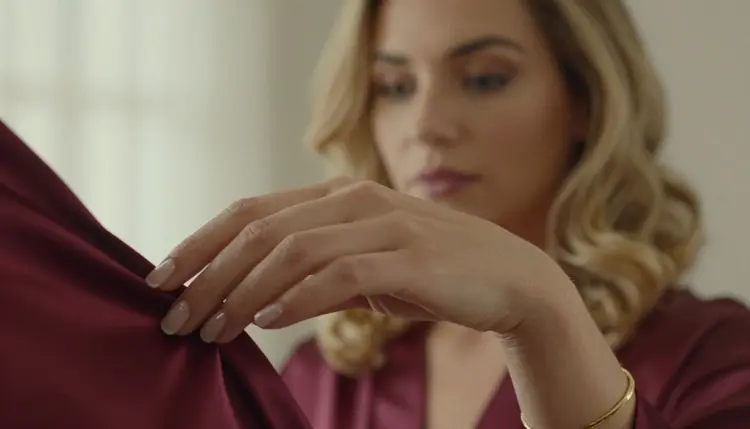
What about the rest of the catalog? The full catalog holds hundreds of models, and Dreamina 3.1 is one of them. Every model outside the table above is untested. That means worth a try, not confirmed either way. We do not call any of them filtered and we do not call any of them filter-free. If you want to explore one, run your prompt and see what comes back. If a model does not support the content, the app tells you with the message above and offers alternatives.
If you want to see how Picasso IA compares with Dreamina as a product, there is a page for that, linked in the section on when Dreamina is the better choice below.
This section is short on purpose, and it applies to every page in the NSFW section. Picasso IA is for adults only. You must be 18 or older to generate adult material, and the whole section is written for that audience.
Every character you create must be a fictional adult. Do not use the real face or name of any real or identifiable person, and never describe or hint at anyone who could read as a minor. No exceptions, whatever the wardrobe, the setting or the story you have in mind. Prompts that break this are not what the tool is for.
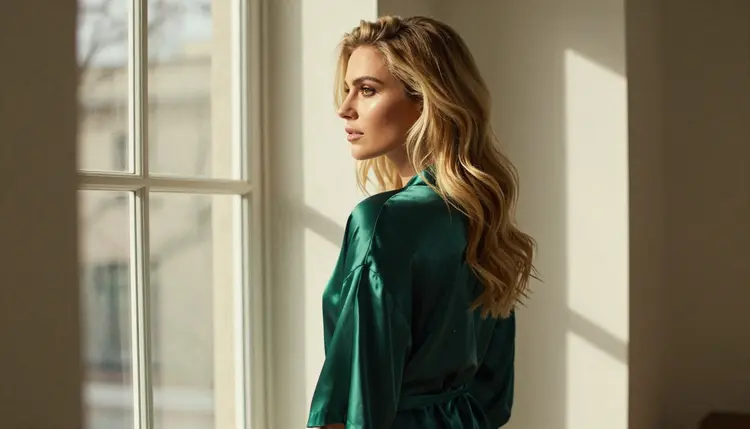
Your generations are private by default. What you create is tied to your account and is not published or shown to other people. You decide what to do with it afterwards. Picasso IA keeps the content provocative and never explicit: lingerie, swimwear, boudoir, glamour, implied intimacy.
An honest comparison has to include the cases where the other product is the right pick. If your work is not adult, Dreamina may simply be the better fit. Its model is built for cinematic 4MP photos, and if that is what you need, for a product shot, a travel scene or a portrait in daylight, there is no reason to move your workflow just because this page exists. If you already work there, your prompts stay inside its current rules, and you are happy with the results, keep going.
The reverse is also true. If its filters stop a prompt you care about, the steps above are there for you. You are not forced to choose one tool forever: many creators keep a general-purpose service for everyday pictures and use a model confirmed for adult prompts when the subject calls for it.
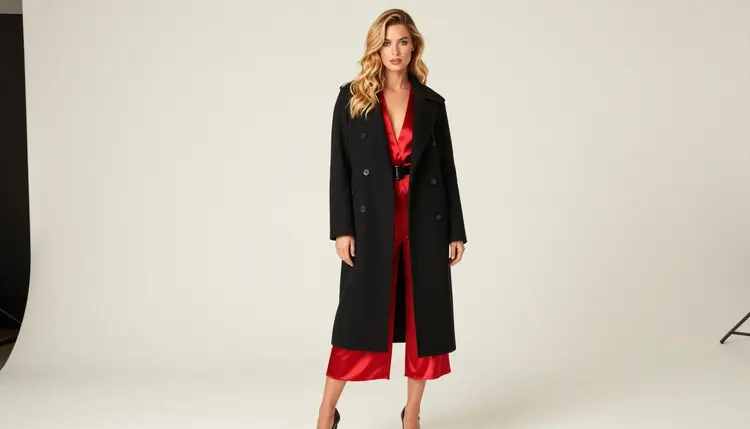
Picasso IA is not affiliated with Dreamina or with ByteDance. We do not use its logos, interface text or slogans, and we do not speak for it. For a side-by-side view of what each product offers, read the comparison page, Picasso IA vs Dreamina. And if you want to try a confirmed model before you decide anything, a new account gets a small free trial on selected models, with the details on the pricing page.
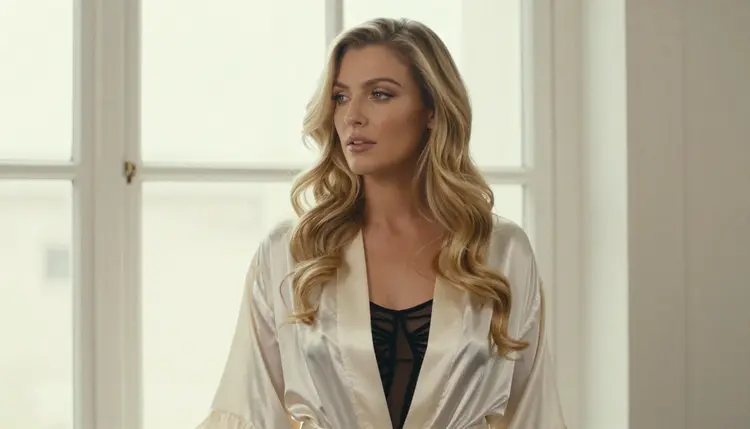
Two more pages in this section may help if you are weighing several tools at once: Nano Banana 2 and Flux 2 each get the same treatment, with their own steps and their own FAQ.
Is Dreamina NSFW allowed?
That is decided by the platform's own published guidelines, which can change at any time, so check its current rules before you rely on any answer. Picasso IA cannot speak for it. What we can tell you is that the Dreamina 3.1 model in our catalog is untested with adult prompts, and that other models are confirmed.
What happens when a model refuses my prompt on Picasso IA?
The app shows a message titled "Content Not Supported by This Model". It recommends models that accept adult prompts and carries your prompt over, so you pick one and continue without retyping anything. Picasso IA does not say what happens to credits on a refused generation, so check the pricing page for how credits work.
Which alternatives can I use if Dreamina stops my prompt?
If its filters stop a prompt, move the same text to a confirmed model: Seedream 4.5 for photoreal stills, Recraft V4.1 Pro for illustration, or one of the confirmed video models. All of them are reachable from the toolkit.
Can I use a real person or a celebrity in my prompts?
No. Every character must be a fictional adult. Do not use the name or the face of a real or identifiable person, in any model and in any setting. This rule is part of the adults-only, fictional-only promise and it has no exceptions.
Is it okay to create anyone who looks like a minor?
No, never. Picasso IA is 18+ only, and every character must be an adult. Do not describe or hint at anyone who could read as a minor, whatever the wardrobe, the pose or the story. A prompt that does this is outside what the tool is for.
Are my generations private?
Yes. Generations are private by default: what you create is tied to your account and is not published or shown to others. What you do with your pictures after you download them is up to you, and the same adult and fictional rules still apply to anything you share.
Is there a free trial?
Yes. A new account can try a few generations for free on selected models: Picasso IA Image, Picasso Image Editor Pro, Picasso IA Video and Seedance 2.5 Lite. The free trial does not cover the whole catalog, and the details are on the pricing page.
Can I make video as well as images?
Yes. LTX 2.3 Pro makes 4K video from text, Picasso IA Video works from a text prompt or an image, and Seedance 2.5 Lite is listed up to 10 seconds. All of them are confirmed with adult prompts and stay provocative, never explicit.
Can I change just one detail of a picture without starting over?
Yes. Open the result in Picasso Image Editor Pro and describe the single change: the color of a robe, the position of a hand, the light on the left side. It is marked unlimited in the catalog, so small corrections are cheap to repeat.
What if the rules change on Dreamina or on Picasso IA?
They can. Operators update their guidelines and filters, and a model's maker can change its behavior too. Check Dreamina's current rules directly. For Picasso IA, a confirmed model means we tested it and watched it generate, not that anyone guarantees it forever, as explained on the page about what confirmed means.