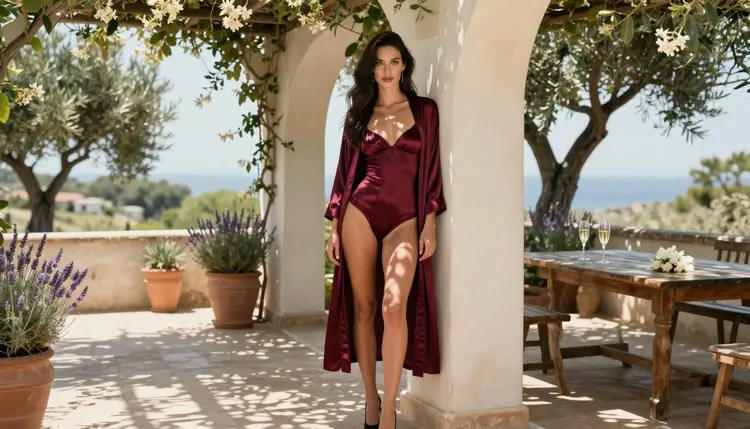
You generate a batch of boudoir frames, scroll through them, and every woman has the same face. Same soft jaw, same wide eyes, same glossy smile, only the lingerie changes. It is the most common complaint about adult AI art, and it has practical fixes. This guide shows where the repeated face comes from, which tools on Picasso IA handle it, and the exact wording that gives you a different face on demand, or the same face on purpose when you want a recurring character.
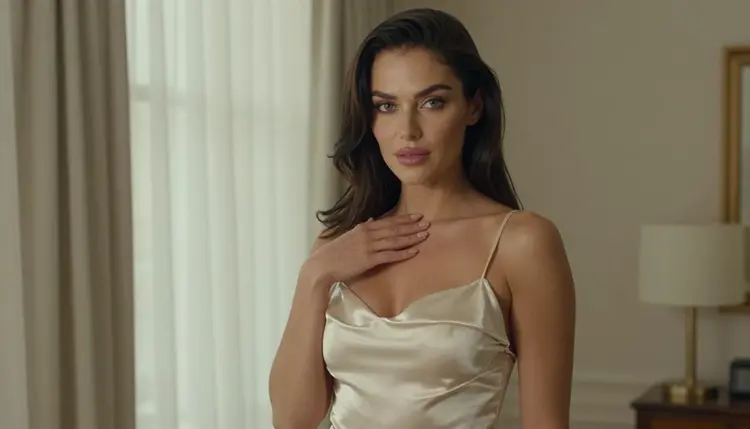
Everything here is for adults. The characters are fictional adults, the results are provocative but never explicit, and nothing is based on a real person.
An image model learns an average. When your prompt says "beautiful woman in lace lingerie" and nothing else, the model fills every unspecified detail with the most statistically common answer. Face shape, eyebrow line, nose, lip fullness, eye color and expression all fall back to one polished default. The prompt described the outfit and the room, so the outfit and room vary. The face was never described, so it never varies.
Glamour prompts make this worse. Words like "flawless", "perfect skin" and "beauty retouch" pull the result toward the same airbrushed template, and a template has one face. If your prompt also repeats the same camera, the same light and the same pose, the model has even fewer reasons to change anything.
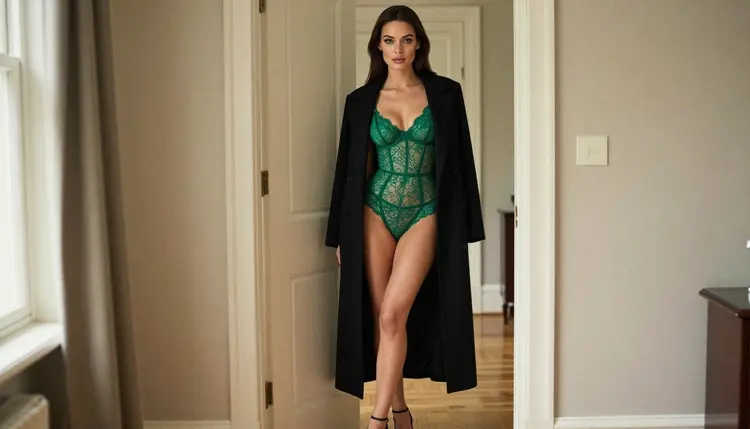
The fix is not a longer prompt. It is a more specific one. A face is a short list of choices (jaw, cheekbones, brows, eyes, nose, lips, hair, makeup, expression), and each one you name is a choice the model no longer makes for you. Name three or four of them and the default face disappears.
There is a second half to the problem. Sometimes you want the opposite: one character who looks like herself in ten frames. The tools are the same, and the method is a mirror image. You describe fewer variables, lock them, and let a reference image carry the identity. Both directions are covered below.
Picasso IA runs in the browser, and all the work happens in the toolkit. For this technique the confirmed models matter most. Confirmed means Picasso IA tested adult prompts against that exact model repeatedly and watched it generate instead of reject. It is not a published setting of the model's maker, and it can change, so read what confirmed means if you want the full definition.
| Model | Best for | Format |
|---|
| Seedream 4.5 | Photoreal faces and skin from a text prompt | Text to image, 4K |
| Recraft V4.1 Pro | Stylized or illustrated faces, clean design work | Print-ready images, 2K |
| Picasso Image Editor Pro | Changing the face on an image you already like | Edits an existing image |
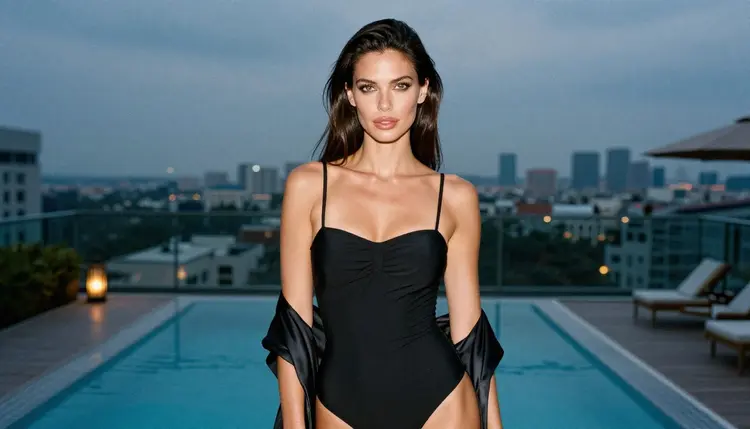
Seedream 4.5 is the first stop for realistic work. It follows detailed face descriptions well enough that changing one trait, such as the brow line or the hair parting, changes the result you see. Recraft V4.1 Pro suits stylized looks, where the face is part of a designed picture. Picasso Image Editor Pro is the repair tool: when the outfit, pose and light are right and only the face is wrong, you edit instead of regenerating. It carries the unlimited tag, and a small free trial on selected models includes it.
Models in the catalog that are not on that list are untested: worth a try, not confirmed either way. You can browse them in the full catalog. If you test one, run the same short face prompt on it and on Seedream 4.5 and compare the two sets side by side.
Video is a different case, but the lesson carries over. If you plan to animate a frame later with Picasso IA Video, settle the face first in a still. A clip starts from whatever face the picture has, so fixing it afterward costs more than fixing it before.
Work in this order. Each step builds on the one before, and the whole pass takes a few minutes per character.
- Write the face first. Open the prompt with three or four facial traits before the outfit: jaw, cheekbones, brows, eye shape, lips. Put them ahead of the wardrobe so the model treats them as the subject.
- Change one trait at a time. Generate a small batch, keep everything else identical, and change only one trait per batch. You learn which words move the face and which are ignored.
- Split the face from the scene. Describe light, lens, room and pose in a second sentence. When both live in one long run-on, the model blends them and falls back to the default face.
- Lock or attach the identity. For a recurring character, attach your best frame as a reference and call it @1 in the prompt. For a new character, change at least two traits and the hairstyle.
- Repair the leftovers. Take the closest result into Picasso Image Editor Pro and fix the face alone, keeping the outfit and light as they are.
Most of the work is word choice. Compare these two prompts for the same scene.
Before: "a beautiful woman in black lace lingerie, bedroom, soft light". Result: the default face, every time.
After: "a woman with a square jaw, high cheekbones, straight dark brows and almond-shaped hazel eyes, black lace lingerie, bedroom window light from the left, 85mm". Result: a face that is recognizably built from those traits, and different from the last batch as soon as you swap them.

Build a small vocabulary and rotate it. Jaw: square, soft oval, angular, rounded. Cheekbones: high, wide, subtle. Brows: straight, arched, thick, thin. Eyes: almond, round, hooded, wide-set, close-set. Nose: straight, slightly upturned, strong bridge. Lips: full, defined cupid's bow, thin upper lip. Hair: a precise cut and color, such as a copper bob or a loose chestnut braid, because hair changes how the whole face reads.
Expression matters as much as bone structure. The default smile is the second reason frames look alike. Ask for a calm direct look, a half smile, a glance away, or parted lips with a relaxed jaw. Each one changes the eyes and the mouth together.
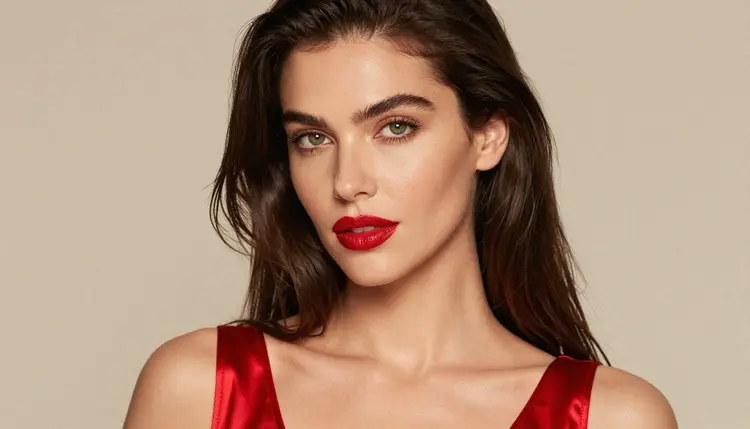
Makeup and light change the face too. Matte skin with bare brows reads very differently from a glossy red lip and winged liner. Hard side light carves cheekbones; soft diffused daylight flattens them. If you change the light on purpose, you get a second face for free.
For a recurring character, do the reverse. Write the face once, keep that sentence word for word, and paste it unchanged into every prompt. Then change only the wardrobe and the setting. If you generate with a model that accepts several inputs, attach your favorite frame and refer to it as @1: Picasso IA translates the reference into the syntax each model understands, and only models that accept several inputs show the badges. The sibling guide on a consistent face for an AI girlfriend image goes deeper on that side, and seed control for repeatable results explains how to hold a result steady while you change one word.
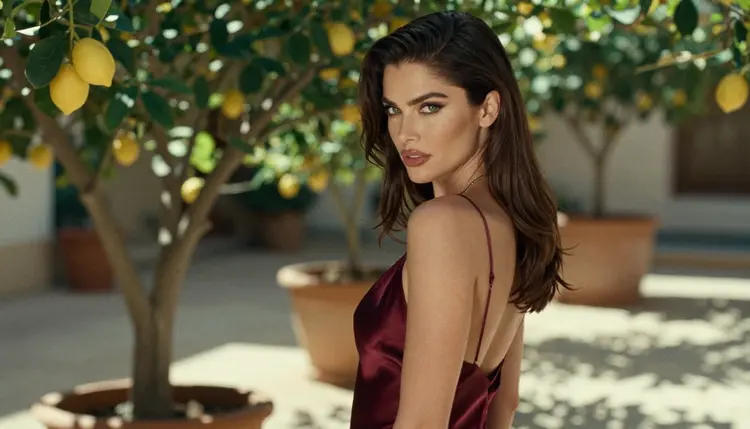
A useful template is a fixed face line plus a variable scene line. Face line: "a woman with a rounded jaw, wide-set green eyes, arched brows, full lips, copper bob". Scene line: "burgundy satin slip, lemon tree courtyard, overcast daylight, 85mm f/1.8". Swap the face line for a new character; swap the scene line for a new picture of the same one.
Describing the body and the outfit but not the face. The model fills the gap with the average face. Fix: add three face traits to every prompt, before the wardrobe.
Changing too many things at once. If you swap face, outfit, light and lens in one go, you cannot tell which change helped. Fix: one trait per batch until you know the words that work.
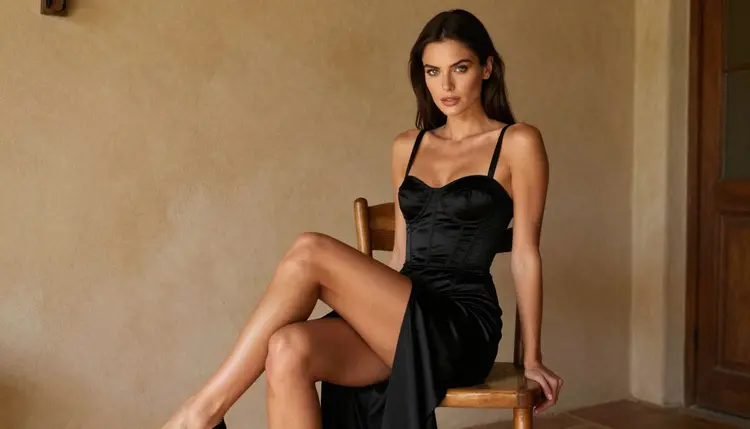
Stacking beauty words. "Perfect", "flawless", "ultra beautiful" and "model face" all point at the same template. Fix: delete them and describe features instead. A specific eyebrow shape beats any adjective.
Contradicting yourself. "Soft round jaw" and "sharp angular face" in one prompt confuse the result and usually produce the default. Fix: keep each trait to one word and read the prompt back as a description of a single person.
Regenerating when you should edit. If the pose and light are right, another full generation throws them away. Fix: open the frame in Picasso Image Editor Pro and describe only the face change. The guide on fixing hands and faces with the editor walks through that edit, and the anatomy fix guide covers the rest of the body.
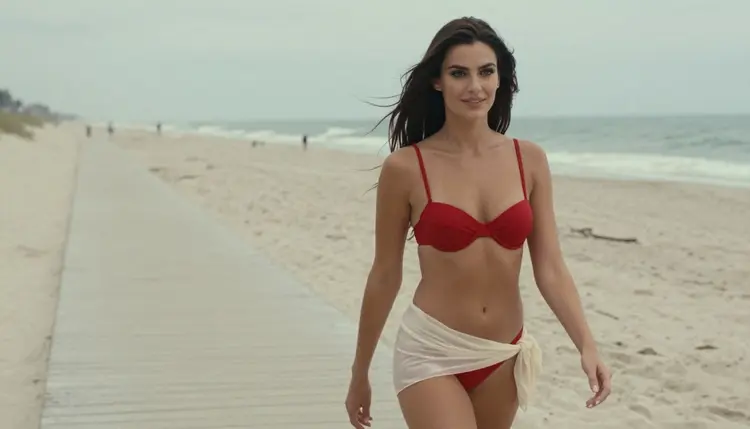
Reusing one pose and one lens. A tight 85mm portrait in window light from the left produces near-identical faces in every attempt. Fix: change the framing between batches. A wide environmental shot, a profile and an over-the-shoulder frame each show the face differently. If you want to drive the pose directly, art from a reference pose shows how, and the pin-up prompt template is a good base for a face line plus scene line.
Expecting a stylized model to behave like a photoreal one. Recraft V4.1 Pro and Seedream 4.5 respond to different wording. Fix: keep the face line short and test it on each model, instead of assuming one prompt works everywhere. If the app shows "Content Not Supported by This Model", it recommends models that accept adult prompts and carries your prompt over, so nothing needs retyping.
Picasso IA is for adults only. You must be 18 or older to use the NSFW section, and the pictures on this page are made for an adult audience.
Every character is a fictional adult. Never use a real or identifiable person as the face, and never describe anyone who could read as a minor. When you write facial traits, you are inventing a person who does not exist, and that is the whole point of this guide.
What you create is private by default: it is tied to your account and not published or shown to others. A small free trial on selected models lets you test the technique, and the pricing page explains how credits and the unlimited tag work.
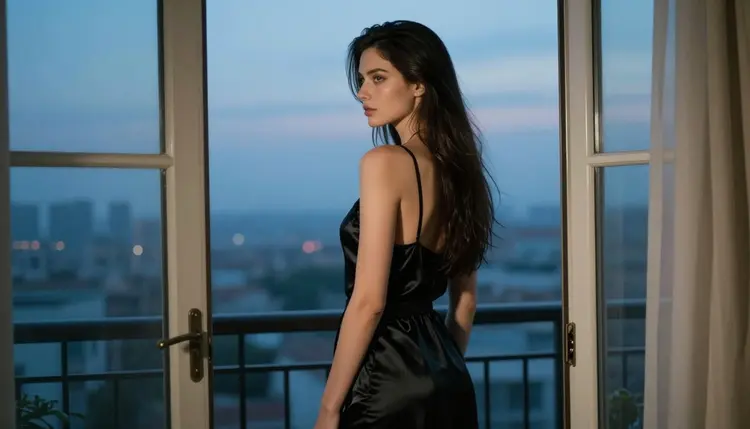
Why do all my AI images have the same face?
The model fills every detail you do not specify with its most common answer. If your prompt describes the outfit and room but not the face, the face defaults to the same polished average. Name three or four facial traits and it changes.
How many facial traits should I put in a prompt?
Three or four is enough: for example jaw, brow line, eye shape and lips, plus the hairstyle. More than that tends to contradict itself. Place them before the wardrobe so the model reads them as the subject of the picture.
Does a longer prompt fix the same face problem?
Not by itself. Length spent on the room, the light or the fabric does nothing for the face. A short prompt with specific facial traits beats a long one that never mentions the face at all.
Which Picasso IA model is best for realistic faces?
Seedream 4.5 is the first one to try for photoreal work, and it is one of the confirmed models. Test the same face line on other catalog models too, since those are untested and may behave differently.
Can I keep one face across many images instead?
Yes. Write the face description once and paste it unchanged into every prompt, changing only the wardrobe and setting. You can also attach your best frame as a reference and call it @1 on models that accept several inputs.
How do I change only the face on an image I like?
Open it in Picasso Image Editor Pro and describe just the face change. The outfit, pose and light stay as they are, so you avoid regenerating the whole frame.
Why does the face still repeat when I change the outfit?
The outfit is not what the model uses to draw the face. If the camera, light and expression are also the same, the face stays the same too. Change the framing, the light and the expression, then the face traits.
Does the same face problem happen in video?
A video clip starts from the face in the picture you give it, so a repeated face carries over. Settle the face in a still first, then animate it with Picasso IA Video.
Is it allowed to base a face on a real person?
No. Characters on Picasso IA must be fictional adults: never a real or identifiable person, and never anyone who could read as a minor. The section is 18+ only, and what you create is private by default.
Do I need credits to try these fixes?
A small free trial on selected models lets a new account try a few generations. Beyond that, credits depend on the model and the options you pick, and the pricing page has the details.