An AI girlfriend image is a picture of a fictional adult character that you design yourself: a woman with a look, a wardrobe and a few favorite rooms. The hard part is not the first picture. It is the tenth one, where her jaw has gone a little wider, her freckles have moved and her hair has changed shade. This guide shows how to keep the same face across outfits, rooms and light using a short block of plain text, one reference image and a few small edits.
Everything here runs in the browser on Picasso IA, with models that Picasso IA has tested against adult prompts. The page is 18+, the character is a fictional adult, and the style is provocative but never explicit: satin, lace, lingerie, swimwear, boudoir light and implied intimacy. If you would rather compare tools before you start, read Top 9 AI Girlfriend Image Generators first and come back.
An image model does not remember your last picture. Every generation starts from noise and your prompt, and the model fills in everything the prompt leaves open. If you write "beautiful woman in a silk robe", you have left the face shape, the eyes, the brows, the mouth, the hair line and the age completely open, so the model decides all of them again each time. The result is a different person in the same robe.
Three things decide whether a viewer reads two pictures as the same woman. The first is a fixed written description that you paste unchanged. The second is a reference image that shows the face you chose. The third is the number of things you change between pictures. Treat the face as locked and treat wardrobe, room and light as the only variables, and the character holds together far better.
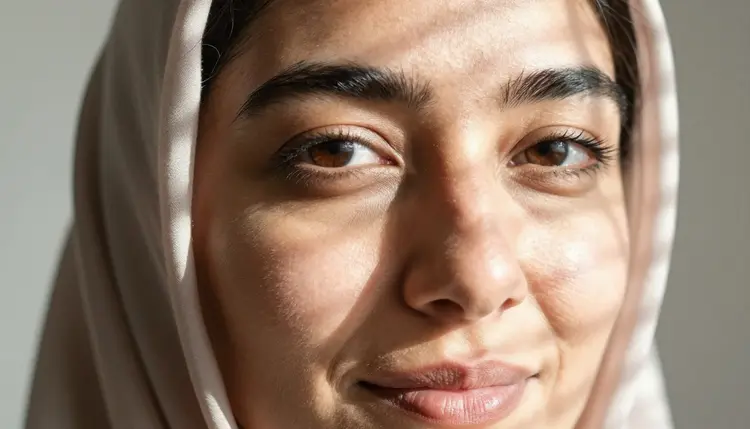
What does a viewer actually use to recognize a face? Mostly face shape, the distance and shape of the eyes, the brows, the mouth, the hair line, one small mark such as freckles, a mole or laugh lines, and a rough age. Hair color and clothes count for less than people expect. That is why the description you write in step one covers those features and ignores the outfit.
No method gives pixel-identical faces, and you should not expect it. The realistic goal is a character that is clearly the same person in every picture, with small drift that you correct by editing rather than starting over. For a deeper look at the same idea, see How to Keep an NSFW Character's Face Consistent Across Images, and for a ready-made workflow see the consistent NSFW character generator.
Picasso IA keeps a short list of models that it has tested repeatedly with adult prompts and watched generate instead of reject. These are called confirmed. It is the app's own testing, not a published setting from the maker of the model, and a maker can change a model at any time. The page what confirmed means explains the label. Three confirmed image models matter for a consistent character.
| Model | Best for | Format |
|---|
| Seedream 4.5 | Photoreal portraits and full scenes of the same character | Text to image, 4K |
| Recraft V4.1 Pro | An illustrated or designed version of the character | Print-ready images, 2K |
| Picasso Image Editor Pro | Fixing eyes, hair or a mark on a picture you already have | Image editing, unlimited tag |
Seedream 4.5 is the first stop for photo-style frames, because 4K gives a wide shot enough pixels to keep the face readable. Recraft V4.1 Pro is strong on illustration and design, so it suits a stylized version of the same woman. Picasso Image Editor Pro edits an existing image and carries the infinity tag in the catalog, which makes it the natural place to do the many small fixes that consistency needs.
Two more models in the catalog are built around the same problem, and both are untested for adult prompts. Flux Kontext Pro is listed for editing images with text prompts, and Ideogram Character is listed for keeping characters consistent. Untested means worth a try, not confirmed either way. If a model refuses a prompt, Picasso IA shows a message titled "Content Not Supported by This Model", recommends models that accept adult prompts and carries your prompt over, so you do not retype anything.
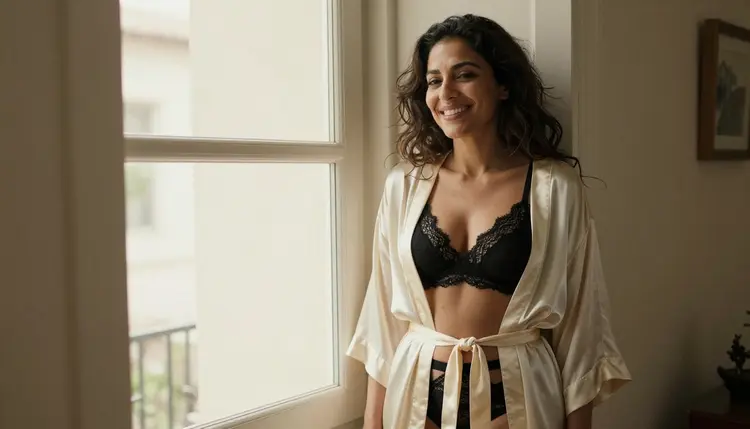
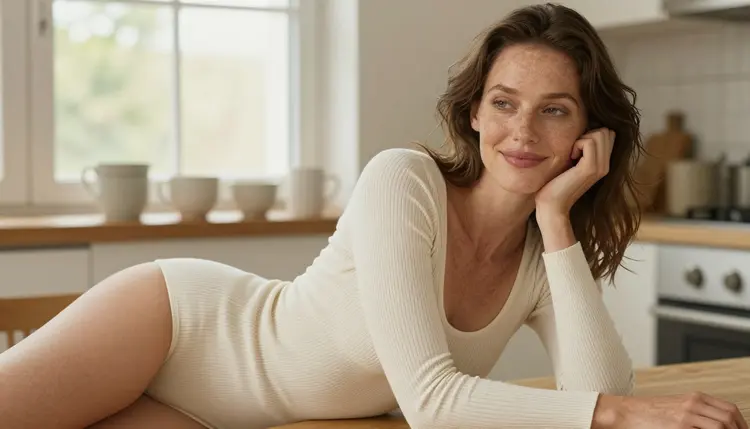
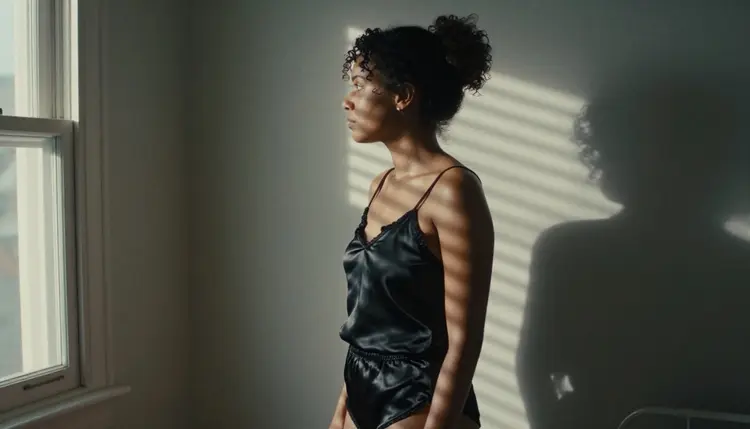
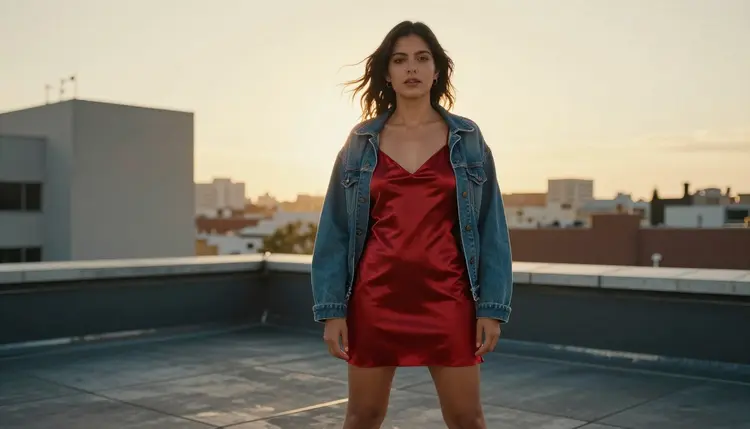
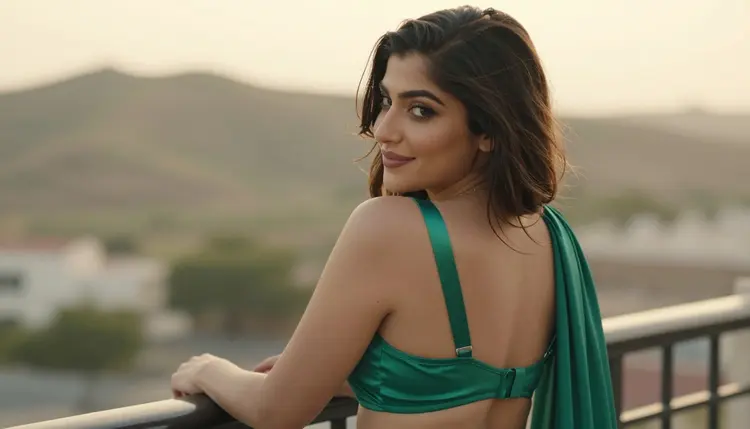
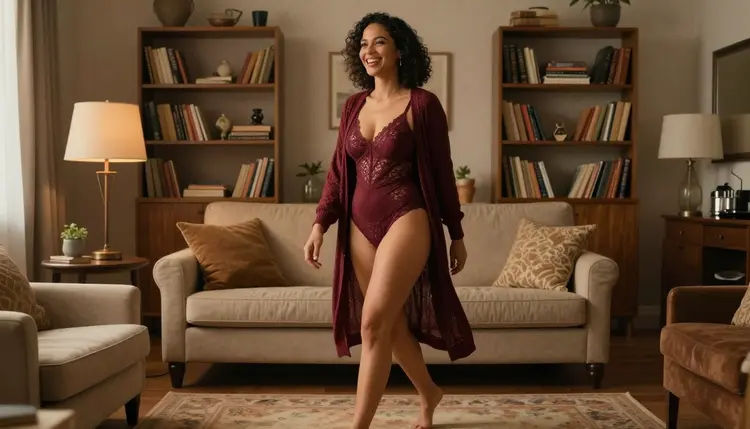
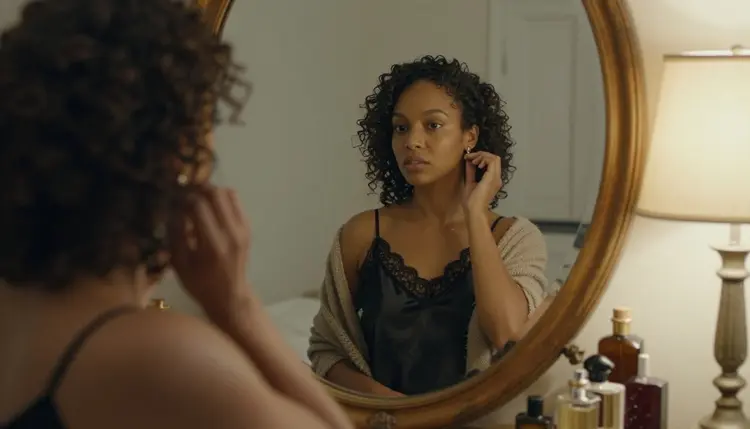
Once the character looks right, you can also move her. Picasso IA Video is a confirmed model that turns text or an image into a short clip, so a finished still can become a few seconds of light moving across the same face. The pictures on this page are separate fictional adults, shown to illustrate wardrobe and light, not one face repeated.
Do these once for the character, then reuse the result every time you make a new picture. Open the toolkit and keep a note app next to it for the face anchor.
- Write the face anchor. Describe age range, heritage, face shape, eyes, brows, mouth, hair and one small mark in a single block of about forty words, and save it in a note.
- Generate a clean first portrait. Use Seedream 4.5 or Recraft V4.1 Pro with the anchor, plain light, a front or three-quarter view and simple clothes, then keep the one that looks most like the woman you imagined.
- Lock that image as the reference. Attach the portrait to your next generation; on models that accept several inputs it gets an @1 badge and you can mention @1 in the prompt.
- Change one thing at a time. Paste the anchor unchanged and swap only the wardrobe, the room or the light, never all three together.
- Fix drift with an edit. Open the closest result in Picasso Image Editor Pro and correct the eyes, the hair line or the mark instead of generating from scratch.
The anchor is the part of the prompt that never changes. Write it as features, not praise, and keep the words in the same order every time. Here is an example you can copy and adapt, as prompt text.
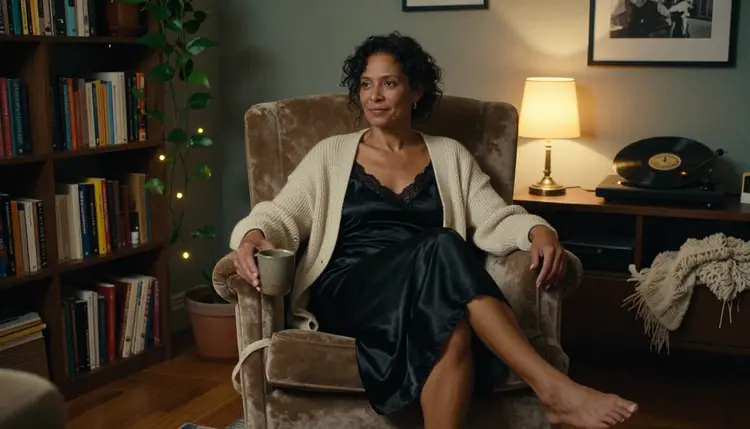
Face anchor. a mature Afro-Latina woman in her mid thirties, oval face, high cheekbones, dark brown almond eyes, straight thick eyebrows, full mouth, soft laugh lines at the corners of the eyes, shoulder-length dark curls parted on the left, a small beauty mark under the right eye.
Scene block. an opaque black satin slip dress with lined lace trim and a loose cream knit cardigan slipped off one shoulder, sitting sideways in a worn velvet armchair, warm tungsten lamp light from the right, 135mm f/2 lens, Kodak Portra 400 grain, intimate and confident mood.
Join them as anchor first, scene second. For the next picture you keep the anchor word for word and replace only the scene block: a navy satin pajama set on a linen bed with golden hour light behind the window, or an emerald satin set with a silk wrap on a balcony. The face words stay put, so the model has less room to invent a new woman.
Compare a weak prompt and a strong one. The weak version is "beautiful woman in lingerie in a bedroom". It names no face at all, so every run produces a stranger. The strong version is the anchor above plus a scene block with fabric, cut, room, light and lens. The model now has a face to repeat and a setting to change, and you can see exactly which part to edit when something goes wrong.
Wardrobe words work best when they name fabric and cut: satin slip, lace-trimmed bodysuit, silk robe, knit cardigan, linen shirt over a bodysuit. Keep clothing opaque and tasteful, because the aim is boudoir mood and not exposure. Light words work the same way. Hard morning sun through blinds draws stripes across a face, golden hour backlight gives a soft rim along the hair, and warm tungsten lamp light gives a close, evening feel.
Distance matters too. A tight close-up shows every feature, so drift is easy to see, while a wide environmental shot or a profile silhouette hides it. When you are building the character, start with medium shots from the waist up, where the face is large enough to judge and the outfit still shows. Move to wide frames, overhead angles and mirror reflections after the face is locked.
For the reference image, the toolkit gives each attached picture an @1, @2 badge when the model accepts several inputs, and Picasso IA translates your reference to the syntax that model understands. A prompt might read: "Using @1 as the face reference, keep her face unchanged, now in a navy satin pajama set on a linen bed, overhead angle, golden hour window light." Try it on your chosen model and check the result against the first portrait. A model that does not accept several inputs will not show the badges, and the written anchor then does the work alone.
Recraft V4.1 Pro earns its place when you want the same character as an illustration or a design. Paste the same anchor, expect a different rendering style, and treat the result as a separate look for the same woman, like a magazine cover version of her. Keep that version in its own folder so the photo and illustrated sets do not get mixed.
Rewriting the anchor each time. Paraphrasing feels harmless, but "dark curls" and "wavy brown hair" are two different instructions. Copy and paste the same block. If you want to improve it, change the note, then regenerate the portrait and make it the new reference.
Changing too much at once. New outfit, new room, new light and new lens in one prompt gives the model four reasons to drift. Change one thing, check the face, then change the next. It costs more pictures at the start and saves many later.
Using adjectives instead of features. Words like gorgeous or perfect carry no face information. Name the eyes, the brows, the hair line and the mark. A freckled Northern European woman with ivory knit and late-afternoon side light is a face and a scene. A pretty woman is nothing.
Mixing signals about age or heritage. If the anchor says mid thirties and the scene block says wording that suggests a lower age, the model averages them and the face slides. Keep every character a clear adult and keep the age words in the anchor only. Never describe or hint at anyone who could read as a minor.
Rerolling instead of editing. When a picture is ninety percent right, generating again throws away the good part. Open it in Picasso Image Editor Pro and ask for the one change, such as restoring the beauty mark or the parting of the hair. The guide to inpainting a NSFW AI image walks through targeted fixes in detail.
Expecting identical pixels. Small differences in lips or brow height will remain. Judge by whether a viewer would say it is the same woman, not by overlaying the images. If a model feels loose, try Ideogram Character or Flux Kontext Pro as untested options and compare the results with your confirmed models.
Skipping the full catalog. Models differ in how tightly they follow a face description. Browse the full catalog when your first choice drifts, and keep your anchor the same so the comparison is fair.
This is an 18+ page. You must be an adult to use it, and every picture you make here is meant for adults only. Nothing on this page asks you to make explicit content, and the examples stay in boudoir, swimwear and glamour territory.
Every character is a fictional adult. Never use a photo of a real person as a reference, never aim a character at a celebrity or someone you know, and never describe anyone who could read as a minor. If a face you generate looks like a real, identifiable person, discard it and change the anchor.
What you create is private by default: it is tied to your account and not published or shown to others. Picasso IA offers a small free trial on selected models, and Picasso IA Editor Pro is among them, so you can test the five steps before you decide anything. Plans, credits and the models that carry the unlimited tag are explained on the pricing page.
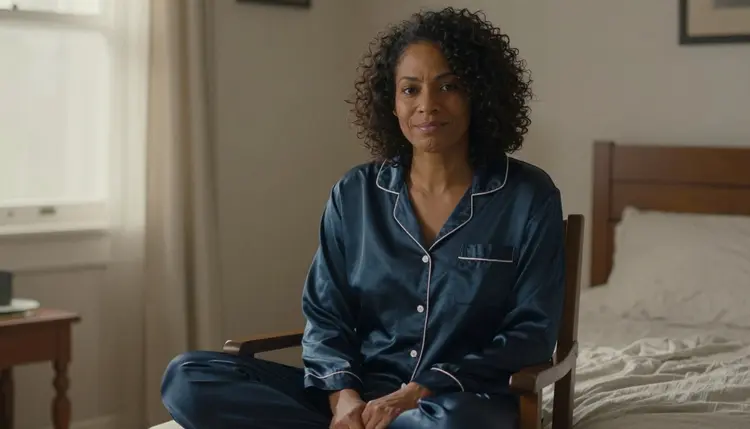
Think of the whole routine as a small production line for one character. The anchor sits in a note, the first portrait sits in a folder as the reference, and each new picture is one scene block added to the same face. After a dozen pictures you will know which outfits and lights your model handles well, and you can reuse them. The sibling guide on ranking AI girlfriend image generators is a good next read if you want to test the same anchor on other tools.
Can I keep the same face across AI girlfriend images?
Yes, closely. Paste the same written face anchor every time, attach one reference portrait, and change only the outfit, room or light. Small drift in lips or brows is normal, and you can correct it with an edit instead of generating again.
Which Picasso IA model is best for a consistent face?
Start with Seedream 4.5 for photoreal frames or Recraft V4.1 Pro for an illustrated look, both confirmed. Then use Picasso Image Editor Pro to fix details. Ideogram Character and Flux Kontext Pro are built around consistency, but they are untested for adult prompts.
What is a face anchor?
It is a fixed block of about forty words that describes age range, heritage, face shape, eyes, brows, mouth, hair and one small mark. You paste it unchanged at the start of every prompt, so the model has the same features to follow each time.
How do I use a reference image in the toolkit?
Attach the portrait in the toolkit. On models that accept several inputs, each attached image gets an @1 or @2 badge, and you can refer to it in the prompt. Picasso IA translates that reference into the syntax each model understands.
Are Flux Kontext Pro and Ideogram Character uncensored?
They are untested. That means worth a try, not confirmed either way, and Picasso IA does not call them filtered or filter-free. The confirmed image models are Seedream 4.5, Recraft V4.1 Pro and Picasso Image Editor Pro.
What happens when a model refuses my prompt?
Picasso IA shows a message titled "Content Not Supported by This Model". It recommends models that accept adult prompts and carries your prompt over, so you can switch models without retyping the anchor or the scene block.
Can I make the same character in an illustrated style?
Yes. Paste the same anchor into Recraft V4.1 Pro, which is strong on illustration and design. Expect a different rendering, so treat it as a second look for the same woman and keep it separate from your photoreal set.
Can I turn my character into a video?
Yes. Picasso IA Video, a confirmed model, turns text or an image into a clip, and the final picture of your character can be its starting frame. Seedance 2.5 Lite is another confirmed video option, listed at up to 10 seconds.
Can I use a photo of a real person as the reference?
No. Characters here are fictional adults only. Never use a real or identifiable person, a celebrity or anyone who could read as a minor. Build the face from your own written anchor and keep it fictional.
Are my pictures private, and is there a free trial?
Pictures you create are private by default and tied to your account. A new account can try a small free trial on selected models, and the pricing page explains plans and credits. Everything on this page is 18+ and for fictional adults only.