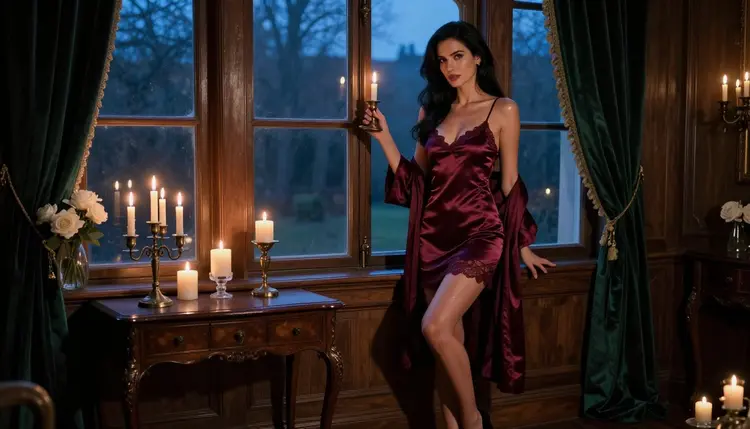
A portrait of a glamorous adult woman is just a pretty frame until the picture suggests she has a life. A candle burning low, a leather journal left open, a robe tied in a hurry: these small clues tell the viewer there is a story before the shutter clicked. This guide gives you a backstory prompt template that turns a character idea into wording an image model can actually use, plus two filled-in examples you can copy and change.
Everything here is provocative but never explicit. The characters are fictional adults, the wardrobe is satin, lace and silk, and the mood is candlelit, flirty and a little mysterious. If you want to compare it with other genres, the boudoir photography template and the realistic portraits template cover the same craft from a different angle.
Why a Backstory Changes the Picture
Image models read a prompt as a list of things to draw. When the list says "woman, red dress, window", you get a woman, a red dress and a window, arranged in the most average way. When the list says "a woman who has just finished writing a letter she will never send, still holding the pen, candle almost burnt down", the model has a reason to place the hand, the light and the expression. The backstory does not need to appear in the picture as text. It works as a filter that makes every other choice more specific.
The trick is to translate the story into things a camera can see. A camera cannot see "heartbroken diplomat". It can see a folded letter, a travel coat over a chair, a slip dress with one strap fallen, tired eyes with careful makeup. So the template below asks you to write the backstory in one line, then immediately convert it into objects, wardrobe, pose and light.
Three habits make this work. First, keep the backstory short: one sentence about who she is and one about what just happened. Second, choose one object that carries the story, such as a candle, a journal, a key or a ring. Third, keep the setting tied to the same story, so the room, the light and the clothing all agree with each other.
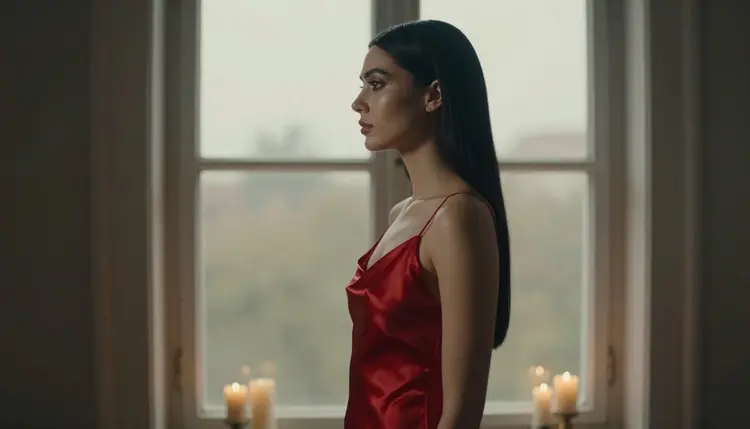
For this kind of portrait you want a model that follows long, detailed prompts and renders skin, fabric and candlelight convincingly. In Picasso IA, three image models are confirmed for adult prompts. Confirmed means Picasso IA tested adult prompts against that exact model repeatedly and watched it generate instead of reject. It is not a published setting of the model's maker, who can change it at any time.
| Model | Best for | Format |
|---|
| Seedream 4.5 | Photoreal character portraits from a text prompt | Text to image, 4K |
| Recraft V4.1 Pro | Illustrated or designed character sheets and prints | Print-ready images, 2K |
| Picasso Image Editor Pro | Changing an existing portrait: wardrobe, light, props | Photo editing, unlimited tag |
Seedream 4.5 is the natural first choice for the photographic look used in this guide. Recraft V4.1 Pro suits you when the backstory calls for an illustrated cover or a poster. Picasso Image Editor Pro is the tool for the last mile: you already have a portrait you like, and you want the candle brighter or the robe in another color without starting over.
Other models in the full catalog are untested for adult prompts. That means worth a try, not confirmed either way. If one of them stops a prompt, the app shows a message titled "Content Not Supported by This Model", recommends models that accept adult prompts and carries your prompt over, so you do not retype anything. When a portrait works and you want it to move, Picasso IA Video takes text or image to video, and the video motion template shows how to word the movement.
Work through these steps in order. Each one produces a line you will paste into the template in the next section. Open the toolkit when you are ready to test the result.
- Write the backstory in two sentences. Say who she is and what just happened. Keep it concrete: a retired opera singer rereading old reviews, a novelist who writes only at night.
- Pick one carrying object. Choose something visible and simple, like a lit taper candle, a leather journal or a brass key, and decide which hand holds it.
- Dress the story. Match the wardrobe to the backstory: satin slip, belted robe, lace-lined bodysuit, long coat. Name the color and the fabric, and keep it opaque and glamorous.
- Set the light and the lens. Choose one light source that fits the room, such as warm lamp light or soft window light, and one focal length such as 85mm or 135mm.
- Add the finish and generate. Close with raw photo, film grain and a warm film look, run it in the toolkit, then change only one line at a time.
The Backstory Prompt Template
Copy the labelled lines below into one paragraph. Each label is a slot; the words after it are what you replace. Write it as flowing prose, not as a list, because image models handle sentences better than fragments.
Character: a fictional adult woman, her hair, her makeup, her build, and a confident, sultry or thoughtful expression.
Backstory in one line: what she was doing a minute before the frame, written as an action in the past tense.
Carrying object: the one prop that proves the backstory, and which hand holds it.
Setting: the room or place, with two or three details that match the story, such as drapes, a velvet chair or a writing desk.
Wardrobe: the garment, its color, its fabric and how it sits. Opaque satin, lace trim, a closed robe.
Pose and camera: standing, seated or looking out of a window, plus the shot type, such as full-length, waist-up or close-up.
Light and lens: one light source, its direction and color, and one focal length with its aperture.
Finish: raw 8K photography, natural light, film grain, warm film look.
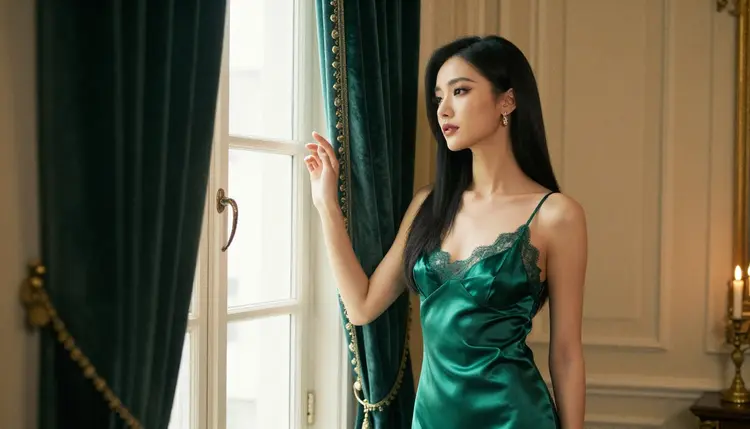
Here is the template filled in for a first character, a night novelist. Read it as a model of density: every clause names something the camera can render.
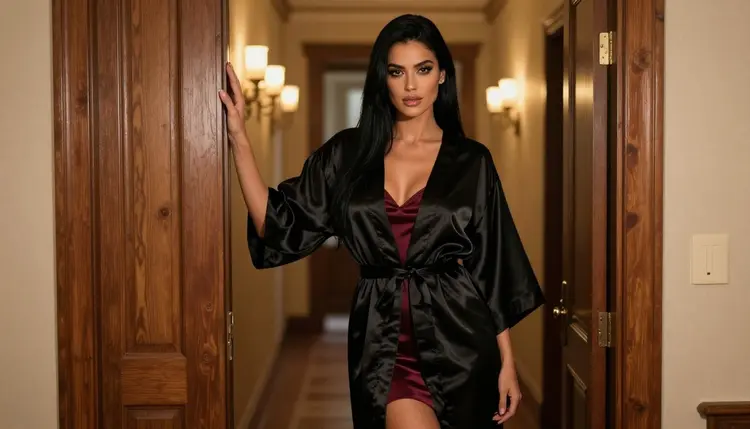
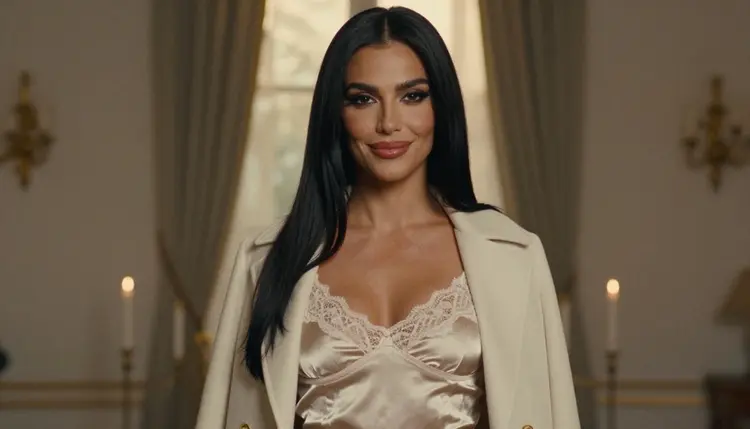
Example, the night novelist. A fictional adult woman with long straight black hair, dark eyes and polished glamour makeup, standing in a candlelit study at blue hour, still holding a fountain pen after finishing the last page of a manuscript she has hidden from everyone. Her one hand rests on a doorframe, the other holds a lit taper candle. She wears a long belted black satin robe, closed, over a burgundy slip dress. Confident, tired and amused expression, looking straight at the camera. Full-length frame, soft late-afternoon side light mixed with candle glow, 50mm f/1.4, raw 8K photography, film grain, warm film look.
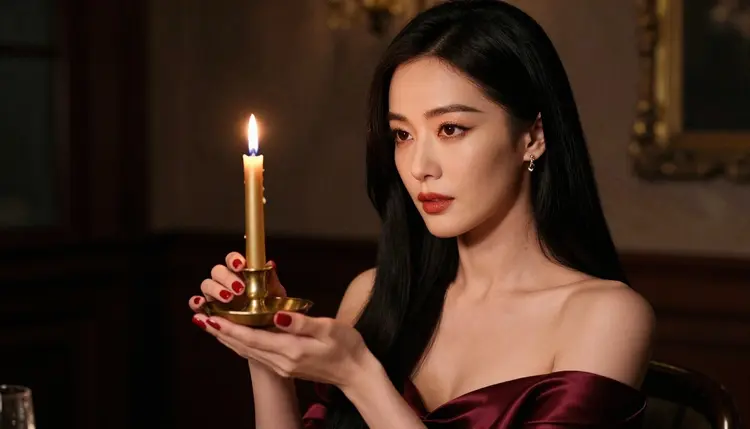
And a second one, quieter and more intimate, for a close-up.
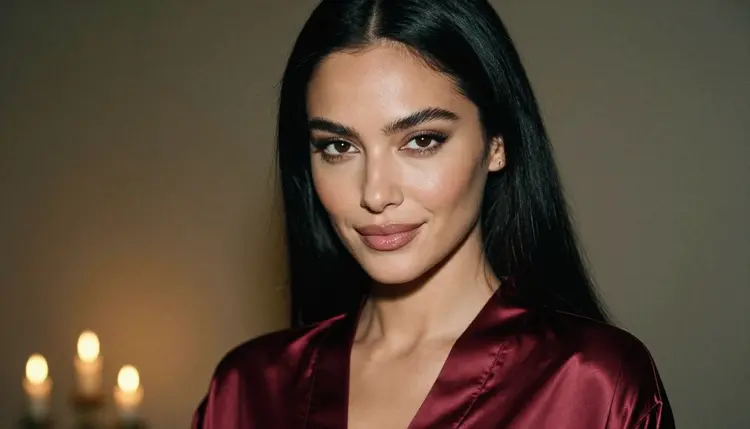
Example, the lamp-lit letter. A fictional adult woman with long straight black hair and dark eyes, close-up portrait, the collar of a burgundy satin robe in frame, a sultry and thoughtful gaze just off the lens as if she has heard a knock at the door. She has just sealed a letter and left it on the desk behind her, slightly out of focus. Warm tungsten lamp light from one side, shallow depth of field, 24mm f/2.8 feel with a tight crop, raw photography, film grain, warm film look.
The backstory is a paragraph, not a clue. If you paste three hundred words of biography, the model picks random phrases and drops the rest. Fix: keep the story to two sentences and spend your words on objects, wardrobe and light.
The story has no object. "She is a lonely poet" gives the camera nothing to point at. Fix: add a journal, a pen, a cold cup of tea or a candle, and say where it is.
The wardrobe contradicts the story. A night novelist in a stiff ball gown reads wrong. Fix: choose clothing that someone would wear at that hour in that room, such as a robe, a slip or a camisole with a long coat.
Two light sources fight. Asking for golden hour, neon and a ring light gives muddy skin and a confused mood. Fix: name one source, its direction and its color, and let the candle be a small accent.
The hands are too busy. Prompts that ask for both hands doing three things often produce odd fingers. Fix: give one hand one task, and say the other rests or is out of frame. For a detail shot, ask for exactly one hand.
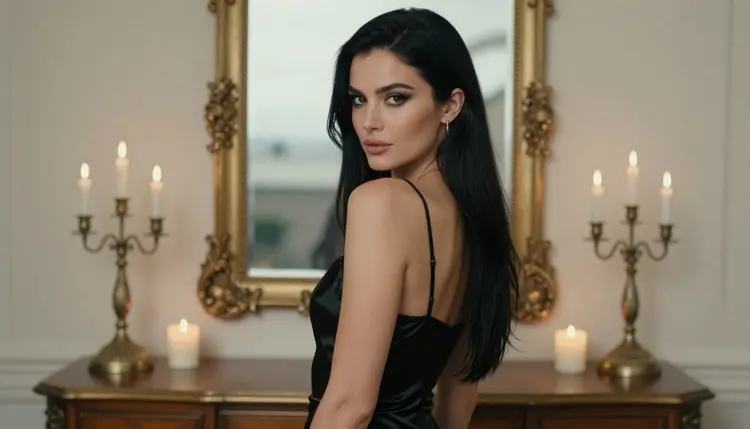
Mirrors are a trap. Reflections of a face or a body often come back distorted, and they pull the model away from the story. Fix: have her look out of a window instead, and say so in the pose line.
The character changes between pictures. If you describe her differently each time, you get a different woman each time. Fix: copy the same character line word for word into every prompt, and change only the setting, the garment or the light. In the toolkit you can also attach a good result as a reference image; each attached image gets an @1, @2 badge you can mention in the prompt, on models that accept several inputs.
Tone drifts toward explicit. If the wording starts to push in that direction, the picture usually gets worse as well as riskier. Fix: go back to wardrobe, pose and light. Implied intimacy is stronger than showing everything, and it keeps the page and your library in the territory this section is about.
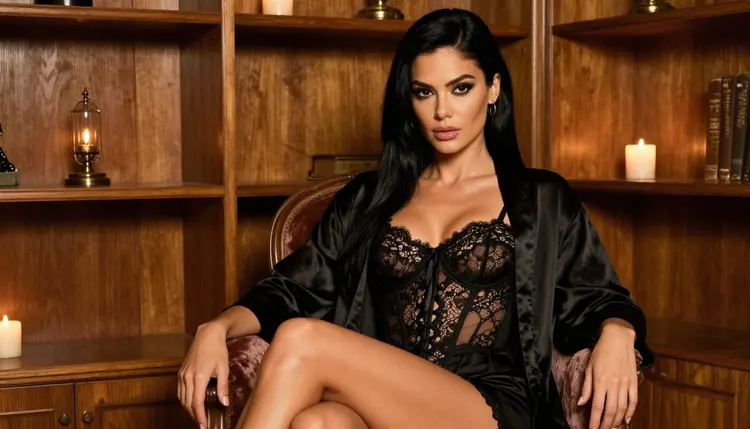
If a result is close but not right, do not rewrite everything. Change one slot, regenerate, and compare. After three or four rounds you will know which slot controls which part of the picture, and your next backstory will take minutes. The lingerie photos template is a good place to practice wardrobe wording, and the cosplay photos template shows how a costume can carry a story the same way a prop does.
This section is for adults only. You must be 18 or older to use the NSFW tools, and the guide assumes you are.
Every character you write is a fictional adult. Never use a real or identifiable person, never a celebrity, and never anyone who could read as a minor. Describe a woman or a man with an adult age and adult styling, and keep the backstory adult as well.
Your generations are private by default: what you create is tied to your account and not published or shown to others. A new account can try a small free trial on selected models, and the pricing page explains how credits and unlimited models work.
Credits vary by model and by options such as resolution. Check the model page before a long session, and keep the first tests small so you spend only on the version you keep.
What is a character backstory prompt?
It is a prompt that starts from a short story about the character, then converts that story into things a camera can show: an object, a garment, a pose, a light. The story guides the choices, and the picture ends up looking intentional rather than generic.
Does the backstory need to appear as text in the image?
No. Image models are weak at writing readable text, and you do not need any. The story shows through props, wardrobe and expression. A journal on the desk says more than a caption would.
Which model should I try first?
Start with Seedream 4.5 for photoreal portraits. If you want an illustrated look, try Recraft V4.1 Pro. Both are confirmed for adult prompts in Picasso IA, which means they were tested repeatedly and generated.
How long should the prompt be?
Long enough to name each slot once: character, backstory, object, setting, wardrobe, pose, light and finish. That is usually one rich paragraph. Past that, extra words tend to compete with each other, so cut before you add.
How do I keep the same woman across several pictures?
Reuse the same character line word for word, and change only the setting, wardrobe or light. You can also attach a result you like as a reference image in the toolkit and mention it by its @ badge, on models that accept several inputs.
Can I change a portrait I already have?
Yes. Picasso Image Editor Pro edits an existing image, so you can adjust the robe, the candle or the light without regenerating from zero. Describe only the change you want.
Can I turn a backstory portrait into a video?
You can try. Picasso IA Video works from text or from an image, and the video motion template shows how to describe slow, simple movement such as a candle flame or a turning head.
What happens if a model refuses my prompt?
The app shows a message titled "Content Not Supported by This Model", recommends models that accept adult prompts and carries your prompt over, so nothing is retyped. Models outside the confirmed list are untested, so a refusal there is not a surprise.
Can I use a real person as the character?
No. Characters must be fictional adults, never a real or identifiable person and never anyone who could read as a minor. The tools are for 18+ users only, and your generations stay private by default.
Where can I see all the models and what they cost?
Browse the full catalog to see every model, and open the pricing page for how credits and unlimited models work. Costs vary by model and by options such as resolution or duration.