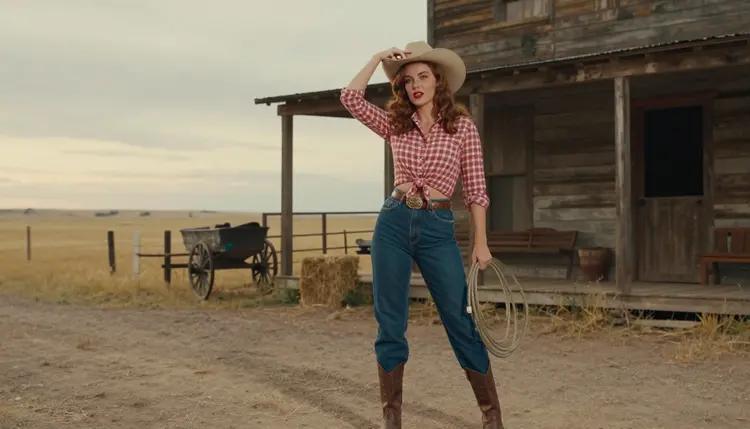
The western pin-up is one of the friendliest looks you can ask an image model for. It borrows the mid-century calendar poster: a knotted gingham shirt, cut-off denim, a tan hat, boots, a wooden saloon and a prairie that turns orange at the end of the day. The mood is flirty and suggestive, never graphic, which is exactly why it works so well for an adult audience that wants glamour with a sense of humor.
This page shows you how to build that look with Picasso IA, which model to start with, what to type and how to fix the details that usually go wrong. Everything here is 18+ and about fictional adults only.
Classic pin-up art was made to be glanced at and remembered. The poses are playful, the colors are warm and the wardrobe does the talking. A cowboy version adds props that every viewer reads in half a second: the hat brim, the belt buckle, the bandana, the hay bale, the swinging saloon door. Because those props are so familiar, an image model rarely has to guess what you mean, and the result looks deliberate instead of random.
The look also depends on a handful of visual rules that you can name in a prompt. Denim has a visible weave and pale seams. Gingham has a regular check that bends around the body. A tan felt hat throws a soft shadow across the eyes. Leather boots catch a highlight on the toe. When you write those details down, the image gets a lot closer to a photographed set and a lot further from a generic portrait.
The main model for this page is Seedream 4.5. According to its catalog title it creates 4K images from text, and in the Picasso IA app it is on the list of confirmed models, which means adult prompts were tested against it repeatedly and it generated instead of rejecting. That is a statement about our own tests, not a published setting of the model's maker, who can change it at any time. If you want the full explanation, read what confirmed means.
Why Seedream 4.5 for this style? Because the western pin-up lives on texture and light: fabric, leather, wood, grass, a low sun. A photoreal model with a high-resolution output keeps the check of the shirt and the grain of the saloon planks readable even when you zoom in. If you prefer a painted calendar feel instead of a photograph, the illustration route is covered below and in the sibling guide on 1950s pin-up art with Recraft V4.1 Pro.
Six models are confirmed in the app. Three make images and three make video. For a cowboy pin-up you will usually start with an image model, then decide whether the picture deserves a short clip. Here is how each one fits the style.
| Model | Best for | Format |
|---|
| Seedream 4.5 | Photoreal western scenes with fabric and leather detail | Image, 4K from text |
| Recraft V4.1 Pro | Painted calendar poster look, bold shapes and clean color | Image, print-ready at 2K |
| Picasso Image Editor Pro | Fixing one detail: a hat, a hand, a background | Image edit, unlimited tag |
| LTX 2.3 Pro | Moving a prairie scene into a clip from text | Video, 4K from text |
| Picasso IA Video | Animating a finished picture or writing a clip from text | Video, text or image, unlimited tag |
| Seedance 2.5 Lite | Short clips of a hat tip or a slow walk | Video, up to 10 seconds, unlimited tag |
The rest of the catalog is untested, not confirmed either way. Models such as Qwen Image 2, Nano Banana, Flux or Seedream 5 are worth a try when you want a different rendering of the same prompt, but we do not describe them as filtered or as filter-free, because we simply have not verified them. You can browse them in the full catalog and compare the output with your confirmed baseline.
The workflow is the same for every western prompt. Open the tool, pick the model, write the set, set the light, then review and refine. It takes a few minutes the first time and gets faster once you keep a prompt you like.
- Open the toolkit and pick the model. Go to the toolkit, choose text to image and select Seedream 4.5 for a photographic look, or Recraft V4.1 Pro for a poster look.
- Describe wardrobe and setting. Name the shirt (gingham, knotted at the midriff or buttoned over a black tank), the denim, the hat and boots, then the place: saloon doorway, ranch fence, barn with hay bales.
- Set the light and mood. Pick one light source, such as late-afternoon side light, candlelight at the bar or golden hour backlight, and add a lens, for example 50mm f/1.4 for a full-length frame.
- Generate and review. Look at the hands first, then the check pattern of the fabric, the brim of the hat and the face. If something is off, change one phrase and run it again.
- Refine or switch model. Send the best frame to Picasso Image Editor Pro to fix a single detail, or try another model with the same prompt.
When a model declines a prompt, the app shows a message titled "Content Not Supported by This Model" and recommends models that accept adult prompts, carrying your text over so you do not retype it.
These ideas are written as starting points. Copy the structure, then swap in your own details. Each one names wardrobe, setting, light and angle, because those four things decide how the picture reads.
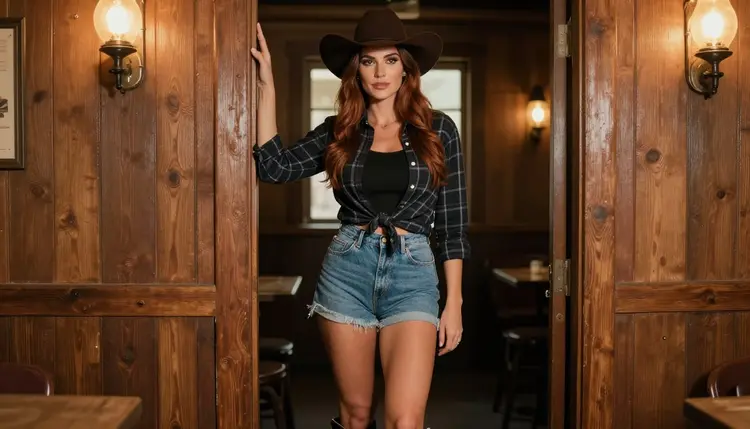
Saloon doorframe. A woman leans on the frame of a weathered saloon door, dark denim shorts, a plaid shirt tied over a black tank, tan hat, leather boots. Warm tungsten lamp light spills from inside, a full-length frame at eye level with a 50mm f/1.4 look. The wood is gray and cracked, and the boots show a little dust.
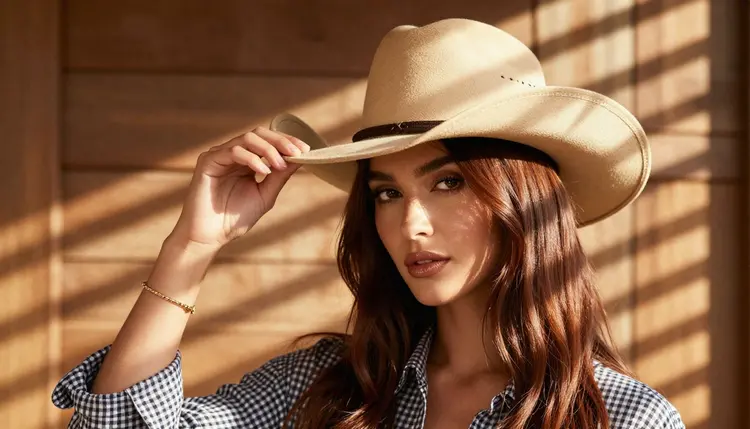
Tilting the brim. A close detail of one hand tipping the brim of a tan hat, a gingham sleeve rolled to the wrist, a thin gold bracelet. Hard morning sun cuts through window blinds and leaves stripes across the fabric. Keep exactly one hand in frame, so the model does not have to invent extra fingers.
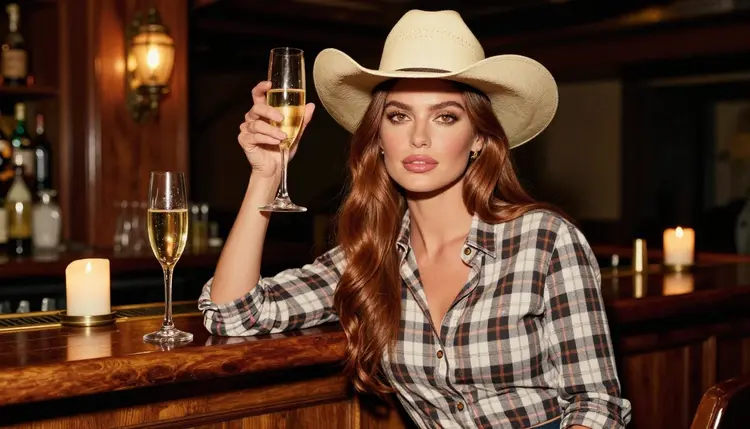
Champagne at the bar. A medium shot, waist up, at a candlelit saloon bar. The woman raises a champagne glass, hat pushed back a little, plaid shirt open at the collar over a camisole. Candlelight gives the skin a warm tone and the bottles behind her turn into soft amber dots.
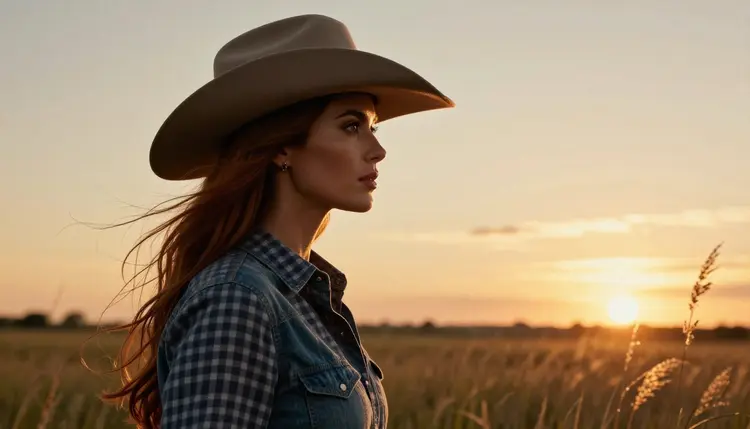
Prairie profile. A silhouette in profile against the setting sun, hat brim sharp against the sky, gingham shirt catching a rim of orange light. Use late-afternoon side light and a longer lens such as 100mm f/2.8 so the grass behind her melts into color.
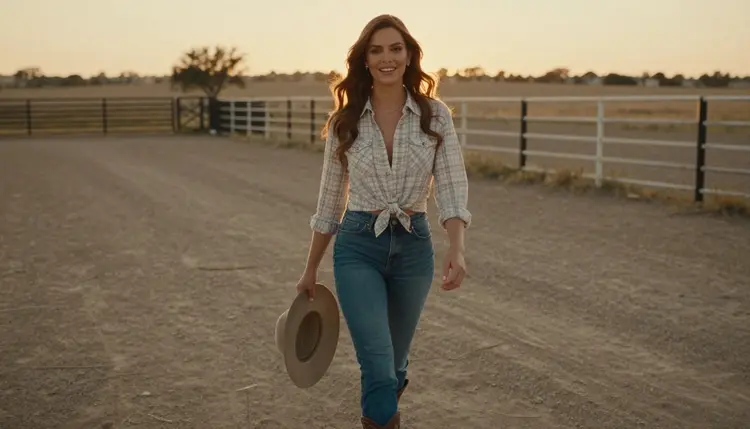
Ranch fence at golden hour. A candid walking shot along a wooden fence, hat held in one hand, a half smile, the sun behind her as a gold backlight. A wide 24mm f/2.8 look keeps the fence leading into the distance.
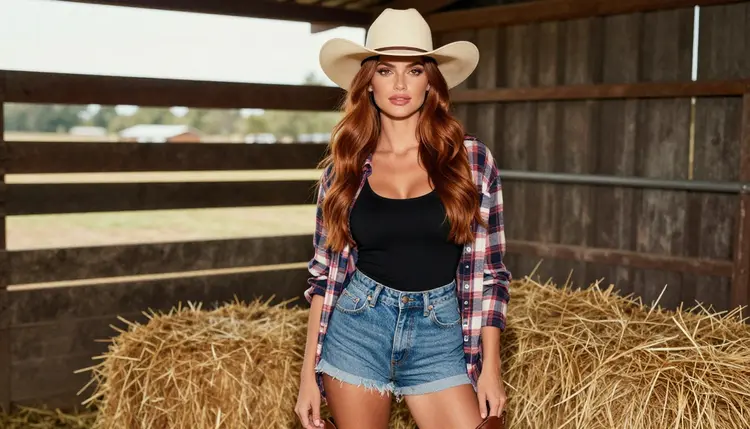
Hay bale studio. A three-quarter view beside a hay bale in a barn set: dark jeans, a buttoned gingham shirt knotted at the waist, hat and boots, soft diffused studio daylight. This is the safest setup if you want clean, even skin and a catalog-like finish.
If you want more of the poster side of the genre, the sibling pages on a prompt template for pin-up art and the best AI generator for pin-up give you wording that carries over to a western set. For a printed series, an NSFW pin-up calendar is a natural next project.
This section is short on purpose. Picasso IA is for people who are 18 or older. If you are not an adult, this page and the tools it describes are not for you.
Every character you create must be a fictional adult. Do not use the face or name of a real person, a public figure or anyone you know, and never write a prompt about anyone who could read as a minor. The cowboy theme is wardrobe and props, not a reason to bend that rule.
What you generate is private by default. It is tied to your account and not published or shown to other people. What you do with a picture after you download it is your responsibility, so keep it to the places where adult material is allowed.
A new account can try a few generations for free on selected models: Picasso IA Image, Picasso Image Editor Pro, Picasso IA Video and Seedance 2.5 Lite. That is a small free trial on selected models, not on the whole catalog. Plans and what each one includes are explained on the pricing page, and credits per generation vary by model and by options such as resolution or duration.
Models marked with the infinity tag in the catalog do not spend credits on the plans that include unlimited generation. Picasso Image Editor Pro, Picasso IA Video and Seedance 2.5 Lite carry that tag, which makes them practical for the refine and animate steps of a western series.
For more variety, test the untested models next to your confirmed baseline: Picasso Video (Pruna P-Video) for a clip from text or image, Qwen Image 2 for a different still, and Seedance 2.5 as a separate model from the Lite version. Treat the results as experiments. Keep the same prompt, change only the model and compare the check pattern of the shirt and the hands.
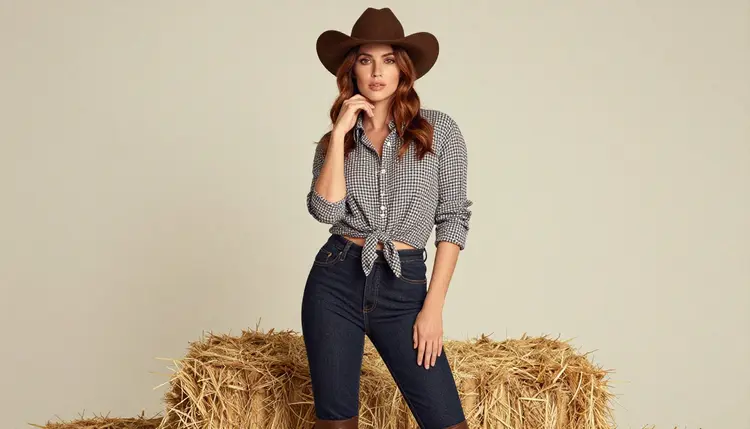
A good habit is to save the three prompts that worked best and reuse them as templates. A western set has few moving parts, so a small library of saloon, fence and barn prompts covers a lot of ground. If you want a stylized change of pace after a few photographic sessions, a different genre such as pixel art or the darker fantasy of succubus art uses the same workflow with new wardrobe and props.
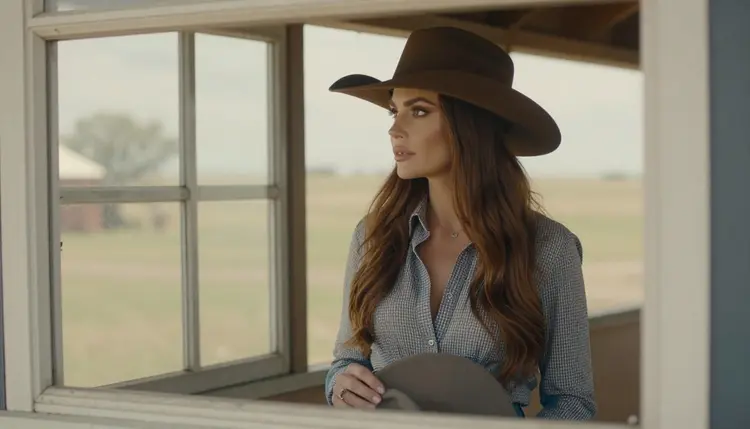
The last frame in a series is often a quiet one: the woman at a window with the prairie outside, overcast daylight on a gingham collar, a 135mm f/2 look. Use it as an ending card, and you have a small story from arrival at the saloon to evening at the ranch. For anthropomorphic characters in a similar setting, see furry art.
Which models are confirmed for a cowboy pin-up?
Six are confirmed in the app: Seedream 4.5, Recraft V4.1 Pro and Picasso Image Editor Pro for images, and LTX 2.3 Pro, Picasso IA Video and Seedance 2.5 Lite for video. Everything else is untested.
Why start with Seedream 4.5?
Its catalog title says it creates 4K images from text, and the western look depends on fine texture: gingham checks, denim weave, wood grain. It is also confirmed in our tests, so you spend less time fighting rejections and more time improving the prompt.
How should I word a western pin-up prompt?
Name four things in this order: wardrobe, setting, light and camera. For example, a gingham shirt knotted at the midriff, dark denim, tan hat and boots, a saloon doorway, warm tungsten lamp light, 50mm f/1.4. Keep it concrete and leave out vague adjectives.
Can I put two characters in the same scene?
You can describe two adults at the same bar or fence, but models handle one subject more reliably than two. Start with one character, then use a reference image in the toolkit for the second. The guide on pin-up prompt templates shows how to keep wording short when the scene gets busy.
What happens if a model refuses my prompt?
The app shows a message titled "Content Not Supported by This Model" and recommends models that accept adult prompts. Your prompt is carried over, so you can switch with one click and keep working.
Are the characters real people?
No. Every character is a fictional adult, with no real or identifiable person and no one who could read as a minor. Do not upload or describe real people.
Is what I generate private?
Yes. Generations are private by default. They are tied to your account and are not published or shown to others.
Can I turn a picture into a short video?
Yes. Picasso IA Video takes text or an image, and LTX 2.3 Pro writes 4K video from text. For a slow hat tip or a walk along the fence, a short clip from Seedance 2.5 Lite is a good test.
How do I change one detail, like the hat?
Open the picture in Picasso Image Editor Pro and describe only the change: a darker hat, a different background, a cleaner hand. Editing one thing keeps the rest of the frame intact.
Can I try this before paying?
A new account gets a small free trial on selected models, including Picasso IA Image, Picasso Image Editor Pro, Picasso IA Video and Seedance 2.5 Lite. Details on credits and plans are on the pricing page, and you can open the toolkit to start.