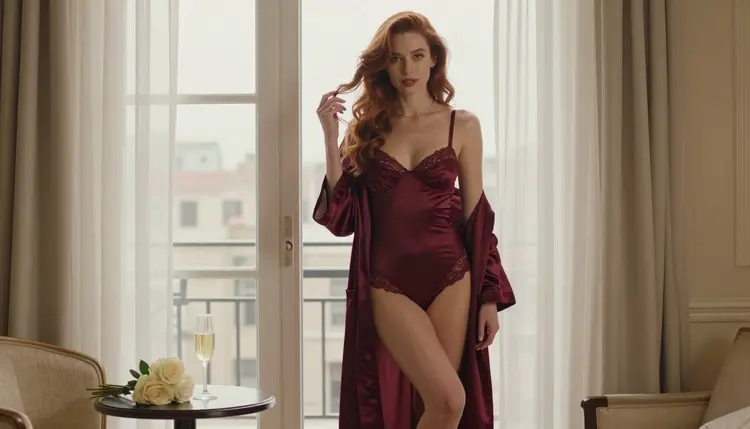
Most weak portraits fail in the same place: the prompt says "beautiful woman" and leaves the model to guess the rest. Hair, eyes and skin are the three things a viewer reads first in a close-up, so they are the three things worth naming with care. This word bank gives you plain, copyable terms for each, plus the light and lens wording that makes them look photographed instead of painted.
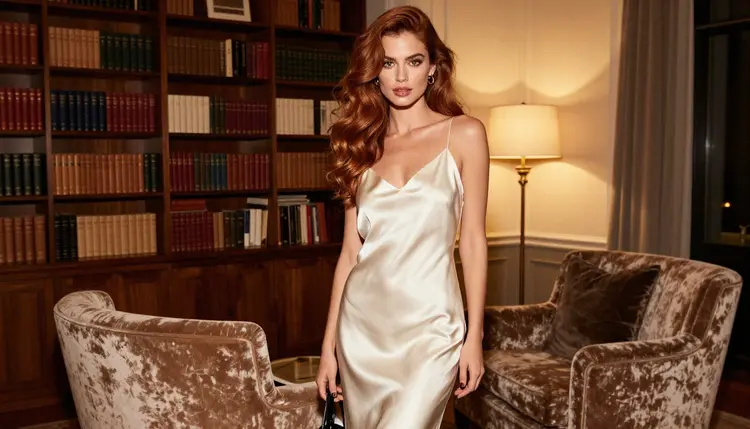
Everything here is written for adult, fictional characters in glamour, boudoir and fashion portraits. The wording stays on wardrobe, light and mood. Pair it with the companion banks for outfits and fabrics and for mood and lighting, and you can build a full prompt from three short lists.
A text-to-image model fills every gap with an average. Write "long hair" and you get hair of no particular color, no particular texture and no particular relationship to the light. Write "long soft-curled auburn hair with copper highlights where the window light touches it" and the model has something to render. The same goes for eyes and skin: "hazel eyes with detailed irises and a small window catchlight" produces a face that looks alive, while "nice eyes" produces a stare.
The bank below is organized the way a portrait photographer would brief a shoot. First the hair, because it frames the face. Then the eyes, because they hold the expression. Then skin tone and finish, because they decide how warm or cool the whole image feels. Last come the light and lens words that tie the three together.
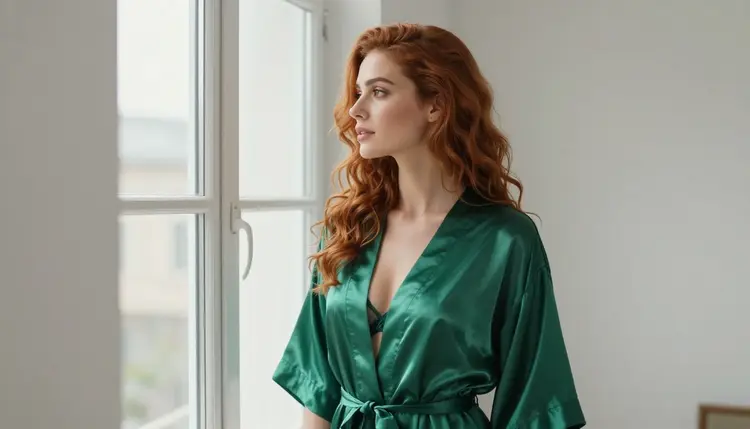
Keep one rule in mind while you read the lists: pick one term per category. A prompt with four hair colors and three eye colors does not create a richer character, it creates an argument the model settles at random. Short and exact beats long and vague.
Portrait close-ups are the most demanding use of an image model, because every pore, strand and iris is visible. In Picasso IA, three image models are confirmed for adult prompts: Picasso IA tested them repeatedly with mature prompts and watched them generate instead of reject. That is the app's own testing, not a published setting of each maker, so treat it as a practical guide and not a guarantee.
| Model | Best for | Format |
|---|
| Seedream 4.5 | Photoreal portraits with fine hair and skin detail | Text to image, up to 4K |
| Recraft V4.1 Pro | Illustrated or design-led looks with clean color | Print-ready images at 2K |
| Picasso IA Image Editor Pro | Changing hair, eye or skin wording on an image you already have | Photo editing, marked unlimited |
For the words in this bank, Seedream 4.5 is the natural first choice because it reads photographic vocabulary such as lens length and film grain. Recraft V4.1 Pro suits you when you want the same hair and eye terms in an illustrated style. The editor is the tool to open after a generation, when the hair color is right but the eyes are off and you would rather change one detail than start over.
Every other model in the catalog is untested for adult prompts: worth a try, not confirmed either way. You can browse them in the full catalog and run the same word bank through them. If a model declines a prompt, the app shows a message titled "Content Not Supported by This Model", recommends models that accept adult prompts and carries your prompt over, so you do not retype anything.
The steps below turn the lists in the next section into one working prompt. Open the toolkit, choose a confirmed image model, and follow them in order.
- Pick the Anchor. Write one short line for the subject and wardrobe, for example a woman in an ivory satin slip beside a velvet armchair.
- Choose the Hair. Take one color, one length or style and one finish from the hair lists and add them in that order.
- Set the Eyes. Add one eye color, one detail word such as detailed irises, and one gaze direction.
- Define the Skin. Pick one tone, one undertone and one finish, and mention natural texture so the model does not smooth it away.
- Add Light and Lens. Close with the light source and a lens length, then generate and change only one category at a time.
Copy the terms as they are. They are written in plain English because most image models follow English prompt text most reliably, even when the rest of your workflow is in another language.
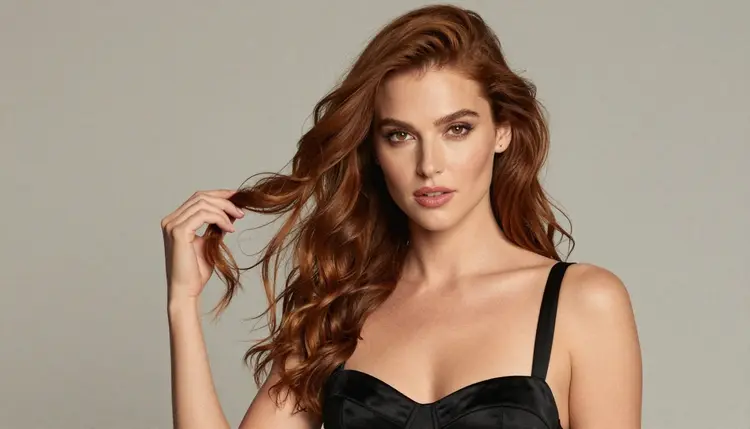
Hair color. Auburn, chestnut, copper, honey blonde, ash blonde, platinum blonde, jet black, espresso brown, dark chocolate, burgundy, silver grey. Add a qualifier when you want depth: auburn with copper highlights, black with a blue sheen under daylight, honey blonde with darker roots.
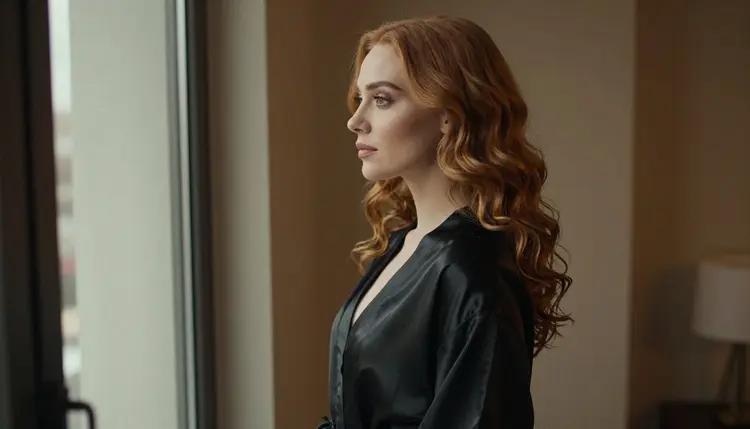
Hair length and style. Long soft curls, loose waves, sleek and straight to the waist, shoulder-length with a side part, a jaw-length bob, a low bun with loose strands, a single braid over one shoulder, hair swept to one side. Style words also steer the pose: a braid over one shoulder invites a profile, a low bun invites a view of the neck and back.
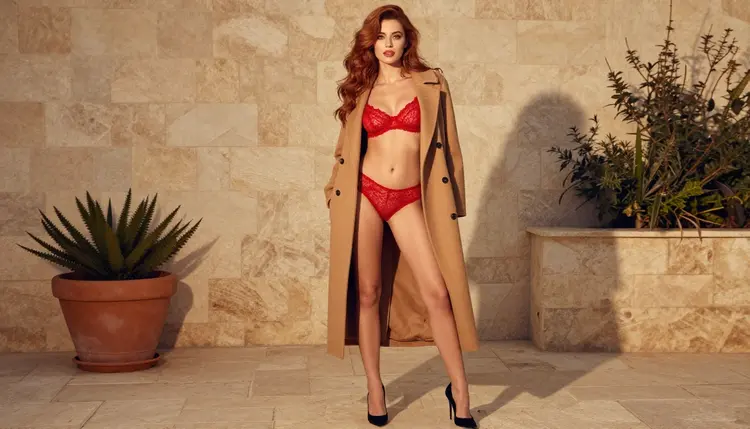
Hair finish and movement. Glossy, silky, tousled, windswept, brushed out, damp and slicked back, flyaway strands catching the backlight. Movement words work best with a light source attached to them: windswept by a terrace breeze, with late-afternoon side light on the curls.
Hair and light together. Rim light, golden highlights, a soft halo from behind, shadow falling across half the face. In hard morning sun through blinds, hair shows bright stripes and deep shadow; in overcast soft daylight it shows even color and a quiet shine. Name the light you want and the strands will follow it.
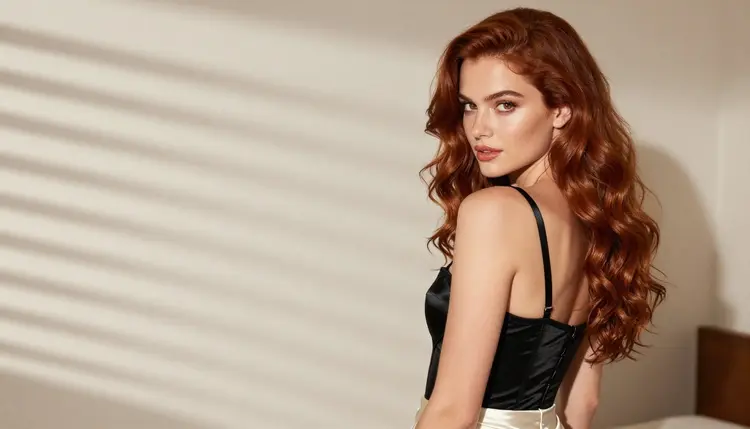
Eye color. Hazel, green, amber, deep brown, dark brown with warm flecks, grey, light blue, blue-green. Choose one. A model asked for two eye colors tends to give one eye each.
Eye detail. Detailed irises, a small window catchlight, defined lashes, soft brown liner, winged liner, natural brows, a slight shimmer on the lid, long lashes with no clumping. Catchlight is the most useful single word here: it tells the model where the light source sits and gives the eyes a spark.
Gaze and expression. Direct gaze to the lens, calm and confident, half-lidded and relaxed, glancing sideways, looking out of the window, eyes lowered toward a hand, a small private smile. Mature, composed expressions read best for glamour work, and they keep every portrait clearly adult.
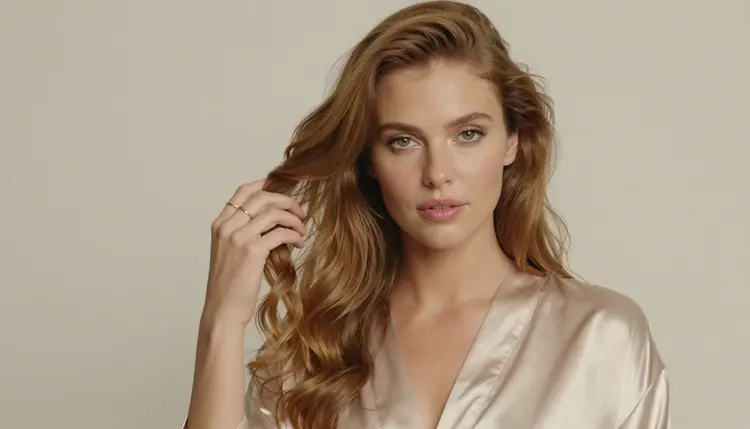
Skin tone. Porcelain, fair with a rosy undertone, light olive, warm beige, golden tan, bronze, caramel, warm brown, deep brown, rich espresso. These are descriptive terms for the one character you are building. State the tone once, in plain words, and let the light do the rest.
Undertone and finish. Warm undertone, cool undertone, neutral undertone, with a dewy finish, a matte finish, a satin finish, a soft natural glow, a light sheen on the collarbone, freckles across the shoulders, fine natural texture. The phrase "natural skin texture" is the quickest fix for the waxy, over-smoothed look many models produce by default.
Makeup that supports the skin. Glamour makeup with a soft smoky lid, a berry lip, a rosy lip, a bare lip with gloss, defined cheekbones with a light blush, a matte base with a dewy highlight. Keep makeup in the same temperature as the light: warm lamps suit warm lips, daylight suits cooler rosé tones.
Light and lens. Overcast soft daylight, soft diffused window light, warm tungsten lamp light, late-afternoon side light, hard morning sun through blinds, dappled shade. For a tight face, 85mm f/1.8 gives a shallow background and a soft falloff; for a wider room, 24mm f/2.8 keeps more of the setting sharp. Add warm film grain for a photographic finish.
Here is one complete prompt built from the bank, shown as prompt text: a woman in her late twenties with long soft-curled auburn hair with copper highlights, hazel eyes with detailed irises and a small window catchlight, light olive skin with a warm undertone and natural texture, ivory satin strap on one shoulder, glamour makeup with a berry lip, soft diffused studio daylight, 85mm f/1.8, warm film grain, calm confident gaze to the lens. Change only the skin line to deep brown with a satin finish and the same prompt becomes a different portrait without touching anything else.
Stacking colors. Two hair colors or two eye colors in one prompt split the result at random. Fix: choose one color and move the second idea into a qualifier, such as honey blonde with darker roots.
Forgetting the light. Skin tone is a product of light, so a tone word with no light source produces flat color. Fix: end every portrait prompt with one named light, for example overcast soft daylight or warm tungsten lamp light, and pick it from the mood and lighting bank.
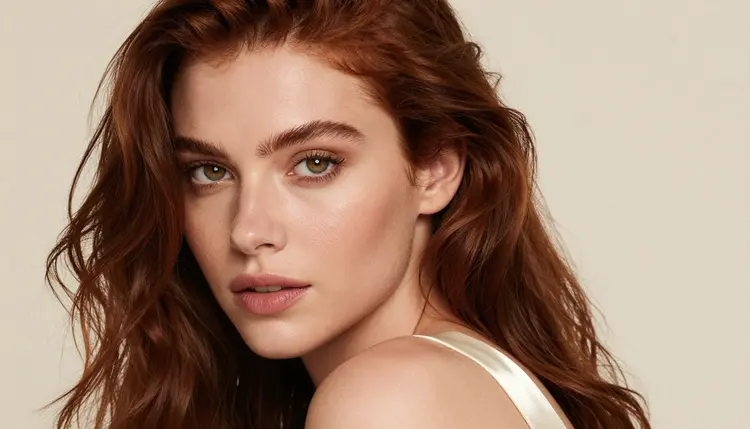
Asking for flawless skin. Words like perfect, flawless or airbrushed push the model toward a plastic surface with no pores. Fix: ask for natural skin texture, a satin finish and a few freckles, and let the lens do the polishing.
Leaving the eyes to chance. An empty eye description often returns glassy, unfocused eyes. Fix: name the color, the detail and the gaze, and add one catchlight word.
Changing everything at once. If you rewrite hair, eyes, skin and light in one pass you cannot tell which change helped. Fix: regenerate with one category changed, keep the winning prompt, then change the next. When the face is right and only the hair is wrong, open the editor and follow the steps in how to change hair and outfit on an NSFW AI character.
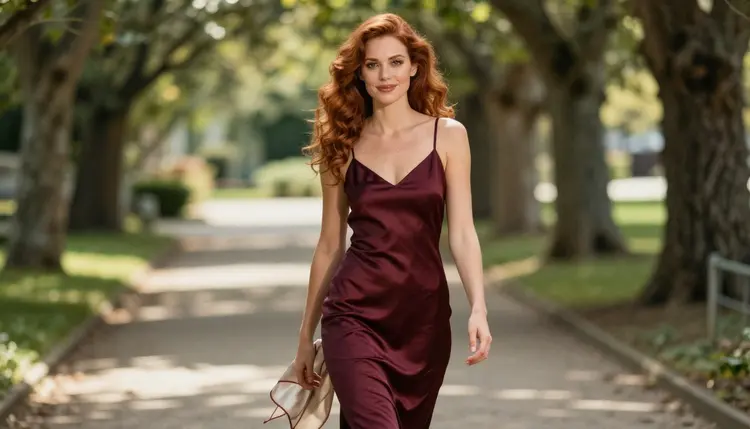
Mixing a face prompt with a long wardrobe list. A very long outfit description pulls attention away from the face and the model spends its detail budget on fabric. Fix: keep wardrobe to one line in a close-up and move the longer wardrobe wording to the outfits and fabrics bank or to a lingerie prompt such as the lingerie photo template.
Dropping the lens. Without a focal length, the model picks one, and it often picks a wide one that stretches the face. Fix: add 85mm f/1.8 for portraits and 24mm f/2.8 only when you want the room in frame.
For a longer boudoir setup that uses the same hair and eye vocabulary, the boudoir photography template shows where these terms sit inside a full prompt.
This page is for people aged 18 and over. Nothing here is meant for anyone younger, and nothing generated with it should depict or suggest a minor.
Every character you build with this bank must be a fictional adult. Never use the words in a prompt to recreate a real or identifiable person, and never write anything that could make a character read as a minor. Keep the age cues in your prompts clearly adult: composed expression, mature styling, mid twenties or older.
What you create in Picasso IA is private by default and tied to your account. A new account gets a small free trial on selected models, and the details of plans and generation costs are on the pricing page.
What should I write first in a portrait prompt?
Start with the subject and wardrobe in one short line, then add hair, eyes, skin, light and lens in that order. Putting the fixed details first and the style words last keeps the model from losing the face under a long list of adjectives.
How many hair and eye terms can I use at once?
One color and one style for the hair, one color and one detail for the eyes. More than that usually makes the model average the terms or pick one at random, so use qualifiers like copper highlights instead of a second color.
Which Picasso IA models are confirmed for this kind of prompt?
Seedream 4.5, Recraft V4.1 Pro and Picasso IA Image Editor Pro are confirmed for adult prompts, which means Picasso IA tested them repeatedly and watched them generate. It is the app's own testing and the makers can change their settings, so check the toolkit message if a prompt is refused.
How do I stop skin from looking waxy?
Ask for natural skin texture, a satin or dewy finish and a named light source, and avoid words like flawless or airbrushed. Adding film grain and an 85mm lens also helps because it brings back fine detail instead of smoothing it.
Does the word bank work in other languages?
The terms are written in English because most image models follow English prompt text most reliably. You can write the rest of your notes in any of the six languages Picasso IA supports, then paste the English terms into the prompt.
Can I fix only the hair on an image I already like?
Yes. Open the photo in Picasso IA Image Editor Pro and describe the new hair color or style while leaving the face and wardrobe alone. The hair and outfit guide walks through it.
What happens if a model refuses my prompt?
Picasso IA shows a message titled "Content Not Supported by This Model", recommends models that accept adult prompts and carries your prompt over so you do not retype it. Models outside the confirmed list are untested, so try a confirmed one if a refusal appears.
Can I use these words to recreate a real person?
No. The bank is for fictional adult characters only. Do not describe a real or identifiable person, and do not write anything that could make a character look like a minor. Those rules apply to every prompt on every page of this section.
Is what I generate visible to other people?
No. Generations are private by default and tied to your account, so they are not published or shown to others. You decide what to download or share.
Do I need to pay to try these prompts?
A new account can try a few generations free on selected models, and plans and generation costs are listed on the pricing page. Some models carry an unlimited tag on plans that include it, so check the catalog before you start.