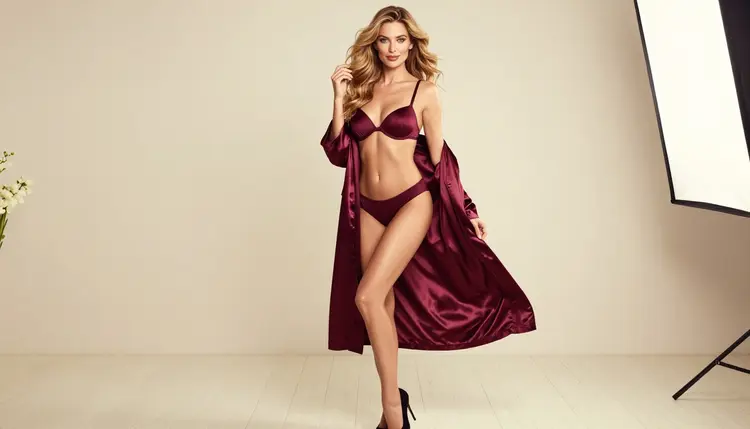
A pose is a decision, and so is a camera angle. When a prompt says only "woman in lingerie", the model decides both for you and usually picks the same safe, front-facing, eye-level frame. This word bank gives you the exact phrases to take those decisions back: how the model stands, where the shoulders turn, where the lens sits and how close it gets.
Everything here is written for flirty, suggestive, glamour-style images of fictional adults. You will find short lists you can copy, a way to combine them into one clean sentence, and the mistakes that make a pose look stiff or a frame look random.
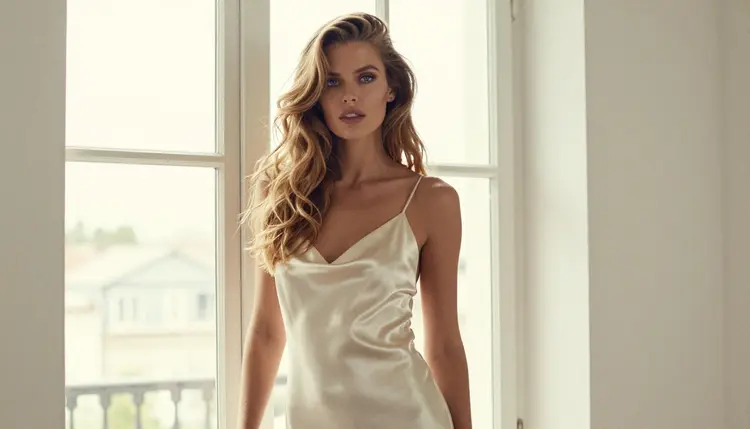
Image models read a prompt as a pile of hints. Wardrobe and light get most of the attention because they are easy to name, but the pose and the camera position decide whether a picture feels like a magazine boudoir shoot or a passport photo. A profile silhouette against a pale window says calm and private. A waist-up frame with a shoulder leaning on a doorframe says confident and a little teasing. Same woman, same satin, a completely different mood.
There are three separate controls, and it helps to keep them apart in your head. The first is the body: standing, seated, leaning, walking, turning. The second is the camera: eye level, low, high, from the side, from behind. The third is the framing: how much of the person is inside the picture, from a tight close-up to a wide frame with the whole room. If you write all three, the model has very little left to guess.
The other benefit is consistency. When you change only one of the three controls and keep wardrobe, light and lens the same, you get a set of pictures that clearly belong together. That is how you build a mini shoot from one idea: the same woman in the same burgundy robe, once in a wide frame by candlelight and once as a close-up in studio daylight.
Pose and angle language works best on image models that follow detailed text closely. In Picasso IA, adult prompts are tested on a short list of models that were confirmed to generate instead of reject. "Confirmed" here means Picasso IA tried adult prompts against that exact model repeatedly and watched it generate. It is not a published setting of the model's maker, who can change it at any time. You can read the full explanation on the page about what confirmed means.
| Model | Best for | Format |
|---|
| Seedream 4.5 | Photoreal portraits with precise pose and framing words | Text to image, 4K |
| Recraft V4.1 Pro | Illustrated and designed looks, print-ready pose studies | Text to image, 2K |
| Picasso Image Editor Pro | Changing the pose or framing of a picture you already have | Image edit, unlimited tag |
| LTX 2.3 Pro | Turning a pose into a moving shot with a camera move | Text to video, 4K |
| Picasso IA Video | Animating a still frame or starting from text | Text or image to video, unlimited tag |
| Seedance 2.5 Lite | Short clips from a pose prompt | Text to video, up to 10 seconds, unlimited tag |
For stills, start with Seedream 4.5. It handles lens and framing words well, so "three-quarter view, 85mm, eye level" gives you a visibly different picture from "low angle, wide, 35mm". If you already have a good image and only want a different crop or a different head turn, Picasso Image Editor Pro is the tool for that job. For motion, the three video models above take the same pose words, and you add camera movement on top. The guide on camera and motion language for NSFW video prompts covers the moving side in detail.
Every other model in the full catalog is untested for adult prompts. They are worth a try, but nothing is promised either way, so judge them by the result. When a model does not accept a prompt, the app shows a message titled "Content Not Supported by This Model", recommends models that accept adult prompts and carries your prompt over, so you do not retype anything.
Work in this order and change one thing per attempt. The lead-in is simple: pick the frame first, then the pose, then the finishing details.
- Pick the mood and the framing. Decide whether you want an intimate close-up, a waist-up portrait or a wide frame with the room, and write that first.
- Choose one pose. Take a single phrase from the pose lists below, such as "leaning a shoulder on a doorframe", and avoid stacking two poses in one sentence.
- Set the camera. Add the angle and the lens: "eye level, 85mm f/1.8" or "low angle, 35mm f/2". One angle, one lens.
- Add wardrobe, light and gaze. Name the opaque lingerie or robe, the light source and where she looks. These three details make the pose believable.
- Generate, then change one word. Run it in the toolkit, look at the result, and change only the angle or only the pose before you run it again.
Copy any phrase as it is. They are written in English because the models read English prompt text best, and you can keep that English wording inside a prompt in any language. The lists are grouped by what they control.
Standing poses. These work for full-length and three-quarter frames.
- standing with weight on one leg, one hand resting on the hip
- leaning a shoulder against a doorframe, arms loosely crossed
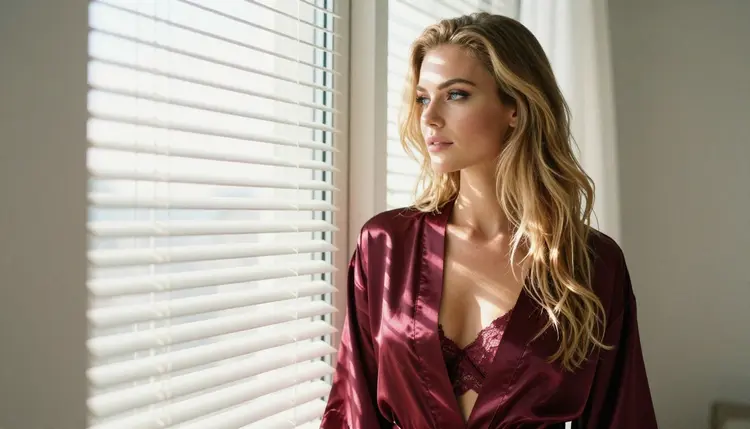
- standing in profile, chin slightly lifted, looking toward the light
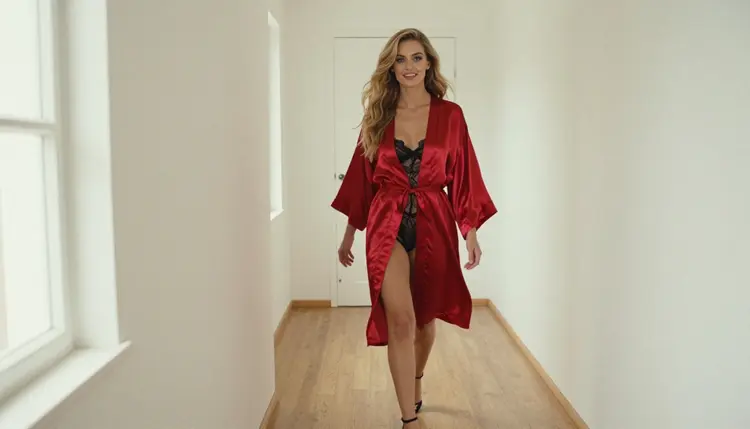
- walking toward the camera in a bright hallway, glancing at the lens
- turning over one shoulder with the back to the camera, looking back
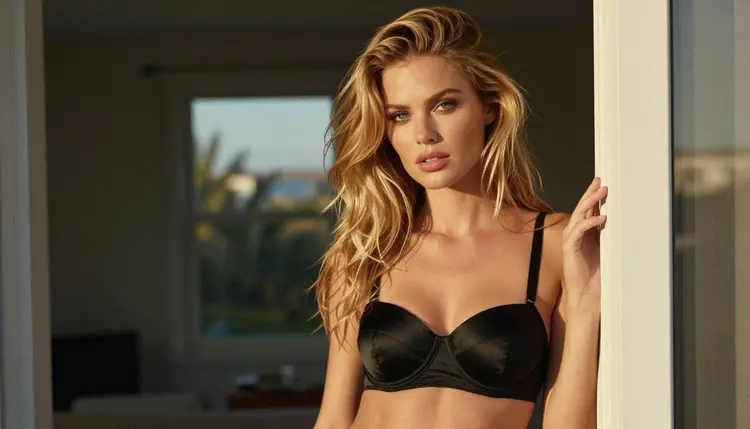
Seated and reclined poses. Good for candlelight, lounges and bedrooms.
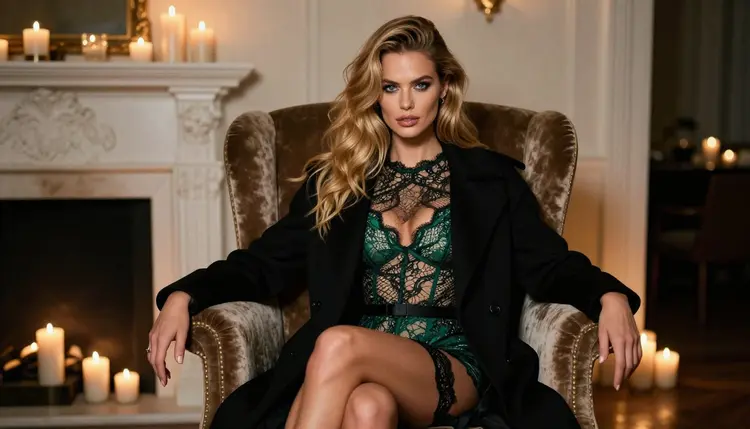
- seated on the edge of a velvet armchair, legs crossed, hands in the lap
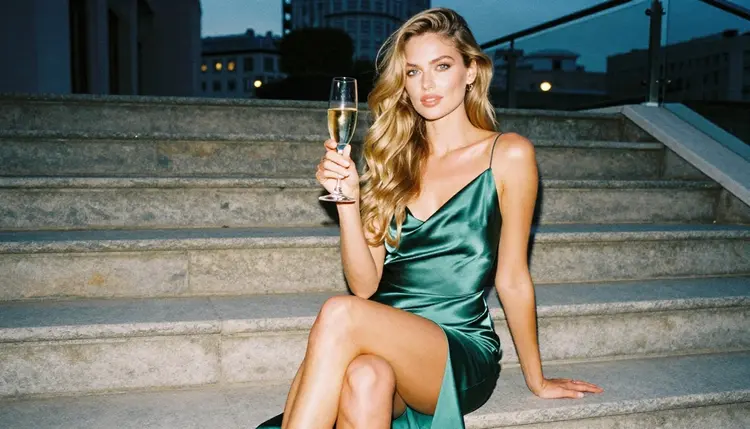
- seated on stone steps at dusk, holding a glass of champagne
- reclining on a chaise longue with one arm over the backrest
- sitting upright on a bed with a satin sheet, looking out of the window
- perched on a windowsill, knees drawn up, head resting on the frame
Hands and gaze. Small details that change the whole feeling of a pose.
- one hand sliding through her hair
- fingertips resting on the collar of a satin robe
- looking straight into the camera with a calm, confident expression
- eyes lowered, a faint smile
- looking out of the window, face lit from the side
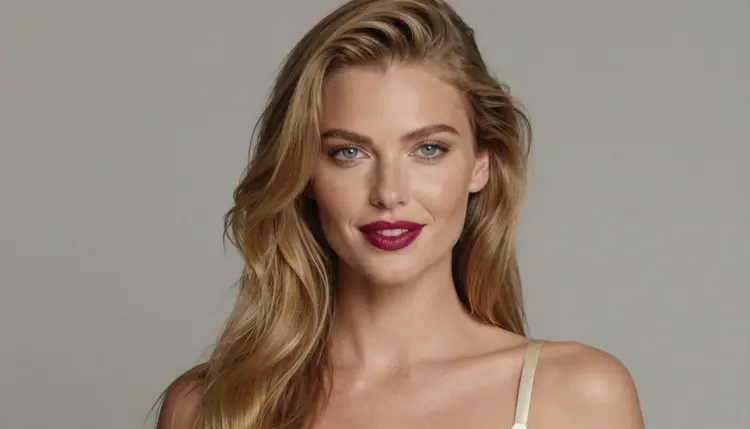
Camera angles. Say the angle in plain words.
- eye level: neutral and natural, the safest choice for portraits
- low angle, camera below the chest: taller, more powerful, more dramatic
- high angle, camera above the eyes: softer, more intimate, shows the lashes and shoulders
- profile view: a clean silhouette against a window or a wall
- three-quarter view: the body turned slightly away from the lens, the face turned back
- over the shoulder: a view from behind with the face half visible
- slight Dutch tilt: a tilted horizon for a restless, editorial feel, used rarely
Framing and distance. This controls how much of the person is inside the picture.
- tight close-up portrait of the face, shallow depth of field
- medium shot, waist up
- cowboy shot, framed from mid-thigh up
- eye-level full-length standing frame
- wide environmental portrait with the room, furniture and light visible
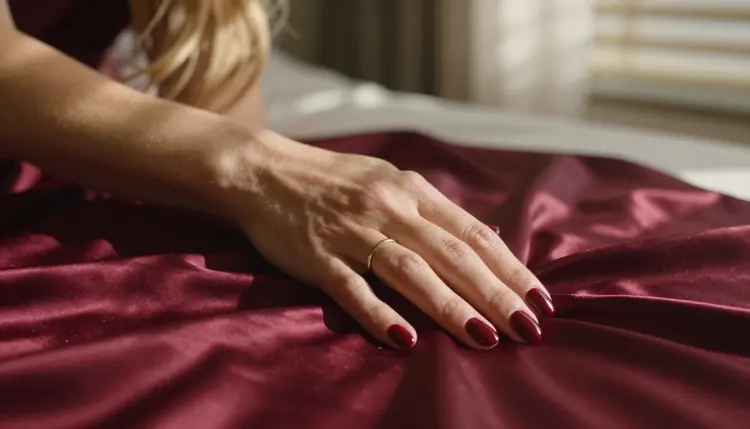
- detail shot of one hand on folded satin, only one hand in frame
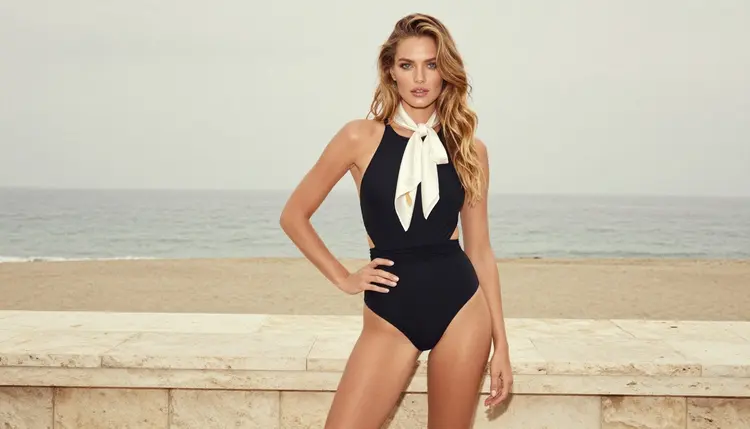
Lens words. They change the feel of the distance as well as the crop.
- 35mm f/2: a little room around her, good for walking and environmental shots
- 50mm f/1.8: natural proportions, a neutral all-round choice
- 85mm f/1.8: the classic portrait lens, soft background, flattering compression
- 135mm f/2: tight and compressed, ideal for waist-up and close-up frames
- 100mm macro f/2.8: for details such as fabric, jewelry or a single hand
One finished example. Here is how the pieces join into one prompt: "Raw photograph, medium shot waist up, a woman leaning a shoulder on a doorframe, arms loosely crossed, black satin corset, late-afternoon side light, eye level, 135mm f/2, natural skin texture, film grain, calm confident gaze at the camera." Notice the order: framing, pose, wardrobe, light, angle, lens, finish. Keeping one order every time makes it easy to see which word changed which picture.
If you want to match the wardrobe vocabulary to the pose, the word bank for outfits and fabrics has the fabric and lingerie phrases, and the one on mood and lighting has the light words that suit each angle.
Stacking several poses. "Sitting, standing, leaning and looking back" confuses the model, and you often get a twisted body. Fix: one pose per prompt, and put the secondary movement in the gaze or the hand.
Naming no angle at all. Without an angle, most models return an eye-level, centered frame. Fix: always write one angle word, even when you want eye level, so the choice is yours.
Mixing a close-up with a full-length request. "Tight close-up, full-length standing" contradicts itself. Fix: pick one framing term and let the pose follow it. Hands and legs do not belong in a close-up of a face.
Forgetting where the light comes from. A good pose in flat light looks dull. Fix: pair each angle with a light source, such as side light from a window for a waist-up shot or candlelight for a wide room.
Asking for too many hands. Pictures that show several hands, or hands doing complicated things, tend to go wrong. Fix: ask for one hand, doing one simple thing, such as resting on fabric, and say "exactly one hand in frame" for detail shots.
Changing everything between attempts. If you rewrite the whole prompt each time, you never learn which word did what. Fix: keep the wardrobe, light and lens, and change only the pose or only the angle.
Using a mirror for the gaze. Mirrors invite doubled bodies and odd reflections. Fix: have her look out of a window or at the lens instead.
Expecting the pose to stay when you change the model. Each model reads pose words a little differently. Fix: if a phrase works on one model, copy the whole prompt to the next one and compare, instead of rewriting it.
This page and the tools it points to are for adults only. You must be 18 or older to use any of it, and every prompt you write should describe adults.
Every character must be a fictional adult. Never describe a real or identifiable person, never a celebrity, and never anyone who could read as a minor. The word bank is for invented characters in invented scenes.
Your generations are private by default: they are tied to your account and not published or shown to other people. A new account can try a small free trial on selected models, and the details of credits and plans live on the pricing page.
What is a prompt word bank for poses and camera angles?
It is a list of short, ready-to-copy phrases that describe how a person stands or sits and where the camera is placed. You pick one phrase from each group, join them into a sentence and send it to an image model in the toolkit.
Which angle is best for a first attempt?
Eye level with a three-quarter view and an 85mm lens is a safe start. It gives natural proportions and a soft background, and you can then move the camera lower or higher to see how the mood changes.
Do I need to write the prompt in English?
The phrases in this bank are written in English because models read English prompt text most reliably. You can write the rest of your prompt in your own language, but keeping the pose, angle and lens words in English is a good habit.
How do I get the same woman in several poses?
Keep the description of her, her wardrobe and the light identical, and change only the pose or the angle. If you have a picture you like, attach it as a reference in the toolkit and refer to it as @1 in the prompt, for models that accept several inputs.
Can I change the pose of an image I already have?
Yes, with Picasso Image Editor Pro. Describe the new pose or the new crop in plain words, and keep the rest of the description the same so the picture stays recognizable.
Do these words work for video as well?
Yes. The pose and framing words carry over to Picasso IA Video, LTX 2.3 Pro and Seedance 2.5 Lite. For video you add one camera move, such as a slow push in, and the video prompt guide explains how.
Which models are confirmed to accept adult prompts?
Picasso IA lists six confirmed models: Seedream 4.5, Recraft V4.1 Pro and Picasso Image Editor Pro for images, and LTX 2.3 Pro, Picasso IA Video and Seedance 2.5 Lite for video. Every other model in the catalog is untested, so it may be worth a try but nothing is promised.
What happens if a model refuses my prompt?
The app shows a message titled "Content Not Supported by This Model", recommends models that accept adult prompts and carries your prompt over. You can switch with one click and keep the same pose and angle wording.
Can I use a real person or a celebrity as the subject?
No. Every character must be a fictional adult, and you must never describe a real or identifiable person or anyone who could read as a minor. Picasso IA is for adults aged 18 or older, and your generations are private by default.
Where can I find prompt words for hair, clothing and light?
The same series covers them: hair, eyes and skin tone, outfits and fabrics and mood and lighting. Combine one phrase from each bank with a pose from this page.