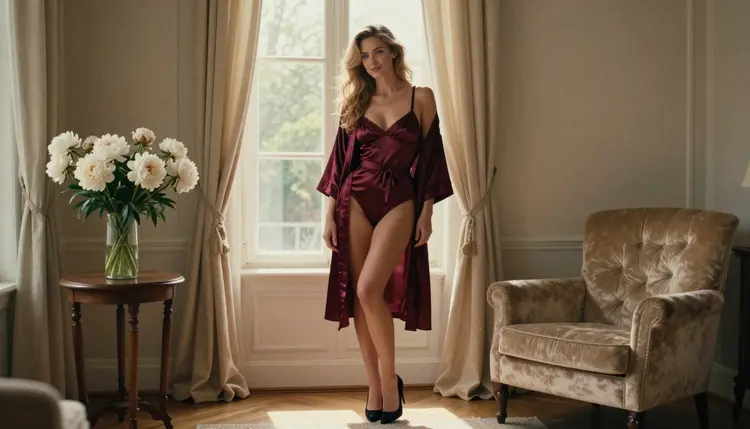
SDXL is one of the best-known diffusion models for AI art, and in Picasso IA it runs in your browser. Nothing to install, no weights to download, no graphics card to buy. You open a page, type a prompt and wait for the picture. This guide is about using SDXL for adult glamour work: lingerie portraits, boudoir light, satin robes, swimwear by a hotel pool, flirty and romantic mood. Always about fictional adults, always suggestive and never explicit.
There is one honest caveat, and it is in the title. In the Picasso IA catalog, SDXL is untested for adult prompts. Nobody here can promise that it will generate your idea, and nobody can promise that it will refuse it. What we can give you is a clean way to find out in a minute, and a fast way out to a model that has been confirmed if SDXL says no. Read on for what untested means, the five steps, the fallback models and the rules that apply to every page of this section.
In the catalog, SDXL is listed as a text to image model with the title "SDXL: Free AI Art Generator with No Limits". It carries the infinity tag, which means that on the plans that include unlimited generation it does not spend credits. The details of that live on the pricing page, and this page does not repeat them.
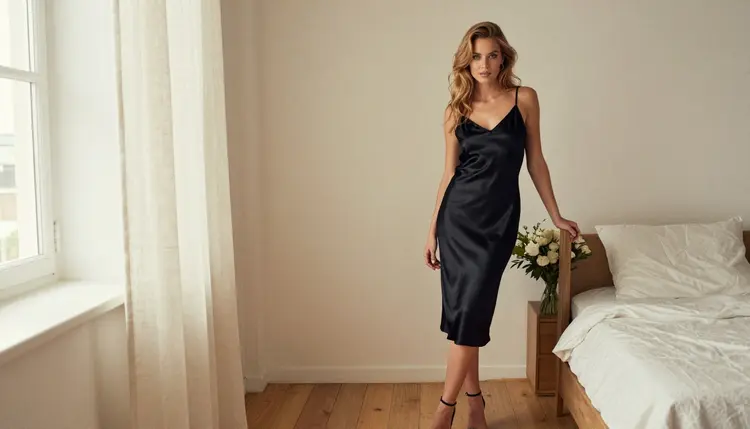
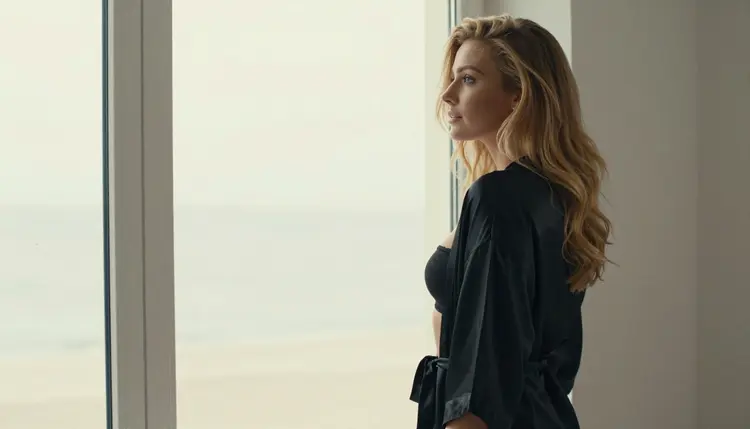
What SDXL is good at, in practice, is the classic diffusion look. Portraits with a slightly painterly softness, strong color, rooms that feel lived in, fabric that catches light. If you have seen a lot of AI portraits over the last few years, you know the family. It is a different feel from the very sharp, very clean output of the newest photoreal models, and for some adult portrait ideas that difference is exactly what you want. A woman in a black satin slip dress in a loft bedroom, soft window light falling from the left, shot as if on an 85mm lens: that kind of prompt suits the model well.
Its status on Picasso IA is simple: untested. The model is in the catalog, it works as a text to image model, and its behavior with adult prompts has not been tested by Picasso IA. That is not a warning and it is not a promise. It is the same status as most of the full catalog, and it means the right approach is to try your prompt and read the result.
Because the toolkit is a web app, trying it costs you very little time. You pick SDXL, paste a prompt, and generate. If you already know the style you want, SDXL is a fine first stop. If you need a model that has already been watched generating adult prompts, skip ahead to the confirmed list in the fourth section.
A few things you can aim for with SDXL when the subject is glamour:
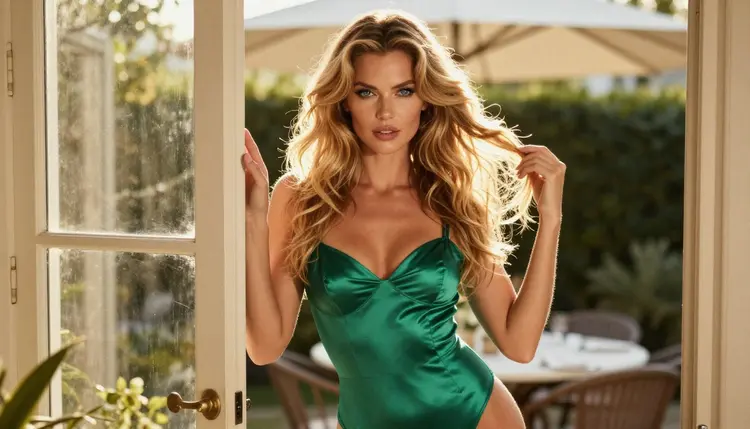
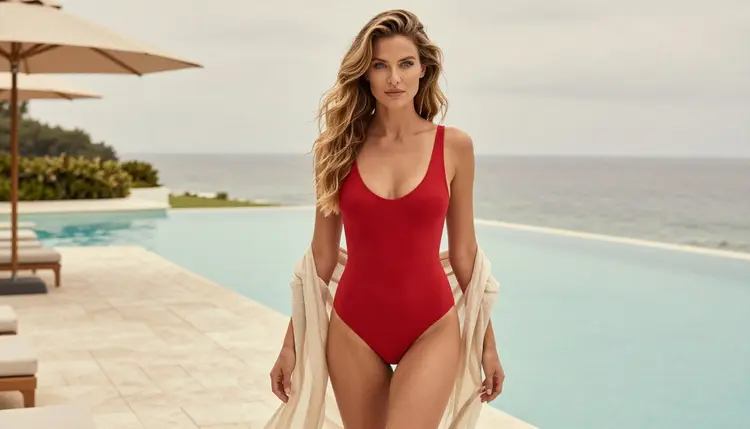
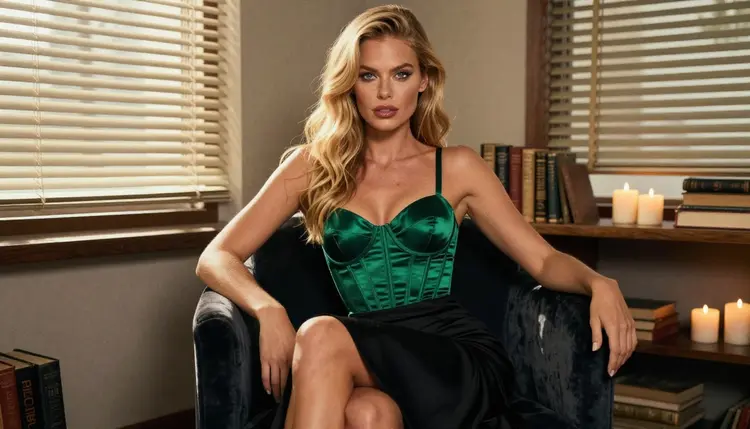
Wardrobe stories. Burgundy satin lingerie set with a matching robe, an emerald satin bodysuit, an ivory robe with a loose collar, a red one-piece swimsuit. Name the fabric and the color. Satin is a good word to use because it gives the model a surface that reflects light.
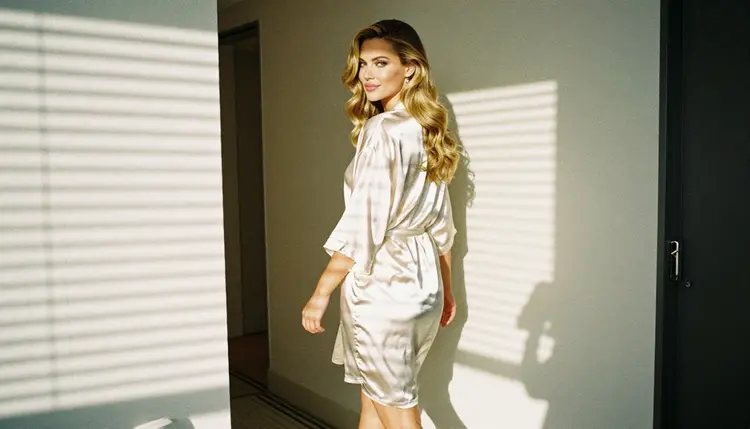
Room stories. A sunlit apartment living room, a hotel hallway with morning sun coming through blinds, a velvet chair among candles, a pool deck on an overcast day. A named place gives the image depth and keeps the character from floating in empty space.
Light stories. Window light from the left, golden hour backlight, hard morning sun through blinds, late-afternoon side light, soft overcast daylight. Light is the cheapest way to change the mood of a picture, and SDXL responds to it well.
Picasso IA keeps an internal list of models that are confirmed for adult prompts. Confirmed has a narrow meaning: Picasso IA tested adult prompts against that exact model many times and watched it generate the picture instead of rejecting the request. It is not a published setting of the company that made the model, and that company can change its model at any time. The full explanation is on the page about what confirmed means.
Untested is the other side of that line, and it is not the same as filtered. It means there is no verdict. Maybe SDXL generates your prompt without trouble. Maybe it returns a refusal. Maybe it handles a mild prompt and stops on a stronger one. Picasso IA does not call SDXL filtered and does not call it filter-free, because neither statement has been checked.
This matters for how you work. If you treat an untested model as a closed door, you will never open it. If you treat it as an open door, a refusal will feel like a bug. The better attitude is the one a photographer has toward a new lens: you shoot a test frame, look at it, and decide.
When a model refuses, Picasso IA does not leave you at a dead end. The app shows a message titled "Content Not Supported by This Model". It recommends models that accept adult prompts, and it carries your prompt over, so you do not retype anything. That message is the whole mechanism. It is not a failure of your account and it is not a judgment about you.
Two habits make the test frame more useful. First, start with the mildest version of your idea: a lingerie portrait in soft window light, say, before a more suggestive composition. Second, change one thing at a time. If a prompt is refused, swap a single element (the wardrobe, the pose, the setting) and try again, so you learn what the model reacts to.
The process takes a few minutes and works the same way for every untested model in the catalog. Start in the toolkit, where all the models live, and follow these steps in order.
- Open SDXL in the toolkit. Pick the SDXL text to image model from the catalog, or open its page and start from there. You need an account, and you must be 18 or older.
- Write a clean adult prompt. Describe one fictional adult: wardrobe, pose, room, light and lens. For example, a woman in a black satin slip dress standing in a bright loft bedroom, soft window light from the left, 85mm lens. Keep real names out of it.
- Generate and read the result. Look at the picture the way you would look at a contact sheet. Check the hands, the fabric, the light and the face. If you like it, keep going with small changes.
- Recognise the refusal message. If the model cannot take your prompt, the app shows "Content Not Supported by This Model". That is the signal that SDXL has no verdict for this idea, and nothing is broken.
- Switch to a confirmed model. Use the recommendation in the message, or pick one from the list below. Your prompt travels with you, so one tap is enough to run the same idea on a model that has been watched generating adult prompts.
That is the whole loop. Most people settle into a routine: try the idea on SDXL when they want its look, and move to a confirmed model when they need a sure result or a different kind of output, such as a 4K frame or a short clip.
If SDXL does not take your prompt, these are the models Picasso IA has confirmed for adult prompts, in the sense described above. All of them are in the catalog and all of them open from the toolkit.
How to choose between them depends on what you want next. For a photographic look close to what SDXL gives you, but sharper, try Seedream 4.5. It is the natural second stop for a portrait idea that SDXL did not accept, and it writes 4K images from text. If your idea leans toward illustration, a poster or a design with clean shapes, Recraft V4.1 Pro is the one to open. It is described in the catalog as strong on print-ready work at 2K.
If you already have a picture you like, perhaps one made with SDXL, Picasso Image Editor Pro is the tool for changing it: swap the wardrobe color, adjust the light, fix a detail. It is marked with the infinity tag, like SDXL, so on unlimited plans the edits do not spend credits.

For motion, three models are confirmed. LTX 2.3 Pro makes 4K video from text. Picasso IA Video turns text or an image into a clip, and it also carries the infinity tag. Seedance 2.5 Lite is listed for clips up to 10 seconds and is marked unlimited too. Note that Seedance 2.5 Lite and the plain Seedance 2.5 are different models, and only the Lite version is confirmed.
A workable pipeline looks like this. Draft the idea on SDXL because you like its look. If a prompt is refused, move to Seedream 4.5 for the still. Refine with Picasso Image Editor Pro. Then send the finished portrait to Picasso IA Video to add a slow camera move or a hair-and-fabric breeze. Each step is one tool in the same app.
Every page in this section follows the same rules, and they apply to SDXL exactly as they apply to every other model.
Adults only. This section is for people who are 18 or older. If you are not, close the page. The prompts, the examples and the models here are meant for adult readers and nobody else.
Fictional adults only. Every character you create must be a fictional adult. Do not use the name, face or likeness of a real or identifiable person, and never write a prompt about anyone who could read as a minor. A prompt that describes a woman or a man in their thirties, with a specific wardrobe and setting, is the right shape. Anything else is outside the rules.
Private by default. What you generate is tied to your account and is not published or shown to other people. You decide what happens to your own pictures. That privacy does not change the first two rules: they apply whether or not anyone else will ever see the result.
Provocative is the ceiling here, not explicit. The content in this section is about lingerie, swimwear, satin robes, boudoir light and implied romance. Prompts are for glamour photography and suggestive mood, in the spirit of a magazine shoot.
A new account can try a few generations for free on selected models. SDXL is not one of them: the trial covers Picasso IA Image, Picasso IA Editor Pro, Picasso IA Video and Seedance 2.5 Lite. If you want to see how the toolkit works before you commit to anything, those are the places to start. The pricing page explains the trial and everything else about plans and credits, and it is the only place where those details are kept.
The infinity tag is the other thing to know. SDXL has it, and so do Picasso Image Editor Pro, Picasso IA Video and Seedance 2.5 Lite. On the plans that include unlimited generation, tagged models do not spend credits. For a workflow made of many test frames, that is useful: SDXL is a cheap place to experiment with wording, because you can run many small variations without watching a balance.
SDXL is not the only untested model worth trying. If you like the idea of testing a prompt on different engines, the sibling pages in this section cover several of them. HiDream, Hunyuan Image 3 and Realistic Vision are all untested in the same way, so the same test-and-switch loop applies. For a closer look at how LoRA-style models work in the browser, there is a page on NSFW LoRA models online.
If you want the wider picture first, the best generator with no content filter compares what Picasso IA offers for adult work, and the browser-based generator guide walks through the no-install setup. For video from large providers, the pages on Veo 3.1 and Imagen 4 explain why they are untested here as well.
A last practical tip: keep a short notes file with the prompts that worked on SDXL and the ones that did not. After a dozen test frames you will have a clear picture of what the model likes, and you will spend less time on refusals.

Does SDXL work for NSFW prompts on Picasso IA?
It is untested, so there is no promise either way. Try a clean adult prompt for a fictional adult and read the result. If SDXL refuses, the app tells you and points you to models that are confirmed for adult prompts.
What happens if SDXL refuses my prompt?
The app shows a message titled "Content Not Supported by This Model". It recommends models that accept adult prompts and carries your prompt over, so you can run the same idea again without retyping it.
Is SDXL confirmed as uncensored?
No. Confirmed means Picasso IA tested adult prompts against a model repeatedly and watched it generate. SDXL has not been through that, so it is listed as untested. You can read the details on the page about what confirmed means.
Which models are confirmed for adult prompts?
For images: Seedream 4.5, Recraft V4.1 Pro and Picasso Image Editor Pro. For video: LTX 2.3 Pro, Picasso IA Video and Seedance 2.5 Lite. Every other model, including SDXL, is untested. See the full catalog for the rest.
Can I use a real person or a celebrity in my prompt?
No. Characters must be fictional adults. Never use the name or likeness of a real or identifiable person. This applies to every model on Picasso IA and to every page of this section, without exception.
Can I make content with anyone who looks underage?
No. Never write a prompt about anyone who could read as a minor. Every character must be a fictional adult, and this section is for people who are 18 or older. Prompts that break this rule fall outside what Picasso IA is for.
Do I need to pay to try SDXL?
Plans, prices and credits are explained on the pricing page. SDXL carries the infinity tag, so on plans that include unlimited generation it does not spend credits. A small free trial covers selected models, and SDXL is not among them.
Can I turn an SDXL picture into a video or edit it?
Yes, with other models. Open the portrait in Picasso Image Editor Pro to edit it, or in Picasso IA Video to turn it into a clip. Both are confirmed for adult prompts. Start from the toolkit.
What do I need to run SDXL online?
Only a browser and an account. SDXL is hosted in the catalog, so there is no install, no download and no graphics card. Open the model, type a prompt, and generate. The catalog title describes it as a free AI art generator with no limits.
Are my SDXL pictures private?
Yes, by default. What you generate is tied to your account and is not published or shown to others. The adults-only and fictional-only rules still apply to everything you create, even when nobody else will see it.