If you shoot boudoir, glamour or swimwear, you already know that most of the work happens before the camera comes out. You build a mood board, pick a wardrobe, decide where the window light will fall, and show the client a few reference frames so nobody is surprised on the day. AI image and video generation fits that planning stage well. You can test a silk robe against a tungsten lamp, check a pose from three angles, or see how a slow camera move feels, all before you book the studio.
This list is written for photographers. It covers five tools from the Picasso IA catalog, confirmed ones first, and it explains what each one is good for in a shoot plan: pre-visualization, client mood boards, reference prints, retouching ideas and short motion tests. Everything here is for adults, about fictional adult characters, and stays provocative without turning explicit. The pictures show wardrobe, light and mood, never anything beyond that.
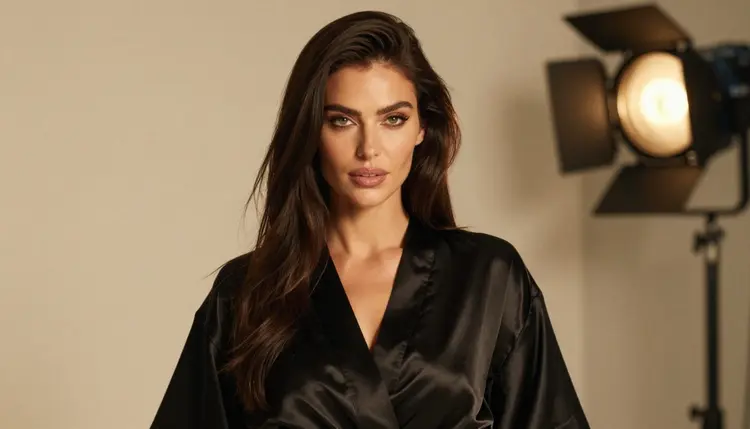
A word on how to read the word "confirmed". Picasso IA tested adult prompts against each confirmed model repeatedly and watched it generate instead of reject. That is a result from our own testing, not a published setting of the model's maker, who can change it at any time. If you want the full explanation, what confirmed means has it. Models we have not tested are called untested here, which means worth a try and nothing more.
The first three tools make still images. For a photographer they cover three jobs: building a look from nothing, producing a print-ready frame, and editing a picture you already have. All three are confirmed for adult prompts.
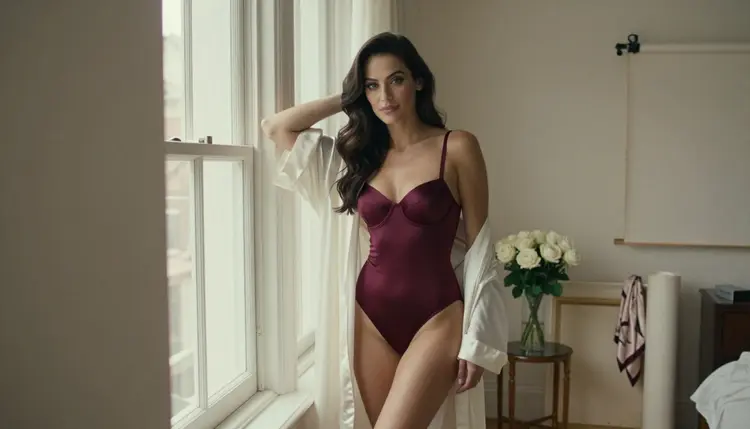
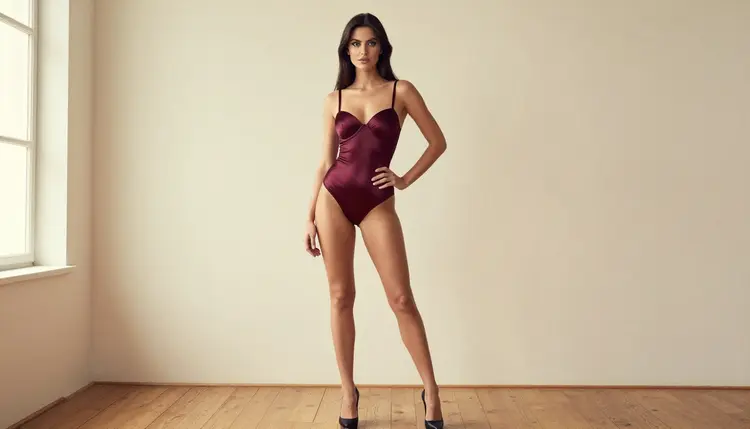
1. Seedream 4.5. Seedream 4.5 creates 4K images from text, and it is confirmed. It is the one to open first when you need a photoreal concept frame. Describe the shot the way you would brief an assistant: a woman in a burgundy satin bodysuit and ivory silk robe, standing near a tall window, soft window light from the left, 24mm lens, film grain, warm palette. You get a frame you can place on a mood board next to your real location photos.
2. Recraft V4.1 Pro. Recraft V4.1 Pro makes print-ready images at 2K, and it is confirmed. Its catalog description points at illustration and design, which makes it useful for the parts of a shoot that are graphic: a title card for a portfolio book, a stylized pin-up poster concept, a cover layout for a boudoir album. Use it when the image will end up on paper and the composition matters as much as the pose.
3. Picasso Image Editor Pro. Picasso Image Editor Pro is an unlimited AI photo editor that works on an existing image, and it is confirmed. It carries the infinity tag, and the free trial includes it. This is the tool for iterations. Upload a test frame, then ask for a different robe color, a warmer lamp, a cleaner background or a tighter crop idea. Because it edits what you already have, it suits the back and forth you do with a client over reference prints.
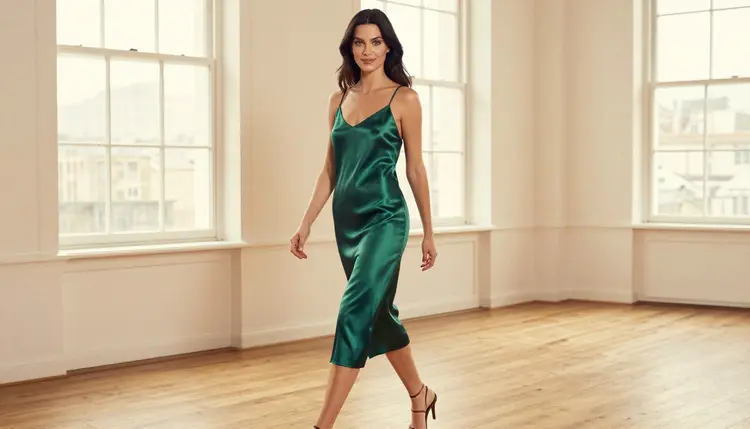
A practical habit for all three: write your prompt in the order a photographer thinks. Subject and wardrobe first, then pose, then the light, then the lens and the film look. A prompt such as "woman in an emerald satin slip walking through a sunlit loft, candid three-quarter shot, soft window light, 50mm, film grain" gives the model the same information you would give a lighting assistant, and the results are easier to compare when every prompt follows the same order.
Two more tools cover motion. Photographers who also deliver short clips, behind-the-scenes reels or animated previews can use them to test a camera move before the shoot, or to turn a finished still into a few seconds of movement. Both are confirmed.
4. Picasso IA Video. Picasso IA Video is a free and unlimited video generator that works from text or from an image, and it is confirmed. It carries the infinity tag, and the free trial includes it. The image-to-video route is the useful one here: take a still from Seedream 4.5 or one of your own test frames, and ask for a slow push-in, a curtain moving in the breeze, or a head turn toward the window. Short, simple motion is the easiest to judge.
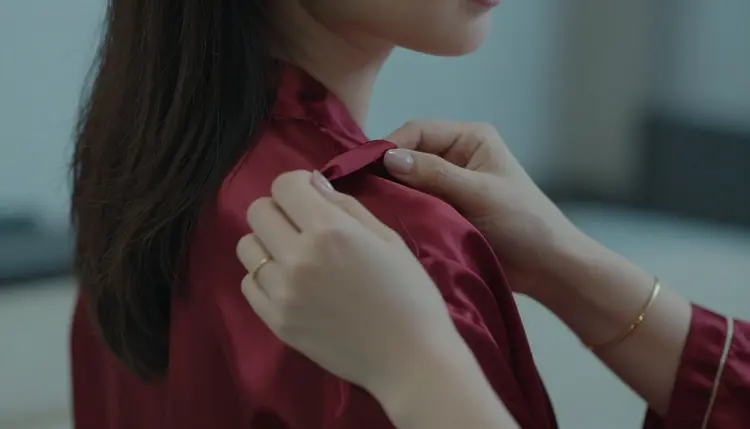
5. LTX 2.3 Pro. LTX 2.3 Pro creates 4K video from text, and it is confirmed. Use it when the clip needs to look finished: a slow pan across a boudoir set, a model seated by a window in candlelight, a golden hour backlight shot. Since it starts from text, you describe the whole scene, including the lens feel and the light, in the prompt.
For a quick sketch of a movement, start with Picasso IA Video. When a concept is approved and you want a sharper result, move the same prompt to LTX 2.3 Pro and compare. If you want longer reading on moving images, the guide to image to video tools goes through the options in more detail, and the video generators list covers the wider field.
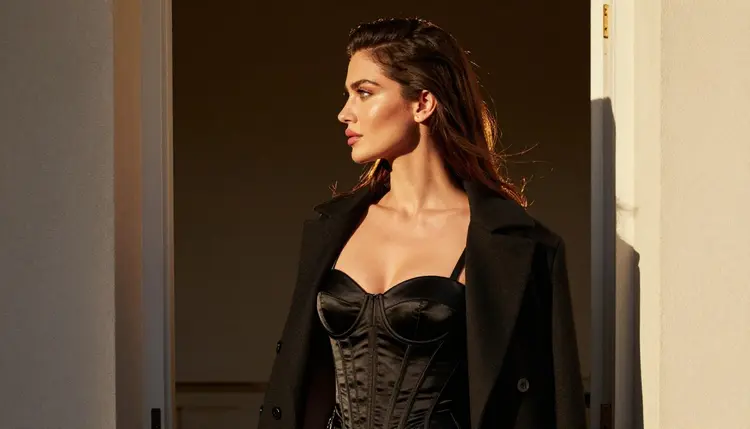
Motion tests also help with pacing. A client who cannot picture how a satin robe moves will understand it after a four second clip. Keep the first few clips plain: one subject, one light source, one camera move. Add complexity only after the basic version looks right.
Picking a tool for your own workflow is a small experiment, not a leap of faith. The steps below take a single concept from a note in your sketchbook to a reference you can show a client.
- Write The Brief. Describe the shoot in one paragraph: wardrobe, location, light, lens and mood. Keep it the same for every tool so the comparison is fair.
- Open The Toolkit. Go to the toolkit, pick a confirmed image model such as Seedream 4.5, paste the brief and generate a first frame.
- Change One Thing. Adjust one variable, such as the light or the pose, and generate again. Changing several at once makes it impossible to tell what helped.
- Edit Or Animate. Take the best frame to Picasso Image Editor Pro for small fixes, or to a video model to see it move. Attach it as a reference, and use the @1 badge in the prompt to point at it.
- Save The Winners. Keep the two or three frames that match your idea and note the prompt that made each. Those prompts become your reusable shoot recipes.
The table lists every confirmed model with the job it does best in a photographer's plan. Each name links to its page in the catalog.

Seedance 2.5 Lite is the sixth confirmed model. It is listed as free and unlimited, up to 10 seconds, so it fits short behind-the-scenes style clips. It is not one of the five numbered picks only because the list had to stop somewhere, and it is a good one to try after Picasso IA Video.
Everything else in the catalog is untested. That includes Qwen Image 2, Seedream 5, Nano Banana, Flux, Wan, Kling, Veo and many others. Untested means we have not run adult prompts against them often enough to say anything. They may work well for your needs, and a photographer comparing looks may find one with a texture or color palette they like. Try them with tasteful prompts and see what comes back. If you want a broader view of still image options, the image generators list and the uncensored image generators list are good companions to this page.
If a model does not accept a prompt, Picasso IA shows a message titled "Content Not Supported by This Model". It recommends models that accept adult prompts and carries your prompt over, so you do not retype anything.
This section is short on purpose, and it applies to every tool above.
Everything here is for adults only. You need to be 18 or older to use these tools, and the pictures and clips you make are meant for adult audiences.
Every character is a fictional adult. Do not use the name, face or likeness of a real or identifiable person, and never describe anyone who could read as a minor. Photographers are used to model releases and consent forms for real sessions. AI frames follow a stricter rule: there is no real person in them at all.
What you create is private by default. Your generations are tied to your account and are not published or shown to others. If you share a frame with a client or on a portfolio, that is your decision, and it is your job to keep it within the rules of wherever you post it.
A new account can try a small free trial on selected models: Picasso IA Image, Picasso Image Editor Pro, Picasso IA Video and Seedance 2.5 Lite. That is enough to run the five steps above on a single concept and judge whether the results fit your work. Details are on the pricing page.
Models marked with the infinity tag in the catalog do not spend credits on the plans that include unlimited generation. Picasso Image Editor Pro, Picasso IA Video and Seedance 2.5 Lite carry that tag, which makes them good for the many small tries a mood board needs. Other models spend credits that vary by model and by options such as resolution or duration, and the pricing page explains how that works.
When you are ready to go further, open the toolkit and start from a brief you already have. For pose planning, the pose library for photographers gives you angles to try, and the inpainting tools list helps when you want to change part of a frame instead of the whole thing. The full catalog is there when you want to compare more models yourself.

If you also write the stories behind your shoots, the list for romance writers shows how the same tools serve a different craft.
Which tool should a photographer try first?
Start with Seedream 4.5 for a photoreal concept frame, then take the best result to Picasso Image Editor Pro for small changes. Both are confirmed for adult prompts, and the editor is marked unlimited, which suits repeated tries.
Can I use these tools for client mood boards?
Yes. Generate frames that show wardrobe, light and setting, and place them beside your location photos. Remember that every frame shows a fictional adult, so it works as a style reference and not as a portrait of a real person.
Is the content explicit?
No. The approach here is provocative but never explicit: lingerie, robes, satin, glamour, implied intimacy. Everything is for adults and about fictional adult characters.
What does confirmed mean?
It means Picasso IA tested adult prompts against that exact model repeatedly and watched it generate instead of reject. It is not a published setting of the model's maker, who can change it at any time. This page explains it in full.
Can I turn a still into a short clip?
Yes. Picasso IA Video works from text or from an image, and Seedance 2.5 Lite is listed up to 10 seconds. Use a plain prompt such as a slow push-in or a curtain moving, and compare a few versions. The image to video list has more ideas.
Are the untested models allowed?
You can try them. Untested means we have not run adult prompts against them enough to say either way. We do not call them filtered or filter-free. If one does not accept a prompt, the app shows a message and suggests models that do.
Can I use a real person as a reference?
No. Every character must be a fictional adult. Do not use a real or identifiable person's face or name, and never describe anyone who could read as a minor. Adults only, fictional only.
Are my generations private?
Yes. They are private by default and tied to your account, not published or shown to others. What you do with them afterward is up to you.
How do I attach a reference image?
In the toolkit, attach the image and it gets a badge such as @1. You can refer to it in the prompt, and Picasso IA translates the reference to the syntax each model understands. Only models that accept several inputs show the badges.
Does it cost anything?
A new account can try a small free trial on selected models, and models with the infinity tag do not spend credits on plans that include unlimited generation. Other models spend credits that vary by model and options. See the pricing page for the details.