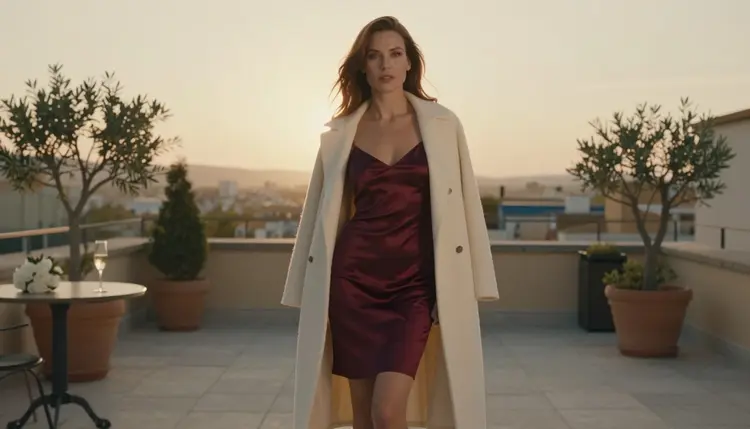
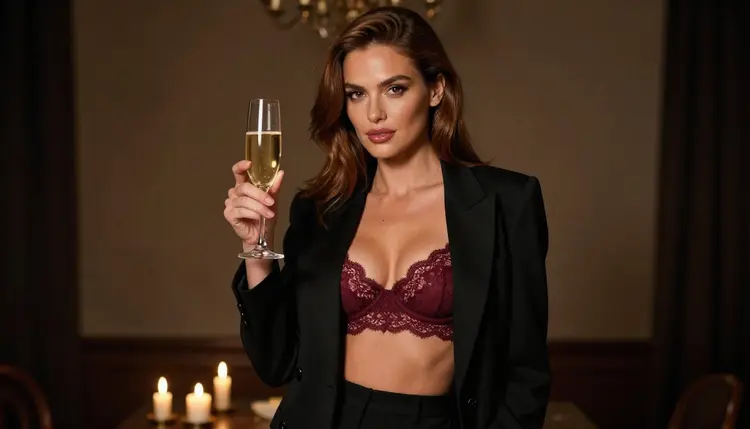
Inpainting means changing one part of a picture while the rest stays put. You keep the face, the room and the light, and you swap the outfit, remove a stray object or add a prop. For adult glamour work this is the step that turns a good frame into the exact frame you pictured: the satin slip becomes a burgundy bralette under a blazer, the coat disappears, the champagne glass appears on the table.
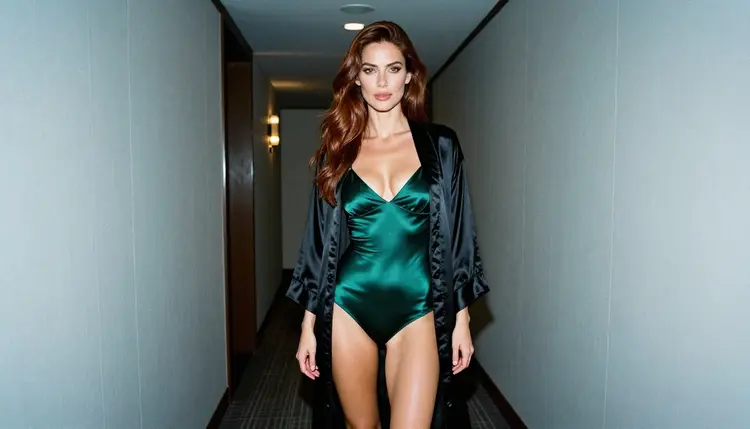
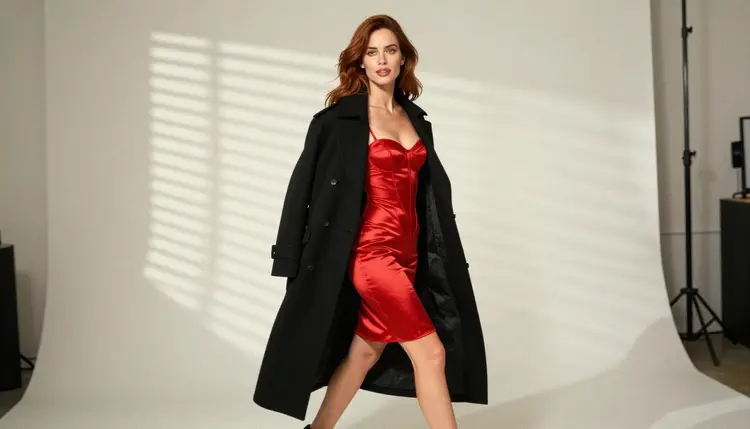
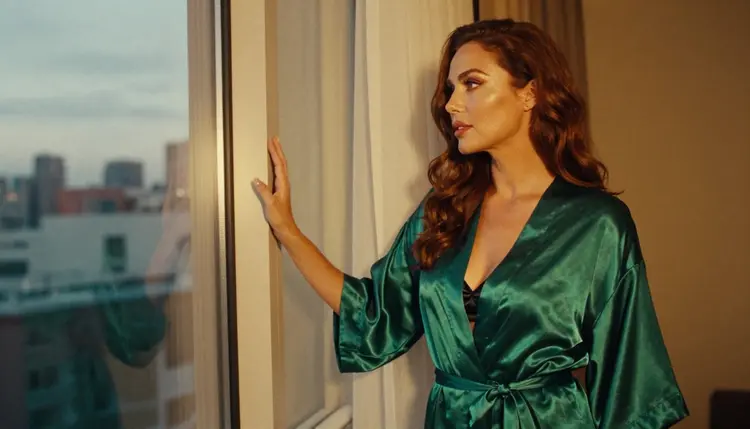
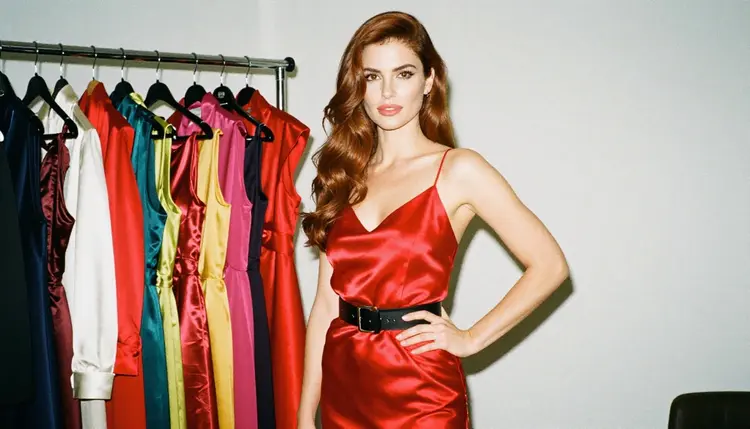
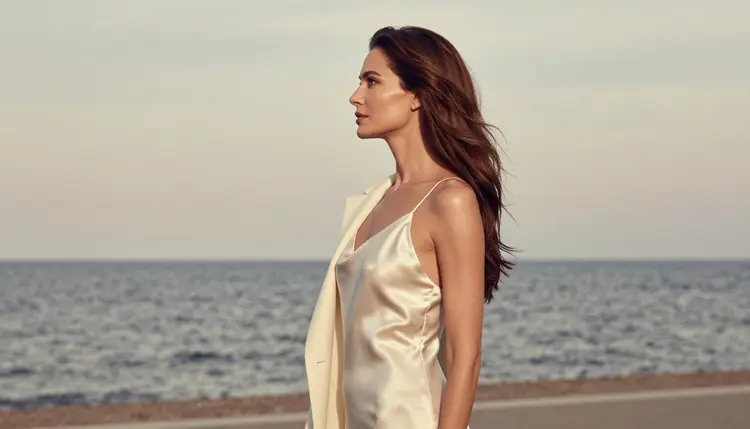
This list covers seven tools from the Picasso IA catalog that edit an existing image. One of them, Picasso Image Editor Pro, is confirmed here for adult prompts. The other six are untested: worth a try, not confirmed either way. Every character you edit must be a fictional adult. The pictures on this page show the same woman in different outfits, as if the edits were made between frames.
You can run all of them from the toolkit, attach your picture, and describe the change in plain words. If you want a fresh base image before you edit, the sibling list Top 7 NSFW AI Image Generators covers the models that create one from text.
1. Picasso Image Editor Pro. The catalog describes Picasso Image Editor Pro as an unlimited AI photo editor online, and it carries the infinity tag. It is CONFIRMED for adult prompts: Picasso IA tested it repeatedly and watched it generate instead of reject. Use it as your first stop for wardrobe swaps, a new colour for a robe, or a different background behind the same woman. Because it is marked unlimited, it suits the many small retries an edit usually needs.
2. Flux Fill Pro. Flux Fill Pro is listed in the catalog as a tool to edit and extend images. It is UNTESTED for adult prompts here, so treat the first run as an experiment. The "extend" half of its title is the part to try on glamour frames: widen a tight portrait so there is room for a window, a velvet chair or a longer hem of satin, while the original face stays as it was.
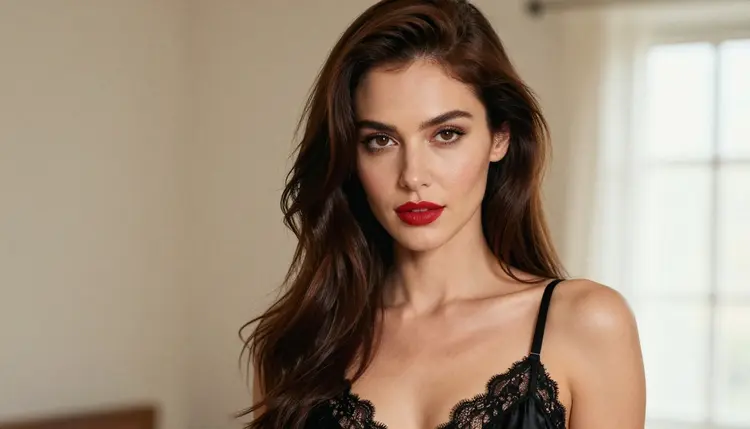
3. Flux Kontext Pro. Flux Kontext Pro edits images with text prompts, according to its catalog title. It is UNTESTED for adult prompts. The workflow is direct: attach the picture and write the change as an instruction, for example "change the camisole to a deep green satin one, keep the lighting from the window". Short, concrete instructions tend to be easier to follow than long scene descriptions.
4. Qwen Image Edit Plus. Qwen Image Edit Plus is listed as AI photo editing online. It is UNTESTED for adult prompts. It is a good candidate when you want a second opinion on the same edit, since different models read the same instruction differently. Run the same prompt here and in the tools above, then keep the result that respects the original pose and light best.
5. Bria Genfill. Genfill is described in the catalog as a way to add or replace objects in photos. It is UNTESTED for adult prompts. Think of props and small set changes: a champagne flute on a side table, a different lamp, a plain wall where a poster used to be. For the wardrobe itself, start with the confirmed editor, then use Genfill for the set around her.
6. Bria Eraser. Eraser removes unwanted objects from photos, according to its catalog title. It is UNTESTED for adult prompts, though removing a coat rack or a cable from a hotel corridor is a neutral job for any editor. It is the cleanup tool: run it last, after the outfit and the props are settled, so you do not erase something you still need.

7. Nano Banana. Nano Banana is listed as a model to edit and generate images. It is UNTESTED for adult prompts. Because it both edits and generates, it can double as a quick sketch tool: make a rough version of a scene, then pass the best one to a confirmed model for the final edit.
If you want to compare edits with a different kind of output, the sibling list Top 7 Uncensored AI Image Generators shows where each model stands for adult prompts. Other platforms with their own inpainting tools exist too, and each sets its own rules, so check their current rules before you rely on them.
Editing goes faster when you treat it as a short routine rather than a guess. These five steps work for every tool on the list.
- Start from a clean base. Pick one picture of a fictional adult with a clear face and even light. Edits behave better when the source is sharp and the pose is readable.
- Run the confirmed editor first. Attach the picture to Picasso Image Editor Pro in the toolkit and describe one change only, such as the outfit colour or the fabric.
- Change one thing per pass. Wardrobe first, props second, background last. If a pass goes wrong, you know which instruction caused it.
- Compare an untested model on the same prompt. Paste the same instruction into Flux Kontext Pro or Qwen Image Edit Plus and keep the version that holds the light and the pose.
- Finish with a cleanup. Use the eraser for stray objects, then save the frame you like and attach it to a video model if you want motion.
The order matters because every pass builds on the last one. Wardrobe changes the silhouette, props change the table, and the background changes the mood. Fixing them in that order keeps the face and light stable. When a model returns a message titled "Content Not Supported by This Model", the app recommends models that accept adult prompts and carries your prompt over, so you do not retype it.
Six models are confirmed in the app. Three of them create or edit pictures, and three make video. Confirmed means Picasso IA tested adult prompts against that exact model repeatedly and watched it generate. It is not a published setting of the model's maker, who can change it at any time. You can read the full definition on what confirmed means.
| Model | Best for | Format |
|---|
| Picasso Image Editor Pro | Outfit swaps, colour changes, background edits | Image edit, unlimited tag |
| Seedream 4.5 | A photoreal base image to edit afterwards | Text to image, 4K |
| Recraft V4.1 Pro | Illustration and design looks, print-ready output | Text to image, 2K |
| LTX 2.3 Pro | Bringing an edited frame to life | Text to video, 4K |
| Picasso IA Video | Text or image to video after your edits | Video, unlimited tag |
| Seedance 2.5 Lite | Short clips from an edited picture | Video, up to 10 seconds, unlimited tag |
Every other model in the catalog, including the six untested editors above, is simply untested. That does not mean filtered, and it does not mean filter-free. It means we have no result to report, so the honest advice is to try a prompt and read what comes back. A reasonable pattern is to build the base with a confirmed generator, edit with the confirmed editor, and bring in an untested editor only when you want a different reading of the same instruction. For a wider look at image models, see Top 7 NSFW AI Image Generators, and for motion, Top 5 NSFW Image to Video AI Tools.
Picasso IA adult content is for people aged 18 and over. If you are not an adult in your country, this page and the tools on it are not for you.
Every character you create or edit must be a fictional adult. Do not upload or describe a real or identifiable person, and never create anyone who could read as a minor. Inpainting makes this rule matter more, because an edit starts from a picture you attach. Only attach images of fictional adults that you made yourself.
What you create is private by default. It is tied to your account and not published or shown to others, so the decision to share a finished frame stays with you.
A new account can try a few generations for free on selected models: Picasso IA Image, Picasso IA Editor Pro, Picasso IA Video and Seedance 2.5 Lite. It is a small free trial on selected models, not on the whole catalog. Details live on the pricing page.
Models with the infinity tag do not spend credits on the plans that include unlimited generation. Picasso Image Editor Pro, Picasso IA Video and Seedance 2.5 Lite carry it, which makes them a natural fit for edit loops where you try the same change several times. Other models spend credits, and the amount depends on the model and options such as resolution or duration.
When you are ready, open the toolkit, attach your base picture and run your first edit. To see what else the catalog offers for editing, video and generation, browse the full catalog. If you like building a recurring character, Top 7 NSFW AI Character Creators is a good next read.
What is NSFW AI inpainting?
It is editing part of an existing picture with AI while the rest stays the same. In an adult glamour context that usually means changing an outfit, a prop or a background around a fictional adult, with the face and the light left alone.
Which tool on this list is confirmed for adult prompts?
Picasso Image Editor Pro is the one editor here that Picasso IA has confirmed. Seedream 4.5 and Recraft V4.1 Pro are confirmed too, as image generators. The other editors are untested.
What does untested mean?
It means Picasso IA has not run adult prompts against that model enough to say either way. It is not a claim that the model filters or that it does not. Try a prompt and read the result.
Can I edit a photo of a real person?
No. Every character must be a fictional adult. Real or identifiable people are not allowed, and nothing may depict or hint at anyone who could read as a minor.
What happens if a model refuses my edit?
The app shows a message titled "Content Not Supported by This Model". It recommends models that accept adult prompts and carries your prompt over, so you can switch without retyping.
Should I use one prompt or several passes?
Several short passes usually work better. Change the outfit first, then props, then the background, so each instruction stays simple and you can tell which one caused a problem.
Can I turn an edited image into a video?
Yes. Attach the edited frame to a video model such as Picasso IA Video or Seedance 2.5 Lite, both confirmed and both with the infinity tag. Our list of NSFW AI video generators has more options.
Is there a free way to try these tools?
A new account can try a few generations for free on selected models, including Picasso IA Editor Pro. It is a small free trial, not access to the whole catalog. The pricing page has the details.
Are my edits public?
No. What you create is private by default and tied to your account. Nothing is published or shown to others unless you choose to share it yourself.
Do I need to install anything?
No. Picasso IA runs in your browser, so you open the toolkit, attach a picture and describe the edit. Everything here is for adults and for fictional characters only.