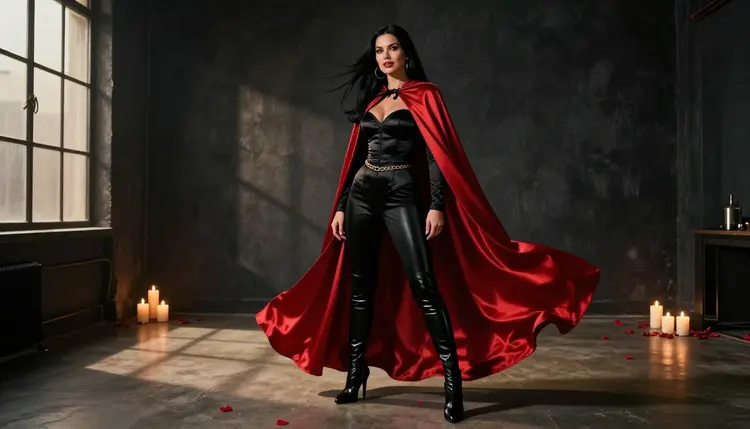
A variant cover is the alternate front page a comic issue gets for collectors: same story inside, different art outside. The best ones read from across a convention hall. A bold pose, a hard shadow, one saturated color and a character who owns the frame. For an adult comic, a glamour variant adds a layer of lingerie, satin and flirty confidence, and that is the style this page builds.
Picasso IA lets you make that cover art from text in your browser, with nothing to install. You describe a fictional adult character, a costume and a light setup, and the confirmed models in the app generate the image. Everything here is for adults only, with fictional characters only, and it stays suggestive rather than explicit.
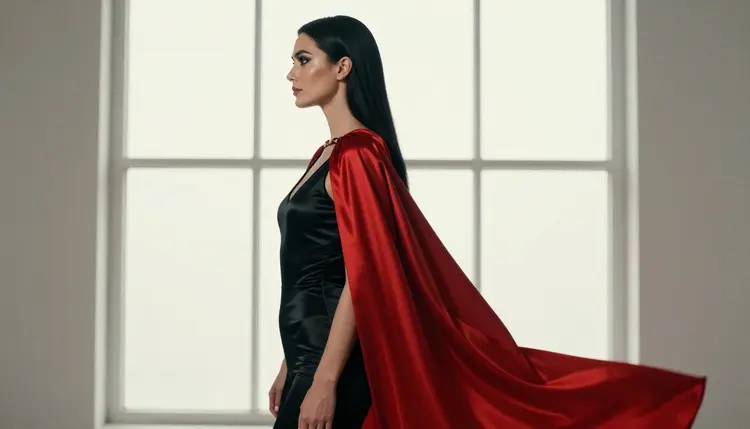
Before you open the toolkit, decide what the deliverable is. A variant cover is one hero image, but you will usually want a few alternates from the same character, so you can pick the strongest or print several editions. A practical set is one main cover plus a handful of supporting frames: a close-up, a full-length pose, a detail shot and a quiet moment by a window. The close-up works as a sticker or a social post, the detail shot as a back-cover insert.
Format matters more on a cover than on most images. Comic covers are portrait, taller than wide, and the title block and logo need breathing room at the top. When you write the prompt, ask for a composition with empty space above the head or along one edge, so the lettering has somewhere to go. Picasso IA does not add lettering, so plan to place the title in your layout tool afterwards.
The other thing a cover needs is consistency. If the cover and the back-cover pin-up show the same character, the hair, the makeup, the costume colors and the light direction have to match. Write those details once as a fixed block of words and reuse it in every prompt. The model you choose for the key image matters too, which is the next section.
Picasso IA keeps a short list of models that it has tested with adult prompts, again and again, watching them generate instead of refuse. That is what "confirmed" means here. It is not a setting published by the model's maker, who can change it at any time, and you can read more on what confirmed means. These are the six, with what each is good for on a variant cover.
For the cover itself, two models do most of the work. Seedream 4.5 is the pick when you want a photographic look: a woman in a satin bodysuit and cape on a rooftop, lit like a fashion shoot, at 4K. Recraft V4.1 Pro is the pick when you want a graphic, design-led cover that feels closer to printed comic art, and its catalog title says images are print-ready at 2K. Picasso Image Editor Pro is the cleanup tool, and it is worth keeping open for the last pass.
Some models are untested. Qwen Image 2 and Picasso Video (Pruna P-Video) are two of them: worth a try for a different look, but not confirmed either way, so judge them by what they return for your prompt.
The workflow is the same whether you want one cover or a whole run of variants. Work in this order and you will spend less time regenerating.
- Plan the Set. Write down the cover concept, the character's costume, the main color and the three or four extra frames you want. Decide the orientation and where the title will sit.
- Write the Character and Scene. Describe the fictional adult woman or man, the outfit, the pose, the setting and the light in plain sentences, and save that text as your reusable block.
- Generate the Key Image. Open the toolkit, pick a confirmed model such as Seedream 4.5, paste the prompt and generate. Run it a few times and choose the strongest composition.
- Build the Rest of the Set. Reuse the same character block, change only the shot, the pose and the light. If your model accepts reference images, attach the key image and call it with its @1 badge in the prompt.
- Refine and Export. Open the best frames in Picasso Image Editor Pro to fix a fold of fabric, a color or a detail, then download the files and place your title and logo in your layout software.
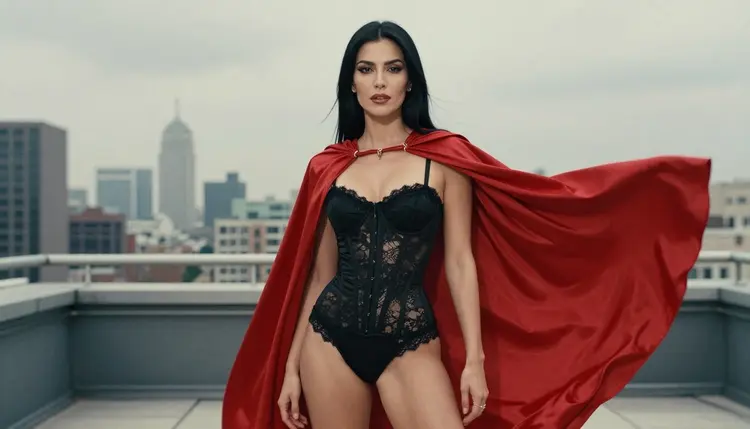
A comic cover prompt works best when it reads like a director's note. Start with the shot, then the person, then the costume, the setting, the light and the lens. A good example: "Full-length standing power pose of an adult woman with long straight black hair and glamour makeup, black satin corset bodysuit, black leather boots and a long crimson satin cape, loft studio, warm tungsten lamp light, 85mm lens, raw photography, film grain." That is specific enough that the model has little room to wander.
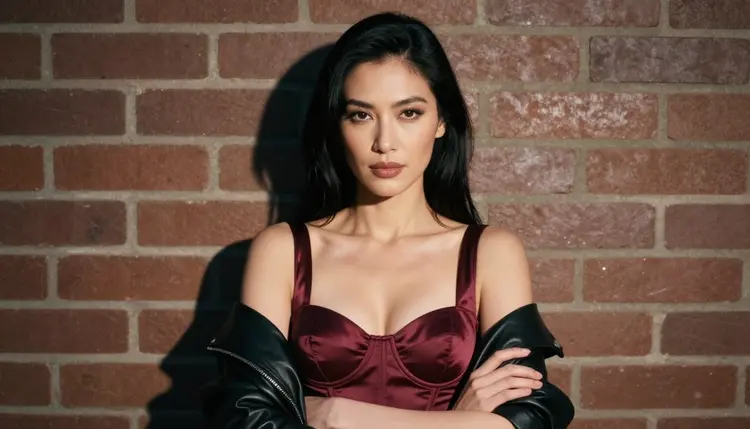
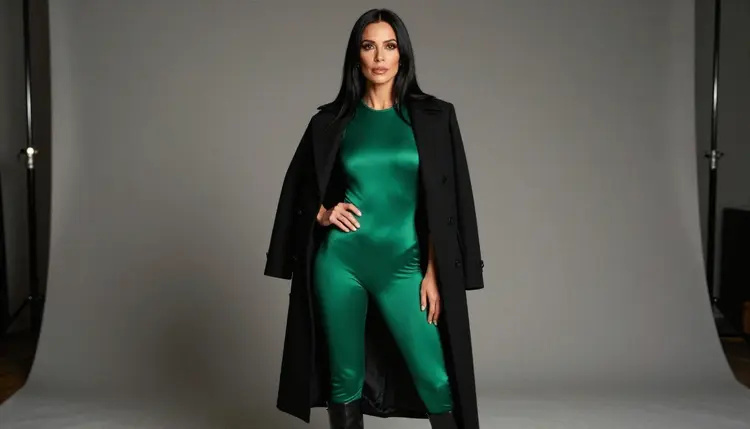
Costume is where a variant cover gets its identity. The cape is a useful prop because it adds movement and a single strong color, and satin catches light well. Try a burgundy corset top under a leather jacket for a street-level look, an emerald satin bodysuit with an open black coat for a villain feel, or an ivory slip dress under a trench coat for a noir issue. Keep the wardrobe at lingerie, swimwear and glamour level, which is where this section stays.
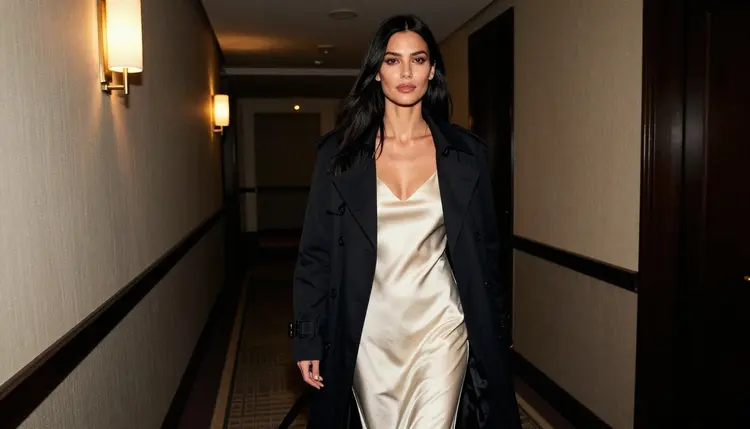
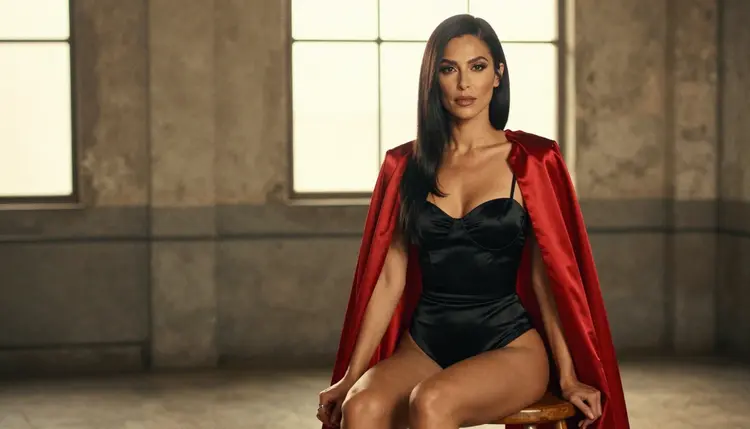
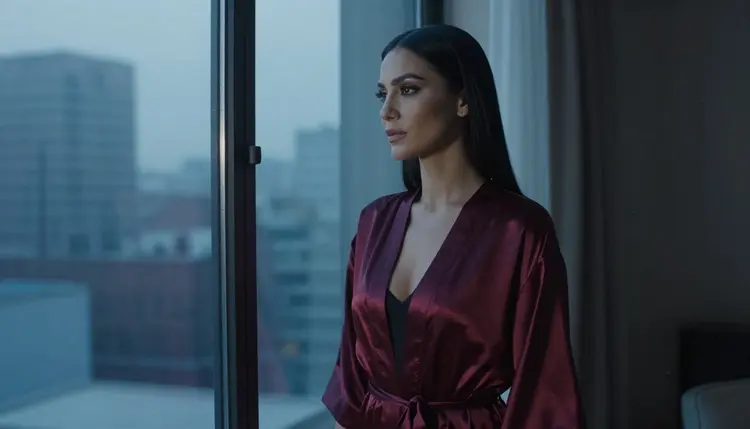
Light and setting carry the drama. Warm tungsten gives a late-night, pulpy mood. Overcast daylight on a rooftop terrace makes the colors of a cape stand out against grey. Blue-hour light around a window gives a quiet, moody back-cover frame, and golden hour backlight draws a clean rim around a seated figure. Choose one light for each image and name it in the prompt.
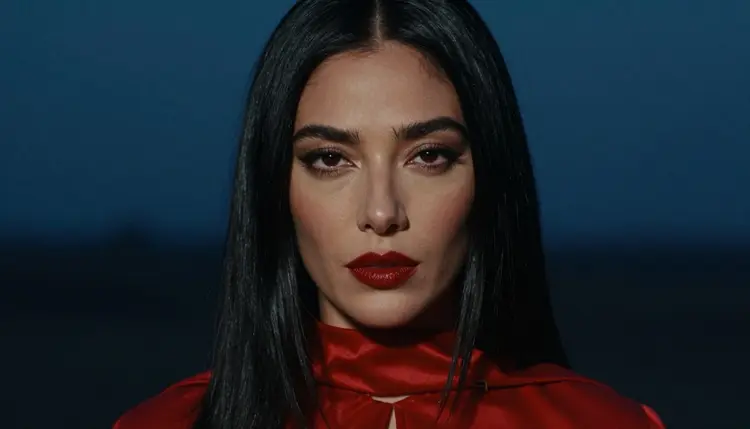
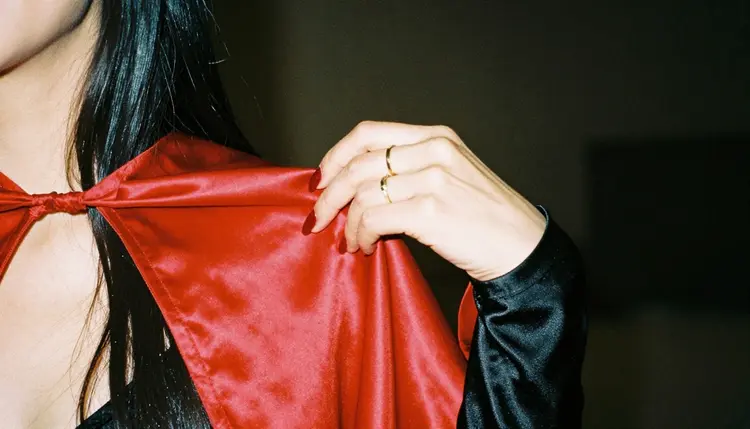
To keep the same character across the set, copy the physical description word for word every time: hair, eyes, makeup and build. Change the camera and the pose, never the description. When you move to a different frame, such as a tight close-up with deep red lipstick or a single hand holding the edge of a cape, say so at the start of the prompt so the model reframes instead of repeating the full-length pose.
If you want motion, a finished cover can become a short teaser. Picasso IA Video takes text or an image and returns a clip, so you can start from your cover and ask for a slow cape movement or a light flicker. LTX 2.3 Pro makes 4K video from text when you want a more cinematic trailer shot. Keep the movement simple: one subject, one gesture, one camera move.
If you work on a webcomic or an issue with interior pages, the same character block carries over. See NSFW AI Generator for Comic Creators for the wider workflow, and Create NSFW Images for a Webcomic Page when you need panels instead of a single cover. Other cover-style projects, such as Create NSFW Images for a Spicy Romance Book Cover and Create NSFW Images for an Album Cover Concept, use the same planning habits.
This section is adults only. Picasso IA is for people who are 18 or older, and the content here is NSFW in the sense of suggestive and glamorous, never explicit. If you are not an adult, this page and the tools it describes are not for you.
Every character you make must be a fictional adult. Do not use the face or likeness of a real person, a celebrity or anyone identifiable, and do not write prompts that describe or hint at anyone who could read as a minor. Name your character as an invented hero or heroine, in a world you created.
What you generate is private by default: it is tied to your account and is not published or shown to others. That is separate from what you do afterwards. Publishing and printing have their own rules, so check the rules of wherever you publish, sell or print the cover before you commit to an edition.
A new account can try a few generations in a small free trial on selected models. Those include Picasso IA Image, Picasso Image Editor Pro, Picasso IA Video and Seedance 2.5 Lite. It does not cover the whole catalog. Plans and what each model costs live on the pricing page, and models marked with the infinity tag do not spend credits on plans that include unlimited generation.
If you want to look further, the full catalog holds hundreds of models. Qwen Image 2 and Picasso Video (Pruna P-Video) are untested and worth a try when you want a different rendering of the same prompt. Seedream 5 and Seedance 2.5 are also untested. If a model does not accept a prompt, the app shows a message titled "Content Not Supported by This Model", recommends models that accept adult prompts and carries your prompt over, so you do not retype it.
For a cover that sits in a series, you can build a small collection of variants one character at a time. Create NSFW Images for a Fanfiction Cover, Create NSFW Images for a Podcast Cover and Create NSFW Images for a Convention Badge cover related formats, and Create NSFW Images for Your D&D Character shows how to keep a single character stable across many scenes.
Can I make a comic variant cover with Picasso IA?
Yes. You describe a fictional adult character, a costume and a light setup in the toolkit, generate the image with a model such as Seedream 4.5, then refine it. Add the title, logo and credits in your own layout software, since the app produces the artwork, not the lettering.
Which model is best for a variant cover?
For a photographic look, try Seedream 4.5, which makes 4K images from text. For a graphic, print-ready style, try Recraft V4.1 Pro, listed at 2K. Both are confirmed, and the best choice depends on the look you want.
What does confirmed mean for a model?
It means Picasso IA tested adult prompts against that exact model repeatedly and watched it generate instead of reject. It is not a published setting of the model's maker, who can change it at any time. Models outside the six are untested, not filtered. Read what confirmed means for the full explanation.
How do I keep the same character on every cover?
Write the character description once and paste it unchanged into every prompt: hair, eyes, makeup, build and costume colors. Change only the shot, the pose and the light. If the model accepts reference images, attach your best frame and refer to it by its @1 badge in the prompt.
Can I leave space for the title and logo?
Yes, by asking for it. Add a line such as "empty space above the head" or "clear dark area on the left" to the prompt. The model composes for that space, and you place the lettering yourself afterwards in your layout tool.
Can I fix a small detail without starting over?
Yes. Open the image in Picasso Image Editor Pro, which edits an existing image and carries the unlimited tag. Use it to adjust a fabric fold, a color or a small detail on the frame that is otherwise right.
Can I turn a cover into a short clip?
Yes. Picasso IA Video makes video from text or an image, and Seedance 2.5 Lite is listed up to 10 seconds. Keep the motion simple, such as a cape moving or a light shifting, and start from your finished cover.
Is it free to try?
A new account gets a small free trial on selected models: Picasso IA Image, Picasso Image Editor Pro, Picasso IA Video and Seedance 2.5 Lite. It does not cover the full catalog. Plans and costs are on the pricing page, where you can also see how the unlimited tag works.
Is this content for adults only, and are the characters real?
It is for adults only (18+), and every character is a fictional adult. Never use a real or identifiable person, and never describe anyone who could read as a minor. The pictures stay suggestive, not explicit, and what you create is private by default.
What happens if a model refuses my prompt?
The app shows a message titled "Content Not Supported by This Model" and recommends models that accept adult prompts, carrying your prompt over so nothing is retyped. You can also try another model from the full catalog, keeping in mind that models outside the confirmed six are untested.