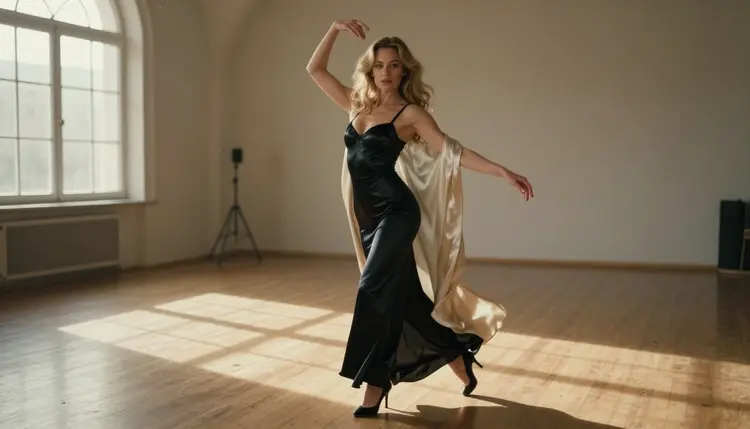
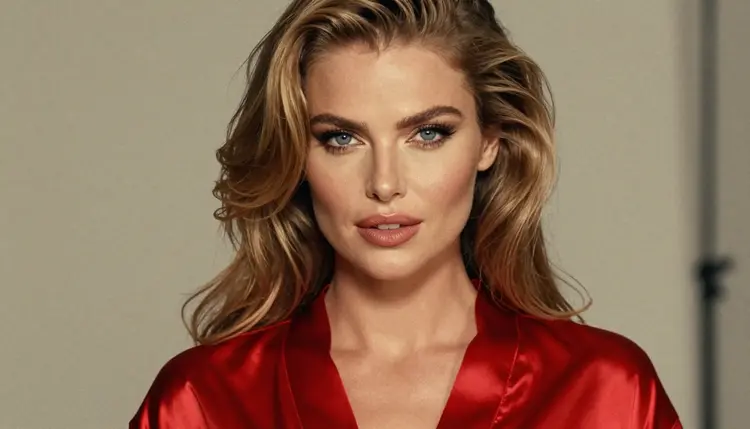
Most AI video of a character fails in the same place: the motion. The face is right, the satin robe is right, and then the body moves like a puppet on a slow elevator. A reference video fixes that by giving the model something real to follow. You film a short move with a phone, then you use that clip as the script for your adult, fictional character. This guide shows how to plan the clip, which Picasso IA models to use, and how to word the motion so it survives the trip from your studio floor to the final video.
A text prompt can say "she turns slowly and lifts one arm", but it cannot say how slowly, from which foot, or where the weight sits. Two people reading that sentence would stage it in two different ways, and a video model has to guess a third. A reference video removes the guessing. The timing, the weight shift and the arc of the arm are all recorded before you generate anything.
Think of it the way a dance teacher thinks of a count. You do not describe a turn in adjectives, you show it once and the group follows. For glamour and boudoir clips this matters even more, because the appeal is in the small things: the pause before a head turn, the way a robe sleeve trails behind a lifted arm, the moment a hand settles on a hip. Those details are hard to write and easy to film.
There is a second gain, and it is practical. When you already know the move, you stop spending generations on trial and error. A clip of four seconds with a clear beginning, middle and end gives you a fixed target. If the result drifts, you can compare it against the reference and see exactly where it left the script.
The theme of this page is a simple one: a fictional adult character, a dance studio, and a phone on a tripod recording a slow move. The performer in the reference can be you, a friend who agrees to be filmed, or a model you hire. Nobody in your reference needs to appear in the output. The reference is a motion guide, and the character you animate is a fictional adult you created, never a real or identifiable person.
Picasso IA runs in the browser, so there is nothing to install. You work in the toolkit, pick a video model, attach your character image, and write the motion. Three video models are confirmed for adult prompts, which in Picasso IA terms means they were tested repeatedly with adult prompts and generated instead of rejecting. That is the app's own testing, not a published setting of the model's maker, and it can change.
| Model | Best for | Format |
|---|
| Picasso IA Video | Free and unlimited video from text or from an image | Text to video, image to video |
| Seedance 2.5 Lite | Short clips, listed up to 10 seconds | Free and unlimited |
| LTX 2.3 Pro | 4K video from text | Text to video |
For a reference-based workflow, the practical pair is Picasso IA Video and Seedance 2.5 Lite. Both are marked with the infinity tag, so on the plans that include unlimited generation they do not spend credits, and a new account gets a small free trial on selected models that includes both. Details live on the pricing page. Both accept an image, which is what you need: your character picture is the starting frame, and your wording carries the motion you filmed. LTX 2.3 Pro is the choice when the final deliverable has to be 4K and you are happy to describe the scene from text.
Two other models in the catalog are built around the idea of animating a character: Kling v3 Motion Control and Dreamactor M2.0. Their catalog titles say "Animate Any Character", which is exactly the job this page is about. They are untested for adult prompts. That means they are worth a try, not confirmed either way. Open each model page to see which inputs it accepts before you plan your shoot around it. If one of them declines a prompt, the app shows a message titled "Content Not Supported by This Model", recommends models that accept adult prompts and carries your prompt over, so you do not retype anything.
You can also browse the full catalog for other video models. Treat every model that is not on the confirmed list as untested.
The method below works with the confirmed models and gives you a clean fallback if you try an untested motion model. Read it once, then use the sections after it for the wording and the fixes.
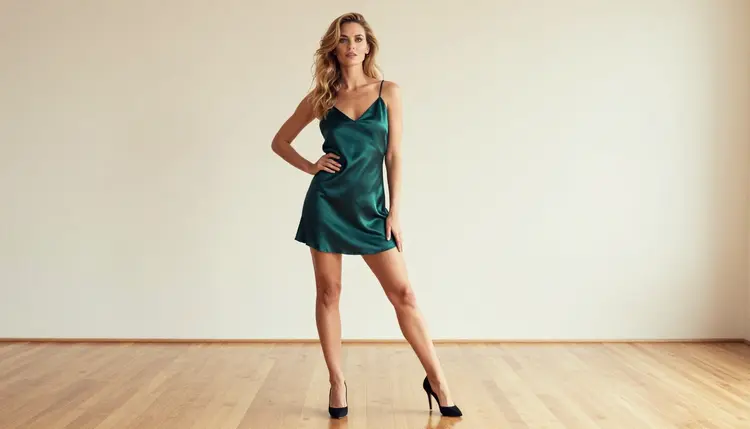
- Make the character first. Generate one clean, full-length image of your fictional adult character in the toolkit, with the outfit, hair and setting you want in the video. A still from Seedream 4.5 works well, and Picasso Image Editor Pro can fix small details afterward.
- Film a short reference. Put a phone on a tripod, frame the whole body, and record one move of three to five seconds in plain light. Keep the background simple and the performer's clothes close to the outfit of your character.
- Write the motion in words. Watch the clip twice and turn it into one sentence: where the move starts, what moves first, how fast, and where it ends. Name the camera too, for example a locked frame or a slow push in.
- Generate from the image. Attach the character image as the starting frame in a confirmed video model and paste the motion sentence. If you try an untested motion model, open its page first and attach what it asks for.
- Compare and adjust one thing. Play the result next to your reference. Change only one element per run, such as the speed word or the camera line, so you know what caused the difference.
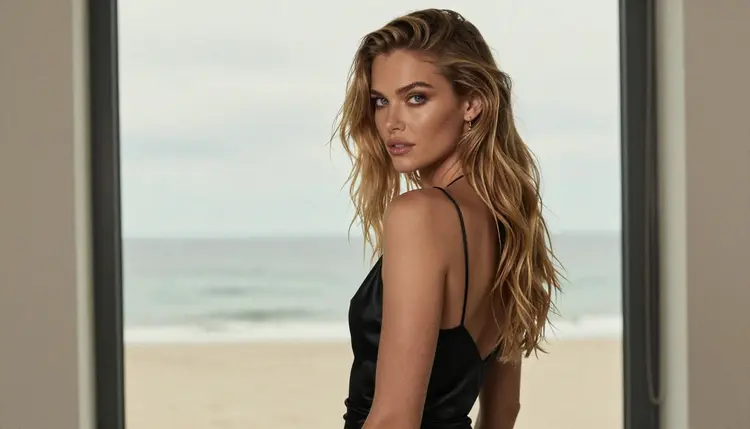
The best reference clips are boring on purpose. One performer, one move, one camera position, no cuts. A video model follows a clear arc much better than a busy one, and so does a human viewer. Below are the choices that matter most.
Pick moves with a readable arc. A slow quarter turn, a step forward with a robe opening on one side, a hand running along a railing, a lean against a wall, a seated stretch. Each of these has a start, a peak and a rest. Avoid anything that crosses the body with both arms at once or hides the face behind hair for more than a moment.
Keep the frame stable. Use a tripod, or lean the phone on a stack of books. Handheld shake gets copied into the motion and then fights the camera line in your prompt. If you want camera movement in the final video, add it in the prompt, not in the reference.
Light the reference like the final scene. Late-afternoon side light in the studio, candlelight, a soft window: whatever you plan for the output, shoot the reference in something similar. Shadow shapes tell you how the body will read, and you will spot a bad move sooner.
Match the outfit silhouette. If the character wears a long satin robe, wear something with a similar length in the reference, even a bath towel or a loose coat. Fabric that trails in the clip is fabric you can describe in the prompt.
Now the wording. Compare two versions of the same instruction. A weak one reads: "the woman dances in the studio". A stronger one reads: "the woman stands in profile in a dance studio, shifts her weight to her back foot, raises her right arm slowly over two seconds, then turns her head toward the window and holds, locked camera, late-afternoon side light". The second version gives order, speed, side, camera and light. That is the information the reference video held in your head, now moved into text.
Keep sentences short and in the order things happen. Use plain verbs: step, turn, lift, lower, glance, hold. Describe fabric as it behaves: the robe trails, the satin catches the light, the hem swings. For adult and boudoir clips, stay with wardrobe, pose, light and mood: a black satin bodysuit under an open ivory robe, a burgundy slip, an emerald dress, a red corset top. Suggestive is the goal, explicit is not.
When the character image and the video need to match closely, read Consistent NSFW Character Generator for ways to keep the same face and outfit across runs. If you only have a pose rather than a moving clip, NSFW Art From a Reference Pose covers the still-image version of this idea.
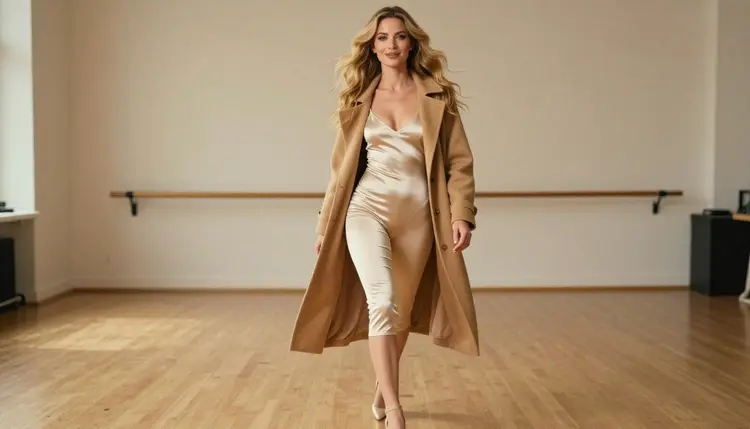
The character's face changes mid-clip. This usually means the starting image was cropped too tight or the prompt asked for a big camera move. Start from a full-length or three-quarter frame, keep the camera locked and shorten the clip. If the face still drifts, regenerate from the same still with a calmer motion line.
The motion is too fast or too slow. Models read speed words literally. Replace "quickly" or "gently" with a duration, such as "raises her arm over two seconds", and keep it close to the pace of your reference. Seedance 2.5 Lite is listed up to 10 seconds, but a short move does not need the full length.
The move gets lost in a long clip. If a three-second move is asked to fill ten seconds, the model invents extra motion to fill the time. Match the clip length to the move, or film a longer reference with two clear beats.
The prompt describes the performer, not the character. When you write from the reference, it is easy to copy the performer's clothes and hair into the sentence. Describe only the movement and keep the look of the character in the image. The reference is for motion, the picture is for identity.
Too many instructions at once. A prompt with a turn, a walk, a hair flip and a camera orbit will usually deliver none of them well. Pick one move per clip and chain clips later. To join several short clips into a longer piece, see How to Make a 30-Second NSFW AI Video.
The reference includes a real person who should not be identifiable. Keep faces out of focus or out of frame in the reference if you prefer, and never use a reference of someone who has not agreed to be filmed. Your output character is a fictional adult, and nothing in the video should point to a real individual.
An untested model declines the prompt. That happens with models that are not confirmed, and it is not a fault in your clip. Use the message the app shows, switch to one of the confirmed video models and run the same motion sentence there.
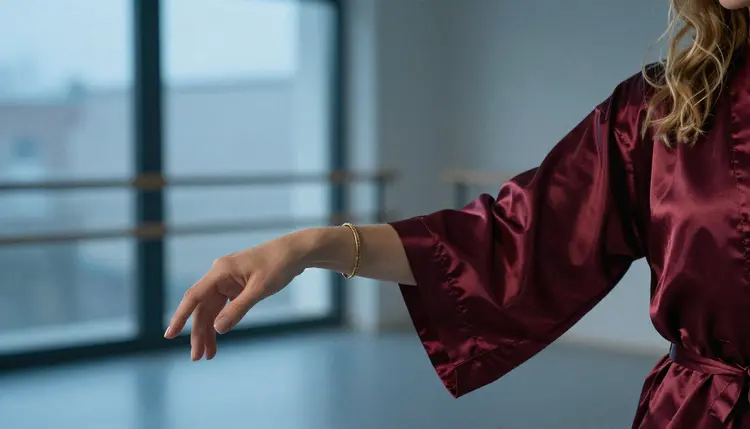
If you want the character to come alive in a different way, such as a still turned into a short clip with no reference at all, How to Turn an NSFW Character Concept Into a Short Video walks through that route. For clips that need audio, see How to Make an NSFW AI Video With Sound.
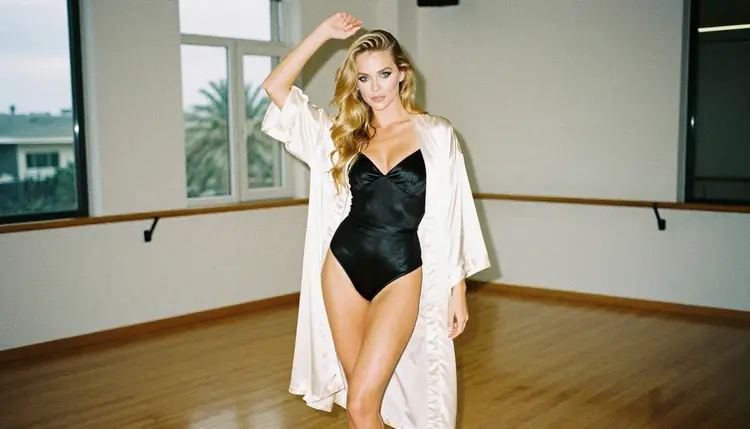
Picasso IA is for adults. Every person who creates NSFW content here must be 18 or older, and every character in the pictures and videos must be a fictional adult.
Never use a real or identifiable person as the subject, and never create anyone who could read as a minor. That applies to your reference clip too: the video is a motion guide for a fictional character, not a way to reproduce a real individual.
What you create is private by default, tied to your account and not published or shown to others. A new account can try a small free trial on selected models, and the details of plans and generation limits are on the pricing page.
Do I need to appear in the reference video?
No. The performer can be you, a friend who agreed to be filmed or a hired model. The reference only guides the motion. The character in the final video is a fictional adult drawn from your image, and the performer's face does not need to appear anywhere in the output.
Which model should I try first?
Start with Picasso IA Video or Seedance 2.5 Lite. Both are confirmed for adult prompts, both accept an image as the starting frame, and both are marked unlimited on the plans that include it. Try the untested motion models after you have a clip you like.
What do confirmed and untested mean?
Confirmed means Picasso IA ran adult prompts against that exact model repeatedly and saw it generate instead of reject. Untested means no such result either way. It is the app's own testing, not a promise from the model's maker, so a model can behave differently later.
How long should the reference clip be?
Three to five seconds is enough for one move. A short clip with a clear beginning, middle and end is easier to describe and easier to compare with the result. If you need a longer video, chain several short clips instead of filming one long, busy take.
Can I upload the reference video directly?
That depends on the model. Kling v3 Motion Control and Dreamactor M2.0 are listed to animate a character, but they are untested for adult prompts, so open their pages to see what they accept. With the confirmed models, you turn the clip into a written motion line and attach your character image.
What should the character image look like?
Use a full-length or three-quarter image with the whole outfit visible, a calm background and good light. A clean starting frame gives the model less to invent. Make it in the toolkit with a photoreal model, then fix small details with Picasso Image Editor Pro if needed.
Why does my video not match the reference exactly?
Text-driven motion is an interpretation of your clip, not a copy of it. To get closer, make the motion sentence more specific about order, side and duration, lock the camera and change only one detail per run. Compare each result against the reference to see what moved.
Will the free trial cover this workflow?
A new account can try a few generations for free on selected models, and Picasso IA Video and Seedance 2.5 Lite are among them. It is a small free trial, not a free pass across the whole catalog. The pricing page explains plans and which models carry the unlimited tag.
Is the video stored or shown publicly?
Generations are private by default. What you create is tied to your account and is not published or shown to other people. Keep your reference clip private as well, and only film people who have agreed to it.
What content is allowed?
Adults only, 18 and over, and fictional characters only. No real or identifiable people and no one who could read as a minor. Keep the material provocative rather than explicit: wardrobe, pose, light and mood. If a model declines a prompt, the app shows a message and suggests alternatives.