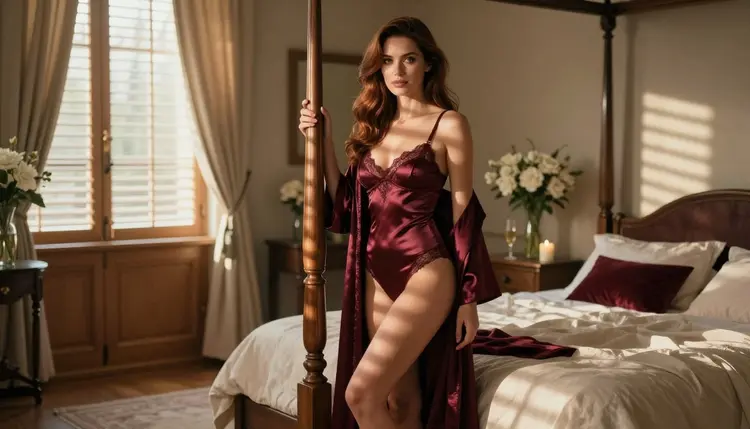
A single good still is all you need to build a short NSFW AI girlfriend video. You pick one picture of a fictional adult character, describe the motion you want in a few plain sentences, and a video model animates the frame: a slow turn, a hand on a bedpost, hair moving in morning light. This guide walks through the whole route in Picasso IA, from choosing the still to writing the motion prompt and fixing a clip that drifts.
Everything here is for adults and about fictional characters only. The examples stay in the boudoir and glamour register: lingerie, satin robes, bedroom light, implied intimacy, never anything explicit.
A video model that accepts an image treats it as the first frame. It already knows the face, the hair, the outfit, the room and the light, so your prompt does not have to rebuild any of that. Your job shrinks to one thing: telling the model what moves. That is why a still with a clear subject and clean light turns into a better clip than a long text prompt written from nothing.
This also solves the problem that frustrates most people who start from text alone. When you generate a video from words, every clip invents a new face. When you start from one image, the girlfriend character you already like stays the same woman from the first frame to the last. If you want a whole set of clips with the same character, you reuse the same still, or a small family of stills made to match, which our guide to a consistent AI girlfriend face covers in detail.
A still also gives you control before you spend anything on motion. You can judge the pose, the wardrobe and the framing in a second, reject the weak ones and only animate the frame you would be happy to look at for ten seconds. A clip is a longer commitment than a picture, so the picture is where you make the decisions.
Picasso IA runs in the browser, so there is nothing to install. You work in the toolkit, attach the image, write the motion and generate. What you create is private by default, tied to your account and not published anywhere.
In Picasso IA, "confirmed" means we tested adult prompts against that exact model repeatedly and watched it generate instead of reject. It is not a published setting of the model's maker, who can change it at any time. For this technique three video models carry that label, and each fits a slightly different job.
| Model | Best for | Format |
|---|
| Picasso IA Video | Animating one image, or writing a clip from text | Text or image to video, free and unlimited |
| Seedance 2.5 Lite | Short clips from a motion prompt | Video up to 10 seconds, free and unlimited |
| LTX 2.3 Pro | A high-detail clip written from text | 4K video from text |
Picasso IA Video is the one to start with, because it is the model built for the image-to-video route in this guide: you attach your still and describe the motion. Its catalog entry lists it as a free and unlimited generator, and it carries the infinity tag, so on the plans that include unlimited generation it does not spend credits. A new account also gets a small free trial on selected models, and Picasso IA Video is one of them. The details sit on the pricing page.
Seedance 2.5 Lite is listed as a free and unlimited generator for clips up to 10 seconds, which makes it a good second opinion: the same motion idea, a different model, a different feel in the movement. LTX 2.3 Pro is listed as a 4K video model that works from text, so with it you describe the still in words instead of attaching it. That suits a final, polished version of a scene you already know works.
The still itself can come from Seedream 4.5 for photoreal 4K images, from Recraft V4.1 Pro if you prefer an illustrated or designed look, or from Picasso Image Editor Pro if you want to adjust a picture you already have. All three are confirmed for adult prompts in the same sense as the video models.
Every other video model in the full catalog is untested: worth a try, not confirmed either way. If you use one, treat the result as an experiment, and if the app shows the message titled "Content Not Supported by This Model", switch to one of the confirmed models above. The app suggests models that accept adult prompts and carries your prompt over, so you do not retype it. For a wider comparison of what exists, see our roundup of the top NSFW image to video tools.
The route is short. The lead-in below is the whole idea, and the list is the order to follow the first time you do it.
- Choose the still. Pick one image with a single clear subject, a visible face and a calm background, then check that hands and outfit edges look clean.
- Open the toolkit and attach it. Select Picasso IA Video in the toolkit and add your image as the starting frame.
- Write the motion prompt. Describe one main movement, one camera move and the light, in two or three short sentences.
- Generate and watch the clip. Play it through twice, once for the movement and once for the face, hands and fabric.
- Adjust one thing and run it again. Change only the motion wording or the camera, keep the same still, and compare the two clips.
The still already says what the scene looks like, so the prompt should only say what happens. Think of it as stage directions for a three-second moment. A reliable pattern has three parts: the movement of the subject, the movement of the camera and the behavior of the light or fabric.
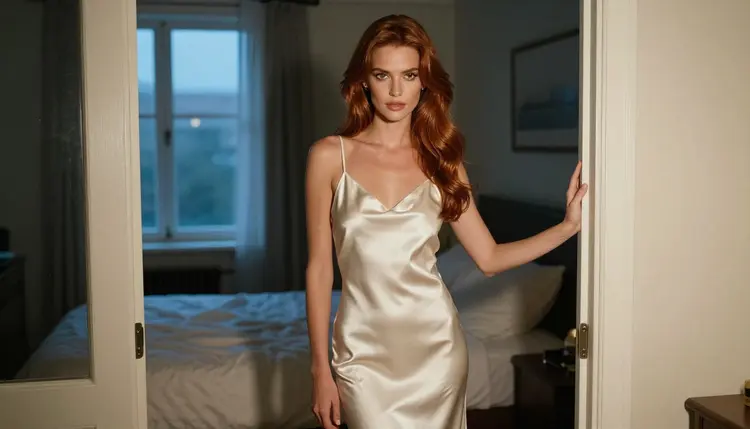
Take the frame of a woman in an ivory satin slip dress standing in a bedroom doorway at blue hour. A weak prompt repeats the picture: "woman in ivory satin slip dress in a bedroom doorway, blue hour, cinematic". The model has nothing to animate, so you get a slight shimmer and little else. A better prompt names the motion: "She turns her head slowly toward the camera and rests a hand on the door frame. The camera pushes in a few inches. The satin catches the blue light as she breathes."
Keep one main action per clip. A slow turn, a step forward, a hand moving along a bedpost, a glance over the shoulder: any one of these works. Two actions at once, such as walking, turning and sitting down, is where faces start to warp and limbs lose their shape. If you want a sequence, make several short clips and cut them together.
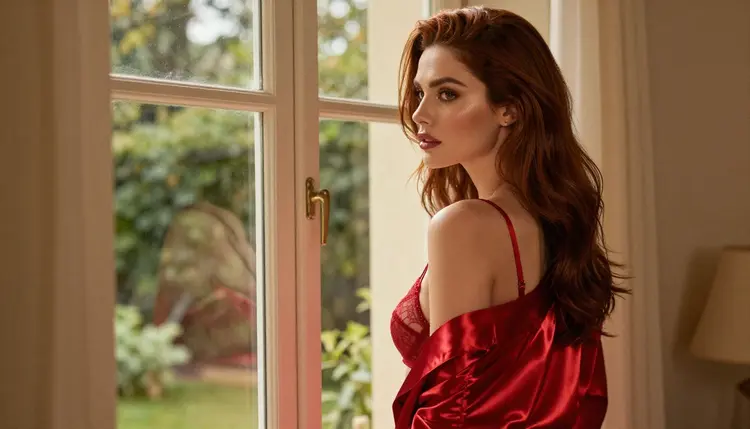
Camera wording matters as much as the subject. "Slow push in", "gentle handheld sway", "static camera" and "slow pan left" are all plain phrases the models understand. A static camera with a small subject movement looks calm and intimate. A slow push in adds attention. Avoid stacking several camera moves, because the result tends to look like a wobble rather than a decision.
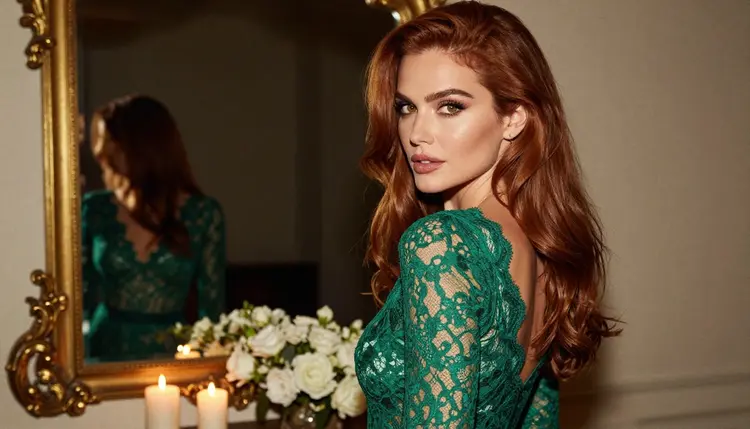
Light is a good place to add life without moving the character. Candlelight can flicker, a window can shift as a curtain moves, golden backlight can bloom a little as she walks. In a frame of a woman in an emerald lace bodysuit looking over her shoulder by candlelight, "the flame flickers and the warm glow moves across her shoulder" gives the clip depth while she barely moves.
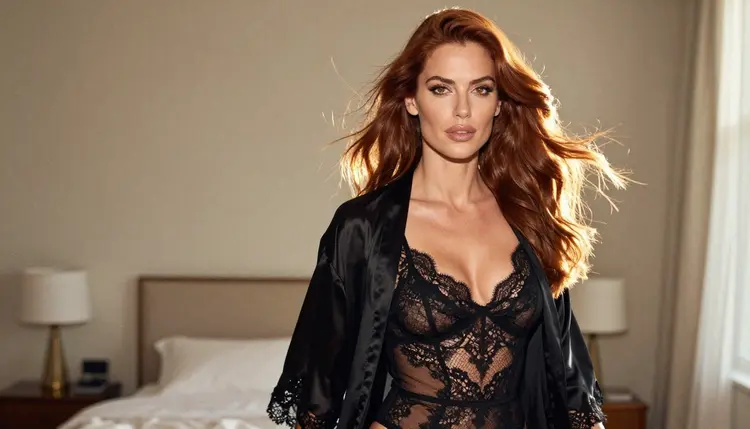
Wardrobe cues help the fabric behave. Say "the satin robe slides on her shoulder" or "the silk moves as she walks" and the model puts the motion where you want it. Mention the pace too: "slow motion", "unhurried" and "soft" all lead to calmer movement than a prompt with no pace at all. If the movement comes out too quick, add "slow" twice in different places, once for the subject and once for the camera.
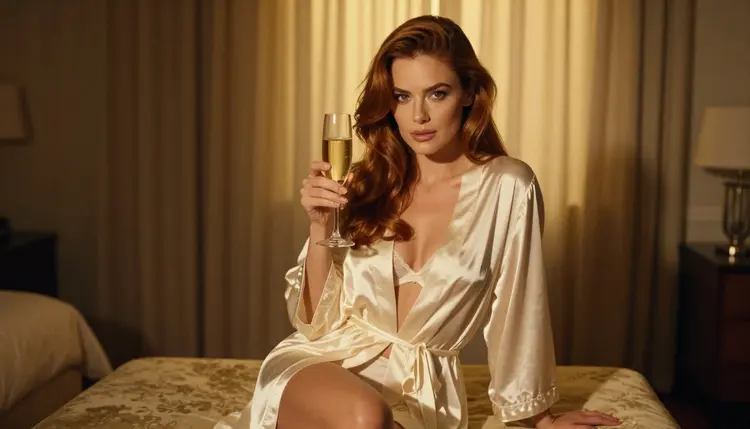
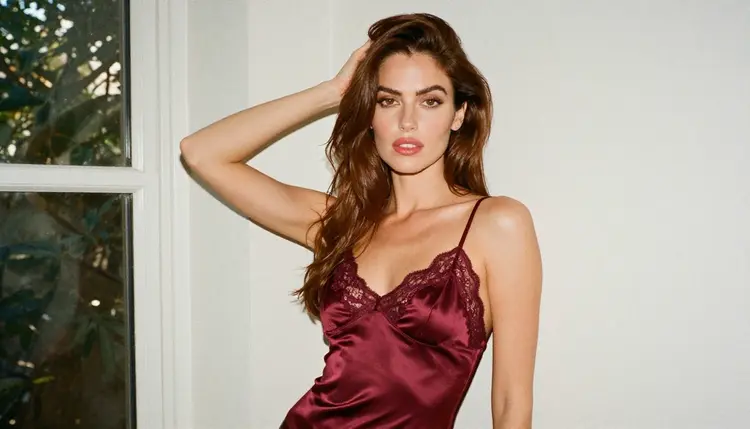
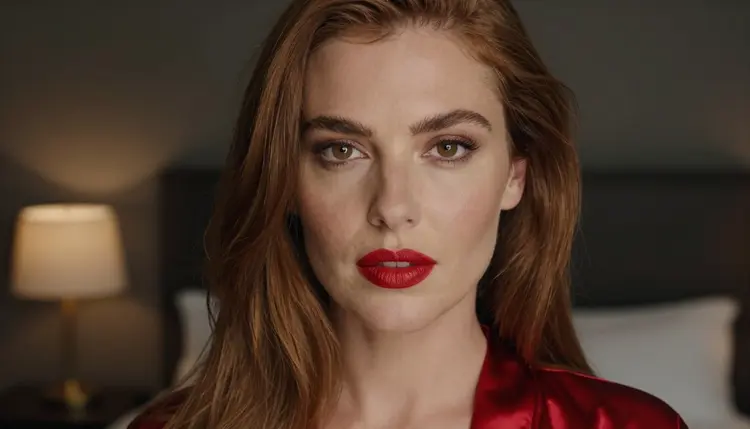
The still can come with wording you reuse. The seated frame with a glass of champagne in golden backlight pairs well with "she lifts the glass a little and smiles, the light flares softly behind her". The waist-up frame in dappled light pairs with "leaves move across her face, she leans back slightly against the wall". The tight close-up in warm lamp light pairs with "she blinks slowly and her lips part a little". Each prompt is short, each names one action, and each leaves the face alone.
For ready-made wording to adapt, the page with 15 NSFW image to video prompts that work gives you a longer set, and the guide on turning a NSFW image into video with Picasso IA Video goes deeper into that one model. If you would rather start from text and skip the still, the page on going from prompt to clip in one try shows how.
The face changes during the clip. This usually means too much is happening. Cut the prompt down to one action, remove any camera move other than a slow push in, and use a still where the face is large and sharp. A close-up or a waist-up frame holds the face better than a wide shot where the face is a few pixels.
The clip barely moves. The prompt repeated the picture instead of describing motion. Rewrite it with verbs: turns, steps, lifts, leans, glances. Add the pace, and add one thing in the light or the fabric that can move on its own.
The movement is too fast or jumpy. Add "slow motion" and "unhurried", state "static camera" if the camera is moving too, and remove any second action. If the model still rushes, try the same prompt in Seedance 2.5 Lite and compare. Different models have a different sense of tempo.
Hands and fingers look wrong. Hands are hard for every video model. Choose a still where the hands are simple, resting on a bedpost or a robe or holding a glass, and avoid prompts that ask for the fingers to do something specific. A pose with hands out of frame is often the safest option.
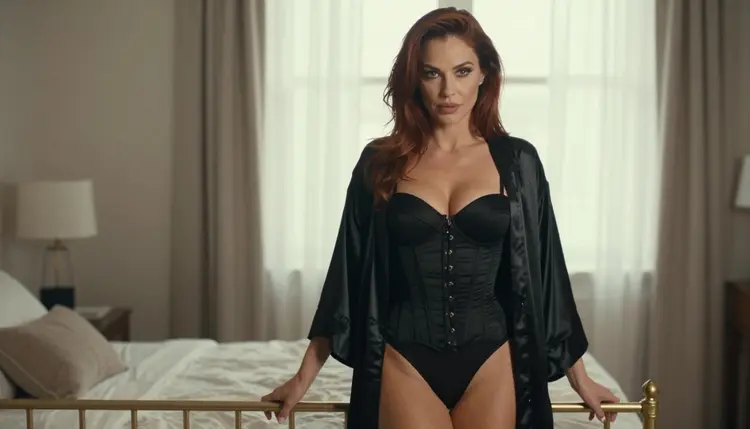
The outfit shifts or the background melts. A busy background and a layered outfit give the model more to get wrong. Pick stills with a plain wall, a window or a doorway, and with one clear garment. If a robe and a bodysuit overlap, expect more drift than with a single satin slip.
The clip ends in an odd pose. The model has to decide where the movement stops. Write the end of the motion: "she settles, looking at the camera" or "she stops at the window and looks out". A prompt that gives the movement an ending tends to give the clip a better last frame.
You keep regenerating the same bad clip. Change the still, not only the words. If three different prompts all fail on one image, the image is the problem: the face is turned too far, the arms cross the body or the outfit is hard to read. A fresh still made in Seedream 4.5 and cleaned up in Picasso Image Editor Pro often fixes it faster than a fourth rewrite.
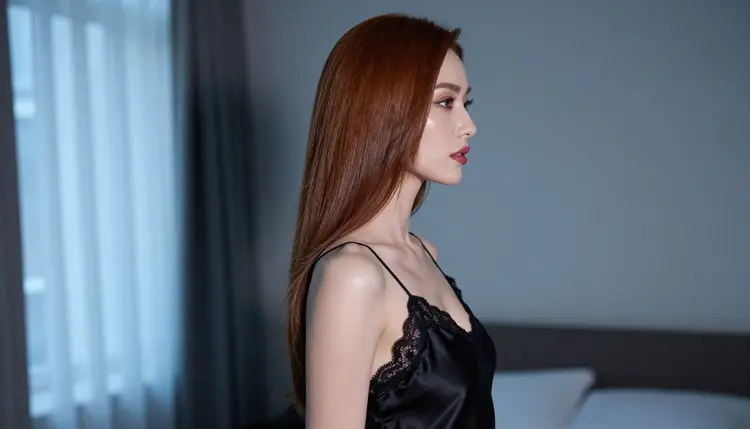
For motion ideas that are more specific than a general scene, the pages on an NSFW dance video from one image and an NSFW catwalk video from one image show how the same method works for a dance and a runway walk. For the wider picture of stills and clips together, there is also the NSFW AI image and video generator page.
This is for adults only. You must be 18 or older to use the NSFW section, and every page and example in it is written with that in mind.
Every character is a fictional adult. Do not use a real or identifiable person, a celebrity or someone you know as the source of your still, and never anyone who could read as a minor. The characters in this guide are original, and the wardrobe and wording stay provocative rather than explicit.
What you generate is private by default: it stays tied to your account and is not published or shown to others. Credits vary by model and by options such as duration, and a new account gets a small free trial on selected models, including Picasso IA Video and Seedance 2.5 Lite. For the full picture, open the pricing page.
Can I really make an NSFW AI girlfriend video from just one image?
Yes. Attach one still of a fictional adult character to Picasso IA Video, describe the motion in a few sentences and generate. The image supplies the face, outfit and setting, and your prompt only has to say what moves. Keep it adults only and keep the character fictional.
Which model should I use first?
Start with Picasso IA Video. It takes text or an image, it is listed as free and unlimited, and it is one of the confirmed models. If you want a second take on the same idea, try Seedance 2.5 Lite.
What kind of image works best as the starting frame?
A single subject with a visible face, simple hands and a calm background. Waist-up frames, close-ups and eye-level full-length shots hold up better than crowded wide shots. Even light, such as window light or warm lamp light, gives the model a clean frame to animate.
How long should my motion prompt be?
Two or three short sentences are enough: one action, one camera move and a note about the light or fabric. Longer prompts that stack several actions tend to cause drift, warped faces and jumpy movement. If you need more going on, make a second clip.
How do I keep the same character across several clips?
Reuse the same still, or make a small set of matching stills first and animate each one. Our guide to a consistent AI girlfriend face explains how to build that set so the woman looks the same from clip to clip.
Can I use LTX 2.3 Pro for this?
LTX 2.3 Pro is listed as a 4K video model that works from text, so you describe the scene in words instead of attaching the picture. It is confirmed for adult prompts, and it suits a polished final version once you know which scene works.
What do I do if a model refuses my prompt?
The app shows a message titled "Content Not Supported by This Model", recommends models that accept adult prompts and carries your prompt over, so nothing needs retyping. Models outside the confirmed list are untested, so a refusal there does not mean the prompt is wrong.
Can I use a photo of a real person?
No. Use fictional adult characters only. Never a real or identifiable person, never a celebrity and never anyone who could read as a minor. The section is built around original characters, and the stills in this guide are made for that purpose.
Are my videos private?
Yes. What you generate in Picasso IA is private by default: it is tied to your account and is not published or shown to others. The section is for adults aged 18 and over, and the characters are fictional adults only.
Does it cost anything to try?
A new account gets a small free trial on selected models, which include Picasso IA Video and Seedance 2.5 Lite. After that, cost depends on the model and your options, and models with the infinity tag do not spend credits on plans that include unlimited generation. See the pricing page for details.