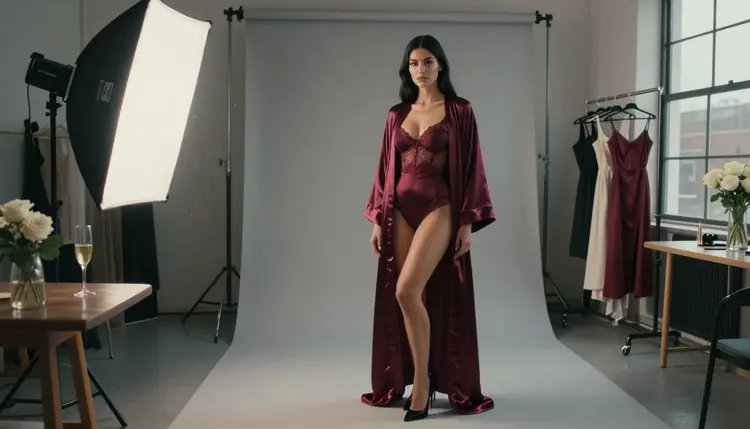
Every adult clip starts with a choice that most people make without noticing: do you begin from a picture you already have, or from a sentence you type? Both routes end in a short video, but they behave differently, they fail in different ways and they suit different jobs. This guide compares them for glamour, boudoir and lingerie work, so you can pick the route before you spend a generation.
All the examples below are suggestive and tasteful, about fictional adults only. Nothing here needs a real person, and nothing here is explicit.
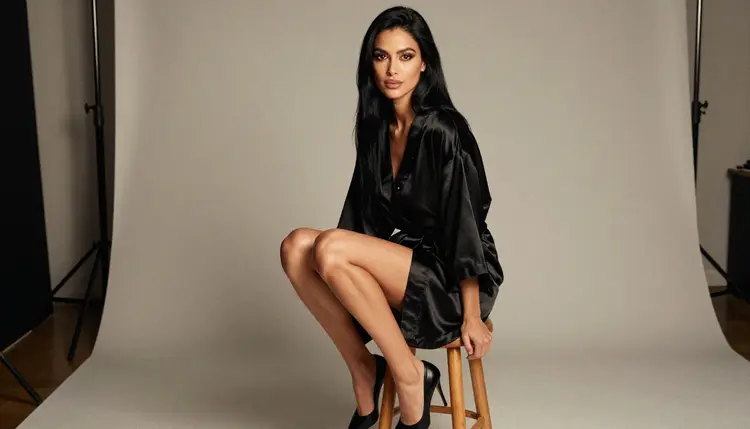
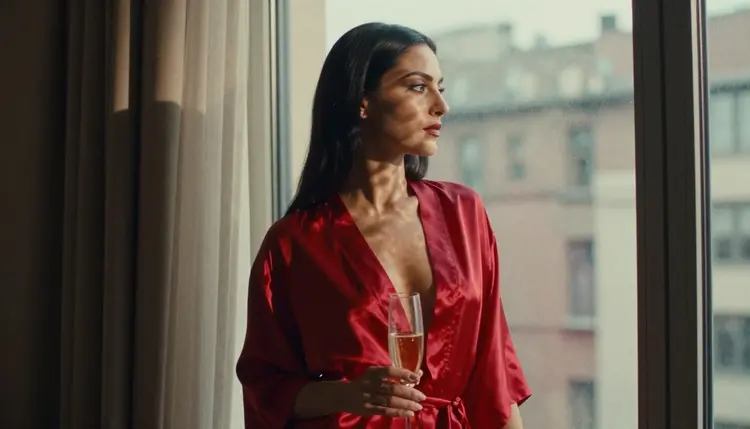
Image to video means you hand the model a finished still. The woman, the robe, the window and the light are already decided, and the model adds motion: a slow turn of the head, fabric shifting, a camera that drifts forward. Because the still is fixed, the clip keeps the same face, the same wardrobe and the same framing from the first frame to the last.
Text to video means you write a scene and the model invents everything at once: the person, the room, the lens and the movement. You get more surprise and more range, and you lose control of the details. Two runs of the same sentence can give you two different women in two different outfits.
The honest summary is that image to video buys consistency and text to video buys discovery. If you need the same character across several clips, start from a still. If you are exploring a mood, a location or a camera move you have not seen yet, start from text.
Neither route is better in general. The better route is the one that matches what you already have in hand. A finished glamour portrait wants to be animated. A loose idea, such as a satin slip in a loft at golden hour, wants to be written down and tested a few times.
Picasso IA keeps a list of models it has tested with adult prompts, and the ones below are on it. Here, confirmed means Picasso IA ran adult prompts against that exact model repeatedly and watched it generate instead of reject. It is not a published setting of the model's maker, who can change it at any time. For the longer explanation, the page about the NSFW AI image and video generator covers the whole setup in one place.
| Model | Best for | Format |
|---|
| Picasso IA Video | Animating a still or writing a scene | Text or image to video |
| Seedance 2.5 Lite | Quick tests of a prompt | Video, listed up to 10 seconds |
| LTX 2.3 Pro | High-resolution scenes written from scratch | 4K video from text |
Picasso IA Video is the one that covers both routes. Its catalog title says it generates video from text or from an image, and it carries the infinity tag, so on plans that include unlimited generation it does not spend credits. A new account also gets a small free trial on selected models, and this is one of them. Details live on the pricing page.
Seedance 2.5 Lite is listed as free and unlimited and goes up to 10 seconds, which makes it a practical place to test how a prompt reads before you commit to a longer or heavier model. LTX 2.3 Pro is the text route for people who want 4K output.
The stills for the image route come from the confirmed image models. Seedream 4.5 makes 4K photoreal images from text. Recraft V4.1 Pro gives you print-ready 2K images with a strong hand for illustration and design. Picasso Image Editor Pro edits an image you already have, and it is marked unlimited.
Every other model in the catalog is untested: worth a try, not confirmed either way. If you want to explore beyond the list, browse the full catalog and treat those models as experiments.
This is the order that wastes the fewest generations. It works the same whether you end up on image to video or on text to video.
- Decide what must stay fixed. Write down the one thing you cannot let change, such as the face, the robe color or the room, because that choice picks your route.
- Choose the route. If something must stay fixed, make a still first and animate it; if nothing must, write the scene as text.
- Pick the model. Open the toolkit and choose Picasso IA Video for either route, or a confirmed text model when you want 4K or a quick short test.
- Write a short motion prompt. Describe only what moves, in one or two sentences, and keep wardrobe and setting out of it when you start from a still.
- Review and iterate once. Watch the clip, change one thing in the prompt, run it again and keep the better of the two.
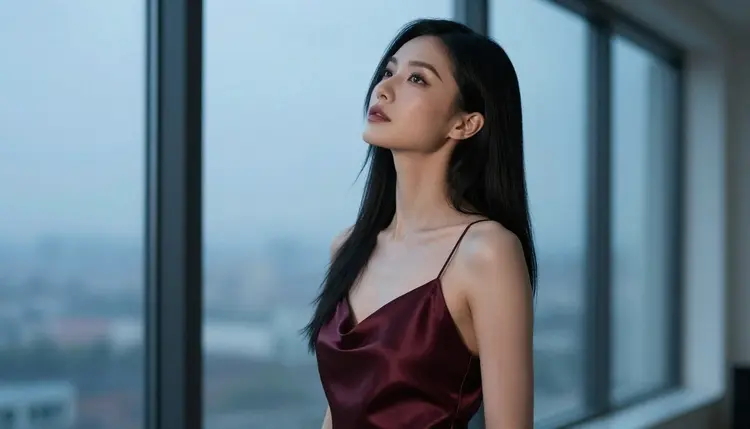
Image to Video and Text to Video in Practice
Here is how the two routes compare on the points that decide a project.
Consistency. Image to video wins clearly. The still sets the person, the wardrobe and the light, so a set of clips made from one portrait looks like one shoot. With text to video, you can repeat the same description word for word and still get a different woman each time. If you plan a series, make one strong still first, then animate it several ways.
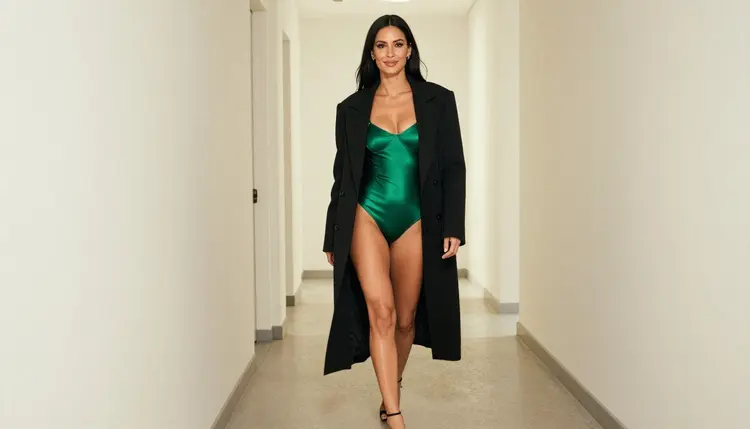
Control over the frame. With a still, the framing is already chosen: full length, close-up, over the shoulder. The model mostly adds movement inside that frame. With text, you describe the lens and distance and hope the model honors them, which it usually does when the prompt is specific, such as a 50mm eye-level frame with a shallow depth of field.
Range and surprise. Text to video wins here. When you do not know what you want, a sentence gets you a location, a camera move and a mood you would not have drawn yourself. It is the better tool for exploring, and the text to video guide goes through that workflow.
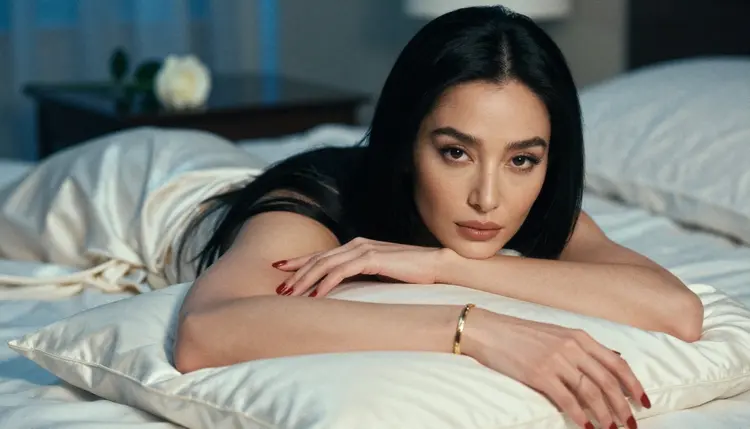
Speed to first result. Text to video is one step. Image to video is two, because you need the still first. But if you already have a portrait you like, image to video is the faster path to a polished result, since the hard decisions are done. The page on how to turn a NSFW image into video with Picasso Video walks through that second step in detail.
Motion prompts versus scene prompts. A scene prompt for text to video is long: subject, wardrobe, location, light, lens, movement. A motion prompt for image to video is short, because the picture already holds everything else. Something like "slow push in, the robe settles on her shoulder, soft window light flickers" is enough. If you want ready-made wording, the list of image to video prompts that work has plenty to adapt.
Making the still. For the image route, how good the clip looks depends heavily on the still. Pick a clean frame with a clear subject, hands that look right and fabric with readable folds. A text-to-image workflow is covered in how to turn a text prompt into an NSFW image, and a comparison of image-first and video-first thinking sits in Seedream 4.5 versus LTX 2.3 Pro.
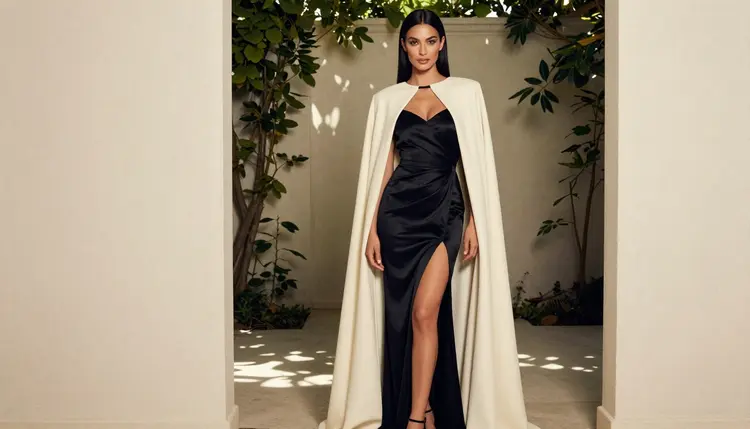
A simple rule of thumb: if you can describe the finished first frame in one sentence and you want to keep it, use image to video. If you can only describe a feeling, use text to video.
Repeating the whole scene in a motion prompt. When you animate a still, restating the wardrobe and the room only competes with what the picture already shows. Keep the prompt to movement, camera and light changes. Fix: delete everything the image already says.
Asking for too much movement. A long list of actions in one short clip tends to blur the result. Ask for one main motion and one camera move. Fix: split a busy idea into two clips and cut them together later.
Expecting the same woman from text. If you need the same face in three clips and you write three text prompts, you will get three versions. Fix: generate one still, keep it, and animate that single image each time.
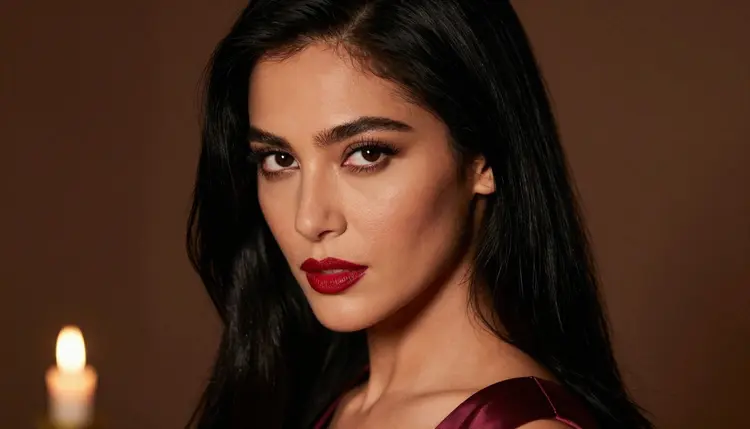
Starting from a weak still. A cropped hand, a muddy shadow or a half-hidden face shows up in the video, only moving. Fix: go back to the image step, regenerate or repair the frame with Picasso Image Editor Pro, then animate it.
Vague scene prompts. "A glamorous woman in a nice room" gives you a generic result. Fix: name the wardrobe, the light and the lens, for example a satin slip, late-afternoon side light and a 50mm lens at eye level.
Judging by one run. A single generation says little about whether a prompt works. Fix: run it twice, change one word, and compare, and use the quick Seedance 2.5 Lite tests before moving to a longer clip. If you are aiming for something longer, see how to make a 30-second NSFW AI video.
Ignoring the refusal message. If a model replies with "Content Not Supported by This Model", the app recommends models that accept adult prompts and carries your prompt over, so you do not retype it. Treat it as a routing hint, not a dead end.
This section is short on purpose, and it applies to every clip in this guide. Picasso IA is for adults only. You must be 18 or older to use any of it, and everything here is written for that audience.
Every character is a fictional adult. Do not use a real or identifiable person, a celebrity or a photo of someone you know, and never create anyone who could read as a minor. Prompts should say woman or man and describe an adult in plain terms.
What you create is private by default: it is tied to your account and is not published or shown to others. A small free trial on selected models lets you test both routes before you decide anything, and the pricing page explains how credits and unlimited models work.
Is image to video better than text to video?
Neither is better overall. Image to video is better when you need the same person, wardrobe and framing across clips, because the still fixes them. Text to video is better for exploring new moods and locations. Pick by what you need to keep fixed.
Which confirmed model handles both routes?
Picasso IA Video is listed for text or image to video, so it covers both. It is confirmed, which means Picasso IA tested adult prompts against it repeatedly and watched it generate. That is not a published setting of its maker, who can change it.
Can I animate a picture I made with another tool?
Picasso IA Video accepts an image as input, so you can start from a still. Only use pictures of fictional adults that you have the right to use. Never upload a photo of a real person, and never a picture of anyone who could read as a minor.
What should I write in an image to video prompt?
Write only the movement: a slow push in, a turn of the head, fabric settling, light flickering. The picture already holds the wardrobe and the room, so repeating them adds noise. One main motion and one camera move is a good limit.
What should I write in a text to video prompt?
Give the subject, wardrobe, setting, light, lens and one movement. Specific beats poetic: "satin slip, loft window, late-afternoon side light, 50mm, eye level, slow push in" works better than a vague mood. Keep it about a fictional adult.
Which route is faster?
Text to video takes one step. Image to video takes two, because you make the still first. If you already have a still you like, image to video is the quicker route to a clip you can keep. Test ideas first on Seedance 2.5 Lite.
When should I use LTX 2.3 Pro?
Use LTX 2.3 Pro when you write a scene from text and want 4K video. It is the text route for high-resolution output, and it is confirmed. For quick experiments with a prompt, a lighter model is the cheaper place to start.
Can I keep the same character across several clips?
Yes, from a still. Make one portrait you like, then animate that same image with different motion prompts. With text to video alone the character changes between runs, so a series is much harder to hold together that way.
Does it cost anything to try?
A new account gets a small free trial on selected models, including Picasso IA Video and Seedance 2.5 Lite. Models with the infinity tag do not spend credits on plans that include unlimited generation. Costs vary by model and options, and the pricing page has the details.
Is this only for adults and fictional characters?
Yes. Picasso IA is 18+ only, every character is a fictional adult, and no real or identifiable person is allowed. No one who could read as a minor may appear. Your generations are private by default, tied to your account and not shown to others.