A beach is the easiest place to ask for a spicy photo and the easiest place to get a flat one. The model knows sand, water and a bikini, so a short prompt returns a generic holiday snapshot with noon light and no mood. This page gives you a fill-in template for NSFW beach photos on Picasso IA: seven labelled lines you copy, adjust and send, plus two finished examples and a list of mistakes that cost the most.
Everything here is for adults and for fictional characters only. The look is glamour and swimwear photography: satin bikinis, linen cover-ups, golden hour, a shoreline at dusk. It stays suggestive, never explicit, and the template is written to keep it that way.
A beach prompt fails for a simple reason: the setting does most of the talking and the rest of the sentence gets ignored. If you type "woman on a beach in a bikini", the model fills every gap with its most common guess. You get bright overhead sun, a centered pose, a neutral smile and a sky that looks pasted on. Nothing in that picture says glamour or romance.
A template fixes this by making you answer the same questions every time. Who is in the frame, what is she wearing, where exactly on the beach, what is the light doing, how far away is the camera, what is the mood. Once those seven answers are on the page, the model has less room to improvise and the result looks planned. It is also the reason two prompts written a week apart still produce pictures that belong together.
The second benefit is repeatability. When a frame works, you change one line and keep the others. Swap golden hour for blue hour and the same woman, the same bikini and the same lens give you a different mood. That is how you build a small set of related pictures instead of rolling the dice on each one.
The beach also rewards specific light more than almost any other setting. Sand and water bounce light back up, so a low sun gives a warm rim on skin and hair, while an overcast morning gives soft, even color with no hard shadows. Naming the light is the single change that moves a prompt furthest from a snapshot. If you want to see the same discipline applied to indoor scenes, the lingerie photo template and the boudoir photography template work the same way with different wardrobe and rooms.
Picasso IA keeps a short list of models that its own tests found to accept adult prompts. Confirmed means the app tested adult prompts against that exact model repeatedly and watched it generate instead of reject. It is not a published setting from the model's maker, who can change it at any time. The page on what confirmed means explains the test in full.
For beach photos, these are the confirmed models that matter:
For the still photos this template is built around, start with Seedream 4.5. It is a text to image model that works at 4K, which suits a wide beach frame where the horizon, the water and the skin tones all need detail. Recraft V4.1 Pro is the pick when you want a more designed, poster-like beach picture at 2K. Picasso Image Editor Pro is for the second pass: you already have a frame you like and want a different cover-up or a warmer sky.
Other models in the catalog are untested. That does not mean they refuse and it does not mean they accept; it means nobody has confirmed either way. Qwen Image 2 and Seedream 5 are two worth a try if you want a different look. Browse the full catalog and treat any result as a test. If a model declines, the app shows a message titled "Content Not Supported by This Model", recommends models that accept adult prompts and carries your prompt over, so you do not retype anything.
The steps below take you from an empty box in the toolkit to a finished beach picture. Read the template in the next section first so you know what each line is for.
- Open the toolkit and pick a confirmed image model. Choose Seedream 4.5 for a photoreal still. Set the format to wide if you want a landscape beach frame.
- Fill the seven labelled lines. Copy the template, answer each label with plain wardrobe, place and light words, and join the lines into one prompt.
- Add one reference if you have it. If you attach an image, it gets an @1 badge and you can mention it in the prompt. Picasso IA translates the reference to the syntax the model understands.
- Generate and read the result against the lines. Check each label: is the light what you asked for, is the lens distance right, is the wardrobe correct. Note which line failed.
- Change one line and run it again. Edit only the line that missed, keep the other six, and generate a second version. Repeat until the frame is the one you wanted.
The template has seven labelled lines. Each one is a short phrase, not a paragraph. Write them as bold labels in your notes and join them with commas when you paste into the prompt box.
Subject. The woman, in plain words: age range as an adult in her thirties, hair, makeup, build. Keep it to one sentence and keep it the same from prompt to prompt if you want the same person back.
Swimwear. Fabric, color and cut: satin bikini, black halter top, one-piece swimsuit, emerald silk cover-up, ivory linen sarong. Fabric words matter. Satin catches highlights, linen wrinkles, silk drapes.
Place. Where on the beach: waterline, driftwood pier, empty stretch of sand, beach bar stool, lounger under a canopy, path through dune grass. One place per prompt.
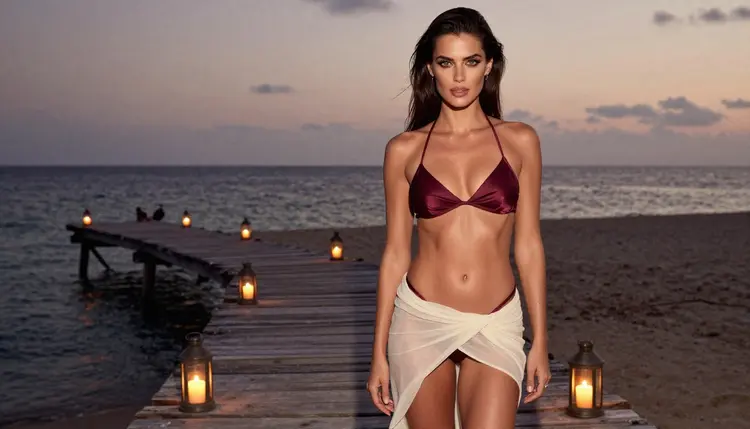
Light. The time of day and its quality: golden hour backlight, blue hour, hard morning sun through slatted shade, overcast soft daylight, lantern glow at dusk.
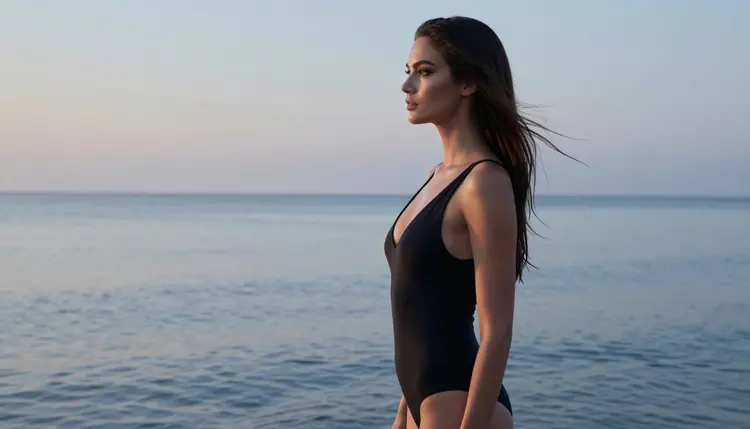
Frame. The shot type: wide environmental portrait, profile silhouette, over-the-shoulder, full-length standing, waist-up, tight close-up, candid walking shot.
Lens. A focal length and aperture such as 24mm f/2.8 for wide scenes, 35mm f/2 for environmental portraits, 85mm f/1.8 for waist-up, 135mm f/2 for compressed over-the-shoulder looks, 100mm f/2.8 for close detail.
Mood. Two or three words: relaxed, flirty, romantic, confident. Finish with a texture cue such as natural light, film grain, Kodak Portra 400, raw photography.
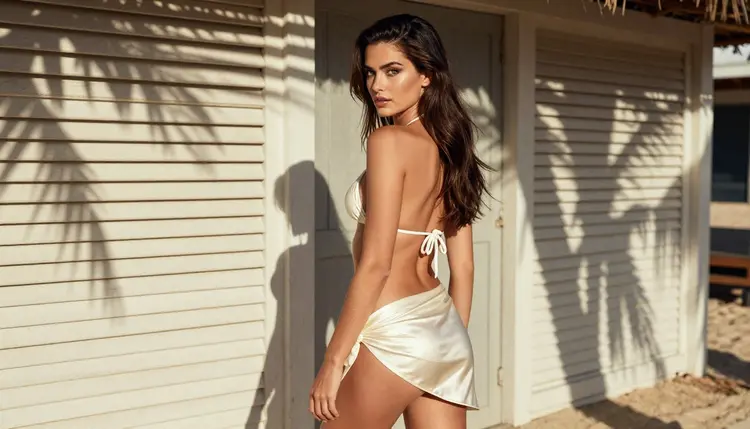
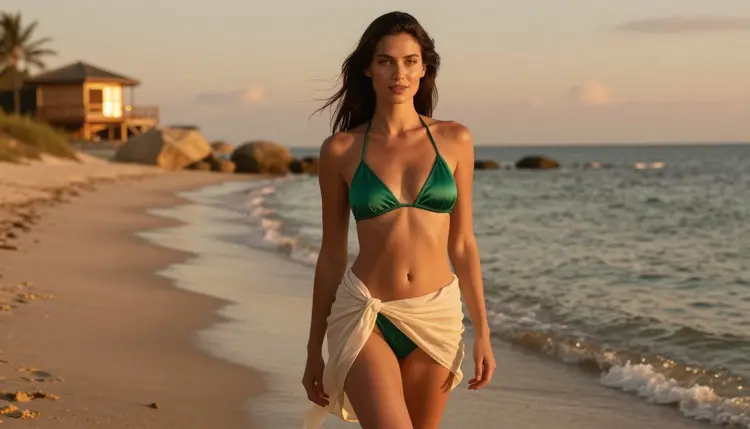
Here is the first filled example, a golden hour portrait. Prompt text: "A woman in her thirties with long dark-brown hair and green eyes, polished glamour makeup, wearing an emerald satin bikini and an ivory linen sarong, standing at the waterline, golden hour backlight with a warm rim on her hair, wide environmental portrait, 35mm f/2, relaxed and flirty, natural light, film grain, Kodak Portra 400." The wardrobe sets the color story, the backlight gives the glow, and the lens keeps the horizon in the picture.
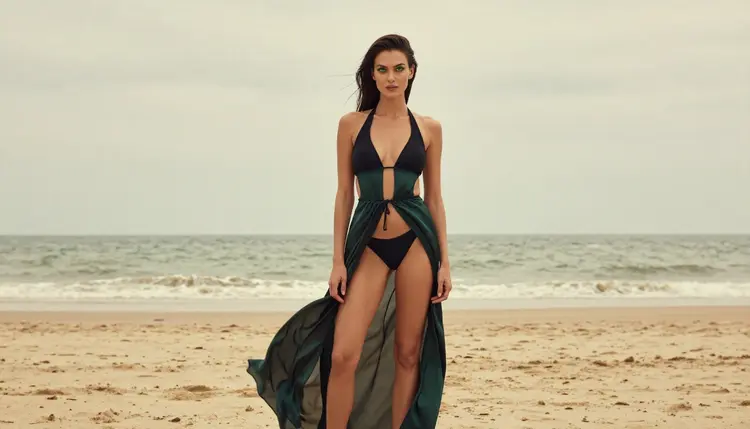
The second example is a quieter overcast frame. Prompt text: "The same woman in a black halter bikini and an emerald silk cover-up, full-length standing frame on an empty beach, overcast soft daylight with no hard shadows, 100mm f/2.8, calm and confident, raw photography, fine film grain." Nothing here is loud. The silk cover-up and the flat light carry the mood, and the standing pose reads as editorial rather than as a holiday snap.
A third variation shows how little you need to change. Keep the same subject and swimwear lines, move the place to a beach bar stool, set the light to morning sun, pick a waist-up frame at 85mm f/1.8 and write "burgundy bikini top under a linen cover-up". You get a new picture of the same woman, built from one edited line and a few swapped words.
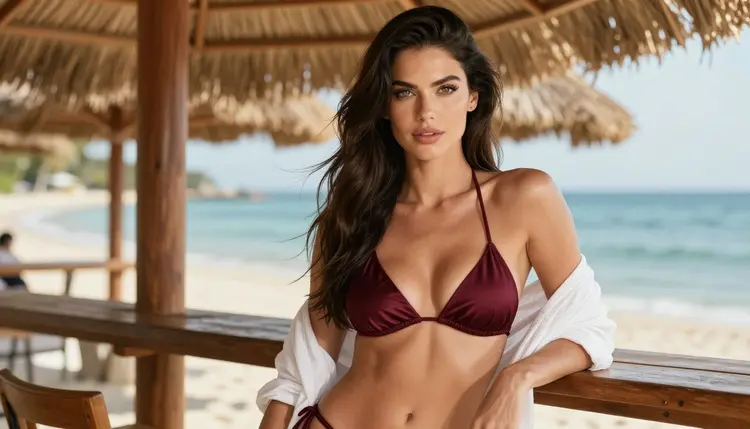
When you move from stills to clips, the same lines still work with small additions. Add a motion cue to the end: waves rolling in, sarong moving in the breeze, hair catching the wind, a slow walk along the shore. Then send the prompt to Picasso IA Video, LTX 2.3 Pro or Seedance 2.5 Lite. A still prompt that already names the light and the lens gives a video model something clear to animate.
If your idea involves a costume or a character rather than a plain swimsuit, the cosplay photo template and the fantasy character template show how to carry the same seven lines into a themed wardrobe.
Most weak beach pictures come from the same handful of habits. Each one has a short fix.
Leaving the light out. Without a light line the model chooses bright midday sun, which flattens everything. Fix: always name the time of day and add what it does to skin, hair or water.
Stacking too many places. "Pier, dunes, bar and sunset" in one prompt gives a confused background. Fix: one place per prompt, and make a separate picture for each location.
Vague swimwear. "A bikini" returns a plain, forgettable one. Fix: give fabric, color and cut, and add a cover-up when you want more depth in the outfit.
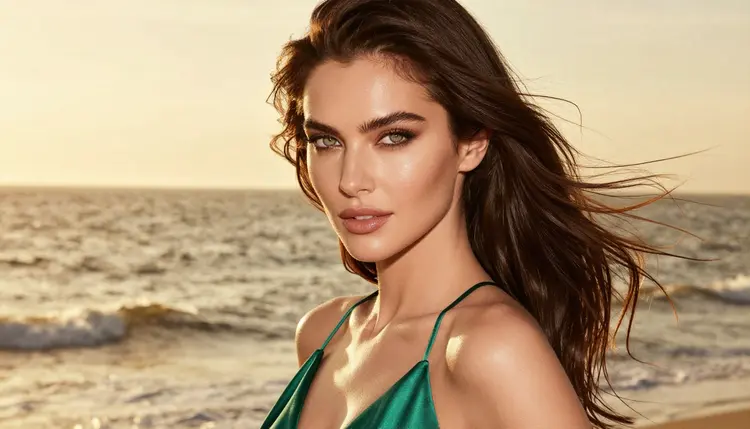
Skipping the lens line. Without a focal length the framing drifts and the background sharpness is random. Fix: pair the frame with a lens. Wide frames take 24mm or 35mm; close portraits take 85mm to 135mm.
Writing a story instead of a scene. Long plots about who she is and why she is there do not help an image model. Fix: describe only what the camera can see, and keep the backstory for a text file. The character backstory template is the better place for that kind of writing.
Changing everything between runs. If you rewrite the whole prompt each time you never learn what worked. Fix: change one line, rerun, compare. After three or four rounds you will know which words move the result.
Asking for too much skin in the words. Explicit language does not make a picture better here; it makes the model more likely to decline. Fix: describe the wardrobe, the pose and the light. Suggestion does the work, and it is the style this section is built on.
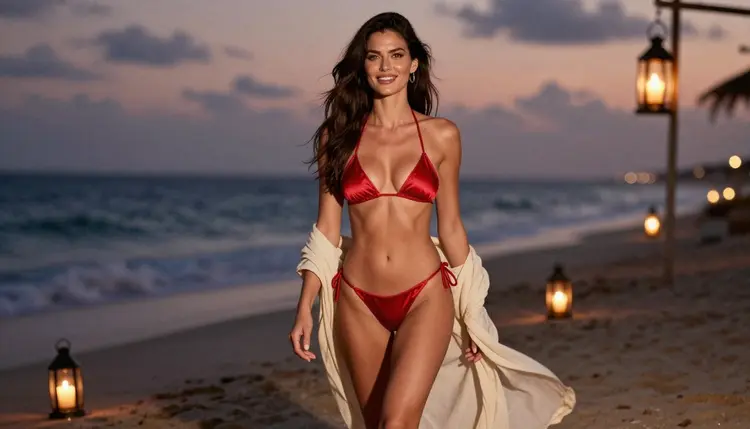
A last fix for retouching: when a frame is almost right, do not regenerate from scratch. Open it in Picasso Image Editor Pro and edit the one thing that is off, such as the cover-up color or the sky. For other pictures in this style, the realistic portrait template pairs well with the beach template when you want a close portrait to match a wide shoreline frame.
This section is 18+ only. Every prompt on this page is meant for adults, and Picasso IA is for people who are of legal age where they live.
Characters are fictional adults only. Never write the name of a real or identifiable person, never ask for a celebrity, and never describe anyone who could read as a minor. The template describes a woman in her thirties for that reason, and you should keep every subject line clearly adult.
What you create is private by default: it is tied to your account and not published or shown to others. A small free trial on selected models lets a new account try a few generations, and the pricing page explains how credits and unlimited models work.
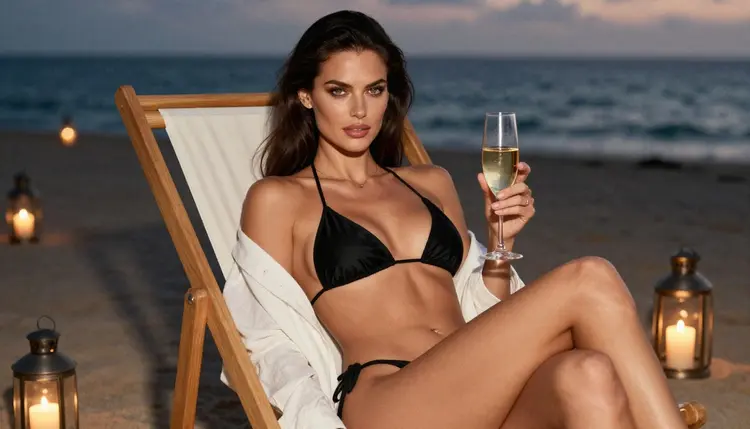
What is an NSFW prompt template for beach photos?
It is a fill-in structure of seven labelled lines (subject, swimwear, place, light, frame, lens and mood) that you answer with short phrases and join into one prompt. It keeps beach pictures suggestive and photographic instead of generic, and it makes results repeatable.
Which model should I use first?
Start with Seedream 4.5 for photoreal stills. It is one of the models Picasso IA confirmed as accepting adult prompts, and its 4K output suits wide beach scenes. Use Recraft V4.1 Pro if you prefer a designed, print-ready look.
Can I get the same woman in every beach picture?
Keep the subject line identical across prompts, including hair, eye color, makeup and build. You can also attach a reference image in the toolkit and mention it by its @1 badge. Results still vary a little from run to run, so expect close, not identical.
What light works best on a beach?
Golden hour backlight is the classic choice because it gives a warm rim on hair and skin. Blue hour suits silhouettes, overcast daylight gives soft even color, and lantern glow at dusk adds a romantic tone. Name one, and say what it does to the scene.
Does the template work for video?
Yes. Keep the seven lines and add a motion cue such as waves rolling in or a slow walk along the shore. Send it to Picasso IA Video, LTX 2.3 Pro or Seedance 2.5 Lite, which are confirmed for adult prompts.
What if a model refuses my prompt?
The app shows a message titled "Content Not Supported by This Model" and recommends models that accept adult prompts. Your prompt is carried over, so you can switch models without retyping. Also check that the wording describes wardrobe and light, not explicit acts.
Are untested models safe to try?
Untested means nobody has confirmed whether they accept adult prompts, so treat each run as an experiment. Qwen Image 2 and Seedream 5 are examples. You can browse them in the full catalog and compare the results with a confirmed model.
Can I use a photo of a real person?
No. Characters must be fictional adults, and you should never use a real or identifiable person, a celebrity or anyone who could read as a minor. This applies to prompts and to reference images alike.
Are my beach pictures public?
No. Generations are private by default, tied to your account and not published or shown to others. Picasso IA is 18+ and for fictional adults only, so keep your prompts within that promise.
How much does it cost?
Credits vary by model and by options such as resolution or duration, and some models marked with the infinity tag do not spend credits on plans that include unlimited generation. A small free trial on selected models is available, and the pricing page has the details.