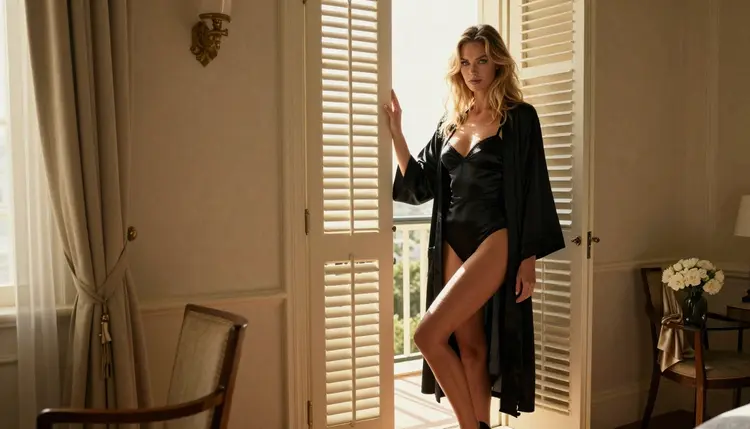
An upscaler takes a picture you already have and rebuilds it at a higher resolution, so a close-up of lashes, satin or lace still holds up on a large monitor or on paper. This list is for adults who make fictional glamour portraits and want them sharper without starting the shot over. It is organized by how much we know: the models Picasso IA has confirmed with adult prompts come first, and the dedicated super-resolution models come after them, clearly marked as untested.
Here is the plain setup. Picasso IA keeps a short list of models that accepted adult prompts in repeated tests, and three of them are useful when you care about detail: one edits a picture you already made, and two generate at a high resolution from the start. The upscalers from the super-resolution category are different. Nobody has tested them with adult images here, so they are worth a try and nothing more. If you want the wider picture first, read the guide to the best NSFW image generator and then come back.
Everything on this page follows the same line: you must be 18 or older, every character is a fictional adult, and the pictures are provocative but never explicit. The five items below run from confirmed to untested.
1. Picasso Image Editor Pro. The catalog describes Picasso Image Editor Pro as an unlimited AI photo editor online, and it carries the infinity tag. It is confirmed for adult prompts: Picasso IA tested it repeatedly and it generated instead of rejecting. Use it when the picture already exists. Upload a boudoir portrait, ask for a cleaner background, a steadier fabric fold or softer shadows, and keep the same woman in the frame. It is the right first stop for finishing touches, and the free trial includes it.
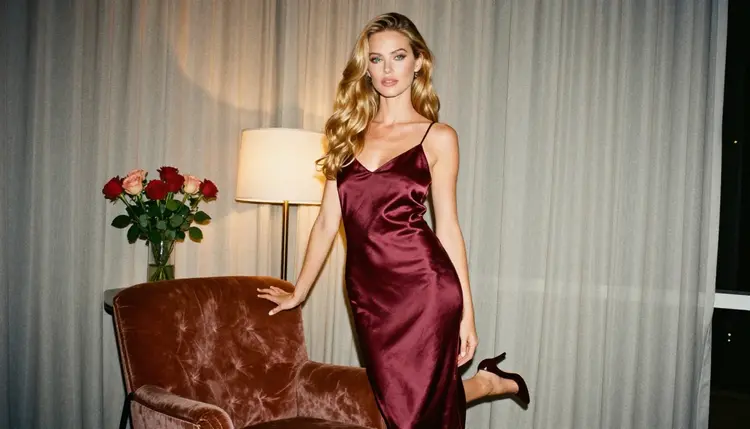
2. Seedream 4.5. The catalog title for Seedream 4.5 is "Create 4K Images from Text with Seedream 4.5". That is the point: instead of upscaling a small file, you ask for the large file directly. It is confirmed for adult prompts and it is the photoreal option, so it suits skin, hair and satin in natural light. Describe the wardrobe, the lens and the light in plain words (for example a burgundy slip, a 35mm lens, warm lamp light) and let the model hold the detail at its high output size.
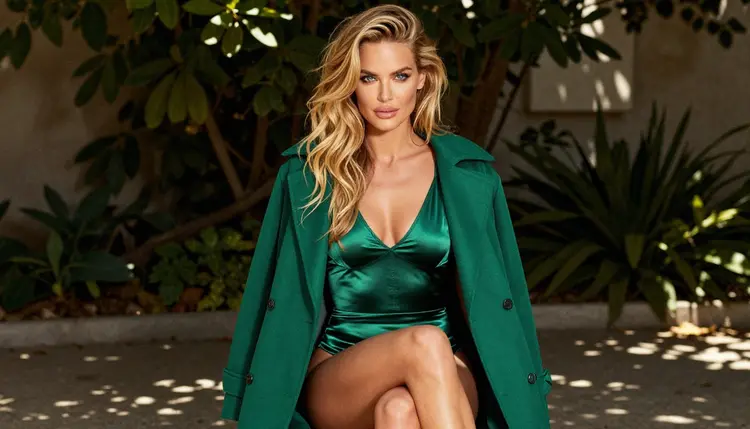
3. Recraft V4.1 Pro. Recraft V4.1 Pro is listed as "Print-Ready Images at 2K with Recraft v4.1 Pro" and the catalog says it is strong on illustration and design. It is confirmed too. Pick it when the end goal is paper: a poster, a framed print, a magazine-style layout, or a stylized pin-up where clean edges matter more than skin pores. Because it is made for print-ready output, you are less likely to need a separate upscale afterwards.
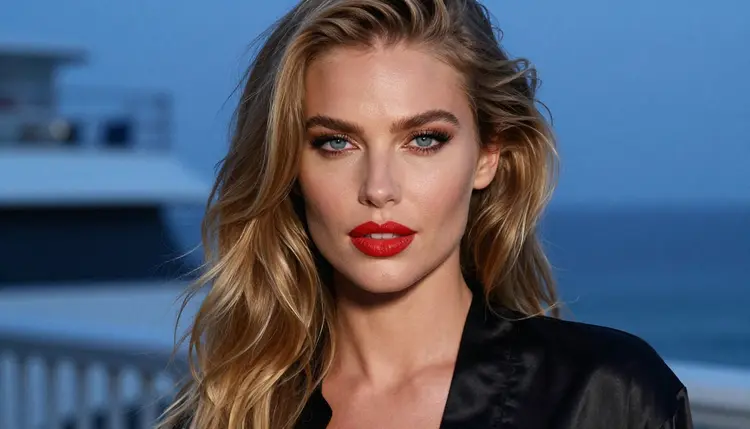
Items one to three share a useful habit. Each one gives you detail at the moment of creation or editing, so you can often skip the step where a small file is stretched. If you like to compare before you commit, the guide to the NSFW image editor shows how the editing side works in more depth.
The next two items are real super-resolution models from the catalog. They are built to enlarge an existing image. They are also untested for adult content, so treat them as experiments. Picasso IA does not call them filtered and does not call them filter-free: it simply has not confirmed them either way.
4. Real-ESRGAN. Real-ESRGAN sits in the super-resolution category and carries the infinity tag, which means it does not spend credits on the plans that include unlimited generation. It is untested for adult images. A sensible use: take a finished portrait from Seedream 4.5 or Picasso Image Editor Pro, run it through, and compare the lashes, the lace edge and the hair strands against the original at full size.
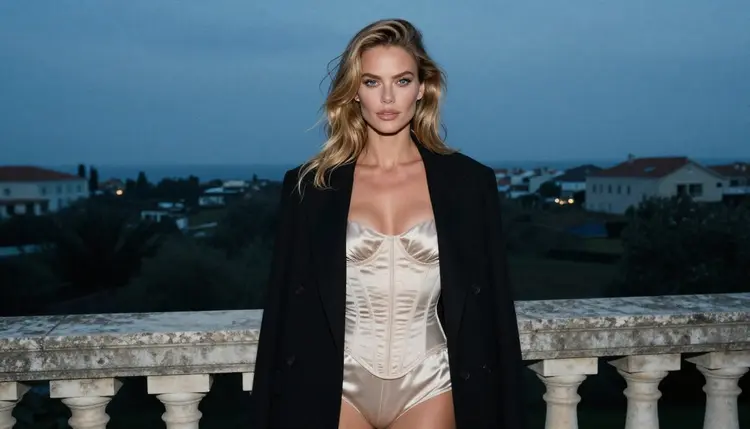
5. Recraft Crisp Upscale. Recraft Crisp Upscale is another super-resolution model with the infinity tag, and it is also untested for adult prompts. The name suggests a focus on crisp edges, but the catalog gives no further claim, so judge it by what you see. It is a natural second opinion next to Real-ESRGAN: upscale the same file in both and keep the version where the satin and the skin still look like photographs.
One more upscaler is worth a mention: P-Image Upscale, from the same category, also marked unlimited and also untested. It did not make the top five, but it is an easy third file to compare.
The method below keeps the test fair and takes only a few minutes. It works for any model in the super-resolution category.
- Start from a clean original. Pick one finished portrait with a clear face, visible fabric texture and a plain background. Heavy compression or a blurred shot gives any upscaler a poor start.
- Open the toolkit. Go to the toolkit, choose a super-resolution model and upload the file. Only models that accept several inputs show the @1 and @2 badges, so a single image is the normal case here.
- Run it and compare at full size. Place the original and the result side by side and zoom to the same spot: an eye, a lace edge, a strand of hair. Judge detail, not just size.
- Handle a refusal calmly. If the app shows "Content Not Supported by This Model", it recommends models that accept adult prompts and carries your prompt over, so nothing is retyped.
- Keep the winner. Save the best result, note which model gave it and reuse that model for the next batch in the same lighting.
Picasso IA confirms six models for adult prompts. Three of them matter for sharp portraits, and the other three are video models that can bring a finished still to life. The table lists all six with what each does, according to the catalog.
If your upscaled portrait is going to move, the video models take it from there. The guide to NSFW image to video tools explains how to turn a still into a short clip.
"Confirmed" has a narrow meaning. Picasso IA ran adult prompts against that exact model many times and watched it generate. It is not a published setting from the model's maker, who can change behavior at any time. Every other model in the catalog, including the three super-resolution models above, is untested: worth a try, not confirmed either way. The full list of options lives in the full catalog, and the broader ranking of confirmed image tools is in the guide to uncensored AI image generators.
This section is short on purpose. You must be 18 or older to use any of these models for adult material. If you are not, close the page.
Every character you create must be a fictional adult. Never upload or describe a real or identifiable person, and never create anyone who could read as a minor. An upscaler makes details clearer, so this matters even more: do not use one on a photo of a real person.
What you make is private by default. It is tied to your account and not published or shown to others. Keep it that way unless you decide otherwise.
A new account can try a small free trial on selected models: Picasso IA Image, Picasso Image Editor Pro, Picasso IA Video and Seedance 2.5 Lite. The trial does not cover the whole catalog, so check which model you picked before you plan a session around it. Plans and prices are on the pricing page.
Models with the infinity tag do not spend credits on the plans that include unlimited generation. In this list that covers Picasso Image Editor Pro, Real-ESRGAN, Recraft Crisp Upscale and P-Image Upscale, which makes upscaler tests cheap to repeat. The pricing page has the details.
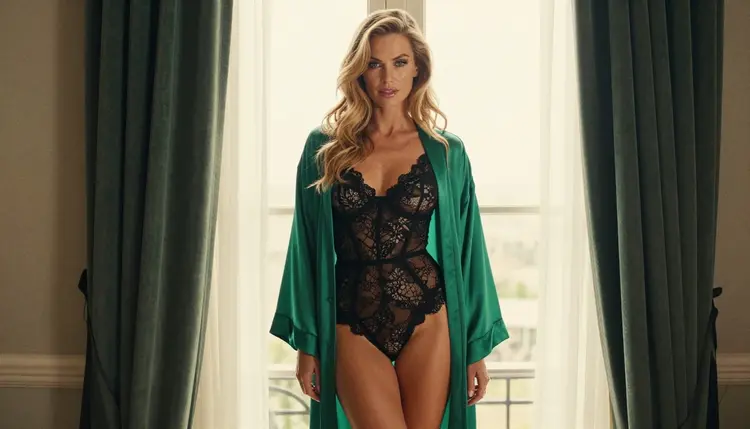
A good first session: make one portrait in Seedream 4.5, refine it in Picasso Image Editor Pro, then run the result through Real-ESRGAN and Recraft Crisp Upscale and keep the sharper one. When you want a different look, the guide to the top NSFW AI image generators lists more starting points.
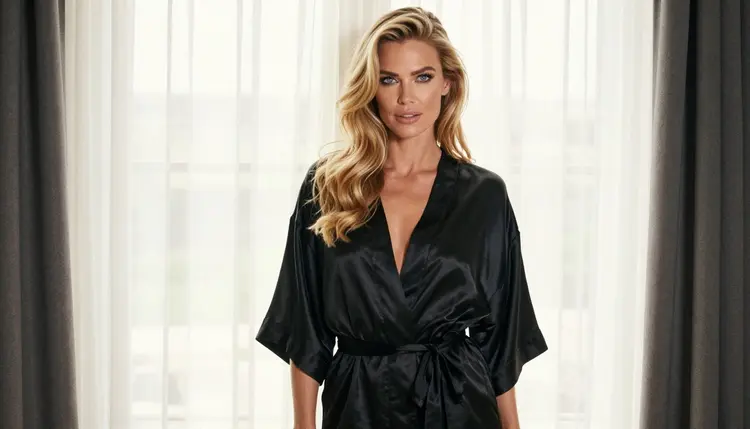
What is an NSFW AI image upscaler?
It is a model that enlarges an existing picture and rebuilds fine detail, used here for adult glamour portraits of fictional characters. In Picasso IA the dedicated ones live in the super-resolution category of the full catalog.
Which upscalers are confirmed for adult prompts?
None of the dedicated upscalers is confirmed. Picasso IA confirms six models, and for sharp portraits the useful ones are Seedream 4.5, Recraft V4.1 Pro and Picasso Image Editor Pro.
Are Real-ESRGAN and Recraft Crisp Upscale uncensored?
Their behavior with adult images is untested. They are worth a try, but Picasso IA does not call them filtered or filter-free. Test with a finished portrait of a fictional adult and compare the result with your original.
Do I need an upscaler if I generate at 4K?
Often not. Seedream 4.5 is listed for 4K images from text, and Recraft V4.1 Pro for print-ready 2K. Starting large avoids stretching a small file, so try a direct render first and upscale only if the detail is not enough.
What happens if a model refuses my image?
The app shows a message titled "Content Not Supported by This Model". It recommends models that accept adult prompts and carries your prompt over, so you do not retype anything. Then run the same file again with one of those models.
Can I use a photo of a real person?
No. Every character must be a fictional adult. Never upload or describe a real or identifiable person, and never create anyone who could read as a minor. Upscalers make detail clearer, so keep to original fictional portraits only.
Is what I upscale private?
Yes. Generations are private by default: they are tied to your account and not published or shown to others. Adult content is for people aged 18 or older only, and every character stays a fictional adult.
Can I turn the sharpened picture into a video?
Yes. Picasso IA Video accepts text or image to video, and Seedance 2.5 Lite is listed up to 10 seconds. Both are confirmed. See the guide to NSFW image to video tools for the full workflow.
Do upscalers cost credits?
Each generation costs credits that vary by model and options. Models with the infinity tag do not spend credits on the plans that include unlimited generation. Plans and prices are on the pricing page, and a small free trial covers selected models.
Where do I start?
Open the toolkit, upload one finished portrait of a fictional adult and run it through a model. Begin with Picasso Image Editor Pro, then test an upscaler and compare both results at full size.