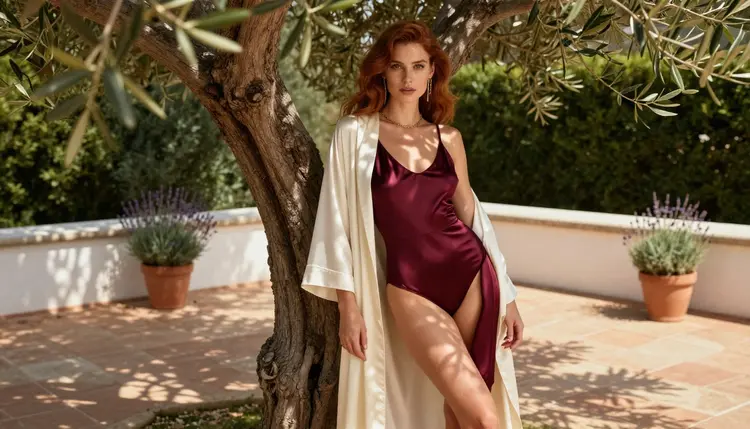
A 4K clip is only worth the wait if there is something sharp to look at. In a glamour or boudoir video the sharp parts are the things a close lens finds: the weave of satin, the stitching on lace, a gold chain catching the light, the grain of a cheek in soft window light. This guide shows how to build that kind of clip on Picasso IA, which model to pick for each job, what to type, and where most first attempts go wrong. Everything here is for adults and about fictional characters only.
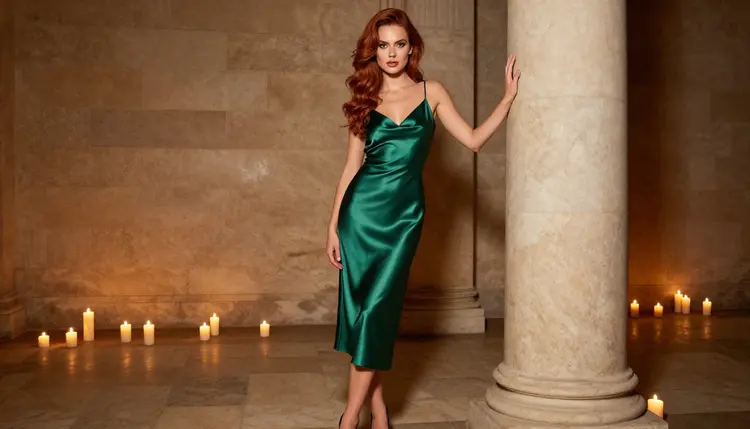
Resolution does not make a video better by itself. It makes whatever you asked for easier to see. If the prompt says "a woman in a dress", a 4K frame gives you a very clear picture of nothing in particular. If the prompt says "an emerald satin slip dress with a bias cut, candlelight sliding along the folds, a slow push-in from the waist to the collarbone", the same frame shows folds, highlights and skin you can actually judge.
That is why the technique starts with texture, not with a size setting. Fabric, skin and jewelry are the three things the eye reads first in a close shot, and they are also the three things a video model gets wrong first when the prompt is vague. Satin turns into a plastic sheen, lace loses its pattern halfway through the clip, a bracelet melts into the wrist. A prompt that names the material, the light and the camera move gives the model something concrete to hold on to from the first frame to the last.
The second idea is that detail needs time. A fast pan across a bodysuit shows nothing at any resolution. A slow move on a short clip lets the texture stay in frame long enough to register. When you aim for 4K, plan the clip like a macro photographer would: one subject, one light, one slow move.
Picasso IA keeps a list of models that its own tests showed will generate adult prompts instead of rejecting them. For video there are three: LTX 2.3 Pro, Picasso IA Video and Seedance 2.5 Lite. "Confirmed" here means the models were tested repeatedly with adult prompts and generated each time. It is not a published setting of the model makers, who can change their rules whenever they like.
For a 4K target the main model is LTX 2.3 Pro, which the catalog lists as 4K video from text. The other two are the faster, lighter options for planning a shot before you commit to it.
| Model | Best for | Format |
|---|
| LTX 2.3 Pro | The final 4K clip, close textures | 4K video from text |
| Picasso IA Video | Testing a shot, animating a still | Text or image to video, unlimited tag |
| Seedance 2.5 Lite | Short motion tests | Listed up to 10 seconds, unlimited tag |
The unlimited tag means the model does not spend credits on the plans that include unlimited generation. The details live on the pricing page, and a new account also gets a small free trial on selected models, including Picasso IA Video and Seedance 2.5 Lite. LTX 2.3 Pro is not part of that tag, so treat it as the model you save for the clip you mean to keep.
There is one more model worth knowing about. LTX 2.5 Fast is listed in the catalog as a way to generate 4K videos in seconds. It is untested for adult prompts: worth a try if you want a quicker 4K draft, but not confirmed either way, so do not rely on it for a plan. You can browse the full catalog for other video models, with the same note that anything outside the confirmed list is untested.
If your clip starts from a still picture, a confirmed image model can make that picture first. Seedream 4.5 makes 4K images from text, and Picasso Image Editor Pro edits an image you already have. Both are on the confirmed list as well.
Open the toolkit, choose a video model and follow these five steps. They work the same way for a text prompt or a still image.
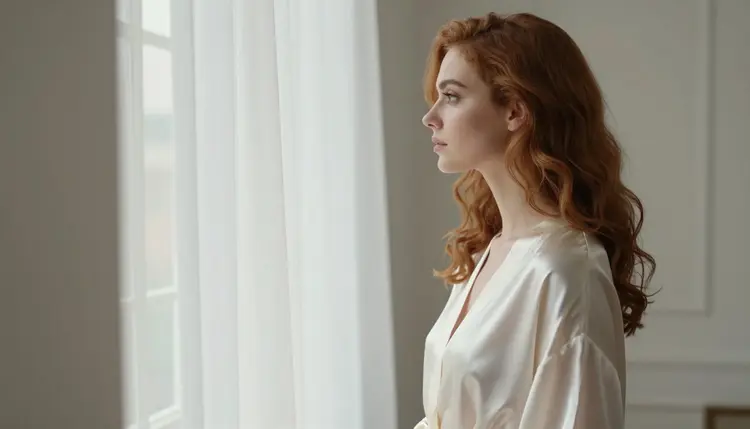
- Pick One Texture. Decide what the clip is about: satin, lace, a gold bracelet, auburn curls in window light. One subject per clip keeps the detail sharp.
- Choose the Light. Name a single source such as candlelight, soft window light from the left or golden hour backlight, and say where it falls.
- Write the Move. Describe one slow camera move, for example a gentle push-in or a slow tilt up, and keep the subject movement small.
- Test on a Light Model. Run the prompt on Picasso IA Video or Seedance 2.5 Lite first and watch how the fabric and light behave.
- Render in 4K. When the test looks right, send the same prompt to LTX 2.3 Pro and compare the textures frame by frame.
Wording That Keeps Textures Crisp
The prompt is where 4K is won. Structure it in the same order the camera sees the scene: subject and wardrobe, material, light, camera move, mood. Short sentences work better than one long chain of adjectives.
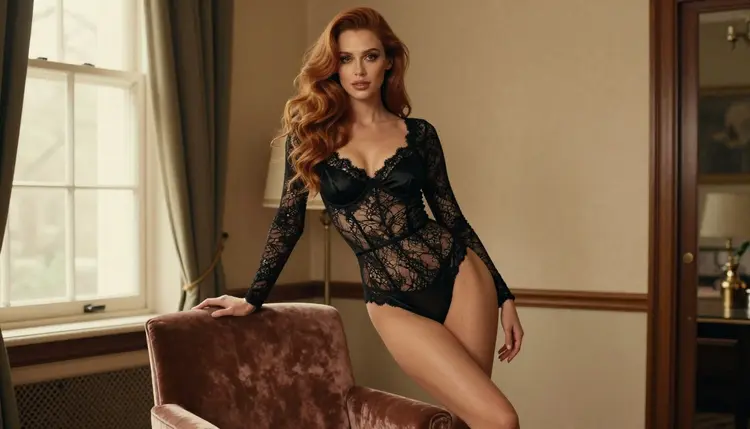
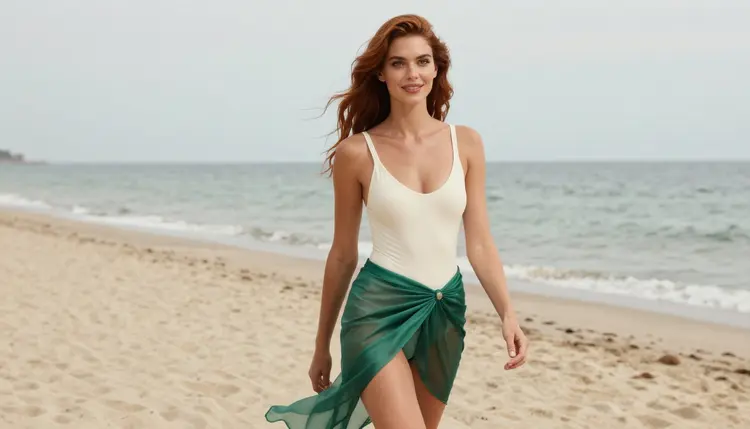
Name the material, not just the garment. Compare "a woman in lingerie" with "a woman in a fully lined black lace bodysuit with a satin overlay at the bust". The second gives the model two textures to keep apart, matte lace and glossy satin. For swimwear, "ivory swimsuit with an emerald silk sarong" tells the model that one fabric stays still while the other moves in the wind.
Pin the light to a direction. "Soft window light from the left" produces a clear falloff across the cheek and the folds of a robe. "Candlelight" gives warm, low highlights that suit satin. "Overcast soft daylight" is the safest choice for skin, because it avoids harsh shine. Avoid mixing three lights in one prompt, since the model will often average them into flat lighting.
Add the lens. A simple lens note such as "85mm, shallow depth of field" tells the model to blur the background and keep the subject crisp. For a detail shot of a bracelet on folded satin, "35mm, close focus" works. You are not setting a real camera, you are giving the model a visual style to imitate.
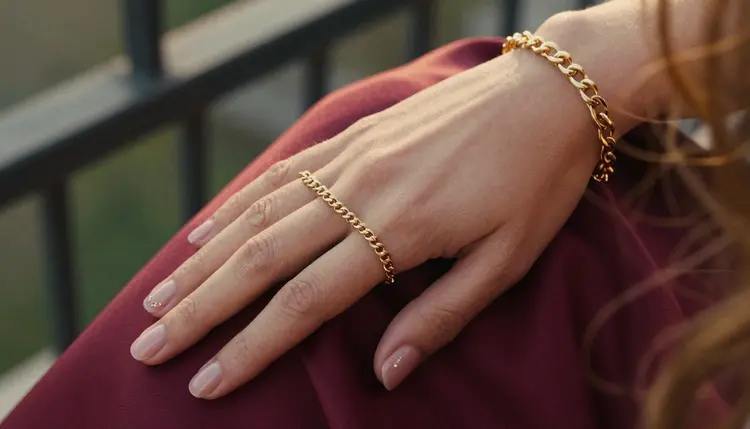
Limit hands and jewelry. Detail shots of one hand are fine, but keep the count simple: "one hand with a gold chain bracelet resting on folded burgundy satin". Asking for both hands doing different things is where fingers tend to drift. If the clip needs a gesture, give it one.
Ask for a slow move. "Slow push-in", "slow tilt up from the hem to the waist", "static camera with a gentle breeze moving the robe". One move per clip. Long lists of camera moves make the frame wobble and the texture smear.
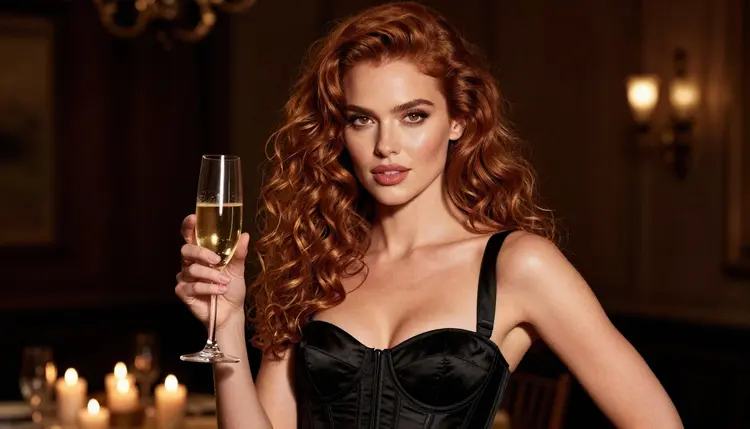
Keep the mood in plain words. Glamour, boudoir, romantic, flirty and suggestive are all fine. A confident expression, a glance over the shoulder, a champagne glass held at the waist: these are the details that make the clip feel directed without turning it explicit.
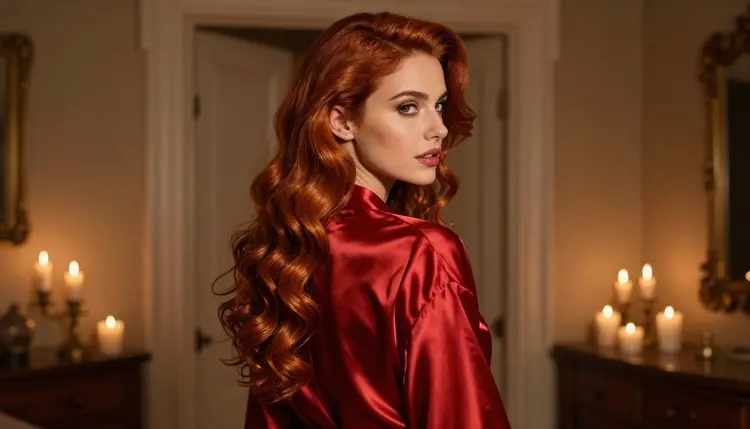
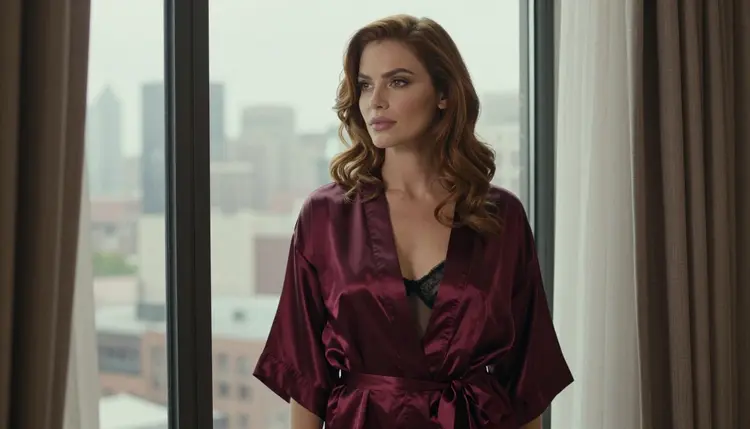
If you want a before and after, take this weak prompt: "beautiful woman in a robe, 4K, cinematic". It names no material, no light and no move, so the result depends on luck. Now the strong version: "A woman in a red satin robe glances back over her shoulder in a candlelit doorway, slow push-in, shallow depth of field, soft film grain, warm tones." The strong version tells the model what to render, where to put the highlights and how the camera behaves.
When your idea starts from a picture, use image to video on Picasso IA Video. Attach the still in the toolkit and the reference gets an @1 badge you can mention in the prompt. Only models that accept several inputs show the badges, so check that the model you chose does. The prompt then describes only the motion, since the picture already holds the wardrobe and the light. If you are not sure whether to start from text or from an image, this comparison of image to video and text to video walks through the trade-offs, and the guide to making NSFW AI videos from text covers the text route in more detail.
Asking for 4K and nothing else. The size word is not a style. Replace "4K ultra HD" with a material, a light and a move, and keep the resolution to the model you picked.
Using the final model for every test. Rendering the heavy model ten times to fix a prompt wastes time. Test the wording on a lighter model, then send the finished prompt to LTX 2.3 Pro once or twice.
Too much motion. A walking subject, a swirling camera and fluttering fabric all at once break the texture. Keep one moving thing. If the fabric is the star, hold the camera still. If the camera moves, keep the subject calm.
Stacked adjectives. "Ultra sensual breathtaking cinematic dreamy glossy" gives the model nothing to draw. Swap each adjective for a visible detail: what is she wearing, where is the light, what is in her hand.
Mixed lights. Candlelight plus neon plus daylight turns into mush. Pick one source and one backup at most, and say where each sits.
Forgetting the length. A clip meant to show detail does not need to be long. Seedance 2.5 Lite is listed up to 10 seconds, which is plenty for one slow move. If you plan something longer, the guide to a 30-second clip explains how to build it from several shots.
Skipping the sound plan. If the clip will get audio later, think about it while you write the shot. This guide to adding sound explains what to prepare.
Ignoring the refusal message. When a model does not accept a prompt, the app shows a message titled "Content Not Supported by This Model". It recommends models that accept adult prompts and carries your prompt over, so you do not retype anything. Switch to one of the confirmed video models and run it again.
If you are still choosing between tools, this ranking of video generators lines them up by what each one does best, and the 4K output list focuses on the high-resolution ones.
Picasso IA is for adults only. You must be 18 or older to use these tools, and every prompt in this guide assumes an adult audience and adult subject matter that stays glamorous and suggestive rather than explicit.
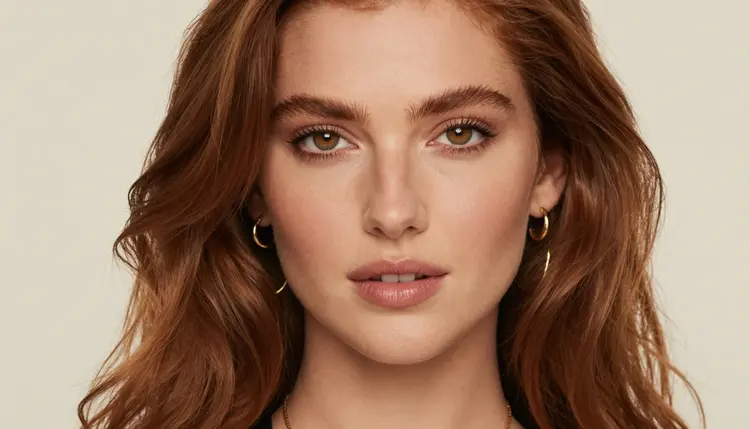
Every character you create must be a fictional adult. Never use a real or identifiable person, never a celebrity, and never anyone who could read as a minor. If a prompt describes a face, keep it a face that belongs to nobody. If you want one character across many clips, this guide to a consistent face shows how to build one from scratch, and the boyfriend character guide does the same for a male lead.
What you generate is private by default: it is tied to your account and not published or shown to others. To try a few clips before you commit, use the small free trial on selected models and read the pricing page for how credits and unlimited generation work.
Can Picasso IA make 4K NSFW AI videos?
Yes, with LTX 2.3 Pro, which the catalog lists as 4K video from text and which Picasso IA has confirmed accepts adult prompts. Keep the content glamorous and suggestive, for adults and fictional characters only.
Which model should I use for a 4K clip?
Use LTX 2.3 Pro for the final render. Draft the prompt on Picasso IA Video or Seedance 2.5 Lite first, since those are cheaper to repeat and good enough to judge the movement and light.
Do the other video models also render 4K?
Only describe what the catalog says. Picasso IA Video and Seedance 2.5 Lite are listed for their text or image to video features and a 10-second limit, not for 4K. LTX 2.5 Fast is listed for 4K but is untested for adult prompts.
Is LTX 2.5 Fast confirmed?
No. It is untested, which means it is worth trying for a quicker 4K draft but we cannot say how it handles adult prompts. If it refuses one, the app suggests confirmed models and keeps your prompt.
Should I start from text or from an image?
Start from text when you want the model to invent the scene. Start from an image when the wardrobe, face and light are already right and you only need motion. Picasso IA Video accepts both.
How do I keep fabric from looking like plastic?
Name the material and its finish, such as matte lace or satin with soft highlights, and add one light direction. Avoid stacking adjectives. Keep the camera slow so the texture stays on screen.
What does the "Content Not Supported by This Model" message mean?
The model you picked did not accept the prompt. The app recommends models that accept adult prompts and carries your prompt over. Pick one of them and run it again without retyping.
Can I use a real person's face or a celebrity?
No. Every character must be a fictional adult, never a real or identifiable person and never anyone who could read as a minor. Prompts that point at a real person are outside the rules of the site.
Are my videos public?
No. Generations are private by default, tied to your account and not published or shown to others. Only you decide what happens to a clip after you download it.
Is it free to try?
A new account gets a small free trial on selected models, including Picasso IA Video and Seedance 2.5 Lite. Models with the unlimited tag do not spend credits on plans that include unlimited generation. See the pricing page for the details.