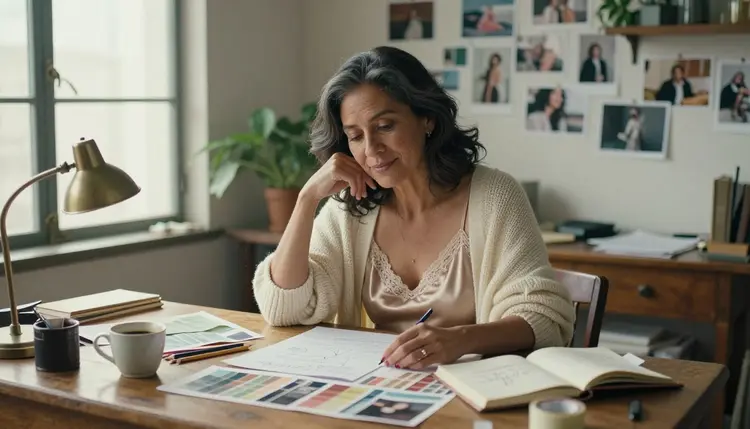
Most weak adult AI results start with a weak prompt: one line, one adjective and a model left to guess everything else. If you type "woman in lingerie, nice light" you get a generic frame, because the model had to invent the wardrobe, the room, the pose and the camera on its own. This guide shows you how to build the prompt one piece at a time, so every part has a job.
You do not need a special generator for this. You need a short checklist, a place to type and the habit of changing one thing per attempt. You write the final prompt in the toolkit and pick the model there. Everything on this page stays provocative at most, never explicit, and every character in every example is a fictional adult.
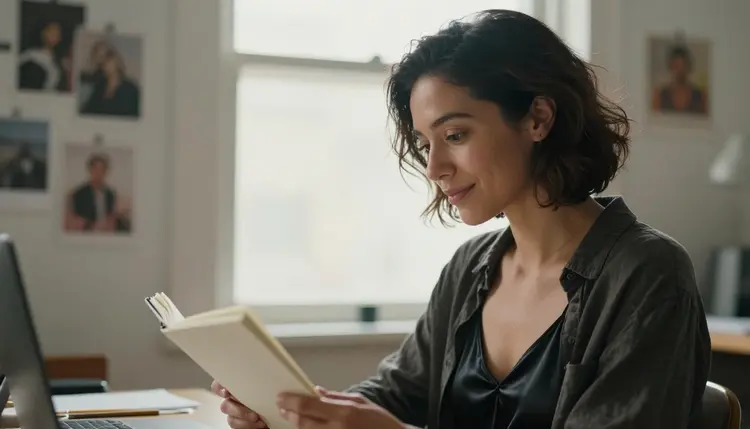
Below you will find the models worth using for this method, the five steps, a close look at what each part of a prompt does, the mistakes that waste attempts and the rules that apply to everything you make.
A prompt is a brief for a photographer who has never met you. If the brief says "woman in lingerie", the photographer picks a random woman, a random bedroom and a random lens. If the brief says who she is, what she wears, where she sits, where the light comes from and how close the camera stands, the photographer has almost nothing left to guess. That is the whole idea of building a prompt: you remove the guesses that you would otherwise fix later.
A built prompt also gives you something you can edit. When a result is close but not right, you can tell exactly which piece to change. The wardrobe is wrong? Rewrite the wardrobe line and leave the rest alone. The light is flat? Swap "overcast daylight" for "candlelight" and keep the same subject. With a single loose sentence you cannot do that, because everything depends on everything else.
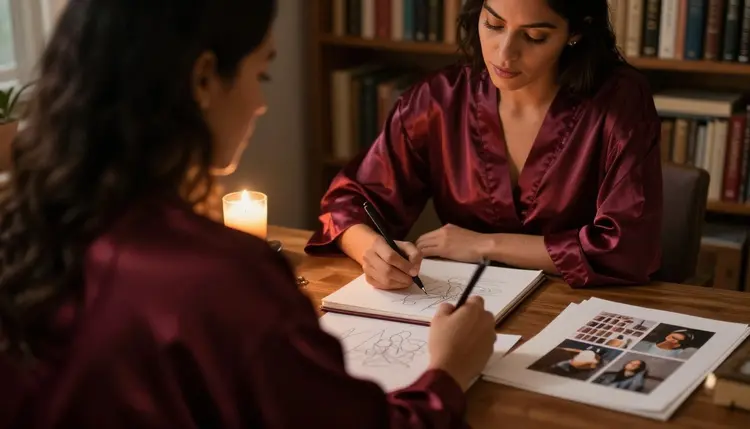
Think of the prompt as six short blocks: subject, wardrobe, pose, setting, light and camera. A seventh block, mood, ties them together with one or two plain words such as calm, playful, quiet or confident. You do not need all seven every time, but you should know which ones you skipped on purpose.
Building also saves attempts. Generations spend credits that vary by model and by options such as resolution, so a prompt that lands in two tries is cheaper than one that needs ten. The pricing page explains how credits and unlimited generation work, and a small free trial on selected models lets you practice the method before you decide anything.
Picasso IA has hundreds of models in the full catalog, but for adult prompts it helps to start with the ones the app has tested. In this guide, "confirmed" means Picasso IA ran adult prompts against that exact model repeatedly and watched it generate instead of reject. It is not a published setting of the model's maker, who can change it at any time. The page what confirmed means explains the term in full.
For a photo look, start with Seedream 4.5. For a drawn or designed look, start with Recraft V4.1 Pro. If you already have an image and only want to change one thing, such as the robe color or the background, use Picasso Image Editor Pro. The three video models take the same structure of prompt with one addition: a line about movement.
Every other model in the catalog is untested. That does not mean filtered and it does not mean filter-free: it means Picasso IA has not checked it either way. Models such as Seedream 5, Nano Banana or Qwen Image 2 are worth a try if you like their results, but plan on the confirmed list when you want a predictable outcome.
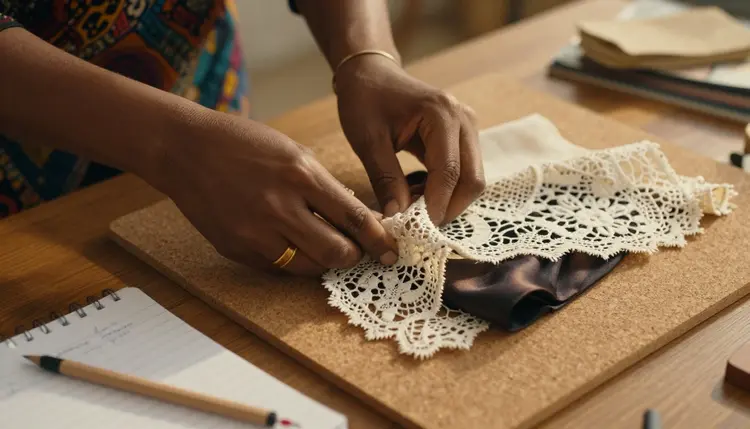
Work through these in order the first few times. After a while you will do them in your head, but the order matters because each step narrows the choices of the next one.
- Pick the goal and the model. Decide whether you want a still image, an edit of an existing image or a clip, then choose the matching model from the table above.
- Write the subject and the wardrobe. Describe one fictional adult by age range, features and an opaque, specific outfit such as a champagne satin slip or a lace trimmed robe.
- Set the scene and the light. Name the room, one or two props and a single light source with its direction, for example candlelight or soft window light from the left.
- Add camera and mood. Choose a lens, an angle and a film look, then close with one or two mood words so the model knows the feeling to aim for.
- Test, compare and refine. Generate, change only one block, generate again and keep the version that reads best; attach a result as a reference when you want to carry the same person forward.
After step five you have a prompt you trust. Save it in a note, because the next page you write will probably reuse four of the six blocks.
Subject. Give an age range and two or three physical details that a camera could see: laugh lines, silver strands in dark hair, freckles, a scar on the chin. Details like these push the model away from the smooth, generic face and make the person look like an adult with a life. Write "woman" or "man" and an age such as mid thirties or early forties. Never write anything that could read as a minor, and never name a real person.
Wardrobe. This is where an adult prompt lives or dies. Name the garment, the fabric and the finish: opaque black satin slip with lace trim, burgundy silk robe tied at the waist, linen shirt open over a camisole, charcoal blazer over a satin top. Fabric words do a lot of work because they decide how light behaves on the body. Swimwear and lingerie are fine to name directly. You are aiming for glamour and boudoir, not for explicit content.
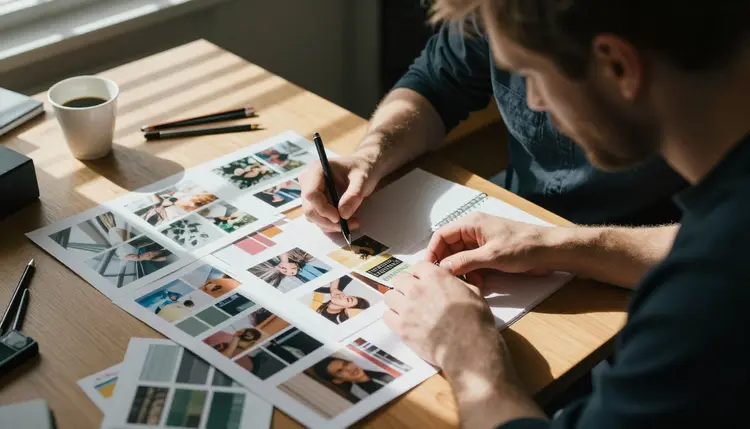
Pose. One verb and one position are enough. Sitting at a desk with chin on hand, standing beside a window with a notebook against the hip, walking away from the camera in three-quarter view. A pose that has a reason, such as reading or pinning fabric to a mood board, looks more natural than a pose held for the lens.
Setting. Pick a place with two props at most. A loft studio with a wooden desk, a bedroom with an unmade bed and a lamp, a balcony at dusk. Long prop lists compete with the subject, and the model may start drawing clutter instead of a person.
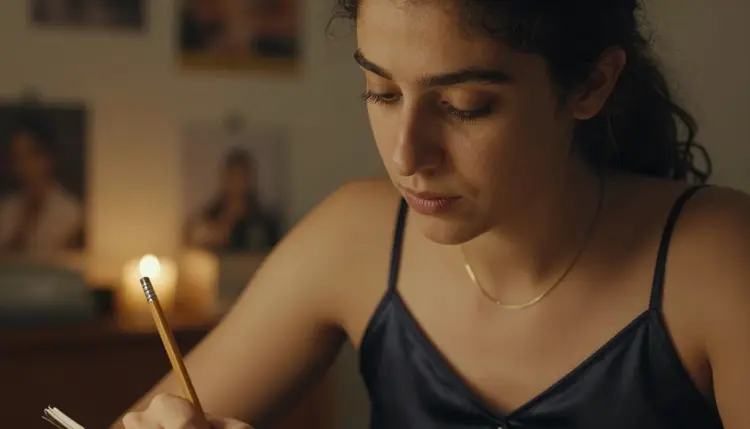
Light. One source, one direction, one quality. Soft window light from the left, candlelight, late afternoon side light, hard morning sun through blinds, soft diffused daylight in a studio. Light is the cheapest way to change the mood of a result without touching anything else.
Camera. A lens and an aperture give the model a look to copy: 85mm f/1.8 for a portrait with a soft background, 35mm f/2 for a wider frame with some room around the subject, 100mm macro for close detail of hands, jewelry or fabric. Add a film look such as warm film grain or Kodak Portra 400 if you want a photographic finish.
Mood. Finish with calm, playful, quiet, confident or romantic. One or two words are enough.
Here is a before and after. The prompt text is in English because that is the form you will paste into the model.
Before, as prompt text: "woman in lingerie, bedroom, nice light."
After, as prompt text: "A mature woman in her late thirties with visible laugh lines, wearing an opaque black satin slip with lace trim, sitting on the edge of an unmade bed and looking toward a window, soft morning light from the left, 85mm lens at f/1.8, warm film grain, calm and confident mood."
Both describe the same idea. The second one leaves the model very little to invent, so the result is closer to what you imagined on the first try.
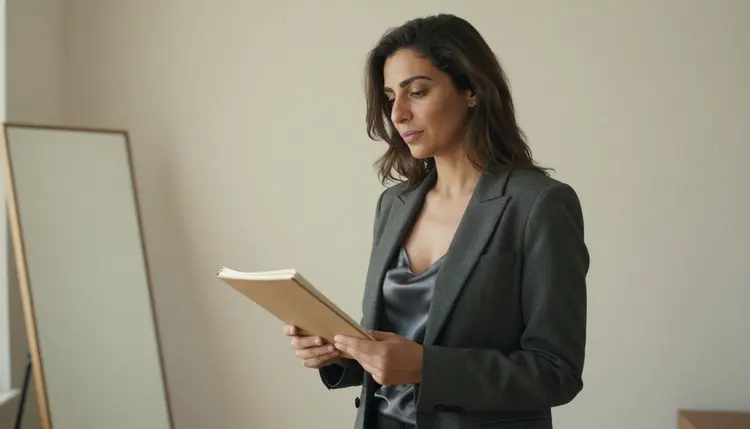
For video the structure is the same, with one extra block: movement. Say what moves and how fast, and say what the camera does. As prompt text: "A woman in a burgundy silk robe walks slowly across a candlelit room, the camera follows at shoulder height, the fabric moves with each step, warm light, steady pace." Keep the movement simple, because one clear action usually reads better than three. The page on prompt to video in one try goes deeper into clips, and the video motion template gives you a ready skeleton.
When you want a fixed layout to fill in, the templates for realistic portraits, fantasy characters and anime style follow the same blocks with wording tuned to each look. If you want to keep one person across many images, read how to build a character from scratch.
In the toolkit, each image you attach gets an @1, @2 badge, and you can refer to it in the prompt. Picasso IA translates that reference to the syntax each model understands. Only models that accept several inputs show the badges, so check the model first if you want to build around a reference image.
Piling on adjectives. "Beautiful, gorgeous, perfect, amazing woman" tells the model nothing a camera could see. Replace every adjective with a visible detail: the fabric, the hair, the light, the lens. If you cannot photograph it, it should not be in the prompt.
Packing two moods into one prompt. A prompt that asks for playful and serious and mysterious gets an average of all three. Choose one mood word and let the wardrobe and light support it.
Changing five things at once. When you edit the subject, the outfit, the room, the light and the lens in one go, you cannot tell which change helped. Change one block per attempt. Keep the best result and the prompt that made it, then try the next change.
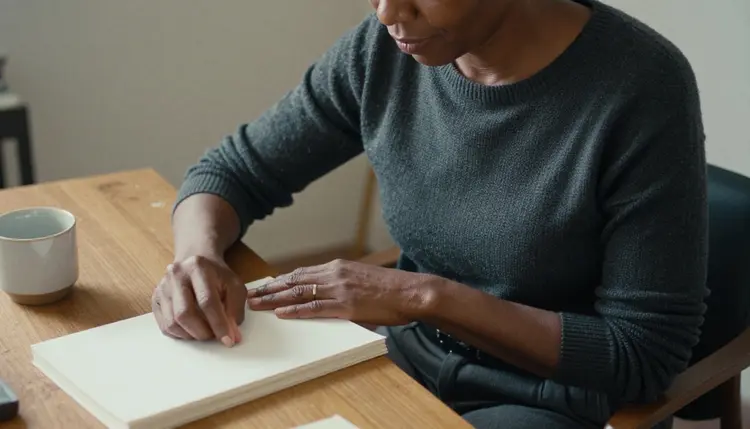
Forgetting the camera. Without a lens or an angle, the model picks the most average framing it knows. Adding "85mm f/1.8, three-quarter angle" is often the fastest upgrade you can make to a flat result.
Writing text into the picture. Notes, signs, captions and labels inside the scene tend to come out as garbled letters. If you want a desk with notebooks, say "blank pages" and "plain covers" and say that there is no text, no writing and no logos.
Using vague wardrobe words. "Hot outfit" is not a wardrobe. Name the garment, the fabric and the finish. A specific, opaque outfit gives the model a shape to draw and keeps the result in glamour territory.
Ignoring the refusal message. If a model does not accept a prompt, Picasso IA shows a message titled "Content Not Supported by This Model". It recommends models that accept adult prompts and carries your prompt over, so you do not retype anything. Treat it as a signpost: switch to a recommended model and keep refining the same text.
Starting over instead of iterating. A prompt that is nearly right is worth more than a blank page. Keep the blocks that work, rewrite the one that does not, and use the multiple variations from one prompt method or the guide to several outfits from one prompt when you want to explore options around the same base.
This section applies to everything you create, with any prompt from this guide.
Picasso IA is for adults only: you must be 18 or older, and the images and clips you create are meant for adult audiences.
Every character is a fictional adult. Never prompt a real or identifiable person, a celebrity or anyone you know, and never write or imply anyone who could read as a minor. If a prompt could be read that way, rewrite it before you generate.
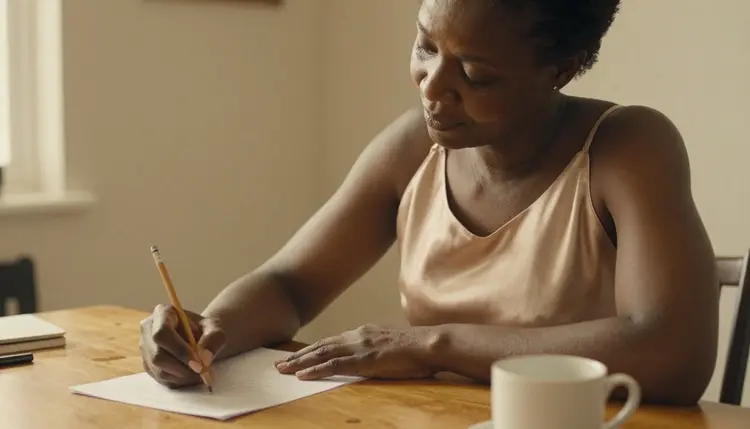
What you create is private by default, tied to your account and not published or shown to others. A small free trial on selected models lets you practice the method, and the pricing page lays out how credits and unlimited generation work.
Is there a built-in NSFW prompt generator in Picasso IA?
This guide does not describe a separate generator button. You build the prompt yourself with the five steps and the blocks above, then type it into the toolkit and choose a model. The method is the generator, and it works with any prompt you write.
How long should an NSFW AI prompt be?
Long enough to cover subject, wardrobe, setting, light and camera, which is often somewhere around 40 to 80 words. That is advice, not a limit of any model. If the result is already close, do not add words, change the one block that is off.
Which models should I use for adult prompts?
Start with the confirmed ones: Seedream 4.5, Recraft V4.1 Pro and Picasso Image Editor Pro for images, and LTX 2.3 Pro, Picasso IA Video and Seedance 2.5 Lite for video.
What does confirmed mean?
It means Picasso IA tested adult prompts against that exact model repeatedly and watched it generate instead of reject. It is not a published setting of the model's maker, who can change it at any time. The full explanation is on the confirmed models page.
What should I do if I see Content Not Supported by This Model?
Pick one of the models the message recommends. Your prompt is carried over, so you do not retype it. Then keep refining the same blocks. Models outside the confirmed list are untested, so a refusal there is a reason to switch, not a sign that your prompt is wrong.
Can I use the same prompt for video?
Yes, as a starting point. Keep subject, wardrobe, setting and light, and add one line about movement and one about the camera. The guide to prompt to video in one try shows how to adapt a still prompt into a clip.
How do I keep the same character across prompts?
Reuse the subject block word for word and change only the setting or the outfit. In the toolkit you can also attach an earlier result as a reference, which gets an @1 badge you can mention in the prompt, on models that accept several inputs. See building a character from scratch.
Can I explore many options without rewriting the prompt each time?
Yes. Keep a base prompt and swap one block per attempt, such as the outfit or the light. The pages on multiple variations and multiple outfits show how to organize that.
Can I use a real person's name or photo?
No. Picasso IA is for adults only, 18 and older, and every character must be a fictional adult. Never use a real or identifiable person, a celebrity or anyone who could read as a minor, in the prompt or as a reference image.
Are my generations private and do they cost anything?
What you create is private by default and tied to your account. Generations spend credits that vary by model and options, models with the infinity tag do not spend credits on plans that include unlimited generation, and a small free trial covers selected models. Details are on the pricing page.