A visual novel lives or dies on its sprites. The background changes, the text box keeps scrolling, but the character on screen is what the reader reacts to. Each line of dialogue needs a face to match it: amused, guarded, flustered, calm. This guide shows how to build a full set of NSFW visual novel sprites with expressions in Picasso IA, using one fictional adult character, a fixed wardrobe and a repeatable prompt. The tone is flirty and suggestive, never explicit, and everything is made for adults.
You do not need to draw. You need a clear description of one character, a plan for the expressions your story calls for, and a few confirmed models that will generate adult prompts instead of rejecting them. The rest of this page covers the deliverable, the models, the five steps, the prompts and the rules.
A sprite set is a small family of images of the same person. Before you generate anything, decide what the set has to contain. For a first character, a practical list looks like this: one full-length neutral pose, one waist-up pose for dialogue scenes, and six to eight expressions on the same framing. Typical expressions are neutral, smiling, amused, surprised, thoughtful, coy, annoyed and calm.
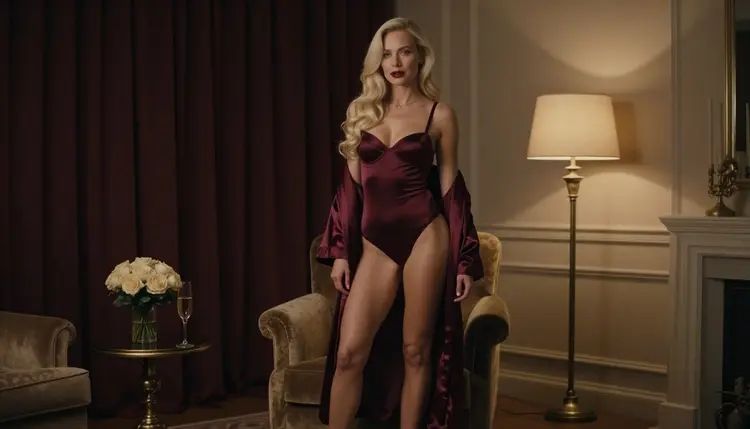
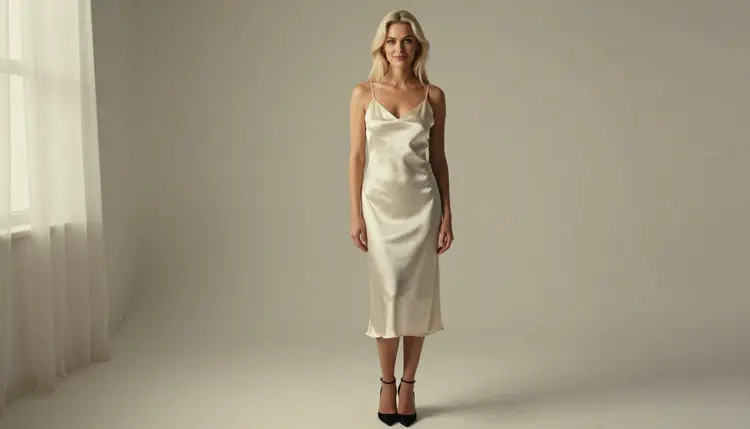
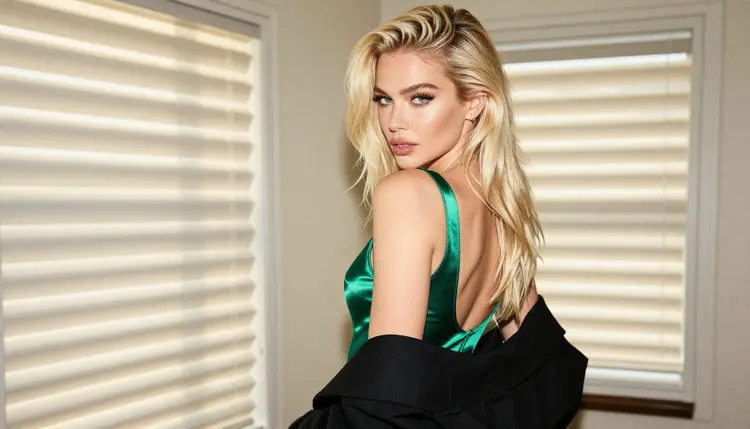
Then decide the wardrobe. Visual novels usually keep one outfit per scene, so choose one or two outfits for the whole set: an ivory satin slip dress, a burgundy satin robe over a black slip, an emerald satin bodysuit. Fully lined fabrics, clear silhouettes and simple colors read well on screen and make later edits easier. Glamour and boudoir styling gives you the mature, suggestive mood without anything explicit.
Consistency is the real requirement. The reader must believe that the woman in the amused sprite is the woman in the calm sprite. Three things keep a set consistent:
One character block. Write a single paragraph that describes hair, eye color, makeup and build, and paste it unchanged into every prompt. Only the expression, pose and wardrobe lines change.
One light and one lens. Pick a lighting setup and a focal length for the whole set. Soft window light and a 70mm look suit sprites because they flatter the face and keep the background simple.
One framing per sprite type. Full-length sprites share a framing, waist-up sprites share another. Mixing framings inside one type makes the layers jump when the engine swaps expressions.
Finally, think about the background. Sprites are usually placed over a separate backdrop, so ask for a plain, evenly lit wall behind the character. A clean background is easier to cut out later in an editor, and you can keep your scene art in a separate project, for example with the ideas in NSFW visual novel art with Qwen Image 2.
Picasso IA keeps a short list of models it has tested with adult prompts repeatedly, and these are the ones marked confirmed. Confirmed means the app watched them generate instead of reject; it is not a setting published by the model's maker, and that can change. You can read more about it in what confirmed means. For sprites, three of the six are image models and three are video models.
| Model | Best for | Format |
|---|
| Seedream 4.5 | Photoreal key images of the character | Text to image, 4K |
| Recraft V4.1 Pro | Illustrated or designed sprites with a clean, print-ready look | Text to image, 2K |
| Picasso Image Editor Pro | Changing an expression or outfit on an existing image | Image editing |
| LTX 2.3 Pro | Short animated clips from a text description | Text to video, 4K |
| Picasso IA Video | Animating a finished sprite or starting from text | Text or image to video |
| Seedance 2.5 Lite | Quick moving tests of a pose | Video, up to 10 seconds |
Two of these fit sprites best. Seedream 4.5 is the natural starting point for a photoreal character, because it produces a high-resolution key image from a text description. Recraft V4.1 Pro is the better fit if your novel uses an illustrated or designed look, since the catalog presents it as strong on illustration and design. Picasso Image Editor Pro does the heavy lifting afterwards: once you have a key image you like, you edit it into the other expressions instead of generating a new person each time.
Some models are untested. Qwen Image 2 is worth a try for visual novel art, and the page about visual novel art with Qwen Image 2 covers it. Untested means Picasso IA has not confirmed it either way, so treat it as an experiment. If a model refuses a prompt, the app shows a message titled "Content Not Supported by This Model", recommends models that accept adult prompts and carries your prompt over, so you do not retype anything. You can browse everything in the full catalog.
Open the toolkit, choose a confirmed image model and follow these five steps. Keep a text file open next to it for your character block, because you will reuse it constantly.
- Plan the set. List the sprite types, the expressions and the outfits your story needs, one line each. Decide which expression is the default, since that is the one you generate first.
- Write the character description. Fix hair, eyes, makeup, build, wardrobe, light and lens in one paragraph. Say woman, adult and fictional in your own notes, and describe nobody who could read as a minor.
- Generate the key image. Run the character block with the neutral expression and a plain wall behind her. Generate several versions and keep the one whose face you want to see for the whole novel.
- Build the rest of the set. Keep the same block and change only the expression line, or attach the key image as a reference in the toolkit (models that accept several inputs show the @1 and @2 badges) and ask for a new expression.
- Refine and export. Use Picasso Image Editor Pro to fix small differences between sprites, such as a strap, a hand or a hair strand, then download the images and cut out the backgrounds in your own editor.
Expressions are the point of a sprite set, so write them as short, physical descriptions instead of single feeling words. "Amused" gives the model room to guess; "one eyebrow raised, lips pressed together to hold back a laugh" gives it a face. Here is a vocabulary that works well for glamour sprites.
Neutral. Relaxed mouth, eyes on the camera, shoulders level. This is the sprite the engine shows while text is typing, so keep it calm and slightly warm.
Coy. Chin lowered a little, eyes up toward the lens, a closed-mouth smile on one side. It carries the flirty tone of the genre without any explicit element.
Amused. A raised brow and a short smile, as if she has heard a joke at someone else's expense. A tight close-up shows the detail best.
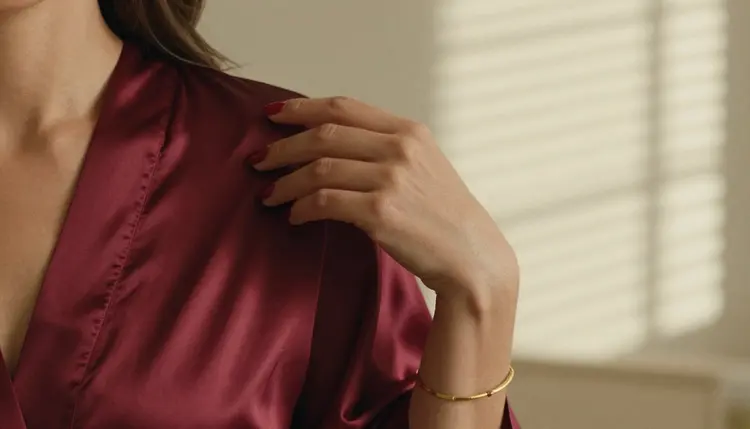
Detail shots are useful too. Many novels show a hand on a robe edge or a bracelet during a quiet beat. Ask for exactly one hand in frame, name the nail color and the fabric, and keep the morning sun or the lamp light the same as in the main set.
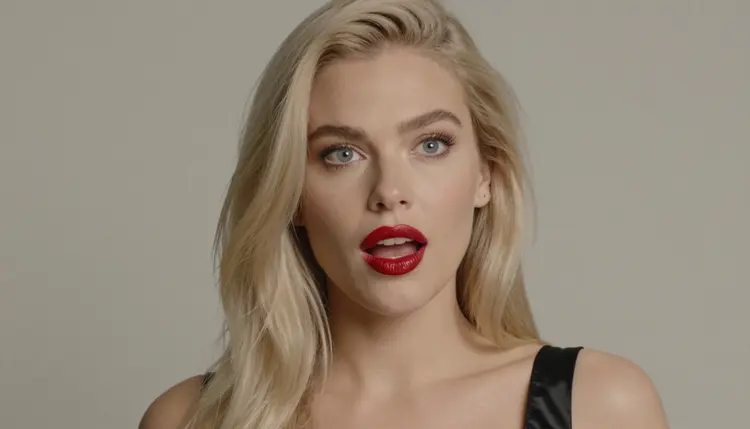
Close-ups for dialogue boxes work best at the same crop as your reaction sprites. Write the crop in the prompt (tight close-up, waist up, full-length) and repeat it exactly. When you ask for a surprised-then-amused look, name the order of the change: eyes wide first, then a smile starting at one corner.
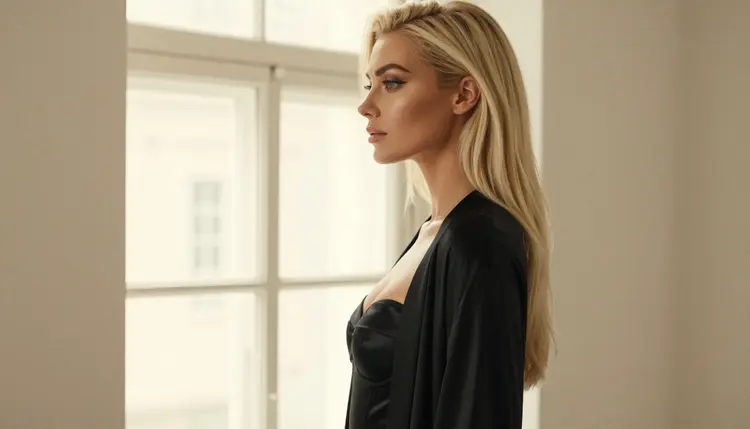
Thoughtful. Gaze away from the camera, toward a window or past the frame. A tall window and overcast daylight give a soft, even face with no hard shadows to fight later.
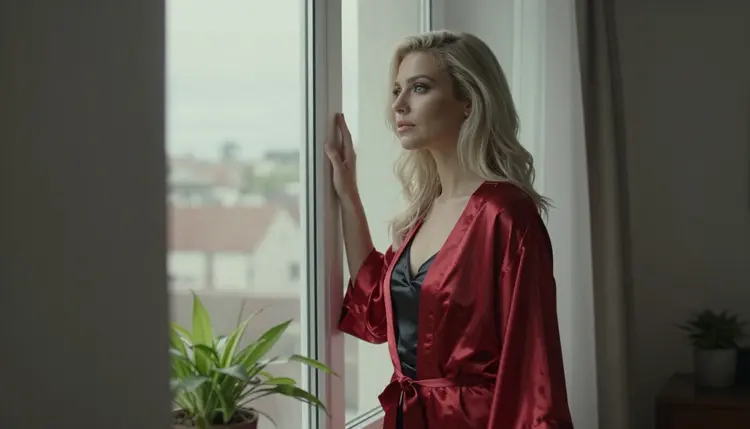
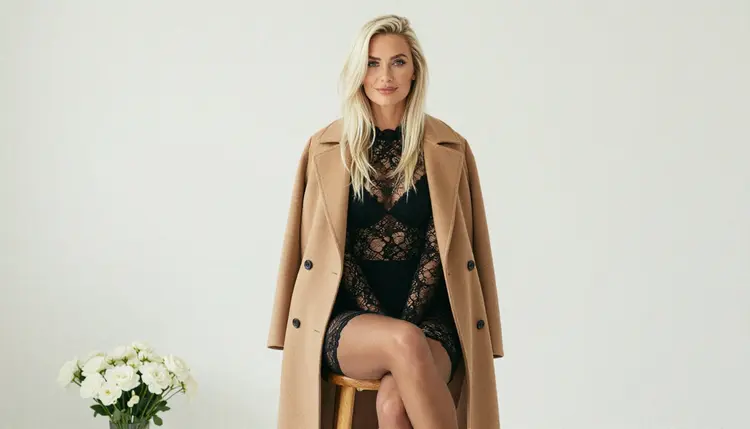
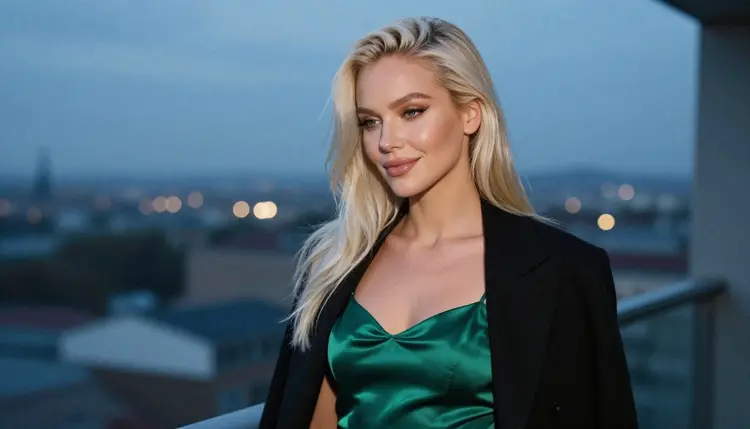
For wardrobe, stay with suggestive, fully lined pieces: satin slip dresses, bodysuits, open coats over lace, silk robes, heels, jewelry. They give each outfit a recognizable color, which helps the reader track which scene is which. If you want a second outfit, write it as a block like the first and generate its neutral sprite before the expressions, so you can compare them side by side.
Keeping the same fictional character across images is the hard part. Keep the character block word for word. Keep the same number of descriptors, because a longer block sometimes shifts the face. Compare each new sprite with the key image on the same screen before you approve it. If one sprite drifts, send it to Picasso Image Editor Pro with a clear edit instruction instead of regenerating it from scratch.
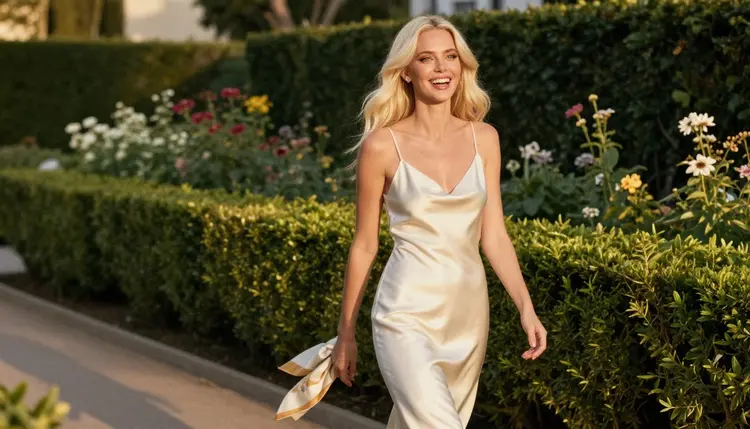
Walking and standing poses add movement for scenes where the character enters or leaves. A candid walking frame at golden hour backlight is a good base for an arrival sprite, while a three-quarter standing frame works for conversation. Keep these separate from your expression set, since they need their own framing.
Moving from stills to clips makes sense when your engine supports animated layers or short loops. Picasso IA Video turns a finished sprite into a short clip, and LTX 2.3 Pro generates video from a text description. Seedance 2.5 Lite is useful for a quick moving test of a pose, listed up to 10 seconds. Keep the clips short and check that the face still matches the stills.
Related projects use the same method with a different deliverable. The notes in NSFW images for a dating sim character roster help when you need several characters, and NSFW images for a light novel illustration covers a single-scene approach. For a character who also lives on social media, see the NSFW AI influencer generator.
Adults only. NSFW content on Picasso IA is for people aged 18 and over. If you are not an adult where you live, this page and the models on it are not for you.
Fictional adults only. Every character you create is a fictional adult. Never use a real or identifiable person, a celebrity or a photo of someone you know, and never describe anyone who could read as a minor. This applies to sprites in the same way as to any other image, and a stylized look does not change it.
Private by default. What you generate is tied to your account and not published or shown to others. Where you publish the finished novel is up to you, and every storefront, forum and engine has its own content rules. Check the rules of wherever you publish before you upload a sprite set, and check them again when they change.
A visual novel also needs a plan for age gates and content notes on its own page. That part is your work as the author, not something Picasso IA does for you, so write the notes yourself and keep them honest about what the story contains.
A new account can try a small free trial on selected models: Picasso IA Image, Picasso Image Editor Pro, Picasso IA Video and Seedance 2.5 Lite. That is enough to generate a key image, make a few edits and test one short clip before you decide anything. Details are on the pricing page. Credits vary by model and by options such as resolution or duration, and models with the infinity tag do not spend credits on the plans that include unlimited generation.
After the trial, build the real set in the toolkit. Start with one key image from Seedream 4.5 or Recraft V4.1 Pro, then edit expressions in Picasso Image Editor Pro. If you want to compare looks, try an untested model for the same character block: Qwen Image 2 for stills and Picasso Video (Pruna P-Video) for clips. Remember that untested models are not confirmed either way, so a refusal is not a surprise and an accepted prompt is not a promise.
A good habit is to generate your whole expression list for one character before you start on the second. A finished character with eight expressions is more useful to your project than three half-finished ones. When you move to a cast, repeat the process, and keep each character block in its own file. If you are making a cover for the same story, a spicy romance book cover and a romance novel mood board use the same character descriptions in a different layout, and a fanfiction cover and collectible card art follow the same logic.
How many expressions does a visual novel sprite need?
Most characters work with six to eight: neutral, smiling, amused, surprised, thoughtful, coy, annoyed and calm. Start with the ones your script uses most, and add more later with Picasso Image Editor Pro. A short story can run with fewer if the writing carries the mood.
Which model should I use for the first sprite?
For a photoreal look, start with Seedream 4.5; for an illustrated one, try Recraft V4.1 Pro. Both are confirmed for adult prompts, which means Picasso IA tested them repeatedly and watched them generate instead of reject.
How do I keep the same face in every sprite?
Reuse one character block word for word, keep the same light and lens, and change only the expression line. You can also attach your key image as a reference in the toolkit and refer to it as @1. Check each result against the key image before you approve it.
Can I change an expression without regenerating the whole image?
Yes. Picasso Image Editor Pro edits an existing image, so you can ask for a new expression or a small wardrobe fix on a sprite you already like. It is marked unlimited in the catalog, and the free trial includes it.
Can I get a transparent background?
Ask the model for a plain, evenly lit wall behind the character, then cut the character out in your own image editor. Picasso IA generates the picture; the cutout and the layering happen in your engine or editing tool.
Can I animate the sprites?
You can try. Picasso IA Video works from text or an image, and LTX 2.3 Pro works from text. Keep clips short and check that the character still matches your stills. Whether your visual novel engine accepts video layers is a question for that engine.
Are the characters always adults and fictional?
Yes, and it is a condition for using this page. Every character is a fictional adult, never a real or identifiable person, and never anyone who could read as a minor. Prompts should say woman or man, and nothing in them should suggest youth.
What happens if a model refuses my prompt?
Picasso IA shows a message titled "Content Not Supported by This Model", recommends models that accept adult prompts and carries your prompt over, so nothing is retyped. You can pick a recommended model and continue from the same text without starting again.
Are my sprites private?
Generations are private by default: they are tied to your account and not published or shown to others. What you do with the images afterward is your decision, and your publishing platform's rules apply to anything you upload there.
Is there a free way to try this?
A new account can try a small free trial on selected models, including Picasso IA Image, Picasso Image Editor Pro, Picasso IA Video and Seedance 2.5 Lite. See the pricing page for the details, and browse the full catalog for other models to try.