Anime video for adults is a style question as much as a model question. You want a character who moves like a screen hero, in a costume with a cape, a sash or a prop sword, lit like a film set, and you want the generator to accept the prompt instead of refusing it. This list gathers seven video models from the Picasso IA catalog that you can point at that idea: three that have been tested with adult prompts, and four worth testing yourself.
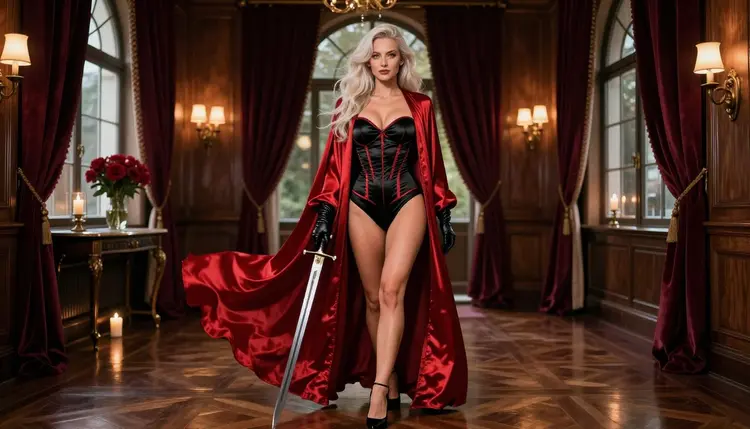
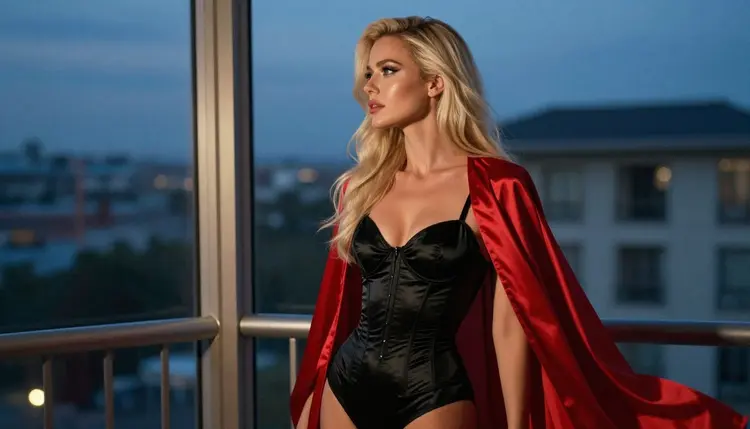
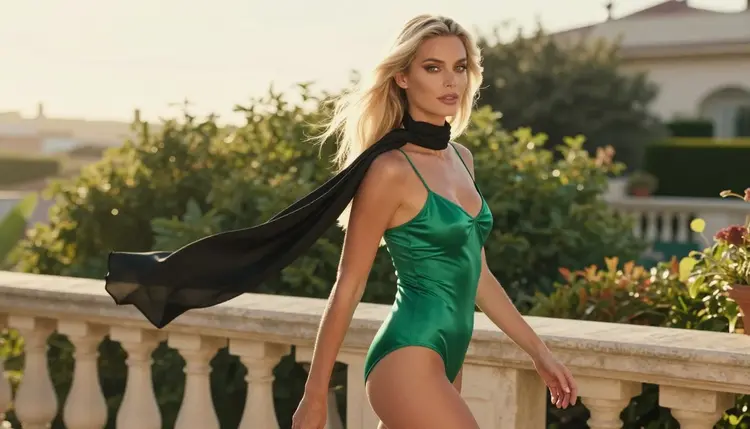
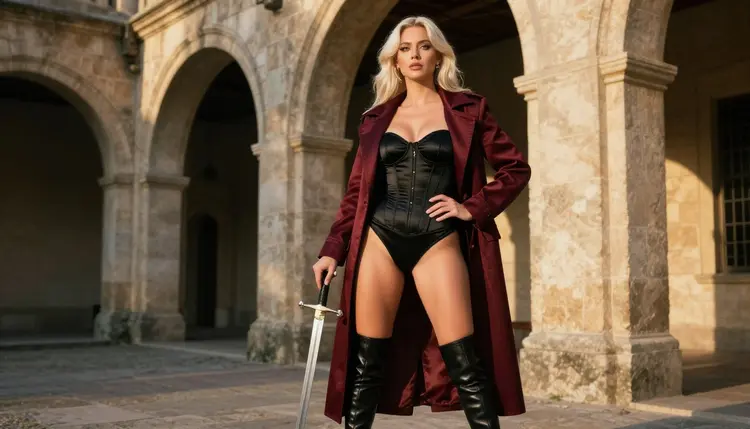
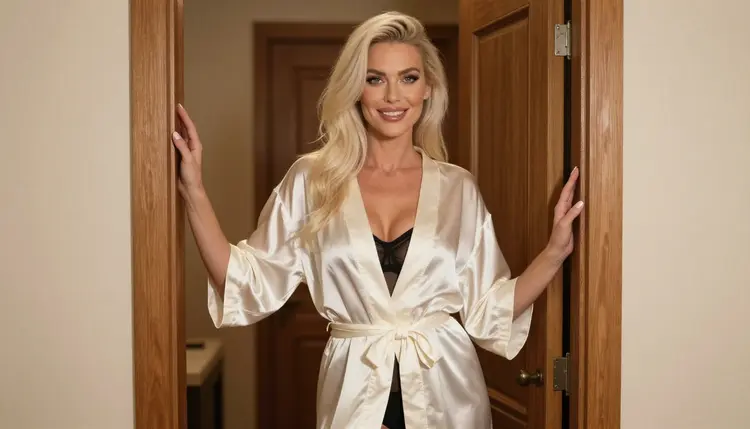
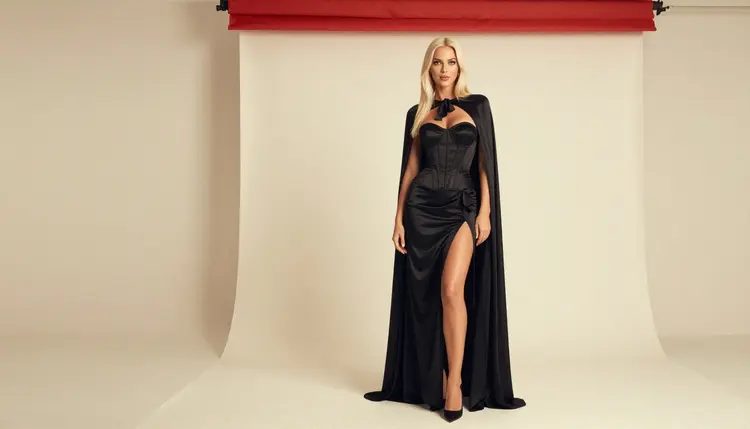
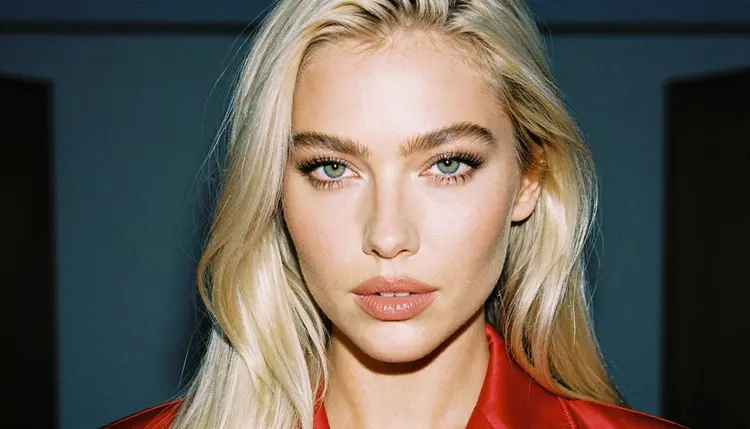
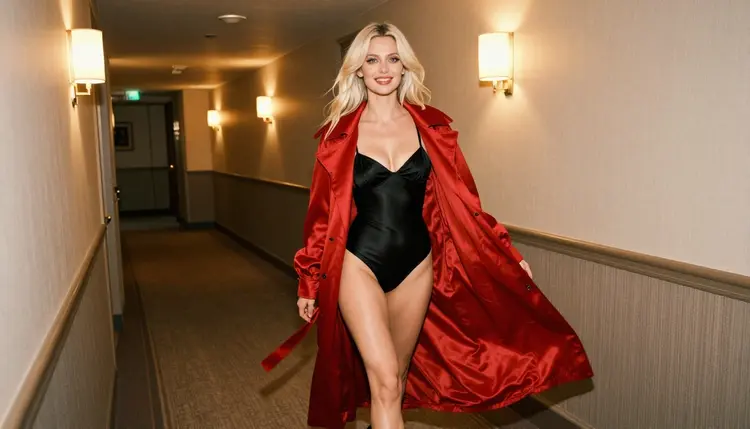
Every model here runs in the toolkit, in your browser, with nothing to install. Everything on this page is 18+, and every character you write is a fictional adult. The pictures in this article show one glamour model in anime-inspired costumes, which is the look you can aim for: satin bodysuits, long coats, capes, gloves, a plain prop sword, all in opaque, fully lined wardrobe.
A quick word on how the list is ordered. Models that Picasso IA has tested with adult prompts come first and are marked confirmed. Models that have not been tested are marked untested: they are worth a try, and nothing on this page says they accept or reject adult prompts. If you want the wider picture first, the general ranking in Top 7 NSFW AI Video Generators covers video of every style, and NSFW Anime: Best AI Generator covers the still-image side of the same genre.
1. Picasso IA Video. This is the free, unlimited text or image to video generator in the catalog, marked with the infinity tag, and it is on the confirmed list for adult prompts. Picasso IA Video is the practical first stop for anime-style work: write a short prompt about a costumed adult character, or attach a still you already like and let the model animate it. Because the free trial includes it, you can test a look before you spend anything.
2. Seedance 2.5 Lite. Seedance 2.5 Lite is listed as a free and unlimited AI video generator for clips up to 10 seconds, and it is confirmed too. Ten seconds is enough for one clear action: a cape turning in the wind, a character drawing a prop sword, a slow walk down a hotel corridor. Keep one action per prompt and the clip stays readable.
3. LTX 2.3 Pro. LTX 2.3 Pro creates 4K AI videos from text, and it is confirmed for adult prompts. Pick it when the clip is the final piece and you want high resolution: a detailed costume, satin that catches light, a clean background. If you plan to follow the guide in NSFW Anime Video with LTX 2.3 Pro, this is the model it builds on.
Confirmed has a precise meaning here. Picasso IA tested adult prompts against each of these models repeatedly and watched them generate instead of reject. It is not a published setting from the company that made the model, and that company can change its behavior at any time, so treat it as a strong starting point and not a permanent guarantee.
The next four models have not been tested for adult prompts. That is not a warning: it means the result is unknown, so run a small test before you plan anything around them. Write a mild prompt first, such as a costumed adult character in a lamp-lit corridor, and see how the model responds. If the app shows the message titled "Content Not Supported by This Model", it recommends models that accept adult prompts and carries your prompt over, so you do not retype it.
4. Wan 2.7 I2V. The catalog describes Wan 2.7 I2V as a tool to animate any image into video. That makes it an image-first workflow: generate your anime-inspired still in a confirmed image model, then bring it to life here. It is untested for adult prompts, so try it with a simple motion, like hair and a coat moving in a breeze.
5. Kling v3 Video. Kling v3 Video is described as a generator of cinematic video. Its place in an anime list is the camera: use it when you want a dolly move, a slow orbit around a costumed character or a dramatic reveal. It is untested for adult prompts here.
6. Tooncrafter. Tooncrafter is the catalog entry for animating your illustrations, which is the closest match to the classic drawn-animation idea. If you have an illustrated character, for example one made with Recraft V4.1 Pro, this is the model to try for turning it into a moving clip. It is untested for adult prompts, so keep the first prompt mild.
7. Seedance 2.5. Seedance 2.5 creates AI videos up to 30 seconds long, according to its catalog title. It is a different model from Seedance 2.5 Lite, which sits in the confirmed group above, and the two should not be mixed up. Use the longer one when you need a sequence with more than one beat, and test it first, because it is untested for adult prompts.
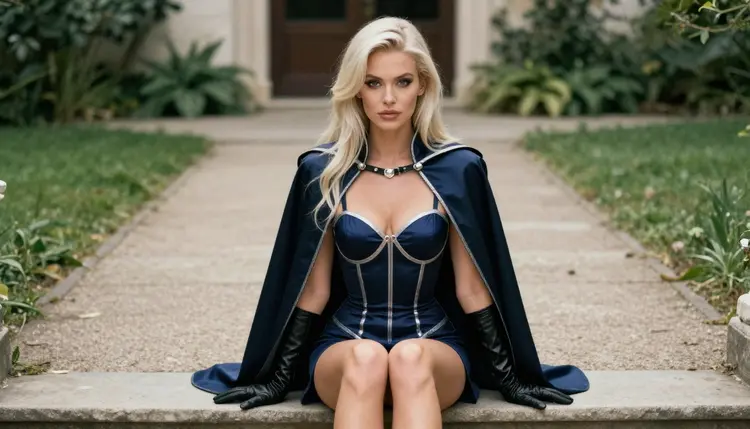
Notice that none of these seven is a dedicated anime button. They are general video models, and anime is something you ask for in the prompt: the costume, the pose, the light and the way the character moves. That is where most of the quality comes from, and the next section turns it into a routine.
This is a short routine that works for any model on the list. It keeps your tests cheap and your best prompts reusable.
- Start with a still. Generate the character first with a confirmed image model such as Seedream 4.5, so you have a fixed face, costume and light before any motion is added.
- Pick one model from the list. Open the toolkit, choose a confirmed video model first, and attach the still as a reference if the model accepts images. The badge @1 lets you refer to it in the prompt.
- Write one motion. Name the costume, the location, the light and a single action, such as a red coat swinging open as the character turns toward the camera.
- Test a second model. Run the same prompt on an untested model with the same still, and compare how the movement and the fabric hold up.
- Save and refine. Keep the version you prefer, change one detail at a time, and re-run it. Your generations stay private by default.
The routine matters because video models are less forgiving than image models. A prompt with four actions tends to produce a blur of all four. A prompt with one action and a clear costume gives the model something it can do well.
Anime video usually needs both pictures and motion, so the table below lists all six confirmed models, the three image models as well as the three video ones. Use the image models to design the character and the video models to move it.
A good pipeline is simple. Design the costume with Seedream 4.5 or Recraft V4.1 Pro, fix small details with Picasso Image Editor Pro, then animate the final frame with Picasso IA Video or LTX 2.3 Pro. The four untested models can slot into the same pipeline wherever you want to compare, and the image to video list covers that workflow in more depth.
The untested group is where you can find your own favorite. A model that has not been checked by Picasso IA may handle your style well or may refuse a given prompt, and the only way to know is to try. Keep what works and drop what does not.
Picasso IA is for adults. This section of the site is 18+ only, and the content you create is meant for adult audiences. If you are under the legal age in your country, this page is not for you.
Every character is a fictional adult, mid twenties or older, and no one who could read as a minor. Never use a real or identifiable person: no celebrities, no photos of people you know, no likeness of anyone who has not agreed. Anime-inspired costumes are fine, but the character inside the costume is always an adult, and the prompt should say so with words like woman, man and adult.
Your generations are private by default. What you create is tied to your account and is not published or shown to others. Sharing is your decision, and it is your responsibility to share only within the law and the rules of the place where you post.
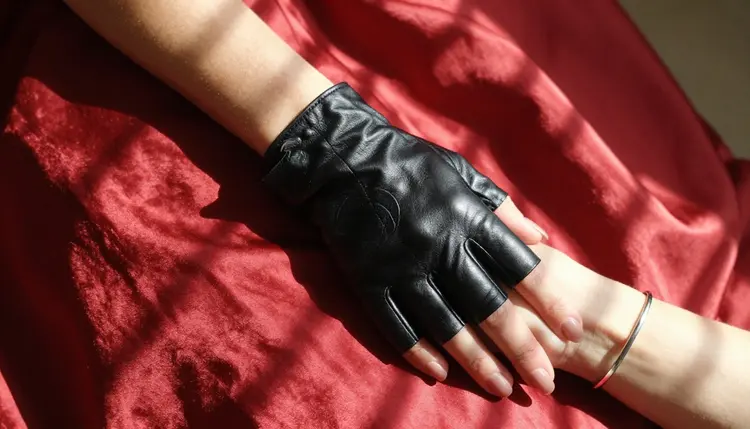
The same limits shape the prompts. Provocative is the goal, explicit is not: think satin, lace, coats, boudoir light and implied intimacy. A costume with a corset bodysuit and a long silk coat reads as dramatic and glamorous, and it keeps your results inside the line this section holds.
A new account can try a small free trial on selected models: Picasso IA Image, Picasso IA Editor Pro, Picasso IA Video and Seedance 2.5 Lite. Two of the video models on this list, Picasso IA Video and Seedance 2.5 Lite, are part of that trial, which makes them the cheapest place to learn how video prompts behave. Details live on the pricing page.
Models marked with the infinity tag in the catalog do not spend credits on the plans that include unlimited generation. Picasso IA Video, Seedance 2.5 Lite and Picasso Image Editor Pro carry that tag. Every other generation costs credits, and the cost varies with the model and options such as resolution or duration, so a 4K clip is not priced like a short test.
When you are ready to go further, open the toolkit and run the five steps above. Browse the full catalog if you want to try other video models, and read Top 7 NSFW AI Video Generators With Sound or Top 5 NSFW AI Video Generators With 4K Output when sound or resolution matters most. For stills, Top 7 NSFW AI Image Generators is the matching list.
Which NSFW AI anime video generator should I try first?
Start with Picasso IA Video. It is confirmed for adult prompts, it is free and unlimited, and it accepts text or an image, so you can test an anime-inspired look at no cost. Then move to LTX 2.3 Pro when you want a 4K final clip.
What does confirmed mean on this list?
It means Picasso IA tested adult prompts against that exact model repeatedly and watched it generate instead of reject. It is not a published setting from the maker of the model, who can change it at any time, so results can differ from one day to the next.
Are the untested models filtered?
Nobody can say yet. Wan 2.7 I2V, Kling v3 Video, Tooncrafter and Seedance 2.5 are untested, which means they are neither confirmed nor ruled out. Try a mild prompt first and see how the model behaves with your style.
Is there a dedicated anime model for video?
Not on this list. These are general video models, and the anime look comes from the prompt: costume, pose, light and a single motion. For an illustrated character, Tooncrafter is the catalog entry for animating illustrations.
Can I animate an image I already have?
Yes, with models that accept images. Picasso IA Video takes text or an image, and Wan 2.7 I2V is described as animating any image into video. Attach the still in the toolkit and describe the motion you want. Only use images of fictional adults.
What happens if a model refuses my prompt?
The app shows a message titled "Content Not Supported by This Model". It recommends models that accept adult prompts and carries your prompt over, so nothing is retyped. You can pick one of the recommendations or rewrite the prompt more mildly.
How long can the clips be?
It depends on the model. Seedance 2.5 Lite is listed up to 10 seconds, and Seedance 2.5 is described as creating videos up to 30 seconds. LTX 2.3 Pro is described as 4K video from text. Check each model page for the options it offers.
Can I use a real person or a celebrity?
No. Every character must be a fictional adult. Real or identifiable people are not allowed, and neither is anyone who could read as a minor. Write woman, man or adult in your prompt and keep the costume opaque and glamorous.
Are my videos private?
Yes. Generations are private by default: they are tied to your account and are not published or shown to others. If you decide to share a clip somewhere else, that is your choice, and you are responsible for following the rules of that place.
Do I need to pay to try these models?
Not to start. A new account has a small free trial on selected models, including Picasso IA Video and Seedance 2.5 Lite, and models with the infinity tag do not spend credits on plans that include unlimited generation. See the pricing page for how it works.