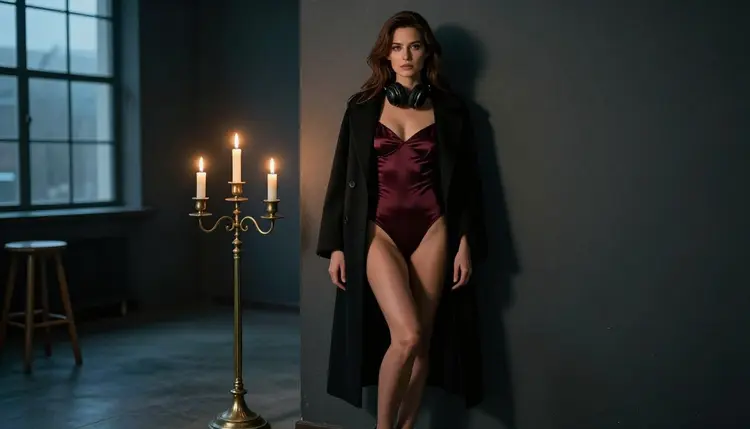
An audiobook cover has a different job from a book cover. Nobody turns it over to read the back, and it is often seen as a small square in a list, next to a play button. The picture has to carry the mood of the story in one glance: a voice, a lamp, a late hour. For adult romance and spicy fiction that mood is usually warm, close and a little suggestive, and this guide shows how to build it with Picasso IA.
You will plan one cover and a small set of matching pictures, write the prompts, generate the key frame with a confirmed model, and finish it with an editor. Every character is a fictional adult, nothing is explicit, and everything you make is private by default. If you want to see how a printed romance cover is handled, the guide to a spicy romance book cover covers that side.
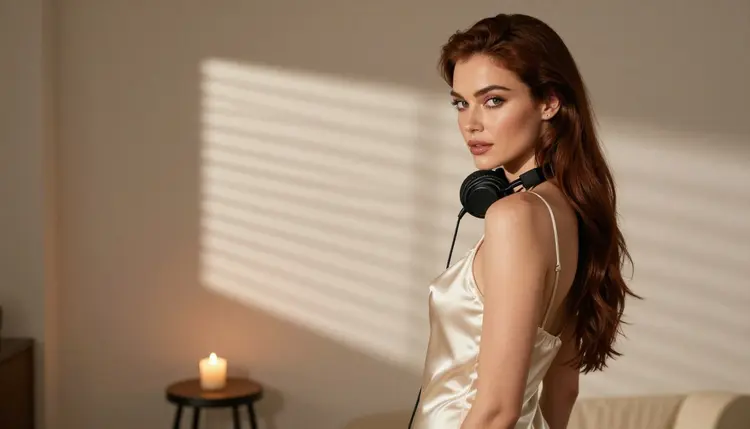
The deliverable is one cover image, plus a few extra pictures that share its look. The extras are useful for a store listing, a social post that announces the release, or a banner on your own page. Decide the list before you write a single prompt, because a set only looks like a set when every picture follows the same plan.
Start with the cover itself. Audiobook covers are usually square, so ask for a square composition and keep the subject near the middle with a margin around it. Where you publish may ask for a specific size or format, so check the rules of that store or platform before you finalize anything. Picasso IA cannot promise that any store accepts a given picture.
Next, leave empty space. The title and the narrator name will be added later in a layout tool, so the frame needs a calm area, such as a dark wall, a window or soft fog, where text can sit without covering a face. Keep lettering out of your prompts completely. Words that an image model invents inside a picture rarely match the title you chose, and a clean picture is easier to edit and to place under real type.
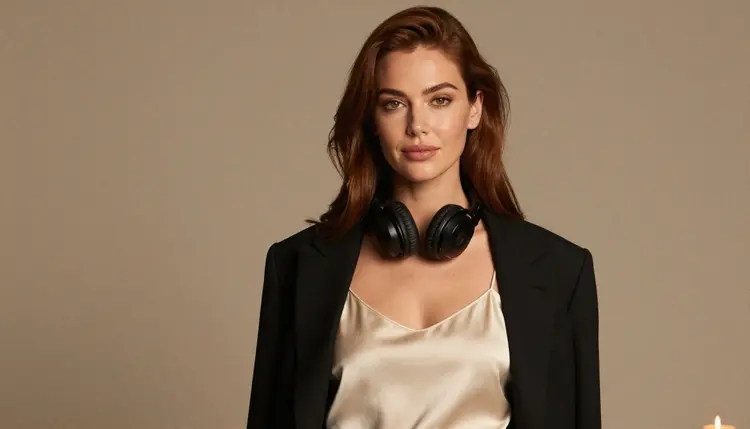
Then think about consistency. A narrator, a character on the cover and a series of three books all depend on the same woman looking like the same woman. Pick one fictional character and write her down once: hair, eye color, makeup, build. Reuse that description word for word in every prompt. The model in the pictures of this page is a single glamour model photographed in different wardrobe and light, which is exactly the habit you want for your own set.
Finally, choose the mood. For an audiobook the strongest cues are the things that belong to listening: headphones, a candle, a low lamp, a reading chair, a window at night. They tell the viewer that this is a story to hear, not a picture of nothing. Wardrobe does the suggestive work: satin, a corset top, a long coat over a bodysuit, an ivory camisole under a blazer.
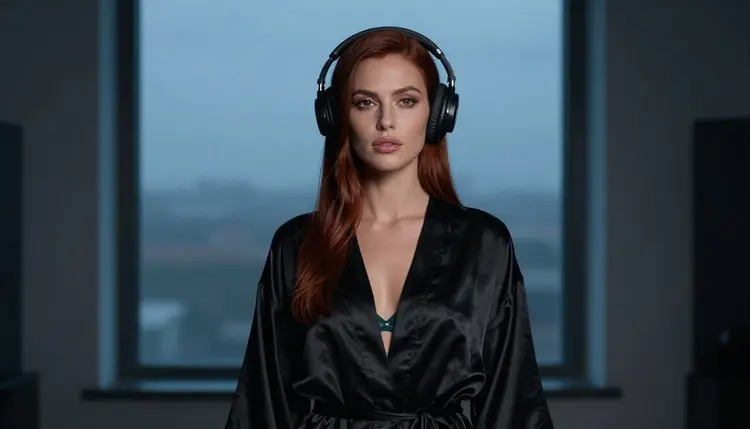
Picasso IA keeps an app list of confirmed models. Confirmed means Picasso IA tested adult prompts against that exact model repeatedly and watched it generate instead of reject. It is not a published setting from the model's maker, who can change it at any time, and the page on what confirmed means explains the details. For a cover project, these are the ones to know.
For the cover itself, two models fit best. Seedream 4.5 is the natural choice for a photographic look: candlelight on satin, headphones against dark hair, a blue-hour window. It makes 4K images from text, which leaves room to crop to a square and still keep detail. Recraft V4.1 Pro suits a different taste. If you want a graphic cover with flat shapes, a poster feel or a stylized portrait, its strength in illustration and design, and its print-ready 2K output, are what you want.
Picasso Image Editor Pro is the finishing tool. It edits an existing image, it carries the unlimited tag in the catalog, and it is part of the small free trial. You will use it to fix a hand, soften a highlight or change a detail without starting again.
The video models matter if you want a teaser. Picasso IA Video turns a still cover image into a short clip, and Seedance 2.5 Lite is listed for clips up to 10 seconds. LTX 2.3 Pro works from text and produces 4K video.
Other models are worth a try but are untested, which means neither confirmed nor ruled out. Qwen Image 2 is one image model you can test for a cover, and it is not confirmed. If one of them refuses a prompt, the app tells you and suggests models that accept adult prompts, so the test costs you little time. You can browse all of them in the full catalog.
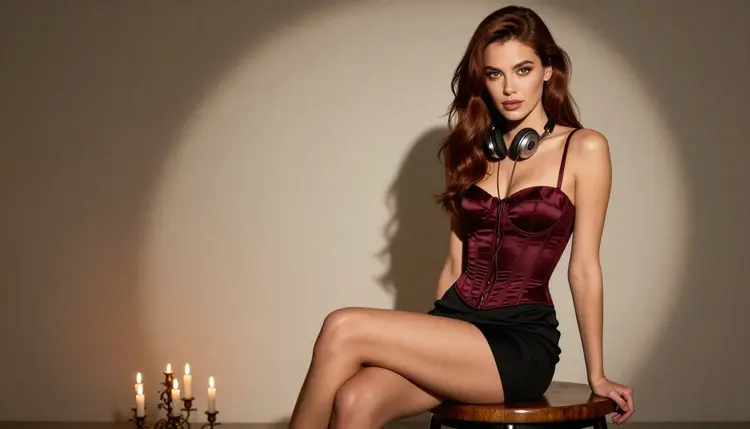
The workflow below goes from an idea to a finished square cover. Open the toolkit, pick the model for each step, and keep the same character description at hand.
- Plan the set. Write down the cover, the number of extra pictures, the format you need and the one character who appears in all of them. Add three mood words, such as candlelight, headphones and blue hour.
- Write the character and scene description. Describe the woman once (hair, eyes, makeup, build), then the wardrobe, the props, the light and the empty space for the title. Keep it in a note so you can paste it each time.
- Generate the key image. Run the description in Seedream 4.5 for a photographic cover or Recraft V4.1 Pro for an illustrated one. Make several versions and keep the one with the best face and the cleanest empty area.
- Build the rest of the set. Reuse the identical character text and change only the wardrobe, the angle and the light. Attach your key image as a reference in the toolkit, where it gets an @1 badge you can mention in the prompt.
- Refine and export. Open the frames in Picasso Image Editor Pro to fix small details, then download them and add the title and narrator name in your own layout tool.
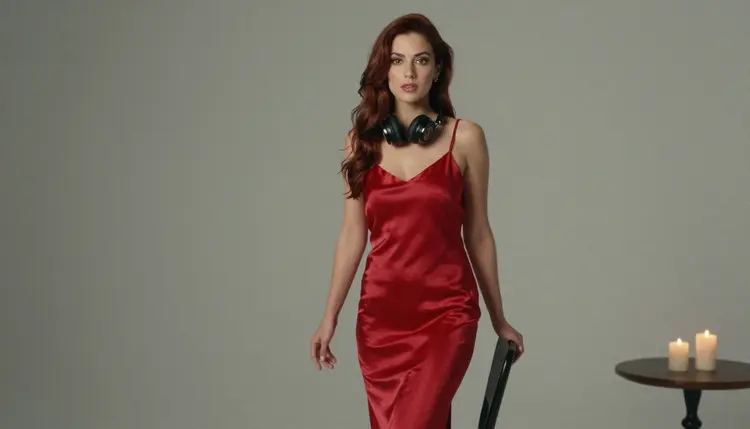
A good cover prompt names the shot, the person, the wardrobe, the props and the light, in that order. Here is a base you can adapt: a wide hero frame of a woman with long glossy chestnut hair and light brown eyes, polished glamour makeup, a burgundy satin bodysuit under a black coat, wearing over-ear headphones, lit candles on a table, cool blue-hour light from a tall window, dark empty space on the left, shot on a 100mm lens, square composition, photographic, film grain. Nothing in it needs the words that Picasso IA avoids, because the mood comes from wardrobe and light.
Vary one thing at a time. Change the shot and the light and the wardrobe together and you will get a different woman each time. Instead, keep the character text fixed and rotate through a short list.
For the angle, a profile silhouette against a window reads well at small sizes because the outline stays clear. An over-the-shoulder frame, with a glance back and morning sun cutting through blinds, tells a quiet story. A tight close-up with headphones and one candle glowing behind gives the intimate feel that suits a whispered narration.
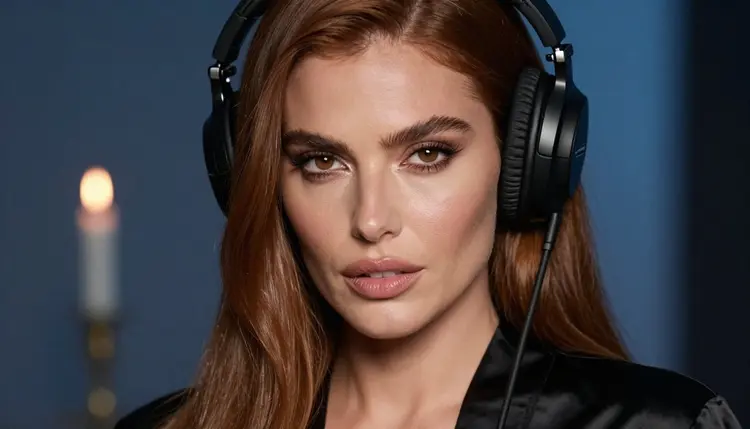
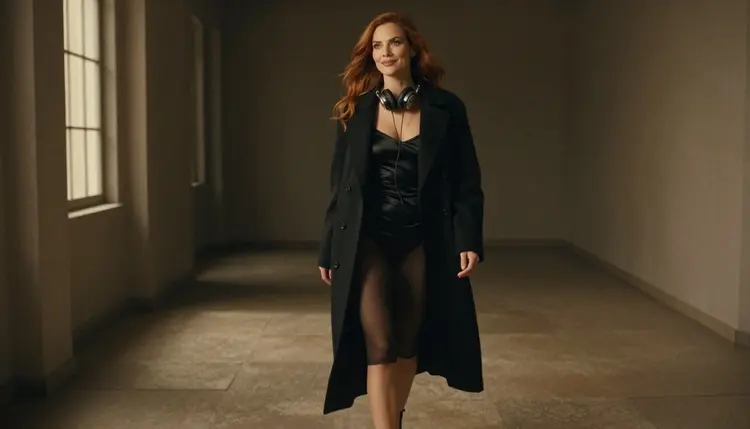
For the wardrobe, pick fabrics that catch light: ivory satin slip, black satin robe, burgundy corset top, red satin slip dress, an emerald dress. A long coat open over a bodysuit gives a sense of movement, and a blazer over a camisole gives a polished, office-after-hours tone.
For the light, a few options cover most covers. Cool blue-hour light gives a night feel. Hard morning sun through blinds gives stripes and a film look. Dappled shade is soft and works for seated portraits. Window light from one side gives shape to a face and keeps the other side dark for the title.
To make a detail picture, ask for exactly one hand resting on a headphone cushion against a satin sleeve, with red nails and a shallow depth of field. Detail frames are handy as a separator in a listing, and the instruction "one hand" keeps the frame simple.
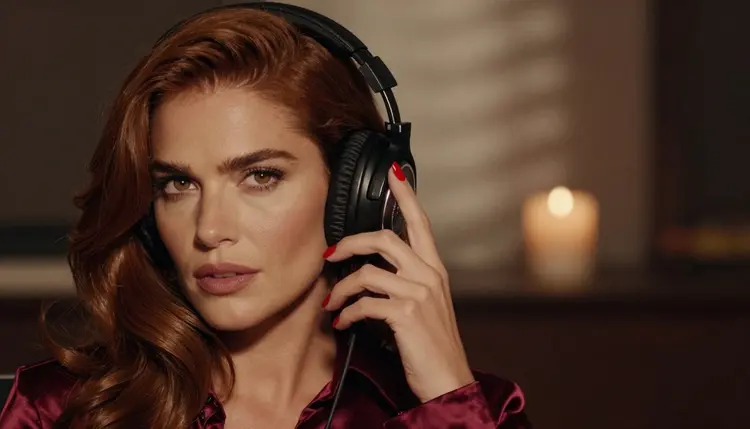
Keeping the same fictional woman across the set takes discipline more than tricks. Paste the same description, keep the same hair and makeup words, and use the key image as a reference. If a face drifts, take the closest frame into Picasso Image Editor Pro and correct it there rather than regenerating from zero.
Stills can become clips when it makes sense. A listing or a social post that announces the audiobook is often better with a few seconds of movement: a candle flame, a coat swinging as she walks, a slow push toward the headphones. Take your final cover into Picasso IA Video, which accepts an image, and describe only the motion. For a clip from text alone, LTX 2.3 Pro makes 4K video. A related guide on a podcast cover works through a similar audio-first layout, and the one on an album cover concept shows how to build a mood around sound.
This page is for adults. You must be 18 or older to use Picasso IA for adult content, and the pictures here are meant for an adult audience. If you publish an audiobook, also make sure the cover and the listing suit the audience that the store allows.
Every character you create must be a fictional adult. Never use a real or identifiable person, a celebrity or a private individual, and never describe anyone who could read as a minor. Write the age and the build of your character in the prompt so the result stays clearly adult. Do not ask a model to imitate someone's face.
What you generate is private by default. It is tied to your account and is not published or shown to others unless you choose to share it yourself. Where you do publish, the rules of that platform apply, including its rules on adult material, cover art and metadata. Policies change, so check the current rules of every store, aggregator and social site before you upload.
A new account can try a few generations for free on selected models: Picasso IA Image, Picasso Image Editor Pro, Picasso IA Video and Seedance 2.5 Lite. It is a small free trial, enough to test a prompt and see whether the style fits your story. Details about credits, plans and the models marked unlimited live on the pricing page. Credits vary by model and by options such as resolution.
Beyond the confirmed list, the catalog holds hundreds of models. From the project's own list, Qwen Image 2 is an image model to test for covers, and Picasso Video (Pruna P-Video) is a video model to test for teasers. Both are untested here, so treat them as experiments. Run the same character description in each and compare the face, the light and the empty space, then keep the one that matches your key image.
If you are collecting ideas for the genre, the list of spicy romance cover ideas and the guide on a fanfiction cover show other directions. For stylized art, the page on pulp magazine cover art with Recraft V4.1 Pro is a good next read. If your story is illustrated, a manga chapter cover and a comic variant cover cover those formats.
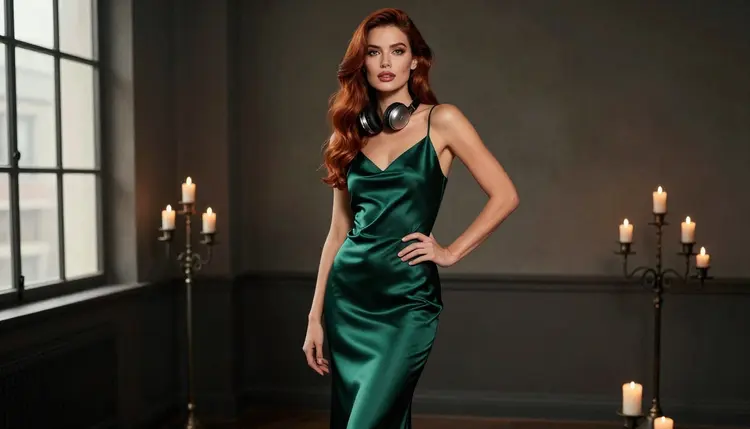
Before you finish, look at the cover at thumbnail size. If you cannot tell what it shows at the size of a small square, simplify: fewer props, a stronger silhouette, a darker background. Then look at it in full size and check the hands, the headphone cushions and the edges of the fabric.
Can I make an audiobook cover with Picasso IA?
Yes. Open the toolkit, choose a confirmed image model such as Seedream 4.5 or Recraft V4.1 Pro, describe the cover and generate it. Then add the title and narrator name in your own layout tool. Characters must be fictional adults, and you must be 18 or older.
Which model is best for a photographic audiobook cover?
Seedream 4.5 is a good first choice. It makes 4K images from text and is on the confirmed list. Candlelight, satin and headphones suit it well. Try a few versions of the same prompt before choosing.
Which model is best for an illustrated cover?
Recraft V4.1 Pro is built for illustration and design, with print-ready images at 2K. It is also on the confirmed list. Use it for poster-style covers and stylized portraits.
Why leave the title out of the prompt?
Text generated inside a picture rarely matches the title you actually want, and it is hard to fix. A clean image with empty space is easier to place under real type. Add the title and the narrator name afterward in a design or layout tool.
What size should an audiobook cover be?
Audiobook covers are usually square, so ask for a square composition and keep the subject centered with margin. Every store sets its own requirements, so check the rules of the place where you publish before you export the final file.
How do I keep the same character across several pictures?
Write one fixed description of the character (hair, eyes, makeup, build) and paste it into every prompt, changing only wardrobe, angle and light. You can also attach your key image as a reference in the toolkit, where it appears with an @1 badge.
Can I turn the cover into a short video?
Yes. Picasso IA Video takes an image and describes motion, and Seedance 2.5 Lite is listed for clips up to 10 seconds. A moving candle or a swinging coat makes a good teaser for a listing.
What happens if a model refuses my prompt?
The app shows a message titled "Content Not Supported by This Model". It recommends models that accept adult prompts and carries your prompt over, so you do not retype anything. Untested models can refuse, which is why the confirmed list is the safest start.
Are the pictures private, and who can be shown?
Everything you generate is private by default and tied to your account. Only fictional adult characters are allowed: never a real or identifiable person, and no one who could read as a minor. Picasso IA is for people who are 18 or older.
Is there a free way to try this?
A new account gets a small free trial on selected models: Picasso IA Image, Picasso Image Editor Pro, Picasso IA Video and Seedance 2.5 Lite. See the pricing page for how credits and unlimited models work, then browse the full catalog for others to test.