If you are searching for a Tensor Art alternative for NSFW models, you are probably after one thing: a place where an adult, flirty, glamour-style prompt turns into a finished picture without a fight. This page is for that reader. It explains how to rebuild the same kind of work in Picasso IA, a browser app for AI image and video generation, using models that the app itself has tested with adult prompts. Everything here is about fictional adults, 18+ only, and provocative without ever being explicit.
You will not find a list of promises about other products here. Picasso IA is not affiliated with Tensor Art, and nothing below describes how it works inside. What you will find is a practical route: which models to open, what to type, what you get back, and how to turn a still frame into a short clip.
People change tools for ordinary reasons. A prompt about lingerie, a boudoir portrait or a swimwear shoot may not come out the way you pictured it. The workflow may feel heavier than you want, with settings you do not need for a single picture. Or you simply want to compare the same idea across several engines before you pick one. If its filters or its workflow do not fit a particular prompt, trying another place is a sensible next step, and that is the only assumption this page makes.
Tensor Art is an online AI art platform, and the way to judge any such platform is by your own results. Check its current rules before you plan around it, because the rules of every service can change. This article does not claim to know them. It only offers a second option that you can open in another tab and test with the same idea.
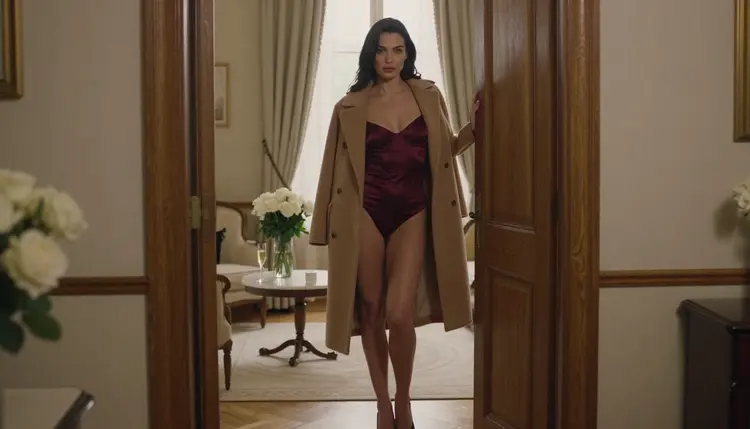
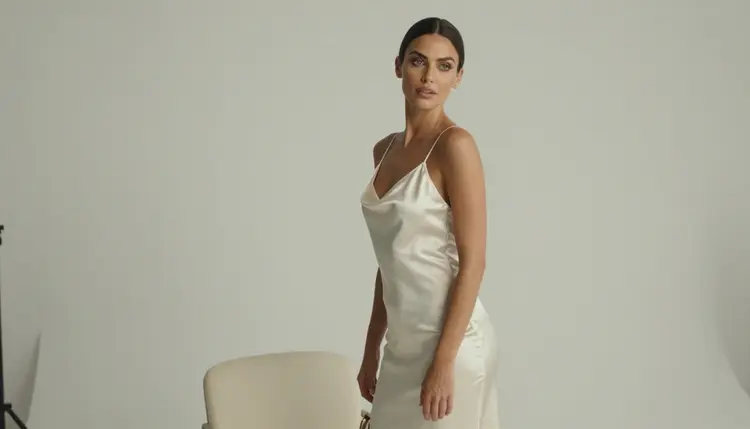
The job you are trying to do is usually simple to say and fussy to execute. You want one fictional woman or one couple, a specific wardrobe such as a satin slip, a black bodysuit or an emerald camisole, a clear light source, and a pose that suggests intimacy without showing anything explicit. You want it at a size that holds up on a large screen. Then, if it works, you want that frame to move for a few seconds.
Picasso IA approaches that job from the model side. Instead of one engine behind one button, the app puts hundreds of models in a single catalog, so you can pick the engine that suits the picture. Some are photoreal, some lean into illustration and design, one edits a picture you already have, and others make video. Six of them are marked in the app as confirmed for adult prompts, which is the subject of the next section.
A short note on expectations. A new tool will not read your mind. The same prompt will look different on different models, and that is normal. Plan on a few rounds of small changes: swap a fabric, move the light, change the lens. The pages on Midjourney and SeaArt alternatives in this section cover the same question from other starting points, and they are worth a look if you use more than one generator.
Picasso IA makes images and videos of fictional characters. You open the toolkit, choose a model, write a prompt, and generate. Attached images get an @1 and @2 badge so you can refer to them inside the prompt, and the app translates that reference into the syntax each model understands. Only models that accept several inputs show the badges. Everything you make is private by default, tied to your account and not shown to anyone else.
The app keeps its own short list of models confirmed for adult prompts. Confirmed means Picasso IA tested adult prompts against that exact model repeatedly and watched it generate instead of reject. It is not a published setting from the model's maker, who can change it at any time. The page on what confirmed means explains the idea in full. Here are the six.
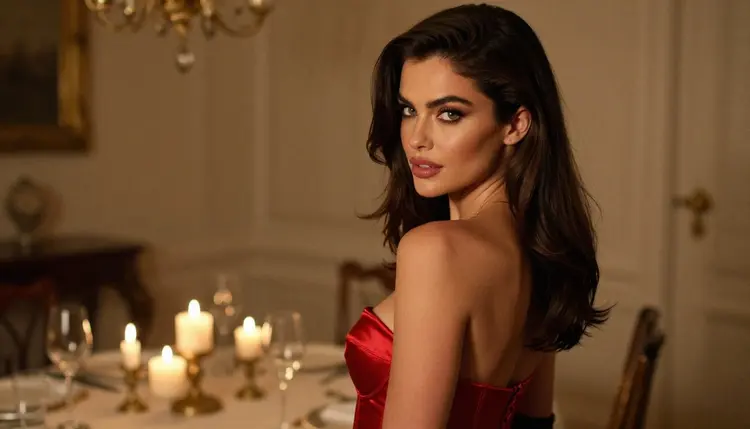
A few details help you choose. Seedream 4.5 is the first stop for a photographic look: fabric, skin light, lens depth. Recraft V4.1 Pro suits stylized work and anything you might print. The editor is for the moment when a picture is nearly right and you only want to change the robe color or the background. On the video side, Picasso IA Video accepts text or an image, and Seedance 2.5 Lite is listed for clips of up to 10 seconds. Models carrying the infinity tag do not spend credits on the plans that include unlimited generation, and the details are on the pricing page.
If a model refuses a prompt, the app does not leave you at a dead end. It shows a message titled "Content Not Supported by This Model", recommends models that accept adult prompts, and carries your prompt over so you do not retype anything. You pick a suggestion and keep going. The app says nothing here about what happens to credits on a refused generation, so check the pricing page if that matters to you.
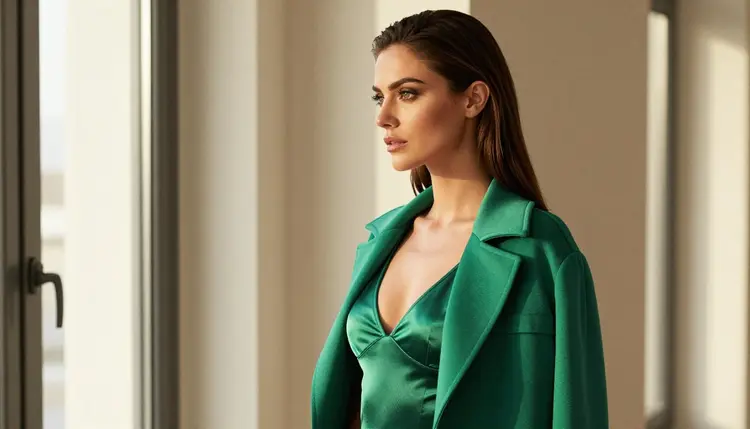
Outside the six, the catalog is large. Models such as Qwen Image 2 and Picasso Video are untested for adult prompts: worth a try, neither confirmed nor ruled out. The same goes for everything else. You can browse them all in the full catalog. Treat an untested model as an experiment, and expect that its maker's rules may apply.
The steps below turn a prompt idea into a finished picture and then a short clip. They assume you already know what you want to see, which is the usual situation when you arrive from another generator. Follow them in order the first time, then skip around once the routine is familiar.
- Bring the character idea. Write down one fictional adult in a sentence: age in the mid twenties or older, hair, eyes, makeup, build. Reuse that sentence in every prompt so the same woman appears each time.
- Pick the model. Open the toolkit and choose Seedream 4.5 for photoreal images, Recraft V4.1 Pro for illustration, or the editor to change an existing picture.
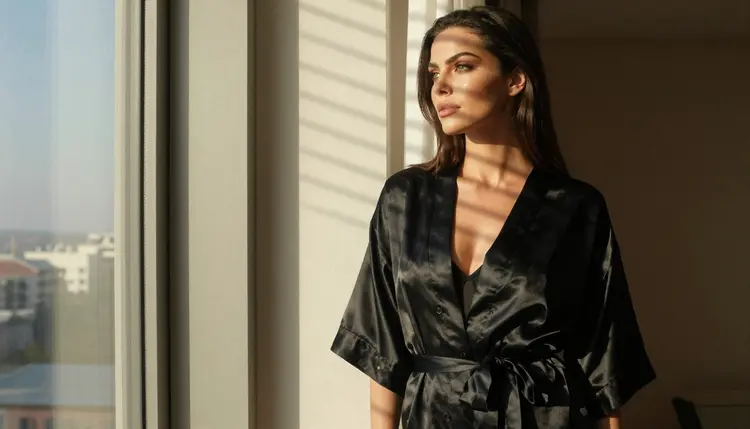
- Describe wardrobe, light and pose. Name the garment and fabric, the light source and time of day, the lens, and the pose. For example: black satin robe, hard morning sun through blinds, 35mm, looking out of a hotel window.
- Generate and refine. Run the prompt, look at the result, and change one thing at a time. Move the light, swap the fabric, tighten the frame. Use the editor for small fixes instead of starting over.
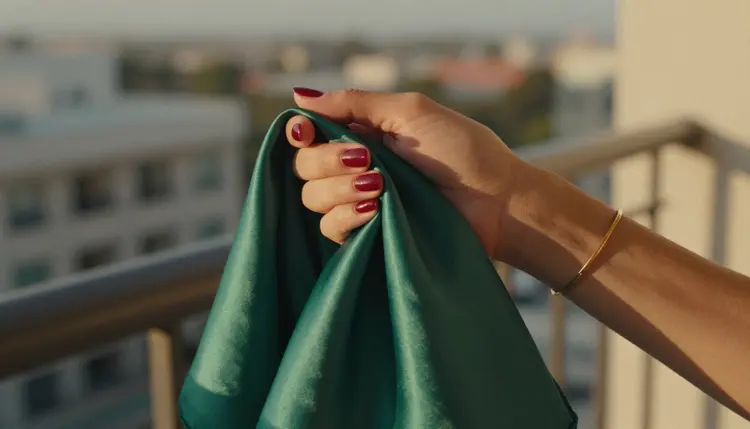
- Extend to video. Take the best frame to Picasso IA Video, Seedance 2.5 Lite or LTX 2.3 Pro and describe the motion: a slow turn, a hand on a scarf, curtains moving in the window.
Several habits move across without any change. Prompts built from wardrobe, light, lens and pose work on every photoreal model, and a reusable character sentence helps keep the same woman recognizable from one picture to the next. Your folder of favorite prompts will still be useful. Size matters too: Seedream 4.5 is listed for 4K images and Recraft V4.1 Pro for 2K, so you can choose by the final use.
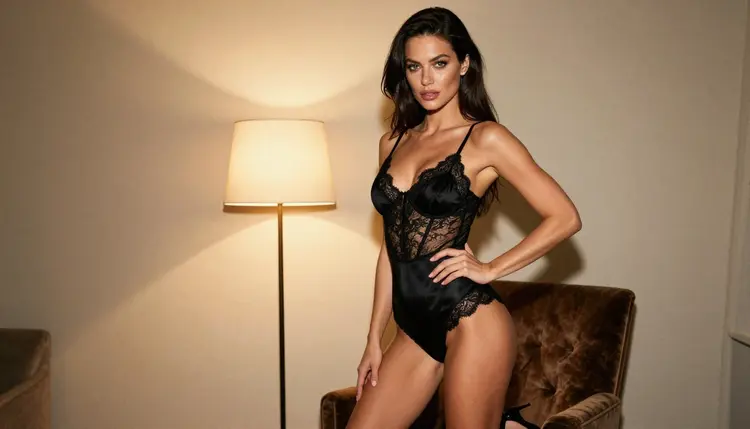
Some things will feel different. Settings, prompt syntax and the look of each model are not the same from one service to another, and you should expect an adjustment period. Consistency across a series depends mostly on how precisely you repeat your character sentence and your lighting notes, so keep them in a text file and paste them in. Reference images help here: attach a favorite frame in the toolkit, refer to it as @1 in the prompt, and ask for the same woman in a new setting. Remember that only models accepting several inputs show those badges.
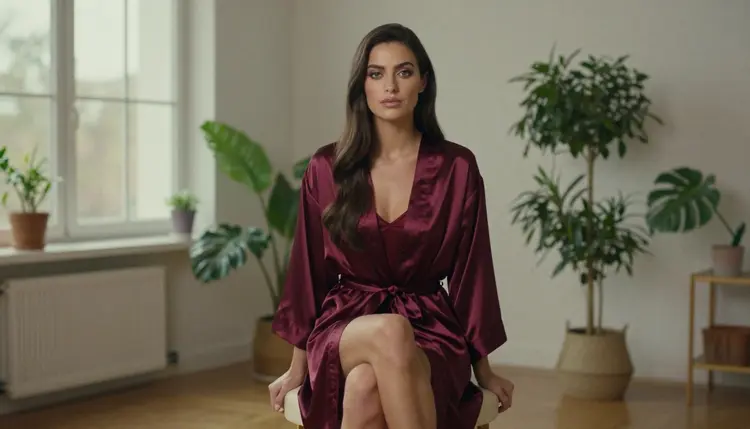
And some things do not carry over at all. Picasso IA makes pictures and videos. It is not a chat companion and it does not keep a conversation going with a character. If part of what you used elsewhere was text role play, that part stays where it is. What you get here is the visual side: portraits, boudoir scenes, swimwear shoots, glamour sets and short clips of the same fictional adult.
For a sense of scope, think in sets rather than single shots. A wide frame to set the mood, a medium shot, a close detail of one hand and a fabric, then a profile against a window. Keep the wardrobe and the character sentence constant and vary the light and the lens. That is how a handful of prompts becomes a coherent photo series. The page on Promptchan alternatives follows a similar route for single images, and the Civitai page is useful if model choice without setup is your main concern.
Picasso IA is for adults. This section of the site is 18+ only, and you should not use it if you are under the legal age in your country. The content is provocative and never explicit: lingerie, swimwear, glamour, boudoir, implied intimacy and nothing beyond that.
Every character must be a fictional adult. Do not ask for a real or identifiable person, a celebrity or someone you know, and do not describe anyone who could read as a minor. The prompts on this page all describe a woman in her thirties or a clearly adult character, and yours should do the same.

What you create is private by default. It is tied to your account and it is not published or shown to others. You decide whether anything leaves your own screen, and you are responsible for how you use what you make. If a model refuses, the app will suggest models that accept adult prompts and keep your text, but it will not push a prompt through a model that declines it.
Be honest about the choice. If your current setup already produces what you want, and its workflow suits how you work, there is no reason to move. Staying put is a perfectly good answer, and you can check its current rules at any time. If you rely on a feature or a community you cannot find elsewhere, keep using it for that, and use Picasso IA beside it when you want a different engine, an edit, or a clip.
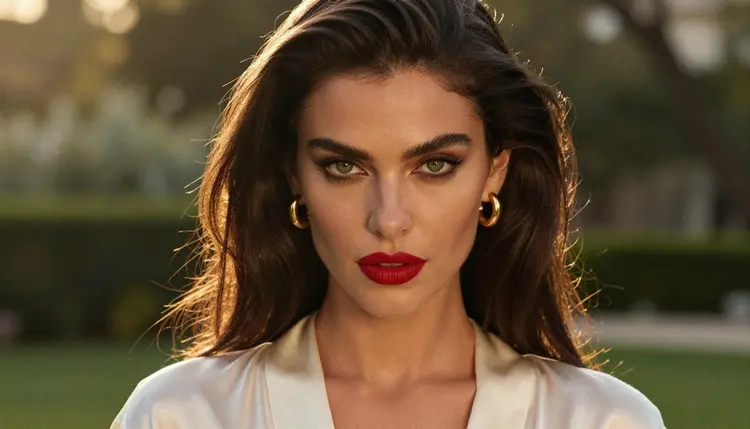
A direct side by side is the quickest way to decide. The page Picasso IA vs Tensor Art sets the two next to each other. Read it, then test the same prompt in both places and judge by the pictures.
If you want to try Picasso IA, a new account gets a small free trial on selected models, so you can see how a prompt behaves before you decide anything. Details on plans and the models that carry the infinity tag are on the pricing page. Other pages in this section may fit you better if your habit comes from somewhere else, such as PixAI, NovelAI, Perchance or Candy AI, the last being a chat companion product by category.
Is Picasso IA a good Tensor Art alternative for NSFW models?
It can be, if what you want is adult glamour images and short videos of fictional characters. Picasso IA keeps a list of models it has tested with adult prompts, and you can try the same idea there. Picasso IA is not affiliated with Tensor Art, so compare results yourself.
Which Picasso IA models are confirmed for adult prompts?
Six: Seedream 4.5, Recraft V4.1 Pro and Picasso Image Editor Pro for images, and LTX 2.3 Pro, Picasso IA Video and Seedance 2.5 Lite for video. Confirmed means the app tested adult prompts on that exact model repeatedly. It is not a setting published by the model's maker.
What happens if a model refuses my prompt?
The app shows a message titled "Content Not Supported by This Model", recommends models that accept adult prompts and carries your prompt over, so you do not retype it. You choose one of the suggestions and generate again from the same text.
Are the untested models filtered?
No one can say that from the app's side. Every model outside the six is untested, which means worth a try, not confirmed either way. Qwen Image 2 and Picasso Video are examples. Treat them as experiments and expect that the maker's own rules may apply.
Can I make video as well as images?
Yes. Picasso IA Video turns text or an image into video, Seedance 2.5 Lite is listed for clips of up to 10 seconds, and LTX 2.3 Pro makes 4K video from text. Pick your best still frame and describe the motion you want in the prompt.
Can I keep the same woman across several pictures?
Yes, with a little care. Reuse one written character sentence in every prompt and keep the lighting notes consistent. You can also attach a favorite frame in the toolkit and refer to it as @1 in the prompt, on models that accept several inputs.
Is Picasso IA a chat companion?
No. Picasso IA makes pictures and videos of fictional characters. It does not hold conversations or role play. Chat companion products, such as the one covered on the Candy AI page, are a different category, and you can use both for different jobs.
Is my content private?
Yes, by default. What you generate is tied to your account and is not published or shown to others. You choose what to do with your own files. The rules still apply: 18+ only, fictional adults only, no real people and no one who could read as a minor.
Can I use real people or celebrities in prompts?
No. Every character must be a fictional adult. Do not request a real or identifiable person, and do not describe anyone who could read as a minor. The content stays provocative and never explicit: lingerie, swimwear, glamour and implied intimacy only.
Can I try it before paying?
A new account gets a small free trial on selected models, which include Picasso IA Image, Picasso IA Editor Pro, Picasso IA Video and Seedance 2.5 Lite. Credits vary by model and options, and plans are explained on the pricing page.